VSee is the best video conferencing software for dental practices for most small clinics, with a free HIPAA plan, intake forms and paid plans from $29 a month. Zoom is the easiest option for patients who already know it, and SimplePractice fits practices that want booking and video together.
How we make this list: we compare pricing pages, product documentation and public user reviews, then re-check every price before each update. No product paid for a place. Disclosure.
VSee leads for small dental clinics: a free HIPAA plan with a signed BAA, intake forms and paid plans from $29 a month.
Zoom is the lowest-friction option because most patients already know how to join, with Pro at $14.16 a month billed annually.
SimplePractice pairs HIPAA video with scheduling and billing, but Starter now costs $49 a month, not the $29 older guides quote.
Doxy.me has the simplest free HIPAA video with no patient download, though its pricing page shows no dollar figures.
Google Meet and Microsoft Teams are the cheapest paid routes at $7 and $4 a user a month, for practices already on those suites.
How do you choose video conferencing software for dental practices?
A dental video visit is not a normal meeting. Patients join from home, often on a phone, and the practice has to protect health information from the first click.
HIPAA cover comes first. The tool must sign a business associate agreement, and the free plan should include one where possible, since a video link without a BAA is a compliance risk.
A waiting room and intake forms matter more than fancy features. Our online meeting platforms guide shows how the big meeting tools compare, but dental visits also need a virtual waiting room and a way to collect forms before the call.
Price follows the billing unit. Per-provider tools suit a solo dentist, per-user tools suit a practice where every dentist hosts, and per-organizer tools suit a practice where only a few people host.
The 9 best video conferencing software for dental practices
01
VSee
4.1/5on Capterra (70 reviews, checked Nov 2026)
Paid from$29/mo
Best for dental practices on a budget
Free planYes, 1 provider
HIPAA BAAYes, all plans
Intake formsYes, from Plus
Paid planPlus, $29/mo
vsee.com
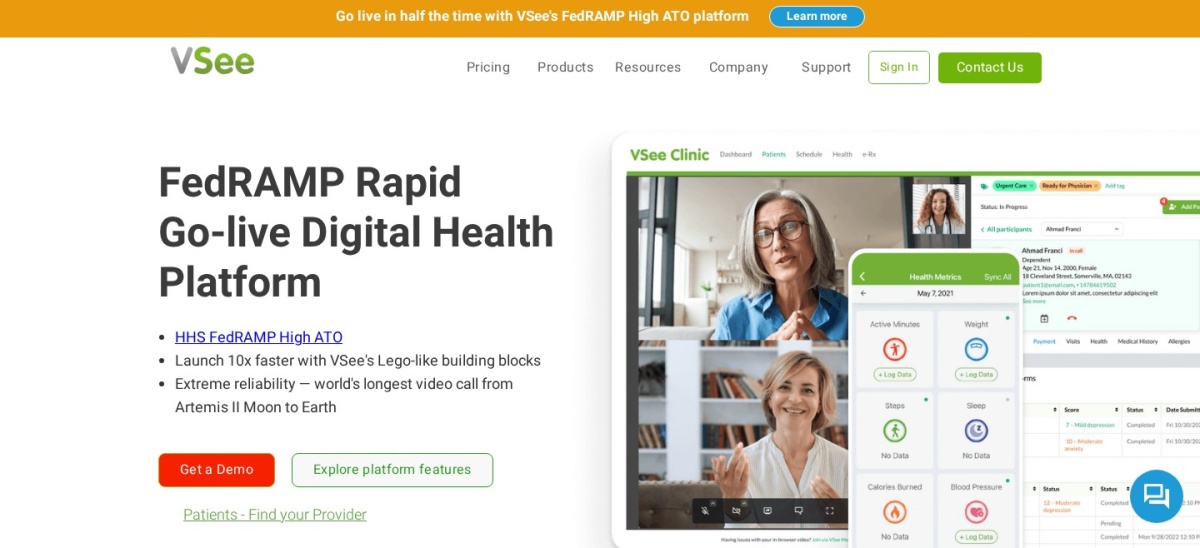
VSee homepage, captured Nov 2026.
VSee is a telehealth platform built for clinical visits, with a waiting room, quick intake forms and one-click video that patients join without a download. The free plan covers one provider with unlimited one-to-one HD video, chat, screen sharing and a signed BAA.
The trade off is the interface, which reviewers call dated next to newer tools, and group video and payments wait for paid plans. Plus costs $29 a month per provider. It suits small dental practices that want a proper clinical workflow rather than a generic meeting link.
Zoom is the video tool most patients already know how to join, which cuts no-shows from confused callers. The free Basic plan hosts 100 participants for 40 minutes, and Pro raises meetings to 30 hours with AI Companion summaries and 10 GB of cloud recording.
The trade off is HIPAA cover, which needs a paid plan plus a signed BAA, and Pro is priced per licensed user, so every dentist who hosts needs a seat. Pro costs $14.16 a month billed annually. It suits practices that want the lowest-friction option for patients.
4.6/5on Capterra (2,828 reviews, checked Nov 2026)
Starts at$49/mo
Best for practices that want booking plus video
Free planNo, free trial
TelehealthBuilt in
SchedulingYes, online booking
Paid planStarter, $49/mo
simplepractice.com
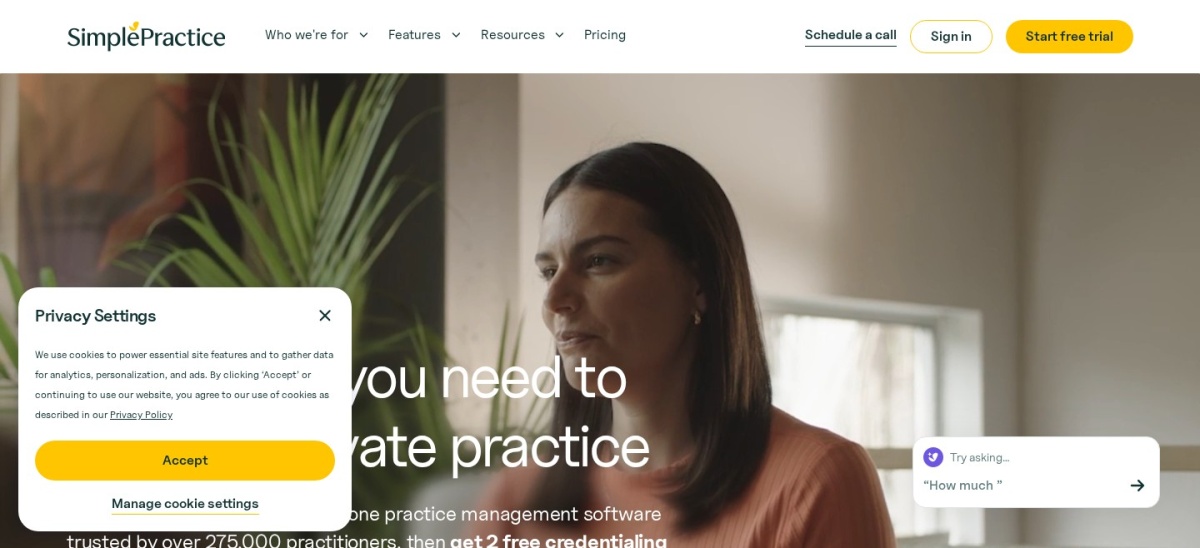
SimplePractice homepage, captured Nov 2026.
SimplePractice is a practice management system with HIPAA-compliant telehealth built in, so video visits sit beside scheduling, intake forms, billing and reminders. Starter costs $49 a month and covers one practitioner with secure messaging and appointment reminders.
The trade off is scope and price. It is built for solo and small health practices, not just video, and the telehealth features come bundled with tools a video-only practice may not need. It suits dental practices that want one system for bookings, notes and video.
4.6/5on Capterra (1,226 reviews, checked Nov 2026)
Paid from$35/mo
Best free HIPAA video for solo dentists
Free planYes, unlimited visits
Patient downloadNone, browser only
BAAYes, on free plan
Paid planProfessional, $35/mo
doxy.me
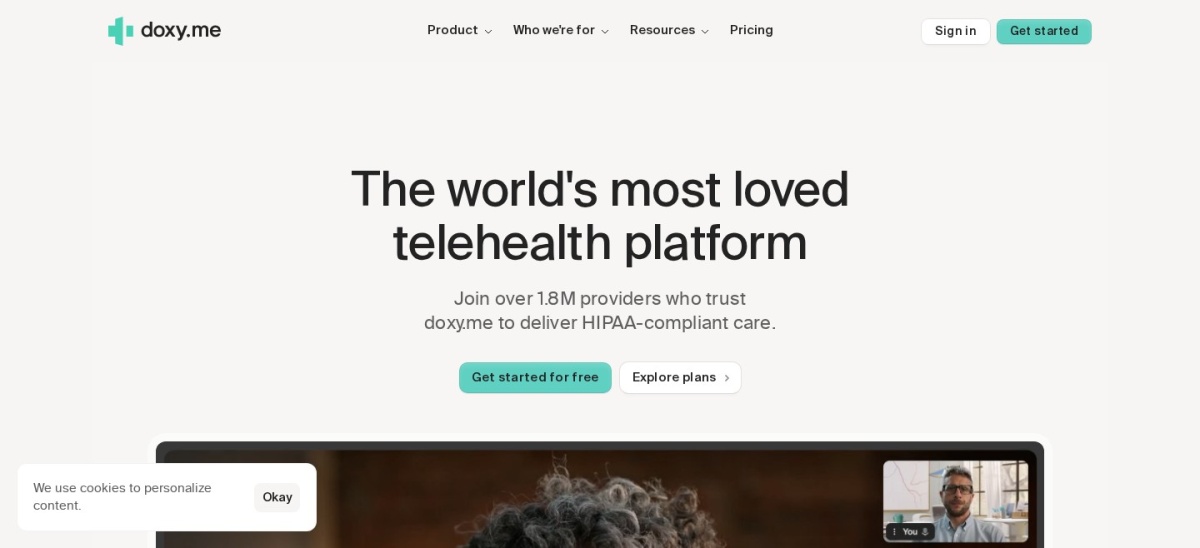
Doxy.me homepage, captured Nov 2026.
Doxy.me is a browser-based telehealth tool where patients join from a link with nothing to install and no account to create. The free plan includes unlimited video visits, a virtual waiting room and a signed BAA, which is rare at this price.
The trade off is that the vendor pricing page lists plan features without dollar figures, so the $35 Professional price rests on third-party listings, and screen sharing and group calls need a paid plan. It suits solo dentists who only need simple video visits.
4.5/5on Capterra (12,079 reviews, checked Nov 2026)
Paid from$7/mo
Best for Google Workspace practices
Free planYes, 60-min groups
Participants100 on Starter
RecordingStandard plan only
Paid planStarter, $7/user/mo
meet.google.com
Google Meet homepage, captured Nov 2026.
Google Meet is the video tool inside Google Workspace, so a meeting link lands in every calendar invite automatically. The free plan hosts group calls up to 60 minutes, and Business Starter at $7 a user a month adds 100 participants, custom email and 30 GB of pooled storage.
The trade off is HIPAA cover and recording. A BAA needs a Workspace plan, and recording to Drive waits for Business Standard at $14 a user a month. It suits practices already running on Gmail and Google Calendar.
Microsoft Teams is the meeting and chat hub inside Microsoft 365, so video calls, patient messages and files live in one place. The free plan covers unlimited group meetings, and Teams Essentials at $4 a user a month adds longer meetings, more storage and admin controls.
The trade off is weight. Reviewers flag slow loading and heavy memory use, and HIPAA cover needs a BAA on a paid Microsoft plan. It suits practices already paying for Microsoft 365 that want video without another subscription.
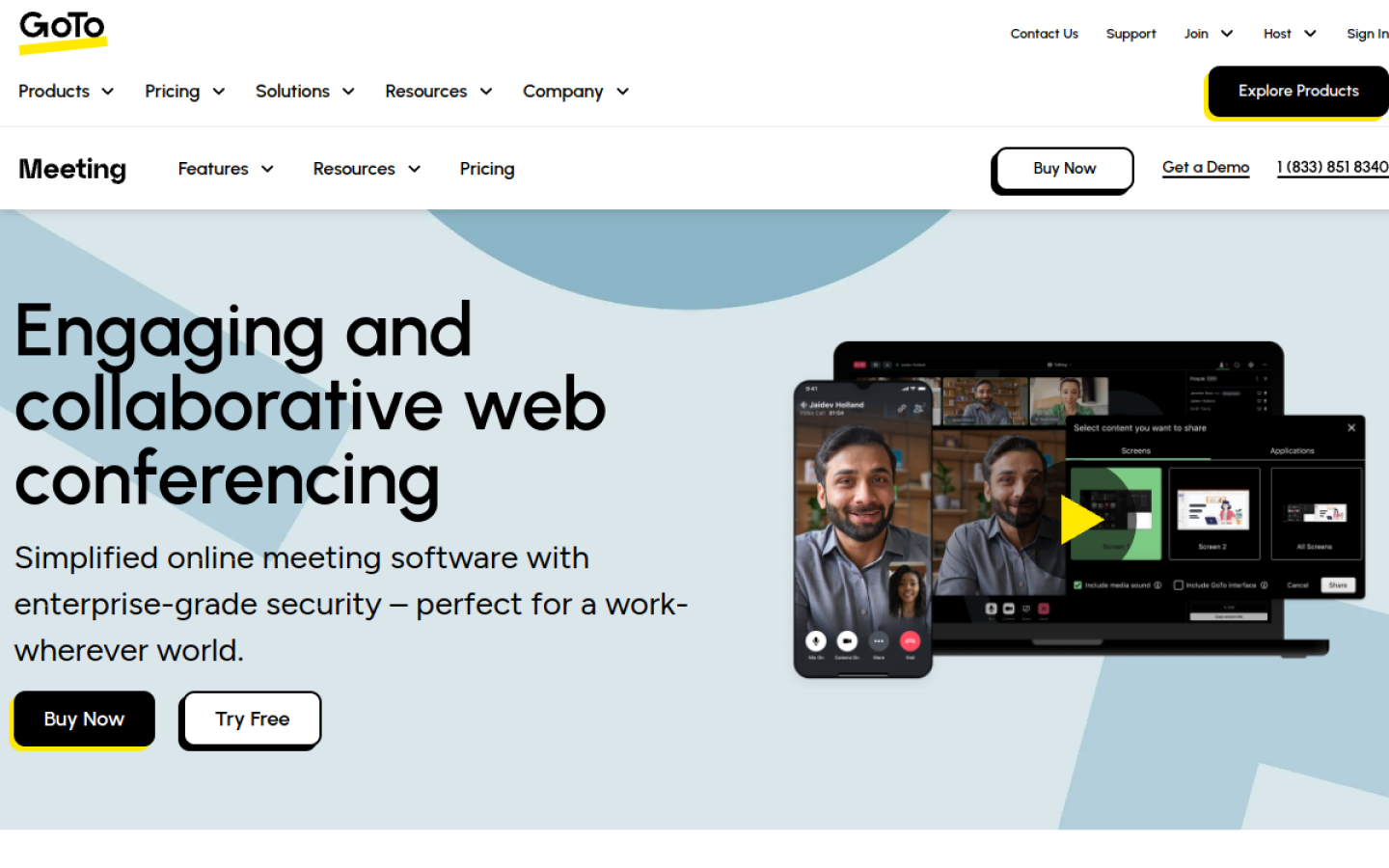
GoTo Meeting is a plain video conferencing tool built for scheduled meetings, with screen sharing, recording and drawing tools and little else to learn. Professional costs $12 per organizer a month billed annually and supports 150 participants.
The trade off is the lack of a free plan and the organizer model, which charges per host rather than per user, so costs depend on how many dentists host. It suits practices that run a fixed schedule of video consults and want a simple tool.
Webex is Cisco's video conferencing platform for structured business meetings, with screen sharing, whiteboards, messaging and an AI Assistant on paid plans. The free plan hosts meetings up to 40 minutes with 100 attendees and local recording.
The trade off is price structure. Meet costs $14.50 a user a month billed monthly, or $12 billed annually, and calling is a separate Suite plan. It suits larger dental groups that want enterprise-grade security and admin controls.
RingCentral Video is the meeting side of RingEX, which combines HD video, business calling and team messaging in one app. Core costs $20 a user a month billed annually and hosts meetings for 300 participants with AI meeting summaries.
The trade off is that it is really a phone system with video attached, so a practice that only needs video pays for calling it may not use. It suits dental groups that want one number for calls, texts and video.
Get the BAA signed before any patient call. A free plan that includes a BAA, such as VSee or Doxy.me, removes the biggest compliance risk at no cost.
Use a waiting room so patients cannot join early and see each other. Our telehealth software guide covers which tools handle waiting rooms best.
Turn off recording unless you need it, and tell patients when a visit is recorded. Recordings are health records and need the same protection as notes.
Send the link by text or email, never in a public post. A private link plus a waiting room keeps random joiners out of a clinical visit.
How we chose
We started from video conferencing and telehealth tools that dental practices actually use, then kept those with a published price or a genuinely free plan and a verifiable rating on G2 or Capterra.
Prices come from each vendor's pricing page, checked on 30 November 2026. VSee at $29 a month, Zoom Pro at $14.16 and SimplePractice Starter at $49 were all read from the vendor pages today, and ratings come from G2 or Capterra on the same day.
We left out tools with no verifiable rating and general meeting tools with no clinical workflow. No vendor paid for a place, and we do not claim hands-on testing for this list.
How to choose video conferencing software for a dental practice
Start with compliance, then match the billing unit to how your practice hosts visits.
Confirm the BAA first. Ask the vendor to sign a business associate agreement before any patient call, and check whether the free plan includes one.
Count who hosts, not who attends. Patients join free on every tool here, so price the plan on the dentists and hygienists who host, not the patient list.
Test the patient join flow. Send yourself a link and join from a phone with no account, as a patient would, and check the waiting room and audio quality.
Check what else you already pay for. A practice on Google Workspace or Microsoft 365 may already have Meet or Teams, so a separate video subscription may be unnecessary.
FAQ
What is the best video conferencing software for dental practices in 2026?
VSee is the best pick for most small dental practices, because its free plan includes a signed BAA, a waiting room and intake forms, with paid plans from $29 a month. Zoom is the easiest option for patients, and SimplePractice fits practices that want booking and video together.
Is Zoom HIPAA compliant for dental practices?
Zoom can be HIPAA compliant, but only on a paid plan with a signed business associate agreement. The free Basic plan does not include a BAA, so a practice must buy Pro at $14.16 a user a month billed annually and sign the agreement before patient visits.
What is the cheapest video conferencing software for a dental practice?
VSee and Doxy.me are the cheapest, because both offer a free HIPAA plan with a signed BAA. Among paid plans, Microsoft Teams Essentials at $4 a user a month and Google Meet at $7 a user a month are the lowest priced, for practices already on those suites.
Do patients need to download anything for a dental video visit?
It depends on the tool. VSee and Doxy.me run in the browser with no download, while Zoom, Teams and Webex ask first-time patients to install an app, though they can also join from a browser link.
Is Doxy.me really free for dental practices?
Yes, Doxy.me offers a free plan with unlimited video visits, a virtual waiting room and a signed BAA for solo providers. Paid plans add HD video, screen sharing, group calls and custom branding, with Professional widely listed at $35 a month per provider.
VSee vs Zoom: which is better for a dental practice?
VSee is better for a dental practice that wants a clinical workflow, with intake forms, a waiting room and a free BAA. Zoom is better when patient familiarity matters most, since most patients already know how to join a Zoom call.
SaaS SEO and WordPress specialist with about 8 years of experience. Rakib compares WordPress plugins, themes, hosting and software using public pricing, documentation and user reviews. See how we rank.