CCleaner is the best utilities software for most Windows users, with a free version that clears junk files, browser traces and startup items and a 4.5 out of 5 rating on G2 from 627 reviews. Pick Glary Utilities for the widest free toolbox, or AVG TuneUp for automatic maintenance across 10 devices.
How we make this list: we compare pricing pages, product documentation and public user reviews, then re-check every price before each update. No product paid for a place. Disclosure.
CCleaner leads for most Windows users: a capable free version, a 4.5/5 G2 rating from 627 reviews, and Professional at $44.95 a year.
Glary Utilities Pro is the cheapest paid plan here at $19.97 a year for 3 PCs, with more than 20 tools mostly free.
AVG TuneUp's Sleep Mode pauses background apps instead of closing them, and one plan covers up to 10 devices.
Wise Care 365 Pro costs $29.95 a year and also sells a $69.95 lifetime licence, which is rare in this category.
BleachBit is the only fully free tool: open source with no ads, no paid tier and secure file shredding.
Watch renewal prices: most tools discount the first year, then renew higher, so budget on year two.
How do you choose the best utilities software?
Utilities software earns its place by doing the small maintenance jobs Windows leaves to you: clearing temporary files, managing startup programs and removing software you no longer use. A cleaner that only deletes temp files is not enough, since startup drag and leftover installers cause most of the slowdown people notice.
The useful extras are a startup manager, a registry cleaner, a duplicate finder and a software updater. Our guide on speeding up WordPress makes the same point for sites: remove what you do not need before you pay to go faster.
Automation is what separates free from paid. Free versions clean when you run them, while paid versions clean on a schedule, update drivers and software, and watch the system in the background.
Watch the renewal price before you buy. Most of these tools sell the first year at a discount and renew higher, so the price in year two is the price that matters.
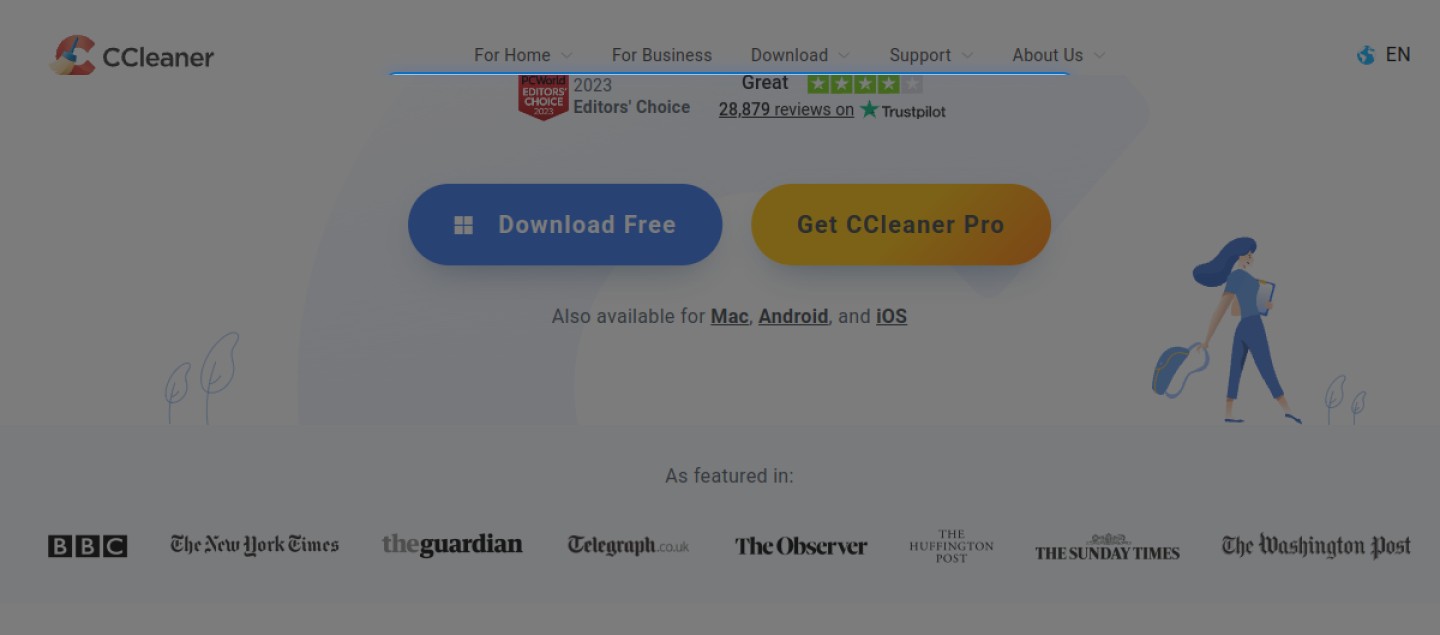
CCleaner is the best-known Windows cleaner, in use since 2004, and its free version covers the everyday job. It clears temporary files, browser traces and broken shortcuts, manages startup programs and uninstalls software, and it holds a 4.5 out of 5 rating on G2 from 627 reviews.
The trade off is the single-PC licence and the sales push. Professional costs $44.95 a year for one PC after a $29.95 first year, and adds automatic cleaning, a driver updater and a performance optimizer that puts idle apps to sleep. It suits home Windows users who want the familiar, simple option.
What we like
Free version covers everyday junk and privacy cleaning
Rated 4.5 out of 5 on G2 from 627 reviews
Simple one-click Health Check for beginners
14-day free trial of Professional
Watch out for
Professional covers only one PC at $44.95 a year
First-year discount ends and the renewal costs more
Free version prompts for the paid upgrade
Professional adds automatic cleaning, driver updates and the performance optimizerVisit ccleaner.com
02
Glary Utilities
4.6/5on Capterra (16 reviews, checked Nov 2026)
Paid from$19.97/yr
Best value toolkit
Free planYes
Tools in suite20+
PCs coveredUp to 3 PCs
Paid planPro, $19.97/yr
glarysoft.com
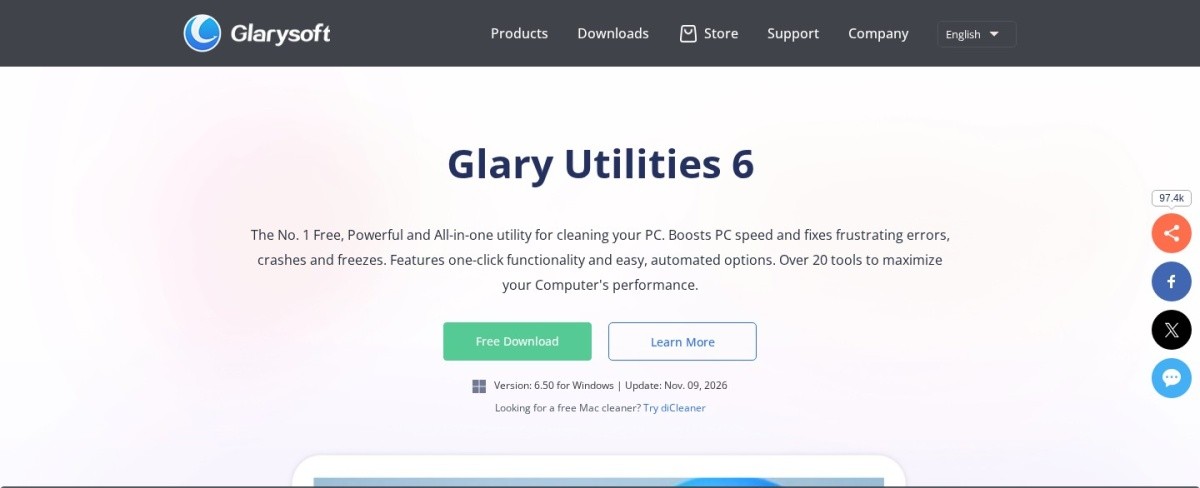
Glary Utilities homepage, captured Nov 2026.
Glary Utilities is the toolbox pick in this list: more than 20 maintenance tools, including a disk cleaner, registry repair, startup manager, duplicate finder and file shredder, in one light package. The free edition covers manual cleaning with nearly the full toolset, and version 6.50 arrived in November 2026.
The trade off is polish. The interface looks dated next to CCleaner, and the software updater can flag false positives, so check its suggestions before applying them. Pro costs $19.97 a year for up to 3 PCs and adds automatic maintenance. It suits tinkerers who want many tools for little money.
What we like
More than 20 tools in the free edition
Cheapest paid plan here at $19.97 a year
Pro covers 3 PCs with the same renewal price
Light install with no heavy background service
Watch out for
Interface looks dated next to newer rivals
Software updater can flag false positives
Capterra rating rests on only 16 reviews
Pro adds automatic maintenance, scheduled tasks and priority supportVisit glarysoft.com
03
Advanced SystemCare
4.6/5on Trustpilot (2,763 reviews, checked Nov 2026)
Paid from$29.99/yr
Best for one-click cleanup
Free planYes
Paid planPro, $29.99/yr
PCs coveredUp to 3 PCs
Real-time protectionPro only
iobit.com
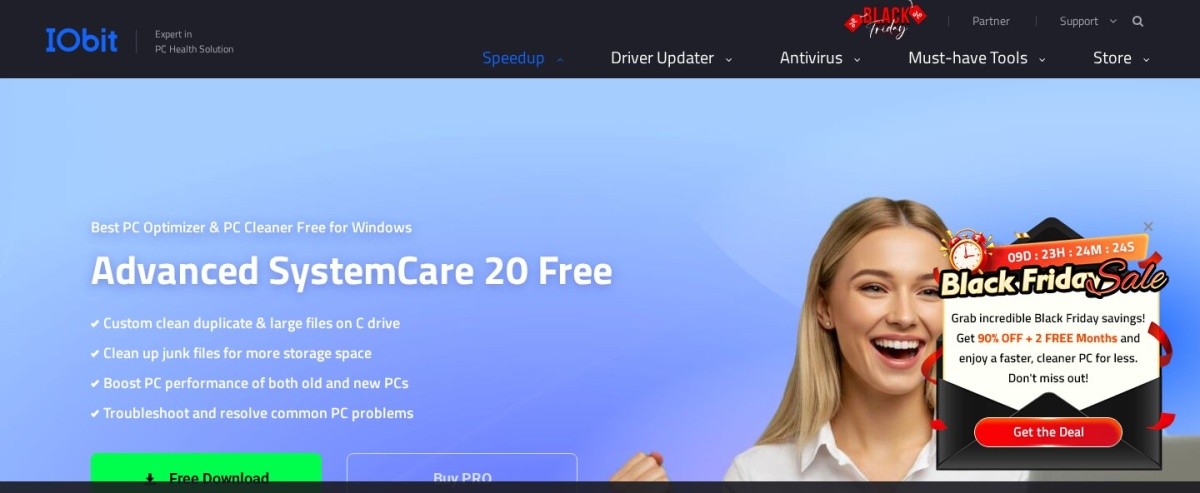
Advanced SystemCare homepage, captured Nov 2026.
Advanced SystemCare is IObit's all-in-one cleaner, built around a single button. One scan cleans junk files, sweeps privacy traces, repairs registry entries and tunes system settings, and the free edition covers the everyday cleaning.
The trade off is sales pressure. The free version pushes upgrades and bundled IObit tools during install and use, and Pro costs $29.99 a year and adds real-time protection, deep optimization and 24/7 support. It suits beginners who want one button to run the whole cleanup.
What we like
Simplest one-click scan and fix in this list
Rated 4.6 out of 5 on Trustpilot from 2,763 reviews
Generous free version for everyday cleaning
60-day money-back guarantee
Watch out for
Free version pushes upgrades and bundled tools
Installer offers other IObit products to decline
Trustpilot score covers IObit as a brand, not this product alone
Pro adds real-time protection, automatic maintenance and 24/7 supportVisit iobit.com
04
AVG TuneUp
4.5/5on Trustpilot (49,706 reviews, checked Nov 2026)
Starts at$69.99/yr
Best for set-and-forget maintenance
Free plan7-day trial
Paid plan$69.99/yr renewal
Devices1 PC, 10-device plan $84.99/yr
Sleep ModeYes
avg.com
AVG TuneUp homepage, captured Nov 2026.
AVG TuneUp is a maintenance suite that handles upkeep on its own schedule instead of giving you tools to run by hand. It bundles disk and browser cleaning, a startup optimizer, Sleep Mode, a software updater and a bloatware remover, and it holds a 4.5 out of 5 Trustpilot rating from 49,706 reviews.
The trade off is value for one PC. The single-PC plan renews at $69.99 a year after a $29.99 first year, and the 10-device plan lists at $84.99 a year. It suits users who want maintenance to happen without thinking about it.
What we like
Automatic maintenance runs weekly without input
Sleep Mode pauses background apps without uninstalling them
7-day free trial with no card required
30-day money-back guarantee
Watch out for
No free version, only a 7-day trial
Renewal price is more than double the first year
Trustpilot score covers AVG as a brand, not TuneUp alone
The 10-device plan covers Windows, Mac, Android and iOS for $84.99 a yearVisit avg.com
05
Wise Care 365
4.6/5on Trustpilot (97 reviews, checked Nov 2026)
Paid from$29.95/yr
Best lightweight cleaner
Free planYes
Paid planPro, $29.95/yr
Devices1 PC
Lifetime licence$69.95
wisecleaner.com
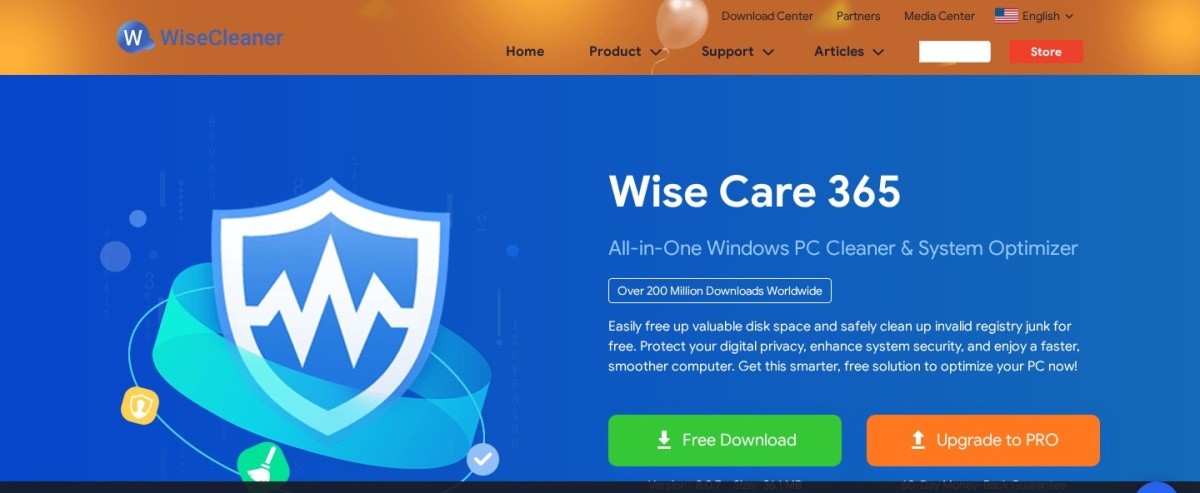
Wise Care 365 homepage, captured Nov 2026.
Wise Care 365 is a quick, clear PC checkup tool that scans for junk, registry issues, privacy traces and startup drag, then fixes them in one pass. The whole program is under 40 MB, the scan finishes in seconds, and the free edition has no ads.
The trade off is depth. It has fewer tools than Glary Utilities or Advanced SystemCare, and Pro costs $29.95 a year for one PC after a $14.97 first year. It suits users with older or slower PCs who want a light, fast cleaner.
What we like
Under 40 MB, with scans that finish in seconds
Free edition has no ads
Lifetime licence available for $69.95
Hardware monitoring included
Watch out for
Fewer tools than the bigger suites
Trustpilot rating rests on only 97 reviews
Pro covers only one PC at the yearly price
Pro adds real-time protection, silent automatic cleaning and faster boot optimizationVisit wisecleaner.com
06
System Mechanic
4/5on Trustpilot (4,037 reviews, checked Nov 2026)
Starts at$54.95/yr
Best for deep automated tune-ups
Free planFree scan
Paid plan$54.95/yr renewal
PCs coveredUp to 10 PCs
Automated maintenanceActiveCare
iolo.com
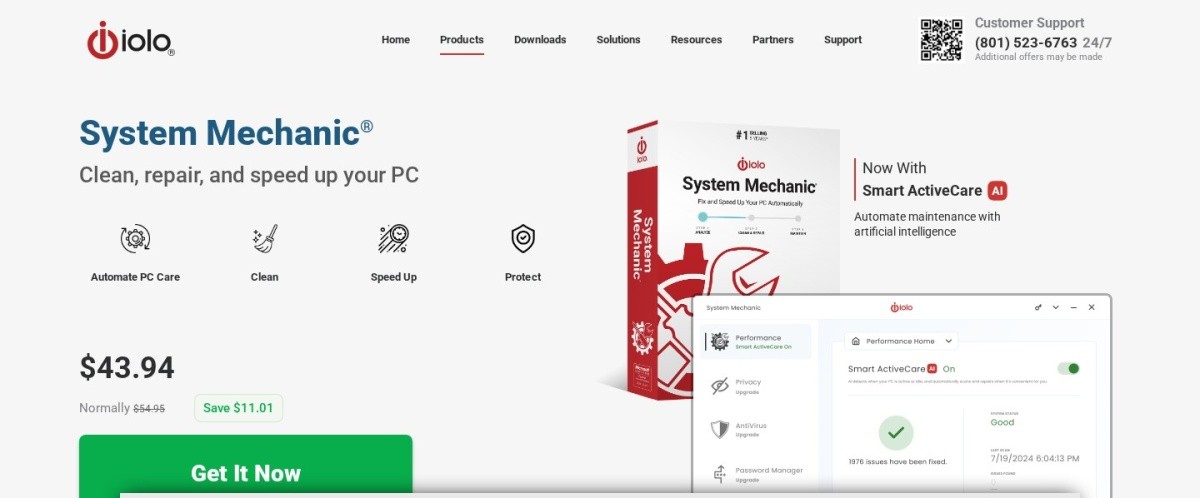
System Mechanic homepage, captured Nov 2026.
System Mechanic is iolo's long-running Windows tune-up suite, shipping since 1998 with more than 100 million downloads. ActiveCare runs automated maintenance in the background, and the suite adds junk cleaning, registry repair, startup control, a privacy cleaner and NetBooster for internet speed.
The trade off is the checkout. The base plan costs $43.94 in year one and renews at $54.95 a year, and iolo offers a premium support subscription at checkout that costs far more than the cleaner itself. It suits households with several Windows PCs that want a deep, automated tune-up.
What we like
One licence covers up to 10 PCs
ActiveCare automates maintenance in the background
Shipping since 1998 with 100 million downloads
30-day money-back guarantee
Watch out for
No free version, only a free scan
Checkout offers a pricey support add-on
Auto-renewal runs at the full list price
Windows only
Higher tiers add antivirus, a VPN and a password managerVisit iolo.com
07
Auslogics BoostSpeed
4.3/5on Trustpilot (2,012 reviews, checked Nov 2026)
Paid from$59.95/yr
Best for deep disk and registry tools
Free planYes, basic
Paid planPro, $59.95/yr
PCs coveredUp to 3 PCs
Registry backupYes, before edits
auslogics.com
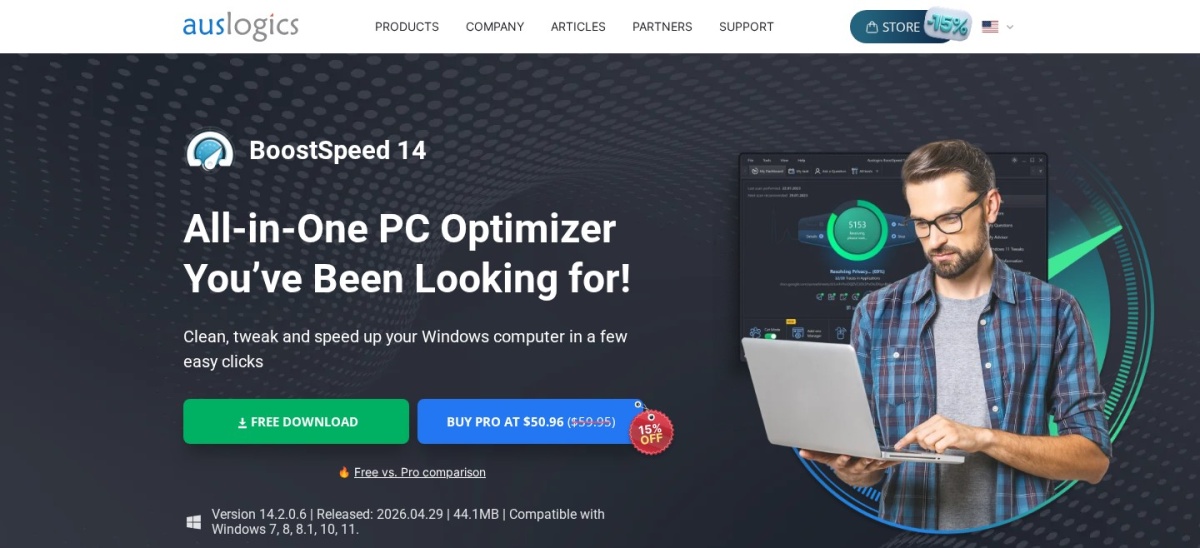
Auslogics BoostSpeed homepage, captured Nov 2026.
Auslogics BoostSpeed 14 is a Windows-only optimization suite that goes deeper than surface cleaners, with disk cleanup across many junk categories, registry defragmentation, SSD optimization and internet tweaks. Version 14.2.0.6 arrived in April 2026, and every registry operation backs up first.
The trade off is price and platform. The regular price is $59.95 a year for 3 PCs, though the homepage showed $50.96 on the day we checked, and there is no Mac version. It suits enthusiasts who want deep disk and registry tools and are happy to pay more for them.
What we like
Deep disk, registry and SSD tools
Registry operations back up first
Modern interface with dark mode
Hardware monitoring warns about CPU heat
Watch out for
Most expensive paid plan in this list at $59.95 a year
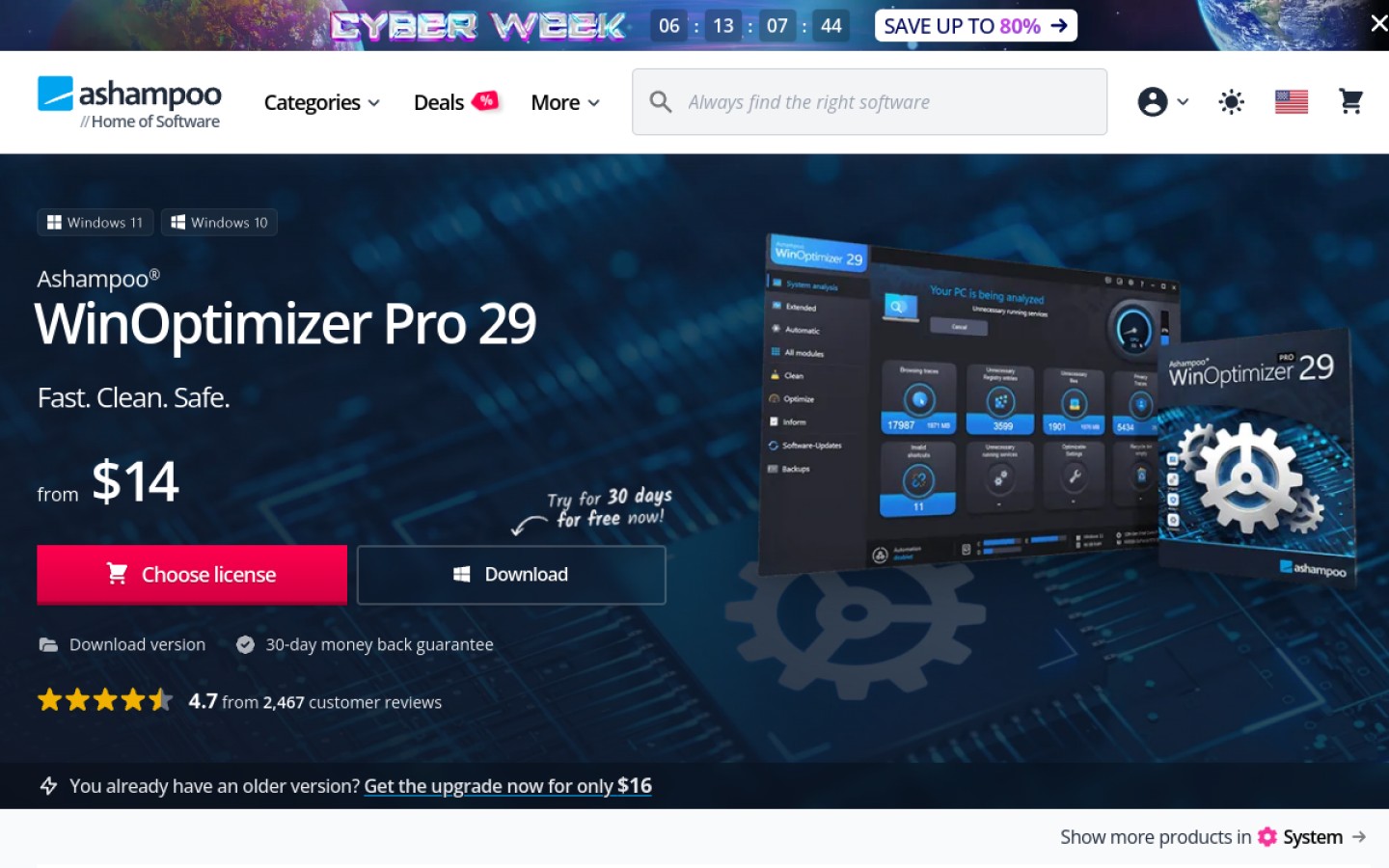
Ashampoo WinOptimizer homepage, captured Nov 2026.
Ashampoo WinOptimizer is the enthusiast pick: more than 30 modules for junk cleaning, registry work, startup tuning, privacy controls, disk analysis and benchmarks, with a backup made before any big change. A 30-day trial needs no payment, and the current edition is WinOptimizer Pro 29.
The trade off is the licence model. The subscription starts at $14 a year for up to 3 PCs with free upgrades while it runs, while a one-time licence costs $50 and covers one edition only. It suits tinkerers who want deep control and no renewal.
What we like
More than 30 modules with restore safety nets
One-time licence avoids yearly renewals
Subscription covers 3 PCs from $14 a year
30-day free trial and 30-day money-back guarantee
Watch out for
Tweaking modules can confuse beginners
One-time licence does not include the next edition
BleachBit is the free, open-source cleaner in this list, with no ads, no upsells and no paid tier. It clears caches, cookies, logs and temporary files from browsers and thousands of applications, and it can shred files or wipe free disk space so deleted data is harder to recover.
The trade off is scope. BleachBit has no registry cleaner, no startup manager and no automatic maintenance, and its plain interface can feel dated. It suits privacy-minded users who want a free tool that deletes thoroughly and never asks for money.
Free versions cover the everyday job well. CCleaner, Advanced SystemCare, Glary Utilities, Wise Care 365 and BleachBit all clean junk files, browser traces and temporary files without payment.
Paid plans mostly add automation and depth. You get scheduled cleaning, real-time protection, driver and software updates, and deeper registry work without running the tool by hand.
The cheapest way to start is a free version plus Windows built-in tools. Disk Cleanup and Storage Sense already remove temporary files, so pay only when you want the automation.
If you do pay, budget on the renewal price. AVG TuneUp renews at $69.99 a year after a $29.99 first year, and System Mechanic renews at $54.95 after $43.94, so compare tools on the renewal price.
How we chose
We started from the established PC utilities still sold and updated for Windows 10 and 11, then kept the nine with the widest use, the clearest free or trial option, and a published price.
Prices come from each vendor's pricing page or homepage, checked on 30 November 2026. Where a vendor shows a lower first-year offer, the list shows the regular or renewal price. Ratings come from G2, Capterra or Trustpilot on the same day, and the source is named on each tool.
We left out PrivaZer, which has no verifiable public rating, and cleaners with no current Windows version. No vendor paid for a place, and we do not claim to have used these tools ourselves.
How to choose utilities software
Start with the free version before you pay for any cleaner, then buy only the automation you will use.
Try the free version first. Run CCleaner, Glary Utilities or BleachBit free for a week. If the free cleaning is enough, you do not need a subscription.
Count your PCs before you compare prices. Glary Utilities Pro covers 3 PCs for $19.97 a year and System Mechanic covers 10 for $54.95, while CCleaner Professional covers one PC for $44.95.
Check the renewal price, not the first-year price. AVG TuneUp renews at $69.99 a year after a $29.99 first year, and System Mechanic renews at $54.95 after $43.94. Read the renewal line before you buy.
Back up before your first deep clean. Create a system restore point before running any cleaner for the first time. Registry cleaners can remove entries Windows needs, so review what a scan plans to delete first.
FAQ
What is the best utilities software in 2026?
CCleaner is the best pick for most Windows users. Its free version covers junk cleaning, startup control and uninstalling, it is rated 4.5 out of 5 on G2 from 627 reviews, and Professional costs $44.95 a year.
Do I need to pay for utilities software?
No. The free versions of CCleaner, Glary Utilities, Wise Care 365 and BleachBit cover everyday junk cleaning. Pay only if you want scheduled cleaning, real-time protection, or driver and software updates.
Which utilities software is best for beginners?
Advanced SystemCare is the easiest to start with. One button scans for junk, registry issues and privacy traces, then fixes them, and it holds a 4.6 out of 5 Trustpilot rating from 2,763 reviews.
CCleaner vs Glary Utilities: which is better?
CCleaner is the simpler pick, with the best-known interface and a 4.5 out of 5 G2 rating from 627 reviews. Glary Utilities packs more than 20 tools and its Pro plan is cheaper at $19.97 a year for 3 PCs, so pick Glary if you want the widest toolbox.
Is it safe to clean the registry?
Mostly, but not without risk. Registry cleaners can remove entries Windows or an app still needs, so back up first, create a system restore point, and review what a scan plans to delete before you approve it.
Why do utilities software prices rise after the first year?
Most vendors sell the first year at a discount and renew at the full list price. AVG TuneUp rises from $29.99 to $69.99 a year, and System Mechanic from $43.94 to $54.95, so compare tools on the renewal price.
SaaS SEO and WordPress specialist with about 8 years of experience. Rakib compares WordPress plugins, themes, hosting and software using public pricing, documentation and user reviews. See how we rank.