Adobe Photoshop is the top rated AI image editor software for most people, with Generative Fill, Firefly credits and full layer control in the Photography plan. Canva suits quick social designs, and Luminar Neo suits photographers who want a one-time licence.
How we make this list: we compare pricing pages, product documentation and public user reviews, then re-check every price before each update. No product paid for a place. Disclosure.
Adobe Photoshop leads on control: Generative Fill, layers and masks, with the Photography plan at $19.99 a month.
Canva is the easiest all-rounder, with Magic Studio AI and 141 million premium assets on Pro at $144 a year.
Luminar Neo and Topaz Photo AI are the only one-time licences here, at $129 and $199.
Pixlr is the cheapest paid plan at $1.99 a month billed yearly, and Fotor Pro is $47.99 a year.
Credits decide the real cost: Firefly gives 2,000 a month, Photoroom 8,000, and Fotor only 100 on Pro.
How do you choose the top rated AI image editor software?
Start with the job, not the brand. A portrait retoucher, a seller staging product shots and a social creator need different tools, and the best pick changes with the task.
Check what the AI actually does. Some editors generate new images from prompts, others fix noise and blur, and a few do both. Pick the tool whose AI matches the edits you repeat every week.
Read the credit limit before the price. A cheap plan with 100 credits a month costs more per finished image than a dearer plan with 8,000, so divide the monthly price by the images you will finish.
Free plans are for trying, not for finishing. Watermarks, low-resolution exports and locked AI tools push most regular users to a paid plan within weeks, so budget for the cheapest paid tier.
Adobe Photoshop is the deepest AI image editor in this list, with Generative Fill, Generative Expand, Remove Tool and Neural Filters built into the desktop, web and mobile apps. The Photography plan includes Photoshop, Lightroom and Lightroom Classic, 1TB of cloud storage and 1,000 generative credits a month.
The trade off is price and learning curve. At $19.99 a month it costs more than every other editor here, and the subscription never ends. It suits photographers and designers who edit daily and want full layer, mask and colour control.
Canva is a design platform with Magic Studio AI tools, including background removal, Magic Expand, Magic Edit and text-to-image generation, plus 3.6 million templates on Pro. Pro adds 141 million premium assets, 5 Brand Kits, social scheduling and 100GB of storage.
The trade off is editing depth. Canva cannot match Photoshop for masks, layers and precise retouching, and complex AI edits can change shapes and details in product photos. It suits creators who need finished social posts, ads and listings fast.
Luminar Neo is Skylum's AI photo editor for Mac and Windows, built around one-click tools for sky replacement, portrait retouching, object removal and AI expansion. The Desktop Only licence covers two computers and includes a year of access to the generative tools.
The trade off is the renewal. Generative tools stop after a year unless you renew Luminar Prime, and the current $99 sale price is a discount from the regular price. It suits photographers who want to pay once and edit without a monthly bill.
Pixlr is a browser-based editor with layers, masks and AI tools for generative fill, background removal, object removal and upscaling, with no install needed. Plus costs $1.99 a month billed yearly, removes ads, unlocks unlimited saves and adds 80 AI credits a month.
The trade off is depth and credits. Heavy AI work needs Premium at $7.99 a month billed yearly for 1,000 credits, and large layered projects feel tighter than in a desktop app. It suits anyone who wants a capable editor in a browser tab for a few dollars a month.
Fotor is an online photo editor and design platform with a one-click AI enhancer, background removal, AI image generation and batch editing. Pro costs $47.99 a year, removes watermarks, unlocks HD exports, 100,000 templates and 100 AI credits a month.
The trade off is the credit pool. Pro's 100 credits a month cover only a few premium generations, and the price has moved between $39.99 and $47.99 a year in recent weeks. It suits casual editors who want fast fixes and templates without learning a desktop app.
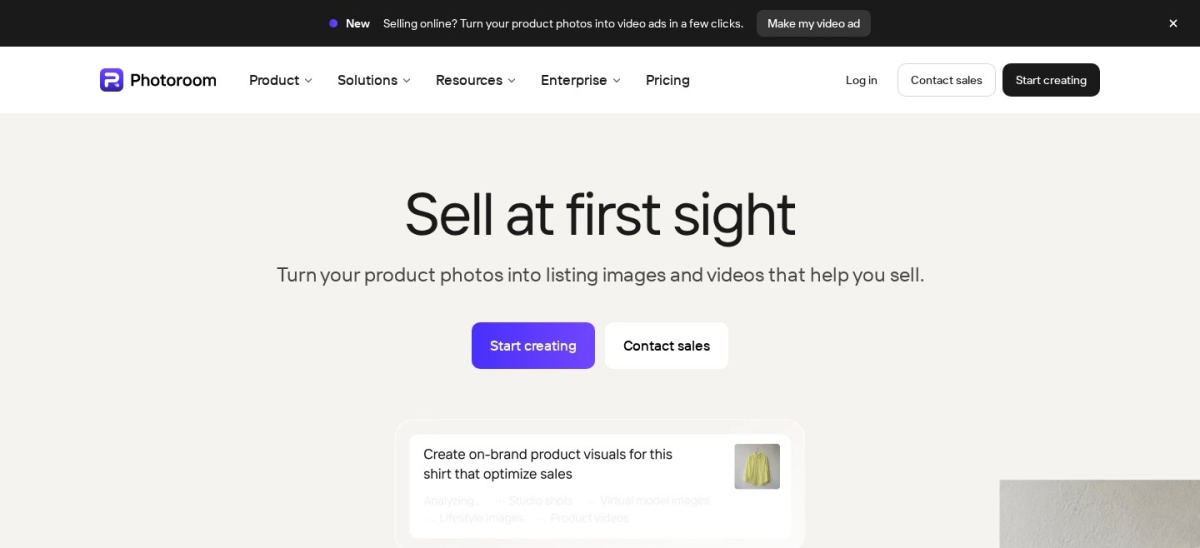
Photoroom is an AI editor built for sellers, with background removal, AI backgrounds, Magic Retouch, batch editing and AI fashion models. Pro includes 8,000 AI credits and 1,000 exports a month, and core tools such as background removal and resizing are unlimited on paid plans.
The trade off is scope. Photoroom is built for product shots, not portraits or layered design, and its G2 rating rests on only 20 reviews. It suits online sellers who need hundreds of clean listing images a month.
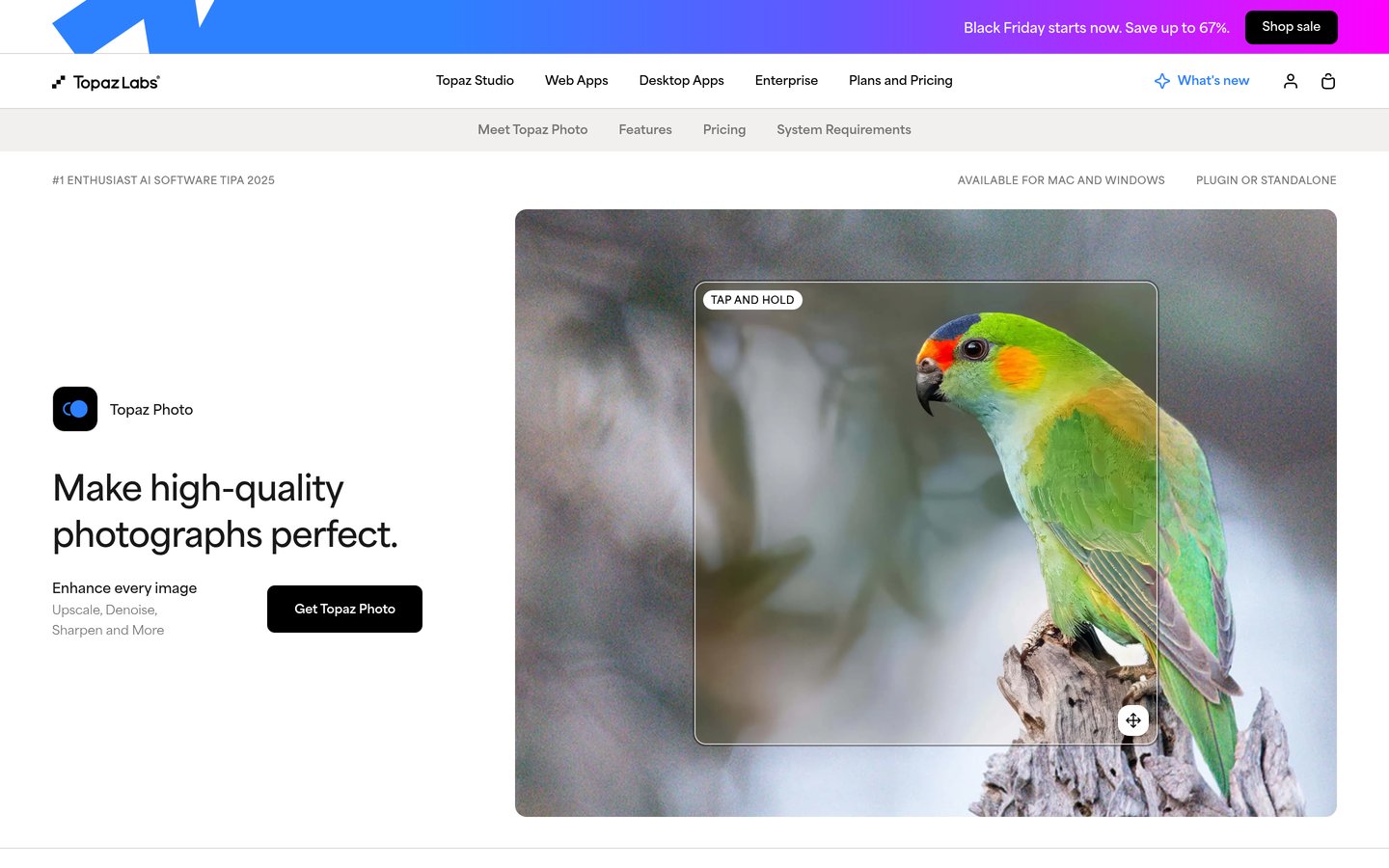
Topaz Photo AI is a desktop tool that fixes photo quality, combining denoise, sharpening, upscaling and face recovery in one pass. The $199 one-time licence includes a year of model updates, and it works as a standalone app or as a Photoshop and Lightroom plugin.
The trade off is narrow scope and a thin review record. It enhances photos you already have rather than editing or generating new ones, and its G2 rating rests on only 2 reviews. It suits photographers restoring noisy or low-resolution shots.
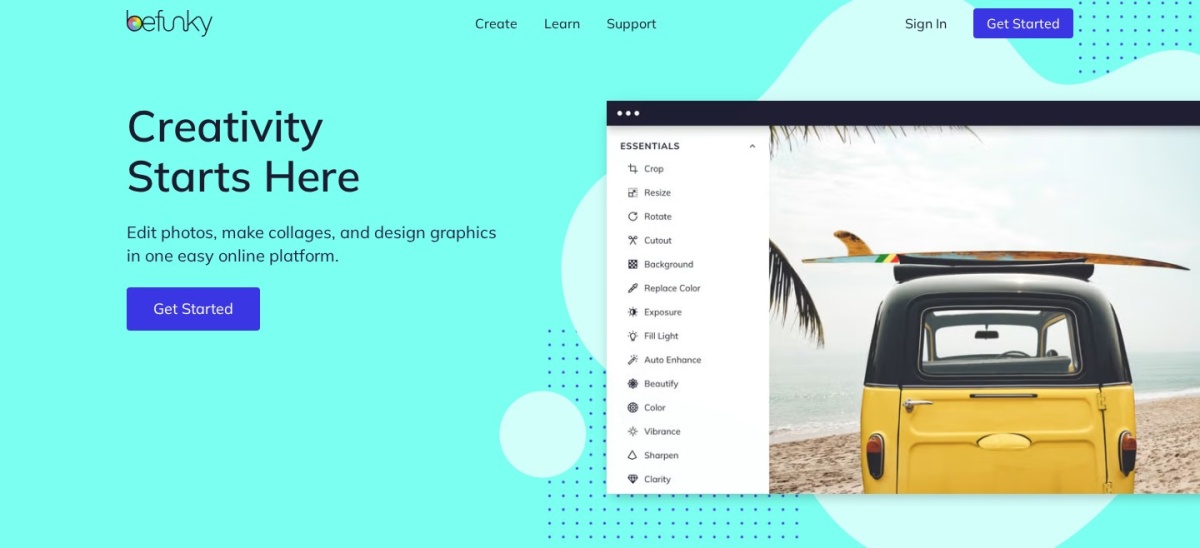
BeFunky is a web-first creative suite with a photo editor, collage maker and designer, plus AI image generation, background removal and upscaling. Plus costs $83.88 a year, unlocks premium editing tools, 1,000 AI credits a month and ad-free editing.
The trade off is depth. BeFunky keeps things simple, so advanced masking, layers and colour grading stay out of reach, and heavy AI work can burn the credit pool fast. It suits beginners who want quick edits and collages without a learning curve.
Adobe Firefly is Adobe's generative AI tool for images, video and design, with models trained on licensed Adobe Stock content so outputs are cleared for commercial use. Standard costs $9.99 a month for 2,000 generative credits and works inside Photoshop and other Adobe apps.
The trade off is that it generates rather than edits. Firefly has no full layer editor or batch product workflow, and credits run out fast on video. It suits brands already in Adobe apps that need safe campaign images from prompts.
What we like
Trained on licensed content, safe for commercial use
Most AI editors here sell credits, not unlimited use. Firefly Standard gives 2,000 credits a month, Photoroom Pro gives 8,000, and Fotor Pro gives only 100.
Different features spend credits at different rates. A background removal may cost nothing, while a video generation can cost hundreds, so check the per-feature price list before you commit.
Unused credits usually expire at month end, though Pixlr tops the allowance up at each renewal. If your volume varies month to month, a rollover rule matters more than the headline price.
How we chose
We started from the AI image editors most often named for photo editing and design, then kept the nine with a live pricing page and a public rating on G2, Capterra or Trustpilot.
Prices come from each vendor's pricing page and recent dated reads in November 2026. Ratings and review counts come from G2 on the same basis, using the source with the most reviews for each tool. Where a vendor shows a sale, the list shows the regular price.
We left out tools with no public rating, tools that shut down, and tools without a published price. No vendor paid for a place, and we do not claim hands-on testing for this list.
How to choose the top rated AI image editor software
Start with the images you edit most, then match the tool to that work before you compare prices.
List the edits you repeat every week. Background removal, retouching, upscaling and generation need different tools. A tool that covers your top two edits is worth more than one that covers ten you never use.
Check the free plan on a hard image. Try a photo with hair, glass or small text first. AI tools fail most on fine detail, and a free trial shows the weak spots before you pay.
Divide the price by finished images. A plan with 100 credits a month costs more per image than one with 8,000 if you edit daily. Work out the cost per finished image, not the monthly price.
Check the licence and the export limits. Some cheap plans watermark exports or exclude commercial use. Confirm the plan covers how you will publish the images before you subscribe.
FAQ
What is the top rated AI image editor software in 2026?
Adobe Photoshop is the top rated AI image editor software for most people, with Generative Fill, layers and masks in one app. The Photography plan costs $19.99 a month and adds Lightroom, while Canva suits quick designs and Luminar Neo suits photographers who want a one-time licence.
How much does the best AI image editor cost?
Prices run from $1.99 a month billed yearly for Pixlr Plus to $19.99 a month for the Photoshop Photography plan, with Canva Pro at $144 a year in between. One-time licences cost $129 for Luminar Neo and $199 for Topaz Photo AI, with no monthly bill after that.
Is there a free AI image editor worth using?
Yes. Canva, Pixlr, Fotor, Photoroom, BeFunky and Adobe Firefly all have free plans with real AI tools, including background removal and generation. Free plans limit exports, add watermarks or cap credits, so regular users usually move to a paid plan.
Which AI image editor is best for beginners?
Canva is the easiest start, with templates and one-click AI tools and no install. BeFunky is simpler still for basic edits and collages, while Pixlr suits beginners who want layers and masks in a browser without paying for Photoshop.
Adobe Photoshop vs Canva: which should I pick?
Pick Photoshop if you edit photos daily and need layers, masks and precise retouching, with Generative Fill for hard fixes. Pick Canva if you need finished social posts, ads and listings fast, with templates and Brand Kits doing most of the work.
Do AI image editors own the images I create?
Most paid plans here include commercial use, including Adobe Firefly, which trains on licensed content. Free plans vary, and some exclude commercial use or watermark exports, so read the licence on the pricing page before you publish client work.
SaaS SEO and WordPress specialist with about 8 years of experience. Rakib compares WordPress plugins, themes, hosting and software using public pricing, documentation and user reviews. See how we rank.