Notion is the top ML tool for productivity software, combining docs, tasks and wikis with AI that drafts and finds answers. ChatGPT suits general AI help, while Grammarly is the pick for polished writing across every app.
How we make this list: we compare pricing pages, product documentation and public user reviews, then re-check every price before each update. No product paid for a place. Disclosure.
Notion leads with 100 million-plus users, a 4.6 G2 rating and a free plan that covers docs, tasks and wikis.
ChatGPT is the most-used AI assistant here, with 1.2 billion weekly users, but Plus has no annual discount at $240 a year.
Grammarly and Fireflies share the highest large-base rating at 4.7 out of 5 on G2, from 14,066 and 752 reviews.
Reclaim.ai has the highest rating in the list at 4.8 out of 5, but from only 144 G2 reviews.
Paid plans run from $60 a year for Todoist Pro to $240 for ChatGPT Plus; Sunsama and Motion have no free plan.
How do you choose the top ML tools for productivity software?
ML productivity tools now split into three kinds: workspaces like Notion that hold docs and tasks, assistants like ChatGPT and Grammarly that draft and polish, and schedulers and notetakers like Motion, Reclaim, Otter and Fireflies that run the calendar and meetings.
Ratings are the quickest quality check. Every tool here scores at least 4.1 out of 5 on G2 or Capterra, and the review counts run from 144 for Reclaim.ai to 14,066 for Grammarly on G2, so treat small-sample ratings with care.
Price matters after the free version runs out. Seven of the nine tools have a free plan, and the price ladder below shows the cheapest paid plan for each, with the annual rate where one exists.
Free plans are where the limits hide. Minutes, storage and scheduling range are the caps that bite first, so check the free tier against a normal week before you pay.
Notion is an all-in-one workspace for notes, docs, tasks and wikis, used by more than 100 million people. The free plan covers databases, basic forms and sites, Notion Calendar and a trial of Notion AI. Plus adds unlimited file uploads up to 5 GB, a 30-day page history, charts and custom forms and sites.
The trade off is that the full AI features sit on higher plans. Notion Agent and AI Meeting Notes need Business at $20 per member a month, and Custom Agents cost extra at $10 per 1,000 monthly credits. It suits teams that want docs, tasks and AI in one place instead of three separate tools.
ChatGPT is OpenAI's general AI assistant, used by more than 1.2 billion people a week as of September 2026. The free plan covers unlimited text chats with GPT-6, plus limited uploads, image creation, voice chats and deep research. Plus adds advanced reasoning, expanded limits, projects, scheduled tasks and custom GPTs.
The trade off is the monthly-only billing. Plus costs $20 a month with no annual discount, so a year costs $240, and the cheaper Go plan at $8 a month still shows ads. It suits anyone who wants one AI assistant for drafting, planning, research and quick answers.
Grammarly is an AI writing assistant that checks grammar, clarity and tone inside email, documents and browsers. The free plan covers spelling and grammar checks, tone detection and 100 AI prompts a month. Pro adds full-sentence rewrites, tone adjustment, plagiarism and AI-text detection and 2,000 AI prompts a month.
The trade off is the billing gap. Pro costs $12 a member a month billed annually, but $30 a month on monthly billing, so a year costs $360 if you pay month to month. It suits anyone who writes all day and wants every draft checked before it goes out.
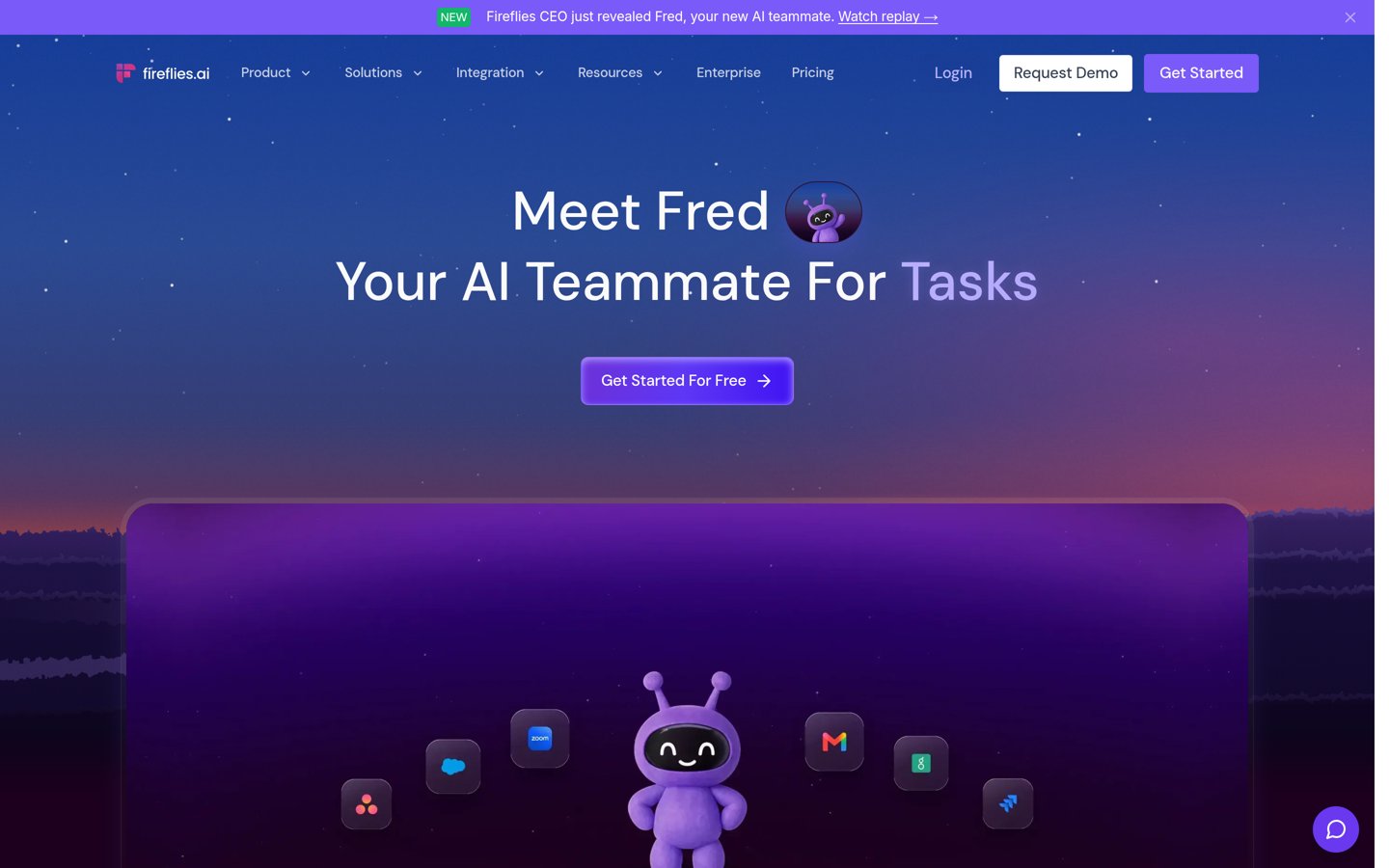
Fireflies.ai is an AI notetaker that joins Zoom, Meet and Teams calls, transcribes them and writes summaries with action items. The free plan covers unlimited transcription, limited AI summaries and 400 minutes of storage per team. Pro adds unlimited summaries, 8,000 minutes of storage per seat and video recording.
The trade off is the free storage cap. A team that meets often will fill 400 minutes fast, and the AI credits that power its assistants are capped at 20 on every plan. It suits teams that want searchable meeting records without anyone taking notes.
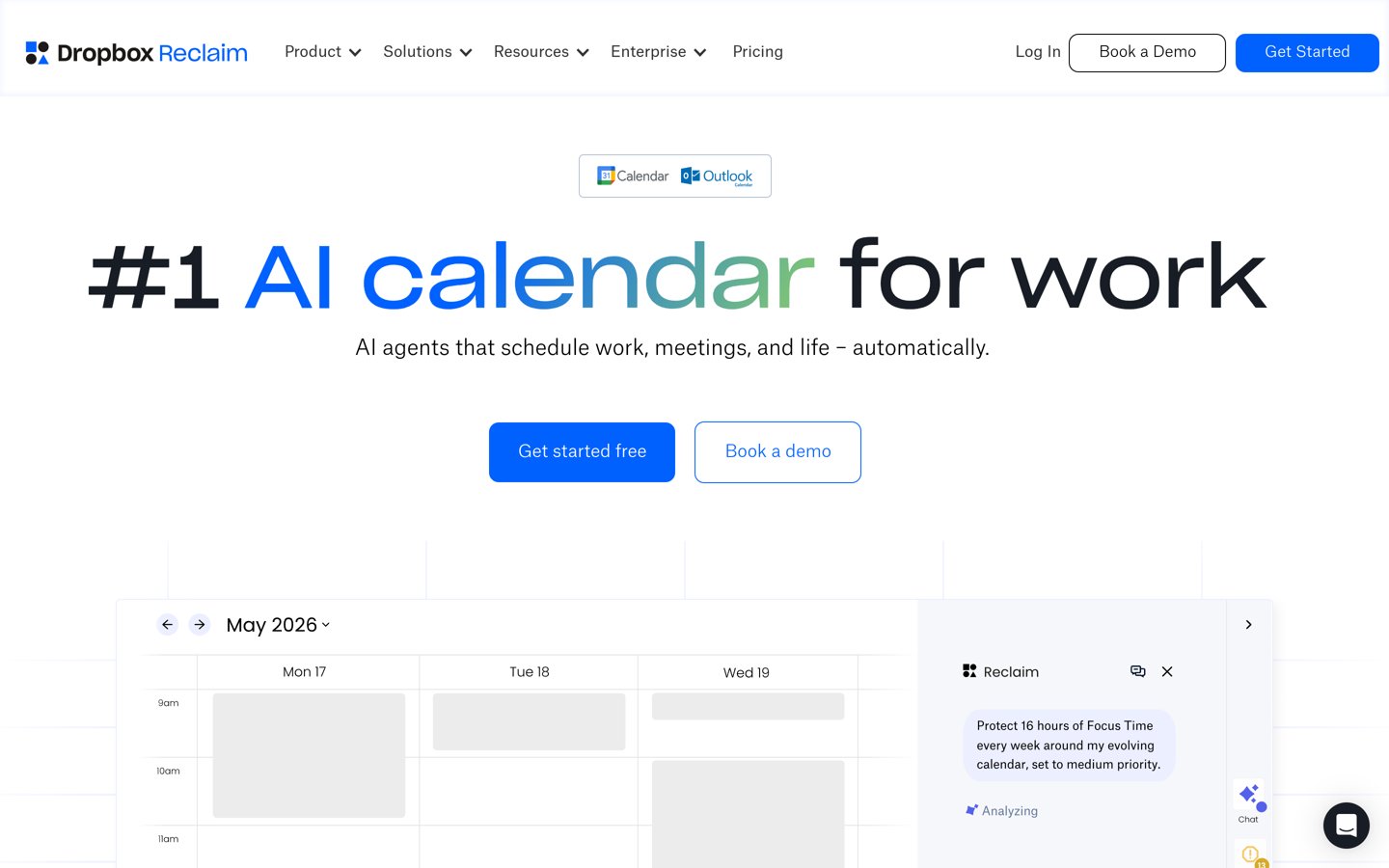
Reclaim.ai is an AI calendar assistant that turns tasks, habits and focus time into scheduled blocks around your meetings. The free Lite plan covers 2 connected calendars, 3 Smart Meetings and a 1-week scheduling range. Starter adds unlimited calendars and habits, calendar sync and an 8-week range.
The trade off is the small review base. Its 4.8 out of 5 G2 rating comes from only 144 reviews, and the free plan's 1-week range is too short for real planning. It suits busy people whose calendar fills up before their task list gets a look-in.
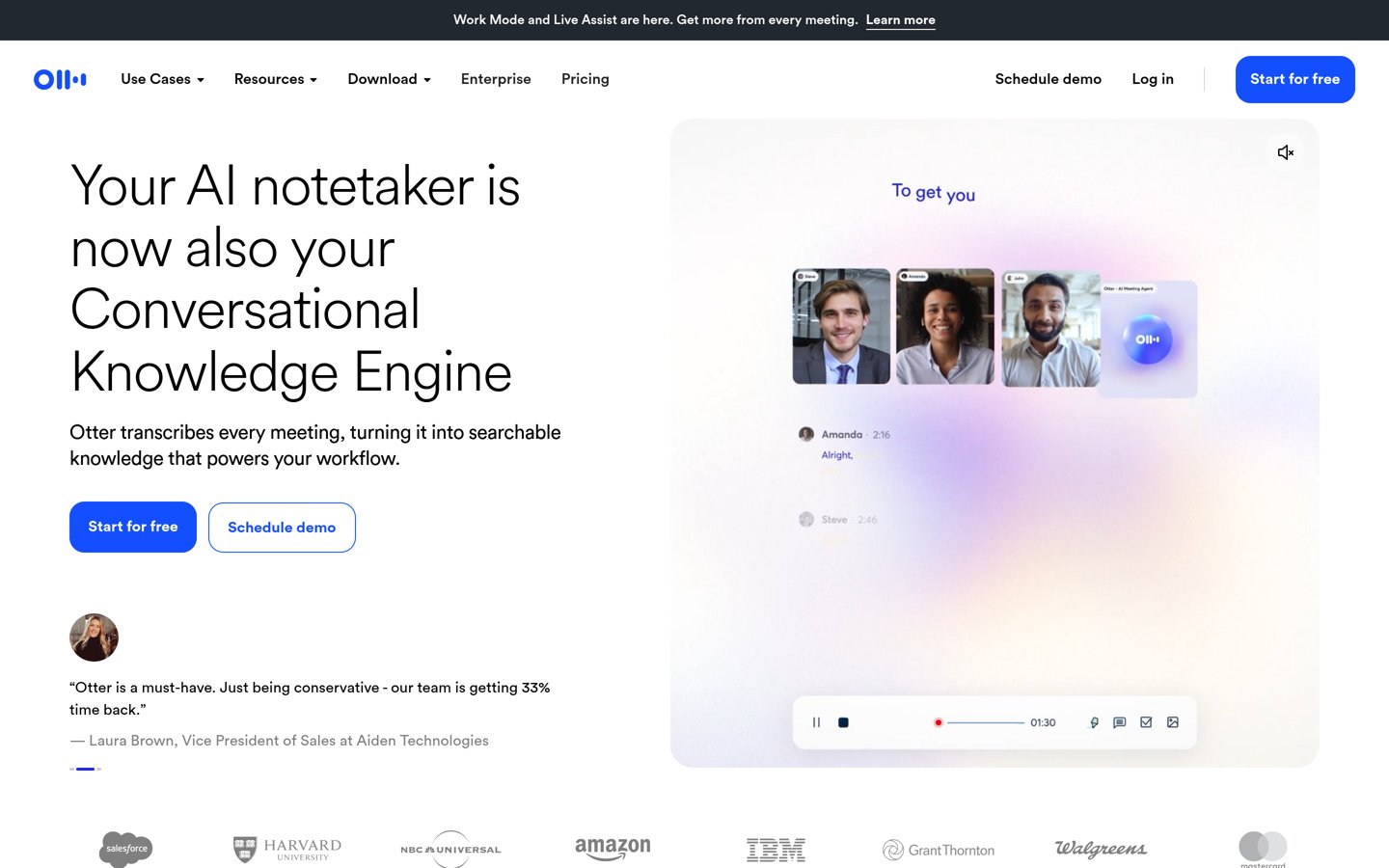
Otter.ai is an AI notetaker that transcribes meetings live and turns them into searchable notes with summaries and action items. The free Basic plan covers 300 transcription minutes a month, 30 minutes per conversation and 3 lifetime file imports. Pro raises that to 1,200 minutes a month and 90 minutes per conversation.
The trade off is the annual discount. Pro costs $16.99 a month billed monthly, but $8.33 a month, or $99.96 a year, billed annually, so monthly billing costs about double. It suits people who want live captions and a transcript they can search later.
Todoist is a fast task manager with natural-language capture: type a sentence and it picks out the date, time and project. The free Beginner plan covers 5 personal projects, 3 filter views and 1 week of history. Pro adds 300 personal projects, a calendar layout, Task Assist and unlimited Ramble.
The trade off is the 2025 price rise. Pro went from $48 to $60 a year on 10 December 2025, and it still has no auto-scheduling, so tasks wait until you plan them. It suits anyone who wants a list that opens instantly and never gets in the way.
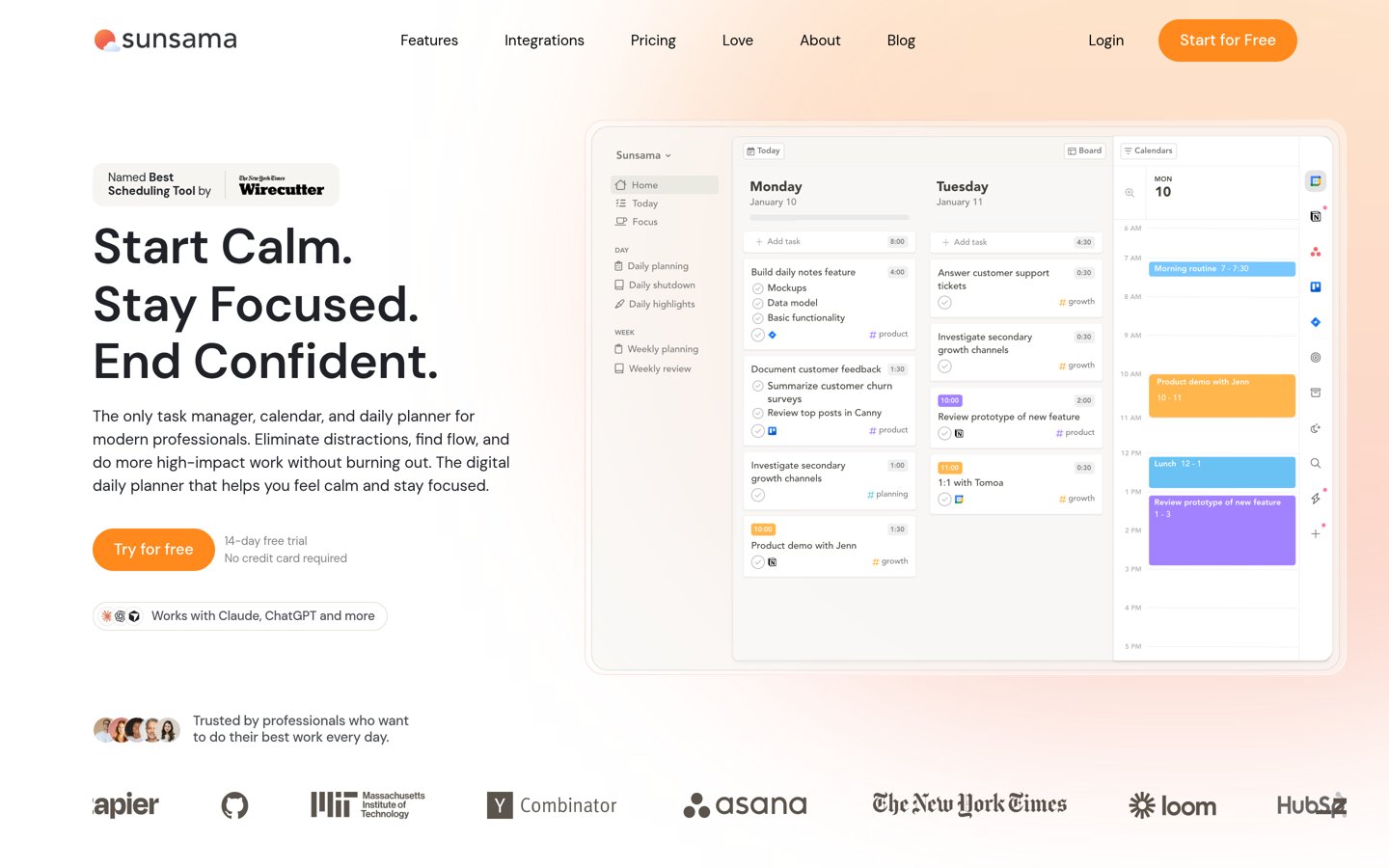
Sunsama is a daily planner built around two rituals: a guided morning plan and an end-of-day shutdown. It pulls tasks from Asana, Trello, Todoist, Gmail, Slack and Notion into one day plan, with timeboxing, a focus mode and time tracking. There is no free plan, only a trial before you pay.
The trade off is the price. At $17 a month billed annually, or $22 month to month, it is one of the dearest single-user planners here, and its AI is modest: it tags tasks and guesses time estimates rather than scheduling for you. It suits people who want a calm daily ritual more than automation.
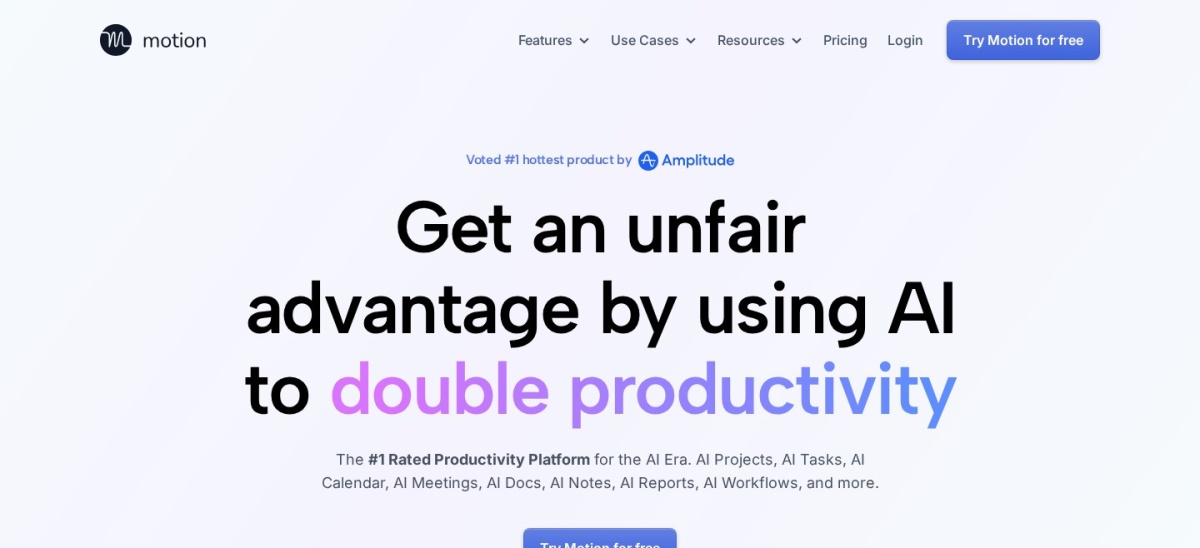
Motion is an AI work app that places tasks on your calendar from deadlines and priorities, then re-plans when a meeting moves. Pro AI costs $19 a seat a month billed annually and adds AI Chat, AI Projects and Tasks, and there is a 7-day free trial with no permanent free plan.
The trade off is control. Motion reshuffles your day on its own, so a packed calendar can push deep work late, and the 4.1 out of 5 G2 rating is the lowest here. It suits people who want the schedule built for them each morning.
Vendors use AI and ML for the same features: transcription models, scheduling models and writing models that learn from your data.
What matters is the model behind the feature. Fireflies and Otter transcribe with speech models, Motion and Reclaim schedule with planning models, and Grammarly rewrites with language models.
Judge the output, not the label. Run a real meeting or a real week through the free tier and check the transcript, the schedule or the draft before you pay.
How we chose
We started from every ML and AI productivity tool still sold in 2026 with a verifiable G2 or Capterra rating, then kept nine that cover the main ways ML saves time: workspaces, assistants, meeting notes and scheduling.
Prices come from each vendor pricing page and November 2026 comparisons, checked on 29 November 2026. Ratings and review counts come from G2 or Capterra on the same day. Where a vendor shows a sale, the list shows the regular price.
We left out tools with no verifiable rating on G2, Capterra or Trustpilot. No vendor paid for a place, and we do not claim hands-on testing for this list.
How to choose an ML tool for productivity
Start with the hour you lose most often, then match the tool to that job.
Name the hour you lose. Meetings, writing, planning and scheduling each have a different best tool, so pick the job before you pick the product.
Try the free tier on a real week. Run one real week of meetings or tasks through the free plan and check the output before you pay.
Check where the tool lives. Grammarly works inside almost every app, Notion holds your docs, and Fireflies joins your calls, so pick the one that fits your workflow.
Compare the yearly price, not the monthly. ChatGPT Plus has no annual discount at $240 a year, while Grammarly and Otter cost far less billed yearly than monthly.
FAQ
What is the best ML tool for productivity software in 2026?
Notion is the best ML tool for productivity software for most teams, with docs, tasks and wikis plus AI that drafts and finds answers. ChatGPT suits general AI help, Grammarly is the pick for polished writing, and Reclaim has the highest G2 rating at 4.8 out of 5.
Is Notion AI worth paying for?
Full Notion AI needs the Business plan at $20 a member a month, while Plus at $10 a month gives only a limited AI trial. It is worth it when your docs, tasks and wikis already live in Notion, and less so when you only need a writing assistant.
Which ML tool is best for meeting notes?
Fireflies.ai is the best ML tool for team meeting notes, joining Zoom, Meet and Teams calls and writing summaries with action items from $10 a month. Otter.ai is the better pick for live transcription, with captions in 6 languages and Pro from $8.33 a month billed yearly.
What is the cheapest ML productivity tool?
Todoist Pro is the cheapest paid plan here at $60 a year, with fast capture and AI task assist. Reclaim.ai follows at $96 a year, and Otter.ai Pro costs $99.96 a year billed annually, while ChatGPT Plus is the dearest at $240 a year.
Motion vs Reclaim: which schedules better?
Motion auto-schedules tasks around meetings and re-plans when priorities change, from $19 a seat a month. Reclaim defends focus time and habits with smart calendar blocking from $8 a month, and it holds the higher G2 rating at 4.8 out of 5.
Does ChatGPT Plus save money over other tools?
No. ChatGPT Plus costs $20 a month with no annual discount, so a year costs $240, and the cheaper Go plan at $8 a month still shows ads. It is the dearest single tool here, so buy it for general AI help, not to save money.
SaaS SEO and WordPress specialist with about 8 years of experience. Rakib compares WordPress plugins, themes, hosting and software using public pricing, documentation and user reviews. See how we rank.