STACK is the top preconstruction software for takeoffs for most teams, because its cloud takeoff and estimating tools run on any device and the free plan covers one active project a month. PlanSwift suits dedicated Windows estimators who want fast manual takeoff, while Bluebeam Revu is the cheapest paid option for PDF measuring.
How we make this list: we compare pricing pages, product documentation and public user reviews, then re-check every price before each update. No product paid for a place. Disclosure.
STACK leads for cloud teams: takeoff and estimating in one tool, with a free plan for one project a month.
PlanSwift is the fastest manual desktop option at $2,000 a seat a year, but it runs only on Windows.
Bluebeam Revu is the cheapest paid pick at $260 a year, though takeoff is a feature rather than a full estimating tool.
Togal.AI and Kreo automate the measuring step, at $299 and $175 a user a month for their AI plans.
ProEst and On-Screen Takeoff suit larger preconstruction teams, but neither publishes a price on its own site.
How do you choose the top preconstruction software for takeoffs?
Takeoff speed decides how many bids a team can send. A tool that measures a plan set in hours instead of days lets a small estimating desk bid more work without adding headcount.
Cloud tools win when estimators work from different offices or on Macs. STACK, Togal.AI and Kreo run in a browser, while PlanSwift and On-Screen Takeoff need Windows desktops.
Price spreads are wide, so budget from the yearly total. Entry prices in this list run from $260 a year for Bluebeam Revu to a listed $5,000 a year for ProEst, and monthly plans such as STACK Premium cost $3,588 a year.
AI takeoff saves measuring time but needs clean drawings. Our comparison of takeoff software shows where automated counts help most and where manual checks still matter.
The 8 best preconstruction software tools for takeoffs
01
STACK
4.5/5on Capterra (1,398 reviews, checked Nov 2026)
Paid from$299/mo
Best preconstruction takeoff software overall
PlatformCloud, Mac and PC
Cheapest planPremium, $299/mo
Free planYes, 1 project/mo
EstimatingBuilt in, Pro adds BNI library
stackct.com
STACK homepage, captured Nov 2026.
STACK is a cloud takeoff and estimating platform that runs in any browser, so estimators on Mac and Windows work from the same live project. The free plan covers one active project a month with up to 300 plan pages and 50 measurements, while paid plans add unlimited projects, a pre-built item and assembly library, and plan overlays.
The trade off is the monthly price. Premium costs $299 per user a month billed annually, so a team of three pays over $10,000 a year, and the regional cost library waits for the Pro plan. It suits bidding teams that share work across offices and want takeoff and estimating in one cloud tool.
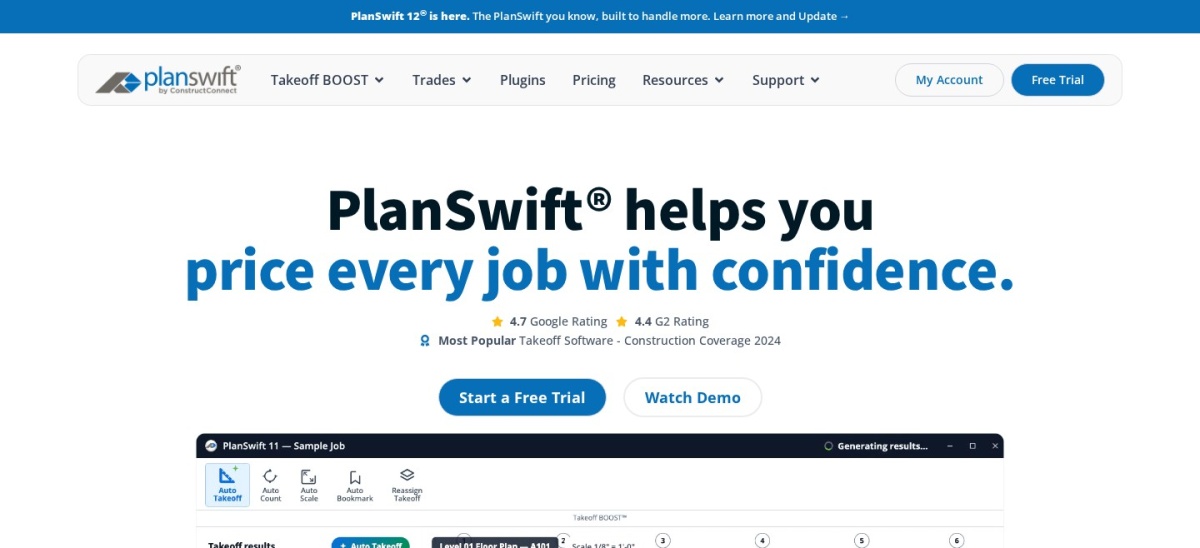
PlanSwift is a Windows desktop takeoff and estimating tool from ConstructConnect, built for estimators who measure plan sets all day. Essential costs $2,000 per seat a year and includes Auto Count, Auto Scale and Auto Bookmark, plus drag-and-drop assemblies for common trades and Excel export for pricing.
The trade off is the platform and the price. It runs only on Windows, there is no free plan beyond a 14-day trial, and AI Auto Takeoff sits in Core at $3,000 a year. It suits a dedicated estimator on a Windows desktop who bids plan-and-spec work at volume.
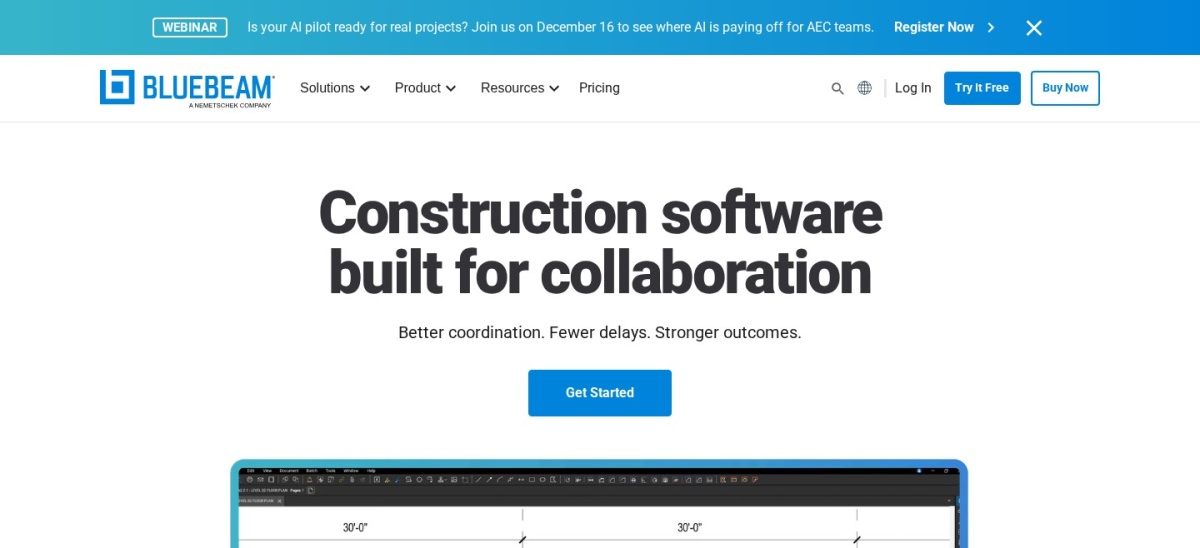
Bluebeam Revu is the PDF markup and measuring tool most construction teams already use to review drawings. Basics costs $260 per user a year and covers length and area measurement, while Core at $330 adds perimeter, count, angle and volume tools plus drawing overlay and Studio hosting.
The trade off is that takeoff is a feature, not the whole product. Quantities export to Excel for pricing, and the strongest takeoff extras such as Quantity Link and Dynamic Fill wait for Complete at $440 a year. It suits teams that already review plans in Revu and want measuring in the same tool.
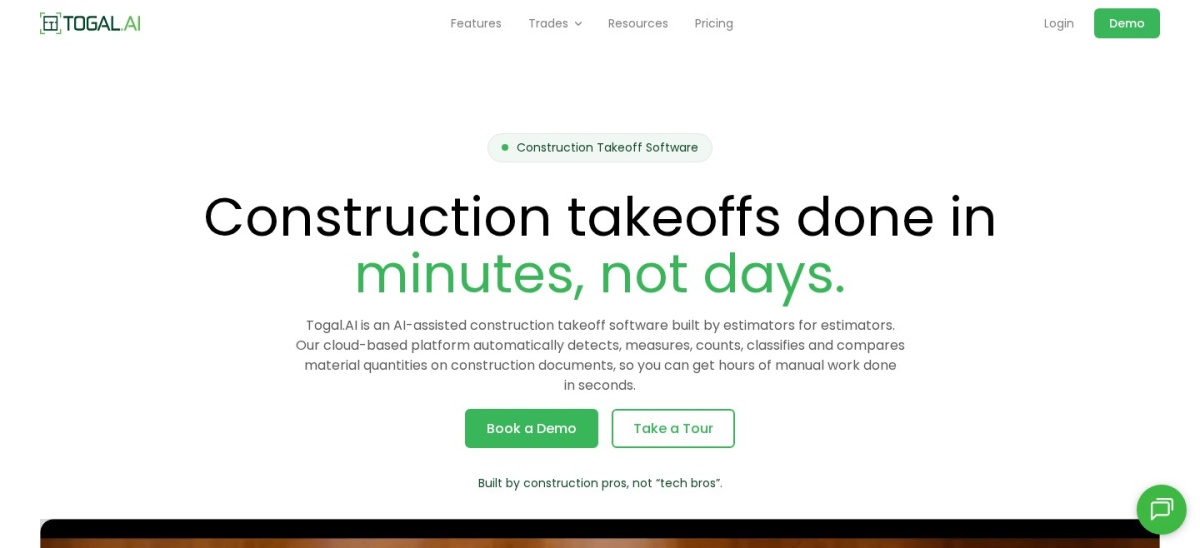
Togal.AI is a cloud takeoff tool that reads floor plans with AI, detecting rooms, measuring areas and counting symbols without manual clicking. Growth costs $299 per user a month billed annually and includes unlimited automated takeoffs, unlimited chat prompts and plan questions through Togal.CHAT.
The trade off is the price and the narrow focus. At $299 per user a month it costs as much as STACK Premium, there is no free plan or free trial, and it does not build full cost estimates on its own. It suits specialty subcontractors who want AI to clear the measuring step fast.
What we like
AI reads plans automatically
Highest G2 rating here at 4.8
Unlimited automated takeoffs on Growth
Watch out for
$299 per user a month
No free plan or free trial
No full estimating built in
Business plan is custom priced for larger teamsVisit togal.ai
05
Kreo
4.6/5on G2 (44 reviews, checked Nov 2026)
Starts at$100/mo
Best budget cloud takeoff with AI option
PlatformCloud
Cheapest planEssential, $100/mo
Free planNo, 7-day trial
AI takeoffPro plan and above
kreo.net
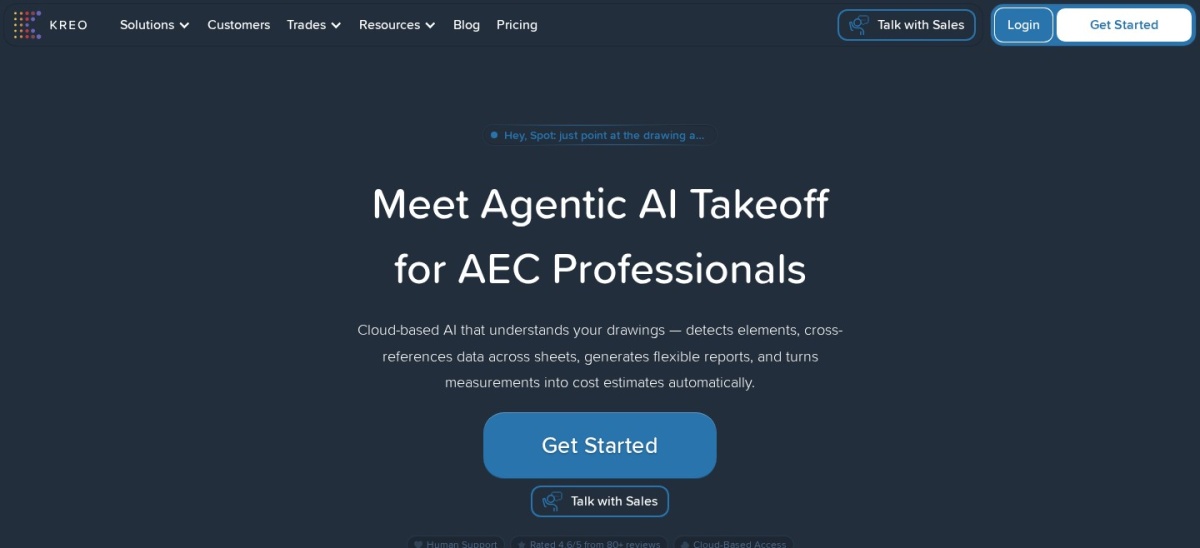
Kreo homepage, captured Nov 2026.
Kreo is a cloud takeoff and estimating platform that measures area, length, volume and count from PDF, CAD and image files in the browser. Essential costs $100 per user a month billed annually and covers manual takeoff and estimating, with 2D and 3D measurement views and Excel import and export.
The trade off is that AI costs more. Auto Measure, Auto Count and the Caddie AI assistant start on Pro at $175 per user a month billed annually, and every plan bills once a year with no monthly option. It suits small contractors and quantity surveyors who want cloud takeoff at a lower entry price.
ProEst is a cloud estimating platform from Autodesk that combines digital takeoffs with cost estimating and bid-day analysis. It offers flexible cost databases, including the ProEst Costbook with over 23,000 regionalized cost lines, and connects to Procore, QuickBooks and Buildertrend.
The trade off is access and price. ProEst is now sold through the Forma for Preconstruction bundle, its price is not published on the vendor site, and the listing figure of $5,000 a year covers unlimited users. It suits enterprise estimating teams that price large, complex jobs.
On-Screen Takeoff is a Windows desktop takeoff program from ConstructConnect, sold for about 30 years to commercial estimators. It measures areas, lengths and counts on screen, and it sits beside ConstructConnect project data, so estimators can move from finding a job to taking it off in one system.
The trade off is price and platform. The vendor publishes no price, so every deal is a quote, and the tool runs only on Windows with no cloud version. It suits commercial general contractors and specialty subcontractors with a dedicated estimating desk bidding plan-and-spec work.
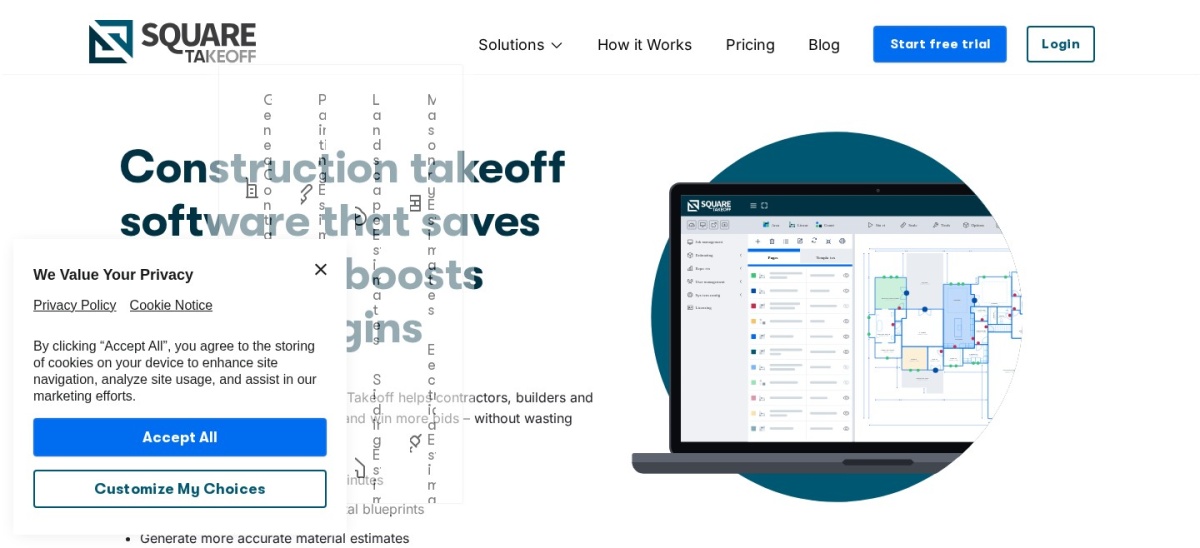
Square Takeoff is an online takeoff and estimating tool with one simple deal: every feature on every plan, and the only choice is how you pay. The annual plan costs $1,699 per user a year with unlimited jobs and storage, a parts catalog for building estimates, and a 14-day trial.
The trade off is the thin public record and the monthly price. Only 10 Capterra reviews support its rating, month-to-month billing costs $249, and it has fewer integrations than the bigger platforms. It suits a small team that wants flat, simple pricing with no tier decisions.
Free plans cover evaluation, not full bidding. STACK is the only tool here with a free plan, and it caps at one active project a month.
Paid plans mostly add unlimited projects and AI. STACK Premium adds AI Takeoffs, Kreo Pro adds Auto Measure, and PlanSwift Core adds Auto Takeoff.
If you bid every week, a paid plan pays for itself in saved hours. If you bid a few jobs a month, start with the free plan or the cheapest desktop tool and upgrade when volume grows.
How we chose
We started from the established preconstruction and takeoff tools with published prices or vendor-provided pricing and a public rating record, then kept eight that cover cloud, desktop and AI takeoff.
Prices come from each vendor's pricing page or a pricing listing that cites it, checked on 29 November 2026. Ratings come from G2 or Capterra on the same day. Where a vendor shows no price, the list says so instead of guessing one.
We left out tools with no verifiable rating on G2, Capterra or Trustpilot. No vendor paid for a place, and we do not claim hands-on testing for this list.
How to choose preconstruction software for takeoffs
Start with where your estimators work, then match the tool to your bid volume.
Check your platform first. If your team uses Macs or works across offices, pick a cloud tool such as STACK or Kreo. Windows-only desks can use PlanSwift or On-Screen Takeoff.
Count your bids per month. A team bidding weekly needs unlimited projects and AI help. A team bidding a few jobs a month can start with Bluebeam or the STACK free plan.
Budget the yearly total, not the monthly figure. A $299 monthly plan costs $3,588 a year per user, so multiply by seats before you compare it with a $2,000 annual licence.
Try it on a real plan set. Use the trial or free plan on a live bid and check the quantities against your manual takeoff before you commit to a year.
FAQ
What is the top preconstruction software for takeoffs in 2026?
STACK is the top pick for most teams. Its cloud takeoff and estimating tools run on any device, the free plan covers one active project a month, and paid plans start at $299 per user a month billed annually.
How much does preconstruction takeoff software cost?
Entry prices run from $260 a year for Bluebeam Revu to a listed $5,000 a year for ProEst. Cloud plans such as STACK Premium and the Togal Growth plan cost $299 per user a month billed annually, while PlanSwift costs $2,000 a seat a year.
Is there a free preconstruction takeoff tool?
STACK is the only tool in this list with a free plan. It covers one active project a month with up to 300 plan pages and 50 measurements, which is enough to test it on a real bid before paying.
Which takeoff tool is best for beginners?
Bluebeam Revu is the easiest starting point if your team already reviews PDFs, since measuring sits inside a familiar tool. STACK is the friendlier cloud option, with a free plan and guided takeoff tools for new estimators.
What is the best takeoff software for Mac users?
STACK is the best pick for Mac users because it runs fully in a browser. Kreo and Togal.AI also run in the cloud, while PlanSwift and On-Screen Takeoff need Windows.
STACK or PlanSwift: which is better for takeoffs?
STACK is better for teams that share bids across offices or use Macs, with cloud takeoff and estimating in one tool. PlanSwift is better for a dedicated Windows estimator who wants the fastest manual takeoff and deep trade assemblies.
SaaS SEO and WordPress specialist with about 8 years of experience. Rakib compares WordPress plugins, themes, hosting and software using public pricing, documentation and user reviews. See how we rank.