WLWPLegible EditorsLast verified 24 Nov 2026How we rank13 min read
★ Short answer
PlanSwift is the best takeoff software for most estimators, with fast point-and-click measurement and built-in estimating at $2,000 a year. Pick STACK for cloud collaboration with a free plan, or Bluebeam Revu if you already live in PDFs and want takeoff for $260 a year.
How we make this list: we compare pricing pages, product documentation and public user reviews, then re-check every price before each update. No product paid for a place. Disclosure.
PlanSwift leads for dedicated takeoff speed, with Auto Count and trade assemblies at $2,000 a seat a year.
STACK is the only tool here with a free plan, and its $299-a-month Pro tier adds AI Assist and estimating.
Bluebeam Revu is the cheapest paid option at $260 a year, but takeoff is a feature, not the whole product.
Togal.AI and Kreo read drawings with AI; Togal.AI costs $299 a user a month, Kreo starts at $35.
ProEst starts at $5,000 a year and On-Screen Takeoff is quote-only, so confirm both with the vendor before you budget.
eTakeoff is the cheapest desktop option at $795 a year, with drawing compare and Excel export.
What takeoff software should cover
A takeoff starts with a plan set. The software measures areas, lengths, volumes and counts from PDF or CAD drawings, then turns those quantities into a priced estimate.
Look for measurement tools first: area and linear takeoff, counts, drawing compare for revisions, and an overlay that shows what changed between plan issues.
Estimating is the second half. Some tools price quantities with assemblies and cost libraries, while others export to Excel or a separate estimating system. Our guide to budgeting for a WordPress website applies the same discipline to project budgets.
Price is the hardest part to compare. One tool here publishes no price at all, and per-user pricing adds up fast on a big team. Start with the cheapest plan that covers takeoff, then check what the next tier adds.
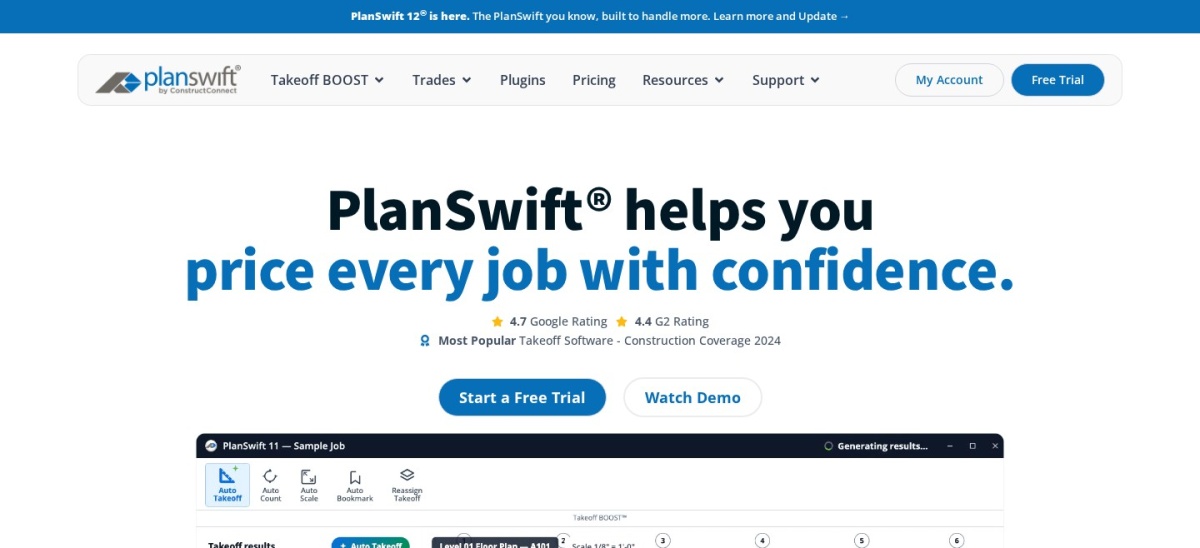
PlanSwift is a Windows desktop takeoff and estimating tool from ConstructConnect. You click or drag on PDF, CAD and image plans to measure areas, lengths and counts, then price them with drag-and-drop assemblies for your trade. Essential costs $2,000 a seat a year and includes Auto Count, Auto Scale and Auto Bookmark.
The trade off is the platform and the price. PlanSwift runs only on Windows, and the $3,000 Core plan is the one with Auto Takeoff, which builds a first-pass takeoff for you. It suits estimators who measure big commercial plan sets all day and want speed over cloud features.
4.5/5on Capterra (1,398 reviews, checked Nov 2026)
Paid from$299/mo
Best cloud takeoff with a free plan
PlatformCloud, any browser
Free plan1 active project a month
AI AssistYes, on paid plans
Viewer seatsUnlimited, free
stackct.com
STACK homepage, captured Nov 2026.
STACK is a cloud takeoff and estimating tool that runs in the browser, so the whole team works on live projects from anywhere. The free plan covers one active project a month, and paid plans add unlimited projects, pre-built item and assembly libraries, and native proposal generation. Pro costs $299 a user a month billed annually.
The trade off is price. The free plan is useful for trying the workflow, but real estimating work needs a paid seat, and $299 a month adds up fast across a team. It suits firms that want takeoff, estimating and proposals in one cloud workspace.
What we like
Only free plan in this list
Cloud collaboration with unlimited viewer seats
Pre-built item and assembly libraries
Proposals built in, no separate tool needed
Watch out for
$299 a user a month is dear for small teams
Browser performance can lag on huge plan sets
AI features assist rather than replace manual takeoff
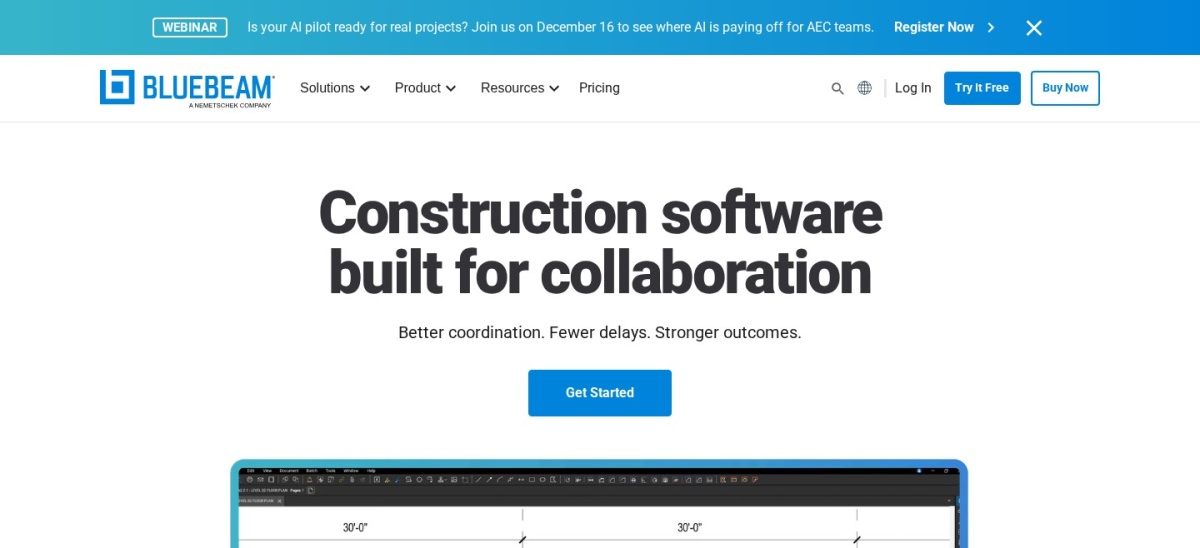
Bluebeam Revu is the plan-review standard that also does takeoff. Length, area, volume and count measurements sit inside the PDF markup workflow most contractors already use, with Studio sessions for real-time team review. Basics costs $260 a user a year and includes measurement tools.
The trade off is depth. Revu measures well but has no built-in cost database, assemblies or labour-hour maths, so pricing still lives in a linked Excel file. It suits teams that already live in Bluebeam for markups and want takeoff without a second subscription.
What we like
Cheapest paid plan in this list at $260 a year
The industry standard for plan markup
Studio collaboration in real time
Measurement tools included from Basics
Watch out for
No estimating engine or cost database
Advanced measurements need higher tiers
No AI takeoff features
Core and Complete add advanced measurement and Dynamic FillVisit bluebeam.com
04
Togal.AI
4.8/5on G2 (61 reviews, checked Nov 2026)
Starts at$299/mo
Best AI takeoff
PlatformBrowser-based
AI takeoffAuto-detect rooms and areas
Symbol searchYes, across plan sets
Free trialNo, demo only
togal.ai
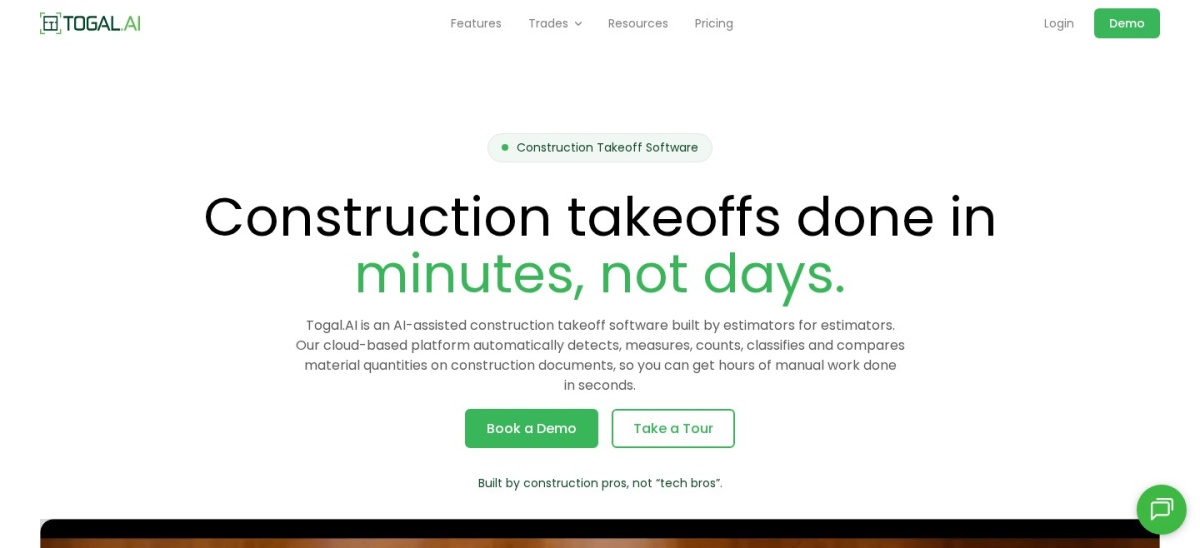
Togal.AI homepage, captured Nov 2026.
Togal.AI is a browser-based takeoff tool that reads a plan set and measures it for you. It detects rooms and areas, counts symbols by image search, compares drawing revisions and answers questions about the plans with Togal.CHAT. Growth costs $299 a user a month billed yearly and includes unlimited automated takeoffs.
The trade off is price and scope. Growth is a $3,588-a-year commitment per seat with no free trial, and Togal.AI produces quantities, not prices, so estimating still happens elsewhere. It suits mid-size teams drowning in plan sets where tracing time is the bottleneck.
What we like
Automatic takeoff in seconds, not hours
Symbol and text search across whole plan sets
Drawing comparison flags revision changes
Unlimited takeoffs on Growth
Watch out for
No free trial, and buying starts with a demo
$299 a user a month, billed yearly only
Quantities only, no estimating or pricing
Business adds onboarding, SSO and quantity discountsVisit togal.ai
05
Kreo
4.6/5on G2 (44 reviews, checked Nov 2026)
Starts at$35/mo
Best budget AI takeoff
PlatformBrowser-based
Cheapest planLite, $35/mo billed yearly
AI toolsPro plan, $175/mo
Free trial7 days
kreo.net
Kreo homepage, captured Nov 2026.
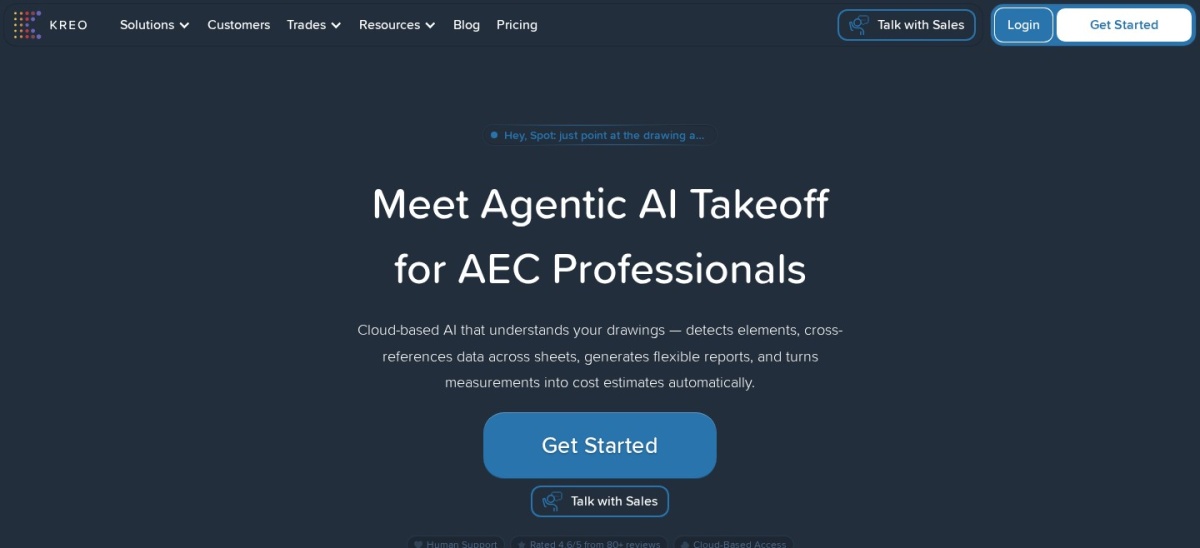
Kreo is a browser-based takeoff and estimating tool that uses computer vision on PDF, CAD and image drawings to auto-measure, count and link measurements to reports and cost assemblies. Lite costs $35 a user a month billed annually, with unlimited projects and storage on every plan.
The trade off is the tier gap. Lite covers drawing collaboration but not the AI measurement tools, which sit on the Pro plan at $175 a user a month. It suits small firms that want to try AI takeoff without a $299-a-month commitment.
What we like
Lowest-priced AI takeoff entry point
Unlimited projects and storage
Works on Windows or Mac with no install
7-day free trial on every plan
Watch out for
AI tools need the Pro plan at $175 a month
Newer vendor with a smaller track record
Accuracy depends on drawing quality
Pro adds Auto Measure, Auto Count and Caddie AIVisit kreo.net
06
ProEst
4.3/5on G2 (63 reviews, checked Nov 2026)
Starts at$5,000/yr
Best takeoff inside a preconstruction platform
PlatformCloud
TakeoffOn-screen, from blueprints
Bid toolsSolicitation and proposals
UsersUnlimited, per vendor
proest.com
ProEst homepage, captured Nov 2026.
ProEst is a cloud preconstruction platform that wraps the estimate in the business around it. Digital takeoff runs on electronic blueprints, and the same system holds contact management, bid solicitation and proposal generation. Pricing starts at $5,000 a year for unlimited users.
The trade off is cost and commitment. At $5,000 a year it is priced for mid-size contractors, not one-person shops, and there is no free trial listed. It suits firms that want one system from first takeoff to signed proposal.
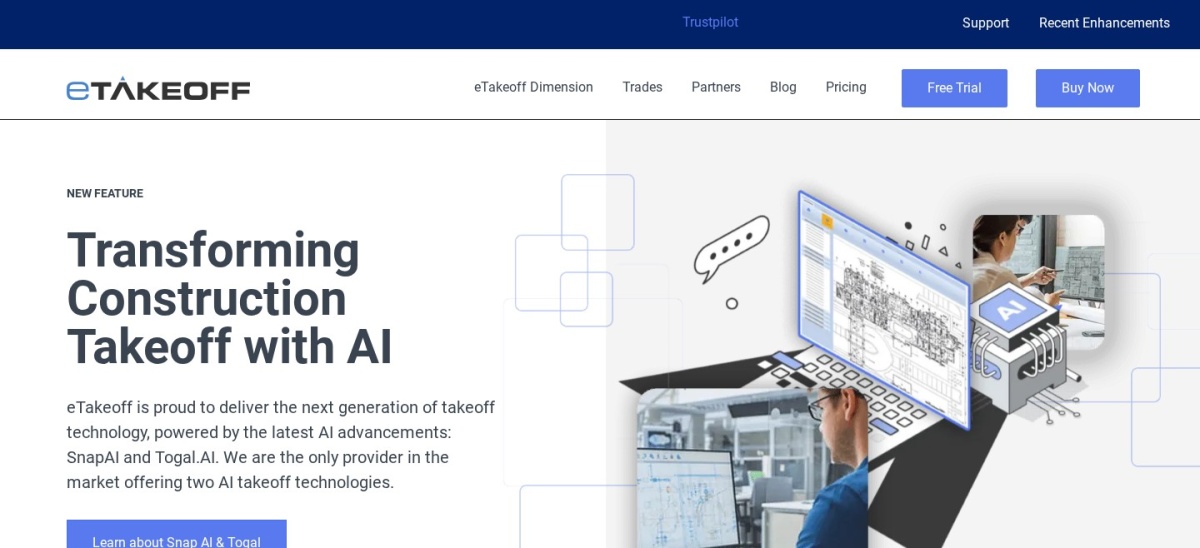
eTakeoff is a Windows desktop takeoff tool that covers the core job at less than half of PlanSwift's price. Advanced costs $795 a user a year and includes measurement tools, drawing overlays and compare, and Excel integration for moving quantities into an estimate.
The trade off is scope. There is no AI layer and no free tier for extended evaluation, and Premier at $1,495 a year is the fuller plan. It suits estimators who want desktop speed and drawing compare without the premium price.
On-Screen Takeoff is a Windows desktop takeoff program from ConstructConnect, sold for about 30 years. It measures areas, lengths and counts on screen and sits beside ConstructConnect's project data, so estimators can move from finding a job to taking it off in one system.
The trade off is price and platform. The vendor publishes no price, so every deal is a quote, and the tool runs only on Windows. It suits commercial estimators already using ConstructConnect to find and bid work.
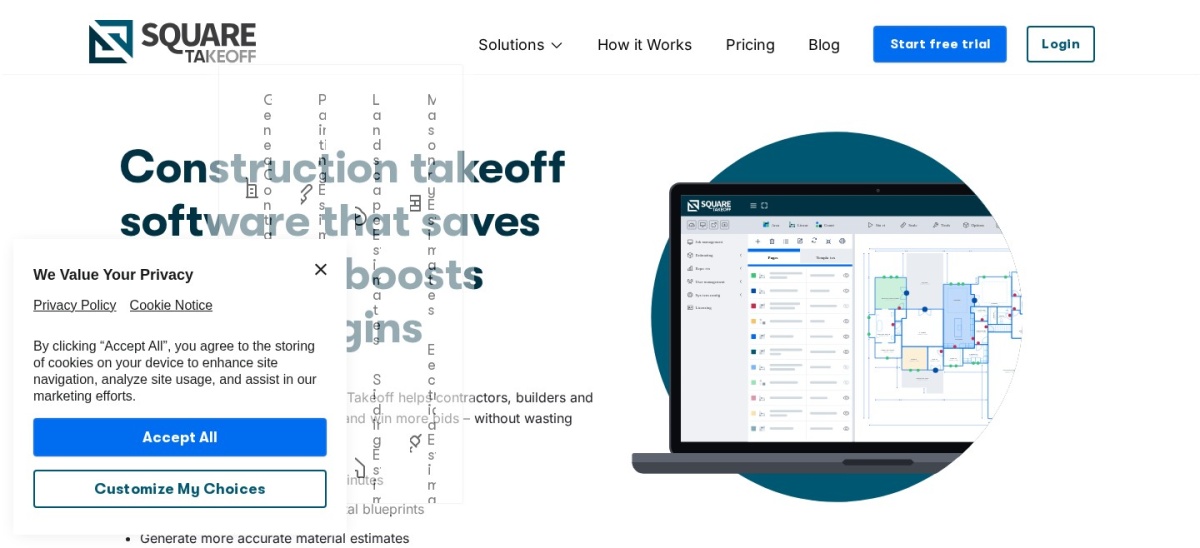
Square Takeoff is an online takeoff and estimating tool with one simple deal: every feature on every plan, and the only choice is how you pay. Month-to-month costs $249, quarterly $599, or $1,699 a year, with unlimited jobs and storage and a parts catalog for building estimates.
The trade off is automation. Square Takeoff has no automatic takeoff mentioned on its site, so an estimator measures on screen, and multiple licences need a call to sales. It suits small contractors who want one simple online tool with no contract.
AI tools read a plan set and return quantities in minutes, while manual tools need an estimator to trace every area. The time saving is real on clean CAD exports and weaker on scanned sketches.
Accuracy is the question, not speed. The best AI tools flag low-confidence measurements instead of guessing, so check what each tool does with a drawing it cannot read clearly.
Run the trial on your ugliest plan set, not the vendor's demo drawings. Compare the AI quantities against a manual takeoff you trust before you pay for a year of seats.
How we chose
We started from the takeoff tools contractors actually buy, then kept nine with published prices or long track records, from dedicated desktop tools to AI readers.
Prices come from each vendor's pricing page or a pricing roundup that cites it, checked on 24 November 2026. Ratings come from G2 or Capterra on the same day. Where a vendor shows a sale, the list shows the regular price.
We left out tools with no verifiable price or rating, and tools that no longer sell standalone. No vendor paid for a place, and we do not claim hands-on testing for this list.
How to choose takeoff software
Start with your plan sets, then match the tool to the way you bid.
Count your plan sets, not your seats. A tool that flies on 20-page residential sets can crawl on 400-page commercial ones. Run the trial on your biggest set.
Decide whether you need estimating too. If pricing lives in Excel, a measurement-only tool such as Bluebeam Revu or Togal.AI is enough. If you want assemblies and proposals, pick STACK, PlanSwift or ProEst.
Check the AI tier, not the headline. Kreo's cheapest plan has no AI tools, and PlanSwift's Auto Takeoff needs Core. Price the tier that does the work you want.
Add up the yearly cost per estimator. Per-user monthly prices look small until you multiply by seats and 12 months. Ask for the renewal price in writing before you sign.
FAQ
What is the best takeoff software?
PlanSwift is the best takeoff software for most estimators. It measures large plan sets fast and turns quantities into priced estimates with trade assemblies, at $2,000 a seat a year. STACK is the best cloud option, and Bluebeam Revu is the cheapest at $260 a year.
How much does takeoff software cost?
Published prices in this list run from $260 a year for Bluebeam Revu Basics to $5,000 a year for ProEst. Most tools charge per user per month, from $35 for Kreo Lite to $299 for STACK Pro and Togal.AI Growth. On-Screen Takeoff is priced by quote.
Is there free takeoff software?
STACK is the only tool in this list with a free plan, covering one active project a month. The other tools offer free trials instead, from 7 days for Kreo to 14 days for PlanSwift, Bluebeam Revu and Square Takeoff. Togal.AI has no trial and sells by demo.
What is AI takeoff software?
AI takeoff software reads a plan set and measures it without an estimator tracing every area. Togal.AI detects rooms and counts symbols, and Kreo auto-measures drawings on its Pro plan. Quantities still need a human check before they go into a bid.
Do I need estimating software as well as takeoff?
It depends on where pricing happens. PlanSwift, STACK, ProEst, Kreo and Square Takeoff price quantities in the same tool. Bluebeam Revu, Togal.AI and eTakeoff measure only, so quantities go to Excel or a separate estimating system.
Does takeoff software work on a Mac?
Cloud tools work on a Mac: STACK, Kreo, Togal.AI and Square Takeoff run in the browser. PlanSwift, On-Screen Takeoff and eTakeoff are Windows desktop programs, while Bluebeam Revu runs on Windows, web and mobile.
Can takeoff software replace an estimator?
No. The software measures faster and cuts arithmetic errors, but someone still has to read the specs, catch missing scope and check quantities before the bid goes out. AI tools are the same: they flag low-confidence measurements for a human to review.