CKEditor is the best TinyMCE alternative for most teams, with a free core, a 4.3 out of 5 G2 rating from 66 reviews and paid plans from $144 a month. Pick Froala for a flat $899 yearly licence with AI and collaboration included, or Quill if you want a free editor with a simple API.
How we make this list: we compare pricing pages, product documentation and public user reviews, then re-check every price before each update. No product paid for a place. Disclosure.
CKEditor leads: free core, 4.3/5 on G2 from 66 reviews, paid plans from $144 a month billed yearly.
Froala costs $899 a year at list price, with unlimited loads, AI Assist and collaboration in every licence.
Tiptap's open-source core is free; its cloud platform starts at $49 a month billed yearly.
Four of the seven editors are free: Quill, Summernote, Simditor and VisualEditor cost $0.
Summernote has the highest G2 rating here at 4.7/5, but it is built on jQuery and Bootstrap.
What should you look for in TinyMCE alternatives?
Price is the first split. TinyMCE alternatives range from free open-source editors to CKEditor at $144 a month, so the budget decides the shortlist before features do.
Licensing matters as much as price. CKEditor meters by editor loads, Froala charges one flat yearly licence, and Tiptap's core is free while its cloud platform is metered by documents.
The editor model is the real choice. Drop-in WYSIWYG editors such as CKEditor and Froala work out of the box, while headless frameworks such as Tiptap give you full control over the interface. Our guide on how to use the WordPress block editor shows the same trade-off inside WordPress.
Ratings in this niche are thin. G2 counts range from 4 reviews for Tiptap to 188 for Froala, so treat the scores as a rough signal and check the documentation before you commit.
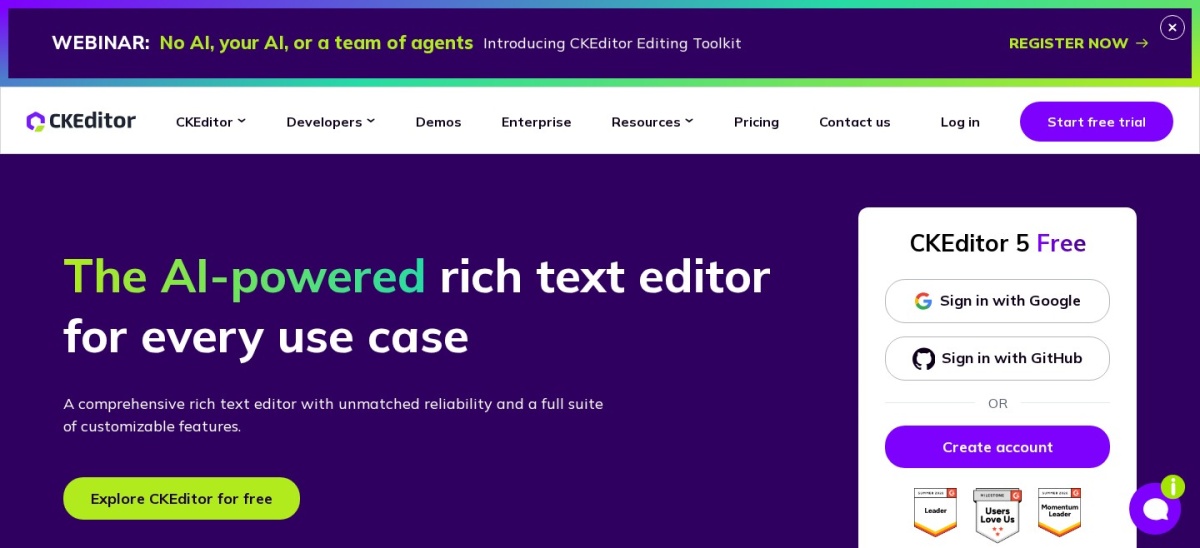
CKEditor is a full-featured rich text editor with a free core under an open-source licence and paid cloud plans. The free plan covers 1,000 editor loads a month, core editing, mentions and Word and PDF export, while Essential adds email editing and 5,000 loads.
The trade off is price. Essential costs $144 a month billed yearly, and collaboration is a paid add-on at $249 a month, so a full setup climbs fast. It suits teams that want a polished drop-in editor with support and are happy to pay per load.
What we like
Free core with 1,000 editor loads a month
Largest feature set in this list, with Word and PDF export
Professional support on paid plans
Rated 4.3 out of 5 on G2 from 66 reviews
Watch out for
Paid plans start at $144 a month, the highest entry price here
Collaboration costs $249 a month extra
Load-based pricing needs volume estimates up front
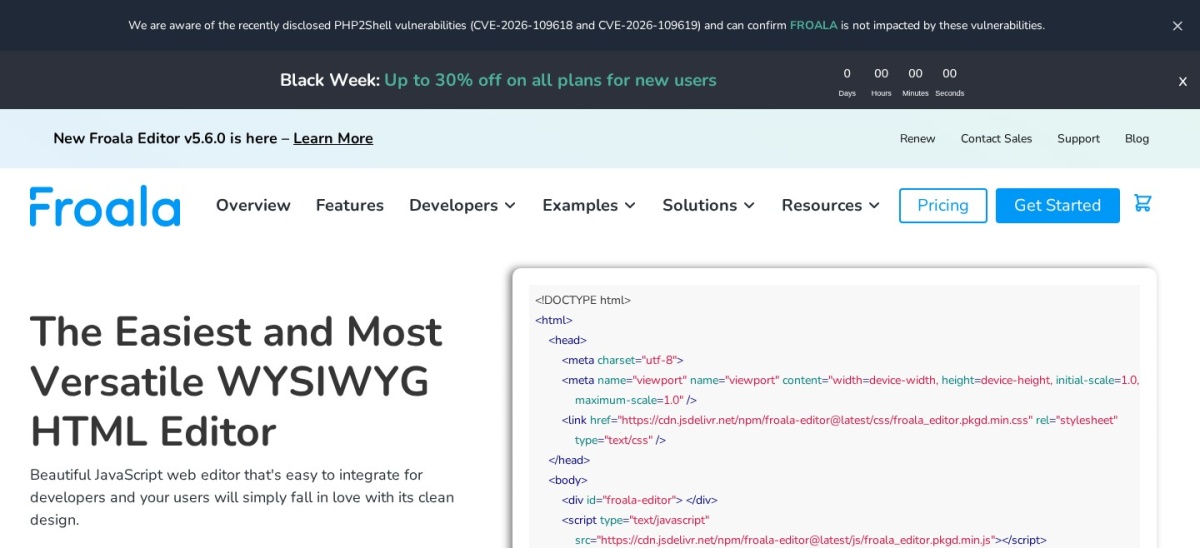
Froala Editor is a self-hosted WYSIWYG editor sold as one flat yearly licence. Professional costs $899 a year and covers one product on three domains, with unlimited users, unlimited editor loads, AI Assist, comments and version history included.
The trade off is the licence scope. Professional only covers internal and mobile apps, so SaaS products need Enterprise at $1,999 a year. It suits teams that want a fixed yearly bill with no usage meters.
What we like
One flat yearly price with no usage meters
AI Assist, comments and version history in every licence
Most G2 reviews in this list at 188
Self-hosted, so no content passes through Froala servers
Watch out for
No free plan, only a 30-day trial
Professional bars SaaS and OEM use
Page currently shows $719 as a first-term sale, not the list price
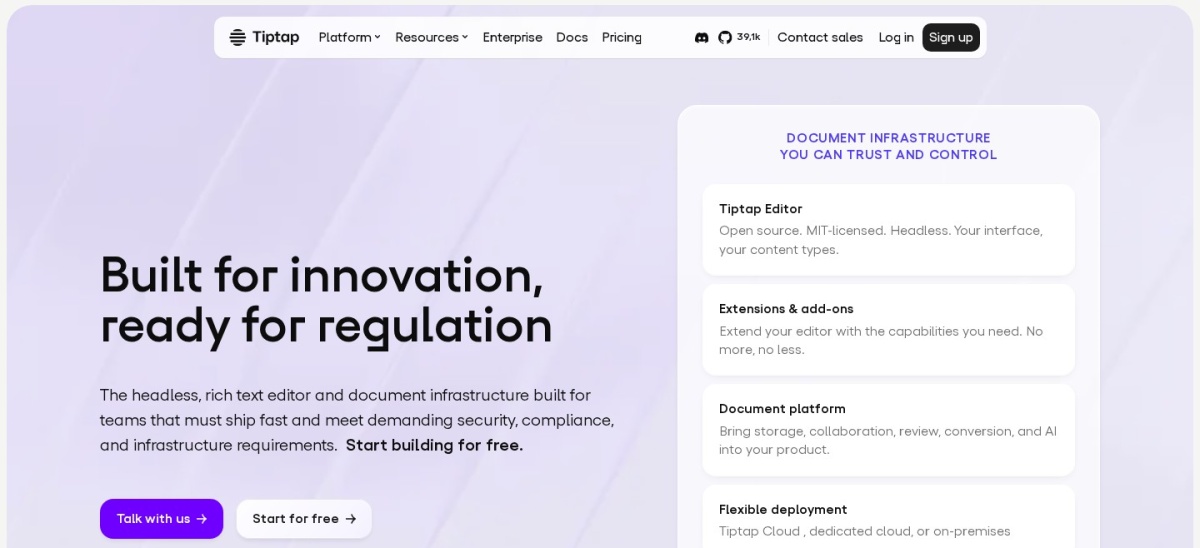
Tiptap is a headless, open-source editor framework built on ProseMirror, with more than 100 extensions. The MIT-licensed core is free and gives you the document model and commands, while you build the toolbar and interface yourself.
The trade off is the missing interface. Tiptap ships no toolbar or menus, so a simple embed takes more work than CKEditor or Froala, and managed collaboration starts at $49 a month. It suits product teams that want the editor to feel like part of their app.
What we like
Free MIT-licensed core with 100+ extensions
Full control over the interface and document model
Highest G2 rating in this list at 4.6 out of 5
Works with React, Vue, Svelte and plain JavaScript
Watch out for
No toolbar or menus included, so setup takes longer
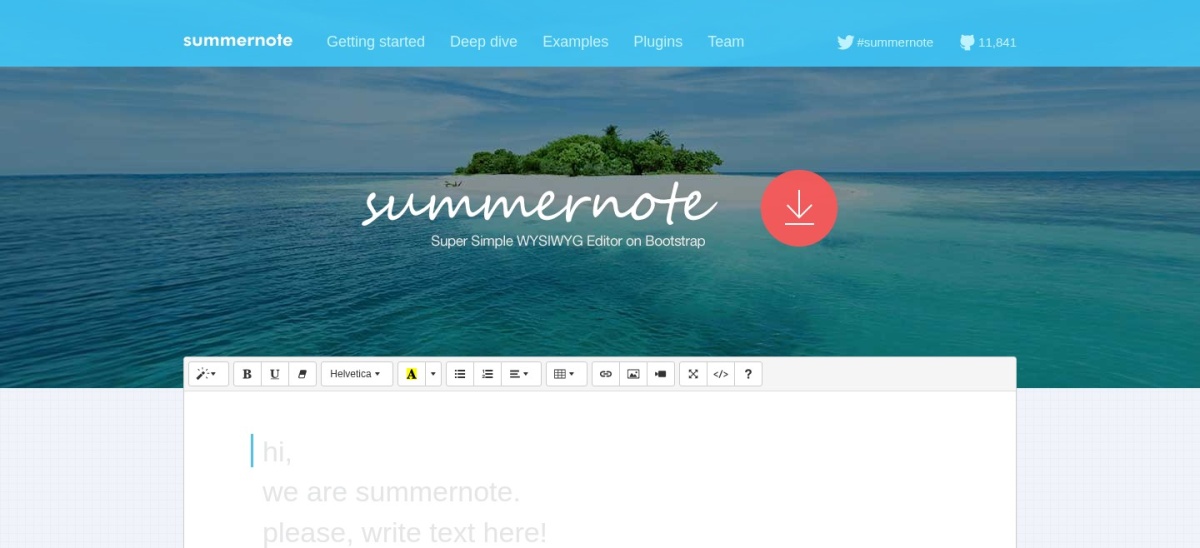
Summernote is a free, open-source WYSIWYG editor built on Bootstrap and jQuery. It adds a familiar toolbar to any page, with drag-and-drop image uploads, tables and code view, and it is rated 4.7 out of 5 on G2 from 39 reviews.
The trade off is its age. Summernote leans on jQuery and Bootstrap, so it fits older stacks better than new ones, and there is no paid plan or support team. It suits simple sites and admin panels that need a quick, free editor.
What we like
Free with no paid tier at all
Highest G2 rating in this list at 4.7 out of 5
Drag-and-drop image uploads built in
Very quick to add to a Bootstrap page
Watch out for
Built on jQuery and Bootstrap, which feels dated beside newer frameworks
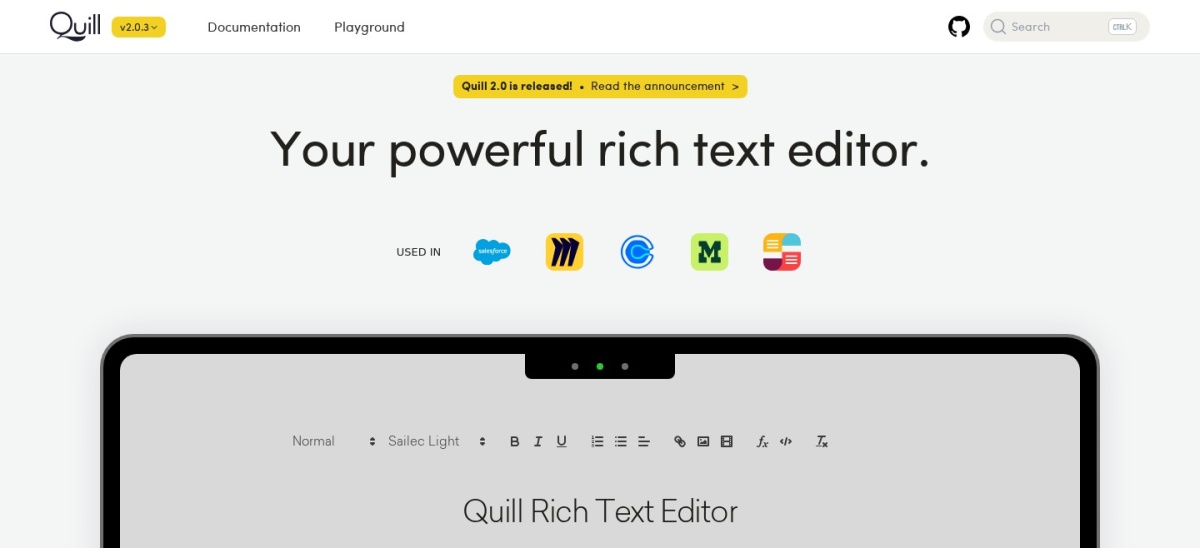
Quill is a free, open-source rich text editor with a modular API and a Delta document format. Version 2.0.3 adds a clean toolbar with Snow and Bubble themes, and npm lists about 15 million monthly downloads.
The trade off is scope. Quill covers the basics well, but tables, collaboration and other extras need modules or custom code, and there is no paid support tier. It suits developers who want a light, free editor they can shape with code.
What we like
Free with a clean, modular API
Delta format keeps content structured and portable
Snow and Bubble themes included
About 15 million monthly npm downloads
Watch out for
Tables and collaboration need modules or custom code
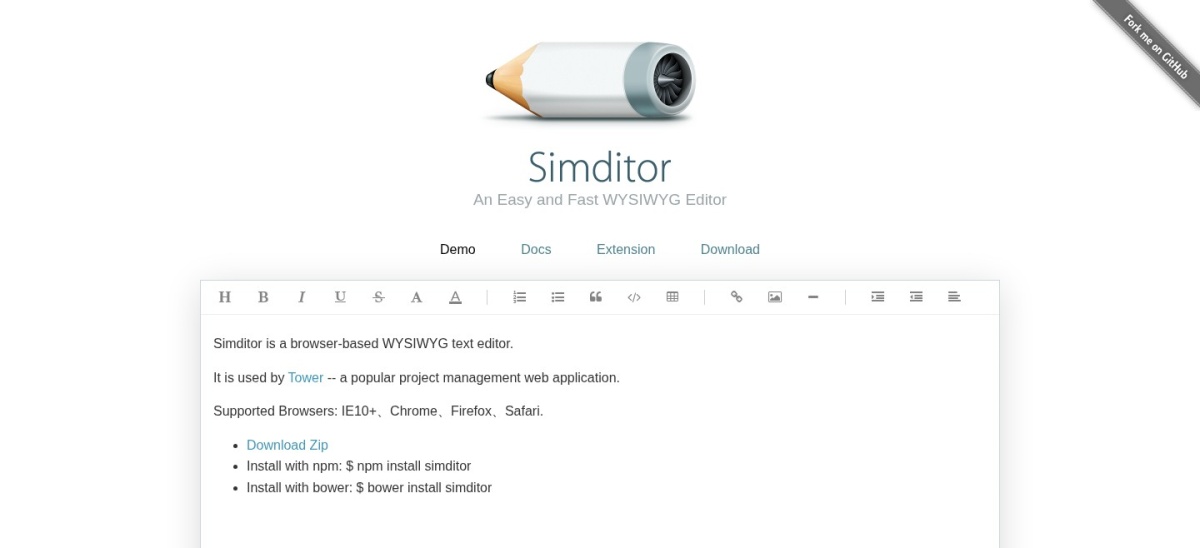
Simditor is a free, open-source WYSIWYG editor from the team behind the Tower project app. It starts from a plain textarea, adds a simple toolbar with image, table and emoji buttons, and installs with npm.
The trade off is its size. Simditor needs jQuery, has the smallest community in this list, and offers no collaboration features. It suits small projects that want a fast, simple editor without a paid plan.
What we like
Free and very light to install
Rated 4.7 out of 5 on G2 from 12 reviews
Simple toolbar with image, table and emoji buttons
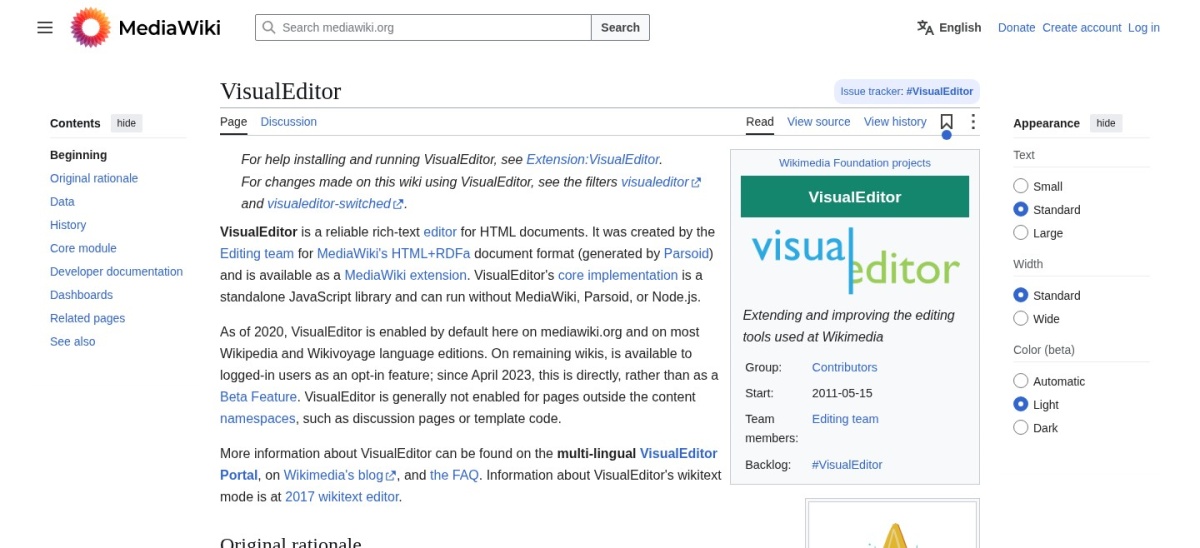
VisualEditor is the free, open-source editor behind Wikipedia, built by the Wikimedia Editing team. Its core is a standalone JavaScript library that runs without MediaWiki, and it has been enabled by default on Wikipedia since 2020.
The trade off is setup. VisualEditor is built for wikis, so running it outside MediaWiki takes more work than the other free editors here, and there is no paid support tier. It suits wiki-style sites and teams that already run MediaWiki.
The four free editors cost nothing and cover the basics. Quill, Summernote, Simditor and VisualEditor all give you a working toolbar, formatting and image support for $0.
Paid plans mostly add support and scale. CKEditor's Essential plan adds professional support and 5,000 editor loads a month, while Froala's $899 licence adds AI Assist, comments and version history.
The gap is collaboration and polish. Real-time co-editing, comments and track changes sit behind paid tiers in CKEditor, Froala and Tiptap, while the free editors leave you to build those features yourself.
For a hobby site or admin panel, a free editor is enough. For a product that earns money, the first year of a paid plan often costs less than one week of developer time spent rebuilding missing features.
How we chose
We started from every established rich text editor commonly named as a TinyMCE replacement, then kept the seven with a public rating on G2.
Prices come from each vendor's pricing page, checked on 29 November 2026. Ratings and review counts come from G2 on the same day. Where a vendor shows a sale, the list shows the regular price.
We left out editors with no public rating, including Editor.js, Jodit, Lexical, ProseMirror and Redactor. No vendor paid for a place, and we do not claim to have used these tools ourselves.
How to choose a TinyMCE alternative
Start with how the editor will be used, then match the price model to your traffic.
Decide drop-in or headless. CKEditor, Froala and the free editors work out of the box. Tiptap needs you to build the interface, so pick it only if the editor must match your product.
Check the price meter. CKEditor charges by editor loads, Froala charges one flat yearly licence, and Tiptap charges by cloud documents. Estimate your volume before you pick.
Test the free tier first. CKEditor, Tiptap and Froala all offer a free core or trial. Try the editor in your own app before you pay.
Match the stack. Summernote and Simditor fit jQuery and Bootstrap projects, while Tiptap fits React, Vue and Svelte apps. See how to add HTML in WordPress if you are embedding an editor there.
FAQ
What is the best TinyMCE alternative in 2026?
CKEditor is the best TinyMCE alternative for most teams. Its free core covers 1,000 editor loads a month, it is rated 4.3 out of 5 on G2 from 66 reviews, and paid plans start at $144 a month billed yearly.
Is there a free alternative to TinyMCE?
Yes. Quill, Summernote, Simditor and VisualEditor are all free and open source, and CKEditor and Tiptap both have a free core. Quill is the simplest free pick for developers, while Summernote fits Bootstrap sites.
How much does CKEditor cost?
CKEditor's paid plans start at $144 a month billed yearly for Essential, which covers 5,000 editor loads a month. Professional costs $289 a month billed yearly, and the collaboration add-on costs $249 a month.
Is Froala cheaper than CKEditor?
It depends on volume. Froala costs $899 a year at list price with unlimited loads, while CKEditor Essential costs $1,728 a year for 5,000 loads a month. Froala is cheaper for busy sites, and CKEditor is cheaper at low volume.
Which TinyMCE alternative is best for beginners?
Summernote is the easiest free option for simple sites, with a familiar toolbar and no setup beyond a script tag. Quill is the better free pick if you want a modern API and themes.
CKEditor vs Froala: which should I pick?
Pick CKEditor if you want a free core, a large plugin set and support, starting at $144 a month. Pick Froala if you want one flat $899 yearly licence with unlimited loads, AI Assist and collaboration included.
Is Tiptap really free?
The Tiptap editor framework is free under the MIT licence, and you can self-host it without paying. You only pay for the managed platform, which starts at $49 a month billed yearly for cloud documents and collaboration.
SaaS SEO and WordPress specialist with about 8 years of experience. Rakib compares WordPress plugins, themes, hosting and software using public pricing, documentation and user reviews. See how we rank.