Connecteam is the best time clock software for warehouses for most teams, because it combines GPS clock-ins, scheduling, forms and team chat in one app from $29 a month for the first 30 users. Pick Deputy when labor law compliance matters most, and Clockify when you want a free clock with simple reports.
How we make this list: we compare pricing pages, product documentation and public user reviews, then re-check every price before each update. No product paid for a place. Disclosure.
Connecteam gives warehouses a clock, scheduling, forms and chat in one app, with the largest G2 review base here.
Deputy pairs the clock with rosters and labor law controls, which suits warehouses with rotating shifts.
Clockify is the cheapest real start, free for unlimited users with Basic from $3.99 a seat a month.
Buddy Punch holds the highest G2 rating here at 4.8 out of 5, with facial recognition on punches.
When I Work is the cheapest per-user option at $2.50 a user a month, though time tracking can cost extra.
What should warehouse time clock software actually do?
A warehouse time clock has one job that office tools skip: proving the right person clocked in at the right site. Buddy punching at a busy gate, missed breaks and overtime errors all show up in payroll, so verification matters more than dashboards.
The clock has to work where the work happens. Phones, shared kiosk tablets and web clocks each fit different warehouses, and offline mode matters when Wi-Fi drops in a far corner of the building.
GPS and geofencing answer the location question, while photo, PIN, QR and facial checks answer the identity question. The best tools combine both, so a punch carries a time, a place and a face.
Price is rarely per-user alone. Some tools charge a base fee plus per-user rates, others sell blocks of users, and a few charge per location. Model the bill for your headcount before you pick.
Connecteam is an all-in-one app for deskless teams, and its Operations hub holds the time clock. Real-time clock in and out with GPS, job scheduling, forms and team chat sit in one mobile app, and the Basic plan costs $29 a month for the first 30 users on annual billing.
The trade off is pricing by blocks. Teams over 30 users pay per extra user, and advanced features such as geofencing need higher tiers. It suits warehouses that want one app for the clock, the roster and the floor, without buying four tools.
Deputy is a scheduling and time tracking tool built for shift-based businesses. The Lite plan costs $5 a user a month and covers basic scheduling, timesheets, time clocking, labor law compliance and leave management, with payroll and HR integrations on top.
The trade off is the monthly minimum. Deputy charges a $30 monthly minimum spend, and biometric clocking and auto-scheduling need the Core plan at $6.50 a user a month. It suits warehouses with rotating shifts and strict break and overtime rules.
What we like
Strongest labor law controls in this list
Scheduling and clock in one workflow
Rated 4.6 out of 5 on G2
Payroll and HR integrations included
Watch out for
$30 monthly minimum spend applies
Biometrics need the Core plan
Per-user pricing climbs as teams grow
Core adds biometrics and auto-scheduling at $6.50 a user a monthVisit deputy.com
03
Clockify
4.5/5on G2 (202 reviews, checked Nov 2026)
Paid from$3.99/seat/mo
Best free time clock for warehouses
Free planYes, unlimited users
Kiosk modeYes, on Basic and higher
GPS trackingAvailable, optional
Paid planBasic, $3.99/seat/mo
clockify.me
Clockify homepage, captured Nov 2026.
Clockify is a time tracker with a kiosk mode that turns a shared tablet into a time clock. The free plan covers unlimited users and projects, and Basic costs $3.99 a seat a month billed annually, adding kiosk controls, time audit and breaks.
The trade off is scheduling depth. Clockify tracks hours against projects and shifts, but it has no real roster builder like Deputy or Connecteam. It suits warehouses that want a free clock with straightforward reports and payroll exports.
What we like
Free plan for unlimited users
Kiosk mode on Basic plans
Simple reports and payroll exports
Rated 4.5 out of 5 on G2
Watch out for
No real scheduling or roster builder
GPS tracking is an add-on, not core
Support is slower on the free plan
Standard adds invoicing and time off from $5.49 a seat a monthVisit clockify.me
04
Buddy Punch
4.8/5on G2 (432 reviews, checked Nov 2026)
Starts at$19/mo
Best for stopping buddy punching at the gate
Free planNo, 14-day trial
Punch checksFace, photo, QR, PIN
Base fee$19/mo plus $4.99/user
PayrollVia integrations, not built in
buddypunch.com
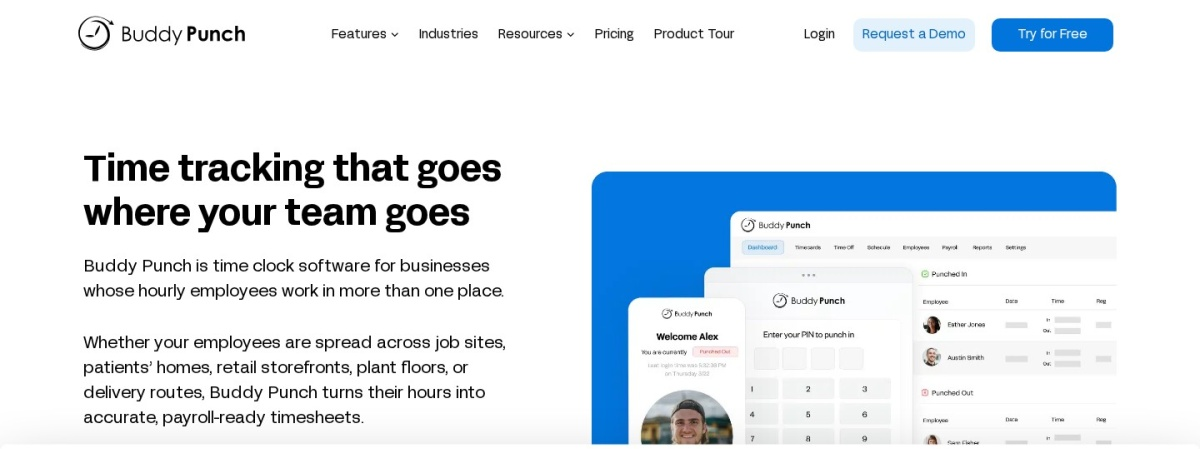
Buddy Punch homepage, captured Nov 2026.
Buddy Punch is a time clock built to stop buddy punching, with GPS location on every punch and facial recognition options. Staff punch in from a computer, phone or kiosk with a PIN, QR code or facial check, and managers can require a selfie at clock-in and set geofence rules.
The trade off is scope. Buddy Punch does not run payroll, so pair it with a payroll tool, and use its payroll links to move approved hours without retyping. It suits warehouses where punch accuracy is the main problem.
What we like
Highest G2 rating here at 4.8 out of 5
Facial recognition, photo and QR checks
GPS and geofence rules on punches
PTO accruals built in
Watch out for
No payroll built in
Base fee plus per-user pricing
Facial recognition needs higher tiers
Pro adds more payroll links and approvals from $6.99 a user a monthVisit buddypunch.com
05
Homebase
4.6/5on G2 (586 reviews, checked Nov 2026)
Paid from$30/location/mo
Best free start for hourly warehouse teams
Free plan1 location, up to 10 employees
Paid planEssentials, $30/location/mo
PayrollAdd-on, $49/mo plus $6 per employee
SchedulingIncluded, with team messaging
joinhomebase.com
Homebase homepage, captured Nov 2026.
Homebase is built for hourly teams in restaurants, retail and other shift-based businesses, and it covers scheduling, time tracking, hiring and messaging. The free plan covers one location with up to 10 employees, and Essentials costs $30 a location a month with more scheduling and time tracking features.
The trade off is multi-location cost. Pricing is per location, which adds up fast for warehouses with several sites. It suits single-site warehouses that want scheduling and a clock for free.
Hubstaff is a time tracking tool with GPS stamps, geofencing and hours by site and department. The Starter plan costs $4.99 a user a month billed annually, and it covers time tracking, GPS, activity levels and payroll integrations for field and warehouse teams.
The trade off is monitoring feel. Optional screenshots and activity tracking can feel heavy for floor staff, so turn them off if you only need hours. It suits warehouses that need GPS proof on every shift.
What we like
GPS stamps and geofencing on every shift
Hours by site and department
Payroll integrations included
Rated 4.4 out of 5 on G2
Watch out for
Monitoring features can feel heavy for staff
No built-in scheduling depth
No free plan, only a trial
Grow adds projects and client budgets from $7.50 a user a monthVisit hubstaff.com
07
Time Doctor
4.4/5on G2 (420 reviews, checked Nov 2026)
Starts at$6.70/user/mo
Best for detailed time records with proof
Free planNo, 14-day trial
ProofScreenshots and app usage
ReportsBy person, project and site
Paid planFrom $6.70/user/mo
timedoctor.com
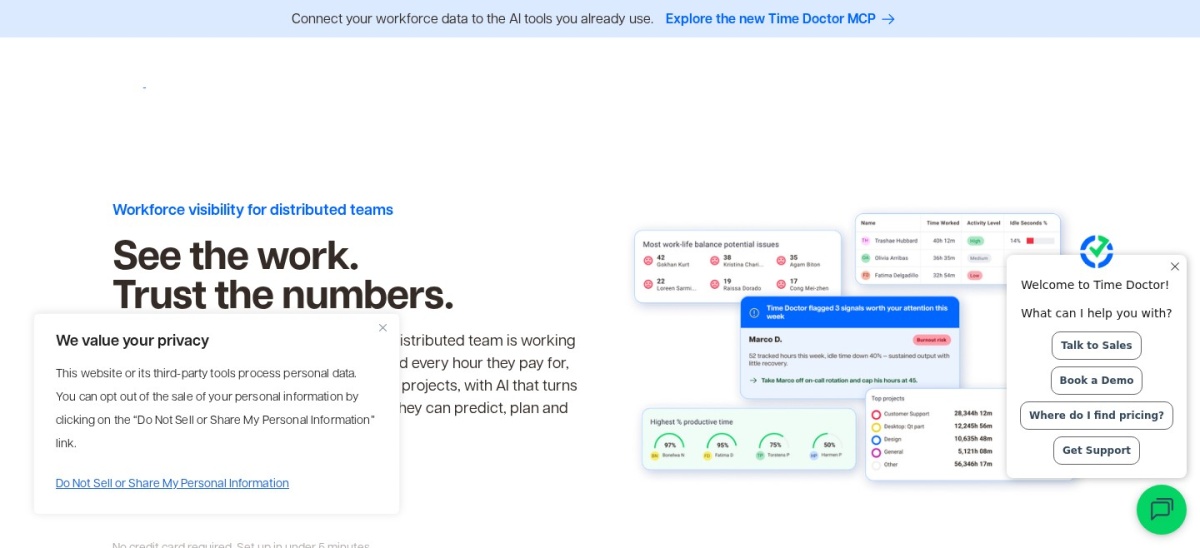
Time Doctor homepage, captured Nov 2026.
Time Doctor is a workforce analytics platform that records work hours with app and website usage, idle-time alerts and screenshots as proof. Paid plans start at $6.70 a user a month, and managers get reports by person, project and site.
The trade off is the monitoring feel. Time Doctor suits warehouses that want detailed records, but floor staff may see screenshots as heavy-handed. It suits teams that need proof of hours for clients or compliance.
When I Work is a scheduling-first app with a built-in time clock for hourly teams. Essentials costs $2.50 a user a month, and staff see schedules, swap shifts and clock in from their phones, with messaging built in.
The trade off is the clock itself. Time tracking can cost extra, and attendance controls are lighter than Buddy Punch or Deputy. It suits warehouses where the schedule changes daily and the clock just needs to follow it.
What we like
Cheapest per-user price in this list
Scheduling and clock in one app
Shift swaps and messaging included
Rated 4.4 out of 5 on G2
Watch out for
Time tracking can cost extra
Lighter attendance controls
No free plan, only a trial
Pro adds more scheduling and labor tools from $5 a user a monthVisit wheniwork.com
09
Jibble
4.7/5on G2 (579 reviews, checked Nov 2026)
Paid from$4.99/user/mo
Best free verified clock-ins at any size
Free planYes, unlimited users
Punch checksFace, GPS, QR, PIN
SchedulingOn paid plans
Paid planFrom $4.99/user/mo
jibble.io
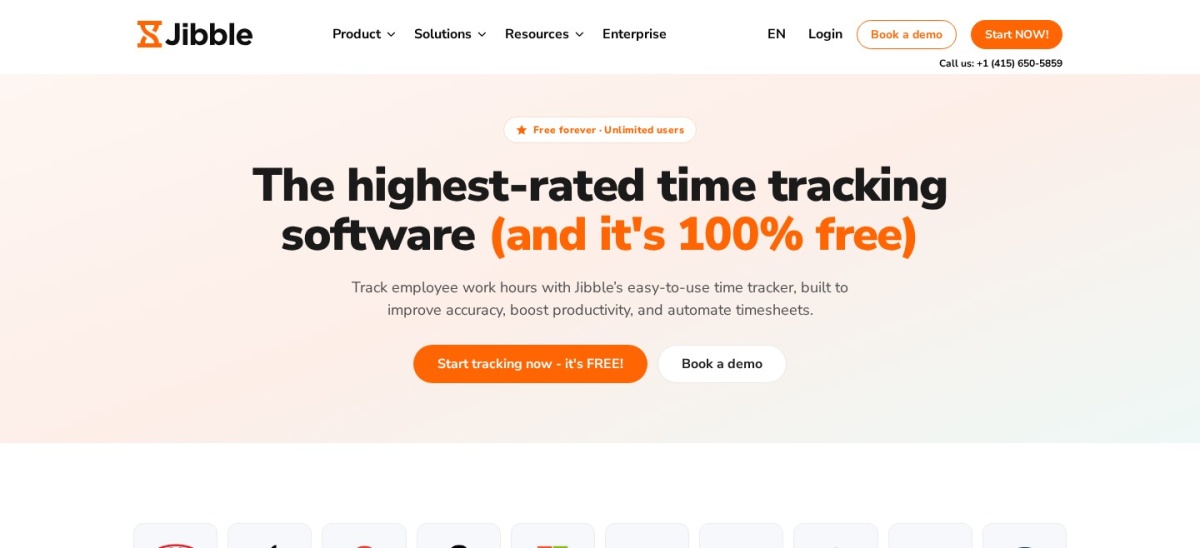
Jibble homepage, captured Nov 2026.
Jibble is a time clock with facial recognition, GPS and QR clock-ins, and its free plan covers unlimited users. Paid plans start at $4.99 a user a month, adding advanced scheduling, approvals and payroll integrations for larger teams.
The trade off is payroll depth. Jibble exports hours cleanly but has no native payroll, so pair it with your payroll tool. It suits warehouses that want verified clock-ins free and are happy to pay only for extras.
What we like
Free plan for unlimited users
Facial recognition and GPS clock-ins
Rated 4.7 out of 5 on G2
Kiosk, mobile and web clock-ins
Watch out for
No native payroll
Facial recognition setup takes time
Smaller review base than Connecteam
Premium adds scheduling and approvals for larger teamsVisit jibble.io
Kiosk vs phone vs web clock: which fits a warehouse?
A shared kiosk tablet at the gate is the fastest option for shift starts, because a whole crew can punch in within minutes. It needs PIN, QR or facial checks, or one worker can punch in for the whole line.
Phone clock-ins with GPS suit warehouses where staff move between sites or yards. Geofencing blocks punches from outside the site, which stops early clock-ins from the car park.
A web clock works for office staff and supervisors, but it is a poor main option on the floor. Most warehouses end up with a kiosk at the gate and phones for everyone else.
How we chose
We started from the time clock tools warehouse teams shortlist most, then kept the nine with GPS or kiosk clock-ins, a free plan or trial, and a published price.
Prices for Connecteam, Deputy and Clockify come from each vendor's pricing page, checked on 30 November 2026. Other prices rest on November 2026 comparisons and are flagged in our notes. Ratings and review counts come from G2 on the same day.
We left out tools with no verifiable rating on G2, Capterra or Trustpilot, and tools built only for office desks. No vendor paid for a place, and we do not claim hands-on testing for this list.
How to choose time clock software for warehouses
Start with how your crew actually arrives for a shift, then match the clock to that moment.
Walk the gate at shift change. Watch how your crew arrives. A single kiosk suits one gate, while phones suit crews that scatter across sites.
Decide what a punch must prove. Pick GPS for location, and photo, PIN, QR or facial checks for identity. Warehouses with buddy punching need both.
Check offline mode and kiosk limits. Wi-Fi drops in big buildings, so the clock must keep working offline. Check how many kiosks and geofence sites each plan allows.
Model the bill for your headcount. Base fees, per-user rates and user blocks price very differently at 12 and 50 staff. See our best payroll software for small business guide for what happens after the hours are approved.
FAQ
What is the best time clock software for warehouses in 2026?
Connecteam is the best pick for most warehouses, because it combines GPS clock-ins, scheduling, forms and team chat in one app from $29 a month for the first 30 users. Deputy is better for strict labor rules, and Clockify is the best free start.
How much does time clock software for warehouses cost?
Paid plans in this list start at $2.50 a user a month for When I Work and run to $29 a month for Connecteam's first 30 users. Most warehouses pay $3 to $6 a user a month, plus a base fee on Buddy Punch.
Is there a free time clock app for warehouses?
Yes. Connecteam, Clockify, Homebase and Jibble all offer free plans, with Connecteam free for small teams and Clockify free for unlimited users. Free plans cap features, so check kiosk and GPS limits before you commit.
Which time clock is best for a small warehouse?
Clockify is the cheapest start, with a free plan and Basic from $3.99 a seat a month. Homebase is the best free option when you also need hiring and scheduling for one location.
Buddy Punch vs Connecteam: which is better for warehouses?
Buddy Punch is better when punch verification matters most, with facial recognition, photo and QR checks on every punch. Connecteam is better when you want scheduling, forms and chat in the same app as the clock.
Does warehouse time clock software need GPS?
It helps a lot when staff work across sites or yards, because GPS stamps and geofencing prove each punch happened on site. A single-site warehouse with a gate kiosk can skip GPS and use PIN or facial checks instead.
SaaS SEO and WordPress specialist with about 8 years of experience. Rakib compares WordPress plugins, themes, hosting and software using public pricing, documentation and user reviews. See how we rank.