Todoist is the strongest overall choice among things alternatives, holding a 4.5 out of 5 rating on G2 across 832 reviews with apps on desktop, web, and mobile. For built-in habits and focus timers, TickTick fits closely, while OmniFocus suits deep Getting Things Done workflows on Apple devices.
How we make this list: we compare pricing pages, product documentation and public user reviews, then re-check every price before each update. No product paid for a place. Disclosure.
Todoist rates 4.5/5 on G2 across 832 reviews and starts at $5/mo billed annually on Pro.
TickTick costs $49.99/yr on Premium and bundles habits, a calendar, and a Pomodoro timer.
OmniFocus offers a $74.99 one-time Standard license or $99.99/yr subscription with web access.
Any.do starts free and prices Premium at $4.99/mo billed annually with WhatsApp reminders.
Notion rates 4.6/5 on G2 across 14,033 reviews and starts at $10/seat/mo billed annually on Plus.
How do you choose among things alternatives?
Platform reach is the first filter when moving past Things 3. Things 3 stays on Apple hardware without a web app, so cross-platform teams and mixed-OS households often need web, Windows, or Android support.
Pricing models split sharply between recurring subscriptions and one-time licenses. A subscription keeps cloud sync, web clients, and ongoing updates active, whereas a one-time license limits upgrades to a major release or charges extra for web access.
Task structure determines how much daily friction you accept. Lightweight list tools capture quick to-dos fast, while database workspaces and milestone planners add overhead that only pays off for multi-step projects.
Free tiers vary widely in real-world limits. Some apps cap active projects, shared list members, or reminders early, turning a free plan into a trial rather than a daily workspace.
Todoist is a cross-platform task manager with natural-language due dates, project views, and third-party integrations. Its free plan includes 5 active projects, up to 5 collaborators per project, and 3 filters.
The trade off is that custom reminders and larger project limits require Pro at $5 per user per month billed annually, or $60 per year. It suits individuals and small teams who want quick task capture across every operating system.
What we like
Runs across web, desktop, and mobile operating systems
Parses dates and times quickly from natural text entry
Supports 300 active projects and up to 25 collaborators on Pro
Connects with email, calendar, and productivity apps
Watch out for
Free plan caps active projects at 5 and omits custom reminders
Lacks built-in time tracking without third-party integrations
Paid Pro plan adds 300 active projects, custom reminders, calendar and table layouts, and 150 filters.Visit todoist.com
02
TickTick
4.5/5on G2 (114 reviews, checked Nov 2026)
Paid from$49.99/yr
Best for tasks, habits, and focus timers together
G2 Rating4.5 / 5 (114)
Entry Paid Plan$49.99/yr
Free Tier9 lists, 5 habits
PlatformsWeb, Mac, Win, iOS, Android
ticktick.com
TickTick homepage, captured Nov 2026.
TickTick is a task manager that pairs to-do lists with built-in habit tracking, calendar views, and a Pomodoro timer. Its free plan covers up to 9 lists, 99 tasks per list, 2 reminders per task, and 5 habits.
The trade off is that full calendar views, task duration, and up to 299 lists or habits require Premium at $49.99 per year. It suits users who want daily routines and focus sessions inside one app without paying per seat.
What we like
Includes habit tracking and a focus timer inside the task app
Priced at $49.99 per year for an individual account
Available across desktop, web, and mobile platforms
Watch out for
Free plan restricts list count, reminders per task, and calendar views
Feature-dense menus can feel busy at first
Paid Premium plan raises limits to 299 lists, 999 tasks per list, and adds multiple calendar views and task duration.Visit ticktick.com
03
OmniFocus
4.6/5on Capterra (86 reviews, checked Nov 2026)
Starts at$74.99 one-time
Best for structured GTD workflows on Apple devices
Capterra Rating4.6 / 5 (86)
Entry Paid Plan$74.99 one-time
Free TierNo permanent free plan
PlatformsMac, iPhone, iPad, Vision Pro, Web
omnigroup.com
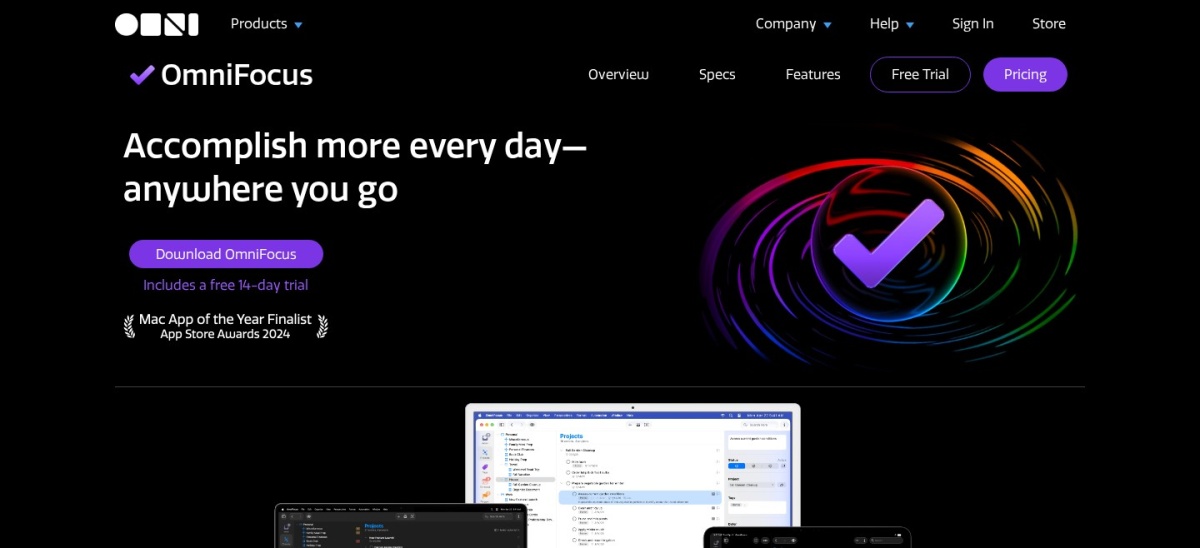
OmniFocus homepage, captured Nov 2026.
OmniFocus is a task management app built around Getting Things Done reviews, defer dates, and nested project hierarchies. It offers no permanent free tier, starting with a $74.99 one-time Standard license for Apple devices.
The trade off is a steeper setup curve and a $99.99 per year subscription if you want continuous access to the latest Pro version and web access. It suits Apple users who manage complex, multi-step personal or consulting projects.
What we like
Offers a $74.99 one-time purchase option for version 4 Standard
Supports structured project reviews and task deferment
Provides a web companion option for browser access
Watch out for
No free tier after evaluation
Requires more setup than simple checklist apps
Paid Pro license or subscription adds custom perspectives, automation, and web access.Visit omnigroup.com
04
Any.do
4.2/5on G2 (208 reviews, checked Nov 2026)
Paid from$4.99/mo
Best for daily planning and WhatsApp reminders
G2 Rating4.2 / 5 (208)
Entry Paid Plan$4.99/mo billed annually
Free TierFree personal plan
PlatformsWeb, Mac, Win, iOS, Android
any.do
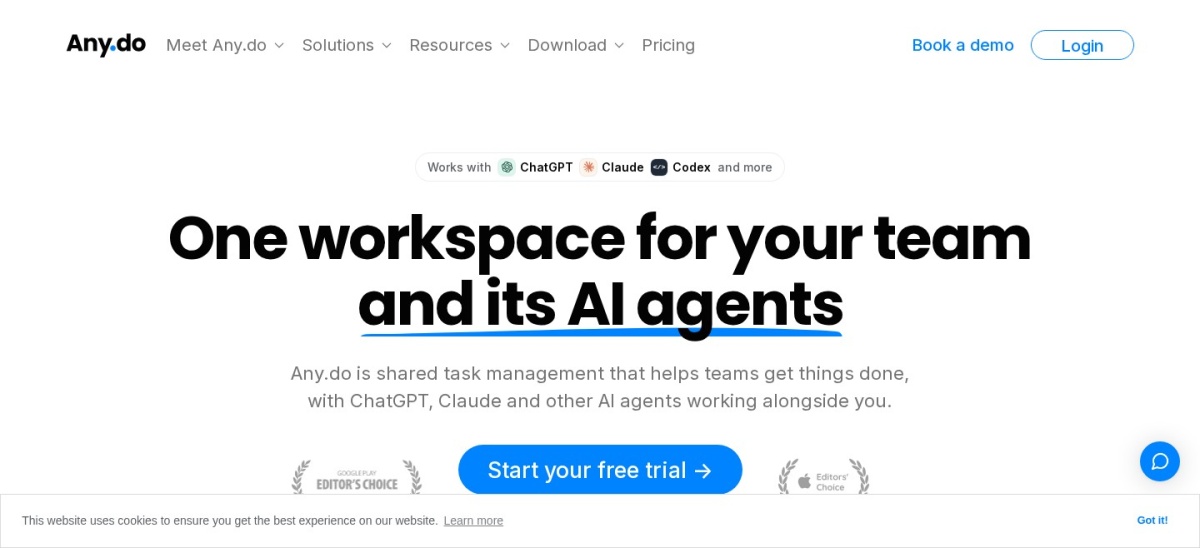
Any.do homepage, captured Nov 2026.
Any.do is a task list and daily planner that pairs to-dos with calendar views and guided daily check-ins. Its free personal plan includes tasks, lists, reminders, calendar access, and cross-device sync.
The trade off is that recurring tasks, location reminders, and WhatsApp reminders require Premium at $4.99 per month billed annually, or $7.99 billed monthly. It suits users who want a visual daily agenda and chat reminders.
What we like
Includes a free personal tier with cross-device sync
Offers WhatsApp and location-based reminders on Premium
Combines daily planning with calendar views
Watch out for
Recurring tasks are locked behind the paid plan
Monthly billing costs $7.99 per month compared to annual billing
Paid Premium plan adds recurring tasks, WhatsApp reminders, location alerts, color tags, and AI tools.Visit any.do
05
Superlist
4.5/5on G2 (27 reviews, checked Nov 2026)
Paid from$59/yr
Best for mixing notes and shared to-do lists
Rating4.5 / 5 (Product Hunt)
Entry Paid Plan$59/yr ($5/mo annually)
Free TierUp to 5 private & shared lists
PlatformsWeb, Mac, iOS, Android
superlist.com
Superlist homepage, captured Nov 2026.
Superlist is a list and note app designed for combining checklists, notes, and shared tasks across desktop, web, and mobile. Its free plan allows unlimited tasks and notes with up to 5 private and shared lists and up to 5 shared-list members.
The trade off is that unlimited lists, sublists, and integrations require Basic at $59 per year ($5 per month billed annually). It suits people who like keeping free-form notes right beside actionable checklists.
What we like
Combines notes and tasks in one modern interface
Free tier supports unlimited tasks and notes across 5 lists
Runs on macOS, iOS, Android, and the web
Watch out for
Free plan caps active private and shared lists at 5
Smaller review footprint than long-running task managers
Paid Basic plan unlocks unlimited lists, sublists, shared list members, integrations, and 25 GB storage.Visit superlist.com
06
Remember The Milk
4.4/5on G2 (16 reviews, checked Nov 2026)
Paid from$49.99/yr
Best for power users who rely on smart tags and rules
G2 Rating4.4 / 5 (16)
Entry Paid Plan$49.99/yr
Free TierBasic tasks, sync & sharing up to 2
PlatformsWeb, Desktop, iOS, Android
rememberthemilk.com
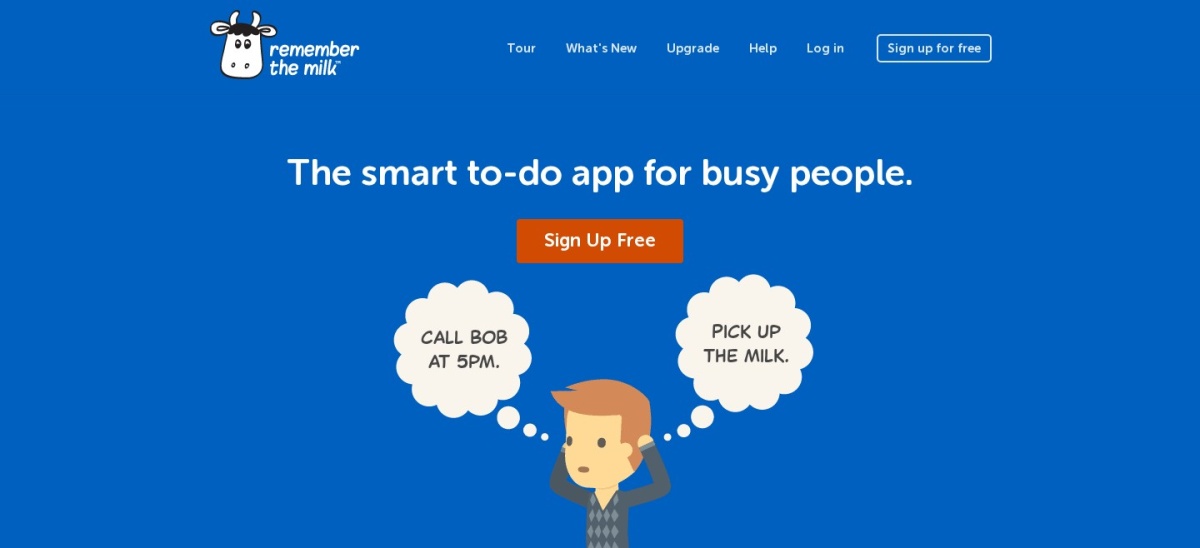
Remember The Milk homepage, captured Nov 2026.
Remember The Milk is a long-running task manager built around fast keyboard entry, tags, smart lists, and multi-channel reminders. Its free plan includes cross-device sync, core reminders, and list sharing with up to 2 others.
The trade off is that subtasks, unlimited sharing, and offline web access require Pro at $49.99 per year. It suits detail-oriented users who prefer structured tags and custom rules over heavy project boards.
What we like
Flat $49.99 per year Pro price with no per-seat surprise
Strong keyboard shortcuts, tags, and reminder delivery options
Available across web, desktop, and mobile devices
Watch out for
Subtasks and unlimited list sharing require the Pro upgrade
Interface looks more utilitarian than newer visual task apps
Paid Pro plan adds subtasks, unlimited sharing, offline web mode, file attachments, and calendar/automation sync.Visit rememberthemilk.com
07
Notion
4.6/5on G2 (14,033 reviews, checked Nov 2026)
Paid from$10/mo
Best for linking tasks with docs, wikis, and databases
G2 Rating4.6 / 5 (14,033)
Entry Paid Plan$10/seat/mo annually
Free TierFree for individuals
PlatformsWeb, Mac, Win, iOS, Android
notion.so
Notion homepage, captured Nov 2026.
Notion is a modular workspace where tasks and project boards live alongside meeting notes, wikis, and databases. Its free plan supports personal workspace use with pages, blocks, and basic task tracking.
The trade off is higher setup effort and a Plus plan starting at $10 per seat per month billed annually, or $120 per year per seat. It suits people and teams who want project notes and task databases in one place.
What we like
High G2 rating (4.6/5) across 14,033 reviews
Keeps task databases right beside project specs and notes
Works across web, desktop, and mobile platforms
Watch out for
Per-seat pricing adds up quickly as team headcount grows
Requires more configuration than a dedicated to-do app
Paid Plus plan expands file uploads, blocks, and collaborative sharing beyond the individual free tier.Visit notion.so
Do you need Apple-only polish or cross-platform sync?
Things 3 is prized for clean typography and keyboard-driven daily planning on Mac, iPhone, and iPad. If you never touch Windows, Android, or a browser, OmniFocus keeps a focused Apple-centric workflow while adding deeper project reviews and defer dates.
If you check tasks from a work PC, Android phone, or web browser, Todoist, TickTick, Any.do, Superlist, and Notion avoid platform lock-in. Picking a cross-platform tool keeps one source of truth across home and work devices.
How we chose
We built this list of things alternatives by looking at established to-do and task management tools that cover personal planning, daily routines, and project tasks.
All prices, review counts, and ratings were checked on 30 Nov 2026 from each vendor's official pricing or product page and public review listings.
We excluded unverified tools and apps without confirmed public pricing, focusing on active products with clear free or entry-level plans.
No vendor paid for a place, and we do not claim testing for this list.
How to pick the right task manager
Start with your devices and daily workflow before comparing extra features.
Check every device you use during the week. Pick a cross-platform app if you switch between Mac, Windows, Android, or web browsers, or stay on Apple-focused tools if your setup is strictly Mac and iOS.
Test the free tier against your real project count. Count how many active lists, projects, or shared members you need daily so you do not hit a cap after week one.
Compare annual subscription costs against one-time options. Check the regular annual price per user or account rather than short-term promos so your ongoing software budget stays predictable.
Match view depth to how your work is organized. Choose a fast to-do list if you want simple daily checklists, or pick a workspace or GTD app if tasks depend on notes, dates, or multi-step reviews.
FAQ
What are the best things alternatives in 2026?
Todoist is the top overall choice for cross-platform task management, while TickTick fits users who want habits and focus timers built in. OmniFocus suits Apple users who want structured review workflows.
What is the best free alternative to Things 3?
Todoist, TickTick, and Any.do all offer free plans that let you try core task capture across devices. Todoist is best for quick cross-device lists, while TickTick is helpful if you want a basic habit tracker alongside tasks.
How much do paid plans on these apps cost?
Entry paid plans range from $49.99 per year on TickTick and Remember The Milk to $60 per year on Todoist billed annually, or a $74.99 one-time Standard license on OmniFocus.
Which option is better for simple daily checklists vs. bigger projects?
Todoist, TickTick, and Any.do handle everyday to-do lists quickly with less setup. Notion fits better when tasks need to stay tied to project notes, wikis, and structured databases.
Todoist vs. TickTick: which should I pick?
Pick Todoist if you want a streamlined task manager with strong cross-platform apps and integrations starting at $5 per month billed annually. Pick TickTick if you want built-in habit tracking, a focus timer, and calendar views at $49.99 per year.
SaaS SEO and WordPress specialist with about 8 years of experience. Rakib compares WordPress plugins, themes, hosting and software using public pricing, documentation and user reviews. See how we rank.