Demio is the best webinar software for customer education teams, starting at $45/month billed annually with no-download browser access, engagement analytics, and automated replays on higher tiers. Zoho Webinar offers the lowest entry price with a free 20-attendee tier and $9/month Standard plans, while Zoom Webinars covers 500-attendee rooms from $66.67/month annually.
How we make this list: we compare pricing pages, product documentation and public user reviews, then re-check every price before each update. No product paid for a place. Disclosure.
Entry prices span $9/month billed monthly on Zoho Webinar Standard ($8/month annually) up to $66.67/month billed annually on Zoom Webinars.
Free plans exist on Zoho Webinar (20 attendees, 60-minute cap) and Livestorm (30 active attendee credits per year, 20-to-30-minute sessions).
Automated and evergreen training sessions usually sit above entry tiers, such as Demio Growth ($80/host/month annually) and EasyWebinar Growth ($116/month).
Per-host billing on Demio and GoTo Webinar multiplies annual software budgets quickly when multiple trainers run concurrent onboarding cohorts.
Zoom Webinars starts at a 500-attendee room ($66.67/month annually), whereas Crowdcast Lite ($34/month annually) caps live sessions at 100 attendees.
What makes webinar software fit customer education teams?
Customer education teams need more than a live video broadcast; they need repeatable onboarding sessions, handouts, and attendance tracking that ties back to customer records. Unlike one-off marketing launches, product training runs on weekly cohorts and self-serve replay libraries.
Browser-based access removes the biggest friction point for new customers joining a training session from restricted corporate laptops. Platforms like Demio, Livestorm, WebinarGeek, and Zoho Webinar let learners join in one click without installing desktop clients.
Pricing models matter just as much as classroom features once a training program scales across multiple instructors. Per-host plans double your bill when two educators teach at the same hour, while attendee-credit plans like Livestorm charge whenever a user watches either a live session or an on-demand replay.
The 7 best webinar software tools for customer education teams
01
Demio
4.6/5on G2 (171 reviews, checked Nov 2026)
Starts at$45/mo
Best for browser-based onboarding and replays
Entry room cap50 live attendees
Session limit3 hrs (Starter), 8 hrs (Growth)
Automated webinarsGrowth plan and up
Free access14-day free trial (20 attendees)
demio.com
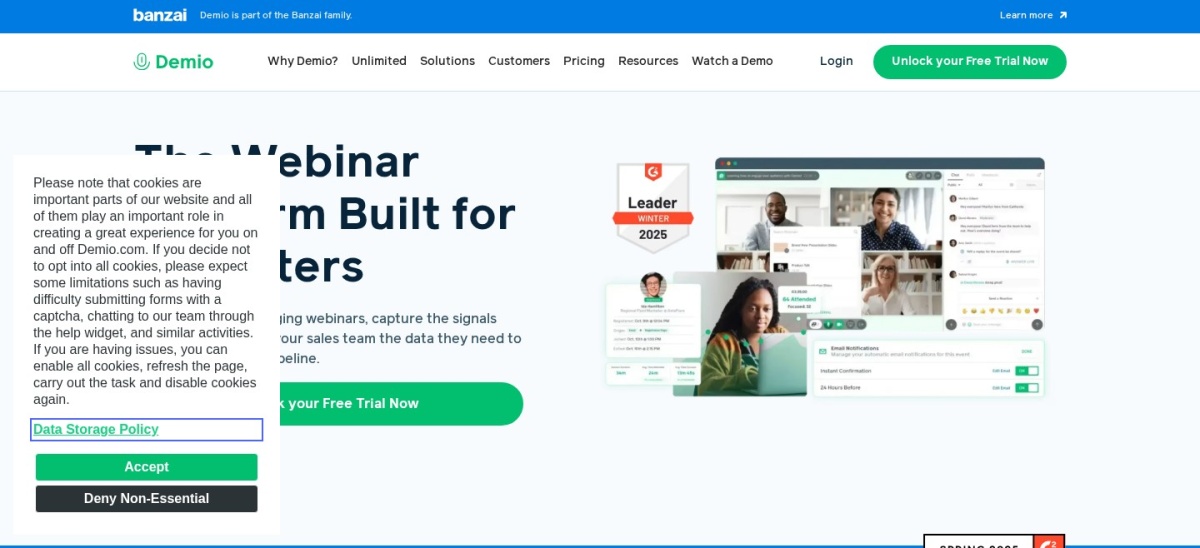
Demio homepage, captured Nov 2026.
Demio is a browser-based webinar platform built for marketing and customer education teams that run recurring live and automated training. Its Starter plan ($45/month billed annually, or $63/month monthly) covers 1 host, a 50-attendee room, 3-hour sessions, 4 people on stage, polls, handouts, and contact-level engagement analytics.
The trade off is per-host billing and gated automation, because pre-recorded on-demand sessions and custom domains require Growth at $80/host/month billed annually, while native HubSpot and Salesforce syncs sit on Premium at $196/host/month. It suits customer education teams that prioritize high attendance rates and clean attendee experience over massive room capacities.
What we like
One-click browser attendance with zero software downloads for learners
Contact-level engagement analytics track watch time, polls, and handout clicks
Built-in Showcase pages organize upcoming and on-demand training series
Demio AI answers attendee chat questions during on-demand sessions
Watch out for
Automated and evergreen webinars are excluded from the Starter tier
Per-host pricing multiplies costs when several trainers host simultaneously
Native HubSpot and Salesforce integrations require the Premium plan
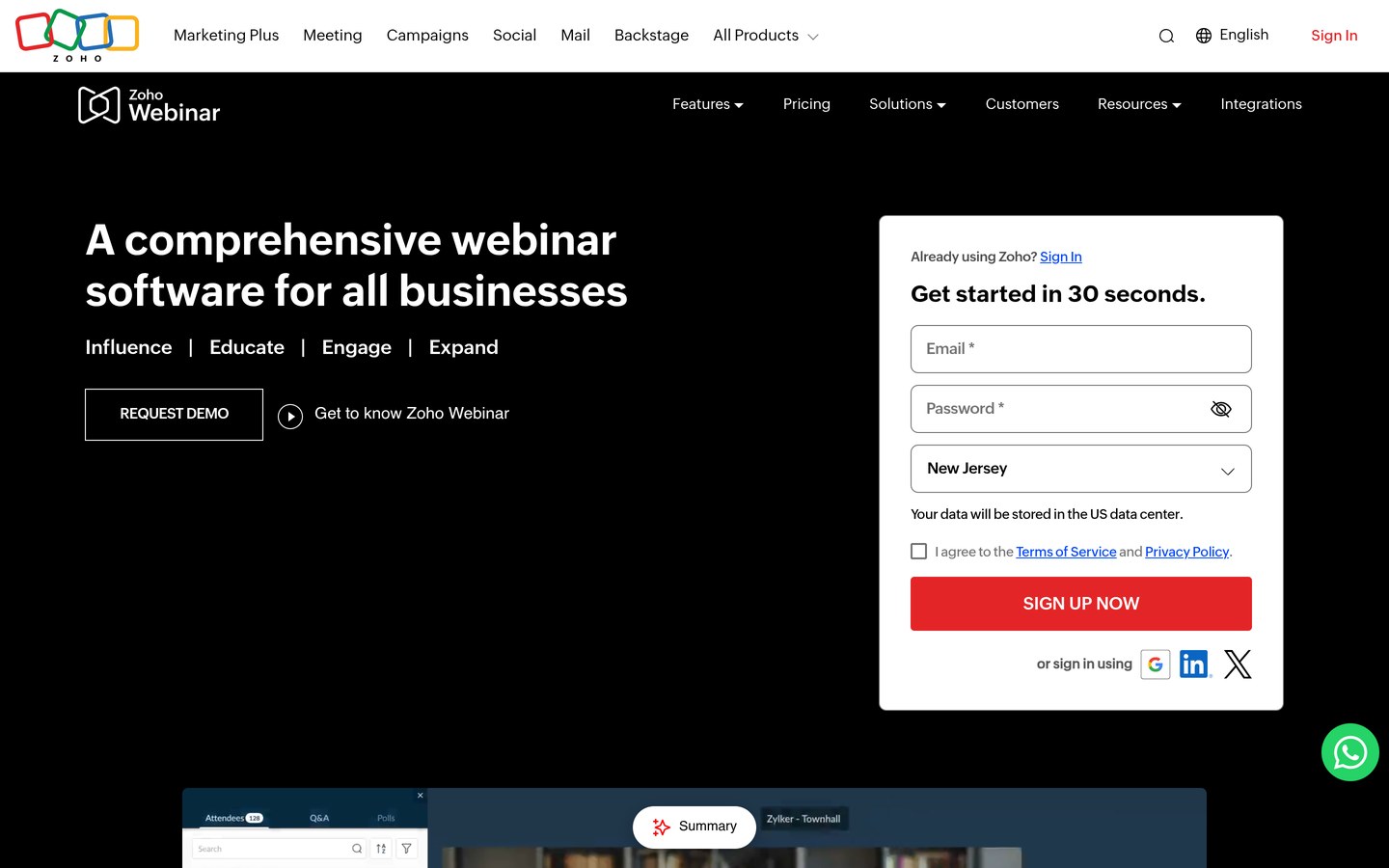
Zoho Webinar is a browser-based webinar tool with a permanent Free plan for up to 20 attendees and 60-minute live sessions including polls, Q&A, and screen sharing. Paid Standard plans start at $9/organizer/month billed monthly (or $8/organizer/month billed annually) for 25 attendees, 24-hour sessions, and 10 GB of cloud recording storage.
The trade off is a dated interface and higher-tier gates for on-demand replays, which require moving up to Enterprise (from $66/organizer/month at higher attendee tiers), while HubSpot integration requires Professional ($19/organizer/month monthly). It suits small customer success teams and Zoho CRM shops running frequent small-cohort onboarding.
What we like
Permanent free tier covers up to 20 attendees with polls and Q&A
Lowest paid starting price on the list at $9/month monthly ($8/month annually)
Native sync with Zoho CRM, Zoho Campaigns, and Zoho Marketing Automation
Paid plans allow sessions up to 24 hours with multiple co-organizers
Watch out for
Free plan does not include cloud recording
On-demand webinars and custom domains are restricted to Enterprise
Interface feels more utilitarian than newer browser webinar tools
Professional ($19/mo monthly) adds HubSpot sync, source tracking, and live social streaming.Visit zoho.com
03
Zoom Webinars
4.5/5on G2 (412 reviews, checked Nov 2026)
Starts at$66.67/mo
Best for large-audience product training
Entry room cap500 live attendees (up to 100,000)
Session limit30 hours per session
Video panelistsUp to 1,000 panelists
Simulive playbackWebinars Plus ($82.50/mo annually)
zoom.us
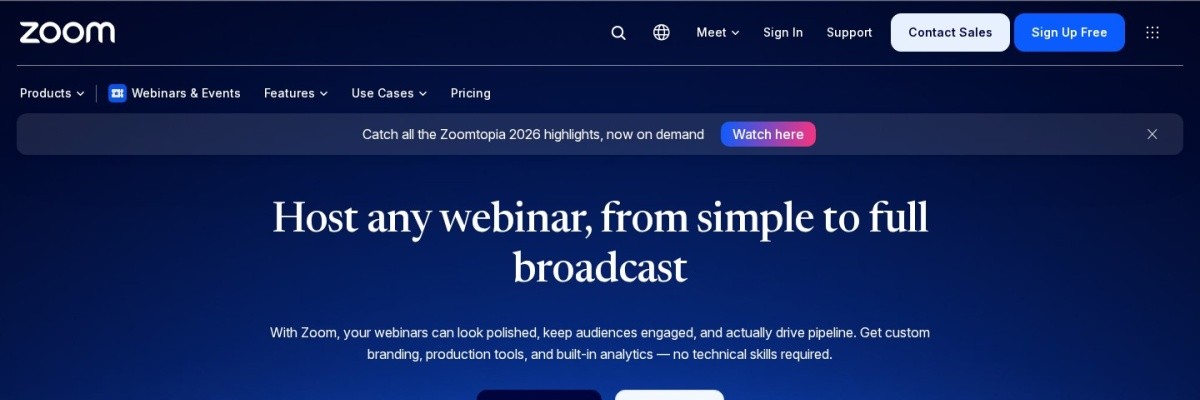
Zoom Webinars homepage, captured Nov 2026.
Zoom Webinars extends Zoom's meeting engine into structured broadcast classrooms with moderated Q&A, polls, practice sessions, and up to 1,000 video panelists. Its base plan costs $66.67/month billed annually ($800/year, or $89/month billed monthly) and starts at a 500-attendee capacity with 30-hour session limits and AI smart chapters on recordings.
The trade off is paying for 500 seats even when your customer cohorts only draw 40 learners, plus needing Webinars Plus ($82.50/month annually) for pre-recorded simulive sessions and backstage speaker rooms. It suits enterprise education teams whose customers already have Zoom installed and attend in large groups.
What we like
500-attendee baseline room capacity handles major release trainings easily
Attendees already know the Zoom controls, reducing technical support tickets
30-hour session limit and up to 1,000 video panelists on every plan
SOC 2 Type 2 and GDPR compliance included across all tiers
Watch out for
No smaller, cheaper room tiers below 500 attendees
Pre-recorded simulive sessions require upgrading to Webinars Plus
Desktop client prompts can still slow down first-time browser guests
Webinars Plus ($82.50/mo annually) adds simulive playback, private backstage, and AI repurposing.Visit zoom.us
04
WebinarGeek
4.6/5on G2 (698 reviews, checked Nov 2026)
Starts at$59/mo
Best for GDPR-first European education teams
Entry room cap75 live viewers (scales to 1,000)
Session limitUp to 8 hours (Premium)
Automated webinarsIncluded on Premium
Free access14-day free trial (all features)
webinargeek.com
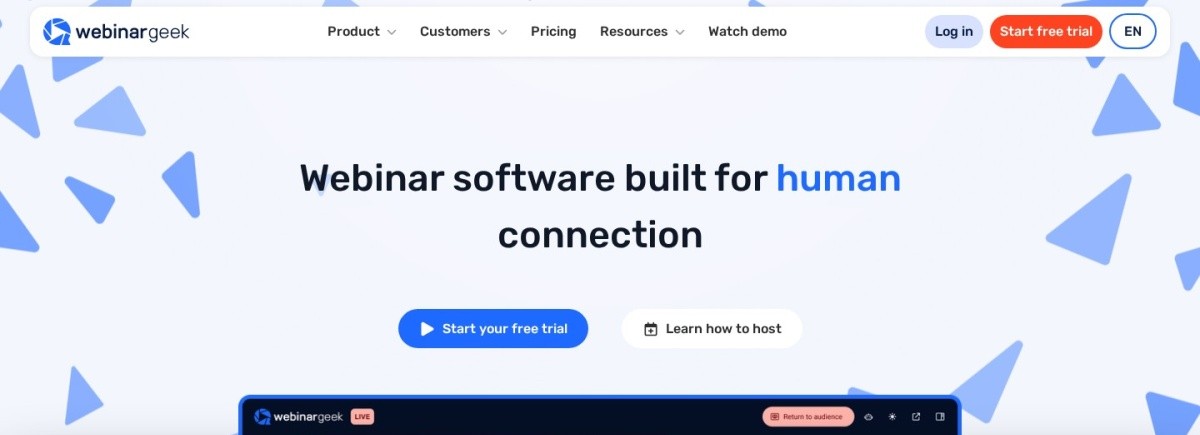
WebinarGeek homepage, captured Nov 2026.
WebinarGeek is a browser-based webinar platform built around EU privacy standards, linear event setup, and multi-format training delivery. Its Premium plan starts at $59/month billed annually ($99/month billed monthly) for 75 live viewers, unlimited webinars up to 8 hours, live captions, and automated or on-demand replays.
The trade off is add-on pricing for extra team seats ($10/month each), branding profiles ($20/month), and native HubSpot or Salesforce connectors ($49/month each unless you move to Enterprise). It suits European customer education teams that want GDPR-ready hosting and automated replays without enterprise bloat.
What we like
Live, automated, on-demand, and hybrid webinars included on Premium
Built-in live captions and auto-transcriptions aid accessible training
European data hosting with standard GDPR data processing agreement
Viewers can be invited onto the stage with camera and mic in one click
Watch out for
HubSpot and Salesforce integrations cost $49/month each as add-ons
Extra account users and custom branding profiles carry monthly add-on fees
Advanced automation settings have a steeper learning curve than basic setup
Enterprise adds custom domains, 12-hour sessions, 2 extra users, and bundled CRM syncs.Visit webinargeek.com
05
EasyWebinar
4.5/5on G2 (121 reviews, checked Nov 2026)
Starts at$44/mo
Best for just-in-time onboarding funnels
Team seatsUnlimited team licenses
Storage2 GB storage (Launch)
Evergreen schedulingGrowth plan ($116/mo)
Free access7-day free trial
easywebinar.com
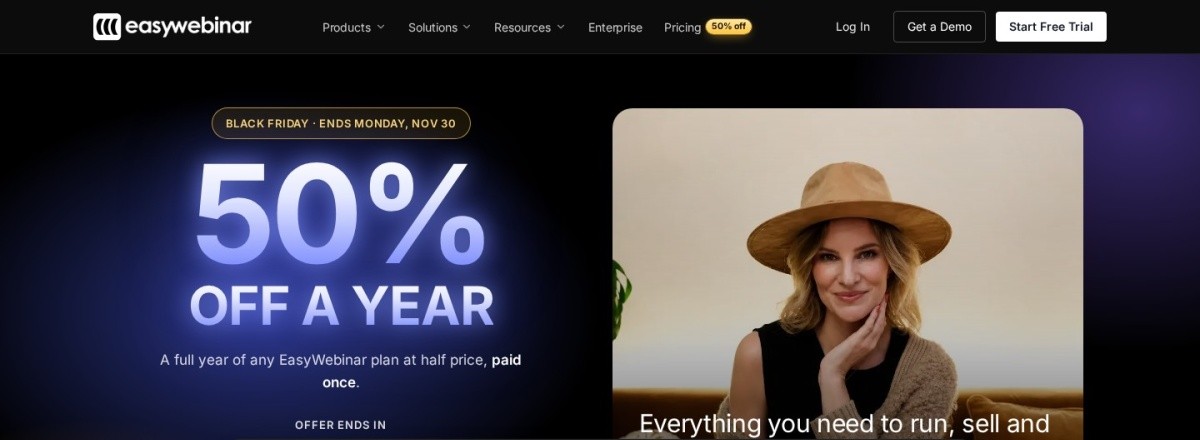
EasyWebinar homepage, captured Nov 2026.
EasyWebinar is a live and evergreen webinar platform designed to turn a single recorded onboarding session into recurring just-in-time training. Its Launch plan costs $44/month and includes unlimited live webinars, unlimited team licenses, 2 GB of storage, registration page templates, and attendee analytics.
The trade off is that its signature evergreen, simulive, and just-in-time scheduling features require upgrading to Growth at $116/month, and reviewers note the interface looks more dated than newer rivals. It suits customer success teams that want new signups to join an automated kickoff within 15 minutes of onboarding.
What we like
Unlimited team licenses included even on the $44/month Launch plan
Just-in-time scheduling starts sessions 15 minutes after customer signup
Q&A upvoting helps trainers answer the most common customer questions first
Behavior triggers segment attendees, no-shows, and replay viewers for follow-up
Watch out for
Evergreen and just-in-time automation require the $116/month Growth tier
Dashboard styling feels older compared to Demio or Livestorm
Launch plan includes only 2 GB of storage
Growth ($116/mo) unlocks evergreen and just-in-time webinars, EasyCRM, and 3x storage.Visit easywebinar.com
06
Livestorm
4.4/5on G2 (1,744 reviews, checked Nov 2026)
Paid from$1,200/yr
Best for unlimited instructors with light attendance
Free tier30 active contacts/yr, 20-min cap
Team seatsUnlimited team members
Billing unitAnnual attendee credits ($3/attendee)
Session limitUp to 4 hours on Pro
livestorm.co
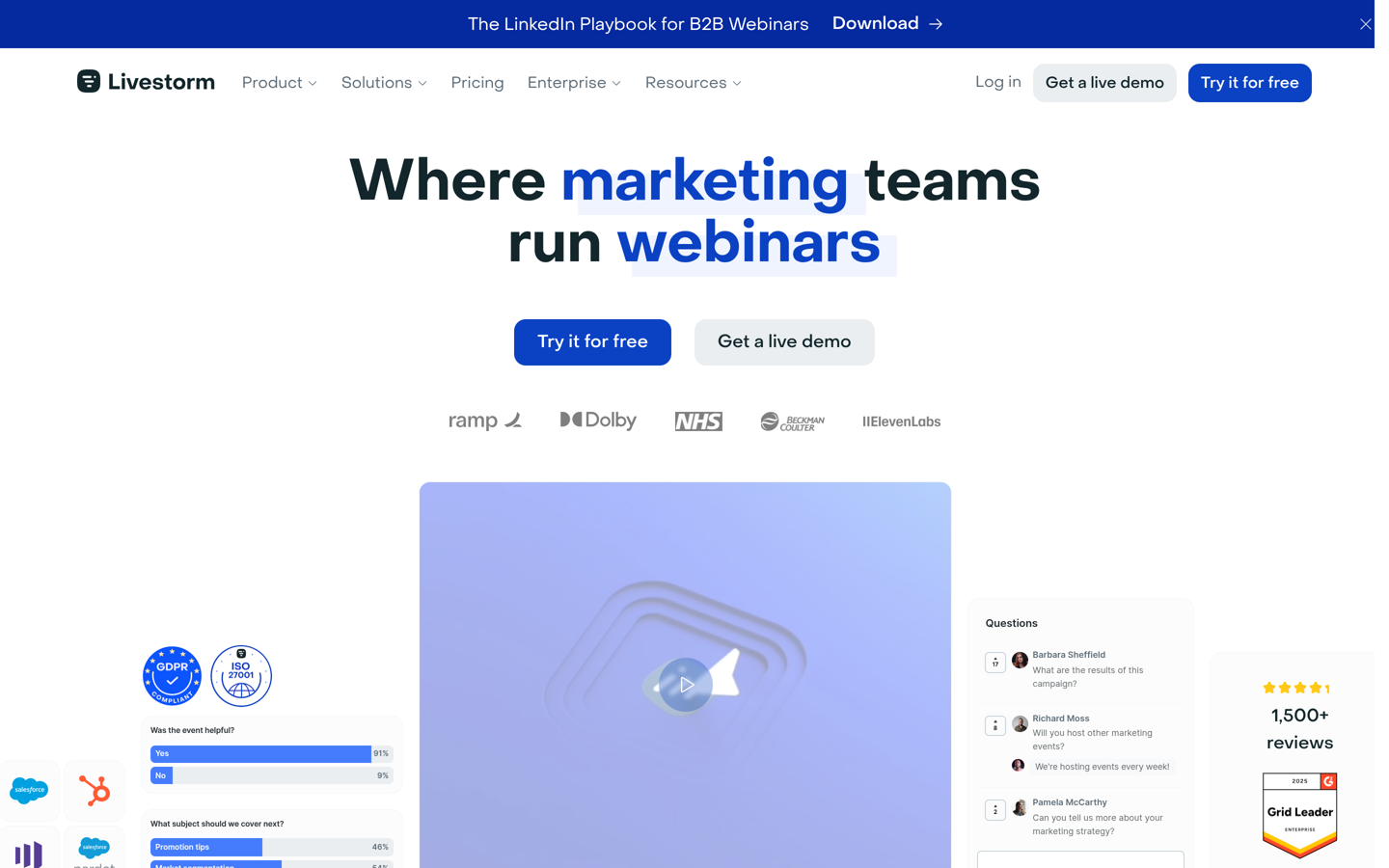
Livestorm homepage, captured Nov 2026.
Livestorm is a browser-based video engagement platform that includes unlimited team member seats across every plan and bills by unique attendee credits. Its Free plan covers up to 30 active contacts per year with 20-minute sessions, while Pro starts at $1,200/year ($3.00 per attendee for 400 annual credits) with 4-hour sessions.
The trade off is annual-only billing on Pro and credit consumption on replay views, because anyone watching an on-demand recording uses an attendee credit just like a live participant. It suits multi-instructor teams running low-volume, high-touch customer workshops who want zero per-seat fees.
What we like
Unlimited team member seats prevent per-host billing penalties
Permanent free tier lets small teams test live browser rooms without a card
Strong G2 track record with 1,744 verified reviews
Built-in polls, Q&A, chat, and downloadable handouts in a clean browser room
Watch out for
No monthly billing option on Pro; 400 credits require a $1,200 annual commitment
On-demand replay viewers consume the same attendee credits as live guests
Costs rise steeply for high-volume evergreen training libraries
Higher Pro credit packs scale from 400 ($1,200/yr) up to 4,000 annual attendee credits ($9,600/yr).Visit livestorm.co
07
Crowdcast
4.5/5on G2 (78 reviews, checked Nov 2026)
Starts at$34/mo
Best for interactive Q&A and instant replay links
Entry room cap100 live attendees ($0.15/extra)
Streaming allowance10 hours/month (Lite)
Session limit2 hours (Lite), 4 hours (Pro)
Free access14-day free trial (10 registrations)
crowdcast.io
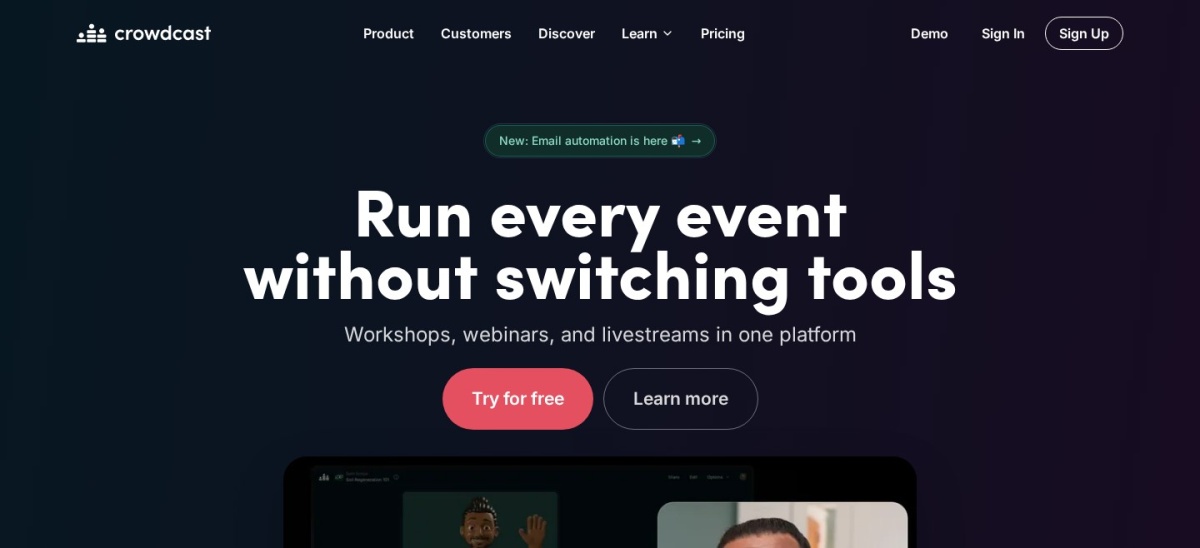
Crowdcast homepage, captured Nov 2026.
Crowdcast is a browser-based live event platform built around interactive Q&A, multi-session agendas, and instant replays hosted at the exact same event URL. Its Lite plan costs $34/month billed annually ($408/year, or $49/month monthly) for 100 live attendees per session, 10 streaming hours per month, 1 team seat, and 2-hour sessions.
The trade off is monthly streaming-hour caps (10 hours on Lite, 20 hours on Pro) and extra charges for additional seats ($29/month) or streaming blocks ($20/month per 5 hours). It suits community-led customer education teams running weekly office hours where learners browse question-stamped replays.
What we like
Question-specific playback jumps replay viewers straight to each answered question
Replays publish immediately on the same registration URL after the broadcast ends
Unlimited registrants and replay views on paid plans without extra credit fees
Low entry price at $34/month billed annually for up to 100 live attendees
Watch out for
Monthly streaming hour limits (10 hours on Lite) cap frequent daily cohorts
Lite includes only 1 team seat and 1 GB of studio storage
Page branding customization is lighter than BigMarker or Demio
Pro ($62/mo annually) expands capacity to 250 live attendees, 20 hours/month, and 2 team seats.Visit crowdcast.io
How webinar pricing models affect customer education budgets
Most webinar tools charge along one of three axes: concurrent room capacity, host seats, or annual attendee credits. Before picking a plan, map how many instructors teach at the same time and whether customers watch mostly live or on demand.
Per-host platforms like Demio ($80/host/month annually on Growth) and GoTo Webinar ($59/month annually for 1 seat on Reach) work well when one lead educator runs all sessions, but costs double or triple as soon as regional customer success managers host parallel cohorts.
Credit-based tools like Livestorm ($1,200/year for 400 credits) give you unlimited instructor seats, yet they charge one credit every time a customer watches a replay. If your academy relies on self-serve evergreen videos, flat-room tools with unlimited replay views—such as Crowdcast ($34/month annually) or WebinarGeek ($59/month annually)—keep renewal bills predictable.
How we chose
We evaluated established webinar platforms used by customer onboarding, customer success, and product education teams, focusing on browser accessibility, interactive Q&A, recording workflows, and CRM integrations.
All prices, attendee limits, ratings, and review counts were verified directly against official vendor pricing pages and G2 product listings on 30 Nov 2026, using the regular rate for each tool's cheapest paid tier.
We excluded enterprise-only platforms that hide all pricing behind sales quotes (such as ON24 and BigMarker) as well as pure video-conferencing apps without dedicated webinar registration and Q&A tools. No vendor paid for a place, and we do not claim testing for this list.
How to choose webinar software for your education program
Match your training cadence, instructor headcount, and replay volume against these four checkpoints before locking in an annual contract.
Count simultaneous instructors, not total staff. If two educators run onboarding sessions in the same time slot, check whether the plan charges per host seat (like Demio) or includes unlimited team logins (like EasyWebinar and Livestorm).
Decide between live cohorts and evergreen replays. If new signups join automated training every week, verify that pre-recorded or just-in-time webinars are included on your target tier rather than locked behind a higher upgrade.
Check how replay views are metered. Some tools include unlimited on-demand views on paid plans, whereas credit-based plans deduct an attendee credit every time a customer opens a recording.
Confirm CRM and LMS data handoff early. Customer education proves ROI when attendance and poll answers sync to HubSpot, Salesforce, or Zoho CRM, so verify which tier unlocks native integrations without costly middleware.
FAQ
What is the best webinar software for customer education teams in 2026?
Demio is the top pick for customer education teams, starting at $45/month billed annually with one-click browser access, handouts, polls, and contact-level engagement tracking. Teams on a tight budget can start free on Zoho Webinar, while large-room programs fit Zoom Webinars.
Is there free webinar software for customer onboarding?
Yes. Zoho Webinar offers a permanent free plan for up to 20 attendees and 60-minute sessions with polls and Q&A, though it omits cloud recording. Livestorm also has a free tier covering 30 active contacts per year and 20-minute sessions.
How much does webinar software for customer education cost?
Entry paid plans range from $9/month billed monthly on Zoho Webinar Standard ($8/month annually) and $34/month annually on Crowdcast Lite up to $66.67/month annually on Zoom Webinars. Plans with automated evergreen replays typically cost $59 to $116/month.
Which webinar platform is best for evergreen or on-demand customer training?
WebinarGeek includes automated and on-demand webinars on its $59/month annual Premium plan, while Demio Growth ($80/host/month annually) and EasyWebinar Growth ($116/month) add scheduled evergreen and just-in-time onboarding sessions.
Demio vs Livestorm: which is better for customer education teams?
Demio ($45/month annually) is cheaper for single-instructor teams and offers unlimited replay views on Growth ($80/host/month annually). Livestorm ($1,200/year for 400 credits) includes unlimited team seats, making it better for multi-instructor teams with smaller attendee counts.
Do customers need to download software to join training webinars?
No, browser-based platforms like Demio, Livestorm, WebinarGeek, Crowdcast, and Zoho Webinar run entirely inside desktop and mobile web browsers. That removes IT firewall blocks that often prevent B2B customers from joining desktop meeting apps.
SaaS SEO and WordPress specialist with about 8 years of experience. Rakib compares WordPress plugins, themes, hosting and software using public pricing, documentation and user reviews. See how we rank.