Canva is the best tool for tips for effective personal branding in practice, with a 4.7 out of 5 G2 rating from 7,643 reviews and brand kits from $120 a year. Use Linktree for a single link hub and Later to plan a consistent visual feed.
How we make this list: we compare pricing pages, product documentation and public user reviews, then re-check every price before each update. No product paid for a place. Disclosure.
Canva is the top pick: 4.7 out of 5 on G2 from 7,643 reviews, with brand kits on Pro at $120 a year.
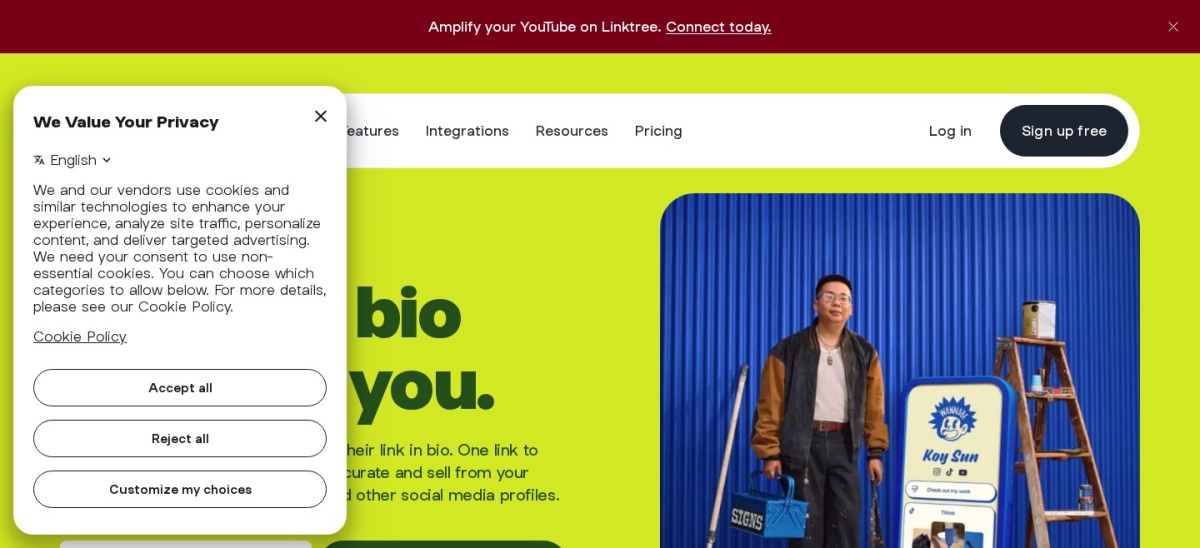
Linktree is the cheapest way to gather every profile behind one link, with a free plan and Starter at $9 a month.
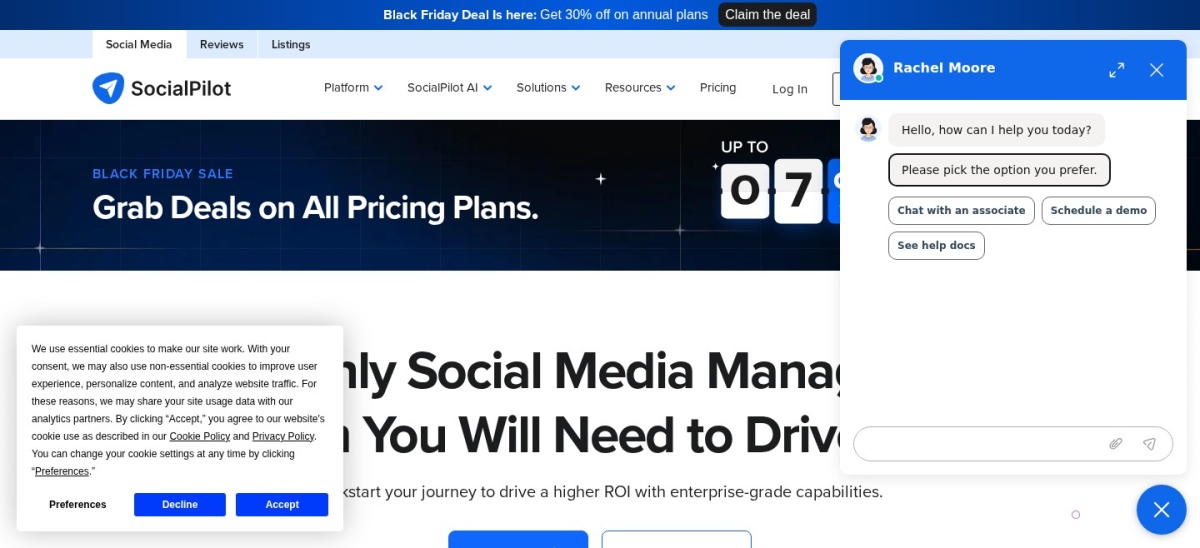
Later and SocialPilot are the strongest planners, at $25 and $30 a month, but neither has a free plan.
Buffer is the cheapest paid step in this list at $6 a month per channel, with a genuinely useful free plan.
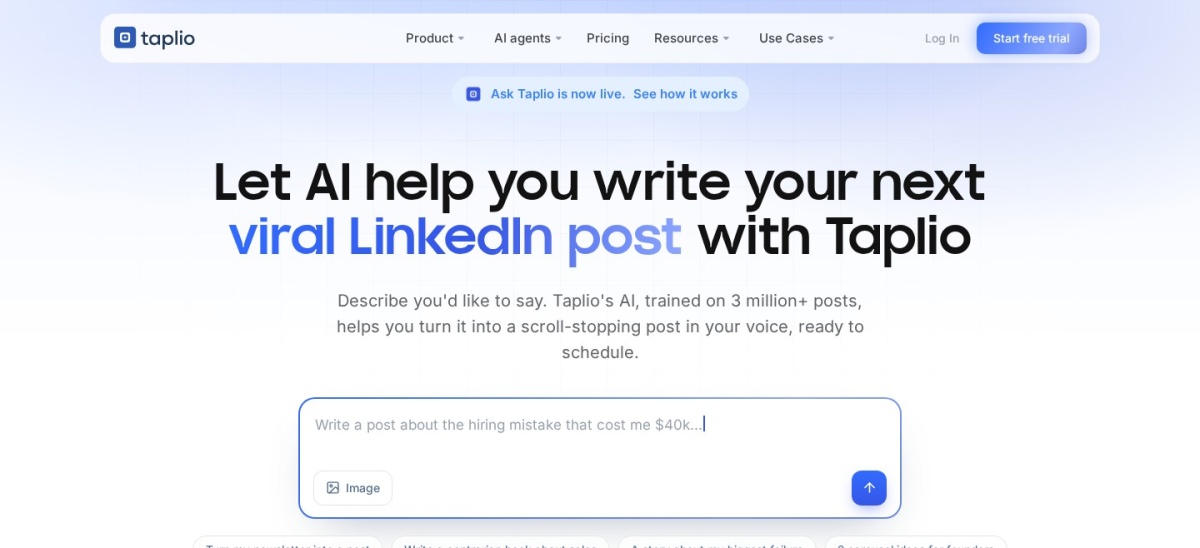
Taplio is the only LinkedIn-only tool here, and its G2 rating rests on just 9 reviews, so treat it as a niche pick.
What do tips for effective personal branding actually involve?
Good personal branding is mostly consistency. The same name, photo, colours and message should show up everywhere someone looks you up, from LinkedIn to a link page.
A visual identity comes first. One set of colours, fonts and templates makes every post recognisable, which is why a design tool sits at the top of this list rather than a scheduler.
A single hub matters next. Social profiles only allow one link in a bio, so a link page that gathers your site, work and contact routes is the practical core of most personal branding advice. Our guide on building a portfolio site with WordPress shows how to build the destination that hub should point to.
Posting steadily is what keeps the brand visible. Scheduling tools matter because a personal brand fades fast when posting stops for a month, and search results reward the same steady output. Our guide on getting your brand mentioned in ChatGPT covers the other half: being findable when people ask about your field.
Canva is a browser design tool with templates for social posts, presentations, resumes and media kits, plus brand kits that store logos, colours and fonts. The free plan covers templates and 5GB of storage, while Pro adds the full brand kit, background remover and 1TB of storage.
The trade off is price. Pro costs $120 a year when billed yearly, and the monthly rate is higher, so casual users may find the free plan enough. It suits professionals who want every visual to match one brand.
What we like
Highest G2 rating in this list at 4.7 out of 5
Brand kits keep logos, colours and fonts in one place
Linktree is a link-in-bio page that puts every profile, product, article and sign-up form behind one short link. The free plan covers unlimited basic links plus email and phone sign-ups, while Starter at $9 a month adds a personalised page, featured links and basic analytics.
The trade off is branding. Linktree branding stays on the page until Pro at $17 a month billed monthly, and selling carries fees below Pro. It suits creators and professionals whose audience mainly arrives from Instagram or TikTok bios.
Later is a visual social media planner built around a drag-and-drop calendar for Instagram, TikTok, LinkedIn and Pinterest. Starter costs $25 a month for one user and one social set, with 30 posts a month per profile, scheduling and basic analytics.
The trade off is caps. Starter limits posts and analytics history, and the yearly rate of $18.75 a month only applies when billed annually. It suits visual-first professionals who plan a feed in advance and post steadily.
SocialPilot is a social media scheduler for managing several profiles from one dashboard, with bulk scheduling, a content library and client approval workflows. Essentials costs $30 a month for 7 social accounts, one user and 500 AI credits.
The trade off is the missing free plan. There is only a 14-day trial, and analytics and the social inbox need Standard at $50 a month or higher. It suits freelancers and small teams running more than one brand or client.
Adobe Express is Adobe's browser design app for quick template-led social posts, flyers and short videos, with Firefly AI image tools built in. The free plan covers basic editing, templates and 5GB of storage, while Premium adds brand kits, 100GB of storage and 250 generative credits a month.
The trade off is depth. It is not a full design suite, and heavy AI use can run through the 250 monthly credits. Premium costs $9.99 a month. It suits professionals already using Adobe tools who want fast on-brand graphics.
What we like
Cheapest paid design tool in this list
Brand kits and Adobe Stock on Premium
Free plan covers the basics well
Watch out for
250 generative credits a month can run out fast
Less depth than full design software
Premium adds brand kits, 100GB storage and AI creditsVisit adobe.com
06
Buffer
4.3/5on G2 (1,043 reviews, checked Nov 2026)
Paid from$6/mo
Best simple scheduler for a few channels
Free planYes, 3 channels
Scheduled posts10 per channel, free
Paid planEssentials, $6/mo per channel
AnalyticsExtended on paid
buffer.com
Buffer homepage, captured Nov 2026.
Buffer is a simple social media scheduler for queuing posts across channels from one clean dashboard. The free plan covers 3 channels with 10 scheduled posts per channel, while Essentials at $6 a month per channel removes the post cap and extends analytics history.
The trade off is per-channel pricing. Each extra channel adds $6 a month, so the bill grows with every profile, and analytics stay basic next to dearer tools. It suits solo professionals who post to a few channels and want the simplest queue.
Hootsuite is a social media management platform for publishing, monitoring and analytics across networks, with a unified inbox and AI help. Standard costs $99 a user a month billed annually, covers 1 user and 10 social profiles, and includes unlimited scheduling.
The trade off is cost. There is no free plan, only a 30-day trial, and approval workflows need Advanced at $399 a user a month. It suits teams that need listening, governance and reporting in one place.
What we like
One tool for publishing, inbox, analytics and listening
Largest review base in this list at 7,510 G2 reviews
Taplio is a LinkedIn tool for writing, scheduling and measuring posts, with AI drafting, a library of viral posts and analytics. Starter costs $39 a month for scheduling and analytics, while AI writing starts on Growth at $69 a month.
The trade off is the thin review base. G2 shows 4.1 out of 5 from only 9 reviews, and Starter includes no AI writing at all. It suits professionals who post on LinkedIn several times a week and want drafting help.
What we like
Built only for LinkedIn, not every network
Viral post library for ideas
Scheduling, analytics and AI drafting in one place
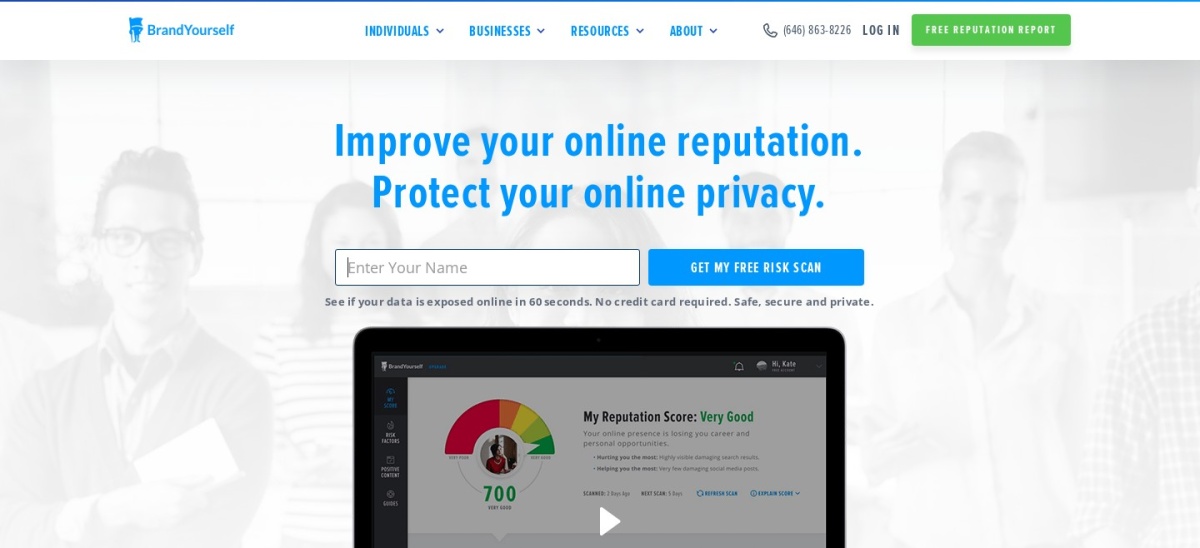
BrandYourself is a DIY reputation and personal branding service that tracks what Google shows for your name, scans social profiles and removes data-broker listings. DIY Premium costs $99 a year and includes the personal action plan, social scanner, reputation builder and ongoing monitoring.
The trade off is trust. G2 rates it 3.6 out of 5 from 17 reviews, while Trustpilot shows 1.4 out of 5 from 80 reviews, with billing and cancellation complaints. It suits people who mainly want to clean up and watch their search results.
Personal branding advice itself is not something you can buy, so this list ranks the tools that carry out the standard tips: design the visuals, gather the links, post steadily and keep search results clean.
That framing is deliberate. A list of tips would have no ratings or prices to compare, while these 9 tools all have public G2 ratings and published paid plans.
Use the tips to decide what to do and the tools to do it. A design tool will not write your message for you, and a scheduler will not fix a messy search result.
How we chose
We started from the standard advice for personal branding: one consistent visual identity, one link hub, steady posting and clean search results, then kept only tools with a public rating and a published paid price.
Prices come from vendor-supplied G2 pricing pages and dated third-party reads of each vendor's pricing page, checked on 29 November 2026. Ratings and review counts come from G2 on the same day. Where a vendor shows a sale, the list shows the regular price.
We left out tools with no public rating or no published price, and advice-only services that sell coaching rather than software. No vendor paid for a place, and we do not claim to have used these tools ourselves.
How to choose personal branding tools
Start with the one place your audience checks first, then add tools that keep it consistent.
Fix the destination first. A link hub is useless if it points nowhere good. Build a portfolio or personal site first, then point every profile at it.
Pick one design tool and stick to it. Canva or Adobe Express will both do. The win is one set of colours and templates used everywhere, not the fancier editor.
Add one scheduler, not three. Buffer suits a few channels on a budget, Later suits visual planning and SocialPilot suits several accounts. Running two schedulers just splits the queue.
Check what Google shows for your name. If old or wrong results come up, fix that before spending on posting tools. BrandYourself exists for this one job.
FAQ
What are the best tips for effective personal branding?
The best tips for effective personal branding are to keep one consistent visual identity, gather every profile behind one link, and post steadily. Canva handles the visuals, Linktree gathers the links, and Later or Buffer keeps the posting steady.
How much do personal branding tools cost?
Personal branding tools in this list cost from $6 a month per channel for Buffer to $99 a month per user for Hootsuite. Most solo professionals spend $10 to $30 a month, on Canva Pro, Adobe Express Premium or a scheduler.
Is there a free personal branding tool?
Yes. Canva, Linktree, Adobe Express and Buffer all have free plans that cover the basics, and BrandYourself offers a free scan. The paid step that matters most is usually a brand kit, which needs Canva Pro or Adobe Express Premium.
What is the best personal branding tool for beginners?
Canva is the best personal branding tool for beginners. It is rated 4.7 out of 5 on G2 from 7,643 reviews, its free plan covers templates and storage, and Pro at $120 a year adds the brand kit that keeps everything consistent.
Canva vs Linktree: which is better for personal branding?
Canva is better for the look of a personal brand, and Linktree is better for the links. Canva builds the visuals and brand kit, while Linktree gathers every profile behind one short link. Most people need both, and both have free plans.
Do I need a LinkedIn tool like Taplio for personal branding?
Only if LinkedIn is where your audience is. Taplio drafts, schedules and measures LinkedIn posts, but Starter at $39 a month has no AI writing, and its G2 rating rests on just 9 reviews. Buffer or Later cover LinkedIn posting for less.
Can I build a personal brand without paying for tools?
Yes, up to a point. The free plans of Canva, Linktree and Buffer cover design, a link hub and basic scheduling. Paying starts to matter when you want a brand kit, your own branding on the link page, or more scheduled posts than the free caps allow.
SaaS SEO and WordPress specialist with about 8 years of experience. Rakib compares WordPress plugins, themes, hosting and software using public pricing, documentation and user reviews. See how we rank.