Later is the best tool for the best 5 ways a brand can use Instagram Stories, with a visual planner, Story scheduling and Link in Bio from $225 a year. Canva is the pick for designing the Stories themselves, and Buffer is the cheapest way to schedule one account.
How we make this list: we compare pricing pages, product documentation and public user reviews, then re-check every price before each update. No product paid for a place. Disclosure.
Later is the top pick for Instagram-first brands: a visual planner, Story scheduling and Link in Bio from $225 a year.
Canva designs the Stories themselves, with vertical templates on a free plan and Pro at $120 a year.
Buffer is the cheapest paid start at $60 a year for one channel, with a free plan covering 3 channels.
Metricool is the analytics pick: its free plan tracks Story results and competitors before you pay.
The suites cost $948 to $1,188 a year per seat, so buy one only if the inbox and listening matter.
What are the best 5 ways a brand can use Instagram Stories?
Stories reward brands that post in the moment. Polls, quizzes and question stickers turn passive viewers into participants, and the replies tell you what the audience actually wants.
Behind-the-scenes clips build trust faster than polished ads. A short clip from the workshop, the packing table or the team lunch shows the people behind the product.
Product showcases work best as short, shoppable sequences. Our free Instagram analytics guide shows which Story taps and exits to watch.
User content and link stickers close the loop. Reposting customer Stories is social proof, and a link sticker turns a Story view into a shop visit.
Later is a visual planner built around the Instagram grid, so brands can drag Stories, Reels and feed posts into place before anything goes live. The free plan covers one social set with 12 posts per profile a month, and Link in Bio is included on every plan.
The trade off is the post cap. Starter allows 30 posts per profile a month for one user, so a second Instagram account or a teammate means Growth at $450 a year. It suits solo brands and small teams that plan the feed by eye.
What we like
Visual calendar and grid preview built for Instagram first
Canva is a browser design tool with ready-made vertical Story templates, fonts, stickers and animations that a brand can finish in minutes. The free plan includes more than 250,000 templates and 5 GB of storage, and designs export straight to Instagram.
The trade off is that the best assets sit behind Pro. Premium templates, the background remover, Brand Kit and 1 TB of storage cost $120 a year, or $15 a month. It suits brands that design every Story in-house and want one tool for it.
Buffer is the cheapest way to schedule a single Instagram account, at $6 a month per channel or $5 billed yearly. The free plan covers 3 channels with 10 scheduled posts each, and Essentials adds unlimited posts, first-comment scheduling and the hashtag manager.
The trade off is the per-channel meter. A second Instagram account costs another $6 a month, and approvals and team workflows wait for Team at $12 per channel. It suits one person running one brand account on a tight budget.
What we like
Cheapest entry here for a single Instagram account
Free plan covers 3 channels with 10 scheduled posts each
Unlimited scheduled posts on Essentials
Simplest interface in this list
Watch out for
Every extra channel costs another $6 a month
Approvals wait for Team at $12 per channel
Analytics are thinner than Metricool or Sprout Social
Metricool is an analytics-led planner that schedules Stories and shows which ones earned replies, taps and profile visits. The free plan covers one brand with 20 scheduled posts a month, analytics and competitor tracking, and Starter adds unlimited scheduling for up to 5 brands.
The trade off is the free plan's size. Daily posters outgrow 20 posts a month fast, and X accounts need a $10-a-month add-on each. It suits freelancers and small brands that want Story analytics without paying for a suite.
What we like
Free plan covers a whole brand with analytics at $0
Starter covers 5 brands with unlimited scheduling
Best-time-to-post guidance from your own audience data
Competitor tracking included from the free plan
Watch out for
Free plan shrank in 2026 to 20 posts a month
X accounts need a $10-a-month add-on each
Starter caps AI assistant use at 3 per brand a month
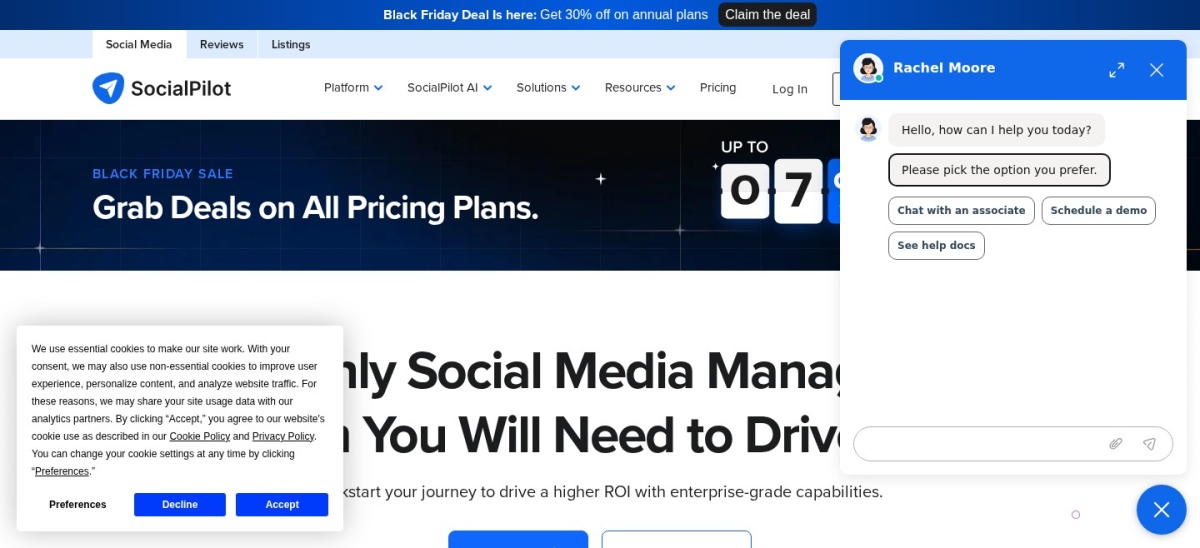
SocialPilot is a flat-priced scheduler that covers 5 accounts for $20 a month, or $17 billed yearly, with 500 AI credits a month for captions and post ideas. Extra accounts cost $4 a month each, and there are no per-seat fees, so adding a teammate does not raise the bill.
The trade off is the inbox. Essentials includes analytics but no social inbox or approvals, which start on Standard at $40 a month. It suits small teams running several brand accounts on one flat bill.
What we like
5 accounts for $20 a month, the cheapest per-account rate here
Flat plan pricing with no per-seat fees
500 AI credits a month included on Essentials
Extra accounts cost $4 a month each
Watch out for
No social inbox or approvals on Essentials
No free plan, only a 14-day trial
SocialPilot publishes two different price ladders on its site
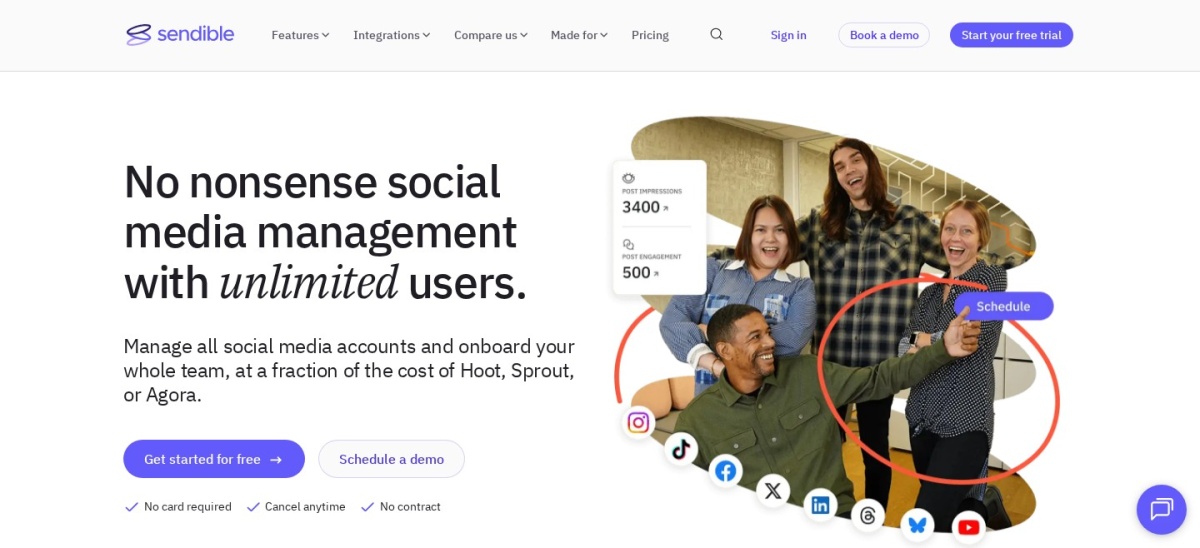
Sendible is built for agencies, giving each client a workspace with 6 profiles, unlimited users and unlimited scheduling. Core costs $35 a month, or $29.75 billed yearly, with bulk scheduling and unlimited AI Assist included.
The trade off is that Core is a scheduling tier. Approvals, the content library and branded reports wait for Plus at $99 a month, and a client with 7 accounts needs a second workspace. It suits agencies that bill per client.
What we like
Unlimited users on every plan, so clients log in free
One workspace per client keeps channels cleanly separated
Unlimited scheduling and unlimited AI Assist on Core
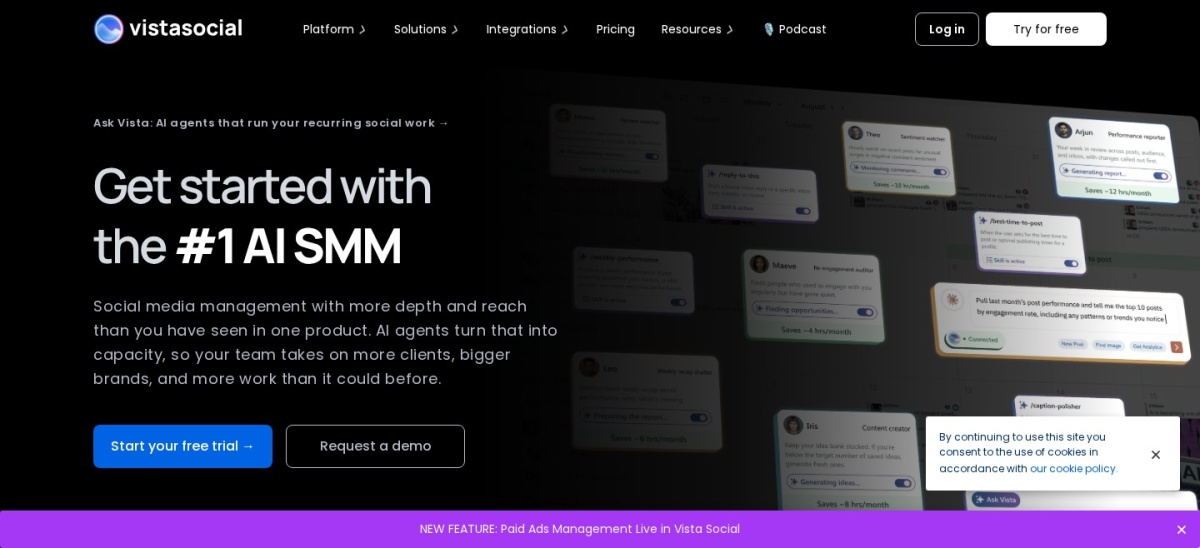
Vista Social is a full social suite that schedules Stories, Reels and feed posts across 15 profiles with smart publishing times. Professional costs $99 a month, or about $79 billed yearly, and covers 2 users with listening and review tools included.
The trade off is price. At $950 a year it costs far more than the schedulers above, and most of its power sits in listening and reviews. It suits growing brands that run many profiles from one dashboard.
What we like
Highest G2 rating in this list at 4.8 out of 5
15 profiles and smart publishing times on Professional
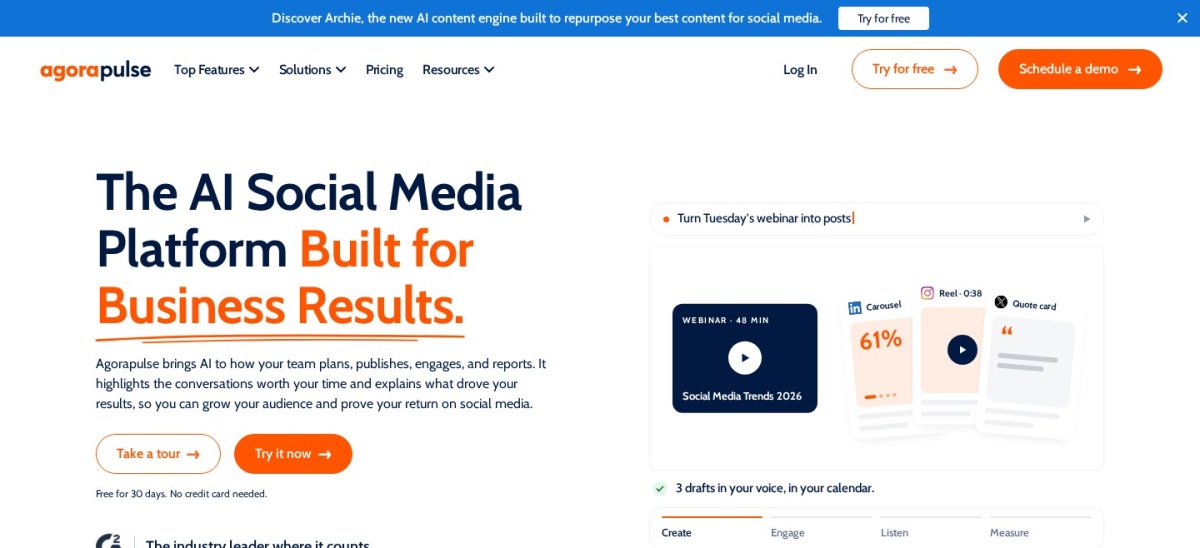
Agorapulse is an engagement-first suite whose unified inbox pulls Instagram comments, DMs and reviews into one place with assignments. Standard costs $99 a month per user, or $79 billed yearly, and covers 10 shared social profiles with white-label report exports.
The trade off is the per-user price. Every extra user costs another $99 a month, so a three-person team pays $297 a month, and approvals wait for Professional. It suits teams that live in the comments and DMs.
What we like
Unified inbox for Instagram comments, DMs and reviews
Hootsuite is the veteran all-in-one suite, with unlimited scheduled posts, a single inbox, OwlyWriter AI and listening basics on Standard. It costs $99 per user a month billed yearly and covers up to 10 social accounts, with the largest review base in this list.
The trade off is the seat model. A three-person team pays $297 a month on annual billing, and approvals and message assignment wait for Advanced at $399 a user. It suits mid-size teams that want one governed suite.
What we like
Largest review base in this list: 4.3 from 7,414 G2 reviews
OwlyWriter AI writes posts and images on Standard
Unlimited scheduled posts and a single inbox
Listening basics included on the entry plan
Watch out for
Standard costs $99 per user a month, and every teammate adds a seat
No free plan, only a 14-day trial
Approvals wait for Advanced at $399 a user a month
Polls and quizzes are the fastest way to start a conversation. A two-option poll on a new flavour, colour or price takes seconds to answer, and the replies double as free market research.
Behind-the-scenes clips show the work, not just the result. Packing an order, testing a sample or fixing a mistake on camera makes a brand feel human in a way a polished feed post cannot.
Product showcases should demo, not describe. A 15-second clip of the product in use, with a link sticker to the shop page, beats a static photo with a long caption.
Customer Stories are the cheapest social proof a brand can get. Reposting a buyer unboxing or using the product, with credit, turns one happy customer into an ad the brand did not have to shoot.
Link stickers and countdowns create the deadline. A countdown to a drop or a sale gives followers a reason to come back, and the sticker sends them straight to the page that matters.
How we chose
We started from the schedulers and design tools brands actually use for Instagram Stories, then kept nine with a verifiable G2 rating and a published price. Every tool here schedules or designs Stories, not just feed posts.
Prices come from each vendor's pricing page as checked in November 2026, with annual billing used for the yearly totals. Ratings and review counts come from G2, checked on 29 November 2026.
We left out tools with no verifiable rating, including Planoly and Tailwind, whose 2026 prices conflict across sources. No vendor paid for a place, and we do not claim hands-on testing for this list.
How to choose an Instagram Stories tool
Start with how many accounts and Stories you post each week, then match the billing unit.
Count your Instagram accounts first. Later and Buffer charge per set or channel, while Hootsuite and Agorapulse charge per seat. Price the setup you will have in six months, not the one you have today.
Check Story auto-publish, not just scheduling. Feed posts auto-publish everywhere here, but Stories have different rules by plan, and Later's free plan excludes them. Confirm the format you post most before you pay.
Decide whether replies matter. If Story replies and DMs are part of the job, Agorapulse and Hootsuite include an inbox; Buffer and SocialPilot's entry plans do not, so you would still open Instagram to reply.
Try the free plan or trial with a real week. Schedule seven days of Stories, watch what actually publishes, and check the analytics before you commit to a year. See which Stories earn taps in our Instagram analytics guide.
FAQ
What are the best 5 ways a brand can use Instagram Stories in 2026?
The best 5 ways are polls and quizzes, behind-the-scenes clips, product showcases, reposting customer Stories, and link stickers that send viewers to the shop. Later is the best tool for running all five, with Story scheduling and Link in Bio from $225 a year.
How much does an Instagram Stories tool cost?
Paid plans run from $60 a year for Buffer Essentials to $1,188 a year for Hootsuite Standard, with most schedulers between $120 and $357 a year. Four tools here have free plans, but every free plan caps monthly posts, so daily posters should budget for the paid plan.
Is there a free Instagram Stories tool?
Yes. Later, Canva, Buffer and Metricool all have free plans that cover Story design or scheduling. Later's free plan allows 12 posts per profile a month but excludes Story auto-publish, so brands that post Stories daily will need a paid plan.
Which tool is best for small brands starting with Instagram Stories?
Later is the best start for most small brands, because it plans the grid, schedules Stories and adds Link in Bio in one plan from $225 a year. Buffer is the cheaper pick at $60 a year if you run one account and only need scheduling.
Later vs Canva: which is better for Instagram Stories?
They do different jobs. Later schedules and publishes Stories, plans the grid and adds Link in Bio, while Canva designs the Story graphics with vertical templates and a Brand Kit. Most brands use both: Canva to design, Later to schedule and publish.
Do I need Hootsuite or Agorapulse for Instagram Stories?
Only if replies and reporting are part of the job. Both include a unified inbox for comments and DMs, plus listening and white-label reports, at $948 to $1,188 a year per seat. If scheduling is the whole job, Later or Buffer does it for far less.
SaaS SEO and WordPress specialist with about 8 years of experience. Rakib compares WordPress plugins, themes, hosting and software using public pricing, documentation and user reviews. See how we rank.