vidIQ is the best starting point for tips for developing your YouTube marketing strategy, with keyword scores, daily AI video ideas and competitor tracking from $19 a month. Pick TubeBuddy for cheaper SEO and bulk edits, or Descript when editing is the bottleneck.
How we make this list: we compare pricing pages, product documentation and public user reviews, then re-check every price before each update. No product paid for a place. Disclosure.
vidIQ leads on YouTube SEO: keyword scores, daily AI ideas and competitor tracking, from $19 a month on Boost.
TubeBuddy is the cheaper SEO option at $16 a month for Pro, with keyword scores and bulk edits inside YouTube Studio.
Descript edits video by editing the transcript, from $24 a month, and Canva makes thumbnails for $120 a year.
Buffer is the cheapest scheduler here at $6 a channel a month, with a free plan covering 3 channels.
Later, Hootsuite, OpusClip and StreamYard cover planning, team scheduling, Shorts and live shows.
What are the best tips for developing your YouTube marketing strategy?
Research should come before recording. If nobody searches for the topic, even a well-made video sits unwatched, so keyword scores and competitor checks should shape the title and the first lines of the description.
One recording should become several pieces of content. A long video, a set of Shorts, a thumbnail and a round of promotion are one workflow, not four separate jobs, and the tools below cover each step in that order.
Start free and pay only when a limit blocks real work. Every tool here except Later and Hootsuite has a free plan, and free keyword scores plus a free scheduler are enough to test a new upload rhythm for a month.
Watch the billing toggle before you buy. Monthly and annual rates differ by a third or more on several tools here, and sale prices were live on vidIQ and TubeBuddy when we checked, against regular prices of $19 and $16 a month. If you also embed videos on a site, our guide on lazy loading YouTube embeds keeps those pages fast.
The 9 best tools for your YouTube marketing strategy
01
vidIQ
4.5/5on G2 (34 reviews, checked Nov 2026)
Paid from$19/mo
Best YouTube SEO and analytics overall
Keyword researchYes, with scores
AI video ideas2,000 credits/mo on Boost
Free plan150 AI credits/mo
Paid planBoost, $19/mo
vidiq.com
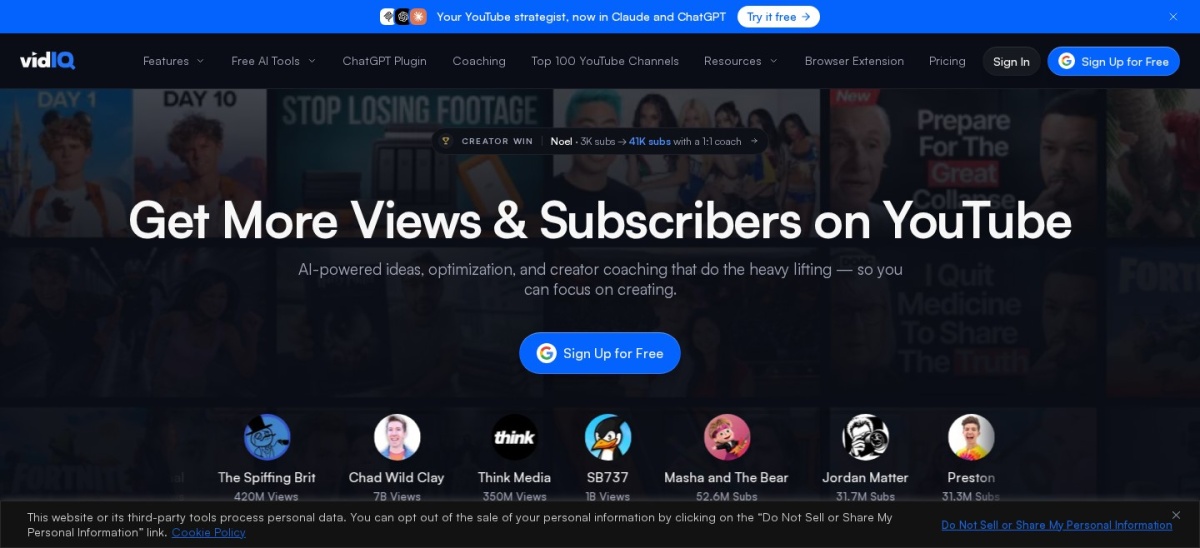
vidIQ homepage, captured Nov 2026.
vidIQ is a YouTube SEO and analytics tool that runs as a browser extension and a web app. The free plan gives 150 AI credits a month, daily video ideas and keyword scores, while Boost adds 2,000 AI credits, competitor tracking and thumbnail tools.
The trade off is the credit meter. Every AI tool spends credits, so heavy AI use can run out before the month ends, and Boost costs $19 a month or $199 a year. It suits creators who publish weekly and want research and ideas in one place.
What we like
Keyword scores and SEO checks inside YouTube
Daily AI video ideas on every plan
Competitor tracking on Boost
Watch out for
AI tools are metered by credits
Boost is priced per channel
Boost adds 2,000 AI credits and competitor trackingVisit vidiq.com
02
TubeBuddy
4.6/5on G2 (44 reviews, checked Nov 2026)
Paid from$16/mo
Best keyword scores inside YouTube Studio
Keyword researchYes, Keyword Explorer
A/B testingLegend plan only
Bulk editsYes, on paid plans
Paid planPro, $16/mo
tubebuddy.com
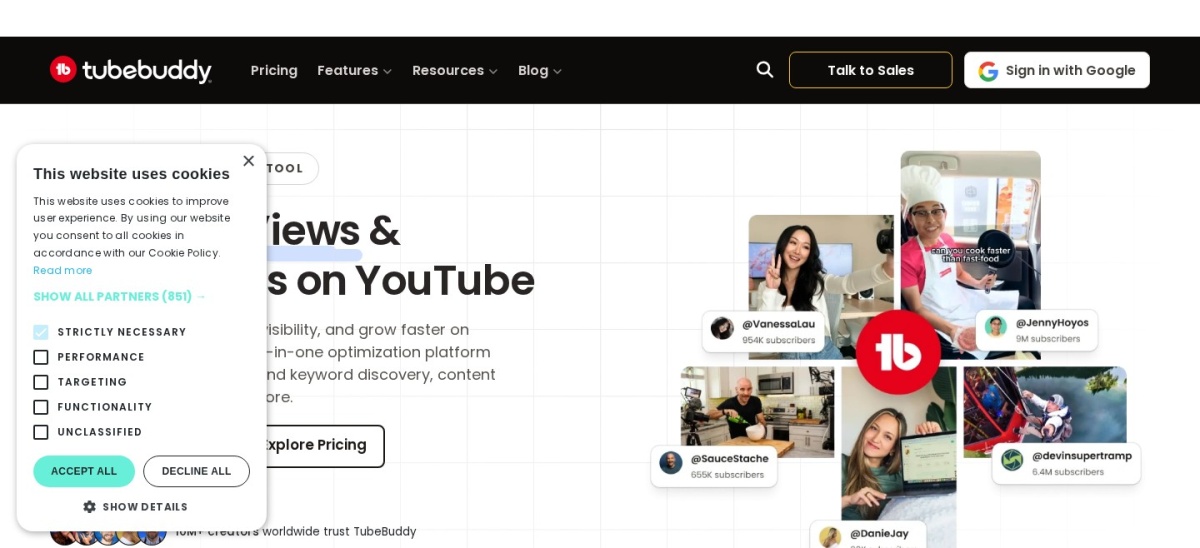
TubeBuddy homepage, captured Nov 2026.
TubeBuddy is a YouTube-certified browser extension for keyword research, video SEO and channel management inside YouTube Studio. The free plan gives basic keyword research and tag suggestions, while Pro adds Keyword Explorer, SEO Studio and Best Time to Publish.
The trade off is the licence. Pro and Legend are sold to individual creators only, so a business with several channels needs an Enterprise quote, and thumbnail A/B testing sits on Legend at $34 a month. It suits solo creators who live in YouTube Studio.
Descript is a transcript-first video editor: it transcribes your recording, and deleting a sentence from the text cuts it from the video. The free plan gives 1 media hour a month with 720p watermarked export, while Hobbyist costs $24 a month billed monthly, or $16 billed yearly, for 10 media hours and 400 AI credits.
The trade off is the meter. Media hours and AI credits both run out, and reviewers note that large projects can feel slow. It suits talking-head and podcast creators who want filler-word removal and Studio Sound in the same project.
Canva is a design tool for non-designers, with templates for thumbnails, banners, end screens and Shorts covers. The free plan includes templates and 5 GB of storage, while Pro costs $120 a year, or $15 a month billed monthly, and adds the Brand Kit, Background Remover, Magic Studio and 1 TB of storage.
The trade off is the AI credit cap. Pro allows 2,000 Standard AI uses and 200 Premium AI uses a month, so heavy AI image generation runs out fast. It suits creators who make thumbnails and channel art every week without a designer.
Buffer is a simple social scheduler with a clean publishing calendar, an AI assistant and basic insights. Its free plan covers 3 channels with 10 scheduled posts each, and Essentials costs $6 a channel a month billed monthly, or $5 billed yearly.
The trade off is depth. Analytics stay basic, and the per-channel bill adds up once you connect many accounts. It suits solo creators and small teams who want one queue for YouTube promotion plus other networks.
What we like
Genuinely useful free plan
Lowest paid price in this list
Easy calendar to learn
Watch out for
Analytics are too basic for larger teams
Per-channel pricing grows with each account
Essentials removes the post cap and extends analyticsVisit buffer.com
06
Later
4.5/5on G2 (389 reviews, checked Nov 2026)
Starts at$25/mo
Best visual planning for Shorts and social
Free planNo, 14-day trial
Social sets1 set, 8 profiles on Starter
Best time to postYes
Paid planStarter, $25/mo
later.com
Later homepage, captured Nov 2026.
Later is a visual social scheduler with a drag-and-drop calendar, best-time suggestions and a link-in-bio page on every plan. Starter costs $25 a month, or $18.75 billed yearly, for 1 social set, 1 user and 30 posts per profile a month.
The trade off is coverage. Later does not support X, and Starter caps posts per profile, so heavy publishers need Growth at $50 a month. It suits creators who plan Shorts beside Instagram and TikTok from one visual calendar.
What we like
Best visual planner in this list
Link-in-bio included on every plan
Best-time suggestions built in
Watch out for
No free plan, only a 14-day trial
No X support at all
Growth adds a second user and 180 posts per profileVisit later.com
07
Hootsuite
4.3/5on G2 (7,500 reviews, checked Nov 2026)
Starts at$99/mo
Best all-round scheduler for teams
Free planNo, 30-day trial
Social accountsUp to 10 on Standard
YouTube schedulingYes
Paid planStandard, $99/user/mo
hootsuite.com
Hootsuite homepage, captured Nov 2026.
Hootsuite is a social media management platform for scheduling, a shared inbox, monitoring and reporting across networks. Standard costs $99 a user a month on annual billing, with up to 10 social accounts, unlimited scheduled posts, AI drafting and basic analytics.
The trade off is the per-user price. One seat is already $99 a month, so a small team pays several times that, and deeper reports sit on Professional at $199. It suits teams that manage several channels and need one calendar and inbox.
OpusClip is an AI clipping tool: upload a long video and it picks highlight moments, adds animated captions and reframes each clip to 9:16. The free plan gives 60 credits a month with a watermark, and clips expire after 3 days, while Starter costs $15 a month and removes the watermark.
The trade off is control. The AI picks the clips, so you still need to check each one before posting, and the credit meter limits how many long videos you can feed it. It suits creators who publish one long video a week and want Shorts from it.
StreamYard is a browser live-streaming studio for recording and streaming to YouTube and other platforms, with on-screen guests, banners and comments. The free plan includes 6 on-screen participants, 2 hours of local recordings a month and StreamYard branding on streams.
The trade off is that branding and limits push you to pay. Essential at $18.99 a month adds unlimited streaming, two destinations and Full HD, while removing the logo needs Core at $44.99. It suits creators who stream live interviews or shows every week.
What we like
No software to install; guests join from a link
Highest G2 rating here at 4.8 out of 5
Records locally while you stream live
Watch out for
Removing the logo needs Core at $44.99 a month
Plans changed recently, so older reviews quote retired prices
Common mistakes when building a YouTube marketing strategy
The most common mistake is buying every tool before publishing regularly. A keyword tool and a thumbnail tool are enough until uploads happen on a fixed rhythm every week.
The second mistake is copying a competitor's titles without checking the keyword scores. A title that works for a large channel can sit unwatched on a small one, because the search demand is the same but the competition is not.
The third mistake is treating Shorts as an afterthought. Clips need captions and a hook in the first seconds, and a tool like OpusClip only helps if someone checks each clip before it goes live.
How we chose
We started from the tools creators actually use for YouTube SEO, scheduling, thumbnails, editing, Shorts and live streams, then kept the nine with a public rating, a clear price and a free plan or trial.
Prices come from each vendor's pricing page, checked on 29 November 2026. Ratings and review counts come from G2 on the same day. Where a vendor shows a sale, the list shows the regular price.
We left out tools with no public rating and tools priced by quote only. No vendor paid for a place, and we do not claim to have used these tools ourselves.
How to choose tools for your YouTube marketing strategy
Start with the bottleneck in your own channel, then buy the tool that fixes it.
Check what YouTube Studio already tells you. Studio gives free retention, traffic and search data. Buy an SEO tool only when you need keyword scores and competitor tracking Studio does not show.
Pick one SEO tool first. vidIQ and TubeBuddy overlap heavily. Choose vidIQ for AI ideas and coaching, or TubeBuddy for bulk edits and a lower price.
Add scheduling only when posting slips. If uploads and promotion already happen on time, a scheduler adds little. Buffer is the cheap start; Later and Hootsuite fit visual planners and teams.
Add creative tools one at a time. Canva for thumbnails, Descript for editing, OpusClip for Shorts. Add the next one only when the first is used every week.
FAQ
What are the best tips for developing a YouTube marketing strategy?
Start with keyword research before you record, then turn each long video into Shorts and thumbnails. vidIQ is the best overall tool here, with keyword scores, daily AI ideas and competitor tracking at $19 a month, rated 4.5 out of 5 on G2.
How much does it cost to build a YouTube marketing strategy?
You can start free with vidIQ, TubeBuddy, Buffer, Canva, Descript, OpusClip and StreamYard. Paid plans in this list run from $6 a channel a month on Buffer to $99 a user a month on Hootsuite.
Can I develop a YouTube marketing strategy for free?
Yes. vidIQ and TubeBuddy give free keyword scores, Buffer schedules 3 channels free, and Canva makes thumbnails free. Pay only when free limits block work you do every week.
Which tool is best for beginners or small teams?
Buffer is the easiest start for scheduling, and Canva is the easiest start for thumbnails. Small teams that need a visual planner should look at Later, while Hootsuite fits teams that need a shared inbox.
vidIQ or TubeBuddy: which is better?
vidIQ is better for AI ideas, coaching and competitor tracking, while TubeBuddy is better for bulk edits and costs less at $16 a month for Pro against $19 for vidIQ Boost. Pick vidIQ for ideas and TubeBuddy for channel management.
How do I turn long videos into Shorts?
OpusClip is the best tool here for that job. It picks highlight moments, adds animated captions and reframes clips to 9:16, with a virality score on paid plans from $15 a month.
SaaS SEO and WordPress specialist with about 8 years of experience. Rakib compares WordPress plugins, themes, hosting and software using public pricing, documentation and user reviews. See how we rank.