Spectra Alternatives in 2026: 7 Best Tools Compared
WLWPLegible EditorsLast verified 22 Nov 2026How we rank12 min read
★ Short answer
Stackable is the best Spectra alternative for most Gutenberg users, with a 4.9/5 WordPress.org rating and Premium starting at $49 a year for one site. GenerateBlocks is better for flexible layouts and reusable styles, while Otter Blocks offers a broad collection of blocks and visibility controls.
How we make this list: we compare pricing pages, product documentation and public user reviews, then re-check every price before each update. No product paid for a place. Disclosure.
Stackable is our top Spectra alternative, rated 4.9/5 from 522 WordPress.org ratings, with Premium at $49/year.
GenerateBlocks focuses on flexible layout components rather than a large widget library. Its GeneratePress One upgrade costs $99/year.
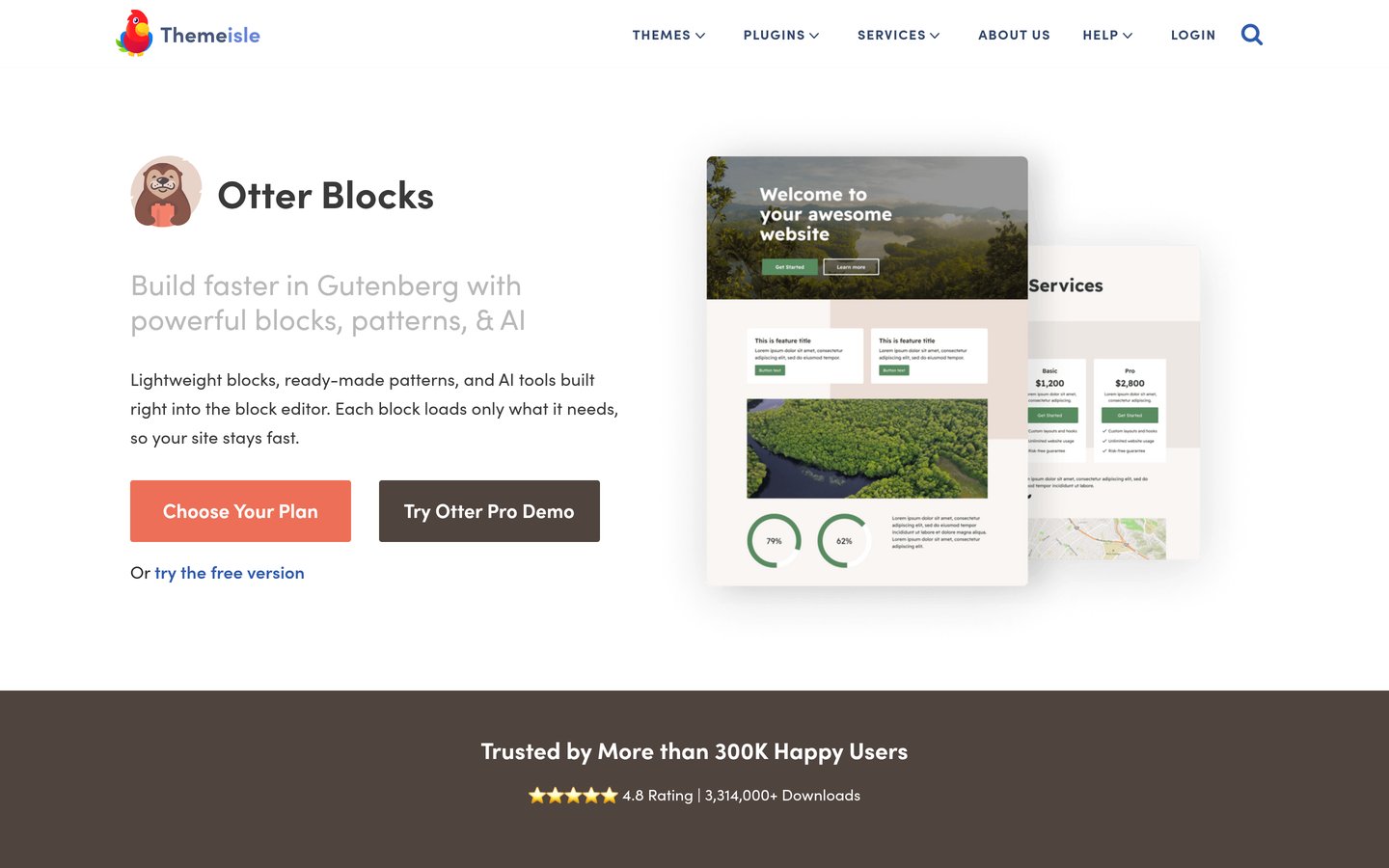
Otter Blocks has 300,000+ active installs and includes more than 20 Gutenberg blocks. Its regular paid price starts at $139/year.
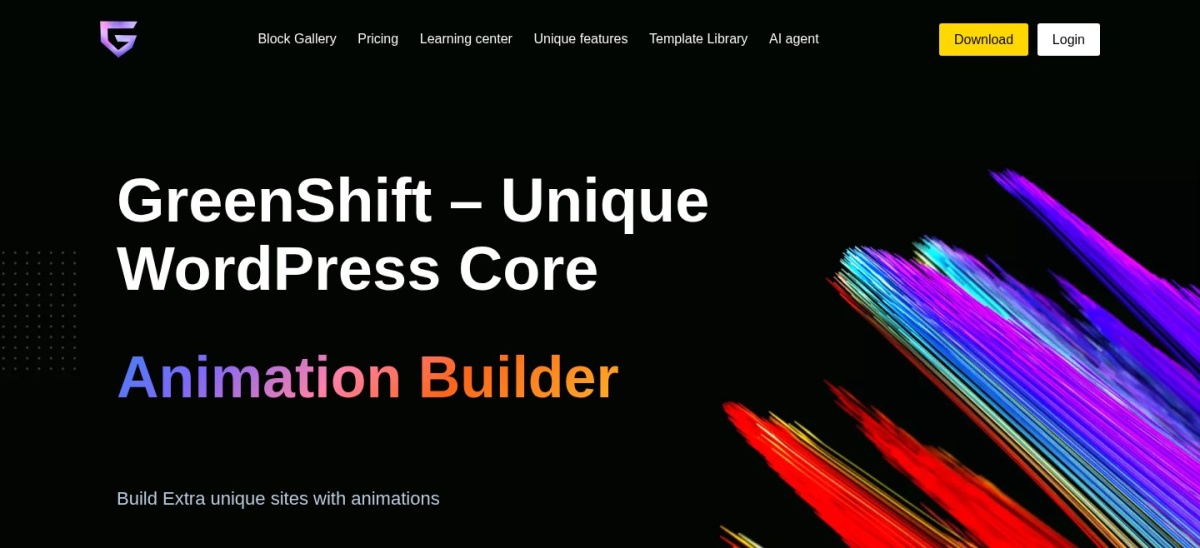
Greenshift is the animation-focused choice, with 70,000+ active installs and a Design Pack starting at $39.99/year.
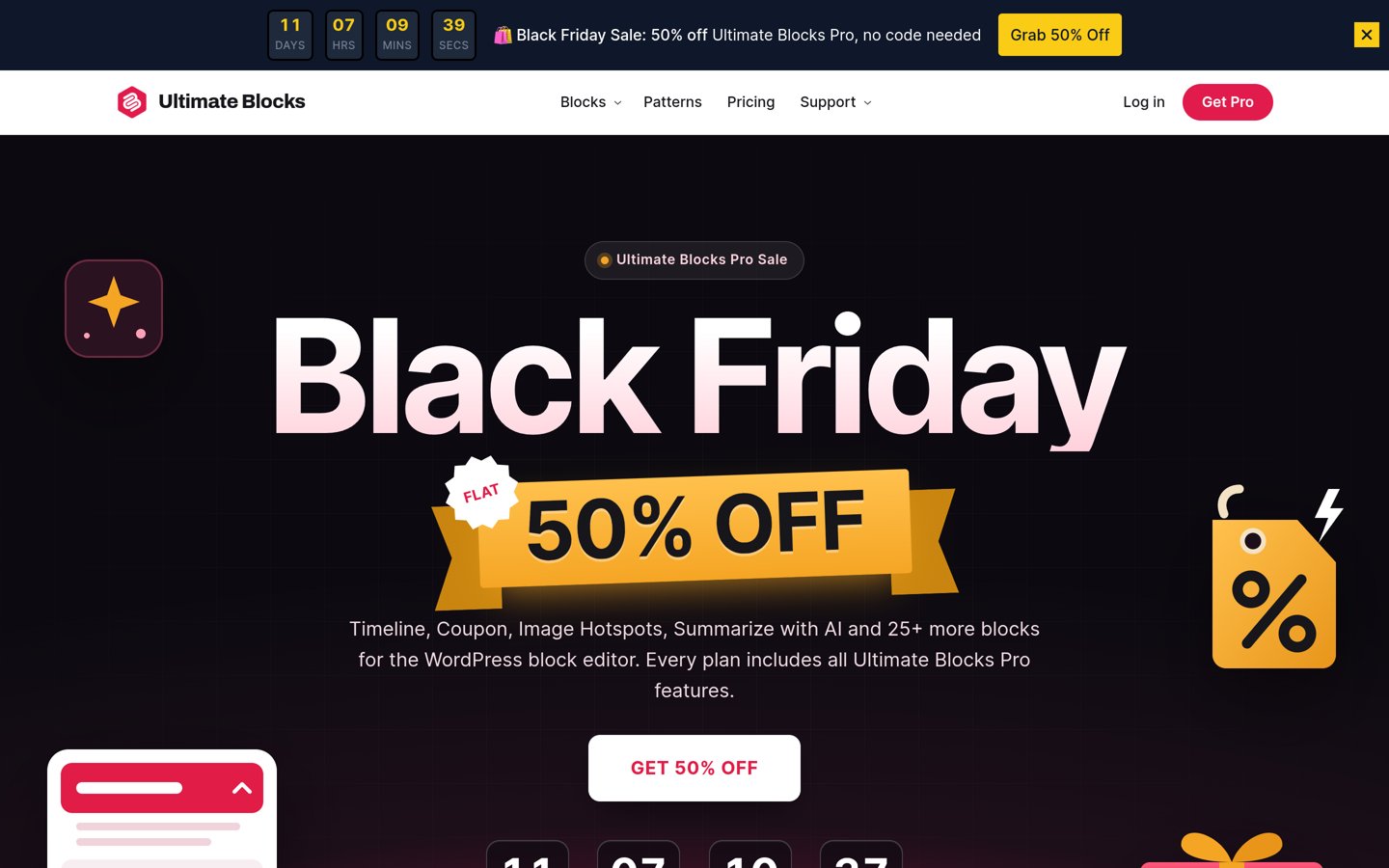
Ultimate Blocks is a budget-friendly content plugin, rated 4.9/5 from 729 ratings. Its regular Starter price is $39/year.
Kadence Blocks has 600,000+ active installs, but its current paid offering starts at $350/year through Liquid Web.
What to look for in a Spectra alternative
Spectra extends the WordPress block editor with layout controls, content blocks, forms and ready-made designs. A useful alternative should preserve the native editing experience while offering the specific features your site needs.
Start by deciding whether you want a large block library or a smaller collection of flexible layout elements. Stackable and Otter provide many ready-made components, while GenerateBlocks emphasizes reusable styles and layouts.
Performance depends on more than the plugin name. Check how styles and scripts load, whether unused blocks can be disabled, and how complicated layouts affect the page markup.
Pay attention to dynamic content, responsive controls and conditional visibility if you build business websites. These features are not included at the same level in every free version.
Pricing also matters. Some plugins offer inexpensive standalone upgrades, while others now sell broader site-building packages. Compare the regular annual price, not a temporary discount, before switching.
4.9/5on WordPress.org (522 reviews, checked Nov 2026)
Paid from$49/yr
Best Spectra alternative overall
EditorNative Gutenberg
Design systemGlobal controls
Premium patterns375
Paid license1 site
wpstackable.com
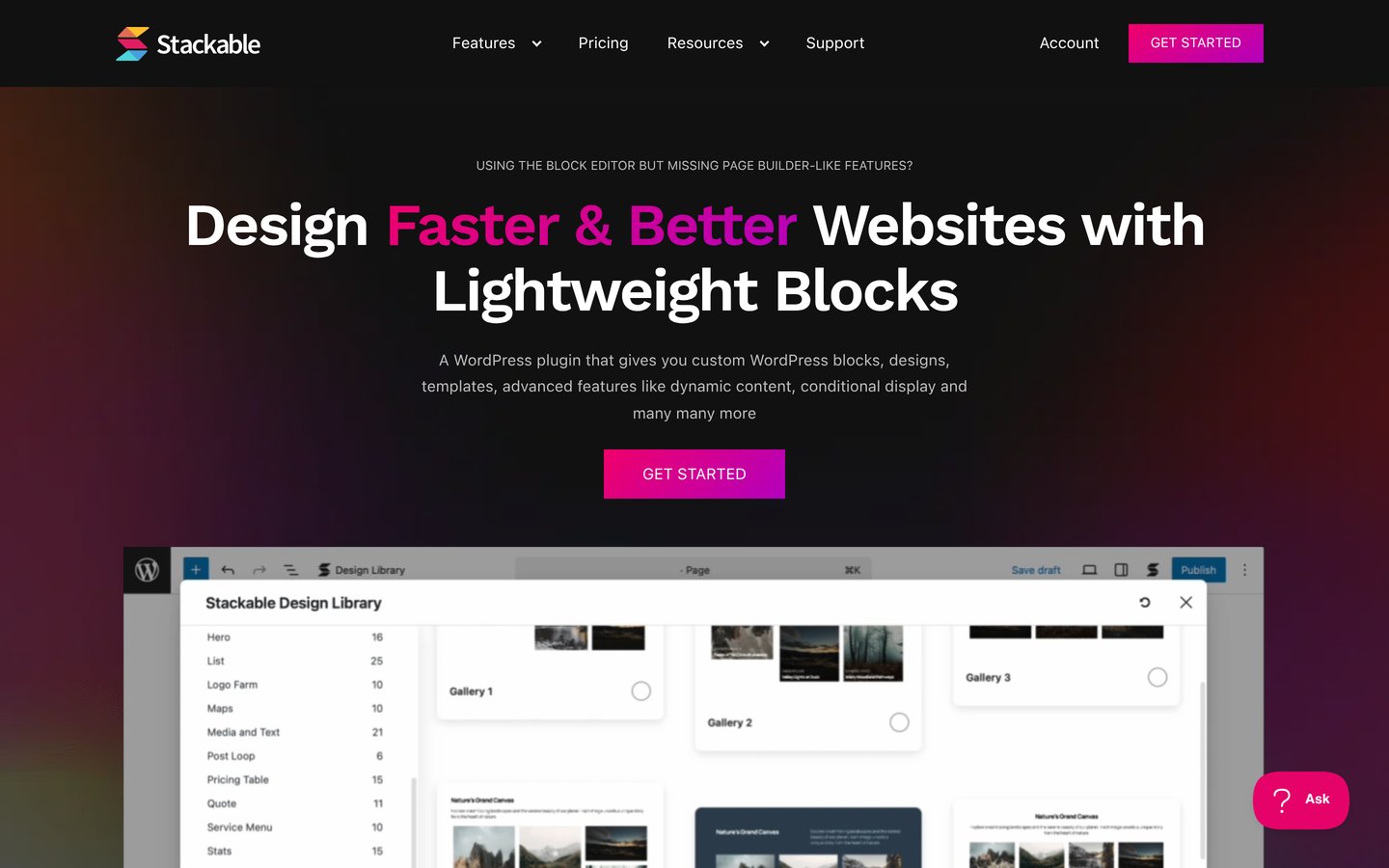
Stackable homepage, captured Nov 2026.
Stackable is a Gutenberg page-building plugin with 100,000+ active installs and a 4.9/5 WordPress.org rating. Its free version provides custom blocks, a design library and global design controls for creating consistent page layouts without switching editors.
The trade off is that dynamic content, conditional display, motion effects and the complete design library require Stackable Premium at $49 a year for one site. It suits bloggers, businesses and designers who want a familiar Spectra-style workflow with more design organization.
What we like
Works directly in the WordPress block editor
Global design controls help maintain consistent layouts
Free blocks and design library
Premium includes 375 patterns and 40 full-page templates
Watch out for
Dynamic content requires Premium
Conditional display and motion effects are paid features
A large block library can take time to learn
Premium adds dynamic content, visibility rules, motion effects and the complete design library.Visit wpstackable.com
02
GenerateBlocks
4.9/5on WordPress.org (122 reviews, checked Nov 2026)
Paid from$99/yr
Best for flexible layouts and clean design
EditorNative Gutenberg
Layout blocksContainer and Grid
Dynamic tagsFree and Pro
Paid license1 site
generatepress.com
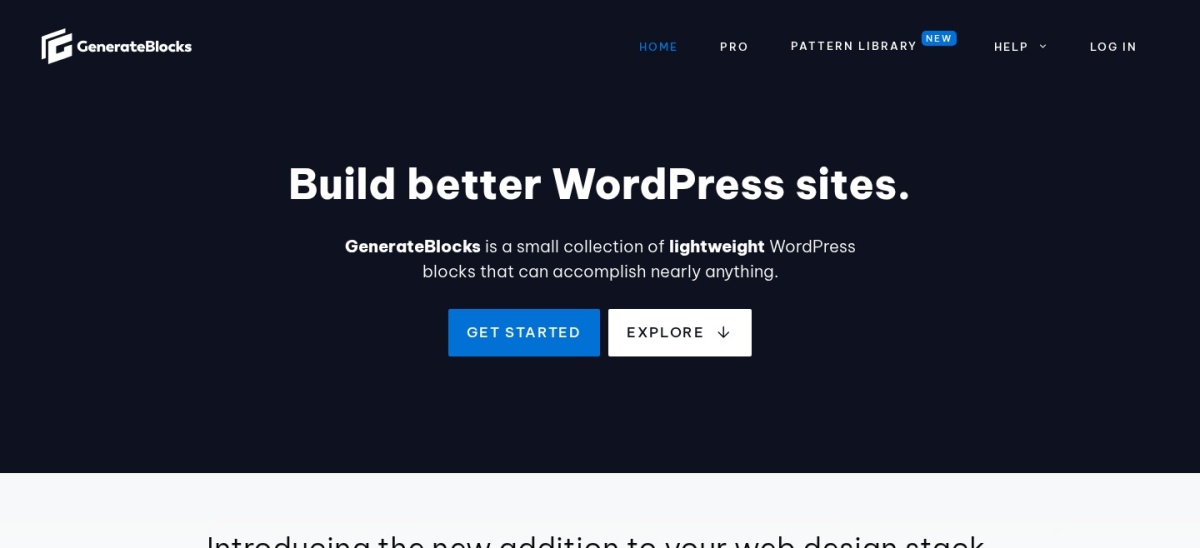
GenerateBlocks homepage, captured Nov 2026.
GenerateBlocks is a layout-focused Gutenberg plugin with 200,000+ active installs and a 4.9/5 rating. Its free version includes Container, Grid, Text, Button, Query, Image and Shape blocks, along with dynamic tags and responsive design controls.
The trade off is its smaller selection of specialized content blocks compared with Spectra. GeneratePress One costs $99 a year for one site and includes GenerateBlocks Pro, GP Premium, GenerateCloud and AI features. It suits developers and site owners who prefer flexible components over ready-made widgets.
What we like
Flexible building blocks for custom layouts
Free dynamic tags for common WordPress content
Works with themes beyond GeneratePress
Paid plan includes reusable global styles and design tokens
Watch out for
Fewer specialized content blocks than Spectra
More layout assembly is required
Advanced global styling needs the paid plan
GeneratePress One adds global styles, design tokens, expanded dynamic data and site-building features.Visit generatepress.com
03
Otter Blocks
4.7/5on WordPress.org (252 reviews, checked Nov 2026)
Paid from$139/yr
Best for extra Gutenberg features
Free blocks20+
EditorNative Gutenberg
Visibility rulesAvailable
Paid license1 site
themeisle.com
Otter Blocks homepage, captured Nov 2026.
Otter Blocks is a Gutenberg extension from Themeisle with 300,000+ active installs and a 4.7/5 WordPress.org rating. Its free version includes more than 20 blocks, patterns, full-page templates, animations, custom CSS and block visibility conditions.
The trade off is that advanced forms, premium designs, WooCommerce building tools and expanded visibility conditions require Otter Pro at the regular price of $139 a year for one site. A promotional price of $69 is currently advertised. It suits website owners who want extra design and marketing features without replacing Gutenberg.
What we like
Broad free block collection
Custom CSS and animation controls
Visibility conditions within Gutenberg
Premium includes advanced forms and WooCommerce tools
Watch out for
Advanced marketing features require Pro
Regular Pro pricing is higher than several competitors
Some advanced capabilities have a learning curve
Pro adds premium patterns, advanced forms, popups, WooCommerce tools and expanded visibility rules.Visit themeisle.com
04
Greenshift
4.8/5on WordPress.org (106 reviews, checked Nov 2026)
Paid from$39.99/yr
Best for animations and interactions
EditorNative Gutenberg
Layout systemGrid and Flexbox
AnimationCSS and interactions
Paid planDesign Pack
greenshiftwp.com
Greenshift homepage, captured Nov 2026.
Greenshift is a Gutenberg page-building plugin with 70,000+ active installs and a 4.8/5 rating. Its free toolkit includes responsive layouts, advanced containers, CSS grid controls, design helpers and animation capabilities, with assets loaded according to the blocks used.
The trade off is complexity: advanced interactions, GSAP effects and specialized animation features require additional learning and paid extensions. The Design Pack starts at $39.99 a year, while an All in One Pack costs more. It suits designers creating interactive landing pages and visually detailed websites.
4.9/5on WordPress.org (729 reviews, checked Nov 2026)
Paid from$39/yr
Best for bloggers and content creators
EditorNative Gutenberg
Content toolsReviews and TOC
Pro blocksTimeline and Coupon
Paid license1 site
ultimateblocks.com
Ultimate Blocks homepage, captured Nov 2026.
Ultimate Blocks is a Gutenberg content plugin with 50,000+ active installs and a 4.9/5 WordPress.org rating. Its free version includes review blocks with schema markup, a table of contents, content filters, accordions, calls to action and other features useful for blog posts.
The trade off is that Ultimate Blocks focuses more on article components than complete page design. Starter normally costs $39 a year for one site, although a Black Friday offer currently lowers it to $19.50. It suits bloggers, reviewers and affiliate publishers who need useful content blocks rather than a complete visual builder.
What we like
Useful blocks for long-form articles
Review and HowTo schema support
Free tables of contents and accordions
Affordable regular Starter pricing
Watch out for
Less suitable for complex landing-page layouts
Advanced animations and visibility controls require Pro
Smaller page-design ecosystem than Spectra
Pro adds Timeline, Coupon, Image Hotspots, AI Summarize, animations and visibility controls.Visit ultimateblocks.com
06
Elementor
4.5/5on WordPress.org (7,328 reviews, checked Nov 2026)
Paid from$60/yr
Best for a separate visual page builder
EditorVisual drag-and-drop
Free versionAvailable
Essential widgets57 Pro widgets
Paid license1 site
elementor.com
Elementor homepage, captured Nov 2026.
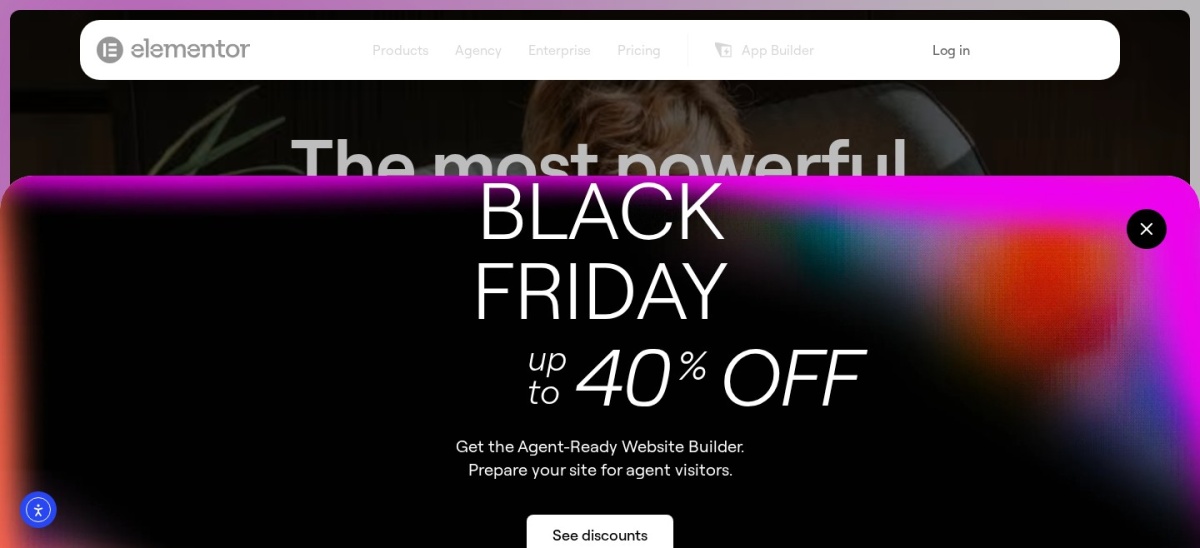
Elementor is a visual WordPress website builder with more than 10 million active installs and a 4.5/5 WordPress.org rating. Its free version provides drag-and-drop page editing, responsive controls and a visual layout system separate from the standard Gutenberg experience.
The trade off is editor dependence: Elementor uses its own page-building interface instead of extending Gutenberg like Spectra. Essential costs $60 a year for one site and includes 57 Pro widgets, but popups and ecommerce features require a higher plan. It suits users who prefer visual page composition over native block editing.
Essential adds Pro widgets, theme building, dynamic content and cloud templates.Visit elementor.com
07
Kadence Blocks
4.8/5on WordPress.org (337 reviews, checked Nov 2026)
Paid from$350/yr
Best for an integrated WordPress design system
EditorNative Gutenberg
Free blocksForms and galleries
Paid packageKadence bundle
Paid license1 site
liquidweb.com
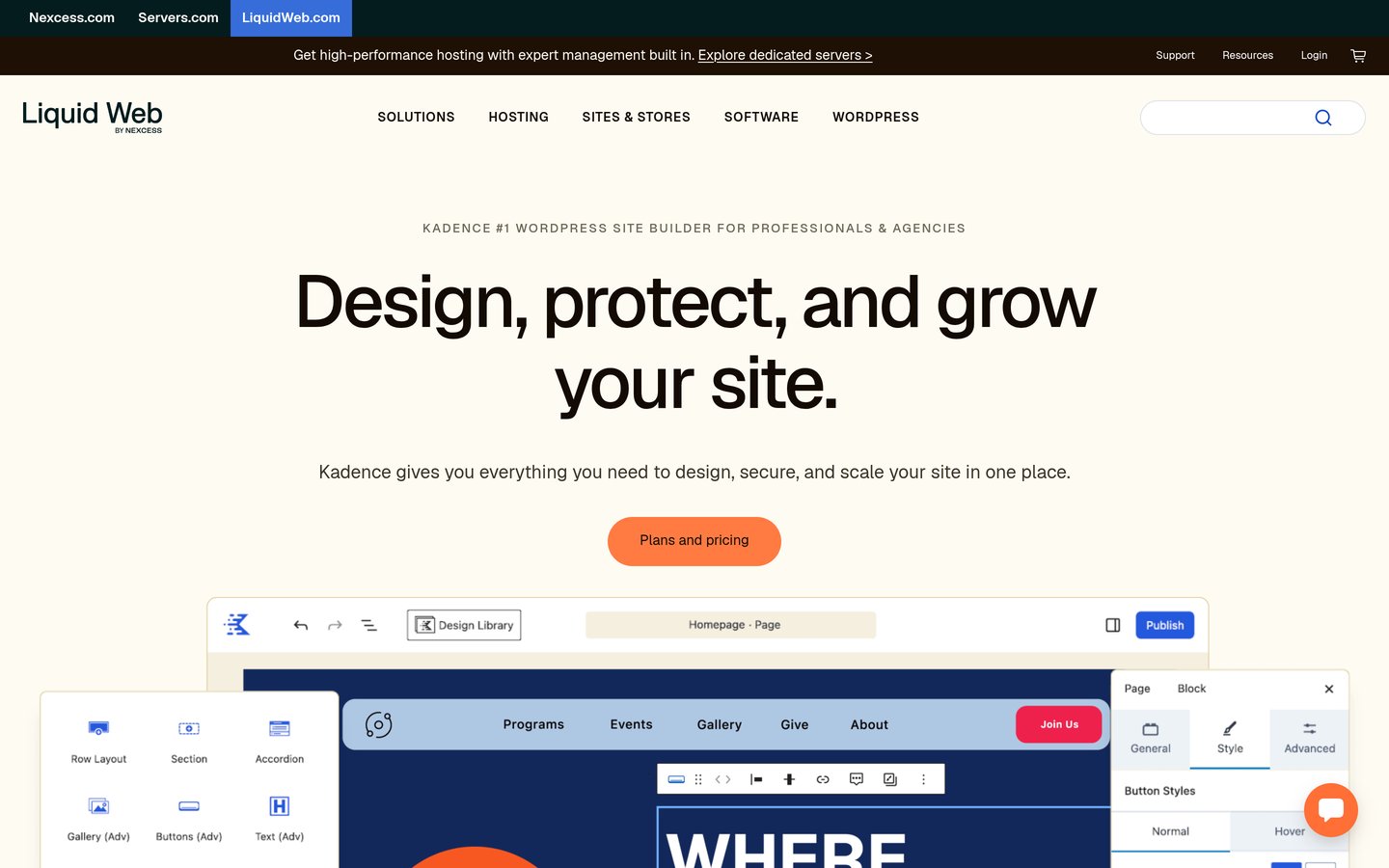
Kadence Blocks homepage, captured Nov 2026.
Kadence Blocks is a Gutenberg design toolkit with 600,000+ active installs and a 4.8/5 WordPress.org rating. Its free version includes advanced layout controls, buttons, forms, galleries, accordions, typography settings and responsive styling options.
The trade off is the current paid pricing structure. Kadence now starts at $350 a year for one site through Liquid Web, bundled with LearnDash, The Events Calendar and Give rather than sold as a standalone premium block plugin. It suits users who want the broader Kadence ecosystem and can justify the bundled tools.
What we like
Extensive free Gutenberg block collection
Forms and galleries included in the free version
Responsive styling and layout controls
Paid package includes other established WordPress products
Watch out for
Current paid entry price is considerably higher
Premium functionality is tied to a broader bundle
Bundle may include products a simple website does not need
The paid bundle adds premium Kadence features alongside LearnDash, Give and The Events Calendar.Visit liquidweb.com
Spectra Legacy vs. Spectra Blocks: what changed?
Spectra's original WordPress.org plugin has been renamed Spectra Legacy. The developer says existing blocks, pages and settings continue working, so current users do not need to migrate simply because of the name change.
Spectra Legacy continues receiving security and compatibility updates, but new feature development has moved to a separate product called Spectra Blocks.
This distinction matters when comparing alternatives. An existing Spectra website may be better served by maintaining its current blocks, while a new project can compare the newer Spectra product against Stackable, GenerateBlocks and other actively developed builders.
Replacing a block plugin does not automatically convert its layouts into another plugin's blocks. Review dependencies and plan for content rebuilding before removing the original plugin.
How to switch from Spectra without breaking layouts
Start with a complete backup and a staging copy of the website. Identify pages that use Spectra-specific blocks, forms, popups or layouts before disabling anything.
Install the replacement plugin on staging and rebuild a representative page first. Check responsive layouts, typography, navigation, interactions and any custom CSS.
Do not remove Spectra until the replacement layouts are complete. Even when content remains visible, removing a block plugin can leave unsupported blocks or missing styling.
Check the finished pages on mobile and desktop, then compare loading behavior and accessibility before publishing the changes.
How we chose
We selected established alternatives based on their relevance to Spectra's core use cases: Gutenberg blocks, flexible page layouts, design libraries, responsive controls and visual site building. Most picks work directly inside Gutenberg, while Elementor represents a different editing approach.
We checked WordPress.org ratings, rating counts, active installations and update status on 22 Nov 2026. We also opened official vendor pricing pages and used regular paid prices rather than promotional introductory offers. Temporary Black Friday discounts are identified separately where relevant.
We excluded plugins without a verifiable regular paid price, closed or outdated WordPress.org listings, and small products without an established review or installation base. We also avoided treating legacy pricing as current when a vendor had changed its packages.
How to choose the right Spectra alternative
Match the replacement to the pages you build, the editing workflow you prefer and the features you would otherwise need separate plugins to provide.
Choose your editing workflow first. Stay with Gutenberg if you want native WordPress blocks and a familiar editing interface. Stackable, GenerateBlocks and Otter are suitable choices. Consider Elementor when a separate visual drag-and-drop editor fits your workflow better.
List the blocks you actually need. Identify whether your pages depend on forms, galleries, tables, accordions, post queries, pricing sections or animations. Stackable and Otter provide broad design options, while Ultimate Blocks focuses on content publishing and GenerateBlocks emphasizes flexible layout components.
Compare free features against paid upgrades. Check whether dynamic data, visibility rules, global styles or premium layouts require a subscription. Compare regular prices and included site licenses rather than deciding from introductory sale prices.
Validate the change on a staging website. Build representative pages, inspect the generated layouts and check mobile behavior before switching production pages. Keep Spectra installed until every dependent layout or feature has been replaced and verified.
FAQ
What is the best alternative to Spectra?
Stackable is our top alternative for most Gutenberg users because it combines custom blocks, ready-made designs and global styling controls. It has a 4.9/5 WordPress.org rating, and Premium starts at $49 a year. GenerateBlocks is a better match when flexible layouts matter more than a large block library.
Is there a free alternative to Spectra?
Yes. Stackable, GenerateBlocks, Otter Blocks, Greenshift, Ultimate Blocks, Elementor and Kadence Blocks all offer free WordPress plugins. Their capabilities differ, so compare the specific blocks and layout features available without payment rather than assuming every free version replaces Spectra's entire feature set.
Is GenerateBlocks better than Spectra?
GenerateBlocks may be a better choice if you prefer reusable layout components, precise spacing and flexible design controls. Spectra provides a broader selection of ready-made content elements. GenerateBlocks is less focused on specialized widgets, so the better option depends on the pages you need to build.
Can Stackable replace Spectra?
Stackable can replace many common Spectra use cases, including page sections, buttons, testimonials and other Gutenberg layouts. Its Premium version also provides dynamic content and conditional display. However, existing Spectra blocks do not automatically become Stackable blocks, so a migration may require rebuilding layouts.
Which Spectra alternative is best for website speed?
GenerateBlocks and Greenshift are worth considering when controlling frontend output is a priority. GenerateBlocks emphasizes flexible elements and static HTML and CSS output, while Greenshift describes conditional asset loading. Actual results depend on your theme, hosting, fonts, images and the complexity of the completed page.
Is Elementor a good alternative to Spectra?
Elementor is a good choice when you want a separate visual drag-and-drop editing experience. It has more than 10 million active WordPress installations and a large ecosystem. Unlike Spectra, it does not primarily extend Gutenberg, so moving existing pages involves a different editing workflow.
What happened to the original Spectra plugin?
The original plugin is now called Spectra Legacy. Its developer says existing pages and blocks continue working and that the plugin still receives security and compatibility maintenance. New feature development takes place in a separate Spectra Blocks plugin, so existing users do not need to migrate immediately.
Why is Kadence Blocks more expensive than other alternatives?
Kadence's current paid offering starts at $350 a year for one site through Liquid Web and includes LearnDash, Give and The Events Calendar. This is a broader software package rather than a standalone block upgrade. The free Kadence Blocks plugin remains available for users who do not need the paid bundle.
Will removing Spectra break my WordPress pages?
It can affect pages that rely on Spectra-specific blocks, styles or scripts. Some content may remain, but unsupported blocks and missing visual features are possible. Create a staging copy, identify Spectra dependencies and rebuild affected layouts before removing the plugin from your live website.