Best WordPress Themes for Startups in 2026: 7 Tools Compared
WLWPLegible EditorsLast verified 22 Nov 2026How we rank12 min read
★ Short answer
Astra is our top WordPress theme for startups, with 1 million+ active installations, a 4.9/5 rating and a $69 yearly Pro add-on. Blocksy suits product-led startups needing flexible layouts and WooCommerce compatibility, while Sydney is particularly useful for service startups building professional landing pages with Elementor.
How we make this list: we compare pricing pages, product documentation and public user reviews, then re-check every price before each update. No product paid for a place. Disclosure.
Astra has 1 million+ active installations and a 4.9/5 rating from 6,559 reviews. Its standalone Astra Pro add-on costs $69 per year.
Blocksy has 300,000+ active installations and a 5/5 rating from 874 reviews. Blocksy Pro Personal costs $69 per year for one website.
Sydney has 80,000+ active installations and a 4.9/5 rating from 795 reviews. Its Personal plan normally costs $99 per year.
Neve has 200,000+ active installations and a 4.7/5 rating. Its Personal plan has a regular listed price of $139 per year.
GeneratePress has 500,000+ active installations and a 4.9/5 rating. GeneratePress One starts at $99 per year for one website.
Zakra Pro costs $69 per year for up to 3 websites, while Kadence's current paid package starts at $350 per year for one site.
What makes a good WordPress theme for startups?
A startup website needs to communicate what the business offers, who it helps and what visitors should do next. A SaaS company may prioritize product explanations and demo requests, while a service startup may focus on consultations, case studies and contact forms.
Look for flexible landing page layouts with clear headlines, benefit sections, testimonials and calls to action. The theme should support a consistent visual identity without requiring extensive custom development whenever your product or positioning changes.
Performance matters because startup websites often rely on advertising, search traffic and product launches. Responsive navigation, optimized images and compatible caching tools can improve the browsing experience. A theme provides the foundation, but plugins, hosting and page design also affect loading speed.
Check compatibility with your preferred page editor and marketing tools. Email signup forms, customer relationship management integrations, appointment booking and subscription payments generally require separate plugins or services rather than being built into the theme.
Finally, compare free features against regular paid prices. A small startup may only need a free theme and a contact form. More established businesses may benefit from premium templates, advanced headers, custom layouts and additional site-building controls.
4.9/5on WordPress.org (6,559 reviews, checked Nov 2026)
Paid from$69/yr
Best overall for startup websites
Active installations1M+
WordPress rating4.9/5
Page buildersElementor, Spectra, Beaver Builder
Paid planAstra Pro, $69/yr
wpastra.com
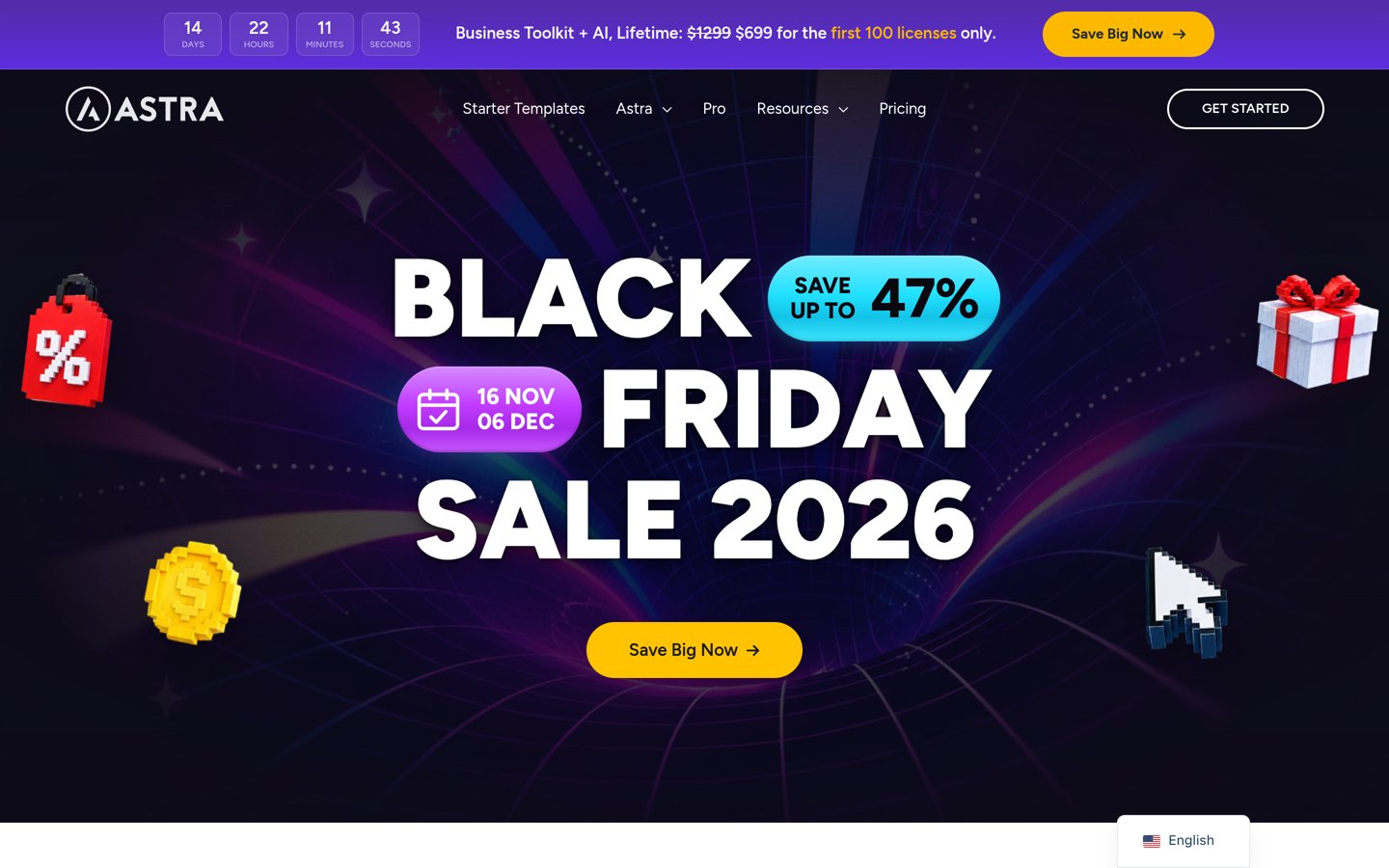
Astra homepage, captured Nov 2026.
Astra is a multipurpose WordPress theme with 1 million+ active installations and a 4.9/5 rating from 6,559 reviews. Its free version includes responsive layouts, typography controls, header options and compatibility with popular page builders. Startups can adapt its designs for SaaS landing pages, consulting businesses, agencies, product showcases and online stores.
The trade off is that advanced headers, custom layouts and additional design features require Astra Pro, available as a standalone add-on for $69 per year. The vendor also sells a more expensive Pro + AI bundle, but it is not required for the basic upgrade. It suits startups wanting a flexible website foundation without a large theme subscription.
What we like
Large library of adaptable starter designs
Free responsive layouts and customization controls
Compatible with popular page builders
WooCommerce and marketing plugin compatibility
Extensive documentation and large user community
Watch out for
Advanced customization requires Pro
Some starter designs need additional plugins
Specialized SaaS features require external tools
Astra Pro adds advanced headers, custom layouts, typography controls and WooCommerce featuresVisit wpastra.com
02
Blocksy
5/5on WordPress.org (874 reviews, checked Nov 2026)
Paid from$69/yr
Best for product-led startups and ecommerce
Active installations300K+
WordPress rating5/5
Design toolsHeader and footer builder
Paid planPersonal, $69/yr
creativethemes.com
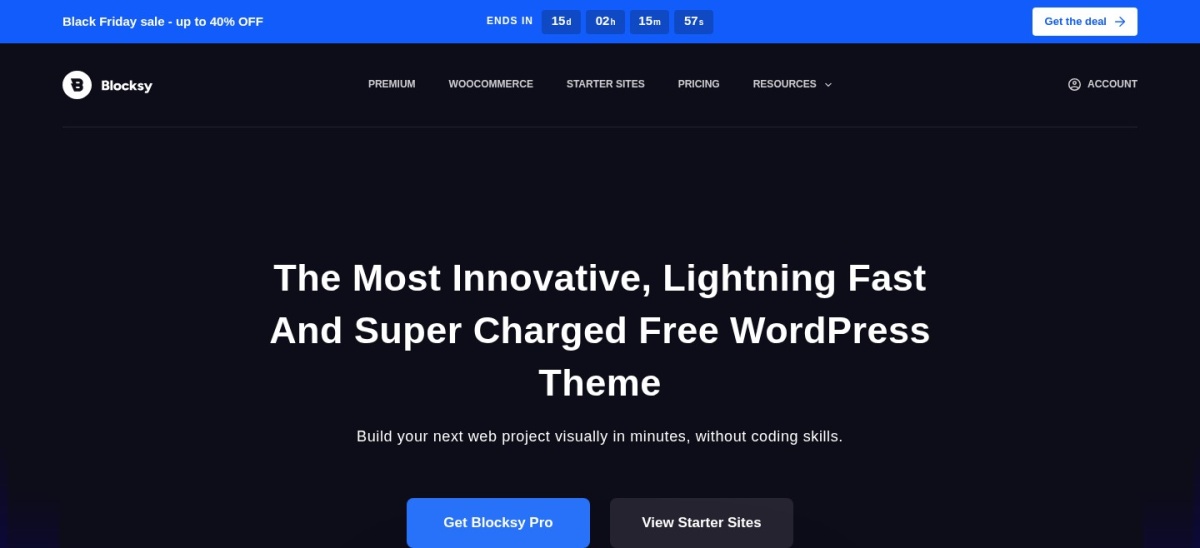
Blocksy homepage, captured Nov 2026.
Blocksy is a modern WordPress theme with 300,000+ active installations and a 5/5 rating from 874 reviews. Its free version includes responsive layouts, visual customization controls, a header and footer builder, and WordPress block editor compatibility. Product startups can build feature pages, pricing explanations, company profiles and WooCommerce storefronts.
The trade off is that premium starter sites, additional design extensions and advanced site controls require Blocksy Pro Personal at a regular $69 per year. A Black Friday promotion currently advertises a lower introductory price of $42. It suits ecommerce startups and product-focused businesses wanting detailed design control without depending entirely on a separate page builder.
What we like
Flexible header and footer builder
Free WooCommerce compatibility
Responsive customization controls
Works with the WordPress block editor
High WordPress.org rating
Watch out for
Premium starter sites require Pro
Advanced conditional layouts need an upgrade
Subscription billing and SaaS account features require plugins
Personal adds premium starter sites, advanced site controls and additional extensionsVisit creativethemes.com
03
Sydney
4.9/5on WordPress.org (795 reviews, checked Nov 2026)
Paid from$99/yr
Best for service startups and agencies
Active installations80K+
WordPress rating4.9/5
Editor supportElementor and block editor
Paid planPersonal, $99/yr
athemes.com
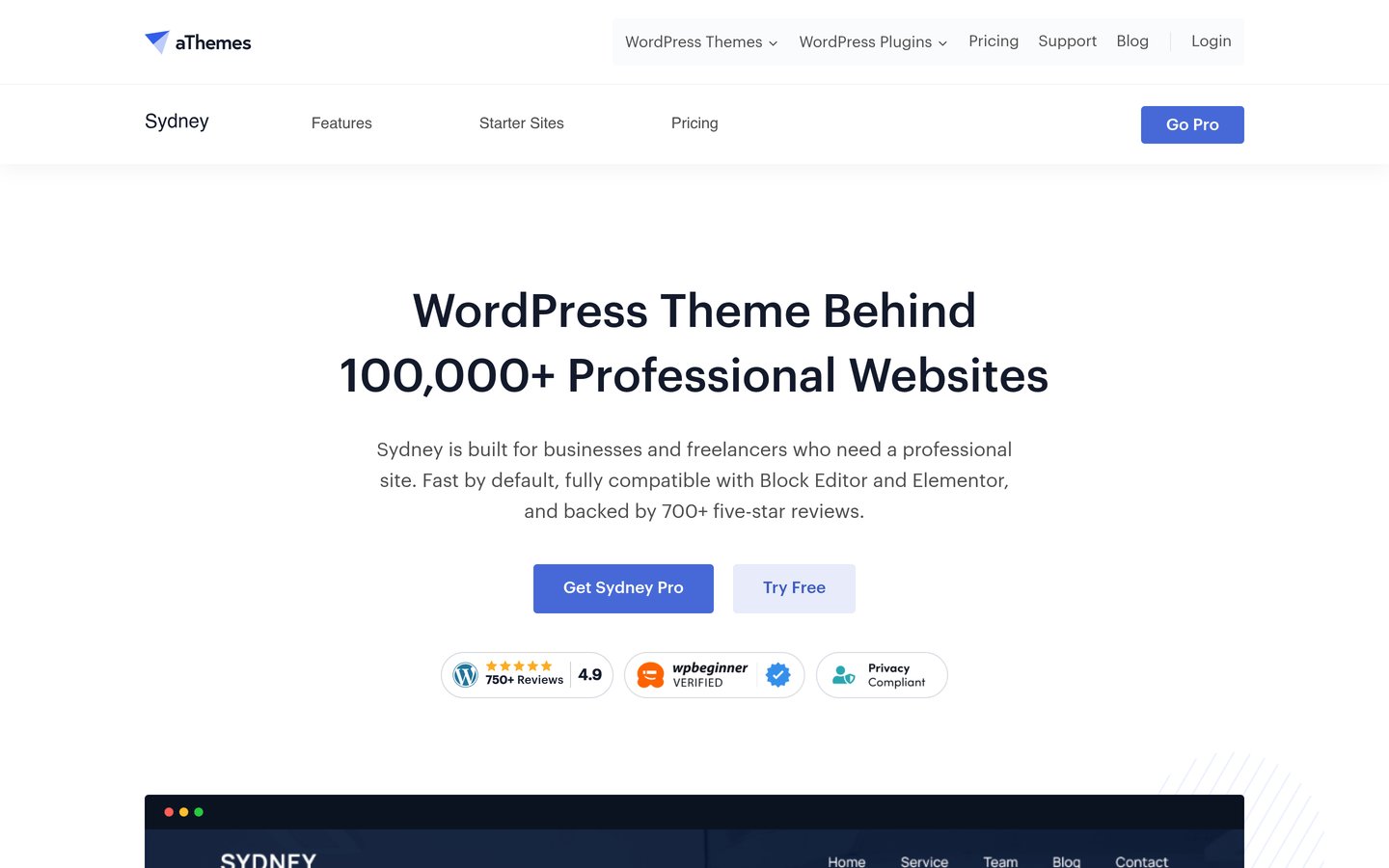
Sydney homepage, captured Nov 2026.
Sydney is a business-focused WordPress theme with 80,000+ active installations and a 4.9/5 rating from 795 reviews. Its free version supports Elementor, block editor patterns, customizable typography, header images and sticky navigation. Service startups can build consulting pages, agency portfolios, testimonials and lead generation landing pages.
The trade off is that premium starter designs, advanced layout controls and additional Elementor widgets require Sydney Pro Personal, normally $99 per year for one website. A promotional first-year price of $59 is currently advertised. It suits agencies, consultants and service startups wanting a professional business website with flexible page-building options.
What we like
Business-focused layouts and starter designs
Elementor and block editor compatibility
Customizable headers and typography
Suitable for services and portfolio pages
WooCommerce compatibility
Watch out for
Premium templates and features require Pro
Some layouts depend on Elementor
Advanced lead management requires separate plugins
Sydney Pro adds premium starter sites, advanced layouts, additional widgets and customization controlsVisit athemes.com
04
Neve
4.7/5on WordPress.org (1,284 reviews, checked Nov 2026)
Paid from$139/yr
Best for mobile-first SaaS startups
Active installations200K+
WordPress rating4.7/5
Editor supportBlocks and page builders
Paid planPersonal, $139/yr
themeisle.com
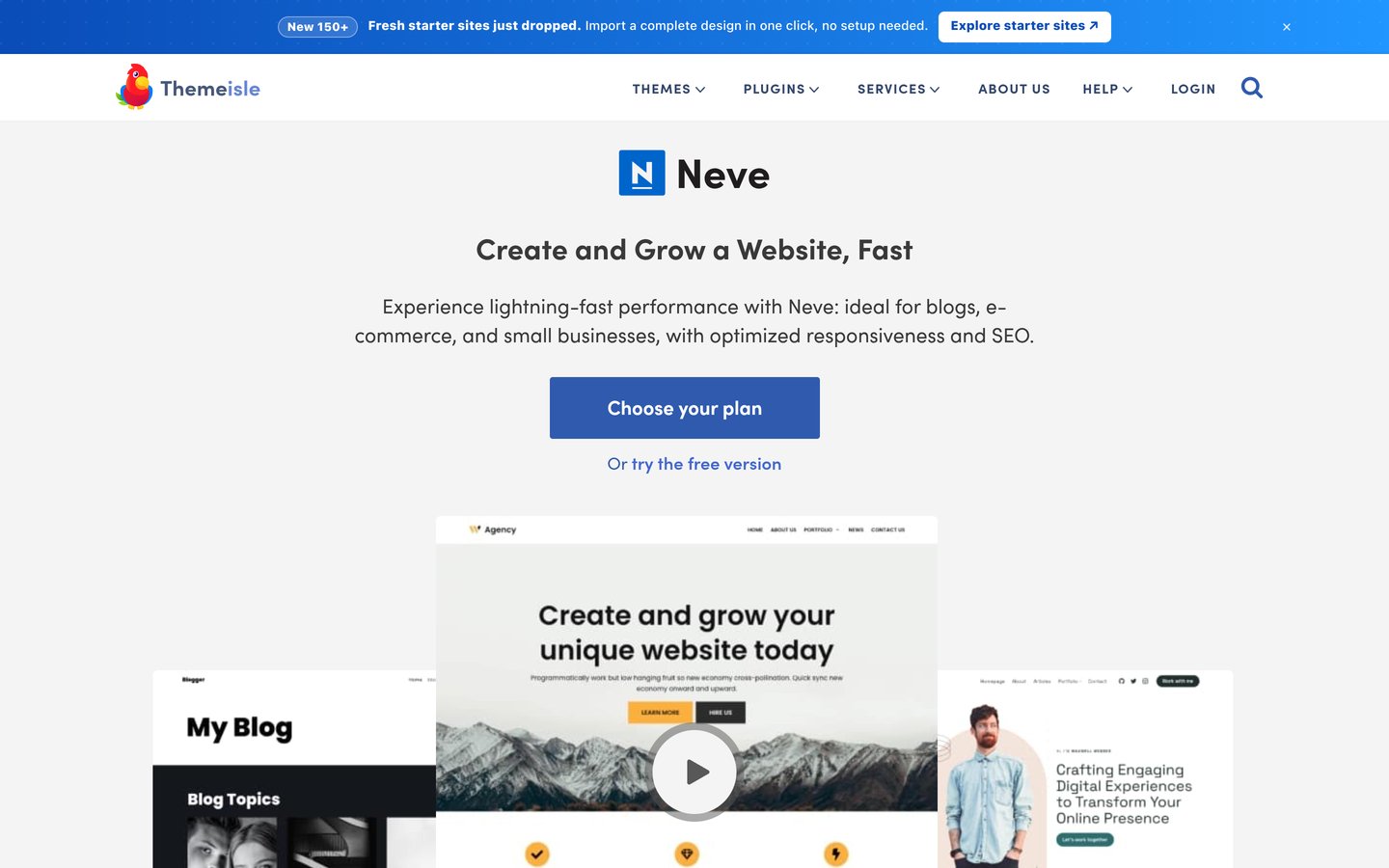
Neve homepage, captured Nov 2026.
Neve is a responsive WordPress theme from Themeisle with 200,000+ active installations and a 4.7/5 rating from 1,284 reviews. Its free version includes layout customization, block editor compatibility and support for Elementor and WooCommerce. Startups can adapt its designs for product introductions, feature comparisons, resource centers and mobile-friendly service pages.
The trade off is that advanced headers, conditional layouts, content restriction features and extended customization require Neve Pro Personal, with a regular listed price of $139 per year and a promotional price of $69. It suits SaaS and technology startups that prioritize responsive design and plan to integrate their own marketing tools.
What we like
Responsive and mobile-focused layouts
Compatible with popular page builders
Suitable for SaaS content and landing pages
WooCommerce compatibility
Flexible blog and content customization
Watch out for
Regular paid price exceeds several alternatives
Some starter sites require additional plugins
SaaS authentication and billing require separate systems
Neve Pro adds extended headers, custom layouts, content restriction and performance controlsVisit themeisle.com
05
GeneratePress
4.9/5on WordPress.org (1,428 reviews, checked Nov 2026)
Paid from$99/yr
Best for lightweight startup content websites
Active installations500K+
WordPress rating4.9/5
Theme footprintUnder 10 KB gzipped
Paid planGeneratePress One, $99/yr
generatepress.com
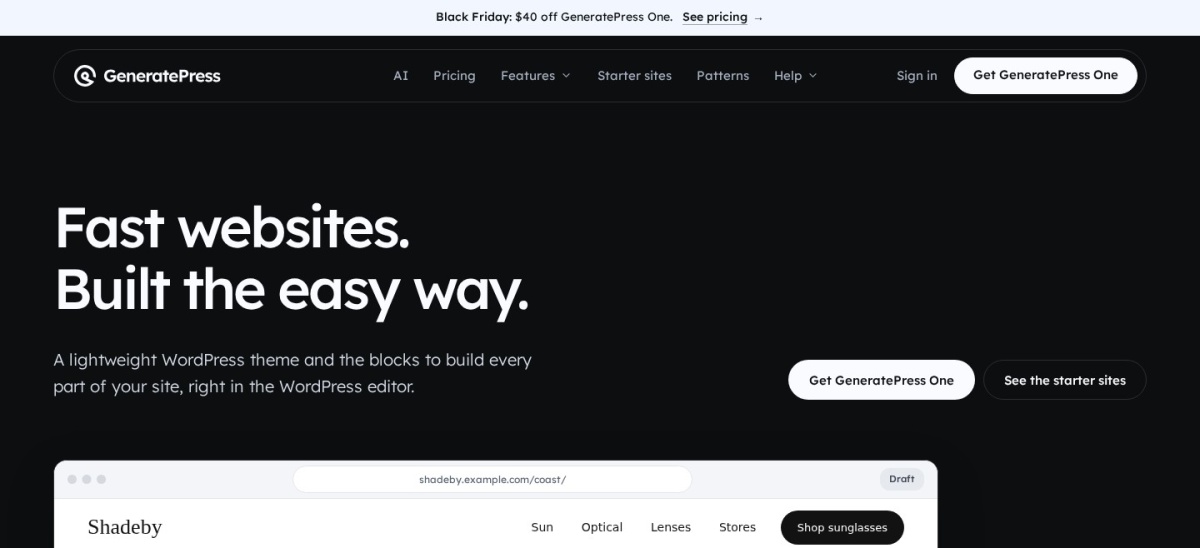
GeneratePress homepage, captured Nov 2026.
GeneratePress is a lightweight WordPress theme with 500,000+ active installations and a 4.9/5 rating from 1,428 reviews. Its developer states that a fresh installation adds less than 10 KB gzipped to page size. The free version includes responsive layouts, typography settings, navigation controls and compatibility with the WordPress block editor and major page builders.
The trade off is that customized startup landing pages may require more design work, while advanced site building is included in GeneratePress One at $99 per year for one website. A temporary Black Friday promotion reduces the first year to $59. It suits startups prioritizing product documentation, SEO content and a lean website foundation.
What we like
Small theme footprint
Suitable for content-driven startup websites
Compatible with the WordPress block editor
Flexible typography and navigation
Large installation base
Watch out for
No dedicated SaaS workflow built in
Advanced site building requires the paid plan
Custom startup designs may take additional setup
GeneratePress One adds GP Premium, GenerateBlocks Pro, GenerateCloud and AI featuresVisit generatepress.com
06
Zakra
4.9/5on WordPress.org (600 reviews, checked Nov 2026)
Paid from$69/yr
Best for budget-conscious startup teams
Active installations30K+
WordPress rating4.9/5
Free starter demos40+
Paid planPro, $69/yr
zakratheme.com
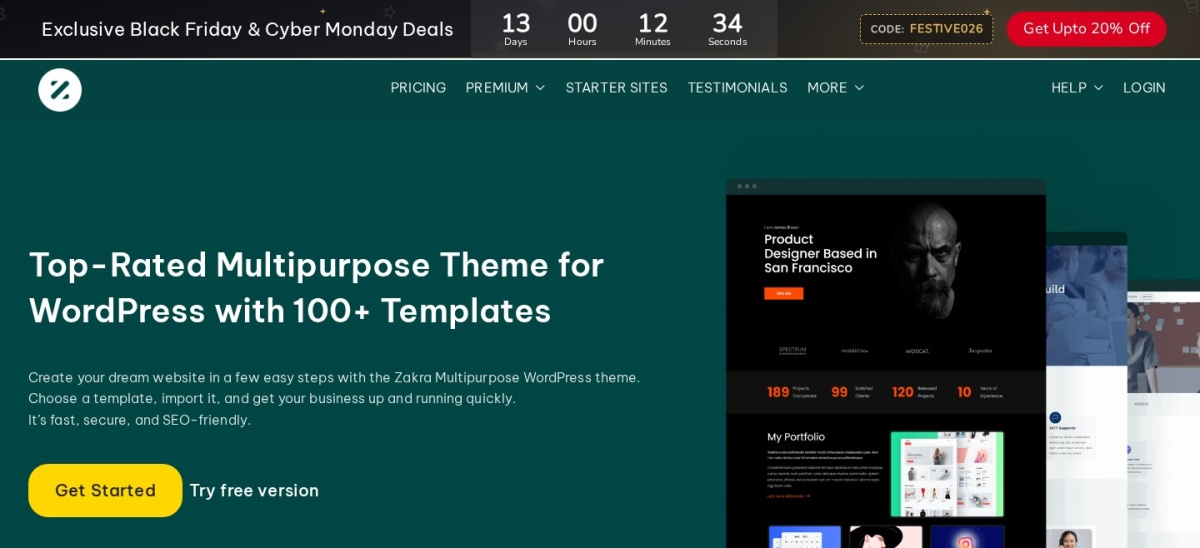
Zakra homepage, captured Nov 2026.
Zakra is a multipurpose WordPress theme with 30,000+ active installations and a 4.9/5 rating from 600 reviews. Its free version provides more than 40 starter demos and supports Elementor, Brizy, BlockArt and the WordPress block editor. Startup teams can create company websites, service pages, portfolios and product-focused landing pages using its customization options.
The trade off is that premium starter templates and advanced theme features require Zakra Pro at $69 per year for up to 3 websites. Specialized startup functions such as subscriptions, customer portals and advanced forms require separate integrations. It suits early-stage businesses wanting affordable customization and a license that covers several projects.
What we like
More than 40 free starter demos
Compatible with multiple page builders
Pro license covers up to 3 websites
WooCommerce compatibility
Accessible annual premium price
Watch out for
Premium starter templates require Pro
Specialized business functionality needs plugins
Smaller user base than leading multipurpose themes
Zakra Pro adds premium templates, advanced theme settings, updates and priority supportVisit zakratheme.com
07
Kadence
4.9/5on WordPress.org (458 reviews, checked Nov 2026)
Paid from$350/yr
Best for education and event-focused startups
Active installations500K+
WordPress rating4.9/5
Free design toolsHeader and footer builder
Paid plan$350/yr for 1 site
liquidweb.com
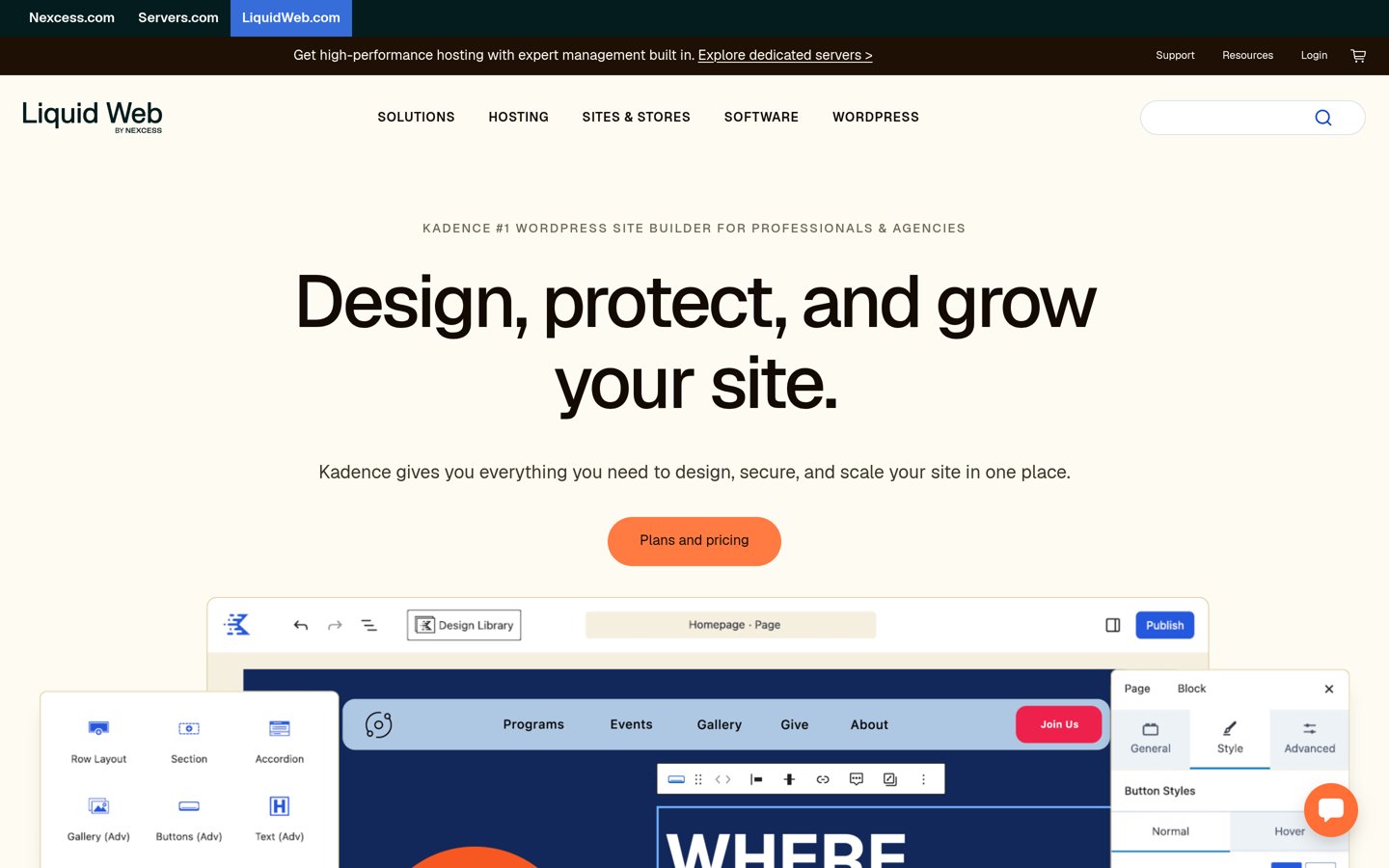
Kadence homepage, captured Nov 2026.
Kadence is a WordPress theme with 500,000+ active installations and a 4.9/5 rating from 458 reviews. Its free version includes a drag-and-drop header and footer builder, global typography controls, color settings and starter templates. Startups can use it for product pages, online learning websites, event information and business landing pages.
The trade off is its current premium pricing: the official Kadence pricing page redirects to Liquid Web, where the paid package costs $350 per year for one site. It bundles Kadence with LearnDash, The Events Calendar and Give rather than offering a standalone theme upgrade. It suits education and event startups that can use those additional products.
What we like
Flexible free header and footer builder
Global typography and color controls
Compatible with the WordPress block editor
Large active installation base
Paid package includes course and event tools
Watch out for
Paid package costs more than theme-only alternatives
Bundled products may be unnecessary
Specialized startup integrations still need configuration
The paid package adds premium Kadence features, LearnDash, The Events Calendar and GiveVisit liquidweb.com
Essential features every startup website should include
A startup homepage should explain the product or service in clear language. Visitors need to understand the problem being solved, the intended audience and the next step without reading lengthy company descriptions.
Create a focused landing page with a headline, supporting explanation, product visuals and a primary call to action. Depending on your business, that action may be requesting a demo, starting a trial, joining a waitlist or contacting the team.
Add credibility through authentic testimonials, case studies, team information and clearly explained product capabilities. Avoid unsupported performance claims or customer endorsements that cannot be verified.
If your startup sells subscriptions or digital services, connect the website to an appropriate payment or membership system. The WordPress theme manages the presentation, while dedicated tools handle checkout, account access and recurring billing.
Plan for content marketing as the business grows. A well-organized blog, product documentation and comparison pages can help visitors research the product. Choose a theme that makes these content types easy to maintain.
Should SaaS startups use a multipurpose WordPress theme?
A multipurpose theme can work well for SaaS marketing websites. It provides flexible layouts for product explanations, integrations, pricing pages, testimonials and lead generation forms without requiring a niche-specific theme.
Astra, Blocksy and Neve are suitable options for creating product marketing pages. GeneratePress is worth considering when the website will contain substantial documentation, tutorials or search-focused educational content.
However, a WordPress theme does not create a functioning SaaS application. User authentication, subscription management, application dashboards and product data generally belong in separate software systems.
Many SaaS businesses use WordPress for the public marketing site while hosting their actual application elsewhere. This separation can simplify content publishing and allow the marketing team to update pages without changing the core product.
Choose the theme based on your marketing workflow, preferred editor and expected content requirements rather than assuming a SaaS-specific design includes application functionality.
How we chose
We selected established WordPress themes from the official WordPress.org directory that can support SaaS startups, service companies, digital agencies, ecommerce brands and content-led businesses. We compared responsive layouts, landing page flexibility, editor compatibility, customization features, starter designs and suitability for common startup website requirements.
We opened the official WordPress.org theme pages and vendor pricing pages on 22 Nov 2026. Ratings, review counts, active installations and update dates came from the directory listings. We compared regular annual prices rather than temporary Black Friday discounts and accounted for bundled pricing where standalone theme upgrades are unavailable.
We excluded themes with insufficient adoption evidence, listings not updated within the required maintenance window and products without confirmable regular paid pricing. Business functionality such as SaaS subscriptions, CRM integrations and appointment scheduling was treated separately from theme design features. No vendor paid for a place, and we do not claim testing for this list.
How to choose the right WordPress theme for a startup
Identify your startup's business model, marketing goals and technical requirements before selecting a WordPress theme.
Match the theme to your business model. SaaS startups usually need product pages, pricing explanations and demo requests. Service startups may prioritize portfolios and consultations, while ecommerce businesses require product catalogs and checkout compatibility. Choose layouts that support your main conversion goal.
Check compatibility with your marketing tools. Confirm that the theme works with your preferred page editor, contact forms, email marketing software and analytics setup. If your startup needs subscription payments or customer accounts, verify compatibility with the required plugins or external application.
Prioritize mobile usability and performance. Review navigation, typography, forms and calls to action on smaller screens. Choose a maintained theme with responsive layouts and avoid unnecessary animations or oversized media. Hosting, images and third-party scripts also affect loading performance.
Compare free features and regular upgrade costs. Evaluate whether the free theme already supports your launch requirements. Check which templates and advanced controls require payment, and compare regular annual prices rather than promotional offers. Avoid purchasing expensive bundles unless your startup will use the included products.
FAQ
What is the best WordPress theme for a startup?
Astra is our top recommendation because it combines a large active installation base, flexible layouts, popular page builder compatibility and an accessible paid upgrade. Its free version can support startup landing pages and business websites, while the standalone Astra Pro add-on costs $69 per year.
What is the best free WordPress theme for startups?
Astra, Blocksy and Sydney are strong free starting points. Astra offers broad layout flexibility, Blocksy provides detailed customization controls and Sydney suits professional service websites. All support responsive design, although premium templates and advanced features may require upgrades.
Which WordPress theme is best for SaaS startups?
Astra, Blocksy and Neve are suitable for SaaS marketing websites because they support flexible landing pages, product explanations and integrations with marketing tools. GeneratePress is another option for documentation-heavy websites. The SaaS application itself generally needs separate software infrastructure.
Can I build a startup website with WordPress?
Yes. WordPress can support landing pages, company websites, blogs, service catalogs, online stores and product marketing sites. You need hosting, a domain and a suitable theme. Additional plugins or external services may be required for lead capture, subscriptions, appointment booking or application functionality.
Which WordPress theme is best for a startup landing page?
Sydney is useful for service-focused landing pages, especially when working with Elementor. Astra offers broader starter design options, while Blocksy provides flexible header and layout controls. Choose based on your preferred editor and the sections needed to explain your product or service.
Do WordPress startup themes include payment subscriptions?
Most themes do not include complete subscription management. They control the website design, while WooCommerce extensions, membership plugins or external billing services manage recurring payments and access. Confirm compatibility with your selected payment system before purchasing a premium theme.
Which startup WordPress theme is best for SEO?
GeneratePress, Astra and Neve are worth considering because they emphasize lightweight design and responsive layouts. However, a theme alone cannot guarantee search rankings. Hosting, content quality, internal linking, page speed, technical configuration and search intent also influence organic visibility.
How much does a premium WordPress startup theme cost?
The cheapest regular paid upgrades in this comparison start at $69 per year for Astra Pro, Blocksy Pro Personal and Zakra Pro. Sydney and GeneratePress start at $99, Neve lists $139 and Kadence's current bundled package costs $350 annually. Every listed theme also offers a free version.
Is a multipurpose theme better than a dedicated startup theme?
A multipurpose theme often provides more flexibility when a startup changes positioning, adds products or expands its content. A specialized design can save setup time when it closely matches your requirements. Compare maintenance, compatibility, customization and recurring costs rather than choosing only by appearance.