Best WordPress Themes for Multipurpose in 2026: 7 Tools Compared
WLWPLegible EditorsLast verified 22 Nov 2026How we rank13 min read
★ Short answer
Astra is the best multipurpose WordPress theme for businesses, blogs, portfolios and online stores. It has over 1 million active installations, a 4.9/5 WordPress.org rating and a $69/year Pro add-on. Blocksy offers stronger block-editor customization, while GeneratePress suits websites prioritizing lightweight code and flexible content layouts.
How we make this list: we compare pricing pages, product documentation and public user reviews, then re-check every price before each update. No product paid for a place. Disclosure.
Astra leads for overall flexibility, with 1 million+ active installations, a 4.9/5 rating and a standalone Astra Pro add-on costing $69/year.
Blocksy offers advanced visual customization, 300,000+ active installations and a 5/5 WordPress.org rating. Its regular Personal plan costs $69/year.
GeneratePress has 500,000+ active installations and a theme footprint under 10 KB gzipped on a fresh installation. GeneratePress One costs $99/year.
Neve supports blogs, portfolios and WooCommerce stores, with 200,000+ active installations and a regular Pro Personal price of $139/year.
Zakra offers 40+ free starter demos and a $69/year Pro plan covering up to 3 websites.
All 7 themes have free versions. Their cheapest regular annual premium upgrades range from $69 to $139, excluding hosting and additional plugins.
What makes a good multipurpose WordPress theme?
A multipurpose WordPress theme should work across different website types without forcing every project into the same design. Whether you are building a company website, blog, portfolio or online store, the theme needs adaptable layouts and reliable editing tools.
Look for flexible headers, footers, page templates, typography and navigation. Starter designs can reduce initial setup work, but check whether the layouts you want are included in the free theme or reserved for a premium subscription.
Compatibility matters more than having an enormous collection of templates. A suitable theme should work with your preferred editor, commonly used WordPress plugins and WooCommerce if you plan to sell products.
Performance and accessibility are also important. Lightweight code, responsive layouts and readable navigation provide a better foundation, although actual website speed depends on hosting, images, scripts and installed plugins.
Compare regular renewal costs rather than promotional prices. A free theme may cover a straightforward website, while premium plans are more useful when you need conditional layouts, advanced design controls or additional site-building tools.
4.9/5on WordPress.org (6,559 reviews, checked Nov 2026)
Paid from$69/yr
Best overall multipurpose WordPress theme
Active installs1M+
WordPress rating4.9/5
Page buildersSpectra, Elementor, Beaver Builder
Paid upgradeAstra Pro add-on, $69/yr
wpastra.com
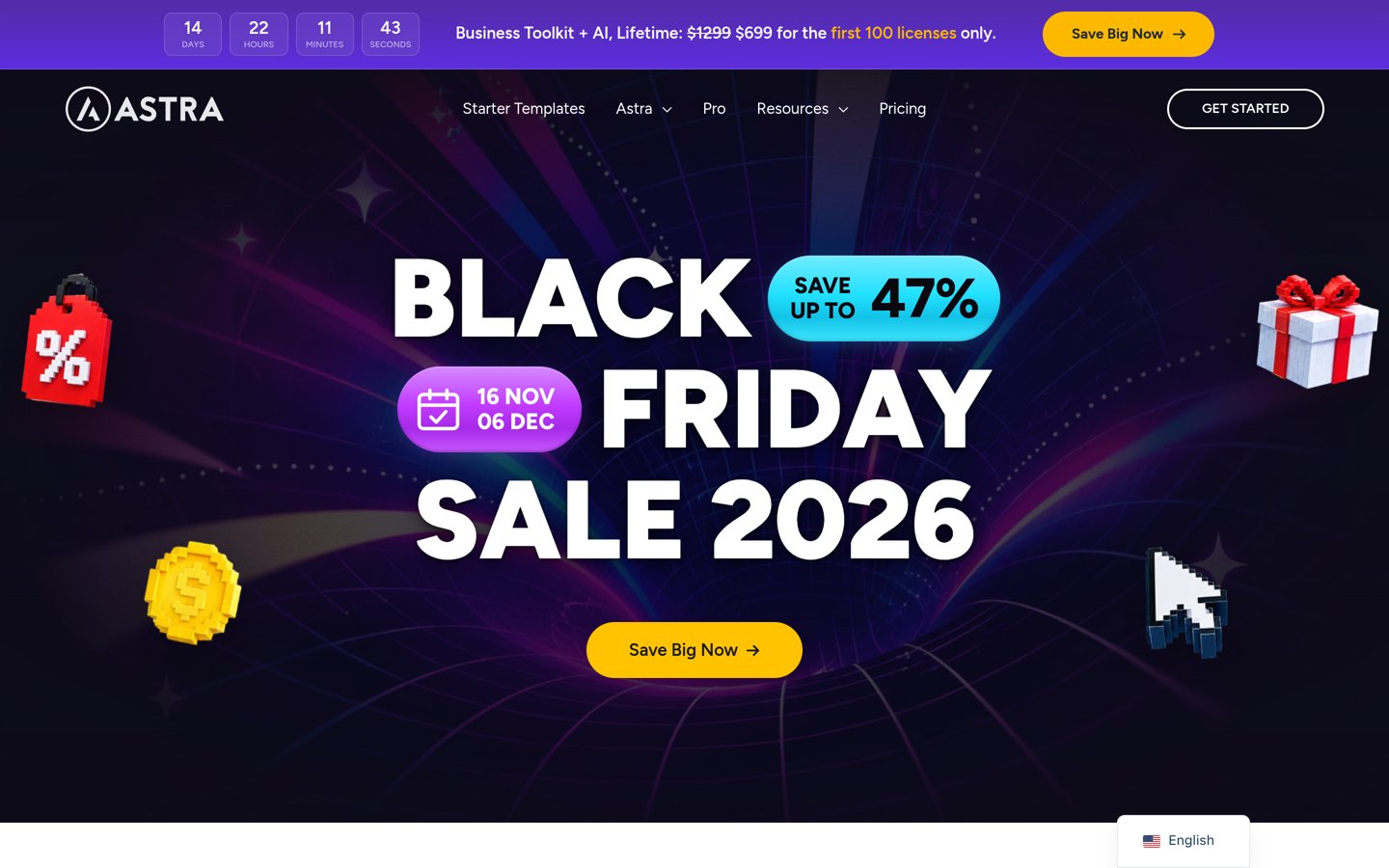
Astra homepage, captured Nov 2026.
Astra is a multipurpose WordPress theme for business websites, blogs, portfolios, membership sites and online stores. Its free version provides responsive layouts, typography settings, customization controls and compatibility with Spectra, Elementor and Beaver Builder. WordPress.org reports over 1 million active installations and a 4.9/5 rating from 6,559 reviews.
The trade off is that advanced headers, custom layouts and additional design controls require the standalone Astra Pro add-on at $69/year, while the broader Pro + AI bundle costs more. It suits freelancers, businesses and site owners who need adaptable designs without changing themes when their website requirements expand.
What we like
Suitable for business, blog, portfolio and ecommerce websites
Compatible with popular WordPress page builders
Large user base and extensive documentation
Responsive layouts and WooCommerce compatibility
Standalone Pro add-on available separately from larger bundles
Watch out for
Some advanced customization requires Pro
Premium starter designs may need additional purchases
Wide selection of customization options can require more setup decisions
Astra Pro adds advanced headers, custom layouts and extended design controls.Visit wpastra.com
02
Blocksy
5/5on WordPress.org (874 reviews, checked Nov 2026)
Paid from$69/yr
Best for modern design customization
Active installs300K+
WordPress rating5.0/5
Editor supportWordPress block editor
Paid upgradePersonal, $69/yr regular
creativethemes.com
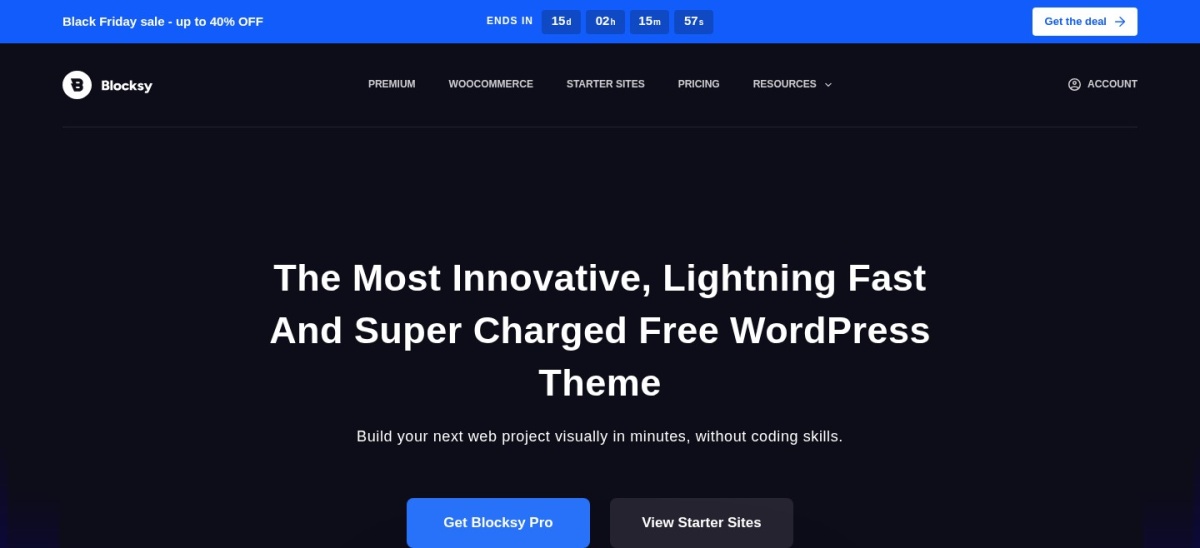
Blocksy homepage, captured Nov 2026.
Blocksy is a modern multipurpose WordPress theme with flexible headers, responsive grids and extensive customization options. Its free version includes block-editor compatibility, custom colors, multiple layouts and WooCommerce support. WordPress.org lists 300,000+ active installations and a 5/5 rating from 874 reviews.
The trade off is that conditional layouts, advanced content blocks and additional premium extensions require Blocksy Pro Personal at the regular $69/year price, currently discounted to $42 for the first year. It suits designers and businesses that want detailed control over their website appearance while continuing to use native WordPress editing.
What we like
Extensive header and layout customization
Excellent WordPress.org user rating
Compatible with the native block editor
Responsive grids for blogs and portfolios
WooCommerce support for online stores
Watch out for
Advanced conditional layouts require Pro
Numerous styling settings can increase setup time
Some premium extensions are unavailable in the free theme
Blocksy Pro adds conditional layouts, advanced content blocks and premium extensions.Visit creativethemes.com
03
GeneratePress
4.9/5on WordPress.org (1,428 reviews, checked Nov 2026)
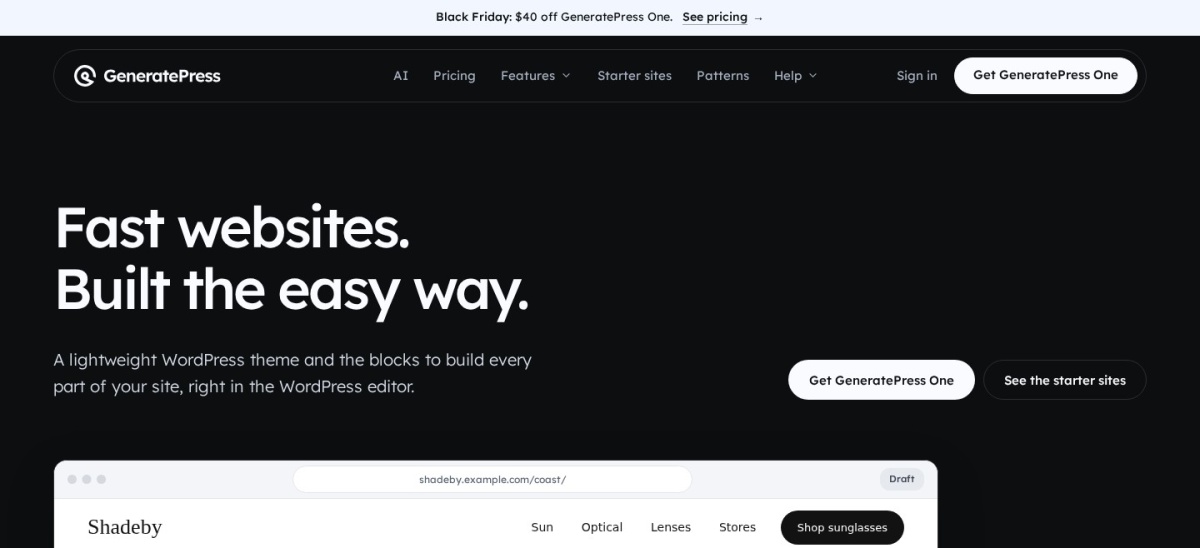
GeneratePress is a lightweight multipurpose WordPress theme designed for performance, usability and adaptable content layouts. Its developer states that a fresh installation adds under 10 KB gzipped, while WordPress.org lists 500,000+ active installations and a 4.9/5 rating from 1,428 reviews. The free theme supports responsive layouts, WooCommerce and major page builders.
The trade off is that the default appearance is understated, while premium building tools require GeneratePress One at the regular $99/year price for 1 website, currently offered at $59 for the first year. It suits publishers, developers and businesses that prioritize lean code and prefer building their own page designs.
What we like
Small theme footprint
Suitable for blogs, businesses and ecommerce
Compatible with major page builders
Flexible typography and navigation controls
Established user base and documentation
Watch out for
Default design requires additional customization
Premium building tools require a paid subscription
Less visually elaborate out of the box than some alternatives
GeneratePress One includes GP Premium, GenerateBlocks Pro, GenerateCloud and AI tools.Visit generatepress.com
04
Neve
4.7/5on WordPress.org (1,284 reviews, checked Nov 2026)
Paid from$139/yr
Best for flexible business and ecommerce websites
Active installs200K+
WordPress rating4.7/5
Page buildersElementor, Bricks, Oxygen
Paid upgradePersonal, $139/yr regular
themeisle.com
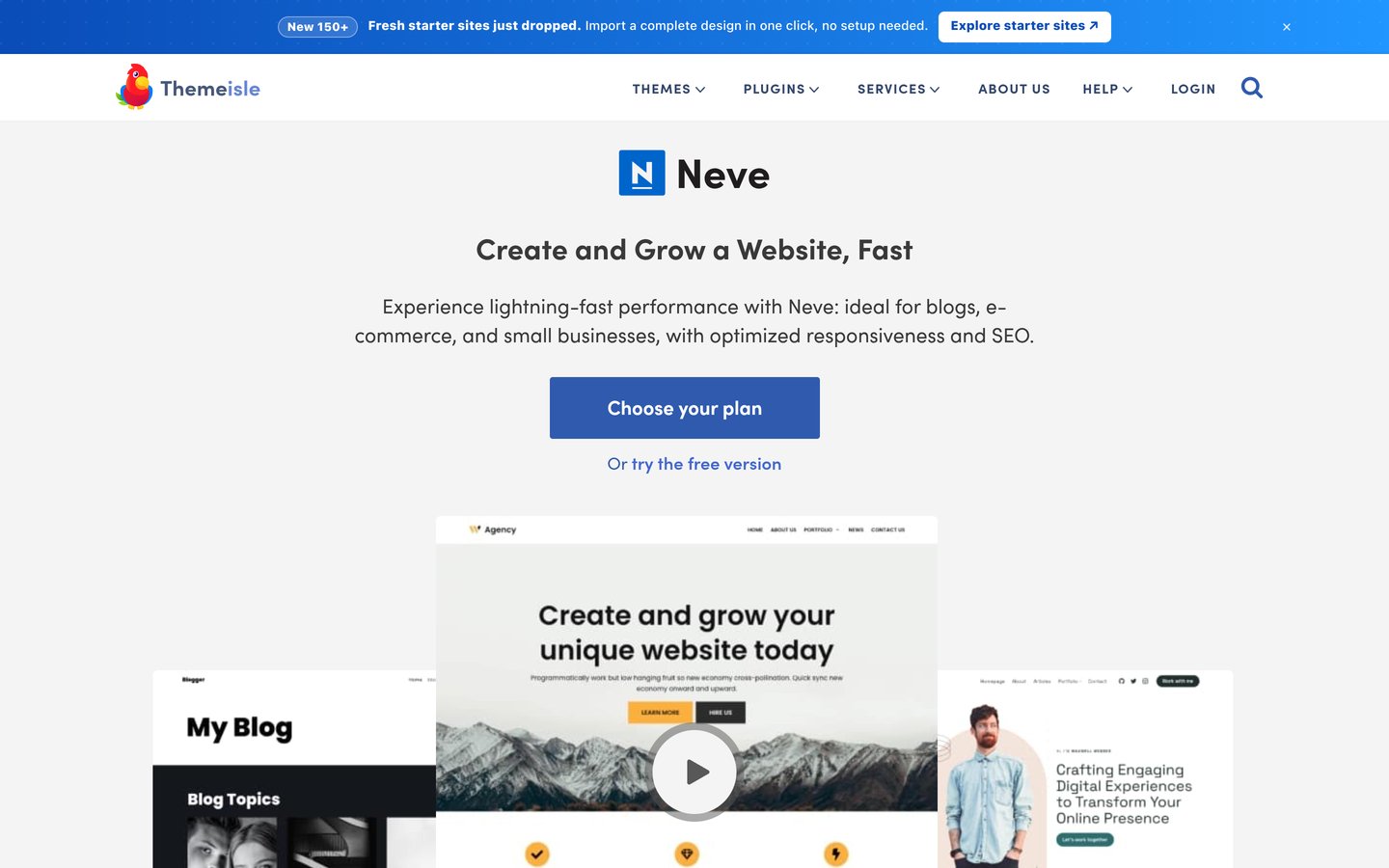
Neve homepage, captured Nov 2026.
Neve is a lightweight multipurpose WordPress theme suitable for blogs, business websites, portfolios and WooCommerce stores. Its free version offers responsive layouts, block-editor compatibility and support for Elementor, Bricks and Oxygen. WordPress.org reports 200,000+ active installations and a 4.7/5 rating from 1,284 reviews.
The trade off is that extended headers, custom layouts and additional blog settings require Neve Pro Personal at the regular $139/year price, although the vendor currently advertises a $69 introductory offer. It suits businesses that want a responsive foundation with broad editing compatibility and room for more advanced page customization.
What we like
Suitable for blogs, portfolios and business websites
Compatible with multiple page builders
WooCommerce support for online stores
Responsive layouts and customization options
Pro includes custom layouts and content restriction controls
Watch out for
Higher regular entry price than several alternatives
Advanced layout features require Pro
Some ecommerce-specific upgrades require higher plans
Neve Pro Personal adds extended headers, custom layouts and content restriction controls.Visit themeisle.com
05
Sydney
4.9/5on WordPress.org (795 reviews, checked Nov 2026)
Paid from$99/yr
Best for professional business websites
Active installs80K+
WordPress rating4.9/5
Editor supportElementor and block editor
Paid upgradeSydney Pro, $99/yr regular
athemes.com
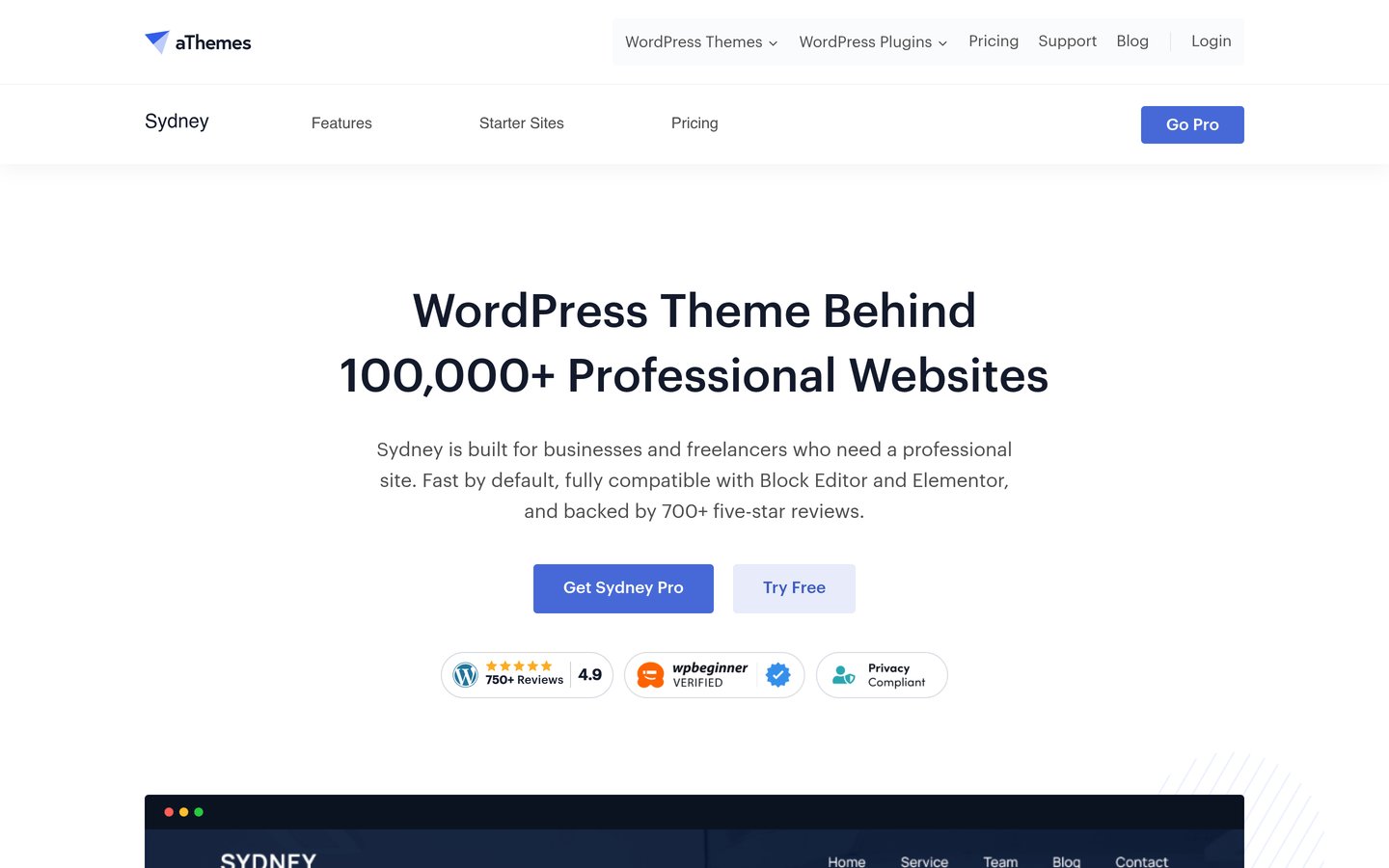
Sydney homepage, captured Nov 2026.
Sydney is a multipurpose WordPress theme designed for businesses, freelancers and creative portfolios. Its free version provides responsive layouts, header images, a fullscreen slider, sticky navigation and compatibility with Elementor and the block editor. WordPress.org reports 80,000+ active installations and a 4.9/5 rating from 795 reviews.
The trade off is that advanced design settings and premium layouts require Sydney Pro at its regular $99/year price, currently offered from $59 for the introductory period. It suits companies, agencies and freelancers who want professional business pages alongside portfolio or ecommerce functionality.
What we like
Business-focused layouts for professional websites
Compatible with Elementor and native blocks
Sticky navigation and fullscreen slider options
Responsive design and WooCommerce compatibility
Free version includes useful company-site features
Watch out for
Premium layouts require Sydney Pro
Less focused on lightweight publishing than GeneratePress
Specialized functionality still requires additional plugins
Sydney Pro adds premium layouts, extended customization and additional design features.Visit athemes.com
06
Zakra
4.9/5on WordPress.org (600 reviews, checked Nov 2026)
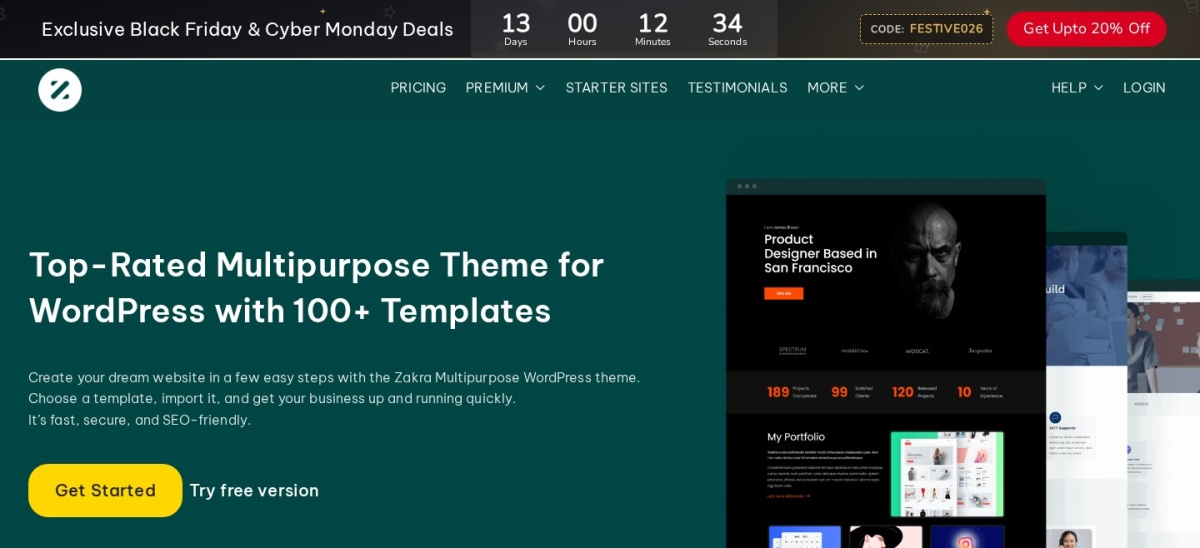
Zakra is a multipurpose WordPress theme offering more than 40 free starter demos for blogs, news websites, stores, portfolios, education and business projects. Its free version provides responsive layouts and compatibility with Elementor, Brizy, BlockArt and Gutenberg. WordPress.org reports 30,000+ active installations and a 4.9/5 rating from 600 reviews.
The trade off is that premium templates, advanced styling and priority support require Zakra Pro at $69/year for up to 3 websites. It suits freelancers and small agencies managing different website types who want reusable starter designs and a premium license covering several projects.
What we like
More than 40 free starter demos
Supports multiple page builders
Suitable for blogs, stores and business websites
Pro license covers up to 3 websites
Regular premium price of $69/year
Watch out for
Starter designs need project-specific customization
Smaller installation base than leading alternatives
Premium templates and advanced styling require Pro
Zakra Pro adds premium templates, advanced styling and priority support for 3 websites.Visit zakratheme.com
07
Hestia
4.8/5on WordPress.org (563 reviews, checked Nov 2026)
Paid from$139/yr
Best for one-page multipurpose websites
Active installs70K+
WordPress rating4.8/5
Design approachOne-page Material Design
Paid upgradePersonal, $139/yr regular
themeisle.com
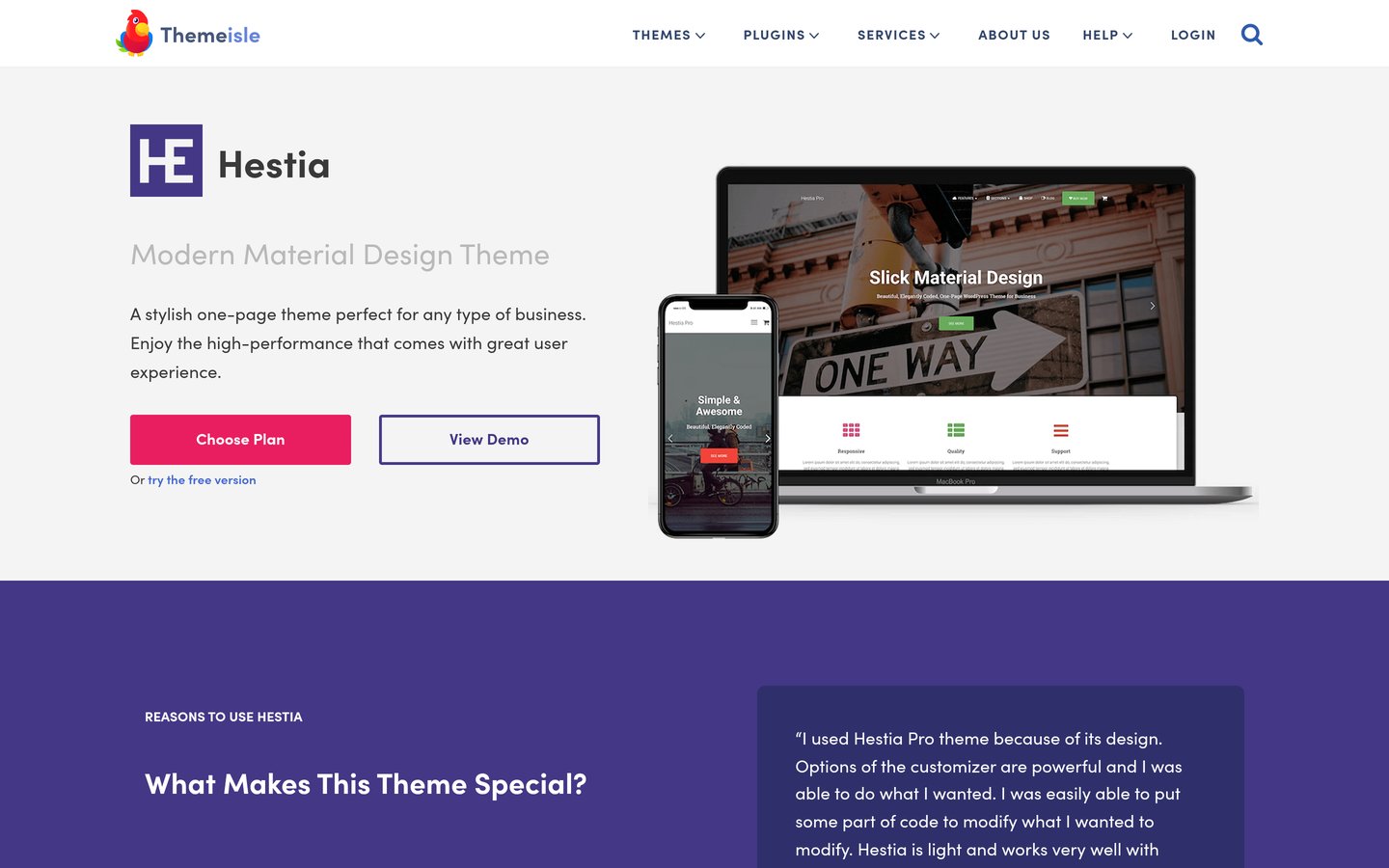
Hestia homepage, captured Nov 2026.
Hestia is a multipurpose WordPress theme built around a modern one-page Material Design layout. Its free version supports responsive business websites, portfolios, blogs and WooCommerce stores, with compatibility for Elementor and other common page-building tools. WordPress.org reports 70,000+ active installations and a 4.8/5 rating from 563 reviews.
The trade off is that additional homepage sections, custom layouts and advanced design controls require Hestia Pro Personal at the regular $139/year price, currently discounted to $69. It suits startups, freelancers and smaller businesses that want a compact website presenting their services, portfolio and contact information.
What we like
One-page design suited to compact websites
Material Design styling
Compatible with Elementor
WooCommerce and blog support
Free version available
Watch out for
Less suitable for complex websites without redesign
Higher regular premium price than budget alternatives
Advanced homepage sections require Pro
Hestia Pro adds portfolio, pricing and shop sections, plus custom layouts.Visit themeisle.com
Which multipurpose WordPress theme fits your website?
For a business website, Astra and Sydney provide adaptable service pages, company information and contact layouts. Both support popular editing tools, making them practical starting points for professional websites.
For a blog or content publication, GeneratePress is attractive because of its lightweight foundation and flexible article layouts. Blocksy is another option when you want more visual control over blog archives and navigation.
For an online store, Astra, Blocksy and Neve support WooCommerce. Compare product page layouts, header cart options and other store features before paying for premium customization.
For a portfolio or creative website, Blocksy and Sydney offer responsive layouts suitable for displaying projects. Hestia works well for a compact portfolio, while Astra provides broader flexibility as the content library grows.
For multiple client projects, Zakra is worth considering because its $69/year Pro license supports up to 3 websites. Compare license limits and the total cost of any required additional plugins.
When should you upgrade from a free multipurpose theme?
A free multipurpose theme can be sufficient for a blog, small business website or basic portfolio. All the themes in this comparison include responsive layouts and customization options without requiring an immediate purchase.
Premium upgrades become more useful when you need custom layouts, conditional display rules, advanced headers, expanded typography controls or additional starter designs. These features can reduce the amount of custom styling required for more complex websites.
Before upgrading, identify the specific feature you cannot achieve with the free version. Check whether the paid theme includes it or whether a separate plugin would be more appropriate.
Remember that premium theme pricing is separate from hosting, domain registration, ecommerce extensions and specialized business plugins. Compare the full website budget rather than choosing solely by the theme's subscription cost.
How we chose
We selected established multipurpose WordPress themes that support different website categories, including businesses, blogs, portfolios and ecommerce. We considered editor compatibility, customization options, free features, public adoption and whether the themes could accommodate changing website requirements.
Prices, ratings, review counts, active installations and update dates were checked on 22 Nov 2026 using official WordPress.org theme listings and vendor pricing pages. We used the cheapest regular annual premium plan rather than temporary promotional prices and compared the available free and paid design features.
We excluded themes with insufficient public adoption, outdated maintenance or pricing that could not be confirmed on an accessible official page. Kadence was omitted because its premium offering had moved to Liquid Web and the current pricing could not be verified reliably.
How to choose the best multipurpose WordPress theme
Start by defining your website's main purpose, preferred editing workflow and future requirements before selecting a theme or purchasing a premium plan.
Match the theme to your primary website type. Identify whether your main goal is publishing articles, promoting services, displaying a portfolio or selling products. Multipurpose themes support several website categories, but their included layouts and design controls differ. Prioritize the features you will actually use.
Choose an editor you can maintain comfortably. Check whether the theme works well with the native WordPress block editor, Elementor or another preferred builder. Astra supports several page builders, while Blocksy and GeneratePress offer strong foundations for block-based editing. Consistency in your editing workflow can make future website updates easier.
Review performance and plugin compatibility. Look for responsive layouts, maintained code and compatibility with your essential plugins. If you are building a store, confirm WooCommerce support. Remember that actual website performance also depends on hosting, images, additional scripts and installed extensions.
Compare regular pricing and license limits. Check the normal annual subscription price rather than introductory offers. Review how many websites the license covers and whether premium features include ongoing updates and support. Begin with the free version when it already meets your requirements.
FAQ
What is the best multipurpose WordPress theme?
Astra is our top overall choice because it supports business websites, blogs, portfolios, membership sites and WooCommerce stores. Its free version offers responsive layouts and broad page-builder compatibility. With over 1 million active installations and a 4.9/5 rating, it has an established WordPress.org user base.
Which multipurpose WordPress theme is best for beginners?
Astra and Sydney are practical choices for beginners because they offer familiar customization controls and compatibility with popular editors. Zakra also provides more than 40 free starter demos. Choose the theme whose editing workflow and available templates match your website rather than focusing on feature counts alone.
Can I use a free multipurpose WordPress theme for a business website?
Yes. All 7 themes in this comparison offer free versions capable of supporting standard business pages, contact information and responsive layouts. Premium upgrades are optional for basic sites, although advanced headers, custom templates and certain design features may require a paid plan.
Is Astra or Blocksy better for WordPress?
Astra is a strong choice for broad page-builder compatibility and flexibility across different website types. Blocksy is attractive for users who prefer native block editing and detailed visual customization. Both offer free versions, and their cheapest regular premium upgrades cost $69/year.
Which multipurpose WordPress theme is the lightest?
GeneratePress is particularly notable for its small theme footprint. Its developer states that a fresh installation adds under 10 KB gzipped to the page size. However, real website performance depends on hosting, plugins, images and scripts, so choosing a lightweight theme alone does not guarantee fast loading.
Which multipurpose WordPress theme is best for WooCommerce?
Astra, Blocksy and Neve are suitable options for WooCommerce websites. Astra offers broad customization and page-builder support, while Blocksy provides modern layouts and ecommerce-focused features. Neve also supports WooCommerce, with additional store customization available through its premium plans.
How much does a premium multipurpose WordPress theme cost?
The cheapest regular annual premium upgrades among these 7 themes range from $69 to $139. Every theme also has a free version. Some vendors advertise lower introductory prices, so review the regular renewal cost and license limits before purchasing.
Can I use one multipurpose WordPress theme for different websites?
Yes. Multipurpose themes are designed to support different website categories, including blogs, businesses, portfolios and stores. However, paid license limits vary. Zakra Pro covers up to 3 websites at $69/year, while the entry plans for several alternatives apply to a single website.
Do multipurpose WordPress themes affect SEO?
A theme can influence technical factors such as page structure, mobile usability and loading behavior, but it does not determine search rankings on its own. Choose maintained code, readable layouts and sensible navigation. Content quality, internal linking, hosting and overall website performance also matter.