1Password is the best RoboForm alternative for most people, with shared vaults, Watchtower breach alerts and a 4.6/5 G2 rating from 1,822 reviews at $35.88 a year. Bitwarden is the best free RoboForm alternative, with Premium at $19.80 a year, while Proton Pass suits privacy-first users with a free plan and a 4.7/5 G2 rating.
How we make this list: we compare pricing pages, product documentation and public user reviews, then re-check every price before each update. No product paid for a place. Disclosure.
1Password is the strongest all-round switch from RoboForm, with the best sharing tools and Watchtower breach alerts.
Bitwarden Premium costs $19.80 a year and its free plan has no cap on passwords or devices.
Proton Pass has the highest G2 rating here at 4.7/5, plus a free plan with unlimited logins and devices.
NordPass Premium on the 1-year plan costs $23.88 a year, the cheapest paid plan from a major brand.
Zoho Vault is the cheapest paid option per user at $10.80 a year, but it is built for teams, not single users.
What should you look for in RoboForm alternatives?
RoboForm is a capable password manager, so the switch is usually about price, sharing or a fresher interface rather than missing basics. RoboForm Premium costs $19.90 in the first year and renews at $29.88 a year, so several rivals undercut it while adding a free plan.
Start with the free plan test. Bitwarden, Proton Pass, NordPass, LastPass, Sticky Password and Zoho Vault all let you start free, so you can check autofill on your own sites before paying anything.
Sharing decides the winner for households and teams. 1Password and Bitwarden handle shared vaults best, while Zoho Vault is the cheapest way to give a small team shared logins at $0.90 per user a month.
Passkeys matter more than they did a year ago. Every tool in this list except Sticky Password supports passkeys, so a switch now should not lock you out of passwordless logins later. Our guide on adding two-factor authentication to WordPress shows the same layered thinking applied to one login.
Watch the renewal price, not the first-year price. 1Password rises from $35.88 to $47.88 a year after year one and Proton Pass from $23.88 to $35.88, so check what year two costs before you commit.
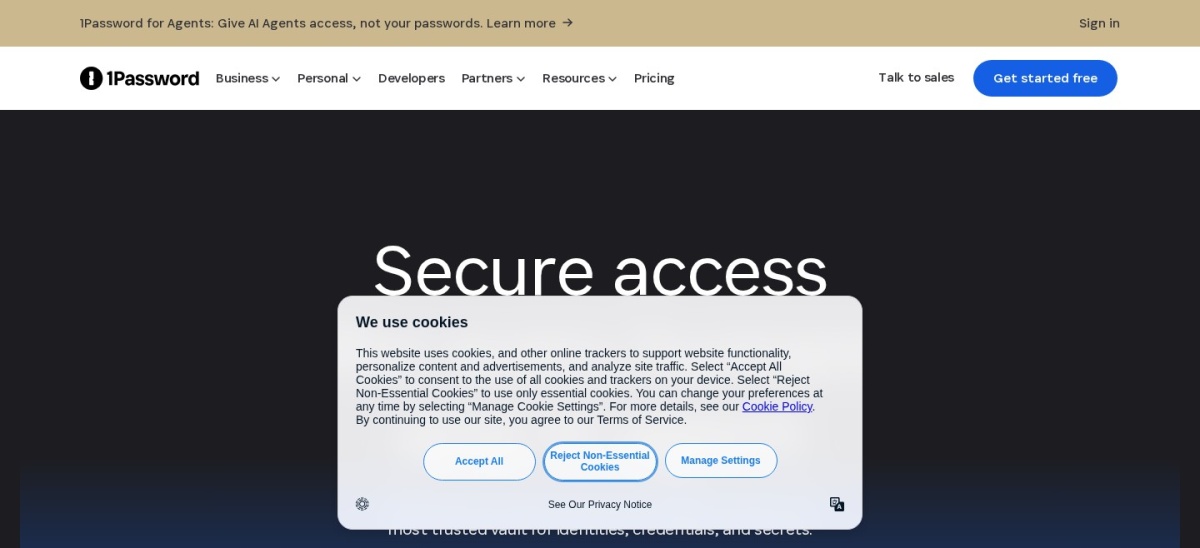
1Password is a password manager built around shared vaults, so one person or family can keep work, personal and shared logins apart without sharing a master password. Individual costs $2.99 a month billed annually and includes unlimited passwords and devices, passkeys, Watchtower breach alerts and 1 GB of document storage.
The trade off is price and the missing free plan. The first year costs $35.88 and the renewal rises to $47.88 a year, and there is no free tier to fall back on. It suits people who share logins with family or a small team and want the most polished manager in this list.
What we like
Best sharing tools in this list, with unlimited shared vaults
Watchtower flags breached, weak and reused passwords
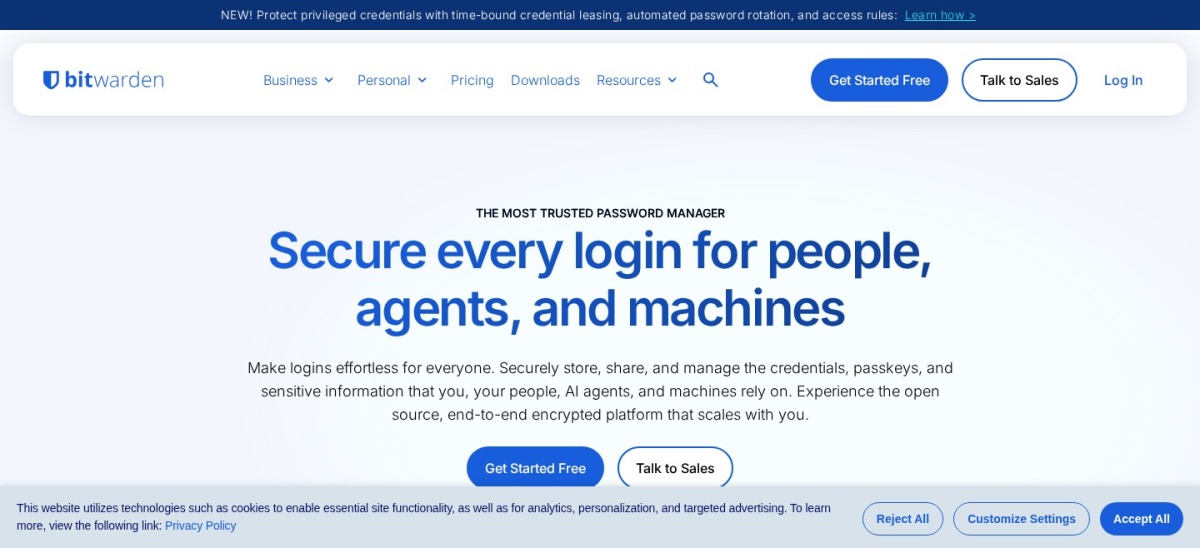
Bitwarden is an open-source password manager with a free plan that has no cap on passwords or devices, plus a password generator and passkey support. Premium costs $1.65 a month billed annually at $19.80 a year and adds a built-in authenticator, 5 GB of file attachments, emergency access and security reports.
The trade off is polish. Reviewers call the interface functional rather than slick, and setup takes more clicks than 1Password. It suits anyone who wants the lowest cost without giving up a real free plan, and teams that like open, audited code.
What we like
Only free plan here with no caps on passwords or devices
Cheapest Premium plan among the big names at $19.80 a year
Open-source apps with published security audits
Self-hosting option for full control
Watch out for
Interface looks dated next to 1Password and Dashlane
Premium price roughly doubled in 2026, from about $10 a year
Sharing with another person needs Premium
Premium adds an authenticator, 5 GB storage and emergency accessVisit bitwarden.com
03
Proton Pass
4.7/5on G2 (127 reviews, checked Nov 2026)
Paid from$1.99/mo
Best RoboForm alternative for privacy
Free planYes, unlimited logins and devices
PasskeysYes
Email aliases10 free, unlimited on Plus
Open sourceYes, audited apps
proton.me
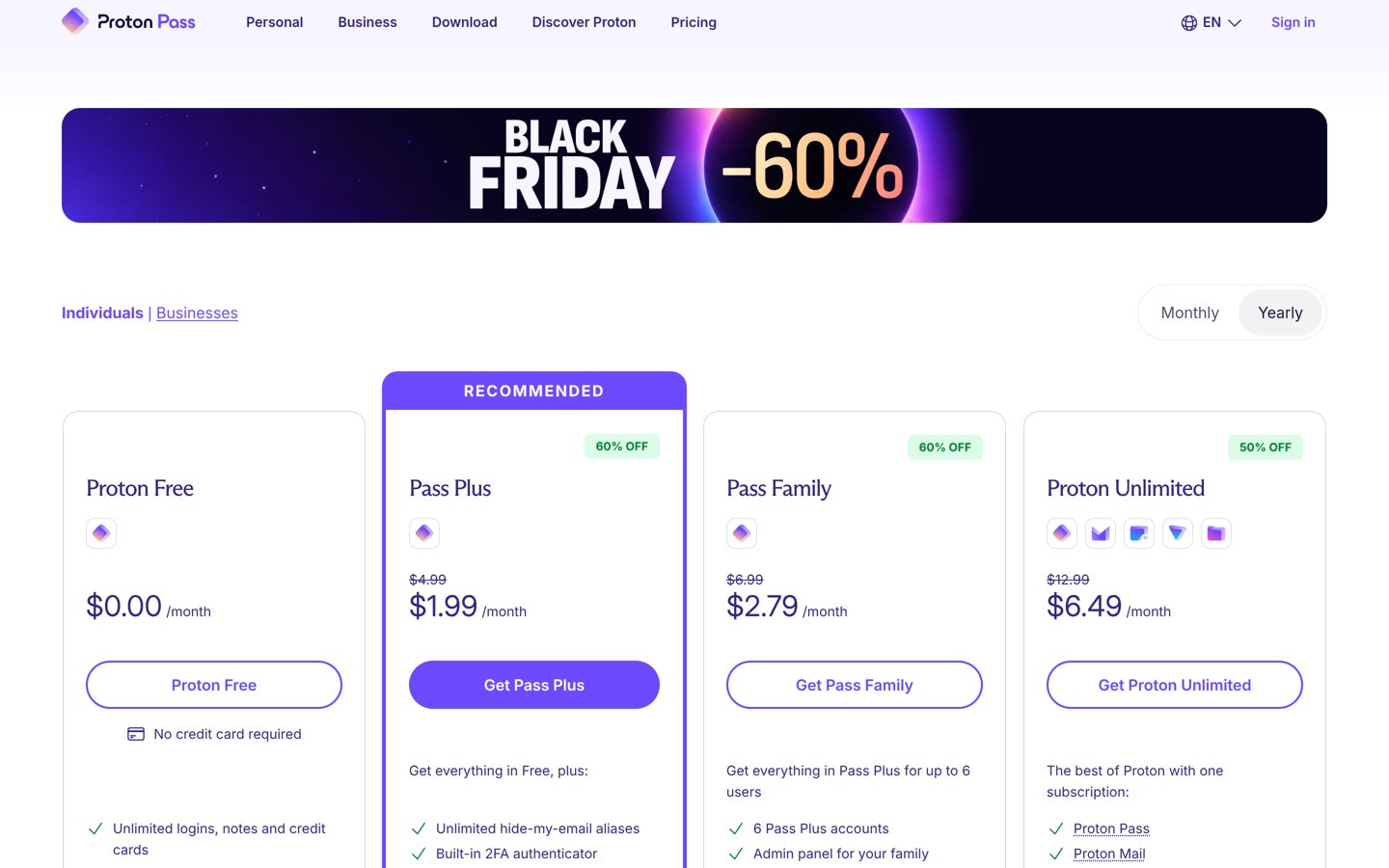
Proton Pass homepage, captured Nov 2026.
Proton Pass is the password manager from Proton, the company behind Proton Mail and Proton VPN, with end-to-end encryption on every field. The free plan covers unlimited logins, notes and credit cards on unlimited devices, plus 10 hide-my-email aliases. Pass Plus costs $1.99 a month in the first year and adds unlimited aliases, a built-in 2FA authenticator and dark web monitoring.
The trade off is the renewal. Pass Plus costs $23.88 for the first 12 months and renews at $35.88 a year, so the headline price is a first-year discount. It suits people who already use Proton Mail or Proton VPN and want one account for mail, VPN and passwords.
What we like
Highest G2 rating in this list at 4.7/5
Generous free plan with unlimited logins and devices
Hide-my-email aliases keep your real address private
Open-source apps with a public bug bounty
Watch out for
Renewal rises to $35.88 a year after the first year
G2 review base is small at 127 reviews
Fewer business admin tools than 1Password or Keeper
Pass Plus adds unlimited aliases, 2FA and dark web monitoringVisit proton.me
04
NordPass
4.5/5on G2 (644 reviews, checked Nov 2026)
Paid from$1.99/mo
Best cheap premium RoboForm alternative
Free planYes, one device at a time
PasskeysYes
Email maskingYes, on Premium
EncryptionXChaCha20
nordpass.com
NordPass homepage, captured Nov 2026.
NordPass is the password manager from the team behind NordVPN, and its Premium plan is the cheapest paid plan from a major brand on a 1-year term. Premium costs $1.99 a month billed annually at $23.88 a year and adds multi-device sync, a data breach scanner, password health checks and email masking.
The trade off is the free plan and the renewal. Free allows only one device logged in at a time, and NordPass publishes no renewal figure, so the second term may cost more. It suits buyers who want a simple, low-cost premium plan and do not need a strong free tier.
What we like
Cheapest premium plan from a major brand on the 1-year term
Clean, beginner-friendly interface
Email masking hides your real address on sign-ups
No public breach since its 2019 launch
Watch out for
Free plan allows only one device at a time
No published renewal price for the second term
Not open source
Premium adds multi-device sync, breach scanning and email maskingVisit nordpass.com
05
Keeper
4.6/5on G2 (1,197 reviews, checked Nov 2026)
Starts at$2.92/mo
Best RoboForm alternative for compliance
Free planNo, 30-day trial
PasskeysYes
ComplianceSOC 2, ISO 27001, FedRAMP
Breach monitoringBreachWatch
keeper.io
Keeper homepage, captured Nov 2026.
Keeper is a zero-knowledge password manager aimed at people and teams that need compliance paperwork behind the vault. Personal costs $2.92 a month billed annually at $34.99 a year and includes unlimited passwords and devices, secure sharing, biometric login and emergency access, with BreachWatch dark web monitoring as a paid add-on.
The trade off is add-on pricing. BreachWatch and extra storage cost extra, and single sign-on sits on the quote-based Enterprise plan. It suits regulated teams and anyone who needs SOC 2, FedRAMP or HIPAA credentials from their password manager.
What we like
Strongest compliance set here: SOC 2, ISO 27001 and FedRAMP
BreachWatch scans paste-site dumps other tools miss
Admin console with policies and reporting on business plans
Encrypted messaging with KeeperChat
Watch out for
No free plan, only a 30-day trial
BreachWatch and storage are paid add-ons
Reviewers report autofill that does not always work
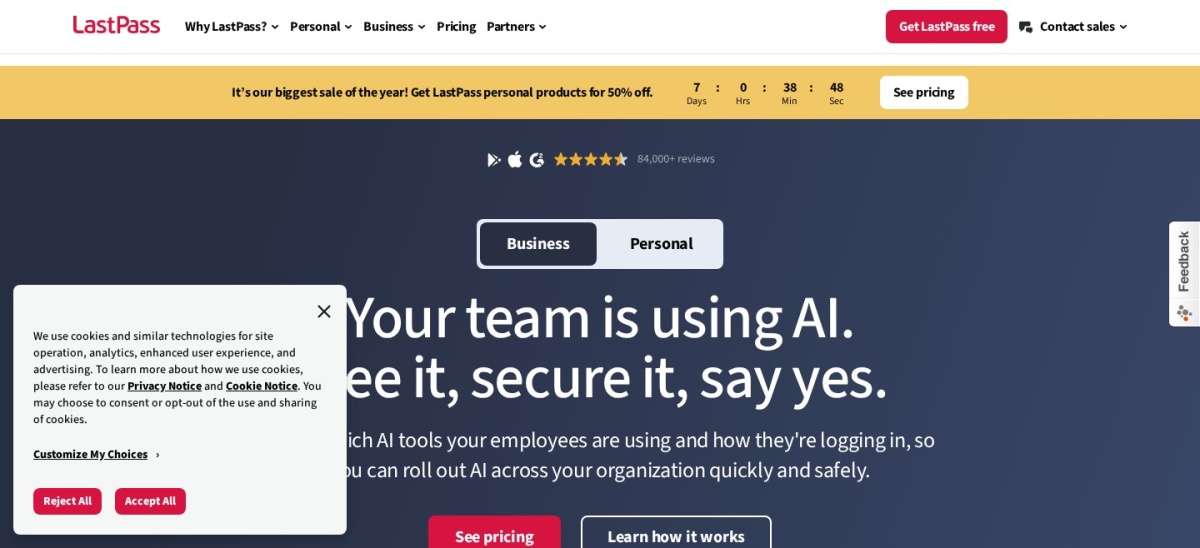
LastPass is the most widely used password manager in this list, with the largest G2 review base at 2,080 reviews. Premium costs $3 a month billed annually at $36 a year and covers one user on every device, with sharing, emergency access, dark web monitoring and 1 GB of file storage. The free plan covers core password management on one device type.
The trade off is trust. LastPass disclosed a major security breach in 2022, and the free plan locks you to computers or mobile, not both. It suits people who already know LastPass from work and want a familiar manager with a usable free tier.
What we like
Largest G2 review base in this list at 2,080 reviews
Familiar interface many people already know from work
Premium includes 1 GB of file storage
Families plan covers 6 people for $4 a month
Watch out for
2022 breach still weighs on trust
Free plan is limited to one device type
Multi-device use needs the $36 a year Premium plan
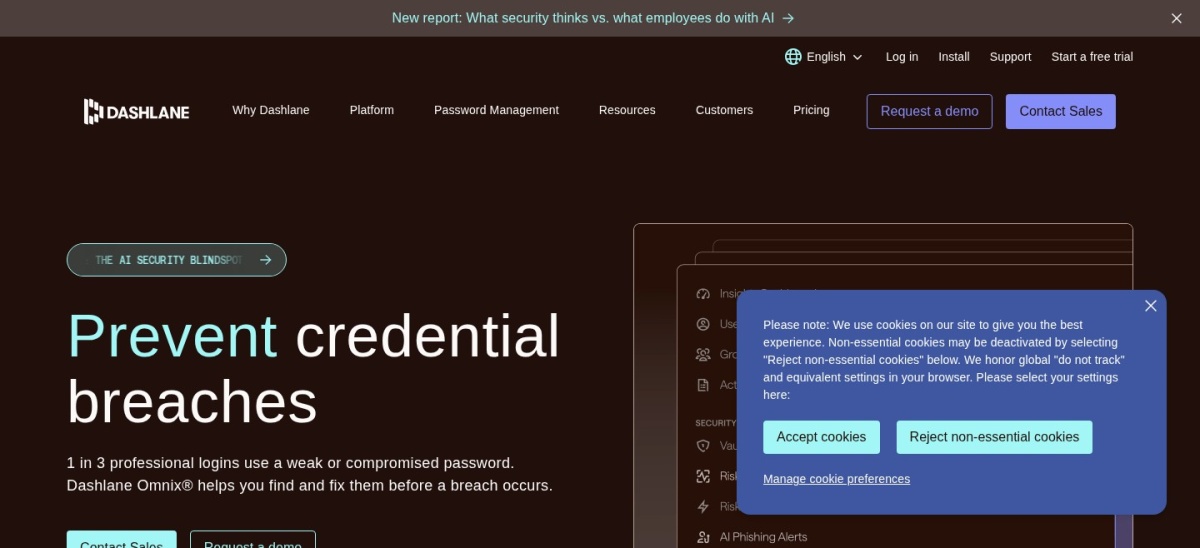
Dashlane is a password and digital wallet tool that bundles a VPN and real-time dark web monitoring into its Premium plan. Premium costs $4.99 a month billed annually at $59.88 a year and includes unlimited passwords and passkeys on unlimited devices, secure sharing, phishing alerts and a password health score.
The trade off is price. Premium is the most expensive entry plan in this list, and Dashlane ended its permanent free plan in September 2025, so there is no free tier to fall back on. It suits people who would pay for a VPN anyway and want it in the same subscription.
What we like
Only manager here with a VPN bundled into the base plan
Real-time dark web monitoring included
Password health score flags weak and reused passwords
Polished interface with quick setup
Watch out for
Most expensive entry price in this list at $59.88 a year
No free plan since September 2025
Reviewers report autofill that enters wrong details
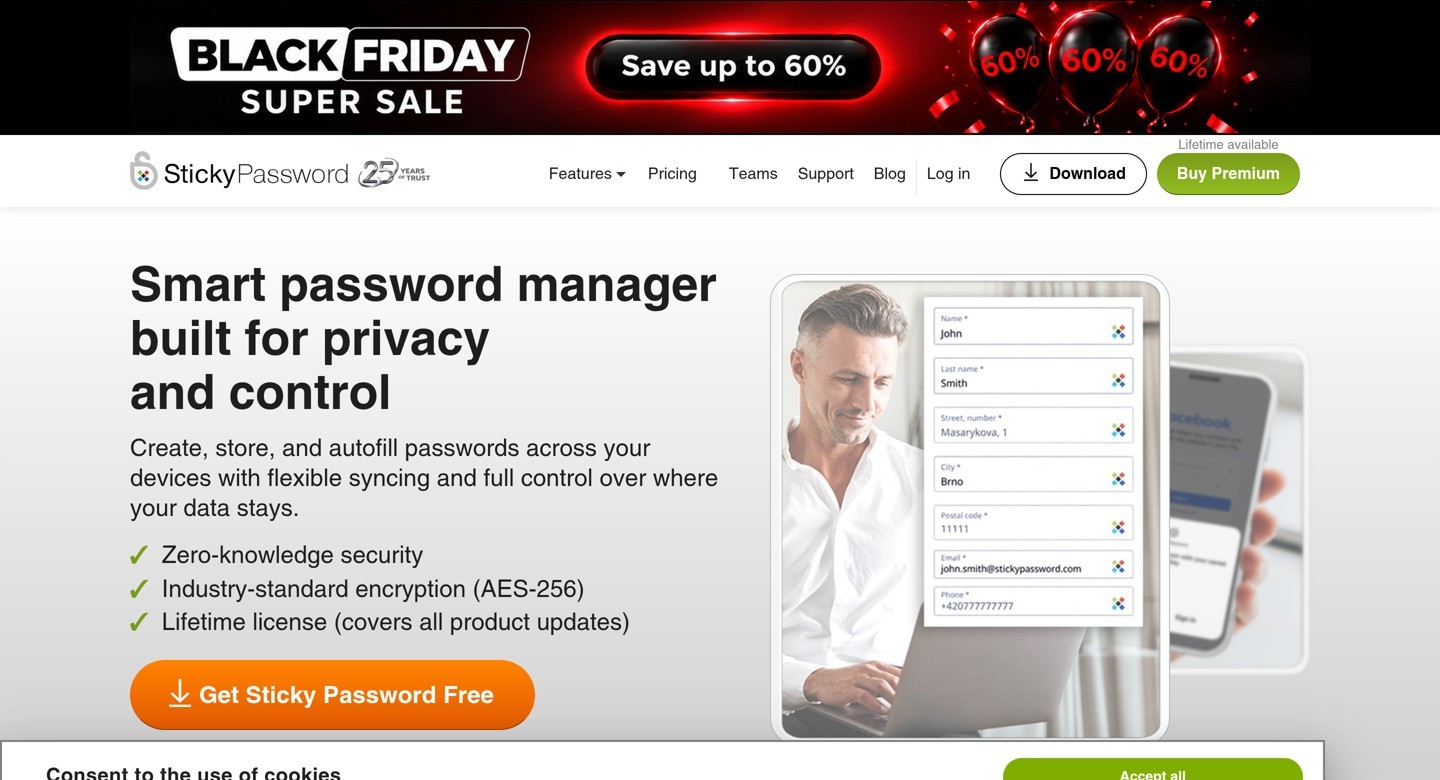
Sticky Password is a long-running password manager from Lamantine Software that lets you choose where your vault syncs: local storage, its cloud or Wi-Fi only. The free version covers one device with autofill and secure form filling, and Premium lists at $39.99 a year with multi-device sync, encrypted backups and dark web monitoring for the first year.
The trade off is the small review base and the missing passkeys. G2 shows only 16 reviews, and Sticky Password does not support passkeys, so it fits a narrower buyer. It suits people who want a lifetime licence at $79.99 one-time and full control over where their data syncs.
What we like
Lifetime licence at $79.99 one-time, no subscription needed
You choose local, cloud or Wi-Fi-only sync
Free version works on one device with no time limit
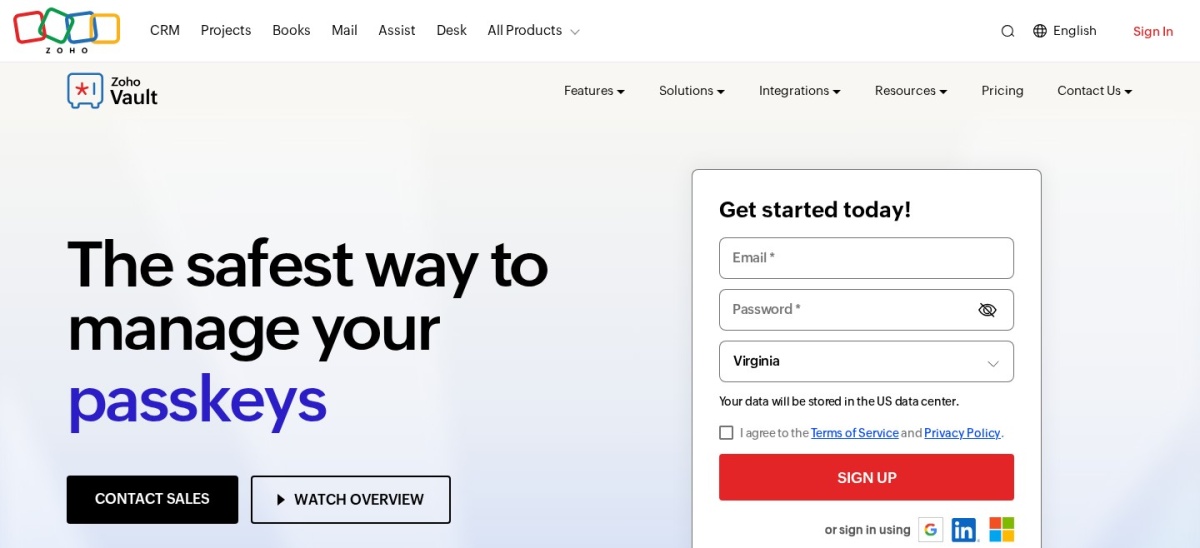
Zoho Vault is the password manager from Zoho, built for small teams that share logins rather than for single users. The free plan covers a team to start, and Standard costs $0.90 per user a month billed annually at $10.80 a year per user, with password sharing, user provisioning, roles and passkey management.
The trade off is that it is a team tool first. Single users get little that Bitwarden or Proton Pass do not give free, and Professional needs at least 5 users. It suits small offices already using Zoho, Microsoft 365 or Google Workspace that want shared logins for under a dollar per user a month.
What we like
Cheapest paid plan here at $0.90 per user a month
Free plan lets a team start before paying anything
Single sign-on with Zoho, Microsoft and Google accounts
Passkey management included on Standard
Watch out for
Built for teams, less suited to single users
Professional needs at least 5 users
Interface is less polished than 1Password or Dashlane
Professional adds groups and audit logs at $4.50 per user a monthVisit zoho.com
Free vs paid: what you give up
Six of the nine tools here have a free plan, and Bitwarden and Proton Pass give away the most. Both cover unlimited passwords on unlimited devices, so the free tier is a real manager rather than a trial.
Paid plans mostly add sharing, breach alerts and storage. Multi-device sync on NordPass and LastPass, an authenticator on Bitwarden and unlimited email aliases on Proton Pass all sit behind the paywall.
The cheapest way to pay is Bitwarden Premium at $19.80 a year. If you only need one device, the free plans of Bitwarden, Proton Pass and Sticky Password cover you without spending anything.
How we chose
We started from the password managers most often named as RoboForm replacements, then kept the nine with a public G2 rating, a published price and an active product.
Prices come from each vendor's pricing page and G2 pricing data, checked on 29 November 2026. Ratings and review counts come from G2 on the same day. Where a vendor shows a first-year discount, the list shows the regular price and notes the discount in the text.
We left out managers with no public rating or no published price. No vendor paid for a place, and we do not claim to have used these tools ourselves.
How to choose a RoboForm alternative
Start with what RoboForm is not giving you, then match the gap to one tool.
List what you miss in RoboForm. Price, sharing, a free plan or a fresher interface point at different winners, so name the gap before you compare.
Try the free plan first. Bitwarden and Proton Pass let you import your RoboForm vault and use it free, so check autofill on your own sites before paying.
Check the renewal price. 1Password, Proton Pass and NordPass all cost more after the first term, so read the second-year figure on the pricing page.
Move one vault at a time. Export from RoboForm, import into the new manager, then check the logins you use daily before you cancel. See how to reset a WordPress password if a saved login fails during the move.
FAQ
What is the best RoboForm alternative in 2026?
1Password is the best RoboForm alternative for most people. It has shared vaults, Watchtower breach alerts, passkeys and a 4.6/5 G2 rating from 1,822 reviews at $35.88 a year, rising to $47.88 on renewal.
What is the best free alternative to RoboForm?
Bitwarden is the best free alternative to RoboForm. Its free plan has no cap on passwords or devices and includes passkeys, and Premium costs only $19.80 a year for an authenticator, 5 GB of storage and emergency access.
How much do RoboForm alternatives cost?
Paid plans run from $10.80 a year per user on Zoho Vault Standard to $59.88 a year on Dashlane Premium. Bitwarden Premium is $19.80 a year, NordPass and Proton Pass are $23.88 a year in the first year, and 1Password is $35.88 a year.
Is there a RoboForm alternative with a lifetime licence?
Yes, Sticky Password sells a lifetime licence for $79.99 as a one-time payment. It covers all product updates and multi-device sync, while the annual Premium plan lists at $39.99 a year after a $29.99 first year.
Which RoboForm alternative is best for beginners?
NordPass is the easiest to start with, with a clean interface and quick onboarding praised by G2 reviewers. Its free plan allows one device at a time, so beginners who use a phone and a laptop should budget $23.88 a year for Premium.
Which RoboForm alternative is best for small teams?
Zoho Vault is the best value for small teams at $0.90 per user a month on Standard, with shared folders, roles and passkey management. Teams that need compliance paperwork should look at Keeper instead, which holds SOC 2, ISO 27001 and FedRAMP credentials.
1Password vs Bitwarden: which is the better RoboForm alternative?
1Password wins on sharing, polish and breach alerts, with a 4.6/5 G2 rating from 1,822 reviews, but it has no free plan and costs $35.88 a year. Bitwarden matches its 4.6/5 rating, costs $19.80 a year for Premium and has a genuinely free plan, so it wins on value.
SaaS SEO and WordPress specialist with about 8 years of experience. Rakib compares WordPress plugins, themes, hosting and software using public pricing, documentation and user reviews. See how we rank.