Bitwarden is the best Passbolt alternative for most teams, with open-source code, self-hosting on Enterprise and Teams at $4 per user a month, rated 4.6 out of 5 on G2. 1Password suits larger teams that need stronger admin controls, while Keeper is the cheapest entry point with an admin console at $2 per user a month.
How we make this list: we compare pricing pages, product documentation and public user reviews, then re-check every price before each update. No product paid for a place. Disclosure.
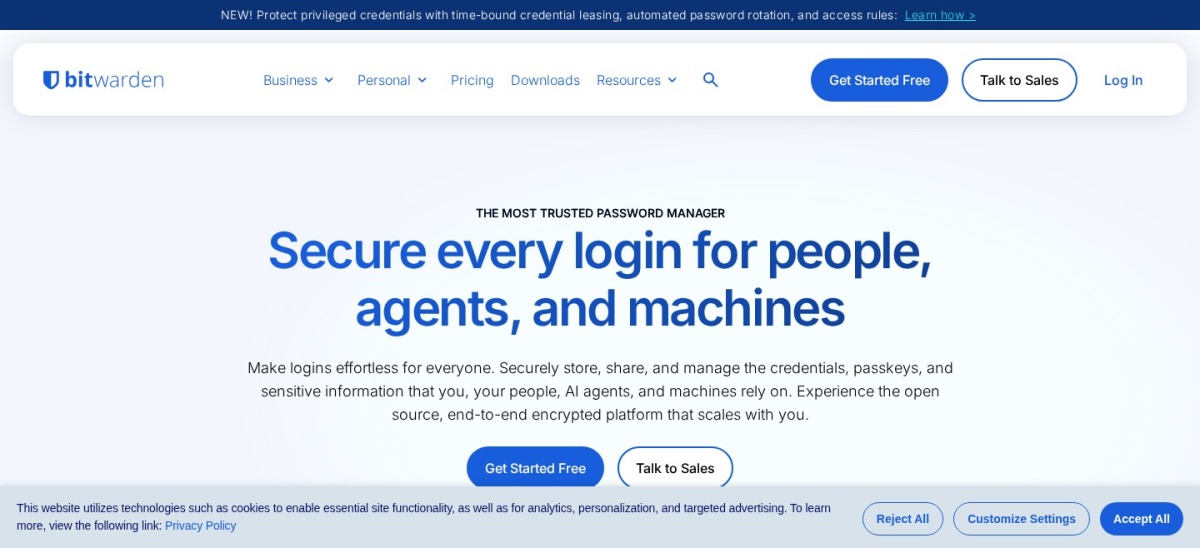
Bitwarden is the closest Passbolt match: open-source code, self-hosting on Enterprise at $6, and Teams at $4 per user per month.
1Password Business leads on admin controls and adoption at $8.99 per user per month, with SSO included.
Keeper Business Starter is $2 per user per month for teams of 5 to 10, the cheapest entry point with an admin console.
Zoho Vault Standard is the cheapest paid sharing at $1 per user per month, but SSO sits on the $8 Enterprise plan.
Proton Pass has the highest G2 rating here at 4.7 out of 5, but from only 127 reviews, so it ranks below the better-proven managers.
What should you look for in Passbolt alternatives?
Passbolt's appeal is control. The free Community Edition runs on your own server for unlimited users, and Pro costs $4.90 per user per month billed annually with a 10-user minimum, so teams that leave usually want either the same control or a simpler hosted vault.
Open source is the first fork in the road. Bitwarden is the only alternative here with open-source code and a self-hosting option, on its $6 Enterprise plan, while the rest are closed-source hosted services.
Single sign-on is the feature most often gated behind a higher plan. Our guide on adding two-factor authentication to WordPress shows why a second factor matters, and the same logic applies to every work account.
Price spreads are wide. Paid plans in this list run from $1 per user per month for Zoho Vault Standard to $8.99 for 1Password Business, billed annually, so a 10-person team can pay $120 or $1,079 a year for the same headcount.
Bitwarden is the closest Passbolt alternative for teams that want open-source code and the option to host the vault themselves. The free organisation plan covers two users and two collections, Teams costs $4 per user per month billed annually and adds unlimited sharing, event logs, directory sync and SCIM. Enterprise at $6 adds single sign-on, policies and self-hosting.
The trade off is polish and plan gates. The interface is plainer than 1Password or Dashlane, and single sign-on sits on Enterprise rather than Teams. It suits teams leaving Passbolt Community who want a managed option now and self-hosting later without changing vendors.
What we like
Only open-source manager in this list
Self-hosting option on Enterprise
Lowest priced full team plan in this list
Free organisation plan for two users
Watch out for
Plainer interface than 1Password or Dashlane
SSO is only on the Enterprise plan
Some reviewers report autofill misses on some sites
Cheapest business planTeams Starter Pack, $24.95/mo flat for 10 users
SSOBusiness plan, Okta and Entra ID
SCIM provisioningBusiness plan
Free planNo, 14-day trial
1password.com
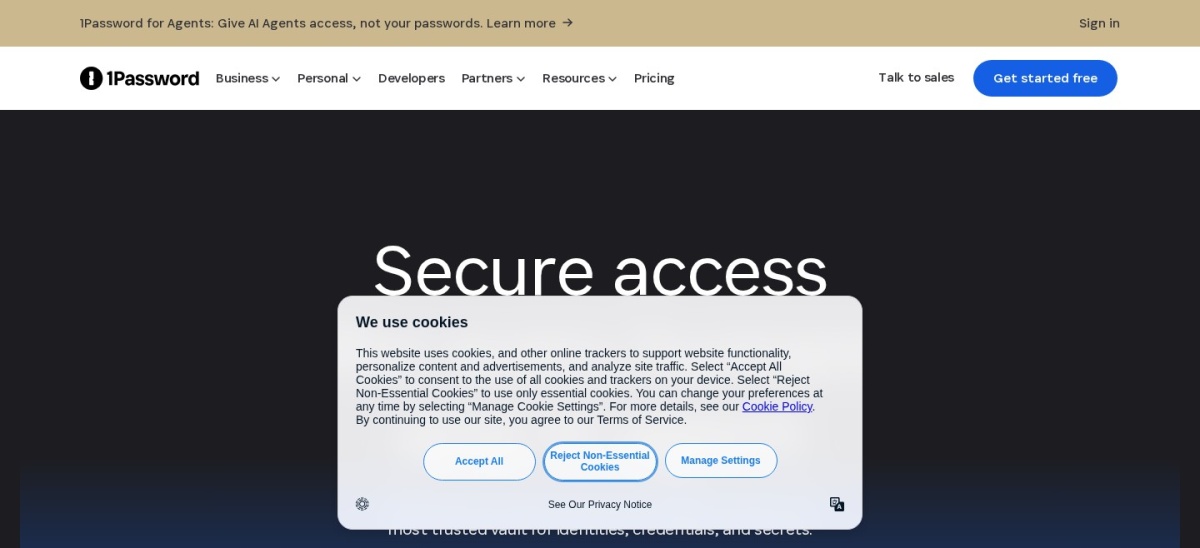
1Password homepage, captured Nov 2026.
1Password is a password manager for companies that need shared vaults, admin controls and developer tools in one place. Business costs $8.99 per user per month billed annually and adds single sign-on, user provisioning, custom reports and event streaming to a SIEM. A cheaper Teams Starter Pack costs $24.95 a month flat for up to 10 users.
The trade off is price. At $8.99 per user per month, Business costs more than twice as much as Bitwarden Teams, and single sign-on is not in the Starter Pack. It suits larger teams that want strong admin controls, wide app support and a manager staff will actually adopt.
What we like
SSO, provisioning and SIEM streaming on Business
Teams Starter Pack is cheap for up to 10 users
Developer tools including SSH key signing and a CLI
Cheapest business planBusiness Starter, $2/user/mo, 5 to 10 users
SSOEnterprise plan
BreachWatchPaid add-on
Free planNo, free trial
keepersecurity.com
Keeper homepage, captured Nov 2026.
Keeper is a business password manager with an admin console, shared folders and encrypted vaults. Business Starter costs $2 per user per month billed annually for teams of 5 to 10 users. Business at $4 adds shared team folders, delegated administration and a free Family plan for every user.
The trade off is tiering. Single sign-on and SCIM sit on the Enterprise plan, and the full audit trail is a paid add-on, so the headline price rises as controls are added. It suits small and mid-size companies that want strong admin controls at a low starting price.
Cheapest business planTeams, $1.79/user/mo, up to 10 users
SSOBusiness plan, $3.59/user/mo
GroupsBusiness plan
Free planYes, personal
nordpass.com
NordPass homepage, captured Nov 2026.
NordPass is a password manager from the team behind NordVPN, with encrypted vaults, passkeys and secure sharing. Teams costs $1.79 per user per month billed annually for up to 10 users. Business at $3.59 adds a security dashboard, group management and Google Workspace single sign-on.
The trade off is scale. Teams caps at 10 users and lacks groups, so growing companies move to Business at $3.59, and Enterprise starts at $5.40. It suits small teams that want a simple manager at a low price, especially those already using Nord products.
What we like
Very low starting price for small teams
Simple setup and easy daily use
Passkeys and secure sharing included
Business plan still under $4 per user
Watch out for
Teams plan caps at 10 users
Groups need the Business plan
Advanced admin controls are limited on lower tiers
Cheapest business planPass Essentials, $1.99/user/mo, min 3 users
SSOPass Professional, $4.49/user/mo
Dark-web monitoringIncluded
Free planYes
proton.me
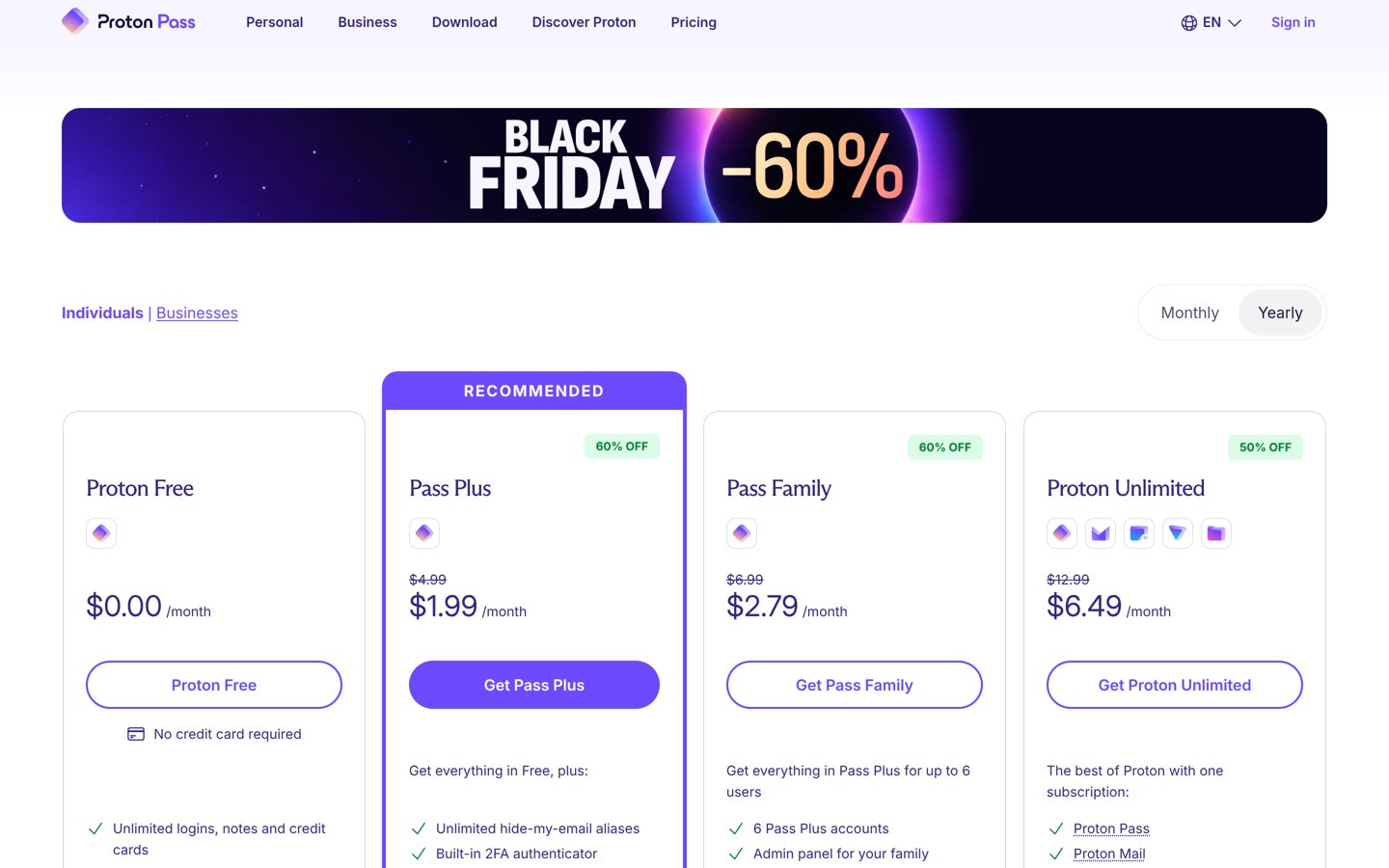
Proton Pass homepage, captured Nov 2026.
Proton Pass is a password manager from Proton, with end-to-end encryption, passkeys and a built-in authenticator. Pass Essentials costs $1.99 per user per month billed annually for at least 3 users. Pass Professional at $4.49 adds single sign-on, SCIM, enterprise policies and activity logs.
The trade off is maturity and a thin review base. Proton Pass holds the highest G2 rating here at 4.7 out of 5, but from only 127 reviews, and some reviewers report autofill misses. It suits privacy-minded teams that already trust Proton and want email aliases beside the vault.
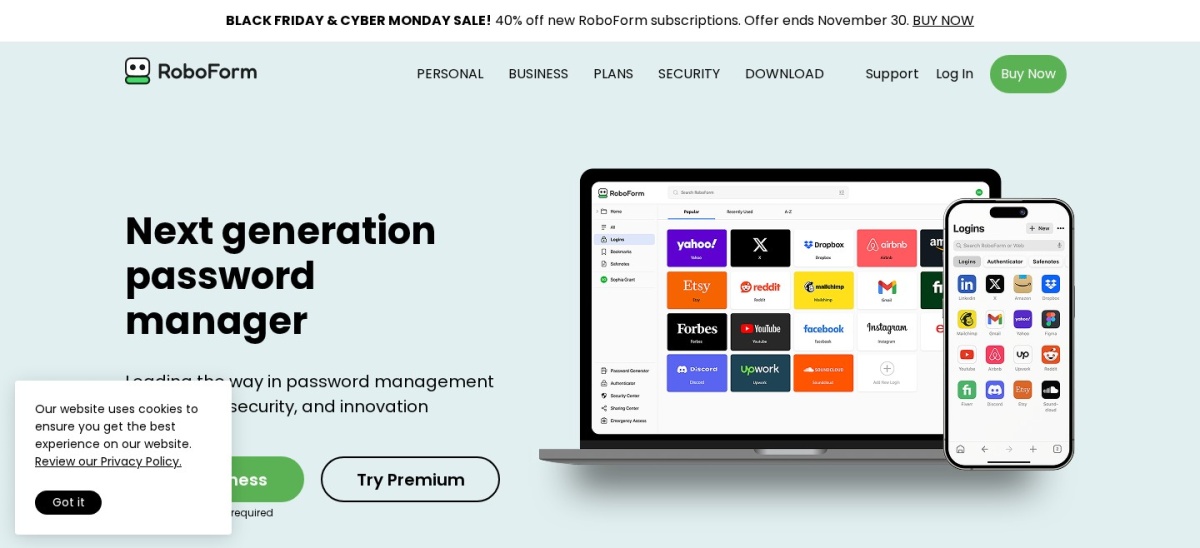
RoboForm is a long-running password manager known for fast form filling, in use since 2000. Business costs $39.95 per user per year for 1 to 10 users, about $3.33 per user per month, and includes an admin console, groups, policies and single sign-on with SCIM. Larger teams pay less per user, down to $29.95 a year.
The trade off is modern polish. RoboForm's interface looks dated next to newer rivals, and its review base is smaller than 1Password or LastPass. It suits teams that fill long web forms often and want single sign-on and admin controls at a low per-user price.
Cheapest business planTeams, $4.25/user/mo, up to 50 users
SSOBusiness plan, $7/user/mo
Shared foldersYes, on all business plans
Free planYes, personal
lastpass.com
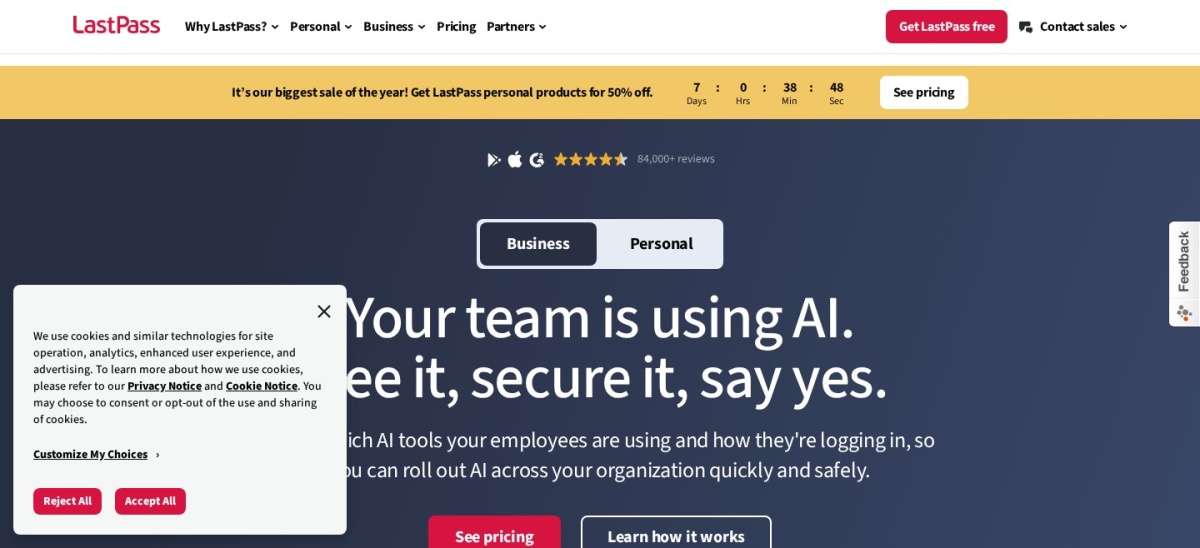
LastPass homepage, captured Nov 2026.
LastPass is a widely used password manager with shared folders, an admin console and a built-in authenticator on its business plans. Teams costs $4.25 per user per month billed annually for up to 50 users. Business at $7 adds groups, directory integrations and Families accounts for staff.
The trade off is trust and limits. LastPass disclosed a security incident in December 2022, Teams caps at 50 users, and passkeys cannot be shared with teammates. It suits teams under 50 that already use LastPass and want shared folders at a modest price.
Cheapest business planOmnix Password Management, $8/user/mo
SSOIncluded, Okta and Entra ID
SCIMIncluded
Free planNo, 14-day trial
dashlane.com
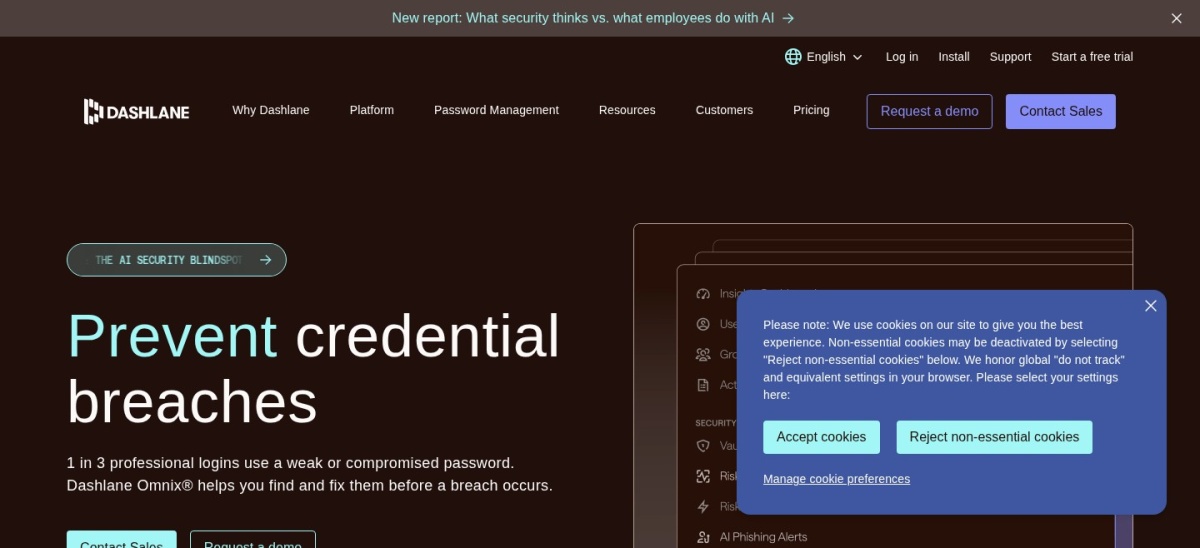
Dashlane homepage, captured Nov 2026.
Dashlane is a password manager built around password health, with alerts for weak, reused and breached credentials. Omnix Password Management costs $8 per user per month billed annually and includes secure sharing, collections, single sign-on and SCIM. A separate Credential Protection plan costs $4 per user per month.
The trade off is price and change. Dashlane ended its free plan in September 2025, and $8 per user per month is near the top of this list. It suits teams that want health monitoring and phishing alerts beside vault sharing, and that will use the admin console daily.
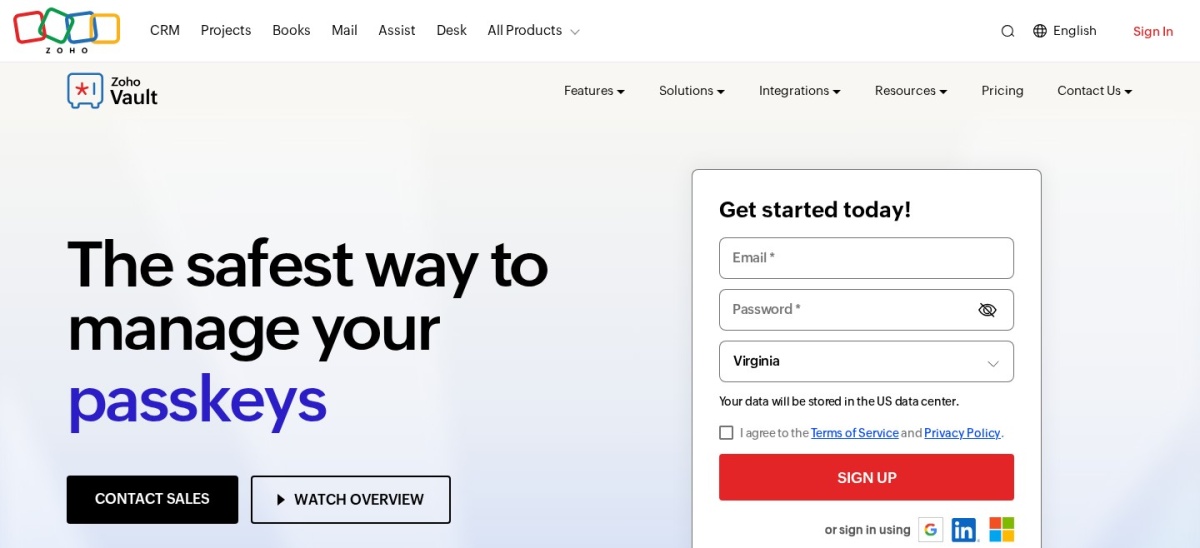
Zoho Vault is a password manager for teams that share credentials, with chambers, user groups and access controls. Standard costs $1 per user per month billed annually and unlocks team sharing, user provisioning and IP restrictions. Professional at $5 adds groups, reports and break-glass access.
The trade off is depth and polish. Single sign-on and SIEM sit on the $8 Enterprise plan, the interface looks dated, and its G2 base is only 77 reviews. It suits small teams on a tight budget, especially companies already using Zoho apps.
What we like
Cheapest paid sharing in this list
Team sharing from the Standard plan
Chambers and access controls included
Free plan for individual use
Watch out for
SSO and SIEM need the $8 Enterprise plan
Interface looks dated
Only 77 G2 reviews, a thin base
Professional adds groups, reports and break-glassVisit zoho.com
Self-hosting vs cloud: what you give up
Self-hosting keeps the vault on your own server. Passbolt Community and Bitwarden Enterprise both offer it, but you own updates, backups and uptime.
Cloud plans remove the server work. Every other tool here runs as a hosted service, with the vendor handling updates and backups.
Most teams leaving Passbolt Community switch for less admin work, not more control. If that is your reason, pick a hosted plan and check its export format first, so you can leave again later.
If control is the reason you chose Passbolt, Bitwarden Enterprise is the only like-for-like move here. It costs $6 per user per month and keeps self-hosting beside SSO and policies.
How we chose
We started from the password managers most often shortlisted as Passbolt replacements, then kept nine with a published business plan, an admin console and a public G2 rating.
Prices come from each vendor's pricing page and G2 pricing data, checked on 29 November 2026. Ratings and review counts come from G2 on the same day. Where a vendor shows a sale, the list shows the regular price.
We left out managers with no business plan and enterprise-only tools sold on quote alone. No vendor paid for a place, and we do not claim to have used these tools ourselves for this list.
How to choose a Passbolt alternative
Start with what made you pick Passbolt, then check whether each alternative keeps it.
Decide whether you still need self-hosting. If you do, Bitwarden Enterprise is the only option here. If not, a hosted plan removes server updates and backups.
Check what your identity provider already does. If you run Okta, Entra ID or Google Workspace, pick a plan that includes SSO and SCIM for that provider.
Count the seats you need now and in a year. Starter packs cap at 10 users at NordPass and Keeper, and LastPass Teams caps at 50, so a cheap entry plan can force an upgrade soon.
Turn on 2FA for every work account. A vault helps only if the vault itself is locked down, so require a second factor for admins and all staff.
FAQ
What is the best Passbolt alternative in 2026?
Bitwarden is the best Passbolt alternative for most teams. It is open-source, offers self-hosting on Enterprise, and Teams costs $4 per user per month billed annually, with a G2 rating of 4.6 out of 5 from 1,515 reviews.
Is there a free alternative to Passbolt?
Yes. Bitwarden has a free organisation plan for two users, and Proton Pass, NordPass, RoboForm, LastPass and Zoho Vault all have free personal plans. None matches Passbolt Community, which is free for unlimited users on your own server.
Which Passbolt alternative is cheapest?
Zoho Vault Standard is cheapest at $1 per user per month billed annually, or $12 per user per year. NordPass Teams follows at $1.79 per user per month for up to 10 users, and Proton Pass Essentials at $1.99.
Which Passbolt alternative is best for small teams?
Keeper is the best fit for small teams that want an admin console cheaply, with Business Starter at $2 per user per month for 5 to 10 users. NordPass Teams is cheaper still at $1.79, but caps at 10 users and lacks groups.
Bitwarden vs 1Password: which is the better Passbolt alternative?
Bitwarden is better if open-source code and self-hosting matter, at $4 per user per month for Teams and $6 for Enterprise with SSO. 1Password is better for larger teams that need stronger admin controls, at $8.99 per user per month for Business with SSO included.
Can I self-host a Passbolt alternative?
Yes, with Bitwarden. Its Enterprise plan at $6 per user per month includes self-hosting, and its server code is open source. No other tool in this list offers self-hosting, so teams that need it should shortlist Bitwarden first.
SaaS SEO and WordPress specialist with about 8 years of experience. Rakib compares WordPress plugins, themes, hosting and software using public pricing, documentation and user reviews. See how we rank.