StreamYard is the best Restream alternative for most creators, with a browser studio, guest links and multistreaming from $14.99 a month, rated 4.8 out of 5 on G2. Pick Castr for a direct multistream replacement with a paywall, or OneStream Live for the cheapest paid plan with a free tier.
How we make this list: we compare pricing pages, product documentation and public user reviews, then re-check every price before each update. No product paid for a place. Disclosure.
StreamYard leads with a 4.8/5 G2 rating from 299 reviews and a browser studio from $14.99 a month.
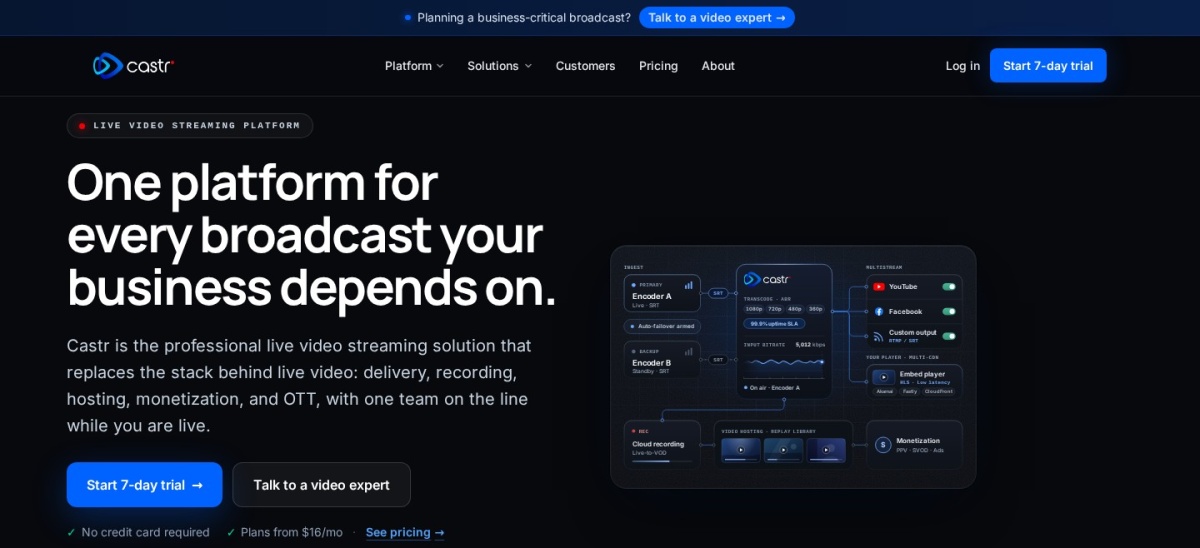
Castr is the closest direct replacement: 6 destinations on Starter at $16.67 a month billed annually, plus a paywall on every plan.
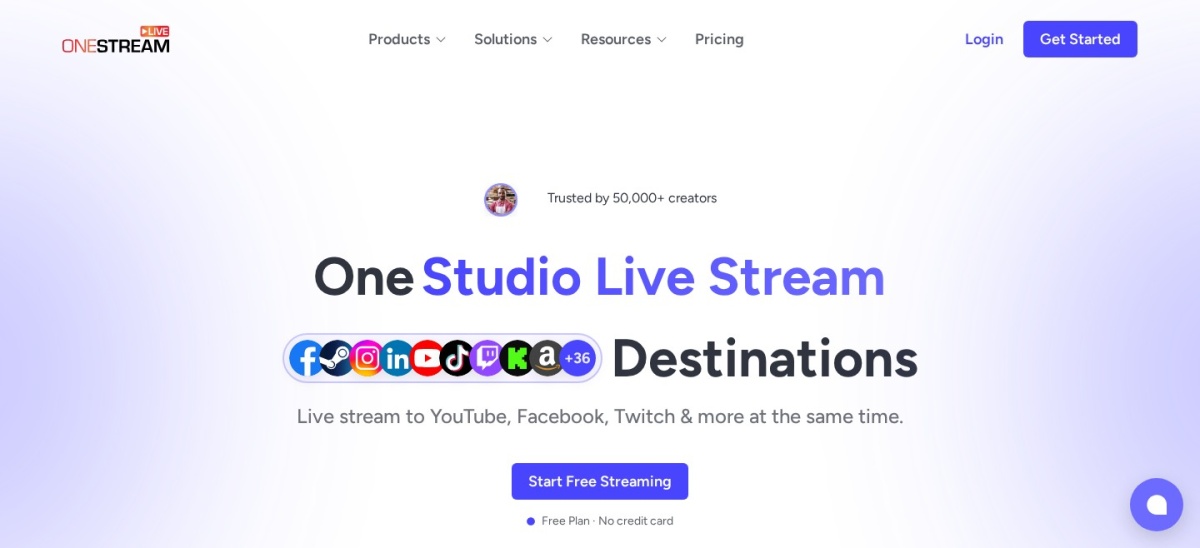
OneStream Live has the cheapest paid plan at $12 a month billed annually, with a free plan covering 2 destinations.
OBS Studio costs nothing and is rated 4.6/5 on G2, but multistreaming needs a plugin or a relay service.
Riverside's multistreaming sits on Grow at $34 a month billed annually, while Pro at $24 covers recording.
Ecamm Live is Mac-only and vMix is Windows-only, so check your computer before paying.
How do you choose the best Restream alternative?
Restream is a multistreaming relay, not a studio. The best replacement depends on whether you need guests on screen, a video host, or just more destinations.
Count your destinations first. Castr Starter covers 6, OneStream Live's free plan covers 2, and StreamYard Essential covers 2, so a show that goes to five places needs a higher tier.
A free plan is not the same as free multistreaming. OBS Studio is free forever, but it sends one feed to one destination unless you add a plugin or a relay service such as Castr.
Check the recording deal before you pay. If you publish the recording on your site afterwards, our guide on embedding a video in WordPress covers the WordPress side.
StreamYard is a browser-based live studio that runs interviews and talk shows with no software to install. Guests join from a link, and the free plan covers 6 on-screen participants with 2 hours of local recording a month. Essential adds unlimited streaming, 1080p and multistreaming to 2 destinations.
The trade off is destinations. Essential costs $14.99 a month billed annually and streams to 2 places at once, while Core at $35.99 a month adds a third destination, 10 guests and cloud recording. It suits hosts who run guest shows and want the easiest setup in this list.
What we like
Easiest setup in this list, with guests joining by link
Highest G2 rating here, 4.8 out of 5 from 299 reviews
Castr is a cloud multistreaming platform that takes one feed and sends it to 6 destinations on Starter, with hosting, cloud recording and a paywall on every plan. It works with OBS, Zoom or any encoder, so your computer only uploads once. Starter costs $16.67 a month billed annually and includes 2 concurrent streams.
The trade off is that there is no free plan, only a 7-day trial on Starter. The next step up, Standard at $41.67 a month billed annually, adds 10 destinations and in-stream ads. It suits churches, teams and businesses that need a reliable relay plus video hosting in one bill.
What we like
Closest like-for-like swap for Restream's relay
Paywall included on every plan, not just the top ones
OneStream Live is a cloud multistreaming service that streams live or pre-recorded video to 45+ platforms at once. The free plan covers 2 destinations at 720p with 3 scheduled events, and no card is needed to start. Basic costs $12 a month billed annually and adds more destinations and storage.
The trade off is polish. The studio is simpler than StreamYard's, and 1080p streaming sits on higher plans. It suits creators who schedule pre-recorded videos as live streams and want the lowest paid entry in this list.
Riverside is a browser studio built for remote recording, with separate 4K tracks for every guest and text-based editing after the show. The free plan covers 2 hours of multi-track recording at 720p. Pro costs $24 a month billed annually and adds 4K video, 15 hours of separate-track downloads and no watermark.
The trade off is that multistreaming is not in Pro. Live streaming to unlimited destinations needs Grow at $34 a month billed annually. It suits interview shows and podcasters who record first and go live second.
What we like
Largest review base here, 4.8 out of 5 from 1,758 reviews
OBS Studio is free, open-source software for recording and live streaming on Windows, Mac and Linux. It offers unlimited scenes, sources and transitions, with plugins for almost anything, and it costs nothing forever. It is the most-used free tool in this list, rated 4.6 out of 5 on G2.
The trade off is that OBS sends one feed to one destination on its own. Multistreaming needs a plugin or a relay service such as Castr, and there is no built-in guest studio or cloud recording. It suits creators who want full control and are happy to set things up themselves.
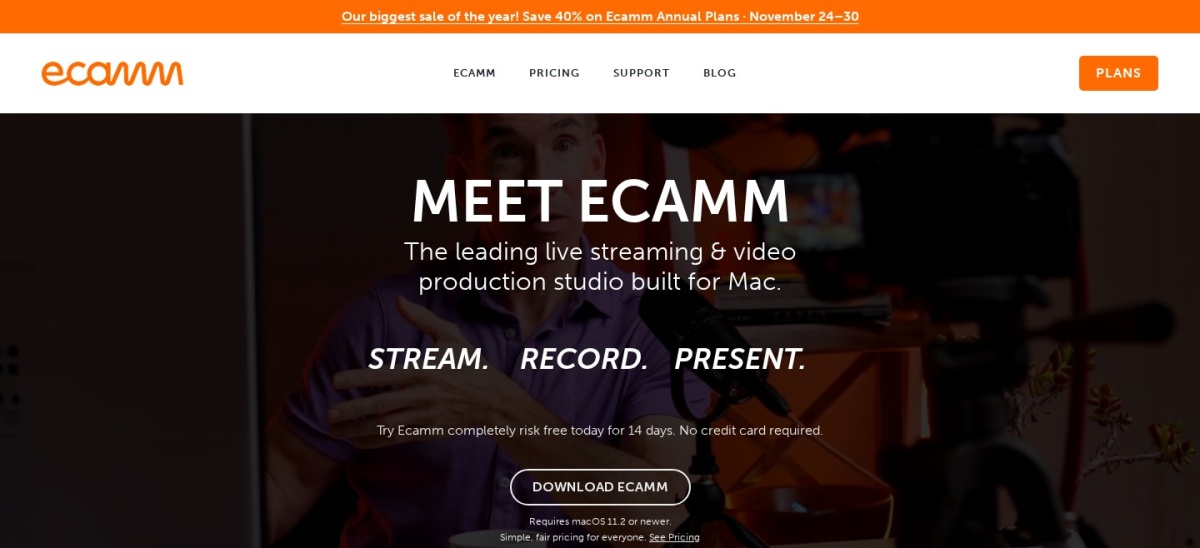
Ecamm Live is a Mac-only live production app that turns a Mac into a studio, with scenes, overlays, guest interviews and recording in one window. Standard costs $16 a month billed yearly and streams to 10 destinations with no watermark. A 14-day trial needs no card.
The trade off is the Mac limit. There is no Windows version and no free plan, and 4K streaming plus isolated recordings need Pro at $32 a month billed yearly. It suits Mac creators who stream and record every week and want a native app.
What we like
Highest Capterra rating here, 4.8 out of 5 from 174 reviews
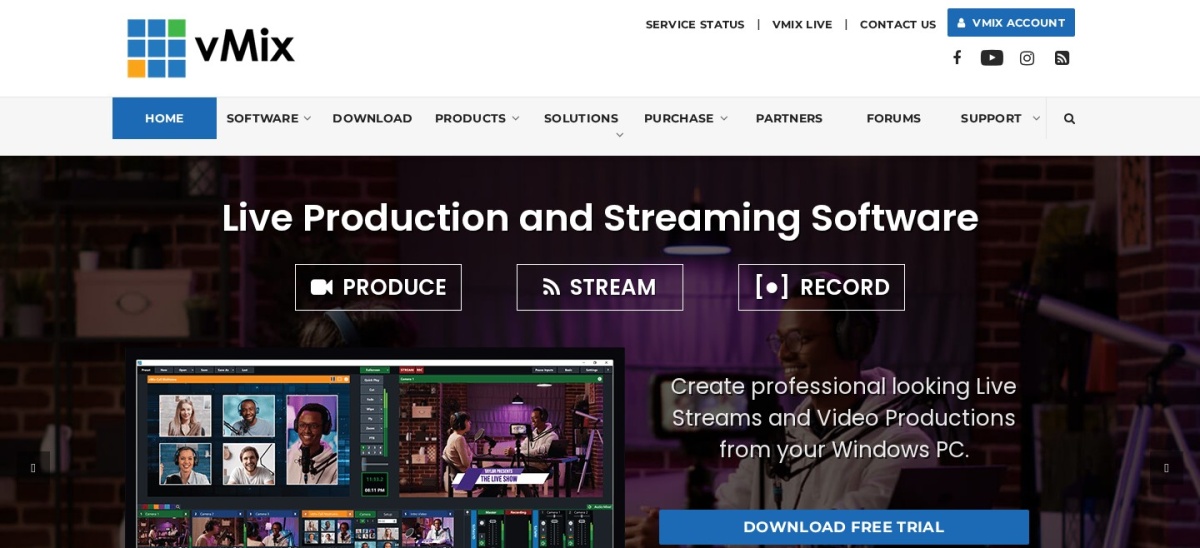
vMix is Windows live production software that mixes cameras, NDI and capture-card inputs like a broadcast switcher. Basic HD costs $60 once and outputs 1080p with 4 inputs, and every edition includes a 60-day free trial. It is rated 4.3 out of 5 on G2.
The trade off is the ceiling. Basic HD caps at 4 inputs and one overlay channel, while 4K production needs the $700 edition and updates after 12 months cost $60 a year. It suits multi-camera productions on Windows that want a one-time license.
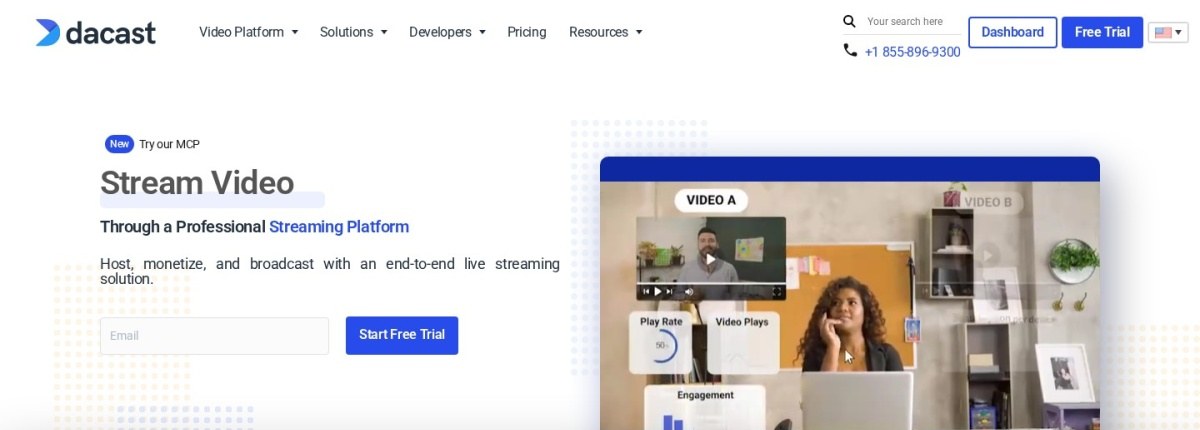
Dacast is an online video platform for live streaming and video hosting, with a white-label player, VOD hosting and monetization. Starter costs $39 a month and covers live events plus hosted video, and a free trial is available. It is rated 4.3 out of 5 on G2.
The trade off is the paywall. Selling access to a stream needs the Event plan at $63 a month, and pay-per-view sales also carry a 9.9% commission plus $0.40 per sale. It suits businesses that host ticketed events and want hosting and streaming together.
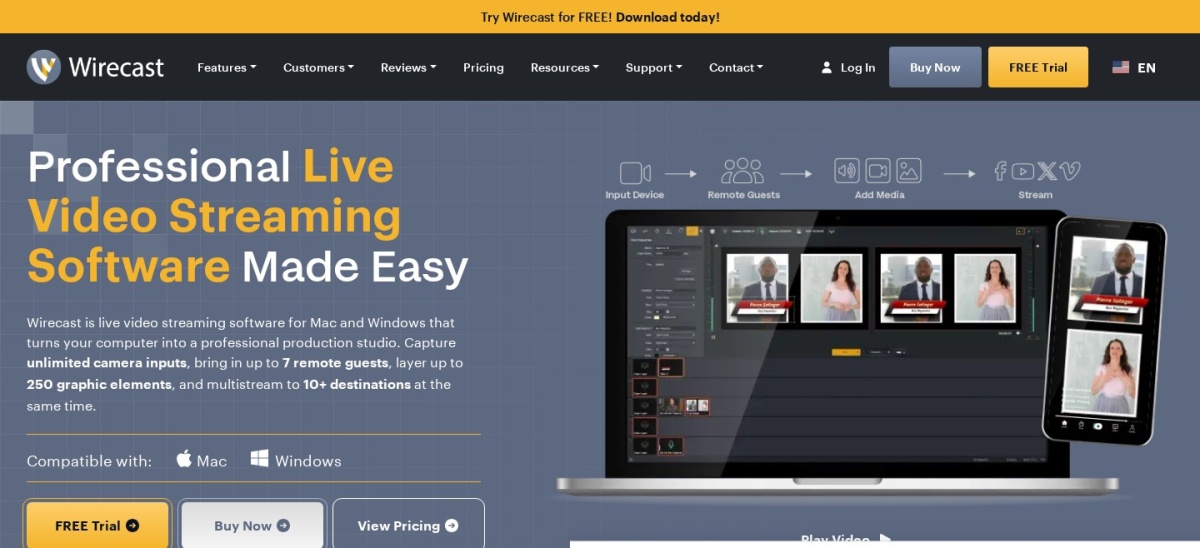
Wirecast is Telestream's live production software for Mac and Windows, with layered graphics, recording and browser guests. Studio costs $34 a month billed yearly and covers unlimited camera sources, screen capture and NDI input. It is rated 4.2 out of 5 on G2.
The trade off is that the best multistreaming is gated. Cloud multistreaming, ISO recording and 7 remote guests need Pro at $42 a month billed yearly. It suits production teams that want a polished desktop switcher with paid support behind it.
Restream combines multistreaming, cross-platform chat and dual-format streaming in one subscription. No single pick here copies that whole bundle.
Castr comes closest on the relay side, with multistreaming, hosting and a paywall, while StreamYard and Riverside cover the studio side with guests and recording.
If you only need one piece, the split saves money. OneStream Live's Basic plan costs $12 a month billed annually, and OBS Studio costs nothing at all.
How we chose
We started from every established live streaming tool with public reviews on G2 or Capterra, then kept those that multistream, host a studio, or replace a clear part of Restream.
Prices come from each vendor's pricing page, checked on 29 November 2026. Ratings and review counts come from G2 or Capterra on the same day. Where a vendor shows a sale, the list shows the regular price.
We left out tools with no public rating and tools that no longer sell a current plan. No vendor paid for a place, and we do not claim to have used these tools ourselves.
How to choose a Restream alternative
Start with how many places you stream to, then pick the studio around that.
Count your destinations. If you stream to 2 places, a free plan or the cheapest tier is enough. Five or more destinations need Castr Starter or a higher tier.
Decide if you need guests on screen. StreamYard, Riverside and Ecamm Live bring guests in by link. OBS and Castr need another tool for guest video.
Check the recording plan. Cloud recording is included with most paid plans here, while OBS records locally and Riverside caps separate-track downloads by plan.
Try the free option first. StreamYard, OneStream Live, Riverside and OBS Studio all have a free plan or tier, so you can run one real show before paying.
FAQ
What is the best Restream alternative?
StreamYard is the best Restream alternative for most creators. It runs a browser studio with guest links and multistreaming from $14.99 a month, and it is rated 4.8 out of 5 on G2 from 299 reviews.
What is the best free alternative to Restream?
OBS Studio is the best free alternative, because it costs nothing and is rated 4.6 out of 5 on G2. OneStream Live is the best free cloud option, with 2 destinations at 720p and scheduled pre-recorded streams.
Which Restream alternative is cheapest?
OneStream Live has the cheapest paid plan at $12 a month billed annually, and its free plan covers 2 destinations. OBS Studio is free forever, but multistreaming needs a plugin or a relay service.
Is StreamYard better than Restream?
StreamYard is better for interview shows, because guests join by link and the browser studio handles layouts and branding. Restream is better as a pure relay for sending one feed to many channels, which is where Castr is the closer match.
Can I multistream for free?
Yes, with limits. OneStream Live's free plan streams to 2 destinations at 720p, and OBS Studio is free but needs a plugin or a relay service to reach more than one destination at once.
StreamYard vs Castr: which should I pick?
Pick StreamYard if your show has guests, because its browser studio and guest links are the easiest in this list. Pick Castr if you only need a relay, because Starter sends one feed to 6 destinations and adds hosting and a paywall.
SaaS SEO and WordPress specialist with about 8 years of experience. Rakib compares WordPress plugins, themes, hosting and software using public pricing, documentation and user reviews. See how we rank.