Autodesk Forma is the strongest of the Procore alternatives for commercial general contractors, covering drawings, RFIs, submittals and cost control from $800 per user a year. JobTread suits smaller builders at $159 a month with a 4.9 out of 5 G2 rating, while Fieldwire is the pick for field teams that live on drawings.
How we make this list: we compare pricing pages, product documentation and public user reviews, then re-check every price before each update. No product paid for a place. Disclosure.
Autodesk Forma is the closest full replacement for Procore, with drawings, RFIs, submittals and cost control from $800 per user a year.
JobTread holds the highest rating here at 4.9 out of 5 on G2, with one $159-a-month plan billed annually that includes every feature.
Fieldwire is the only tool here with a free plan, covering 5 users, 3 projects and 100 sheets.
Contractor Foreman is the cheapest full platform at $49 a month, with estimates, RFIs, submittals and AIA billing included.
Prices run from $39 per user a month for Fieldwire Pro to $499 a month for Buildertrend, while Procore itself publishes no price.
How do you choose among the Procore alternatives?
Procore charges by construction volume and publishes no standard price, so the first question is what you will actually pay. Every tool in this list publishes a price you can check in a minute, and that alone makes budgeting easier.
Field use decides most switches. A platform the crew will not open on a phone is worse than a simpler tool they use every day, so weigh the mobile app and offline access as heavily as the feature list.
Residential and commercial work need different tools. Home builders live on estimates, selections and client updates, while commercial general contractors live on RFIs, submittals and cost control.
Budget the whole first year, not the monthly rate. Per-user prices multiply fast once the crew grows, and onboarding fees add to the bill. Our guide to budgeting for a WordPress website shows the same first-year thinking applied to any software buy.
Autodesk Forma is the new name for Autodesk Construction Cloud, the platform behind AutoCAD and Revit. Forma Build covers drawings, RFIs, submittals, cost management and field reports, and it connects directly to design models so office and site teams work from the same documents.
The trade off is cost and setup. Forma Build Essentials starts at $800 per user a year, full Forma Build at $1,400, and reviewers cite a steep learning curve. It suits commercial general contractors that need Procore-level breadth with BIM coordination.
What we like
Closest breadth to Procore in this list
Direct BIM and model coordination
Largest review base here at 5,668 G2 reviews
30-day trial on Essentials
Watch out for
Per-user pricing adds up fast
Steep learning curve for new teams
Full Build costs nearly twice Essentials
Full Forma Build adds cost management and unlimited sheetsVisit autodesk.com
02
JobTread
4.9/5on G2 (118 reviews, checked Nov 2026)
Starts at$159/mo
Best for small builders that want one price
Pricing modelFlat, all features included
Entry plan$159/mo, billed annually
Extra users$20/mo each
Free trial30-day money-back guarantee
jobtread.com
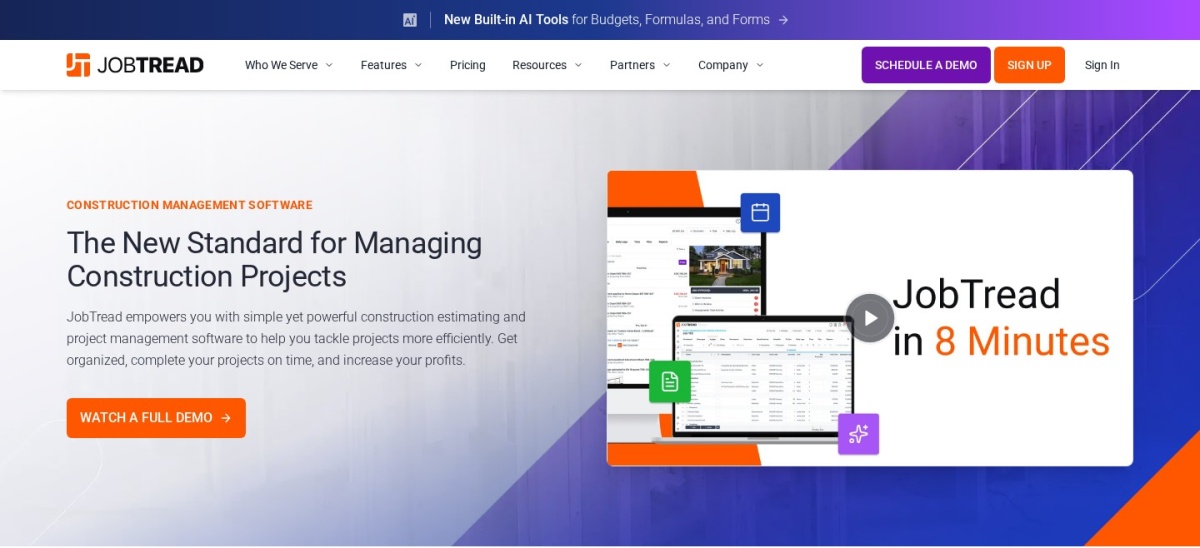
JobTread homepage, captured Nov 2026.
JobTread is an all-in-one platform for home builders, remodelers and specialty contractors that turns an estimate into a budget, a schedule and a job cost report. The single plan covers CRM, estimating, takeoffs, scheduling, budgets, job costing, change orders, invoicing and a client portal.
The trade off is the seat charge. The plan costs $159 a month billed annually, or $199 month to month, and each extra internal user adds $20 a month. It suits small to midsize builders that want one price for every feature and a 30-day money-back guarantee.
What we like
Highest G2 rating here at 4.9 out of 5
One price with every feature included
No contract and no setup fees
Free implementation, training and support
Watch out for
No free plan
Per-user charge grows with office staff
Built for residential work, not large commercial jobs
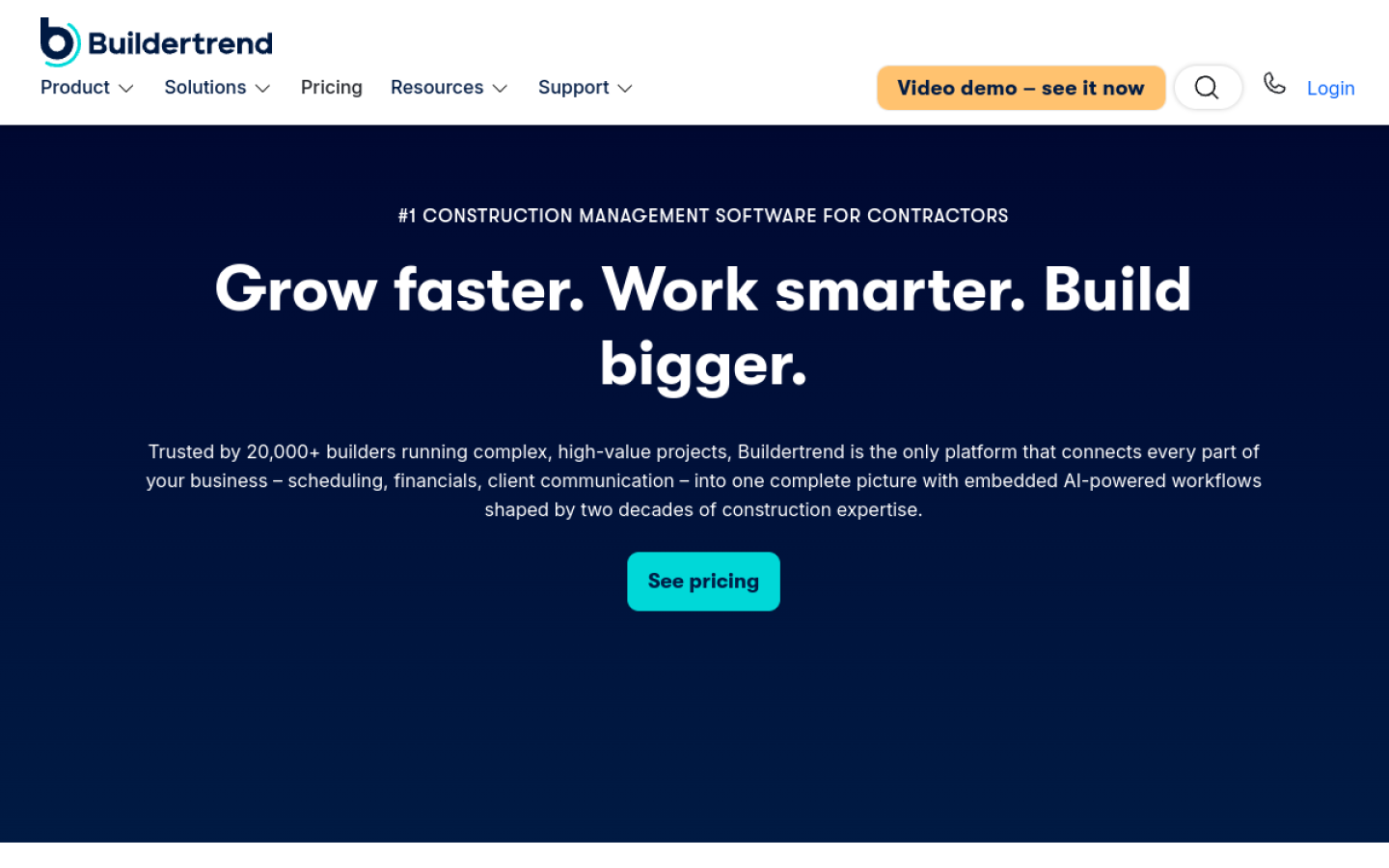
Buildertrend is a cloud platform built for home builders and remodelers, covering scheduling, estimating, job costing, change orders and a client portal in one place. Every plan includes unlimited users and unlimited projects, and it connects to QuickBooks and Xero for accounting.
The trade off is price. Essential costs $499 a month on month-to-month billing, or $449 a month when billed annually, and there is no free plan. It suits residential builders running several jobs at once who want one system for the office, the field and the homeowner.
What we like
Built for residential builders
Unlimited users and projects
Strong client portal and selections tracking
Wide accounting integrations
Watch out for
No free plan
Entry price is high for a solo builder
Reviewers report a learning curve for subcontractors
Fieldwire is a construction field management app built around the plan set, connecting punch items, drawings, photographs, checklists and team assignments. Its free Basic plan supports 5 users, 3 projects and 100 sheets, with offline access on mobile.
The trade off is scope. RFIs, submittals, change orders and budgets wait for Business Plus at $89 per user a month billed annually, and Pro at $39 adds reports and sheet compare. It suits field teams that live on drawings and need a tool crews will actually open.
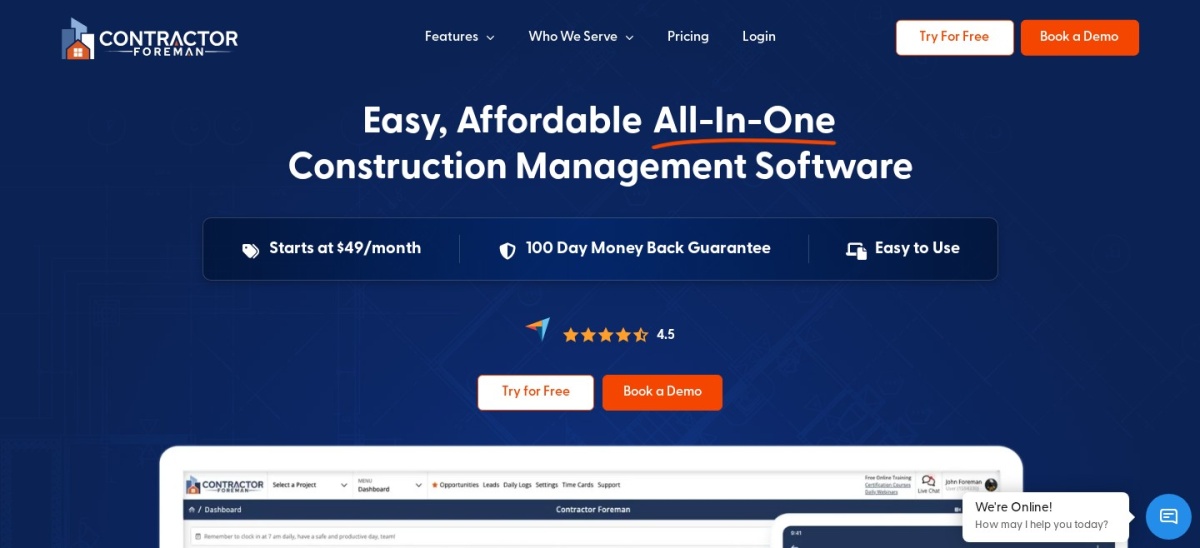
Contractor Foreman is an all-in-one platform for small to midsize contractors, covering estimates, scheduling, daily logs, RFIs, submittals, change orders, invoices and AIA billing. It syncs with QuickBooks and includes time cards, punch lists and inspections.
The trade off is polish. Plans start at $49 a month, the lowest full-platform price here, and reviewers note a setup curve and thinner estimating data than specialist tools. It suits smaller contractors that want Procore-style coverage at a published price.
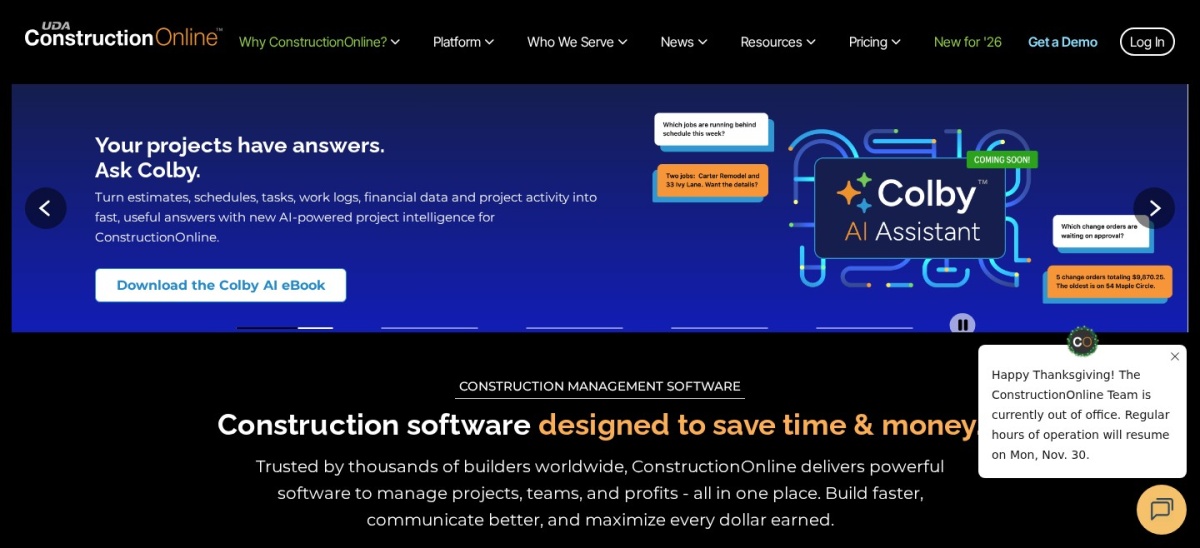
ConstructionOnline is an all-in-one platform from UDA covering estimating, scheduling, financial management, daily logging, client selections and file sharing. Its Residential plan suits home builders, while Commercial adds RFIs, submittals and manpower logs.
The trade off is price. The Residential plan starts at $475 a month, so it costs far more than the budget picks here, and there is no free plan. It suits builders that want estimating and client communication in one system and will use it across every job.
Knowify is job costing software built for trade contractors such as electricians, plumbers, HVAC firms and painters. Core covers CRM, estimates, contracts, scheduling, time tracking and AIA invoicing, with a two-way sync to QuickBooks Online.
The trade off is the per-user price. Core costs $99 per user a month, and the Service Pro add-on for dispatching costs another $99 a month. It suits trade contractors that want to see real-time profitability on every job.
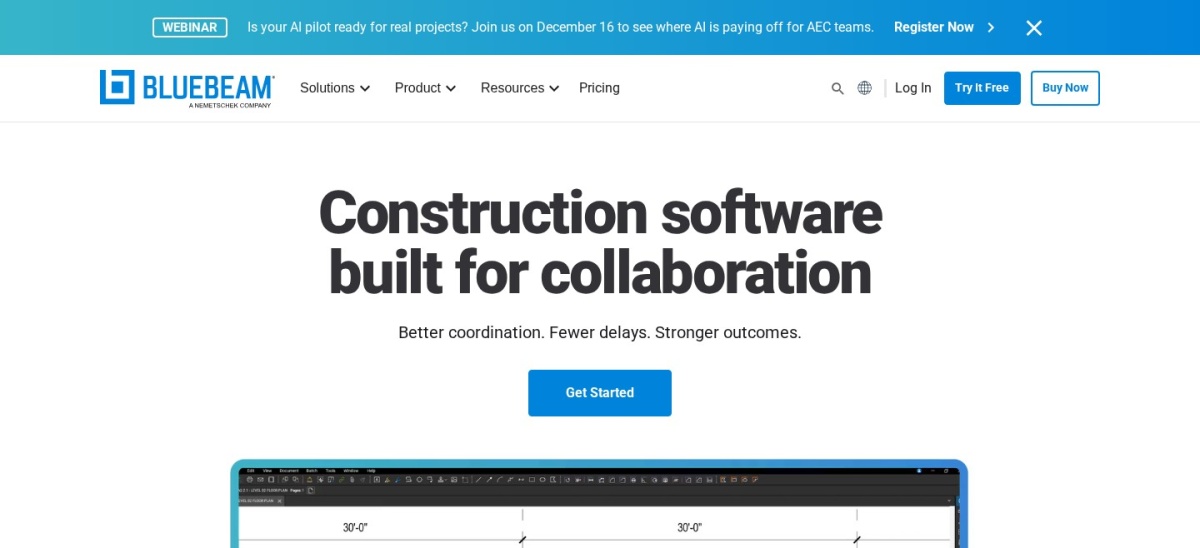
Bluebeam Revu is a PDF markup and measuring tool that most subcontractors already use to review drawings and measure quantities directly on the PDF. Basics costs $260 per user a year billed annually, with simple length and area measuring and markup tools.
The trade off is scope. Revu handles drawings, markups and takeoffs, but it has no scheduling, RFIs or financials, so it pairs with a project platform rather than replacing Procore. It suits estimators and site teams that live in PDFs.
Houzz Pro is business software for remodelers, design-build firms and interior designers, sold beside the Houzz marketplace. Design at $99 a month includes 3D floor plans, selections, mood boards, a CRM, estimates, invoices and online payments, and a free plan covers the floor planner, estimates and invoicing.
The trade off is the contract. Most plans run on 12-month contracts that cannot be cancelled early, and contracts, takeoffs and schedules wait for Pro at $199 a month. It suits design-led remodelers that also want homeowner leads from Houzz.
Only Autodesk Forma, JobTread, Buildertrend, Contractor Foreman, ConstructionOnline and Knowify try to cover a whole project the way Procore does.
Fieldwire, Bluebeam Revu and Houzz Pro cover one part of the job well. They work best beside a full platform, not instead of one.
If the budget only stretches to one tool, pick the full platform that matches your job type, then add a drawing tool later.
How we chose
We started from the tools G2 lists as Procore alternatives and the construction platforms other guides name most often, then kept the nine with published prices and a public G2 rating.
Prices come from each vendor's pricing page or vendor-supplied G2 pricing, checked on 29 November 2026. Ratings and review counts come from G2 on the same day. Where a vendor shows a sale, the list shows the regular price.
We left out quote-only enterprise platforms and tools without a public rating. No vendor paid for a place, and we do not claim to have used these tools ourselves.
How to choose a Procore alternative
Start with the job type you run most, then match the tool to the work your crews actually do.
Match the tool to your job type. Commercial GCs need RFIs, submittals and cost control, so start with Autodesk Forma. Residential builders should start with JobTread or Buildertrend.
Count the real first-year cost. Multiply per-user prices by every seat you need, then add onboarding fees. A $39 per-user plan costs more than a $199 flat plan once the crew grows.
Check the free plan or trial first. Fieldwire and Houzz Pro have free plans, and most others offer a trial. Put a real job through it before you pay.
Ask who will actually open it. A tool the field crew ignores is worse than no tool. Pick the one your supers and subs will use every day, not the one with the longest feature list.
FAQ
What is the best Procore alternative in 2026?
Autodesk Forma is the best Procore alternative for most commercial general contractors. It covers drawings, RFIs, submittals and cost control from $800 per user a year, and it is rated 4.4 out of 5 on G2 from 5,668 reviews.
How much do Procore alternatives cost?
Prices run from $39 per user a month for Fieldwire Pro to $499 a month for Buildertrend, with Contractor Foreman cheapest for a full platform at $49 a month. Procore itself publishes no price and charges by construction volume.
Is there a free alternative to Procore?
Fieldwire has the only true free plan here, covering 5 users, 3 projects and 100 sheets. Houzz Pro also has a free plan for floor plans, estimates and invoicing, while most others offer a free trial instead.
Which Procore alternative is best for small contractors?
Contractor Foreman is the best pick for small contractors on a budget, at $49 a month with estimates, RFIs, submittals and AIA billing included. JobTread is the better choice if estimating and job costing matter most.
Which Procore alternative is best for beginners?
Fieldwire is the easiest starting point, because the free plan lets a small crew learn it on real drawings with no payment. JobTread is also simple to start, with one plan, no feature tiers and free training.
Autodesk Forma vs JobTread: which should I choose?
Choose Autodesk Forma for commercial work that needs BIM coordination, RFIs and submittals across large teams. Choose JobTread for residential building and remodeling, where its flat price and 4.9 out of 5 G2 rating suit smaller teams.
Can I switch from Procore without losing my project data?
Most of these tools import documents, drawings and contacts, but RFI history, submittal logs and cost records rarely transfer cleanly. Export your project records from Procore first and plan a cutover between jobs.
SaaS SEO and WordPress specialist with about 8 years of experience. Rakib compares WordPress plugins, themes, hosting and software using public pricing, documentation and user reviews. See how we rank.