Fieldwire is the best of these PlanGrid alternatives for most field teams, with a free plan for 5 users and Pro at $39 a user a month. Procore suits large commercial firms, while Bluebeam Revu is the pick for drawing markups and takeoffs.
How we make this list: we compare pricing pages, product documentation and public user reviews, then re-check every price before each update. No product paid for a place. Disclosure.
Fieldwire is the closest PlanGrid replacement, with a free plan for 5 users and Pro at $39 a user a month billed annually.
PlanGrid itself is gone as a standalone product: Autodesk now sells its successor as Forma Build, so this list covers true alternatives.
Procore is the most complete platform here at 4.6 out of 5 on G2, but it publishes no price and quotes by construction volume.
Bluebeam Revu is the cheapest drawing-first option at $260 a user a year, while PlanRadar starts at $35 a user a month.
Contractor Foreman is the cheapest full platform at $49 a month, and Raken is the cheapest daily-reporting tool at $23 a user a month.
What should PlanGrid alternatives cover in 2026?
PlanGrid is no longer sold on its own. Autodesk acquired PlanGrid, folded it into Autodesk Construction Cloud, and now sells its successor as Forma Build inside Autodesk Forma, so a team still on PlanGrid needs a real move, not a rebrand.
A good replacement starts with the drawings. It should keep the current plan set on every phone and tablet, show which revision is live, and let the crew mark up sheets and attach photos without returning to the office.
Offline access matters more than most feature lists admit. Fieldwire, the closest match here, works offline on site and syncs when the connection returns, which is what made PlanGrid useful in the first place.
Price shapes the shortlist fast. Our guide on budgeting for a WordPress website uses the same habit this list follows: set the budget first, then compare what fits inside it.
The rest is scope. Some teams only need plans, tasks and punch lists, while others need RFIs, budgets and client portals, and the tools below split along that line.
Fieldwire by Hilti is a field management app built around drawings, tasks, photos and punch lists, and it is the closest match to how PlanGrid worked on site. Its free Basic plan covers 5 users, 3 projects and 100 sheets, with plan viewing, task management, files, photos and checklists included.
The trade off is that reports, sheet compare, project templates and custom task statuses need Pro at $39 a user a month billed annually, or $54 a month on monthly billing. It suits general contractors, superintendents and subcontractors who want the crew on the current drawings fast.
What we like
Free plan covers 5 users, 3 projects and 100 sheets
Offline access on site, with sync when back online
Rated 4.5 out of 5 on G2 from 585 reviews
Transparent per-user pricing with no quote needed
Watch out for
RFIs, submittals and budgets need Business Plus at $89 a user a month
Per-user pricing adds up fast on large crews
No estimating or full financial management built in
Procore is the most complete construction platform in this list, running preconstruction, project management, quality, safety and financials in one system. It covers drawings, RFIs, submittals, budgets, commitments and change events, with unlimited users and unlimited data storage on every plan.
The trade off is price. Procore publishes no price and quotes by annual construction volume, so a small contractor cannot check the cost without a sales conversation. It suits mid-size and large general contractors running commercial work where that depth pays for itself.
What we like
Highest review volume here: 4.6 out of 5 on G2 from 4,247 reviews
Unlimited users, so field crews and subs log in without seat fees
Deepest RFI, submittal and financial controls in this list
Covers the whole project, not just the field
Watch out for
No published price; every deal is a custom quote
Too much platform for a small crew that only needs drawings
Implementation and training take longer than field-only tools
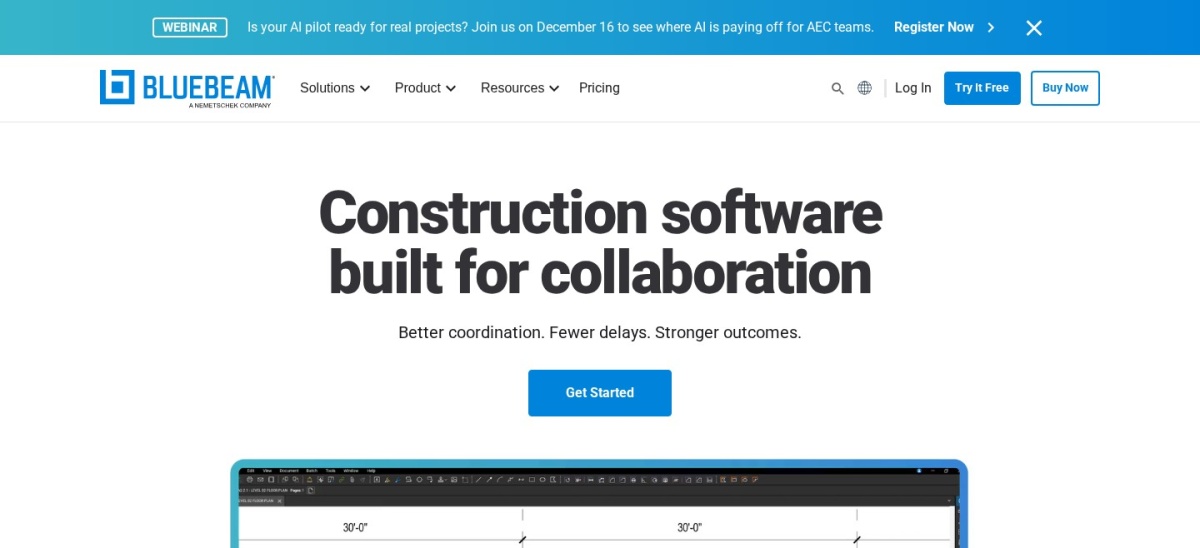
Bluebeam Revu is a PDF markup and measurement tool for architecture, engineering and construction teams. Basics costs $260 a user a year and covers PDF creation, editing, markups and collaboration, while Studio Sessions let partners mark up the same drawings together in real time.
The trade off is scope. Revu is a document tool, not a project platform, so it has no scheduling, daily logs or job costing of its own. It suits estimators, architects and engineers who live in plan sets and need measurements and takeoffs more than field tasks.
What we like
Rated 4.6 out of 5 on G2 from 501 reviews
Strongest markup, measurement and takeoff tools here
Studio Sessions for live drawing collaboration
Cheapest drawing-first option at $260 a user a year
Watch out for
No field task, punch list or daily-report workflows
Large plan sets can load slowly, per G2 reviewers
Desktop-first; the iPad app has been reworked and is weaker
Core adds more markup and collaboration tools at $330 a user a yearVisit bluebeam.com
04
PlanRadar
4.5/5on G2 (72 reviews, checked Nov 2026)
Starts at$35/user/mo
Best for defects and inspections
Basic plan$35/user/mo
Starter plan$119/user/mo
Pro plan$179/user/mo
Free trial30 days
planradar.com
PlanRadar homepage, captured Nov 2026.
PlanRadar is a field management platform for construction, facility management and real estate projects, built around tickets pinned to plans. Teams log defects, run inspections, track tasks and produce reports from the same mobile app, with unlimited free subcontractors and watchers on every plan.
The trade off is plan caps. Basic costs $35 a user a month but caps digital plans at 10 per user, and BIM support, custom templates and API access need the higher tiers. It suits teams whose main job is defect tracking, snagging and inspection reporting.
What we like
Rated 4.5 out of 5 on G2 from 72 reviews
Ticket-based defects and inspections tied to plans
Unlimited free subcontractors and watchers
Low entry price at $35 a user a month
Watch out for
Basic plan caps digital plans at 10 per user
BIM support and API access need Pro at $179 a user a month
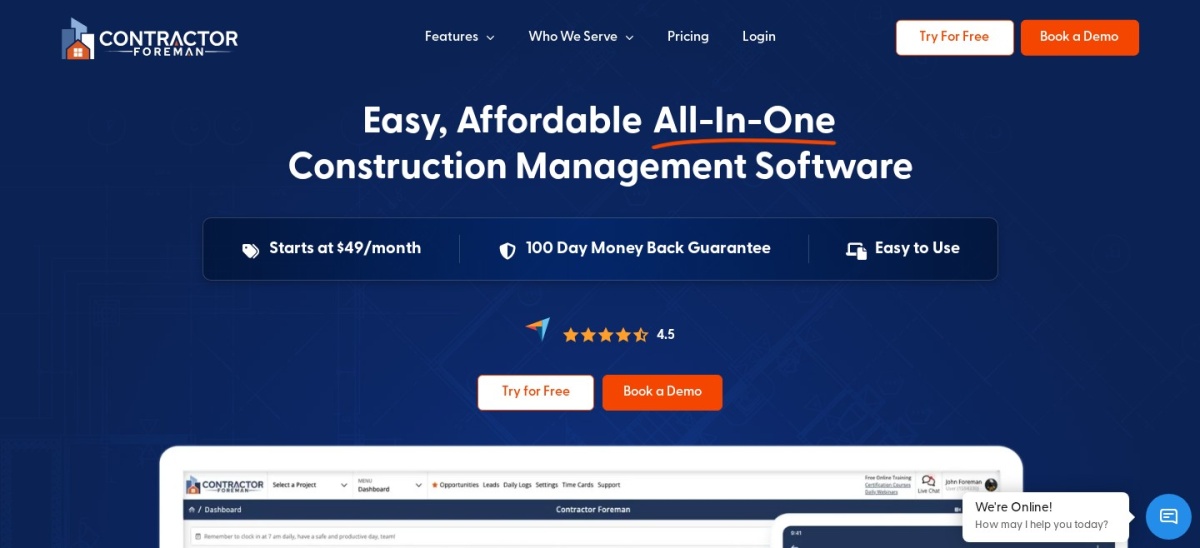
Contractor Foreman is a cloud and mobile construction management system covering daily logs, scheduling, estimating, timecards and project tracking. Its Basic plan starts at $49 a month on annual billing for one user, and higher tiers scale to 3, 8, 15 or unlimited users.
The trade off is that Basic is a single seat, and change orders, submittals and QuickBooks sync sit on higher-priced plans. It suits budget-minded small and mid-size contractors who want broad coverage for a flat monthly price.
What we like
Lowest flat entry price for a full platform at $49 a month
Rated 4.5 out of 5 on Capterra from 842 reviews
Covers estimates, schedules, logs and timecards in one app
30-day free trial with no card needed
Watch out for
Basic plan is capped at one user
QuickBooks sync needs Plus at $166 a month or above
Some reviewers report a busy interface and slow mobile use
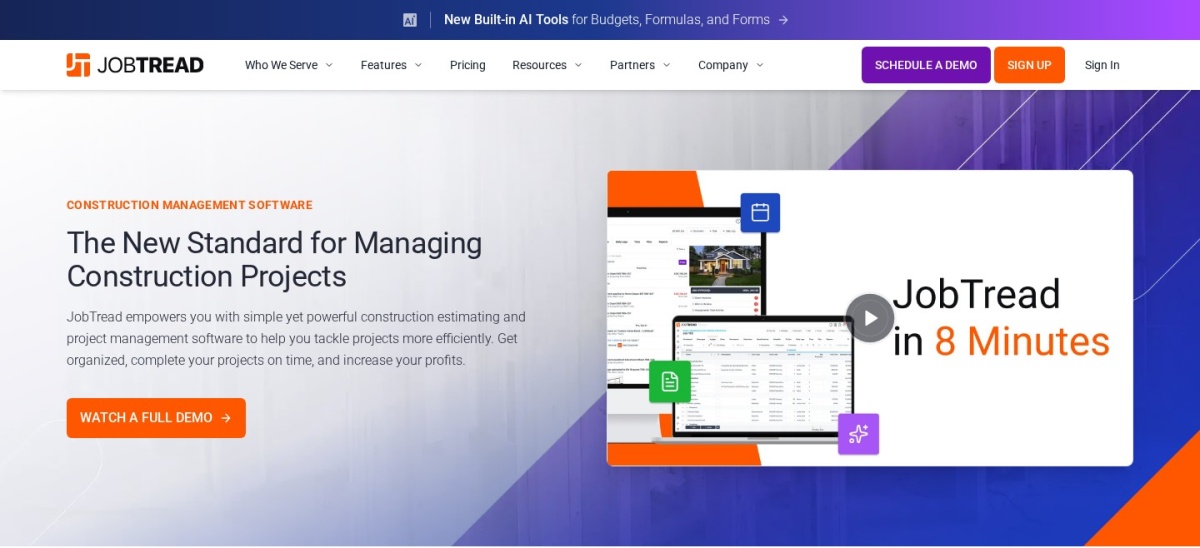
JobTread is an all-in-one platform for home builders, remodelers and specialty contractors that turns an estimate into a budget, a schedule and a job cost report. Its single plan costs $159 a month billed annually, or $199 a month on monthly billing, and includes one internal user, all features and unlimited jobs and documents.
The trade off is that there is no free plan or free trial, and each extra internal user adds $18 a month on annual billing. It suits small residential teams that want one price and no feature tiers to climb.
What we like
Highest G2 rating in this list at 4.9 out of 5 from 118 reviews
One plan with every feature included
Flat pricing with no quote and no feature gating
Free customer and vendor portals
Watch out for
No free plan and no free trial
Residential focus fits commercial work less well
Extra users add $18 a month each on annual billing
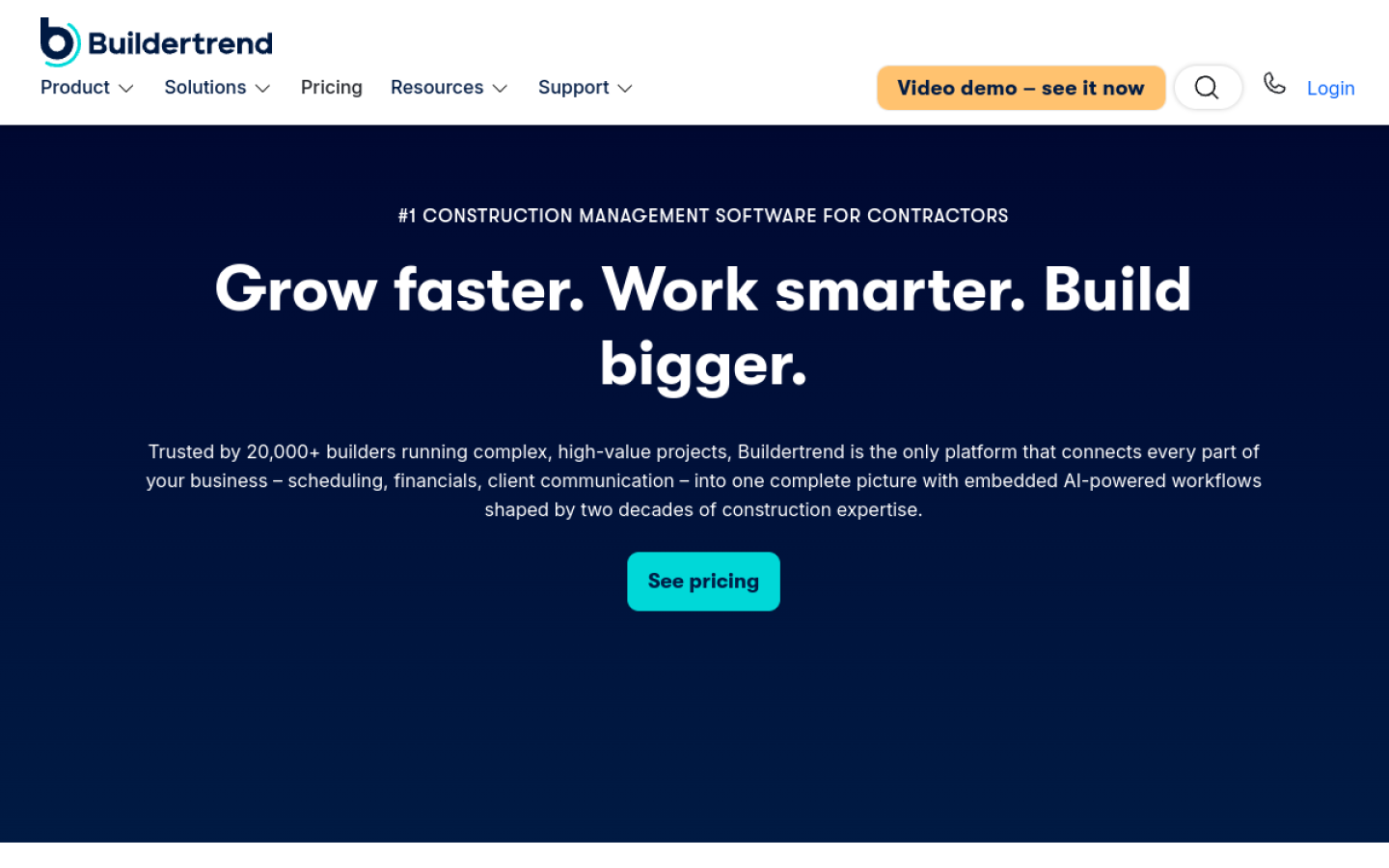
Buildertrend is a cloud platform built for home builders and remodelers, covering scheduling, estimating, job costing, change orders and a client portal in one place. Every plan includes unlimited users and unlimited projects, and it connects to QuickBooks and Xero for accounting.
The trade off is price. Essential costs $499 a month on month-to-month billing, or $449 a month when billed annually, and there is no free plan. It suits residential builders who sell on selections, homeowner communication and warranty tracking.
What we like
Built for residential work, with selections and a client portal
Unlimited users and unlimited projects on every plan
Rated 4.3 out of 5 on G2 from 229 reviews
Scheduling, estimating and job costing in one place
Watch out for
Highest published price in this list at $499 a month
No free plan and no free trial, demo only
Thin commercial workflows for non-residential work
Knowify is cloud software for trade contractors that covers estimates, proposals, contracts, scheduling, time tracking and AIA billing. It syncs two-way with QuickBooks and tracks job costs against the estimate, and Core costs $99 a user a month billed annually for one user.
The trade off is the per-user math. Core includes one user, extra users cost $29 a month each, and monthly billing is $149 a month, so the $99 rate needs an annual plan. It suits electrical, plumbing and painting contractors that bill on AIA forms.
What we like
Rated 4.5 out of 5 on G2 from 103 reviews
Two-way QuickBooks sync and licensed AIA billing
Job costing tracked against the estimate
14-day free trial with no contract
Watch out for
Core includes only one user; extras cost $29 a month each
Monthly billing jumps to $149 a month
Advanced job costing needs the $329 a month plan
Advanced adds job costing and a client portal at $329 a monthVisit knowify.com
09
Raken
4.5/5on G2 (117 reviews, checked Nov 2026)
Starts at$23/user/mo
Best for daily reports and field logs
Basic plan$23/user/mo
Minimum users3
Performance plan$59/user/mo
Daily reportsBranded
rakenapp.com
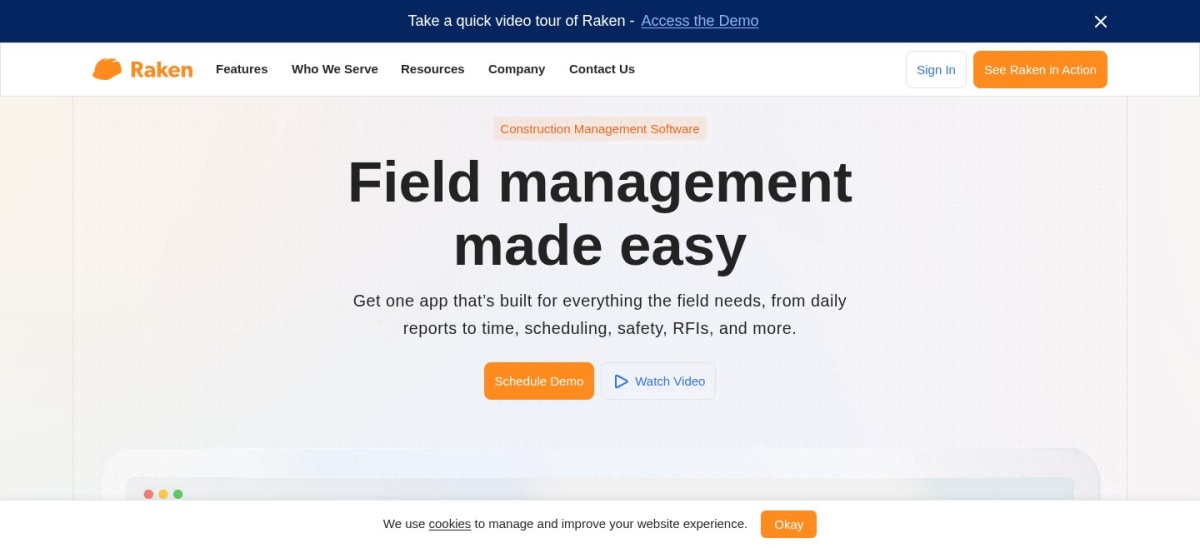
Raken homepage, captured Nov 2026.
Raken is a field reporting app that turns jobsite activity into branded daily reports with photos, videos and attachments. Basic costs $23 a user a month billed annually and includes unlimited projects, a daily activity feed, tasks and live chat and phone support.
The trade off is the floor and the gating. Every plan has a 3-user minimum, so the smallest bill is $69 a month, and time tracking, safety and RFIs need Performance at $59 a user a month. It suits crews whose main need is a clean daily log, not a full project suite.
What we like
Rated 4.5 out of 5 on G2 from 117 reviews
Cheapest per-user entry here at $23 a user a month
Branded daily reports with photos and video
Unlimited projects on every plan
Watch out for
3-user minimum means a $69 a month floor
Time tracking and safety tools need Performance at $59 a user a month
Narrow scope beside full platforms like Procore
Performance adds time tracking, safety and RFIs at $59 a user a monthVisit rakenapp.com
What happened to PlanGrid, and why Forma Build is not on this list
Autodesk acquired PlanGrid and folded it into Autodesk Construction Cloud, which was renamed Autodesk Forma in March 2026. Autodesk Build, the PlanGrid successor, now sells as Forma Build, so it is the same product line under a new name, not an alternative to it.
Teams already in the Autodesk ecosystem should look at Forma Build first, since it carries the PlanGrid-style field workflows forward. Everyone else can treat this list as the real switch: Fieldwire for the closest field match, Procore for the full platform, and Bluebeam for drawings alone.
PlanGrid is not sold to new customers as a standalone product, so any team still on it should plan a migration rather than waiting for new PlanGrid features.
How we chose
We started from the tools most often named as PlanGrid replacements in construction roundups, then kept those with a public numeric rating on G2 or Capterra and a published price or a clear custom-quote position.
Prices come from each vendor's pricing page, checked on 29 November 2026, with annual billing used where a vendor prices monthly and annually differently. Ratings and review counts come from G2 or Capterra on the same day. Where a vendor shows a sale, the list shows the regular price.
We left out Autodesk Forma Build because it is PlanGrid's successor, not an alternative, and we left out tools with no public rating. No vendor paid for a place, and we do not claim hands-on testing for this list.
How to choose a PlanGrid alternative
Start with what your crew actually opens on site each day, then match the tool to that job.
List the PlanGrid features you use daily. If it is only plan viewing, markups and punch lists, a field tool like Fieldwire or PlanRadar is enough. If you also run RFIs and budgets, you need a platform like Procore.
Check offline access on a real jobsite. A tool that needs a signal in a basement or a new build will not get used. Ask for a trial and open the current plan set with the phone in airplane mode.
Do the seat math before the demo. Per-user prices look small until you count every foreman, sub and office user. See how Buildertrend and Procore use unlimited users in our budgeting guide.
Plan the drawing migration. Export your current plan sets, check which revisions carry over, and run one live project on the new tool before moving the rest.
FAQ
What is the best PlanGrid alternative in 2026?
Fieldwire is the best PlanGrid alternative for most field teams. Its free plan covers 5 users, 3 projects and 100 sheets, Pro costs $39 a user a month billed annually, and it is rated 4.5 out of 5 on G2 from 585 reviews.
What happened to PlanGrid?
Autodesk acquired PlanGrid and folded it into its construction suite. Autodesk Construction Cloud was renamed Autodesk Forma in March 2026, and Autodesk Build, the PlanGrid successor, now sells as Forma Build. PlanGrid is not sold as a standalone product to new customers.
Is there a free PlanGrid alternative?
Yes. Fieldwire has a free Basic plan for 5 users, 3 projects and 100 sheets, with plan viewing, tasks, photos and checklists. No other tool in this list has a free plan, though several offer free trials.
How much does a PlanGrid alternative cost?
Prices run from $23 a user a month for Raken Basic to $499 a month for Buildertrend Essential. Fieldwire Pro is $39 a user a month billed annually, Bluebeam Revu Basics is $260 a user a year, and Procore publishes no price and quotes by construction volume.
Fieldwire or Procore: which replaces PlanGrid better?
Fieldwire replaces PlanGrid better for field teams, with offline plan access, punch lists and a free plan. Procore is the better choice for large commercial firms that also need RFIs, submittals, budgets and financials in one system.
Is Bluebeam Revu a good PlanGrid alternative?
Bluebeam Revu is a good choice if drawings are the main job. It has the strongest PDF markup, measurement and takeoff tools here at $260 a user a year, but it has no scheduling, daily logs or job costing, so pair it with a field or project tool.
SaaS SEO and WordPress specialist with about 8 years of experience. Rakib compares WordPress plugins, themes, hosting and software using public pricing, documentation and user reviews. See how we rank.