Square Point of Sale is the best POS system with offline mode, queuing credit card transactions for up to 24 hours on a $0/month free plan (or $49/month for Plus). Loyverse POS fits budget retail and cafes that only need cash offline at $0/month, while Toast POS suits restaurants needing local KDS routing.
How we make this list: we compare pricing pages, product documentation and public user reviews, then re-check every price before each update. No product paid for a place. Disclosure.
Square Point of Sale queues offline card taps and dips for 24 hours (72 hours to upload) on its $0/month Free plan.
Loyverse POS keeps cash checkout and shift tracking working offline for $0/month, with optional add-ons starting at $7/month.
Toast POS maintains local Kitchen Display System routing and card capture during outages, with paid plans starting at $69/month.
Shopify POS ($39/month Basic billed monthly, $29/month billed yearly) allows offline cash and card checkout, but disables gift cards, tips, and returns.
Lightspeed Retail ($89/month Basic billed annually) requires a Smart Terminal for offline card queuing and restricts product lookup to SKUs or barcodes.
What makes a POS system with offline mode reliable during an outage?
Not every offline mode lets you swipe credit cards when the internet drops. Some cloud registers cache your product catalog locally so staff can ring up cash sales, while integrated card readers refuse every tap until connectivity returns.
Queued card payments carry merchant liability for declined or expired authorizations. When a terminal stores encrypted card data offline, it cannot verify funds until reconnection, and platforms like Square and Lightspeed require you to upload queued transactions within a strict window.
Local network failover matters just as much as cloud syncing for multi-terminal stores and restaurants. Systems like Toast keep orders moving between handhelds and kitchen screens over a local router even when external broadband goes down.
4.6/5on Capterra (3,043 reviews, checked Nov 2026)
Paid from$49/mo
Best overall offline card and cash POS
Offline card window24 hrs capture / 72 hrs upload
Free plan$0/mo (2.6% + 15c per tap)
Cheapest paid plan$49/mo per location (Plus)
Offline limitsUp to $50,000 per transaction
squareup.com
Square Point of Sale homepage, captured Nov 2026.
Square Point of Sale is an all-in-one register app that automatically switches into offline mode when Wi-Fi or Square servers drop. The Free plan costs $0 per month per location and lets you accept cash plus queued tap, dip, or swipe card payments for up to 24 hours per session, with 72 hours to reconnect and upload.
The trade off is that offline card payments carry decline risk without instant bank authorization, and Square Plus costs $49 per month per location if you want loyalty rewards and 2.5% + 15c in-person rates. It suits retail shops, pop-ups, and cafes wanting dependable card queuing with zero monthly software fees.
What we like
Automatic failover queues card payments for 24 hours on the $0/month Free plan
Configurable per-transaction offline spending cap up to $50,000
Works across iOS, Android, Square Terminal, and Square Register hardware
Watch out for
Pending offline payments are permanently lost if you sign out or delete the app
Merchants absorb losses on offline cards that decline upon upload
Square Plus ($49/mo) lowers in-person card rates to 2.5% + 15c and adds loyalty and shift scheduling.Visit squareup.com
Loyverse POS is a mobile point-of-sale app for Android and iOS tablets that queues sales receipts locally and tracks open shifts when internet access fails. Its permanent Free plan includes multi-store management, a built-in loyalty program, and 31 days of sales analytics at $0 per month, while the Unlimited Sales History add-on starts at $7 per month.
The trade off is that integrated card readers stop working offline, and stock level warnings or refunds remain disabled until the tablet reconnects. It suits independent cafes, food trucks, and small shops that run on mobile devices and accept cash or standalone card readers during outages.
What we like
Core POS, loyalty program, and multi-store support stay free with no expiration
Blocks users from signing out while unsynced offline receipts remain on the device
Lowest paid add-on pricing at $7/month ($70/year) for unlimited sales history
Watch out for
Integrated card processing terminals do not function without internet
Refunds, new customer registration, and live stock alerts are disabled offline
Paid add-ons unlock unlimited sales history ($7/mo), employee timecards ($25/mo), and purchase orders ($25/mo).Visit loyverse.com
03
Toast POS
4.1/5on Capterra (555 reviews, checked Nov 2026)
Paid from$69/mo
Best offline POS for full-service restaurants
Offline card supportBackground card & tip capture
Kitchen routingLocal LAN sync to KDS screens
Free plan$0/mo Starter Kit (2.99% + 15c)
Cheapest paid plan$69/mo Point of Sale
pos.toasttab.com
Toast POS homepage, captured Nov 2026.
Toast POS is a restaurant platform that keeps order entry, tip capture, and background credit card processing active when external internet fails. Using a hardwired local hub device on your restaurant router, Toast continues routing tickets to Kitchen Display Systems offline, starting at $0 per month on the Starter Kit or $69 per month for the standard Point of Sale subscription.
The trade off is strict hardware lock-in to proprietary Toast terminals plus a 2-year commitment on paid subscriptions, and employees cannot close shift reviews or declare cash tips until connectivity returns. It suits busy cafes, bars, and table-service restaurants where kitchen ticket flow cannot stop during an outage.
What we like
Local sync keeps kitchen display tickets moving over your internal router during outages
Captures credit card payments and tips in the background until internet returns
Optional cellular router backup available for automatic failover
Watch out for
Requires proprietary Toast hardware and integrated Toast payment processing
Staff cannot complete shift reviews, close checks, or clock out while offline
Standard Point of Sale ($69/mo) lowers in-person card processing from 2.99% + 15c to 2.49% + 15c.Visit pos.toasttab.com
04
Shopify POS
4.5/5on G2 (5,170 reviews, checked Nov 2026)
Starts at$39/mo
Best offline POS for omnichannel e-commerce stores
Shopify POS connects physical store registers to your Shopify online inventory and automatically syncs queued offline orders once Wi-Fi reconnects. Every standard Shopify subscription includes basic POS offline checkout starting at $39 per month billed monthly ($29 per month billed yearly) on the Basic plan, with optional offline credit and debit card acceptance enabled in admin settings.
The trade off is that offline sessions block tips, gift cards, automatic discount codes, returns, and customer profile lookups, and advanced retail tools require POS Pro at $89 per month per location. It suits online-first retailers that want a single product catalog across web and brick-and-mortar counters.
What we like
Syncs offline store sales back into your unified Shopify e-commerce inventory automatically
USB receipt printers and Bluetooth barcode scanners keep working without internet
Entry Basic plan starts at $39/month monthly ($29/month billed yearly)
Watch out for
Disables tips, gift cards, returns, exchanges, and discount codes while offline
Logging out or turning off the tablet while offline can erase unsynced orders
POS Pro ($89/mo per location) adds unlimited store staff, custom printed receipts, and purchase orders.Visit shopify.com
05
Lightspeed Retail
4/5on Capterra (976 reviews, checked Nov 2026)
Starts at$89/mo
Best offline POS for multi-SKU inventory retailers
In-person card rate2.6% + 10c via Lightspeed Payments
Offline product lookupBarcode scan, SKU, or quick keys
lightspeedhq.com
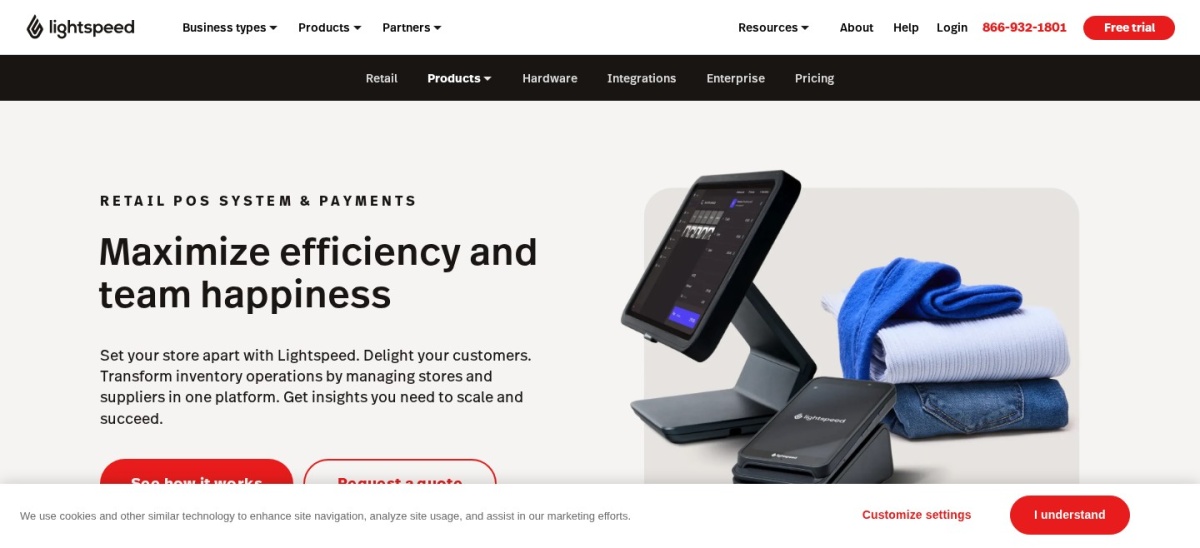
Lightspeed Retail homepage, captured Nov 2026.
Lightspeed Retail is an inventory-heavy point-of-sale system that stores unsynced sales in your browser or iPad app during internet outages and transfers them once reconnected. Its Basic plan starts at $89 per month billed annually ($109 month-to-month) with one register included, and merchants using Lightspeed Payments with a Smart Terminal can enable offline card acceptance with custom transaction limits.
The trade off is that offline mode strips out name-based product search, customer editing, gift cards, and loyalty redemptions, while offline Smart Terminal payments do not link back to itemized inventory records. It suits established apparel, bike, and specialty shops with barcode-labeled catalogs.
What we like
Supports barcode scanning, exact SKU entry, and quick keys when internet drops
Lets admins cap per-transaction and total offline limits on Smart Terminals
Includes 24/7 chat and phone support plus supplier catalog access on Basic
Watch out for
Standalone offline card payments do not automatically deduct itemized inventory
Cannot search products or customers by name while in offline mode
Core ($149/mo billed annually) adds in-store loyalty, mobile inventory scanning, and accounting integrations.Visit lightspeedhq.com
06
KORONA POS
4.7/5on Capterra (80 reviews, checked Nov 2026)
Starts at$59/mo
Best processor-agnostic POS with local queuing
Payment processingProcessor-agnostic (0% markup)
Cheapest paid plan$59/mo per terminal (Core)
Contract termsMonth-to-month, no setup fees
Offline behaviorLocal transaction queue & sync
koronapos.com
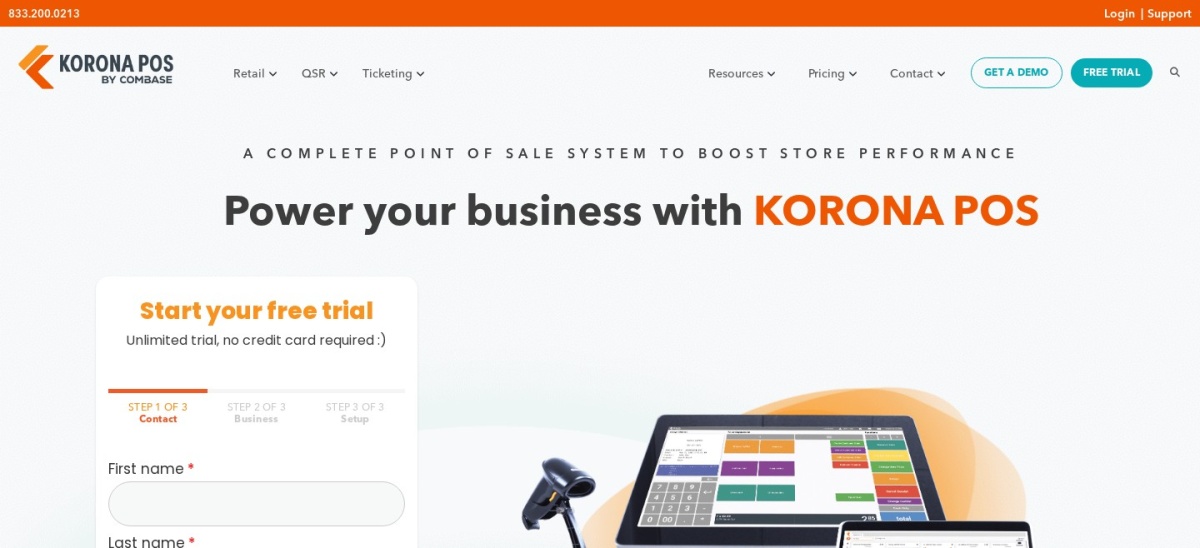
KORONA POS homepage, captured Nov 2026.
KORONA POS is a cloud-managed retail and ticketing point of sale built to queue checkout transactions locally on the terminal and sync with the back office when connectivity returns. Subscriptions start at $59 per month per terminal on the Core plan with unlimited users, unlimited SKUs, open API access, and zero forced contracts.
The trade off is that KORONA is not a payment processor, so offline credit card authorization depends on the third-party merchant account and EMV terminal you connect. It suits liquor stores, convenience shops, and high-volume retailers that want to negotiate their own card processing rates without losing local checkout uptime.
What we like
Processor-agnostic setup lets you keep your own merchant account and hardware
Flat $59/month per terminal includes unlimited users, products, and 24/7 in-house support
Month-to-month billing with an unlimited free trial before going live
Watch out for
Offline card authorization depends on your chosen external payment gateway
Inventory automation and purchase orders require upgrading to Retail at $79/month
KORONA Retail ($79/mo per terminal) adds automated stock reordering, ABC inventory grading, and vendor management.Visit koronapos.com
07
Erply
4.2/5on Capterra (31 reviews, checked Nov 2026)
Starts at$49/mo
Best browser-cached offline POS for retail chains
Offline durationNo time limit (browser-cached)
Cheapest paid plan$49/mo per store billed annually ($59/mo)
Offline card supportCash and non-integrated card only
Included hardware seats1 register & 1 user on entry plan
erply.com
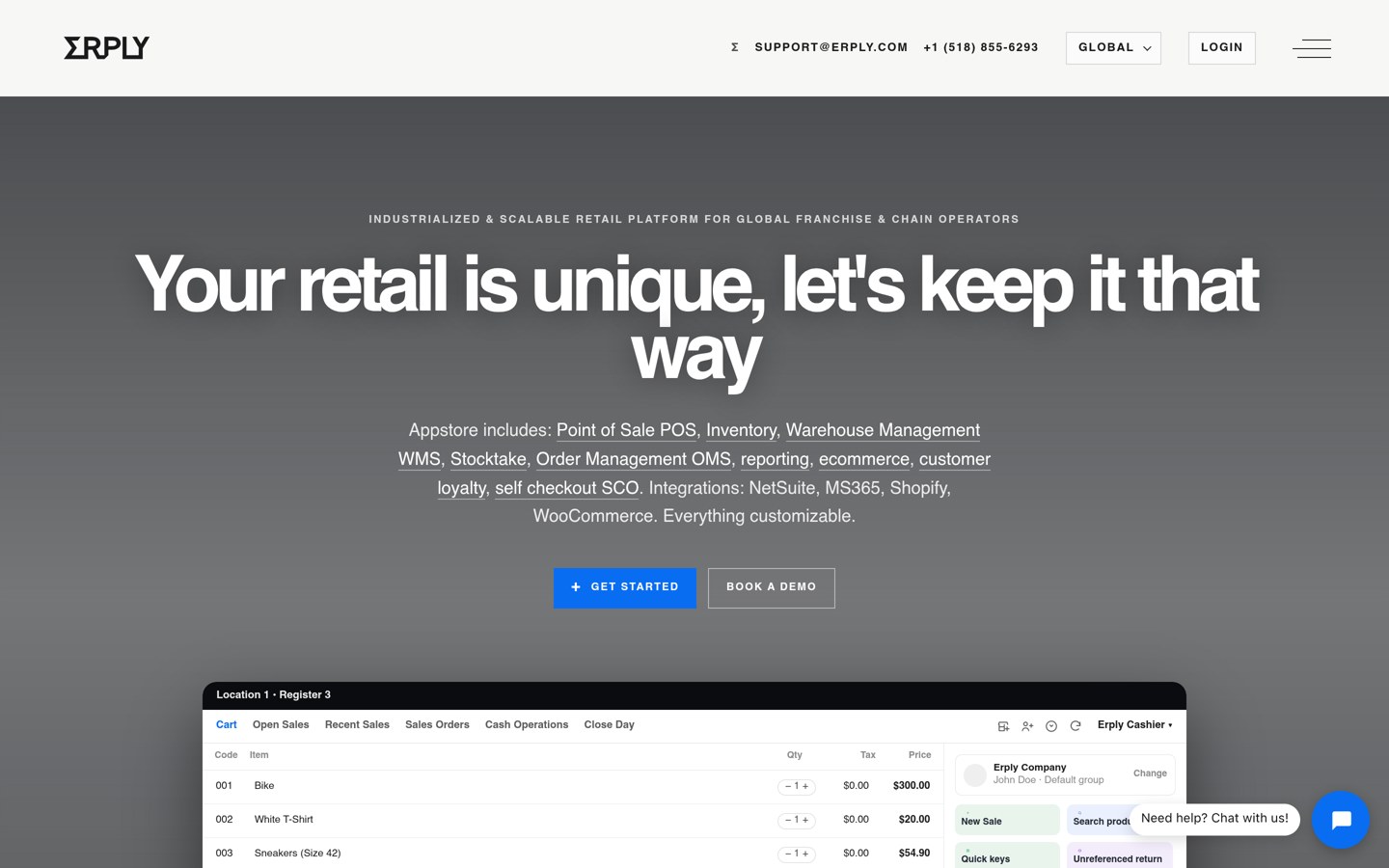
Erply homepage, captured Nov 2026.
Erply is a web-based retail POS and inventory platform that caches your product database in local browser storage so cashiers can keep ringing up sales with no offline time limit. Its entry Giftshop and Grocery Chain plan starts at $49 per month per store billed annually ($59 month-to-month) and includes one terminal, basic X/Z reports, and mobile POS access.
The trade off is that admins must enable offline mode before an outage hits, and offline registers only support cash or non-integrated card terminals while blocking gift cards, promotions, and end-of-day closing. It suits multi-store retailers and grocery shops with unstable broadband that need local catalog caching.
What we like
No time limit on offline selling once the product database is cached locally
Entry plan starts at $49/month per store on annual billing
Watch out for
Must be manually enabled in configuration settings before an outage occurs
No integrated card processing, gift card lookups, or day-closing reports offline
Multichannel Chains ($179/mo billed annually) adds full online-offline OMS/WMS sync and e-commerce APIs.Visit erply.com
What happens when you accept credit cards offline?
Offline card processing works by encrypting the card data on the terminal and queuing the authorization request until your register reconnects to the internet. Because the terminal cannot reach the issuing bank during the outage, it cannot verify whether the card is expired, frozen, or over its credit limit.
Every major POS provider shifts that financial risk onto the merchant. Square gives you 24 hours to accept offline payments and 72 hours to upload them before transactions expire permanently, while Lightspeed marks failed uploads as Offline declined and holds the merchant responsible for any lost revenue or chargebacks.
To protect your margin during an outage, lower your per-transaction offline spending cap in your POS settings before an internet drop happens, and keep a backup cash drawer or mobile hotspot ready for high-ticket orders.
How we chose
We selected seven established point-of-sale platforms with documented offline modes, active maintenance, and transparent public pricing pages. Each candidate had to support local transaction queuing during an internet outage and hold verified user reviews on Capterra or G2.
All subscription prices, card processing rates, and review scores were checked directly on vendor pricing pages, official offline support documentation, Capterra, and G2 on 30 Nov 2026. Regular monthly or annual subscription rates are listed rather than temporary introductory promos.
We excluded enterprise POS suites that hide all pricing behind custom sales quotes and mobile card readers that require a live cellular or Wi-Fi handshake for every single transaction. No vendor paid for a place, and we do not claim testing for this list.
How to choose a POS system with offline mode
Verify these four operational details before relying on any cloud POS during a network outage.
Confirm whether card payments queue or stop completely. Platforms like Square, Toast, Shopify, and Lightspeed can queue encrypted card taps offline, whereas Loyverse and Erply restrict offline checkout to cash and standalone external card terminals.
Check the maximum offline upload window. Card networks enforce strict deadlines on stored authorizations—Square expires un-uploaded offline payments after 72 hours, so multi-day off-grid events need a cellular hotspot to sync daily.
Enable offline settings and cache your catalog beforehand. Shopify, Lightspeed, and Erply require an administrator to toggle offline permissions on while connected so the register downloads your product SKUs into local storage.
Train staff never to log out or clear browser data offline. Signing out of Square, Shopify, or Erply or clearing browser cache before syncing wipes the local queue and permanently deletes uncaptured sales.
FAQ
What is the best POS system with offline mode in 2026?
Square Point of Sale is the best overall POS system with offline mode because its $0/month Free plan automatically switches to offline mode during outages and queues tap, dip, or swipe card payments for up to 24 hours.
Can you accept credit cards offline on a POS system?
Yes, Square Point of Sale, Toast POS, Shopify POS, and Lightspeed Retail with a Smart Terminal can store encrypted card payments offline and process them once internet returns, though merchants accept the risk of declined cards upon upload.
What is the best free POS system that works offline?
Square Point of Sale is the best free offline POS if you need queued credit card payments ($0/month plus 2.6% + 15c per tap), while Loyverse POS is the best $0/month option for cash-only offline checkout with a built-in loyalty program.
How long can a POS system stay in offline mode?
Duration varies by platform and payment type. Square limits offline card acceptance sessions to 24 hours with a 72-hour upload deadline, while browser-cached systems like Erply impose no time limit on cash sales.
Does Shopify POS work without internet?
Yes, Shopify POS supports offline cash and manual payments on all plans starting at $39/month ($29/month billed yearly) and can queue card payments if enabled in advance, though tips, gift cards, returns, and discount codes are disabled offline.
Square vs. Toast: which handles internet outages better?
Toast POS handles restaurant outages better because its local hub keeps Kitchen Display Systems and handhelds communicating over your internal router, while Square Point of Sale is better for retail and mobile sellers wanting $0/month software with 24-hour card queuing.
SaaS SEO and WordPress specialist with about 8 years of experience. Rakib compares WordPress plugins, themes, hosting and software using public pricing, documentation and user reviews. See how we rank.