Miro is the best Padlet alternative for most teams, with an infinite canvas, 3 free boards and paid plans from $8 a member a month. FigJam is the cheapest paid pick at $3 a seat, while Canva suits boards that must become polished presentations.
How we make this list: we compare pricing pages, product documentation and public user reviews, then re-check every price before each update. No product paid for a place. Disclosure.
Miro is the top pick: free for 3 boards, Starter at $8 per member a month, and a 4.6 G2 rating from 13,813 reviews.
FigJam is the cheapest paid option at $3 a Collab seat a month, but only inside a Figma plan.
Canva leads on G2 at 4.7 out of 5, and Pro costs $144 a year with whiteboards included.
Mural is the workshop pick, with a timer, voting and private mode on every plan from free up.
Microsoft Whiteboard costs nothing extra for teams already on Microsoft 365.
How do you choose the best Padlet alternatives?
Padlet is a wall of sticky notes, so the best replacement depends on what the wall is for. A classroom board, a workshop canvas and a design mood board need different tools.
Free plans look generous until you count editable boards. Miro, Mural and Lucidspark each cap the free plan at 3 editable boards, while FigJam caps free use at 3 files.
Facilitation separates the serious tools from the sketch pads. Mural puts timers, voting and private mode on every plan, while Excalidraw and Microsoft Whiteboard keep things simple.
Price is per member in almost every tool here, so count seats before you compare. The cheapest seat is FigJam at $3 a month, but only inside a Figma plan.
Miro is an online whiteboard with an infinite canvas for brainstorming, diagramming and planning. The free plan allows 3 editable boards with unlimited members, and paid plans add unlimited boards, voting, timers and 25 AI credits per member each month.
The trade off is price at scale. Starter costs $8 per member a month billed annually, Business doubles that to $20, and guests need Business to edit. It suits teams that run workshops and planning sessions every week.
What we like
Widest template library here
Largest G2 review base in this list
Unlimited members on the free plan
250-plus integrations
Watch out for
Guests need Business to edit
Business doubles the price to $20
Business adds SSO and unlimited guests at $20 a monthVisit miro.com
02
Canva
4.7/5on G2 (7,678 reviews, checked Nov 2026)
Paid from$144/yr
Best for boards that become polished assets
Cheapest paid planPro, $144/yr
Free planYes
WhiteboardCanva Whiteboards
AI allowancePremium AI uses included
canva.com
Canva homepage, captured Nov 2026.
Canva is a design platform whose whiteboard turns sticky notes and sketches into polished presentations and documents. The free plan includes whiteboards with real-time collaboration, and Pro costs $144 a year for one person with premium assets and Magic Studio AI.
The trade off is depth. Canva Whiteboards lacks the facilitation controls of Miro or Mural, such as timers, voting and private mode on every plan. It suits teachers and marketers who want a board that becomes a finished asset.
What we like
Highest G2 rating here at 4.7
Boards become finished designs
Huge premium asset library
Free plan includes whiteboards
Watch out for
No facilitation controls
Pro covers one person only
Business adds brand controls at $250 a person a yearVisit canva.com
03
FigJam
4.6/5on G2 (464 reviews, checked Nov 2026)
Paid from$3/mo
Best value for Figma teams
Cheapest paid planCollab seat, $3/mo
Free planStarter, 3 FigJam files
StandaloneNo, needs a Figma seat
Templates300-plus
figma.com
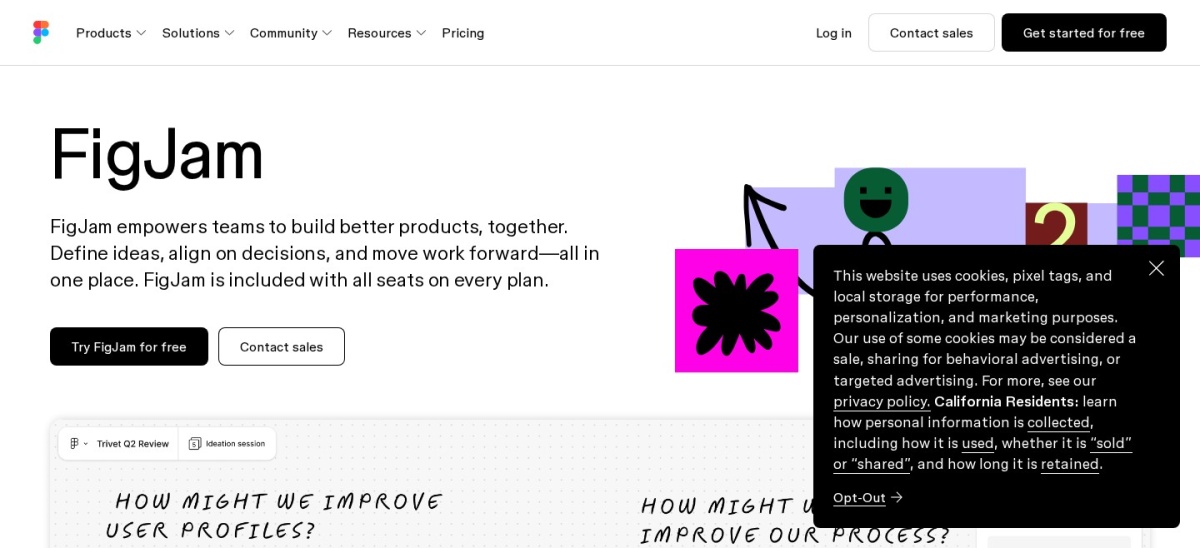
FigJam homepage, captured Nov 2026.
FigJam is Figma's online whiteboard for sticky notes, diagrams and workshops, with a timer, stamps and voting. The free Starter plan allows 3 FigJam files, and a Collab seat costs $3 a month on the Figma Professional plan.
The trade off is dependence. FigJam cannot be bought on its own, so a team without Figma pays for a seat in a design tool it may not need. It suits product and design teams already paying for Figma.
What we like
Cheapest paid seat in this list
Timer, stamps and voting included
Tight Figma workflow
Free Starter plan
Watch out for
Cannot be bought standalone
Free plan caps at 3 files
Collab seats cost $5 a month on Organization plansVisit figma.com
04
Lucidspark
4.7/5on Capterra (387 reviews, checked Nov 2026)
Paid from$9/mo
Best for structured brainstorming
Cheapest paid planIndividual, $9/mo
Free plan3 editable boards
Rating sourceCapterra, 4.7
Breakout boardsTeam plan
lucidspark.com
Lucidspark homepage, captured Nov 2026.
Lucidspark is Lucid's virtual whiteboard for brainstorming, with sticky notes, freehand drawing and templates for agile teams. The free plan allows 3 editable boards, and the Individual plan adds unlimited boards for $9 a month billed yearly.
The trade off is facilitation. Voting, breakout boards and advanced features need the Team plan at $10 per user a month, and there is no G2 rating yet. It suits teams that move from whiteboard ideas into Lucidchart diagrams.
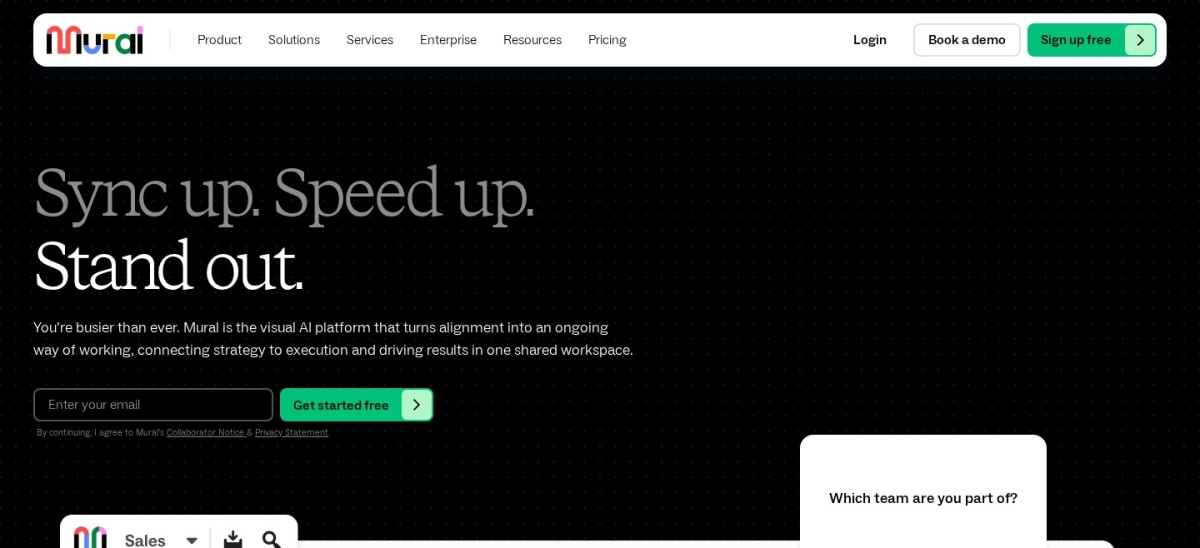
Mural is a digital whiteboard built around facilitated workshops, with a timer, voting, private mode and an outline for each session. The free plan allows 3 editable murals, and Team+ costs $9.99 per member a month billed annually.
The trade off is the business tier. Single sign-on, advanced admin controls and unlimited guests need Business at $17.99 per member a month. It suits facilitators who run structured sessions with outside participants.
What we like
Facilitation tools on every plan
Visitors edit free on every plan
Session outlines built in
Strong workshop template library
Watch out for
SSO needs the Business tier
Free plan caps at 3 murals
Business adds SSO at $17.99 per member a monthVisit mural.co
06
Stormboard
4.4/5on G2 (78 reviews, checked Nov 2026)
Paid from$10/mo
Best for structured decision capture
Cheapest paid planPersonal, $10/user/mo
Free planYes
ReportsExport to Office and Google
Sticky notesStructured templates
stormboard.com
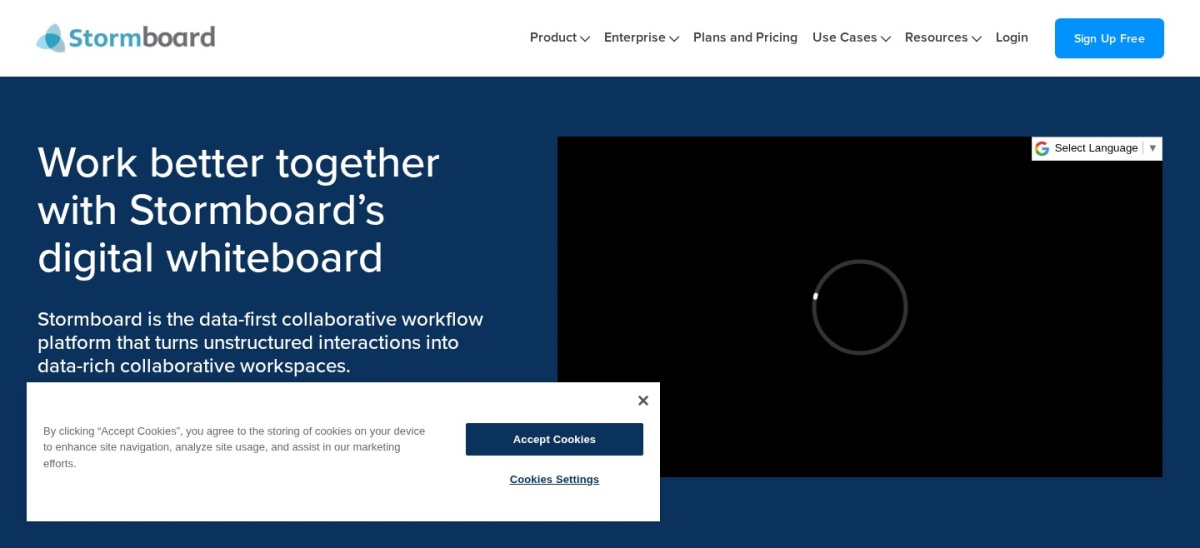
Stormboard homepage, captured Nov 2026.
Stormboard is a structured brainstorming board that turns sticky notes into reports and decisions, with exports to Office and Google formats. The free plan covers basic boards, and the paid plan starts at $10 per user a month.
The trade off is polish. Stormboard feels more corporate than playful, its template library is smaller than Miro, and it rests on only 78 G2 reviews. It suits teams that need a paper trail from every brainstorm.
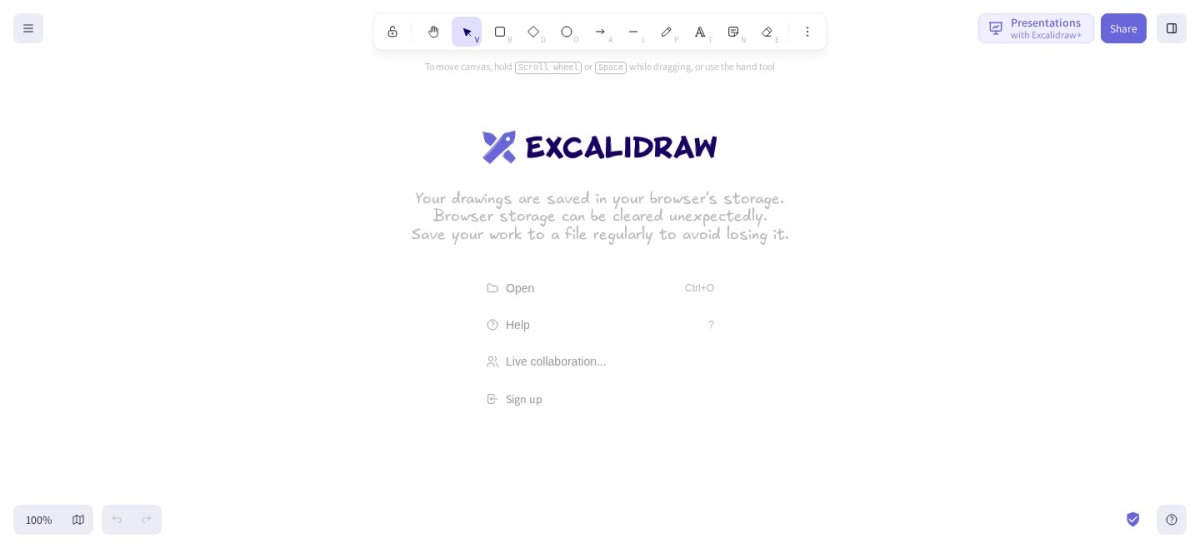
Excalidraw is a freehand whiteboard for quick sketches and diagrams, with a hand-drawn style that suits developers and teachers. The free editor needs no account, and Excalidraw+ costs $6 per user a month billed annually for cloud libraries and collaboration.
The trade off is scope. Excalidraw is a sketching tool, not a workshop platform, so there are no timers, voting or templates to speak of. It suits quick diagrams and architecture sketches, not facilitated sessions.
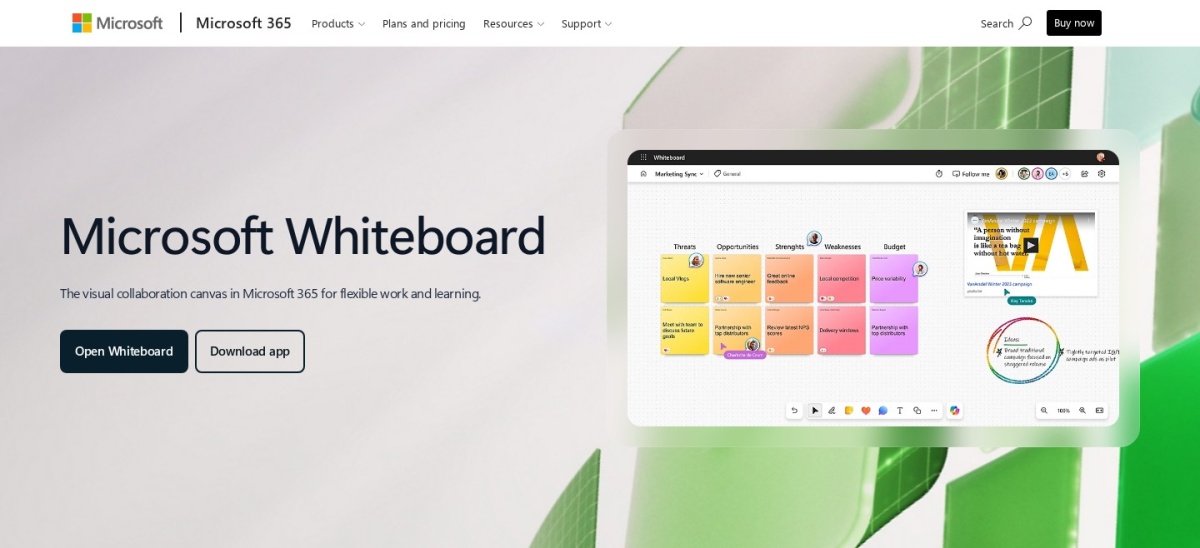
Microsoft Whiteboard is a free canvas that comes with a Microsoft account or any commercial Microsoft 365 plan. It offers a full core canvas with sticky notes and ink, and storage follows OneDrive, so there is nothing extra to buy.
The trade off is depth. Whiteboard has fewer templates and facilitation tools than Miro or Mural, and it only makes sense inside the Microsoft ecosystem. It suits schools and teams already on Microsoft 365 and Teams.
Free plans cover the basics well. Most include 3 editable boards, real-time collaboration and sticky notes, which is enough for a classroom or a one-off workshop.
Paid plans mostly add unlimited boards and facilitation. Timers, voting, private mode and breakout boards sit behind the paywall in most tools, except Mural, which includes them free.
If your board is a one-off, stay free. If you run sessions weekly, the cheapest paid seat that fits your stack is FigJam at $3 a month for Figma teams, or Miro at $8 for everyone else.
How we chose
We started from the whiteboard and visual collaboration tools most often named as Padlet replacements, then kept the eight with a verifiable G2 or Capterra rating and a live pricing page.
Prices come from each vendor pricing page, checked on 29 November 2026, and ratings and review counts come from G2 on the same day, except Lucidspark, which has no G2 rating yet and uses Capterra.
We left out tools with no public rating and tools that are only a mind-map app without a shared canvas. No vendor paid for a place, and we do not claim hands-on testing for this list.
How to choose a Padlet alternative
Start with who uses the board, then count the free-board cap before you fall for a feature list.
Count your boards, not your users. Miro, Mural and Lucidspark cap free plans at 3 editable boards, so a class with many boards outgrows free fast.
Check facilitation needs. If you run timed workshops, Mural includes timers and voting free, while other tools hold them for paid plans.
Match the tool to your stack. Figma teams get FigJam for $3 a seat, Lucidchart teams get Lucidspark, and Microsoft 365 teams get Whiteboard free.
Test real-time collaboration. A board that lags with 20 cursors on it fails in a classroom, so try a live session with your real group size first.
FAQ
What is the best Padlet alternative in 2026?
Miro is the best Padlet alternative for most teams. Its free plan covers 3 editable boards, Starter costs $8 per member a month, and it holds a 4.6 out of 5 G2 rating from 13,813 reviews.
Is there a free Padlet alternative?
Yes. Miro, Mural, Lucidspark, FigJam, Canva, Excalidraw and Microsoft Whiteboard all offer free plans. Microsoft Whiteboard is free with a Microsoft account, and Excalidraw needs no account at all.
Which Padlet alternative is cheapest?
FigJam is the cheapest paid option at $3 a Collab seat a month, but only inside a Figma plan. Excalidraw+ costs $6 a user a month standalone, and Miro Starter costs $8 per member a month.
Which Padlet alternative is best for teachers?
Miro suits teachers best, with 3 free boards, templates and real-time collaboration. Microsoft Whiteboard is the free pick for schools on Microsoft 365, and Canva suits boards that become class handouts.
Which Padlet alternative is best for workshops?
Mural is the best workshop pick, with a timer, voting, private mode and session outlines on every plan from free up. Miro is the stronger all-rounder if workshops are only part of the job.
Miro vs Mural: which should I pick?
Pick Miro for the widest template library and the most integrations, and Mural for guided workshops with facilitation controls on every plan. Miro starts at $8 a member a month, Mural at $9.99.
SaaS SEO and WordPress specialist with about 8 years of experience. Rakib compares WordPress plugins, themes, hosting and software using public pricing, documentation and user reviews. See how we rank.