Best Rated Mood Board Software Using AI in 2026: 7 Tools Compared
WLWPLegible EditorsLast verified 23 Nov 2026How we rank9 min read
★ Short answer
Milanote is the best mood board software for most people: its free plan covers 100 notes, images and links, and paid plans start at $9.99 per person a month. Pick Miro for team workshops or Canva for AI image generation.
How we make this list: we compare pricing pages, product documentation and public user reviews, then re-check every price before each update. No product paid for a place. Disclosure.
Milanote leads for board-first work, with a free plan covering 100 items and Plus at $9.99 per person a month.
Miro Starter costs $8 per member a month and pairs 3 free boards with Miro AI.
Canva Pro costs $18 a month or $144 a year and includes Magic Studio AI, up from $15 in October 2026.
FigJam is the cheapest paid option at $3 a month per Collab seat.
Niice costs $83.25 a month, more than every other tool here combined, and fits brand teams with budget.
What mood board software should cover
A mood board is a visual collection: images, colours, textures and notes arranged to show the feel of a project before any design work starts. The best tools make collecting fast and arranging free, with a canvas that feels like a board, not a document.
AI changed what these tools do in 2026. Miro AI generates images and clusters sticky notes, Canva Magic Studio generates images and writes copy, and FigJam AI summarises a board into themes. The AI is a starting point, not a finished board, so the canvas still matters more than the generator.
Free plans are the real dividing line. Milanote gives 100 items free, Pinterest is free without limits, and Miro, FigJam and Mural each give 3 free boards. If you make boards weekly, those limits decide the paid plan for you.
Per-person pricing is the cost to watch. A $9.99 per person plan costs about $50 a month for a team of five, while flat-rate tools such as Niice charge one price whatever the team size. Our guide on generating images with AI in WordPress covers the AI image side of the same workflow.
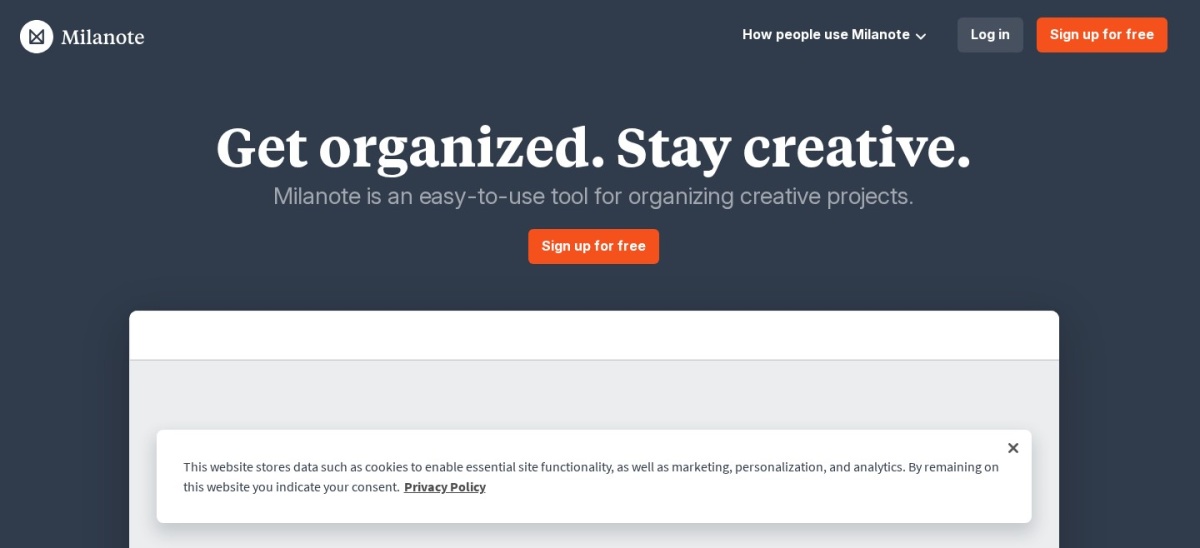
Milanote is a visual board tool built for creative work. Designers collect images, notes, links and videos on an infinite canvas, then arrange them into mood boards, project plans and brand boards. The free plan covers 100 notes, images or links, and the Plus plan adds unlimited boards and more storage.
The trade off is per-person pricing. At $9.99 per person a month on annual billing, a team of five pays about $50 a month, and there is no cheaper team tier. It suits solo designers and small studios that want the most board-like board tool.
Miro is the whiteboard most teams already know, and its infinite canvas works well for mood boards too. Teams drop images, sticky notes and links onto shared boards, then use Miro AI to generate images, summarise sticky notes and cluster ideas. The free plan covers 3 editable boards.
The trade off is that Miro is a general whiteboard first. It lacks Milanote's board-focused layout and its free plan limits you to 3 boards. It suits teams that already run workshops in Miro and want mood boards in the same place.
Canva is the design tool most people already have, and its whiteboards double as mood boards. Magic Studio AI generates images, removes backgrounds and writes copy, while the template library covers brand boards, vision boards and style guides. The free plan includes 5 GB of storage.
The trade off is price creep. Pro rose to $18 a month in October 2026, up from $15, and the annual price is $144 a year. It suits anyone who wants mood boards plus a full design tool in one subscription.
What we like
Highest G2 rating here at 4.7/5
Magic Studio AI built into Pro
Huge template library
Watch out for
Pro price rose in October 2026
Whiteboard is one feature among many
Free plan lacks Magic Studio
Pro adds Magic Studio and the full template libraryVisit canva.com
04
FigJam
4.5/5on G2 (465 reviews, checked Nov 2026)
Paid from$3/mo
Best cheapest paid option
Entry planCollab seat, $3/mo
Free planYes, 3 boards
AI featuresFigJam AI, on paid plans
Team boardsYes, real-time
figma.com
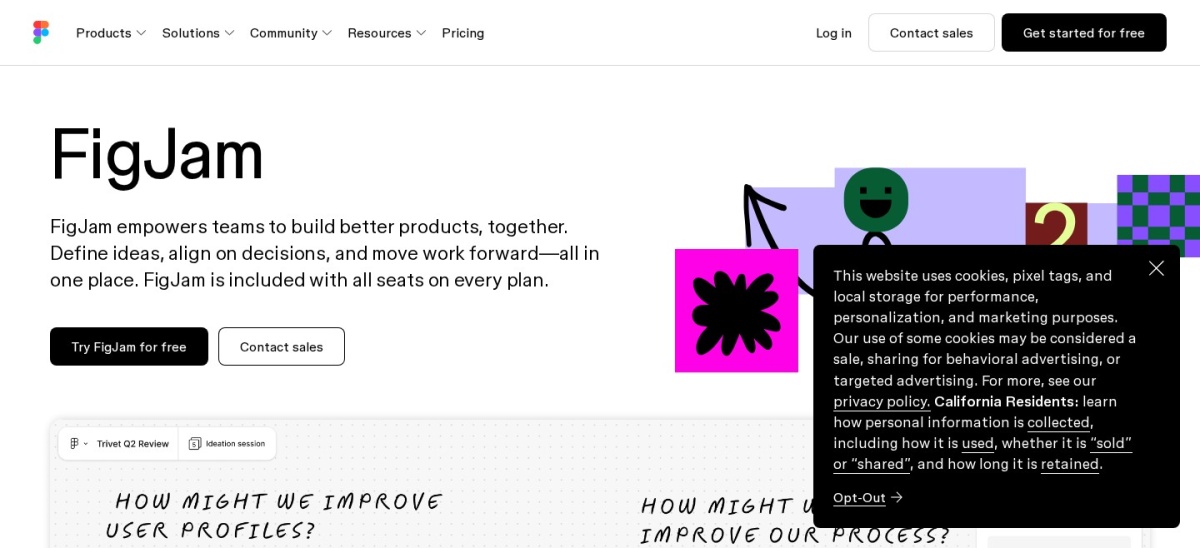
FigJam homepage, captured Nov 2026.
FigJam is Figma's whiteboard, and it makes fast, informal mood boards. Sticky notes, images and shapes go on a shared canvas, and FigJam AI can generate ideas and summarise a board. The free plan covers 3 boards, and a Collab seat costs $3 a month on annual billing.
The trade off is depth. FigJam is a lightweight whiteboard, not a design tool, so polished brand boards need Figma or Canva instead. It suits design teams already in Figma that want a cheap shared board.
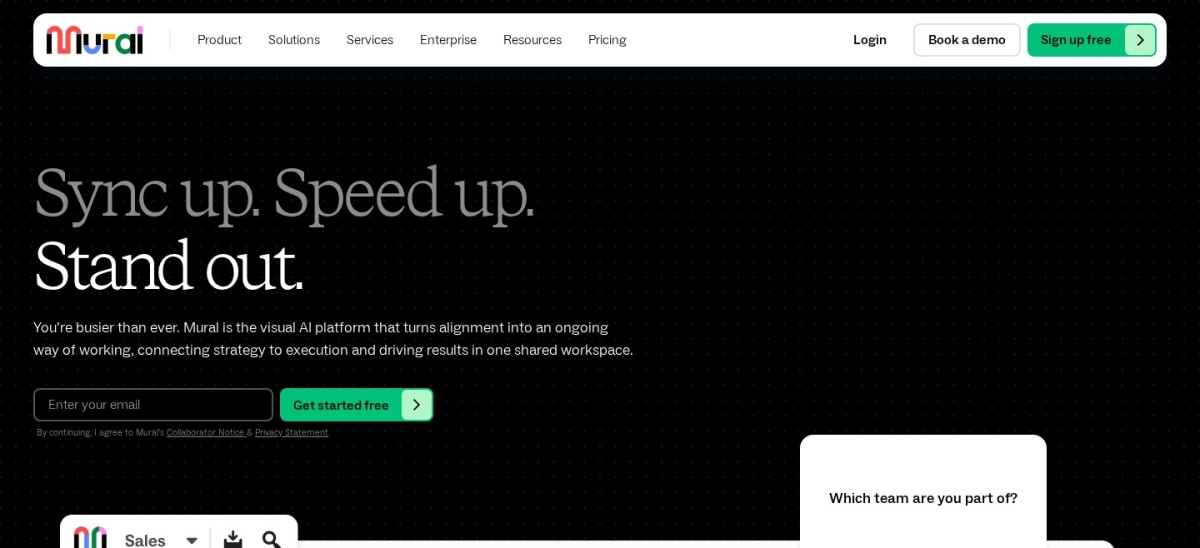
Mural is a visual collaboration tool built for workshops, and its templates cover mood boards, journey maps and retrospectives. Teams build boards together in real time, with facilitator tools such as timers, voting and private mode. The free plan covers 3 murals.
The trade off is price parity with Milanote without the board-first focus. Team+ costs $9.99 per member a month on annual billing, or $12 month to month. It suits remote teams that run structured workshops and want mood boards in the same tool.
Pinterest is the free way to collect mood board material. Users save images to boards, follow creators and use visual search to find similar looks, colours and textures. There is no paid plan and no limit on boards.
The trade off is control. Pinterest is a discovery feed, not a workspace: you cannot arrange images freely on a canvas or export a polished board. It suits anyone gathering inspiration before moving to a real board tool.
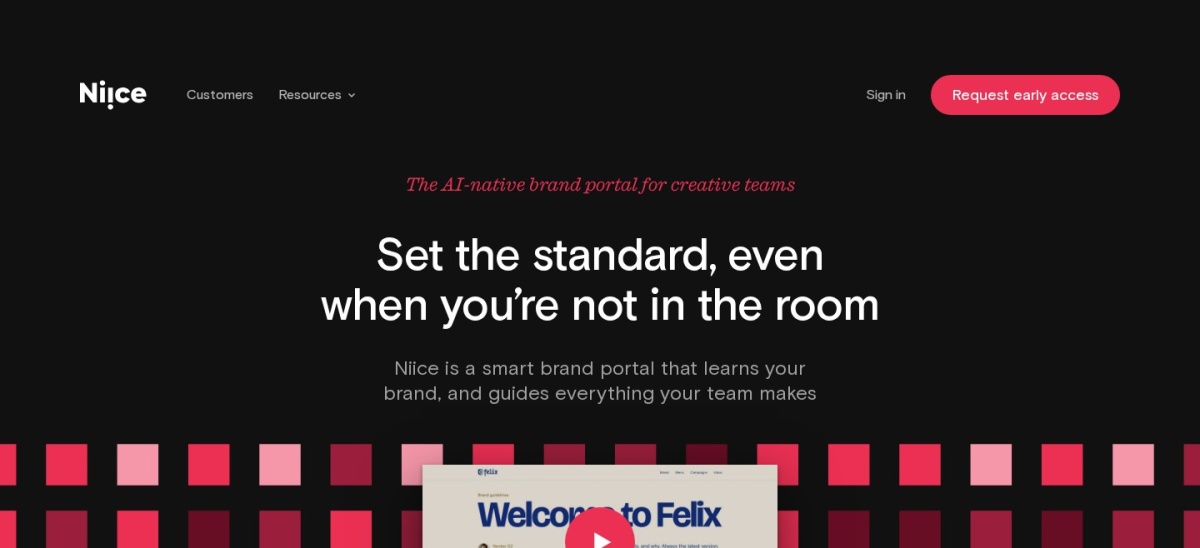
Niice is a brand hub that happens to include beautiful canvases. Remote creative teams present guidelines, libraries and projects in one place, with version control, permissions and workflow automation underneath. The Basic plan costs $83.25 a month flat rate, with a free version for small teams.
The trade off is price. At $83.25 a month it costs more than every other tool here combined, and it is built for brand teams with budget, not freelancers. It suits distributed teams that need boards, asset management and approvals in one place.
What we like
Brand hubs with guidelines and libraries
Version control and permissions
Free version available
Watch out for
By far the most expensive tool here
Overkill for simple mood boards
Rating based on only 17 G2 reviews
Paid plans add unlimited boards and more storageVisit niice.co
Mood boards vs whiteboards
Mood boards collect visual inspiration; whiteboards organise workshops. The two overlap, and most tools here do both, but the balance differs. Milanote and Pinterest are board-first: collecting and arranging images is the whole point.
Miro, FigJam and Mural are whiteboard-first: mood boards are one template among many, alongside retrospectives, journey maps and planning boards. Pick a board-first tool if the board is the deliverable, and a whiteboard if the board is one step in a workshop.
How we chose
We started from the mood board tools designers name most often in 2026 comparisons, then kept those with a published price and a public G2 rating. Prices come from each vendor's pricing page or a comparison that read it, checked on 23 November 2026. Milanote Plus is $9.99 per person a month, Miro Starter is $8 per member a month and Canva Pro is $18 a month or $144 a year.
Ratings come from G2 on the same day. Canva leads at 4.7/5 from 7,678 reviews, Miro follows at 4.6/5 from 13,631 reviews, and Milanote holds 4.5/5 from 43 reviews. We left out PureRef, Eagle and Morpholio because none has a G2 rating, Conceptboard because its pricing is in euros only, and Storyflow after a 3.0/5 Trustpilot score from only 4 reviews.
AI features were checked on each vendor's own pages: Miro AI, Canva Magic Studio and FigJam AI all generate or organise board content. No vendor paid for a place, and this list is based on pricing, docs and reviews, not on using the tools ourselves.
How to choose mood board software
Decide whether the board is for you alone or for a team, then check the free plan limits.
Count the boards you need. Free plans cap at 3 boards on Miro, FigJam and Mural, or 100 items on Milanote. If you make boards weekly, a paid plan pays for itself.
Check the AI features. Miro AI and FigJam AI organise and summarise boards, while Canva Magic Studio generates images. Pick the AI that matches the work you do most.
Price it per person. Per-member pricing multiplies fast: Milanote at $9.99 a person costs about $50 a month for a team of five.
Try the free plan first. Every tool here has a free plan or trial. Build one real board before paying, and check export options before you commit.
FAQ
What is the best mood board software?
Milanote is the best pick for most people. It is built for visual boards, its free plan covers 100 notes, images and links, paid plans start at $9.99 per person a month, and it holds a 4.5 out of 5 rating on G2.
Is there free mood board software?
Yes. Pinterest is completely free with unlimited boards. Milanote gives 100 items free, Miro, FigJam and Mural each give 3 free boards, Canva has a free plan with 5 GB of storage, and Niice offers a free version.
Which mood board tool has the best AI?
Canva has the strongest AI for images: Magic Studio generates images, removes backgrounds and writes copy. Miro AI clusters sticky notes and generates images, and FigJam AI summarises boards into themes.
How much does Milanote cost?
Milanote Plus costs $9.99 per person a month on annual billing, or $12.50 month to month. The free plan covers 100 notes, images and links, and paid plans add unlimited boards and more storage.
How much does Canva Pro cost?
Canva Pro costs $18 a month, or $144 a year on annual billing. The price rose in October 2026 from $15 a month and $120 a year, and Pro adds Magic Studio AI and the full template library.
What is the cheapest mood board software?
FigJam is the cheapest paid option at $3 a month per Collab seat on annual billing, with 3 boards free. Pinterest is free with no paid plan at all.
What is Niice used for?
Niice is a brand hub for remote creative teams that includes mood board canvases. Teams present guidelines, libraries and projects in one place, with version control and permissions. At $83.25 a month it is built for brand teams with budget, not freelancers.