Google Drive is the best of these OneDrive alternatives for most people, with 15 GB free and 100 GB at $1.99 a month. Pick MEGA for 20 GB of free encrypted storage, or iCloud if every device you own is made by Apple.
How we make this list: we compare pricing pages, product documentation and public user reviews, then re-check every price before each update. No product paid for a place. Disclosure.
Google Drive gives 15 GB free, three times the 5 GB OneDrive gives, and the cheapest first paid step at $19.99 a year for 100 GB.
MEGA gives the most free storage at 20 GB, with end-to-end encryption on every plan.
iCloud+ starts at $0.99 a month for 50 GB, the lowest paid entry price here, but it fits Apple users best.
Dropbox Plus costs $9.99 a month billed yearly for 2 TB, the same 2 TB price as Google Drive and iCloud.
pCloud is the only service with a lifetime plan: $219 once for 500 GB, against $49.99 a year.
Proton Drive, Sync.com and MEGA encrypt files before upload, so the provider cannot read them.
How do you choose the best OneDrive alternative?
OneDrive gives 5 GB free, so most people switch for more free space. Google Drive gives 15 GB and MEGA gives 20 GB, both without paying anything.
The ecosystem matters more than the storage number. Google Drive wins if you live in Gmail and Docs, iCloud wins if every device is made by Apple, and Dropbox and pCloud work the same on every platform.
Free storage is the first limit to check. The tools in this list give between 2 GB and 20 GB free, and the gap matters: 2 GB holds a few hundred documents, while 15 GB or 20 GB covers a photo library too.
The second limit is what happens when you outgrow the free plan. Some tools sell a small 100 GB step for about $20 a year, while others jump straight to 2 TB for $120 a year. Our guide on backing up WordPress to Google Drive shows the same math for site backups.
Encryption is the third thing to weigh. A few tools encrypt files on your device before upload, so the provider cannot read them, while mainstream services hold the keys.
4.8/5on Capterra (28,616 reviews, checked Nov 2026)
Paid from$19.99/yr
Best OneDrive alternative overall
Free storage15 GB, shared
Cheapest planBasic, 100 GB
2 TB price$9.99 a month
EncryptionNot zero-knowledge
drive.google.com
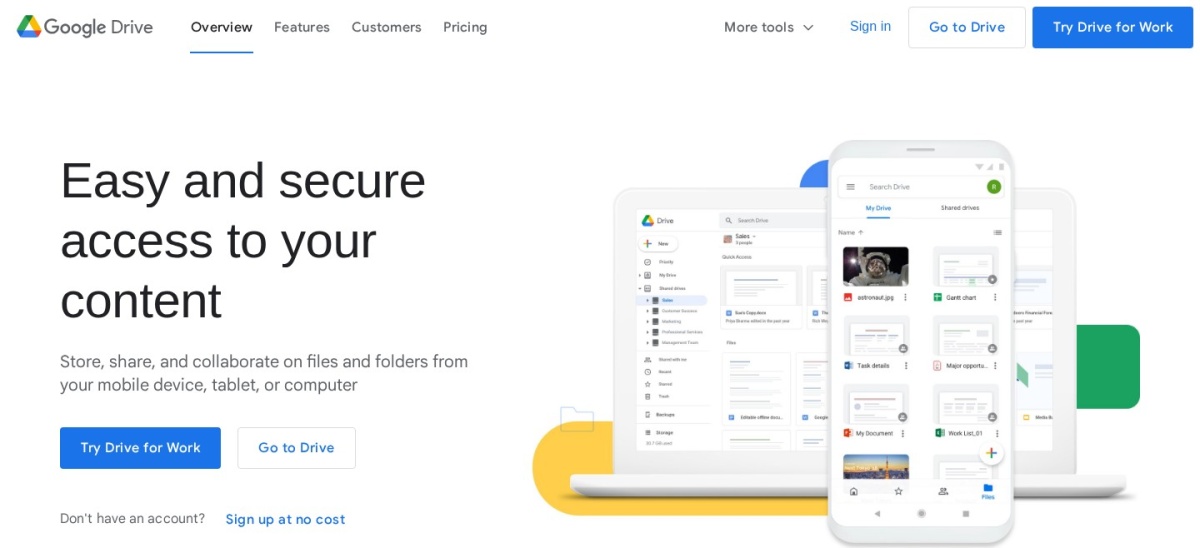
Google Drive homepage, captured Nov 2026.
Google Drive is the cloud storage built into every Google account, with 15 GB free shared across Drive, Gmail and Photos. Files open in Docs, Sheets and Slides in the browser, the desktop app syncs folders on Windows and Mac, and sharing is one link with viewer or editor access.
The trade off is the shared quota. Photos and email draw from the same 15 GB, so a full inbox can block your sync, and Google holds the encryption keys. Basic costs $1.99 a month, or $19.99 a year, for 100 GB. It suits anyone already using Gmail or Google Docs who wants the most free space.
Dropbox is the sync service other tools are measured against. Block-level sync uploads only the changed part of a file, so large documents update fast, and the apps behave the same on Windows, Mac, Linux, iOS and Android. Paid plans keep 30 days of version history on every plan.
The trade off is the free plan and the price per gigabyte. Free holds only 2 GB on 3 devices, and the next step is Plus at $9.99 a month billed yearly for 2 TB, with no smaller plan in between. It suits people who share large files daily and want sync that rarely stalls.
4.4/5on Capterra (1,087 reviews, checked Nov 2026)
Paid from$4.99/mo
Best free storage with encryption
Free storage20 GB
Cheapest planPro Lite, 400 GB
EncryptionZero-knowledge
Transfer quotaLimited on free
mega.io
MEGA homepage, captured Nov 2026.
MEGA is a cloud storage service that encrypts files on your device before upload, so only you and the people you share with hold the keys. The free plan gives 20 GB, the largest free allowance in this list, and the apps cover Windows, Mac, Linux, iOS and Android.
The trade off is the transfer quota and the currency. Downloads count against a limit that is small on the free plan, and MEGA lists its prices in euros on its own pricing page, with Pro Lite at $4.99 a month billed yearly in US listings. It suits people who want private storage with the most free space.
What we like
20 GB free, the most in this list
Zero-knowledge encryption on every plan
Apps on every major platform, including Linux
Watch out for
Free transfer quota is limited
No document editing built in
Prices are listed in euros on its own site
Pro Lite adds 400 GB for $4.99 a month billed yearlyVisit mega.io
04
iCloud
4.7/5on Capterra (80 reviews, checked Nov 2026)
Paid from$0.99/mo
Best for Apple households
Free storage5 GB
Cheapest plan50 GB, $0.99/mo
2 TB price$9.99 a month
Family sharingUp to 6 people
icloud.com
iCloud homepage, captured Nov 2026.
iCloud is Apple's cloud storage, built into every iPhone, iPad and Mac, with 5 GB free. Device backup, photo sync and app data move without any setup, and every paid plan can be shared with up to five other family members at no extra cost.
The trade off is the small free tier and the Apple-only focus. The first paid step is iCloud+ with 50 GB at $0.99 a month, billed monthly with no annual option, and the Windows app is weaker than the Mac experience. It suits Apple-only households that want backup to simply happen.
pCloud is a Swiss cloud storage service with apps on Windows, Mac, Linux, iOS and Android. The free plan gives up to 10 GB after completing account steps, a virtual drive shows files without downloading them, and audio and video play straight from storage.
The trade off is encryption. The zero-knowledge Crypto folder is a paid add-on, not part of the standard plans. Premium costs $49.99 a year for 500 GB, or $219 once for lifetime access to the same storage. It suits people who want to stop paying a monthly storage bill.
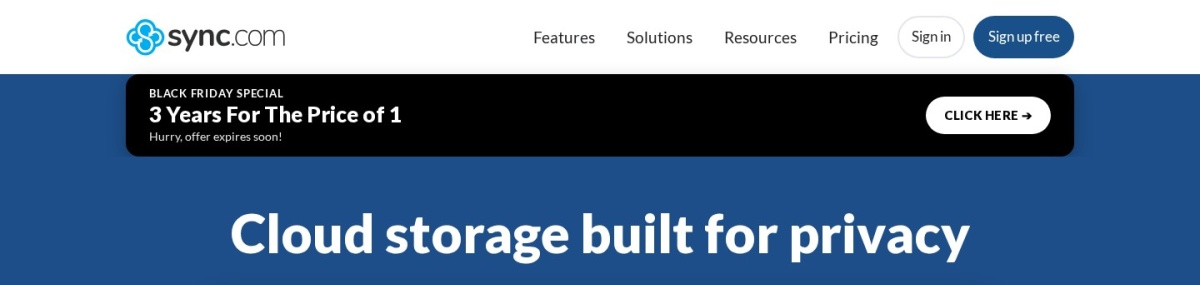
Sync.com is a privacy-first cloud storage service with end-to-end encryption on every plan, including the free 5 GB plan. Solo Basic costs $8 a month for 2 TB, which undercuts Dropbox Plus for the same storage, and the free plan includes password-protected links and file requests.
The trade off is breadth. There is no Linux desktop app on the free plan, and fewer third-party integrations than Dropbox or Google Drive. Solo Professional adds 6 TB at $20 a month. It suits freelancers and small firms that handle sensitive files and want encryption without paying extra for it.
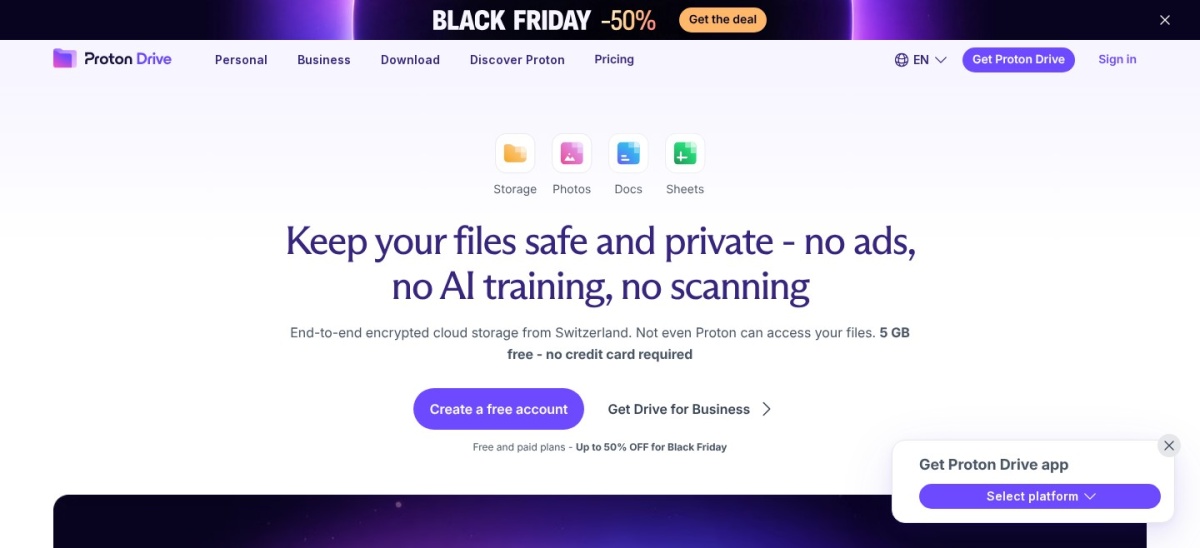
Proton Drive is the cloud storage service from Proton, the Swiss company behind Proton Mail, with end-to-end encryption on every plan including free. The free plan gives 5 GB plus an online document and spreadsheet editor, and Drive Plus adds 200 GB with file versions recoverable for up to 10 years.
The trade off is the first-year price and the small free tier. Drive Plus lists at $2.49 a month for the first 12 months, then renews at $3.99 a month billed yearly, or $47.88 a year. It suits users who treat privacy as the first requirement and already use Proton apps.
What we like
End-to-end zero-access encryption
Encrypted link sharing
Document editor on the free plan
Watch out for
Only 5 GB free
Linux gets a command-line tool only
First-year price jumps at renewal
Drive Plus adds 200 GB for $3.99 a month billed yearlyVisit proton.me
08
Box
4.2/5on G2 (5,260 reviews, checked Nov 2026)
Paid from$10/mo
Best free plan for document teams
Free storage10 GB
Cheapest planPersonal Pro, 100 GB
File upload limit250 MB free
E-signatures5 requests a month
box.com
Box homepage, captured Nov 2026.
Box is a cloud content platform with a free Individual plan for one person: 10 GB of storage, secure sharing links and 5 Box Sign requests a month. It plugs into Microsoft 365 and Google Workspace, so files open in the office apps teams already use.
The trade off is the upload cap. Free uploads stop at 250 MB per file, which rules out video and large design files. Personal Pro costs $10 a month billed yearly for 100 GB and a 5 GB per-file limit. It suits document teams that share Office files with outside clients.
What we like
10 GB free, five times Dropbox
Strong sharing and permission controls
Built-in e-signatures on the free plan
Watch out for
250 MB limit on free uploads
Paid plans are priced for businesses
Only 1 file version on the free plan
Personal Pro adds 100 GB for $10 a month billed yearlyVisit box.com
Free vs paid: where the limits bite
Free plans cover casual use well. Most include sharing links and apps on every platform, and storage is the main limit.
Paid plans mostly add space and version history. You get more room, longer file recovery and larger upload limits.
One plan breaks the pattern. pCloud sells lifetime access, so a one-time payment of $219 for 500 GB replaces the yearly bill after about four years.
How we chose
We started from the established cloud storage services with a free plan and a published pricing page, then kept the eight with the widest platform support, leaving OneDrive itself out because this list is about replacing it.
Prices come from each vendor's pricing page and pricing reads checked on 29 November 2026. Ratings come from G2 or Capterra on the same day. Where a vendor shows a sale or a first-year discount, the list shows the regular price.
We left out services with no free plan and business-only tools that need a sales quote. No vendor paid for a place, and we do not claim to have used these tools ourselves.
How to choose a OneDrive alternative
Start with the devices you already own, then match the free tier to your files.
Check what you already pay for. If you have Microsoft 365, OneDrive storage may already be included. Do not buy a second service that duplicates it unless you want to leave Microsoft behind.
Count your files before you pick a tier. Photos and videos fill 100 GB fast. If your library is over 50 GB, skip the small plans and compare the 2 TB prices.
Decide how private the files must be. For tax returns or client work, pick a zero-knowledge service such as Proton Drive, Sync.com or MEGA. For everyday files, any of the big three works.
Try the free plan first. Upload a real folder and open it on your phone before paying. Sync speed and the mobile app matter more than the headline price.
FAQ
What is the best OneDrive alternative in 2026?
Google Drive is the best OneDrive alternative for most people. It gives 15 GB free, three times the 5 GB OneDrive gives, and 100 GB costs $1.99 a month. Its Docs, Sheets and Slides collaboration is the strongest in this list, and it is rated 4.8 out of 5 on Capterra.
Which OneDrive alternative gives the most free storage?
MEGA gives 20 GB free, the most in this list, with end-to-end encryption on every file. Google Drive is next at 15 GB, shared with Gmail and Photos. Dropbox gives only 2 GB free, so it suits paid users far better than free ones.
What is the cheapest OneDrive alternative?
iCloud+ has the lowest entry price at $0.99 a month for 50 GB, but it fits Apple users best. For 100 GB, Google Drive costs $19.99 a year. For 2 TB, Google Drive, iCloud and Dropbox all charge $9.99 a month, while Sync.com charges $8.
Which OneDrive alternative is best for small teams?
Dropbox is the easiest pick for small teams that share files every day, thanks to its fast block-level sync and identical apps on every platform. Box is the better pick for document teams that need permission controls and e-signatures, with 10 GB free per person.
Is Google Drive or Dropbox better than OneDrive?
Google Drive is better than OneDrive if you want more free storage and stronger document collaboration, with 15 GB free against 5 GB. Dropbox is better if sync speed matters most, with block-level sync on every platform, though its free plan is only 2 GB.
Which OneDrive alternative is the most private?
Proton Drive, Sync.com and MEGA encrypt files on your device before upload, so the provider cannot read them. Proton Drive is based in Switzerland and covers file and folder names too. Google Drive, Dropbox and Box hold the encryption keys instead.
Is pCloud lifetime worth it as a OneDrive alternative?
It pays off after about four years against the $49.99 yearly plan: $219 once for 500 GB. After that there is no yearly bill, and price rises do not affect you. Skip it if you may outgrow 500 GB soon, since upgrades cost extra.
SaaS SEO and WordPress specialist with about 8 years of experience. Rakib compares WordPress plugins, themes, hosting and software using public pricing, documentation and user reviews. See how we rank.