AppFlowy is the best open source alternative to Notion for most people, with Notion-style pages and databases, a free plan, and Pro at $12 a member a month billed yearly. AFFiNE suits whiteboard-first teams, while Outline is the strongest pick for a shared team wiki.
How we make this list: we compare pricing pages, product documentation and public user reviews, then re-check every price before each update. No product paid for a place. Disclosure.
AppFlowy is the closest Notion match: pages, databases and boards, free to use locally, with Pro at $12 a member a month.
AFFiNE adds a whiteboard to docs and databases, with a free local plan and Pro at $6.75 a month.
Outline is the best team wiki here, rated 4.4 out of 5 on G2, with Cloud Standard at $30 a user a year.
Two of the nine tools have no paid tier at all: Logseq and Wiki.js are free, and the rest all offer a free plan.
Ratings are thin in this niche: the largest sample here is Anytype at 4.9 out of 5 from 104 Product Hunt reviews.
How do you choose the best open source alternative to Notion?
Open source is the point, not the bonus. With an open source alternative to Notion, you can read the code, run it on your own server and keep your notes if the vendor changes direction. That control is the main reason people leave Notion at all.
Databases decide the shortlist. Notion is hard to replace because pages, tables and boards live in one place, so a notes-only app will feel like a step back for a team that plans work in Notion. AppFlowy, AFFiNE and Anytype are the only picks here with real databases.
Free usually means self-hosted, not free cloud. Most of these tools give the app away and charge for hosted sync, storage or support instead. If you self-host, backups are yours too, and the 3-2-1 backup rule is a good starting point before you move a team wiki.
Ratings are thin in this niche. Open-source tools collect few reviews on G2 or Capterra, so several picks here rest on Product Hunt or app-store ratings with small samples. Treat the rating as a weak signal and weigh the licence, the pricing page and the self-hosting path more heavily.
List prices in each vendor's currency, checked Nov 2026
LogseqFree
Wiki.jsFree
XWikiFREE€21
JoplinFREE€29
OutlineFREE$30
AnytypeFREE$48
AFFiNEFREE$81
StdNotesFREE$90
AppFlowyFREE$144
The 9 best open source alternatives to Notion
01
AppFlowy
4/5on Google Play (307 reviews, checked Nov 2026)
Paid from$12/mo
Best open-source Notion replacement overall
Free planPersonal, 100 MB storage
DatabasesGrid, board, calendar
Self-hostYes, Docker
AILocal AI option
appflowy.com
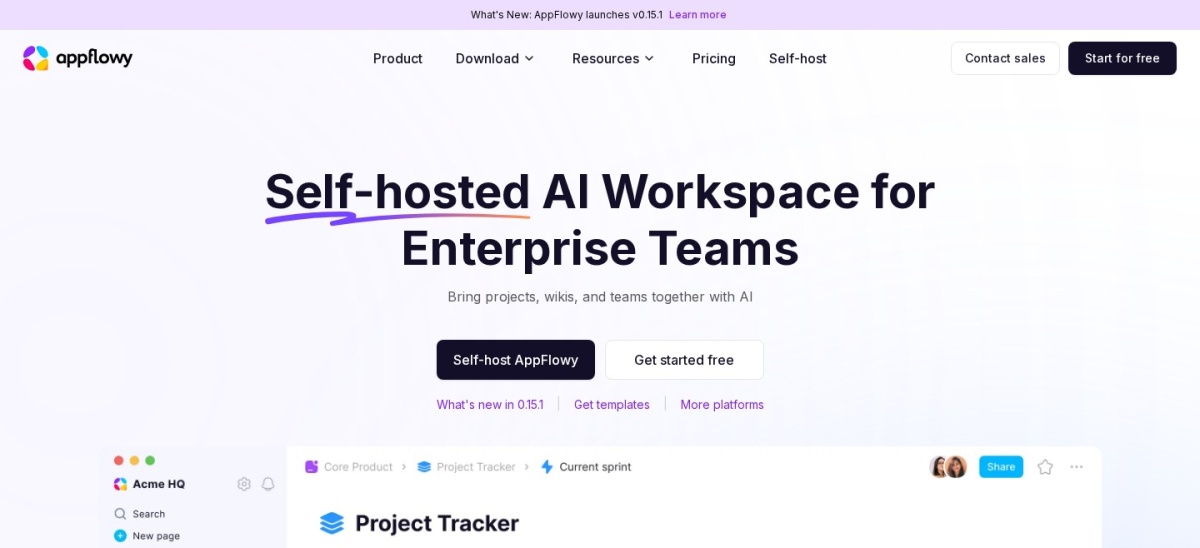
AppFlowy homepage, captured Nov 2026.
AppFlowy is an open-source workspace with Notion-style pages, databases and boards, built in Rust and Flutter. The free Personal plan covers one workspace with 100 MB of storage, 7-day version history and a local AI option that keeps data on your machine.
The trade off is cost. Pro costs $12 a member a month billed yearly, charged per member in each workspace, so costs add up fast for large teams. It suits people who want the closest Notion-style workspace they can run themselves.
What we like
Closest Notion-style databases in this list
Free local use with no account needed
Local AI option keeps data on your machine
Apps for web, desktop and mobile
Watch out for
Pro is billed per member in each workspace
Free cloud plan caps storage at 100 MB
Mobile apps trail the desktop app
Pro adds unlimited storage, 90-day history and AI responsesVisit appflowy.com
02
AFFiNE
4.7/5on Product Hunt (22 reviews, checked Nov 2026)
Paid from$6.75/mo
Best for whiteboard-first planning
Free planLocal unlimited, 10 GB cloud
WhiteboardEdgeless canvas built in
DatabasesYes, with views
AI$8.90/mo add-on
affine.pro
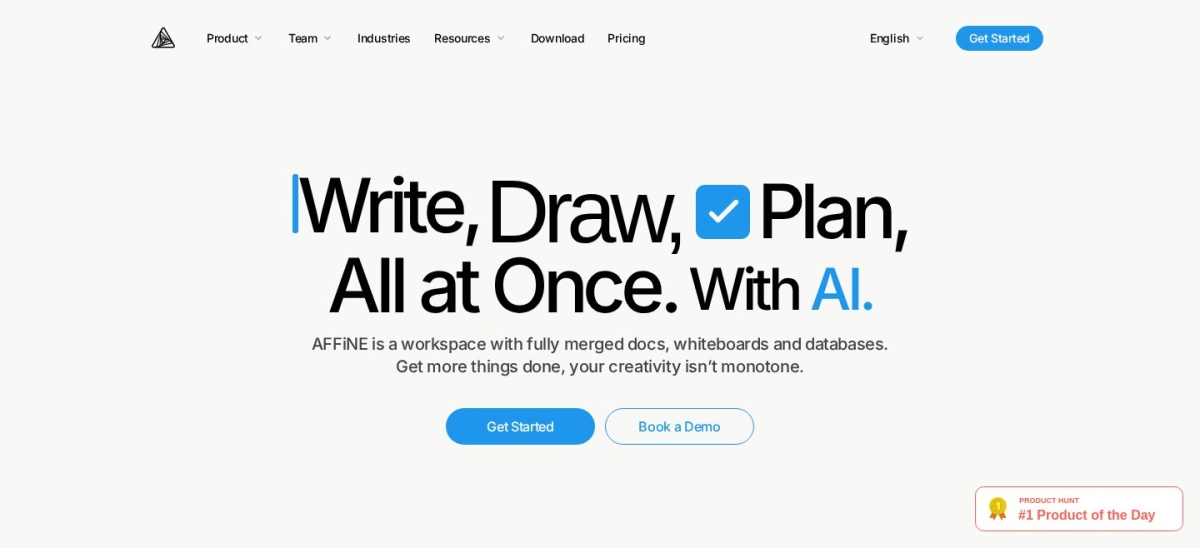
AFFiNE homepage, captured Nov 2026.
AFFiNE is a local-first workspace that merges documents, whiteboards and databases in one editor. The free plan gives unlimited local workspaces plus 10 GB of cloud storage for up to 3 members per workspace.
The trade off is that AI costs extra at $8.90 a month on top of Pro, and the mobile apps are weaker than the desktop app. It suits visual thinkers who want a whiteboard beside their docs.
What we like
Docs, whiteboard and databases in one editor
Free local use with no account needed
MIT-licensed editor code
Self-host option for teams
Watch out for
AI is a separate paid add-on
Mobile apps trail the desktop app
Younger product, some features still maturing
Pro adds 100 GB storage and 10 members per workspaceVisit affine.pro
03
Outline
4.4/5on G2 (31 reviews, checked Nov 2026)
Paid from$30/yr
Best team wiki
Free planCommunity Edition, self-hosted
CloudStandard, $30/user/yr
CollaborationReal-time editing
AIAI answers in Cloud
getoutline.com
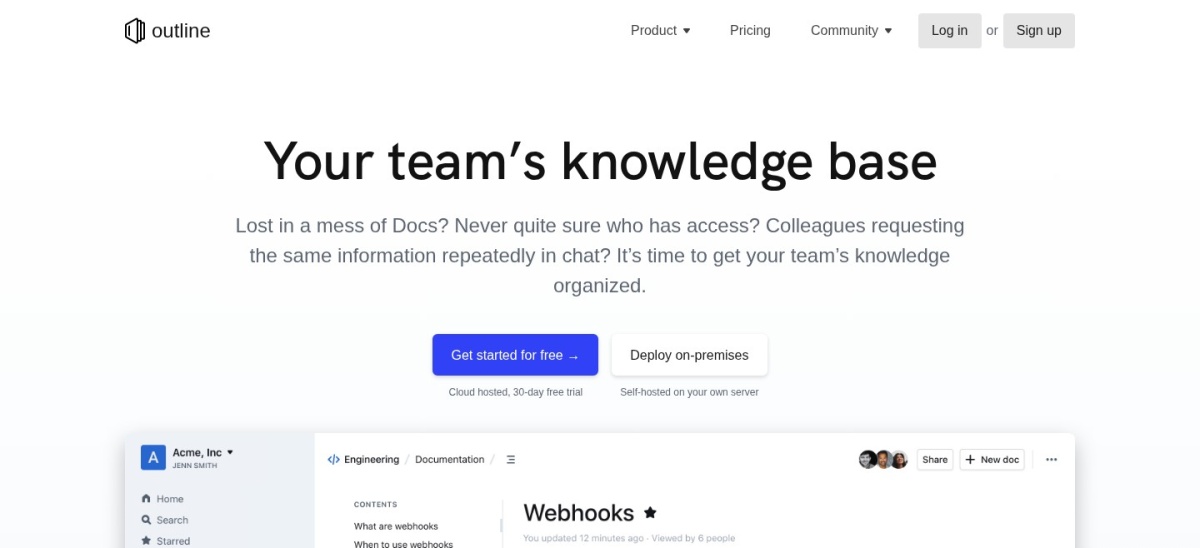
Outline homepage, captured Nov 2026.
Outline is an open-source team wiki with fast search, real-time collaboration and a clean editor. The free Community Edition runs on your own server, while Cloud Standard costs $30 per user a year.
The trade off is scope. Outline is a wiki, not a full Notion replacement: it has no databases or Kanban boards. It suits teams that want one shared home for company docs.
4.9/5on Product Hunt (104 reviews, checked Nov 2026)
Paid from$4/mo
Best for encrypted local-first notes
Free plan100 MB remote storage
EncryptionEnd-to-end, local-first
DatabasesObjects, tables, Kanban
PlatformsMac, Windows, Linux, iOS, Android
anytype.io
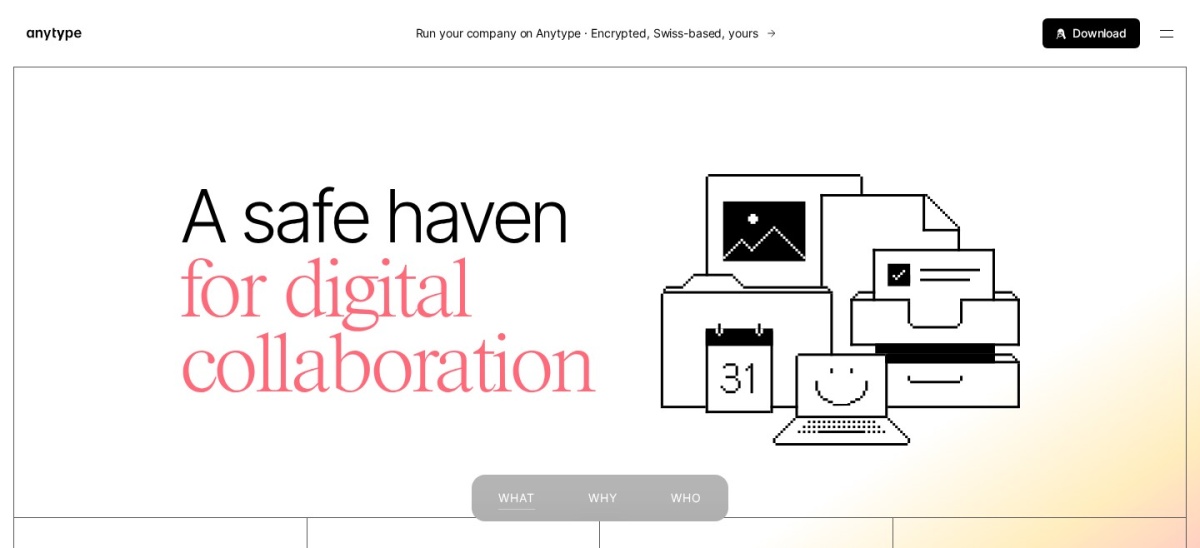
Anytype homepage, captured Nov 2026.
Anytype is a local-first workspace that stores notes, tasks and databases encrypted on your own devices. The free plan includes unlimited local spaces, with 100 MB of remote storage for sync.
The trade off is the learning curve. Objects and relations take time to grasp, and there is no web app. It suits privacy-first users who want Notion-style databases without a company cloud.
4.9/5on Product Hunt (65 reviews, checked Nov 2026)
PriceFree
Best free outliner
Free planFull app, no caps
StoragePlain Markdown files
SyncPaid Sync, in beta
TasksBuilt-in journal and tasks
logseq.com
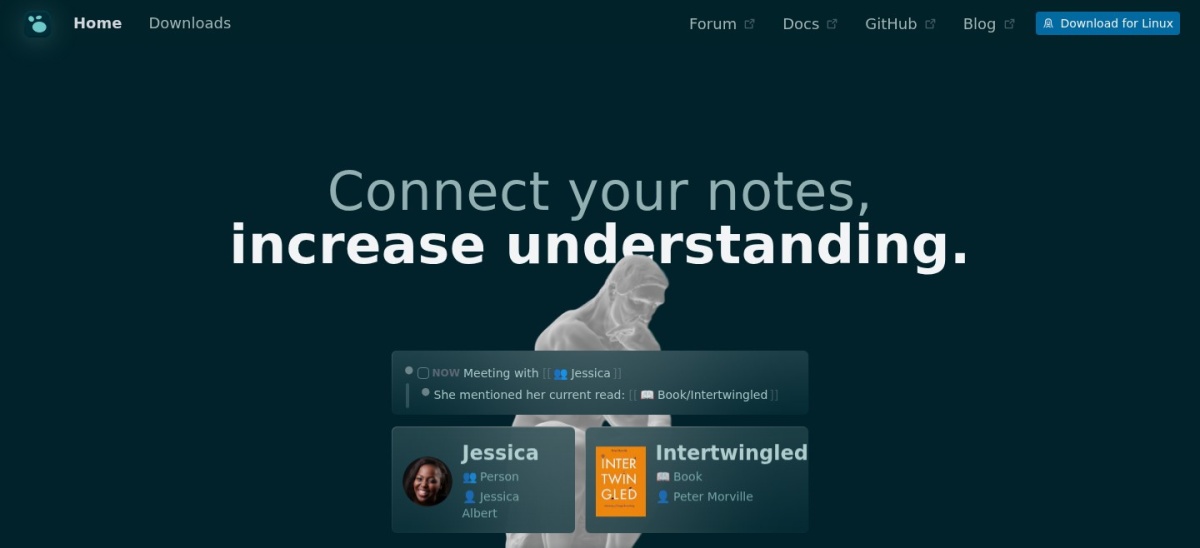
Logseq homepage, captured Nov 2026.
Logseq is a free, open-source outliner that stores notes as plain Markdown files on your own device. It adds bidirectional links, a daily journal, built-in tasks and a graph view at no cost.
The trade off is sync. The core app is free, but official Sync is still in beta and tied to paid supporter tiers, so most users sync files themselves. It suits outliner fans who want plain files they own.
What we like
Fully free core app
Plain-text files, no lock-in
Daily journal and linked notes
Hundreds of community plugins
Watch out for
No official free sync
Mobile apps trail the desktop app
Database version is still maturing
Paid Sync is in beta for supporters; DIY sync is freeVisit logseq.com
06
Joplin
4.5/5on Capterra (14 reviews, checked Nov 2026)
Paid from€2.40/mo
Best free encrypted notes
Free planFull app, unlimited notes
SyncJoplin Cloud or Nextcloud
EncryptionEnd-to-end option
Storage2 GB on Basic
joplinapp.org
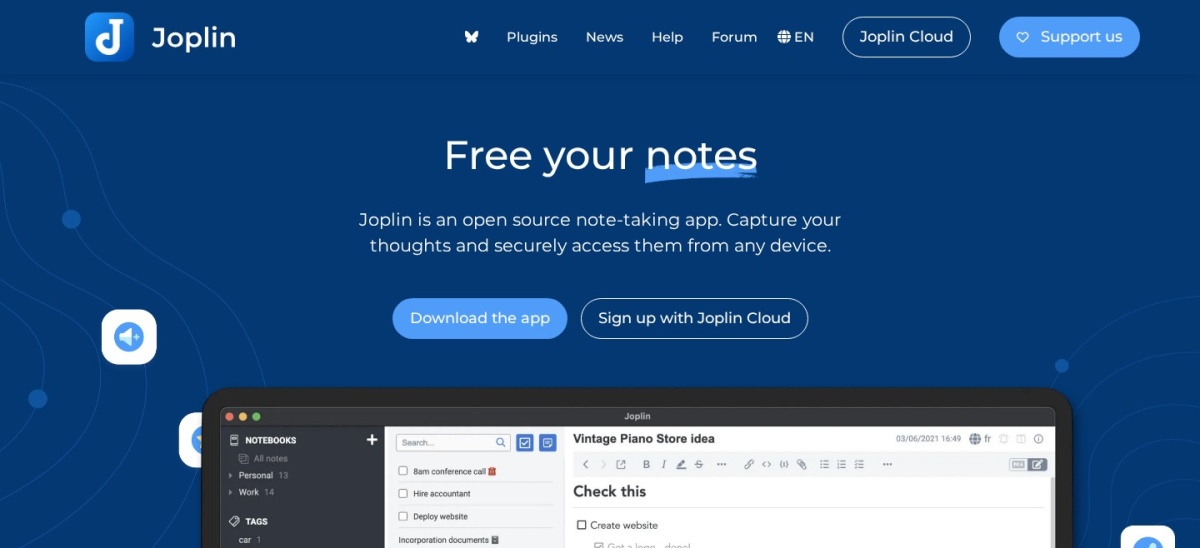
Joplin homepage, captured Nov 2026.
Joplin is an open-source note app for Markdown notes, to-dos and web clipping. The apps are free, with end-to-end encryption, and Joplin Cloud Basic starts at €2.40 a month billed yearly.
The trade off is sharing. Notebook sharing needs Pro at €4.79 a month, and Basic caps storage at 2 GB. It suits people who want free encrypted notes synced their own way.
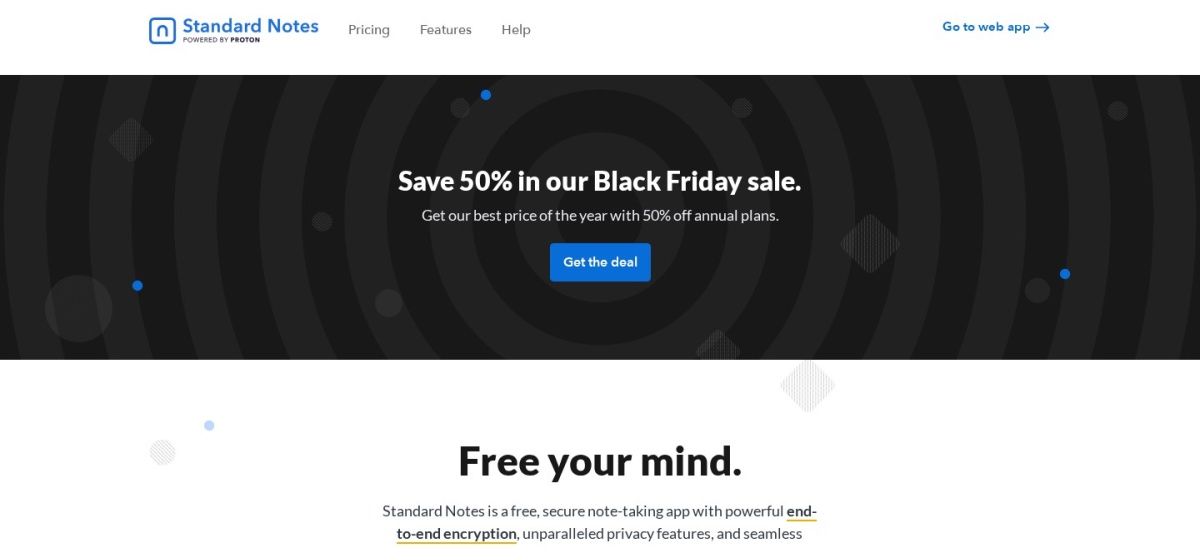
Standard Notes is an open-source note app with end-to-end encryption on every plan, including free. The free Standard plan includes unlimited notes, unlimited device sync and a plain-text editor.
The trade off is the editor. Markdown, rich text, checklists and folders need the Productivity plan at $90 a year. It suits people who put privacy first and write mostly plain text.
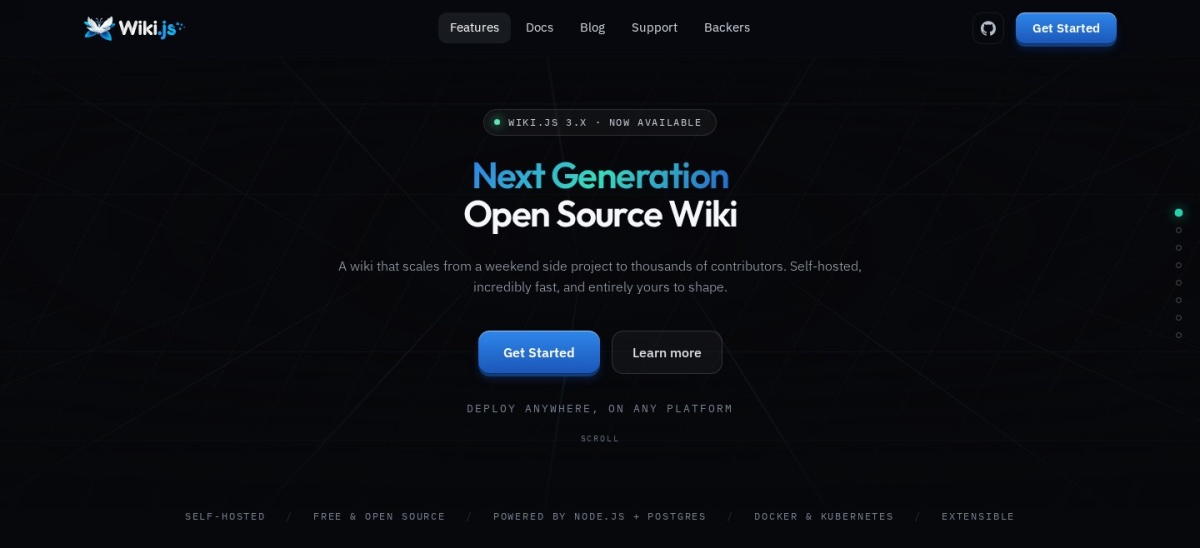
Wiki.js is a free, open-source wiki with Markdown, visual and HTML editors, Git sync and real-time collaboration. The full feature set is free under AGPL, with no paid tier at all.
The trade off is that you run it. There is no hosted version, so your team owns the server, upgrades and backups. It suits technical teams that want a modern wiki on their own stack.
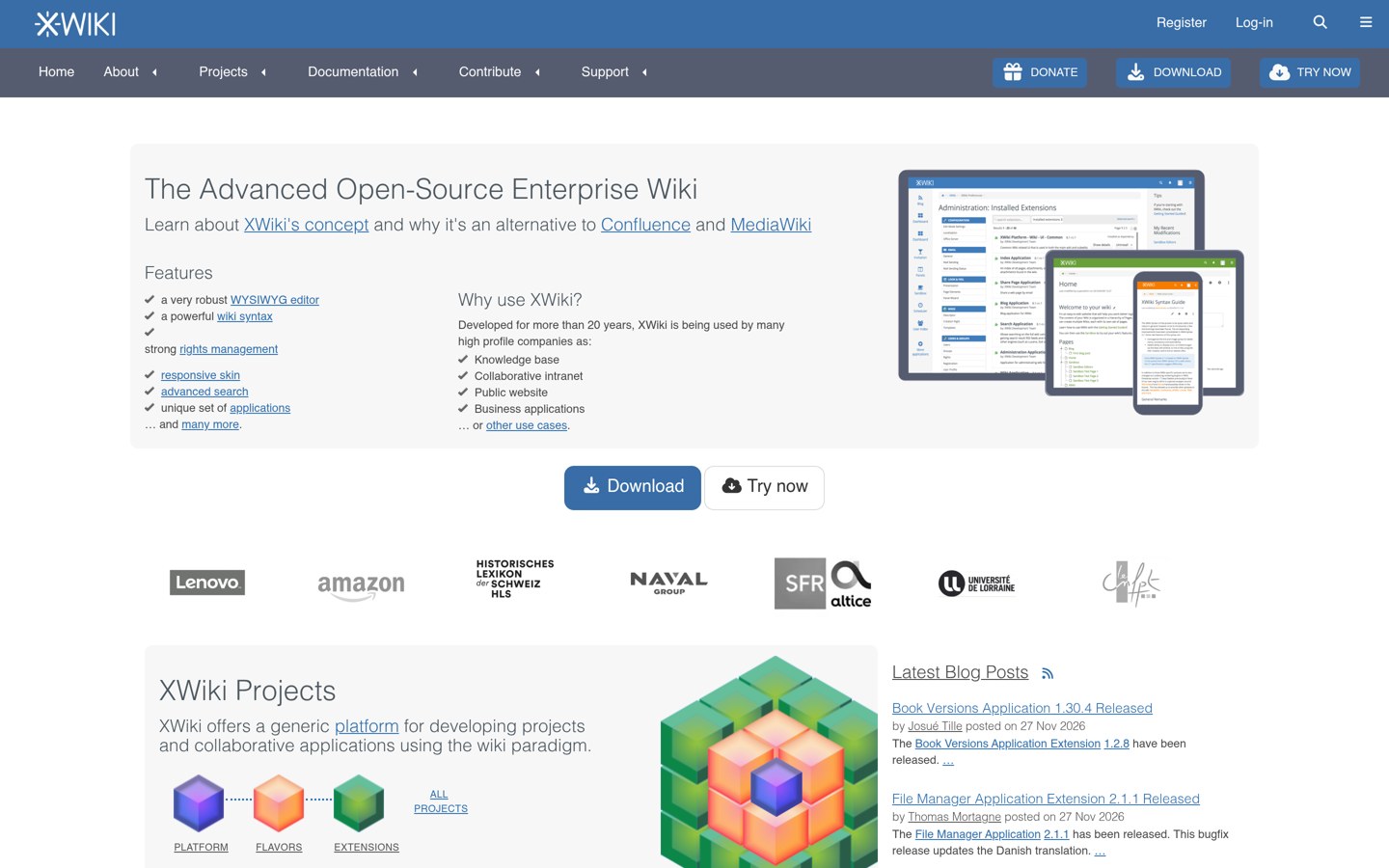
XWiki is a long-running open-source wiki platform with structured pages, macros and installable apps. The Community edition is free, and paid support starts at €1.74 per user a month.
The trade off is complexity. XWiki is powerful but takes more setup and learning than a simple wiki. It suits larger teams building a wiki that doubles as a small app platform.
Self-hosting means you own the data, the backups and the downtime. AppFlowy, Outline, Wiki.js and XWiki all run on your own server, and none of them charges a licence fee for the software itself.
Cloud plans buy convenience: sync, storage, updates and support. AppFlowy Pro, AFFiNE Pro and Outline Cloud all start under $15 a month, so a small team can skip the server work for the price of one lunch a month.
The middle path is local-first. Logseq, Joplin, Anytype and Standard Notes keep files on your device and sync through a service you choose, so you get privacy without running a server. Export your notes before you commit, since moving a wiki later is the hardest part of any switch.
How we chose
We started from the open-source workspaces most often named as Notion replacements, then kept the nine with a live homepage, a public pricing page or a free edition, and a published user rating.
Prices come from each vendor's pricing page, checked on 29 November 2026, and show the regular price, not a sale price. Ratings come from G2, Capterra, Product Hunt or Google Play on the same day; several rest on small samples, which we say in the text.
We left out tools with no published rating anywhere, and tools that are free but not open source. No vendor paid for a place, and we do not claim to have used these tools ourselves.
How to choose an open source alternative to Notion
Start with what you actually use Notion for, then match the tool to that job.
List your must-have Notion features. If you live in databases and boards, shortlist AppFlowy, AFFiNE or Anytype. If you only need shared docs, Outline or Wiki.js is enough.
Decide who runs the server. Pick a cloud plan if nobody wants server work. Pick a self-hosted edition if your team already runs Docker and wants full control.
Check the free plan limits. Storage caps, member limits and sync rules are where free plans bite. AppFlowy caps free storage at 100 MB and Anytype at 100 MB of remote storage.
Test the export before you move a team. Import a few real pages, check that tables and images survive, and confirm you can get your data back out again.
FAQ
What is the best open source alternative to Notion in 2026?
AppFlowy is the best open source alternative to Notion for most people. It matches Notion most closely with pages, databases and boards, offers a free plan, and charges $12 a member a month for Pro billed yearly.
How much does an open source alternative to Notion cost?
Most cost nothing for the app itself. Paid plans run from $30 a user a year for Outline Cloud Standard to $144 a member a year for AppFlowy Pro, while Wiki.js and Logseq have no paid tier at all.
Is there a completely free open source alternative to Notion?
Yes. Logseq and Wiki.js are completely free, with no paid tier. AppFlowy, AFFiNE, Joplin and Standard Notes also have free plans, though storage, sharing or editors may need a paid upgrade.
Which open source alternative to Notion is best for beginners?
Outline is the easiest start for a team, with a clean editor and a hosted Cloud plan at $30 a user a year. For one person, Joplin is the simplest free pick, with plain Markdown notes and no learning curve.
Which is better, AppFlowy or AFFiNE?
AppFlowy is better if you want the closest Notion match, with databases, boards and a local AI option. AFFiNE is better if you plan visually, since its Edgeless whiteboard sits in the same editor as your docs and databases.
Can I self-host an open source alternative to Notion?
Yes. AppFlowy, AFFiNE, Outline, Joplin, Wiki.js and XWiki all offer a self-hosted edition you run on your own server. You pay for hosting and upkeep instead of a per-seat licence, and you keep full control of the data.
SaaS SEO and WordPress specialist with about 8 years of experience. Rakib compares WordPress plugins, themes, hosting and software using public pricing, documentation and user reviews. See how we rank.