TaxDome is the best OfficeTools alternative for most tax and accounting firms, at $1,500 a year for 150 active clients with 20 staff seats included. Financial Cents and Uku are the cheapest per-seat options at $19 a user a month, while Karbon suits firms whose work arrives by email.
How we make this list: we compare pricing pages, product documentation and public user reviews, then re-check every price before each update. No product paid for a place. Disclosure.
TaxDome is the strongest all-in-one pick: $1,500 a year covers 150 active clients and 20 staff seats.
Financial Cents and Uku share the lowest entry price at $19 a user a month for solo firms.
Karbon is the pick for email-heavy firms, with Triage turning shared inboxes into tracked jobs.
Pixie is the only flat-rate tool here: $129 a month no matter how many staff you add.
Mango is the cheapest per-seat suite at $35 a user, but its 3.8 Capterra rating trails the rest.
Per-seat prices run $19 to $74 a user a month, so per-client and flat-rate plans change the maths.
How do you choose the right OfficeTools alternatives for a tax firm?
OfficeTools WorkSpace bundles time, billing, documents and workflow for tax and accounting firms, so a replacement has to cover the same ground, not just one slice of it. A workflow-only tool leaves you buying a portal and a billing tool beside it.
Pricing models split three ways. Per-seat tools such as Karbon, Canopy and Financial Cents charge for every staff member, per-client tools such as TaxDome charge for active clients with seats included, and Pixie charges one flat fee whatever your headcount.
Tax work sets the hardest test for any of these tools. Returns move through intake, preparation, review, signature and delivery, and a tool that cannot track that chain will not survive tax season. Our guide to setting up taxes shows how many steps a tax workflow really has.
Ratings are the tiebreaker when prices look close. Every tool in this list carries a public rating from Capterra or G2, and the spread runs from 3.8 to 4.8 out of 5, which is wide enough to matter.
4.7/5on Capterra (3,630 reviews, checked Nov 2026)
Starts at$1,500/yr
Best all-in-one for tax firms
Pricing modelPer active client, 20 seats included
Entry plan$1,500/yr, 150 clients
Client portalYes, with mobile app
Free trialNo, demo only
taxdome.com
TaxDome homepage, captured Nov 2026.
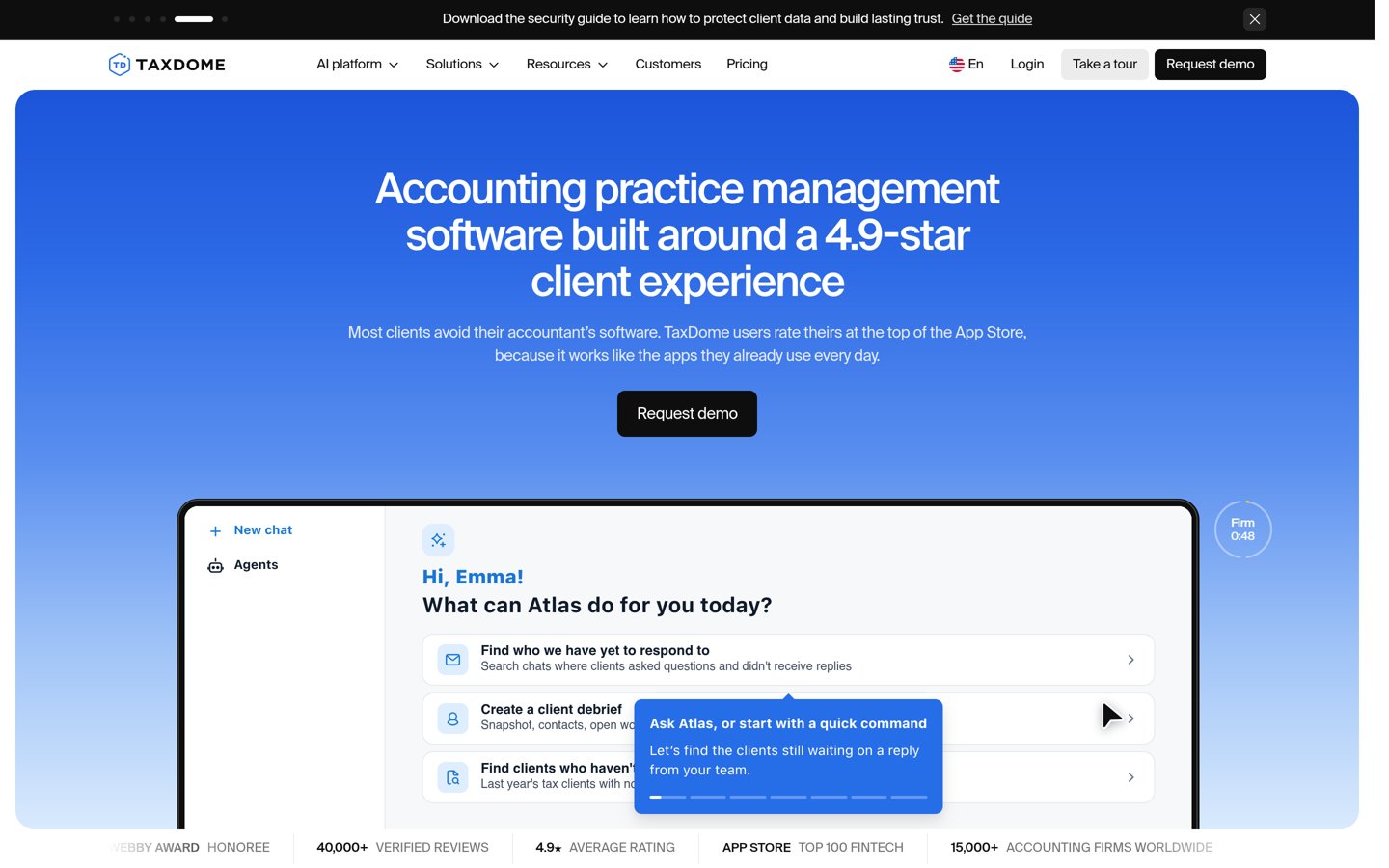
TaxDome is an all-in-one practice management platform for tax, bookkeeping and accounting firms. Its single plan starts at $1,500 a year for up to 150 active clients and includes 20 staff seats, a CRM, workflow automation, unlimited document storage, e-signatures and a branded client portal with mobile apps.
The trade off is the upfront commitment. TaxDome bills annually with a 150-client minimum, so a small firm pays for clients it may not have yet, and the AI add-on costs $200 a month extra. It suits tax-heavy firms that want one system from intake to delivery and payment.
Karbon is a practice management platform built around a shared team inbox called Triage, which turns client emails into assignable, trackable work. The Team plan costs $59 per user a month billed annually and includes workflow templates, time tracking, budgets, billing and a client portal.
The trade off is price and setup. Task automation and automatic client reminders need the Business plan at $89 per user a month, and reviewers report a real implementation curve before it pays off. It suits firms of five or more staff where most client work arrives by email.
What we like
Ranked #1 on G2's accounting practice management grids
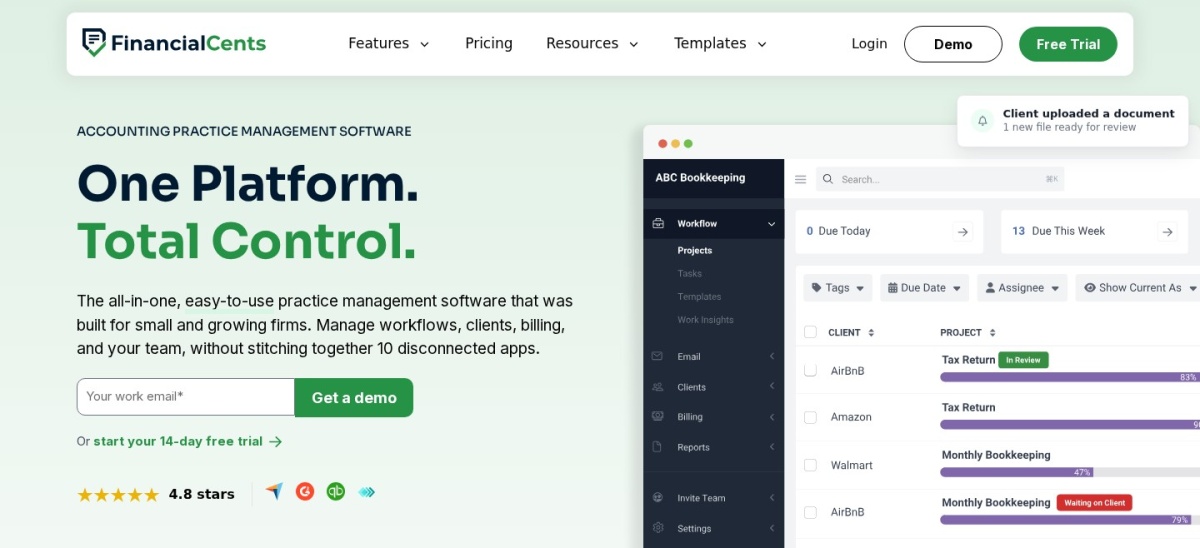
Financial Cents is a workflow and client management platform for small bookkeeping, tax and CPA firms. Its Solo plan costs $19 a month billed annually for one user and includes recurring month-end checklists, a passwordless client portal, document storage, time tracking and QuickBooks Online integration.
The trade off is the seat jump. Solo is capped at one user, so adding a second teammate moves you to the Team plan at $49 per user a month, and automated client follow-ups need the $69 Scale plan. It suits solo practitioners and small firms that want a fast setup.
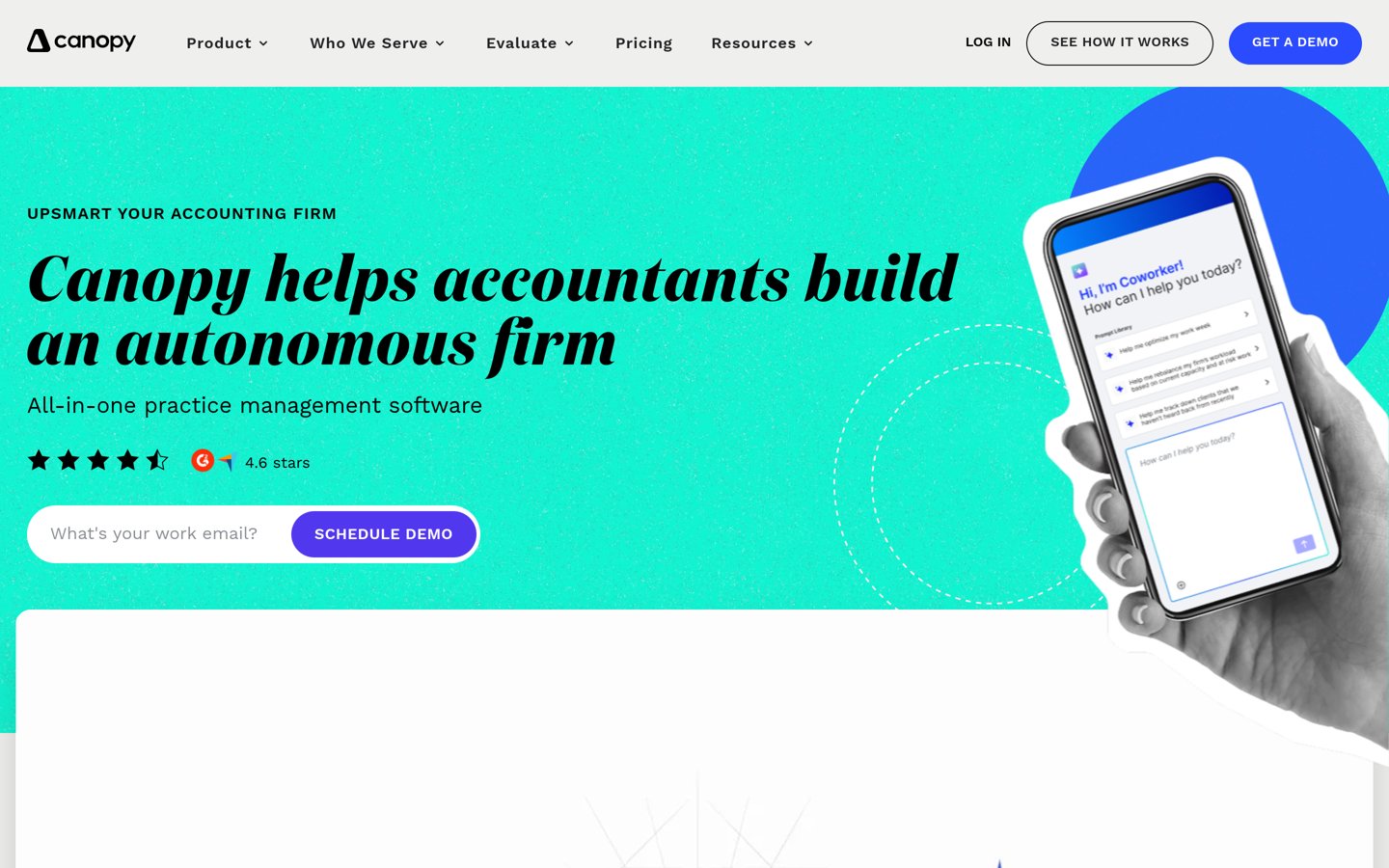
Canopy is an all-in-one practice management platform for tax and accounting firms, with CRM, document management, workflow, e-signatures, a client portal and billing in every plan. Standard costs $74 per user a month billed annually, and its tax resolution tools pull IRS transcripts and track notices.
The trade off is add-on cost. Tax Workflow Automation starts at $34 per client credit and Close Automation at $10 per connected client a month, so the bill grows with your client list. It suits firms that do tax resolution work beside regular compliance.
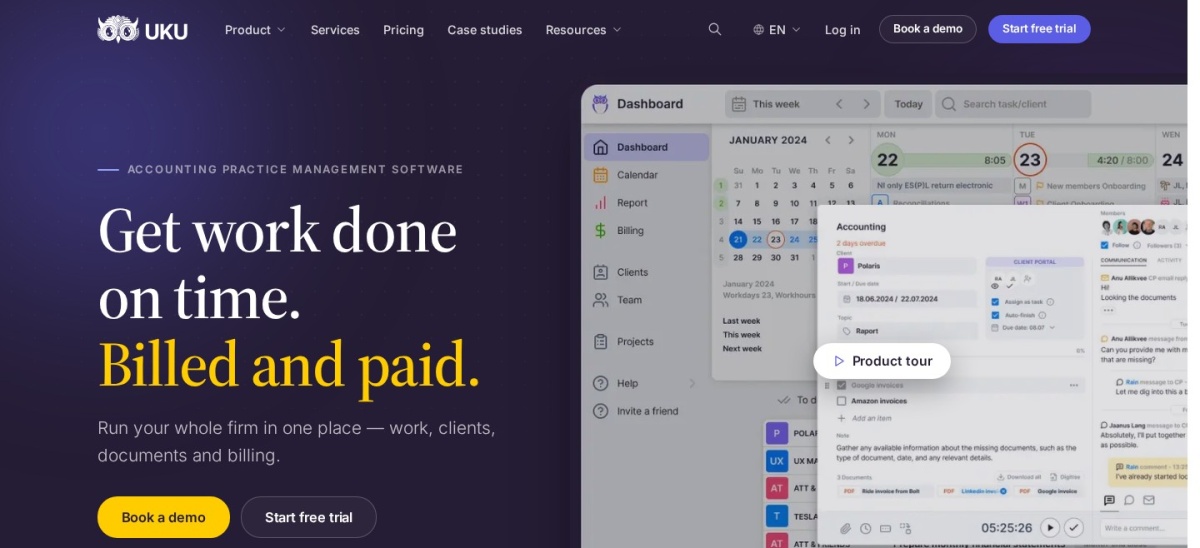
Uku is a practice management tool for accounting and tax firms built around client profitability: it compares the work you agreed to against the work you did, in real time. Solo costs $19 a month billed annually for one member and up to 20 active clients, with billing, a client portal, time tracking and document management.
The trade off is the client cap. Solo stops at 20 active clients, so a growing firm moves to Team at $38 per member a month, and Zapier, the public API and audit logs need the $48 Elite plan. It suits small firms that bill fixed fees and need to protect margins.
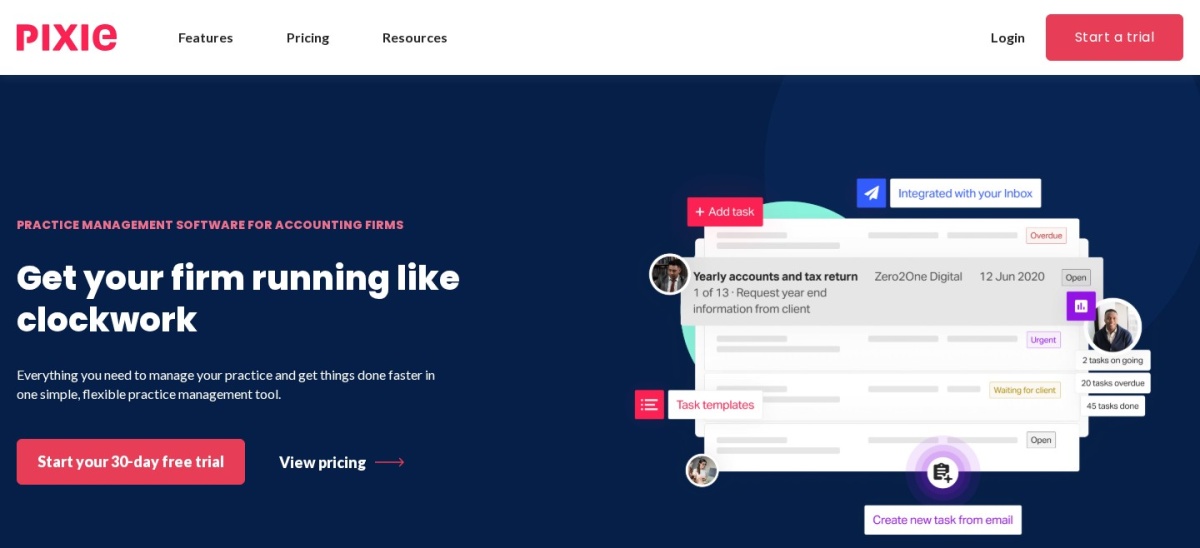
Pixie is a cloud practice management platform for accountants and bookkeepers that charges one flat monthly fee by client count, with unlimited users on every tier. It starts at $129 a month for fewer than 250 clients and includes recurring job automation, a client document portal, e-signing and built-in procedures.
The trade off is the flat fee itself. A small firm pays $129 a month even with few clients, and there is no mobile app. It suits firms that keep hiring and want the software bill to stay flat as headcount grows.
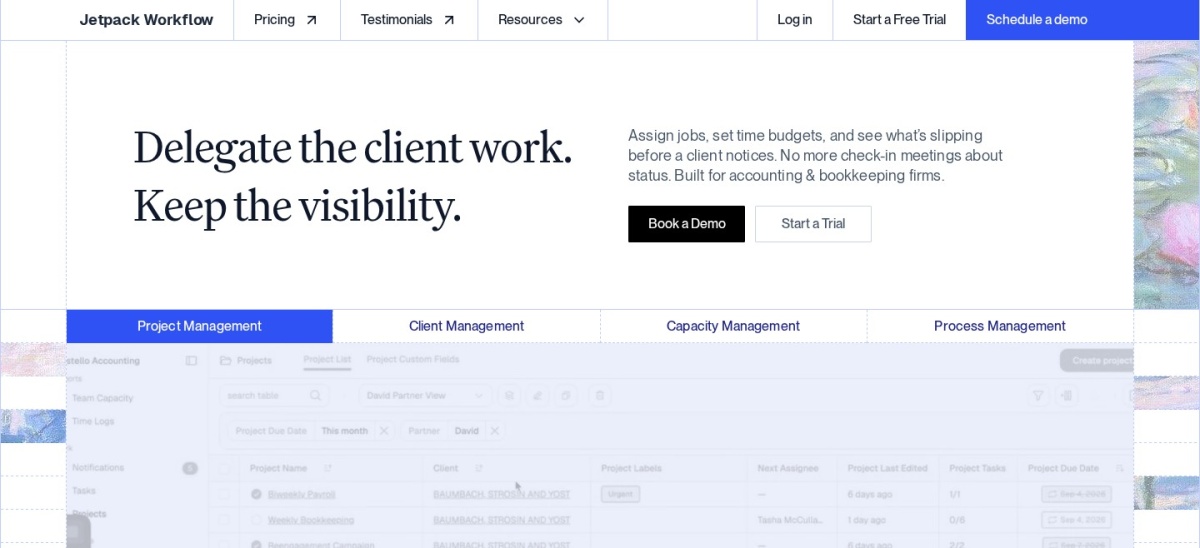
Jetpack Workflow is accounting workflow software built around recurring assignments, deadlines and standard processes. Starter costs $40 per user a month billed annually and includes unlimited projects, clients, workflow templates and customizable automation.
The trade off is scope. Task dependencies, time tracking and capacity management need Premium at $50 per user a month, and there is no native client portal or billing. It suits firms that mainly need reliable job scheduling rather than a full practice suite.
Firm360 is an all-in-one practice management system built by CPAs for accounting and tax firms. Its Basic plan starts at $49 per user a month billed annually with no user minimum and includes client management, document management, a secure client portal, time tracking, billing and payment collection.
The trade off is that project management, automated accounts receivable collections and standard integrations need the Standard plan at $79 per user a month with a 3-user minimum. It suits traditional CPA firms that want documents and billing under one roof.
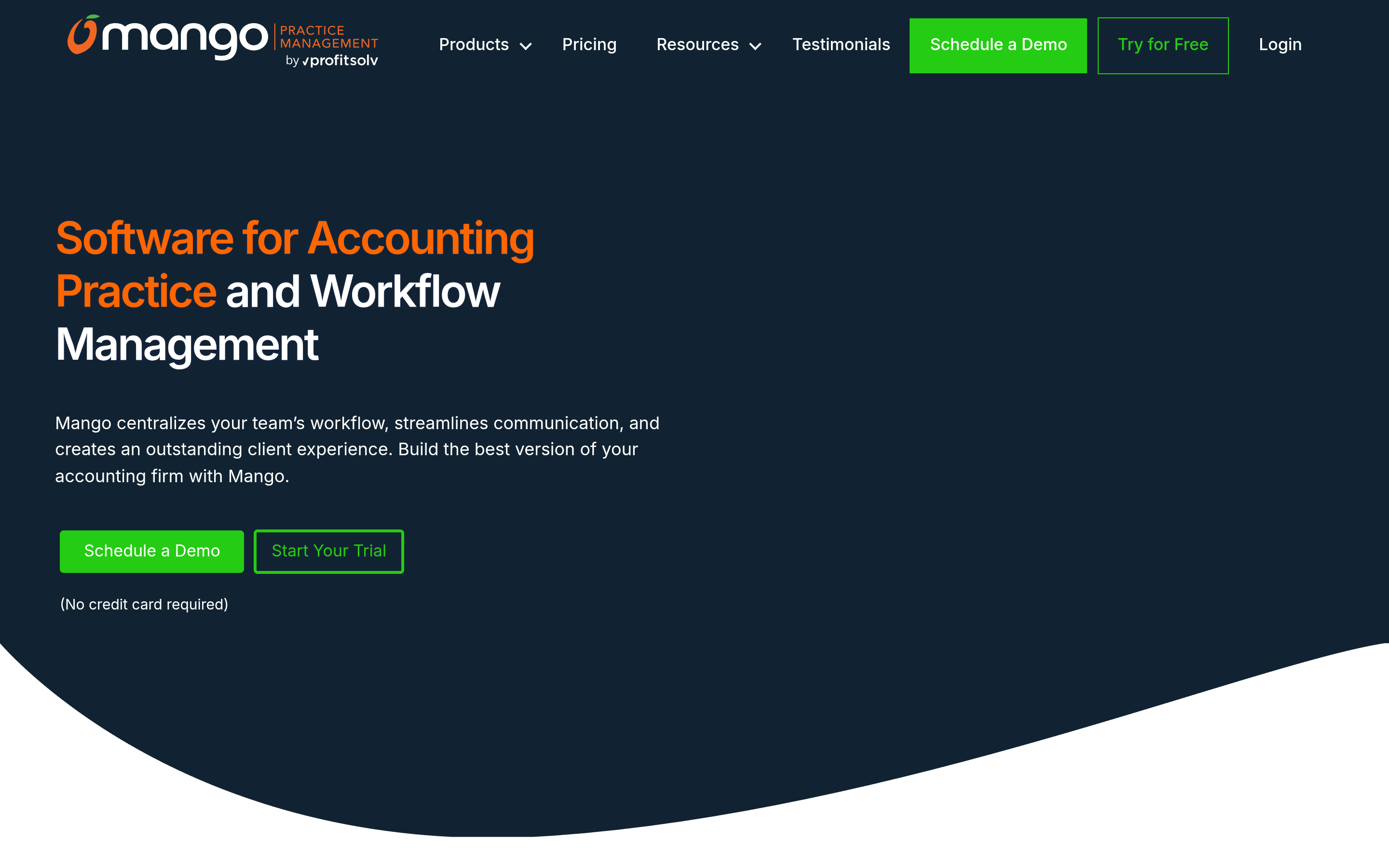
Mango Practice Management homepage, captured Nov 2026.
Mango Practice Management is an all-in-one practice management platform for accounting, tax and CPA firms, built by accountants. Its Basic plan starts at $35 per user a month billed annually and covers time tracking, branded invoicing, document management, a client portal and e-signatures, with free implementation included.
The trade off is depth beyond billing. Mango is strongest at time and billing, while tax preparation and bookkeeping still need separate tools, and its Capterra rating of 3.8 is the lowest in this list. It suits small firms whose top priority is tracking time and getting paid fast.
Per-user, per-client or flat rate: which pricing fits your firm?
Per-seat pricing is the simplest to compare, and it punishes growth. A five-person firm pays $2,940 a year on Financial Cents Team at $49 a user, $3,540 on Karbon Team at $59 and $4,440 on Canopy Standard at $74, before add-ons.
Per-client pricing flips the maths. TaxDome charges $1,500 a year for 150 active clients with 20 seats included, so a 10-person firm with 150 clients pays less per head than on any per-seat plan here, while a firm with few clients overpays.
Flat-rate pricing suits hiring firms best. Pixie charges $129 a month for under 250 clients with unlimited users, so the bill does not move when you add staff, only when your client list grows past a tier.
Count heads and clients before you compare sticker prices. A solo practitioner should start with the $19 plans, a growing team should price TaxDome and Pixie against per-seat totals, and a tax-resolution firm should add Canopy's usage-priced modules to the headline rate.
How we chose
We started from the practice management tools listed as OfficeTools alternatives on Capterra and G2, then kept the nine with a published price and a public numeric rating.
Prices come from each vendor's pricing page, checked on 29 November 2026. Ratings and review counts come from Capterra or G2 on the same day. Where a vendor shows a sale, the list shows the regular price.
We left out tools with no published price, such as Senta and AccountancyManager, and workflow-only tools with no client portal where a fuller suite was available. No vendor paid for a place, and we do not claim hands-on testing for this list.
How to choose an OfficeTools alternative
Start with how your firm bills, then match the pricing model before you compare features.
Count staff and clients first. Per-seat tools charge for every login, TaxDome charges per active client with 20 seats included, and Pixie charges one flat fee. Run your own headcount through each model before shortlisting.
Check the tax workflow, not just the task list. Pick a tool that tracks intake, preparation, review, signature and delivery for returns. Workflow-only tools such as Jetpack Workflow need a separate portal and billing tool.
Price the plan you will actually use. Automation, time tracking and client reminders are often gated behind a higher tier, so check whether the entry plan covers the features you need or the next tier is the real price.
Trial it with real tax-season work. Use the 14-day or 30-day trial to run one full engagement end to end, from client request to invoice, before you commit to an annual plan.
FAQ
What are the best OfficeTools alternatives in 2026?
TaxDome is the best all-in-one OfficeTools alternative for most firms, at $1,500 a year for 150 active clients with 20 seats included. Karbon suits email-heavy firms, and Financial Cents and Uku are the cheapest per-seat options at $19 a user a month.
How much do OfficeTools alternatives cost?
Entry prices run from $19 a user a month for Financial Cents Solo and Uku Solo to $129 a month flat for Pixie, with TaxDome at $1,500 a year for 150 clients. A five-person firm pays roughly $2,940 to $4,440 a year on per-seat plans before add-ons.
Is there a free OfficeTools alternative?
None of the nine tools in this list has a free plan. Financial Cents, Uku, Pixie and Jetpack Workflow offer 14-day or 30-day trials, while TaxDome, Karbon and Firm360 ask you to book a demo instead.
Which OfficeTools alternative is best for a solo accountant?
Financial Cents Solo or Uku Solo, both at $19 a month billed annually. Financial Cents covers unlimited clients for one user, while Uku caps Solo at 20 active clients but adds real-time profitability tracking.
TaxDome or Karbon: which is better?
TaxDome is better for tax-heavy firms that want one system with a client portal, e-signatures and billing for a flat annual fee. Karbon is better for firms whose work arrives by email, with its Triage inbox turning messages into tracked jobs.
Which OfficeTools alternative has the best client portal?
TaxDome has the strongest portal in this list, with a branded client app for web and mobile included in its single plan. Canopy and Uku also include white-label portals, while Jetpack Workflow has no native portal at all.
SaaS SEO and WordPress specialist with about 8 years of experience. Rakib compares WordPress plugins, themes, hosting and software using public pricing, documentation and user reviews. See how we rank.