ClickUp is the best Notion AI alternative for most teams: it pairs docs, tasks and AI writing in one workspace for $12 per user a month at the regular price, and holds a 4.6 out of 5 G2 rating. Pick Coda for database-driven docs, or Taskade for AI agents that build apps from a prompt.
How we make this list: we compare pricing pages, product documentation and public user reviews, then re-check every price before each update. No product paid for a place. Disclosure.
ClickUp leads at $12 per user a month (regular price) with a 4.6 out of 5 G2 rating from 13,731 reviews.
Taskade is the cheapest paid start at $6 a month, and its Pro plan adds unlimited AI agents for $10 a month.
Coda charges only Doc Makers, so editors and viewers are free, at $10 per Doc Maker a month on Pro.
Obsidian is the cheapest long-term pick: the core app is free and Sync costs $4 a user a month billed yearly.
Mem was dropped from this list because its homepage says it shuts down on 15 January 2027.
How do you choose the best Notion AI alternative?
Notion AI is a writing and search assistant inside Notion, so the best replacement depends on which part you use most. Some people need AI that drafts and rewrites, while others need AI that finds answers across their notes.
Price is the first filter. Paid plans in this list run from $4 to $20 a month, and all 9 tools have a free plan, so most readers can start without paying.
AI billing is the second filter. A few tools include AI on every plan, while others charge for it as an add-on or cap it with credits, so check what the cheapest paid plan actually includes before you switch.
Team shape matters too. Coda bills only Doc Makers, Taskade prices by workspace size, and Obsidian is free for one person with local files. Our guide on how to use AI to write blog posts in WordPress covers the same drafting workflow these tools support.
ClickUp is an all-in-one workspace that combines docs, tasks, chat, goals and time tracking, with AI writing and search built in. The free plan covers unlimited tasks and members with 60 MB of storage, and Core removes the storage cap and adds unlimited spaces, forms and Gantt charts.
The trade off is that the full AI features cost extra. Brain AI starts at $9 per user a month on top of the plan, while Business at $17 a month billed yearly (regular price $25) includes unlimited standard AI models. It suits teams that want to replace Notion, a task app and a wiki with one tool.
What we like
Docs, tasks and chat in one workspace
Free plan with unlimited tasks and members
Largest review base in this list, 13,731 G2 reviews
Coda is a collaborative doc platform that mixes writing with tables, formulas, buttons and automations, so a doc can behave like a small app. Coda AI writes, summarises and answers questions from the doc, and only Doc Makers pay, while editors and viewers are free on every plan.
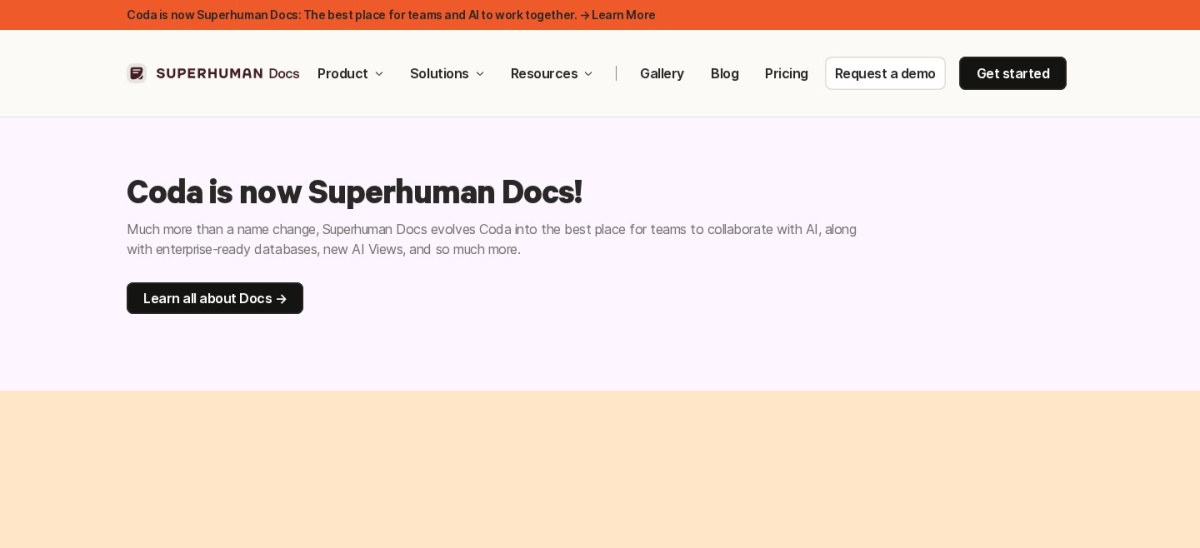
The trade off is the learning curve. Formulas and automations take time to set up, and Coda is now sold as Superhuman Docs, so paid plans also bundle Grammarly and other Superhuman products. It suits teams that build trackers, roadmaps and wikis from connected docs.
What we like
Only Doc Makers pay, editors are free
Tables, formulas and automations inside docs
Coda AI included on all plans
Watch out for
Steep learning curve for formulas
Rebrand to Superhuman Docs may confuse buyers
Pro adds unlimited doc size and 30-day historyVisit coda.io
03
Taskade
4.5/5on G2 (92 reviews, checked Nov 2026)
Paid from$6/mo
Best for AI agents that build apps
Free planYes, 3 AI apps
AI agentsUnlimited on Pro
AI credits50,000/mo on Pro
Paid planStarter, $6/mo
taskade.com
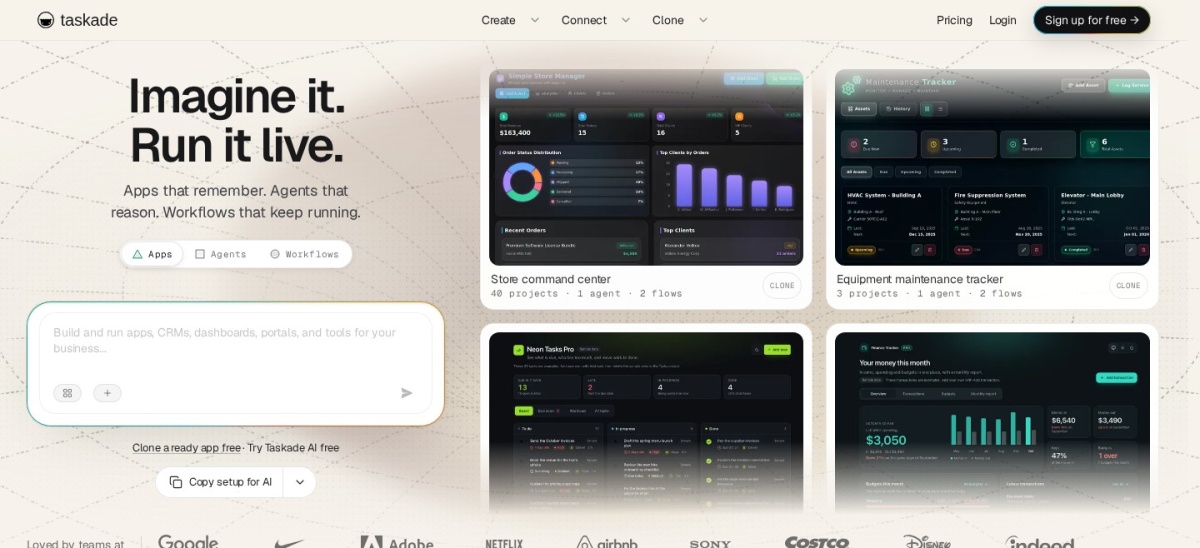
Taskade homepage, captured Nov 2026.
Taskade is an AI workspace where one prompt can become a live app, with AI agents, automations and projects in the same place. The free plan includes 3 AI apps, and Starter at $6 a month billed yearly covers 3 users with unlimited AI apps, workspaces and sharing.
The trade off is that AI work runs on credits. Pro at $10 a month billed yearly includes 50,000 credits a month, and a long build can use several thousand credits. It suits small teams that want AI to draft, organise and automate, not just write.
What we like
Cheapest paid plan in this list at $6 a month
AI agents and automations, not just writing
Free plan includes AI apps
Watch out for
AI work is metered with credits
Priced per workspace, not per user, so compare carefully
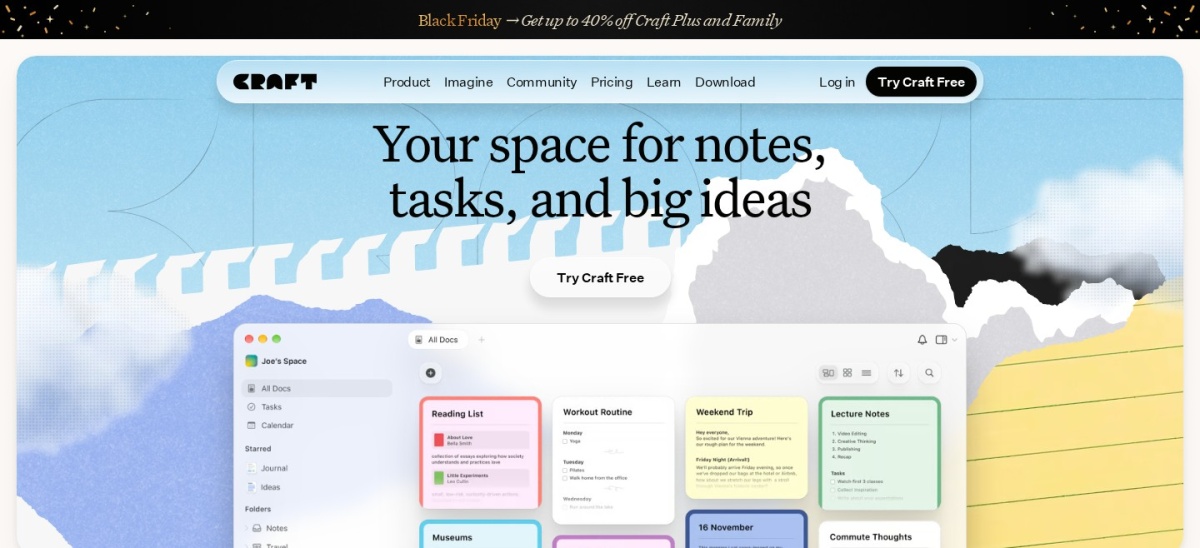
Craft is a notes and docs app for Mac, iPhone, iPad, Windows, Android and the web, with a clean design and one-click publishing to the web. Plus at $8 a month billed yearly removes the block limit, adds 1 TB of storage per space and 50 AI credits a month.
The trade off is that AI is metered and the app is document-first. Fifty AI credits a month covers light drafting, and there is no end-to-end encryption. It suits individuals who want good-looking docs and notes with a little AI help.
What we like
Clean design with one-click web publishing
Native apps on every major platform
Free plan with 1,500 blocks
Watch out for
Only 50 AI credits a month on Plus
No end-to-end encryption
Plus removes the block limit and adds AI creditsVisit craft.do
05
Evernote
4.3/5on G2 (2,035 reviews, checked Nov 2026)
Paid from$8.25/mo
Best for searching old notes and clips
Free planYes, 50 notes
AI featuresAssistant, Edit, Transcribe
AI onPaid plans
Paid planStarter, $8.25/mo
evernote.com
Evernote homepage, captured Nov 2026.
Evernote is a capture-first notes app with a web clipper, document scanning and search that reads text inside PDFs and photos. Starter at $8.25 a month billed yearly raises the cap to 1,000 notes and 20 notebooks, and paid plans add the AI Assistant, AI Edit, semantic search and AI Transcribe.
The trade off is the free plan, which allows only 50 notes, 1 notebook and 1 device, so it works as a trial rather than a home. It suits people with years of saved clippings, scans and PDFs who need to find a note again fast.
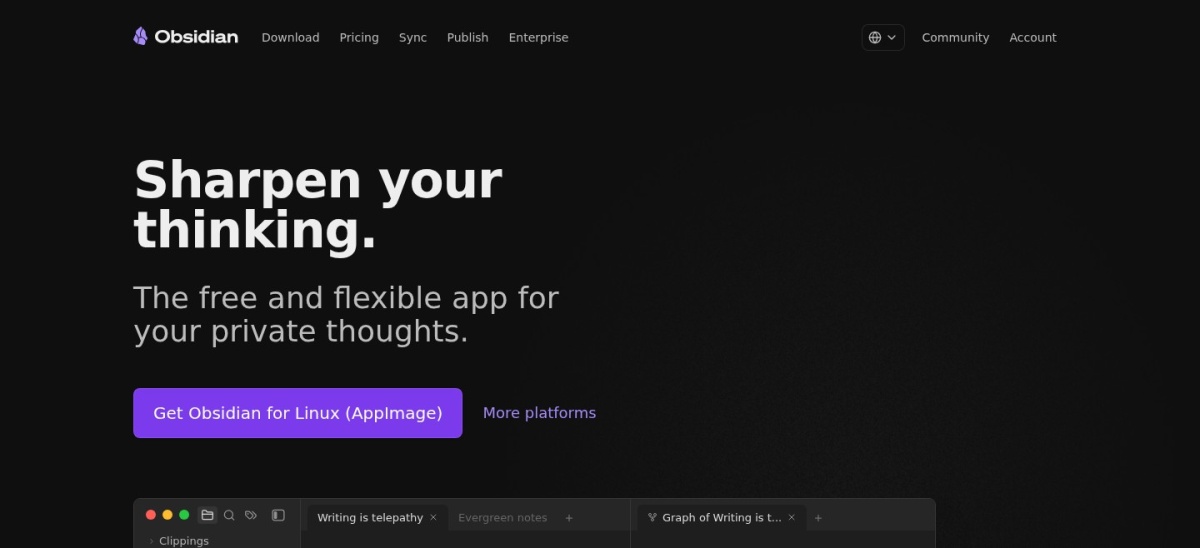
Obsidian is a local-first notes app that stores notes as plain Markdown files on your device, with backlinks, a graph view and a large community plugin library. The core app is free for personal and commercial use with no account required, and AI writing comes from community plugins.
The trade off is that there is no built-in AI assistant. Sync costs $4 per user a month billed yearly and adds end-to-end encrypted sync, version history and shared vaults. It suits writers who want to own their files and add AI on their own terms.
Tana is an AI meeting platform where agents join calls, take live transcripts and turn decisions into tasks, issues and summaries while the meeting runs. The free plan hosts 5 meetings a month with 50 AI queries, and Pro at $20 a month billed yearly adds unlimited hosted meetings and a botless agent for Zoom, Teams and Meet.
The trade off is focus and price. Tana is built around meetings first, and the original supertag outliner now lives separately as Tana Outliner. It suits people who spend most of the week in calls and want the follow-up written for them.
Logseq is a free, open-source outliner that stores notes as local plain-text files with block-level links, a daily journal and a built-in query language. The core app is free with no caps, and the Pro plan at $5 a month adds cloud sync and AI assist.
The trade off is polish and sync maturity. Sync is still in beta and has been rolled out to backers first, and the mobile apps trail the desktop app. It suits people who think in bullets and daily journals and want an open-source home for their notes.
Microsoft OneNote is a free digital notebook for Windows, Mac, web, iOS and Android, with sections, pages, handwriting and ink. Copilot AI features such as summarising and rewriting live inside Microsoft 365, which costs $99.99 a year for Personal and also covers Word, Excel and 1 TB of cloud storage.
The trade off is that the AI is not in the free app. You need a Microsoft 365 plan for Copilot, and OneNote has no database views like Notion. It suits households and workplaces already on Microsoft 365 who want a free notebook with AI on top.
Most tools in this list offer AI writing: drafting, rewriting, summarising and answering questions from your notes. ClickUp, Coda, Craft, Evernote and OneNote all work this way.
A smaller group offers AI agents that act for you. Taskade builds apps and runs automations, Tana files meeting follow-ups, and Mem used to track tasks from notes before its shutdown.
Agents cost more and are metered more often, with credits or query caps on the cheaper plans. Pick writing AI if you mostly draft, and agents only if you will use them every week.
How we chose
We started from the best-known AI note-taking and docs tools that compete with Notion AI, then kept those with a public rating, a free plan or a low paid start, and real AI writing or agent features.
Prices come from each vendor pricing page or a November 2026 pricing check of that page, checked on 29 November 2026. Ratings and review counts come from G2 on the same day. Where a vendor shows a sale, the list shows the regular price.
We left out Mem because its homepage says it shuts down on 15 January 2027, and Anytype because it has no public G2 or Capterra rating. No vendor paid for a place, and we do not claim to have used these tools ourselves.
How to choose a Notion AI alternative
Start with the AI job you do most, then check the price of that job, not the headline plan.
Name the AI job first. Drafting, searching old notes, meeting follow-ups and building apps are different jobs. Match the tool to the job, not the brand.
Check what the free plan includes. Evernote caps free users at 50 notes, Craft at 1,500 blocks, and Tana at 50 AI queries a month. A free plan that fits your volume saves a subscription.
Read the AI limits on the paid plan. Craft gives 50 AI credits a month on Plus, Taskade meters AI with credits, and ClickUp charges extra for full AI on Core. See how to write a blog post in WordPress for the drafting workflow most of these tools support.
Move a small set of notes first. Import one project, not your whole archive. Check search, export and sharing before you commit to a yearly plan.
FAQ
What is the best Notion AI alternative?
ClickUp is the best Notion AI alternative for most teams. It combines docs, tasks and AI writing in one workspace for $12 per user a month at the regular price, and it holds a 4.6 out of 5 rating on G2 from 13,731 reviews.
What is the cheapest Notion AI alternative?
Taskade is the cheapest paid start at $6 a month billed yearly for Starter, and Obsidian is the cheapest long-term pick because its core app is free and Sync costs $4 a user a month billed yearly.
Is there a free Notion AI alternative?
Yes. All nine tools in this list have a free plan, including ClickUp, Coda, Taskade, Craft, Evernote, Obsidian, Tana, Logseq and OneNote. Free limits vary, from 50 notes on Evernote to 1,500 blocks on Craft.
Which Notion AI alternative is best for beginners?
Craft is the easiest start for one person, with a clean design and a free plan of 1,500 blocks. OneNote is the simplest choice if you already use Microsoft 365, since it is free and familiar.
Which Notion AI alternative is best for small teams?
Coda is the best fit for small teams that build from docs, because only Doc Makers pay and editors are free. ClickUp is the better pick when the same team also needs tasks, chat and goals in one place.
ClickUp vs Coda: which is the better Notion AI alternative?
ClickUp wins for teams that want docs plus tasks, with a 4.6 out of 5 G2 rating from 13,731 reviews and Core at $12 per user a month. Coda wins for database-driven docs, with the same 4.6 rating from 492 reviews and Pro at $10 per Doc Maker a month.
SaaS SEO and WordPress specialist with about 8 years of experience. Rakib compares WordPress plugins, themes, hosting and software using public pricing, documentation and user reviews. See how we rank.