SolarWinds Network Performance Monitor is the best network monitoring software for data centers for most teams, with multi-vendor polling, NetPath hop-by-hop traces and flow analysis from $8 per node a month. PRTG suits smaller estates with its 100-sensor free tier, while Datadog fits teams that already monitor cloud hosts and want network data in the same console.
How we make this list: we compare pricing pages, product documentation and public user reviews, then re-check every price before each update. No product paid for a place. Disclosure.
#2 Best free tier
Paessler PRTG
Sensor-based monitoring with a 100-sensor free tier
SolarWinds NPM leads for large multi-vendor estates, with NetPath traces and flow analysis from $8 per node a month.
PRTG holds the highest G2 rating here at 4.7 out of 5 from 219 reviews, and its free tier covers 100 sensors.
Datadog charges $7 per device a month for network device monitoring, on top of its $15 per host infrastructure plan.
Zabbix costs nothing to self-host, and its hosted Zabbix Cloud starts at $50 a month.
Kentik is the priciest pick at $2,000 a month for Pro, and its 4.8 out of 5 G2 rating comes from only 23 reviews.
What should network monitoring software for data centers cover?
A data center is not an office network. One rack can hold dozens of switches, servers, power units and cooling sensors, so the tool has to poll thousands of interfaces, not tens.
Coverage starts with SNMP polling for switches, routers and firewalls, plus flow data such as NetFlow and sFlow to show which hosts and services use the bandwidth. Without flow data, you see that a link is full but not what is filling it.
Alerts need to follow the physical layout. A good tool maps devices to racks and links, so a failed top-of-rack switch points to the affected servers instead of a list of unrelated alarms.
Uptime targets also shape the choice. Our guide on choosing a data center location explains why placement and redundancy matter before you buy monitoring.
Free checks still help beside any of these tools. Our hosting uptime guide covers the checks that run without a paid plan.
Network monitoring software for auto-discovery at scale
$275/mo
Free plan
4.7/5
Price ladder: cheapest paid plan per year
List prices, USD, checked Nov 2026
DatadogFREE$84
OpManagerFREE$95
SolarWinds$96
LogicMonitor$192
ZabbixFREE$600
Nagios XIFREE$1,995
PRTGFREE$2,400
CheckmkFREE$3,300
Kentik$24,000
The 9 best network monitoring software for data centers
01
SolarWinds Network Performance Monitor
4.5/5on Capterra (76 reviews, checked Nov 2026)
Starts at$8/node/mo
Best network monitoring software for data centers overall
DeploymentSelf-hosted
NetPath tracesYes, hop-by-hop
Flow analysisYes, NetFlow and sFlow
Trial30 days
solarwinds.com
SolarWinds Network Performance Monitor homepage, captured Nov 2026.
SolarWinds Network Performance Monitor is a self-hosted monitor for routers, switches, firewalls, load balancers and wireless controllers across vendors. It polls performance with SNMP, traces paths with NetPath, lines up metrics on one timeline with PerfStack, and analyses traffic flows. It is rated 4.5 out of 5 on Capterra from 76 reviews.
The trade off is how it is sold. Standalone NPM starts with the SL100 subscription at $2,829 for up to 100 nodes, or it comes inside SolarWinds Observability Self-Hosted from $8 per node a month on multi-year contracts. It suits large estates with mixed vendors and a Windows and SQL Server back end to run it on.
What we like
Deepest network feature set in this list
NetPath shows the path through networks you do not own
Flow, configuration and performance data from one vendor
Best network monitoring software for smaller data centers
Free sensors100
Paid planPRTG 500, $200/mo
DeploymentSelf-hosted, Windows
Auto-discoveryYes
paessler.com
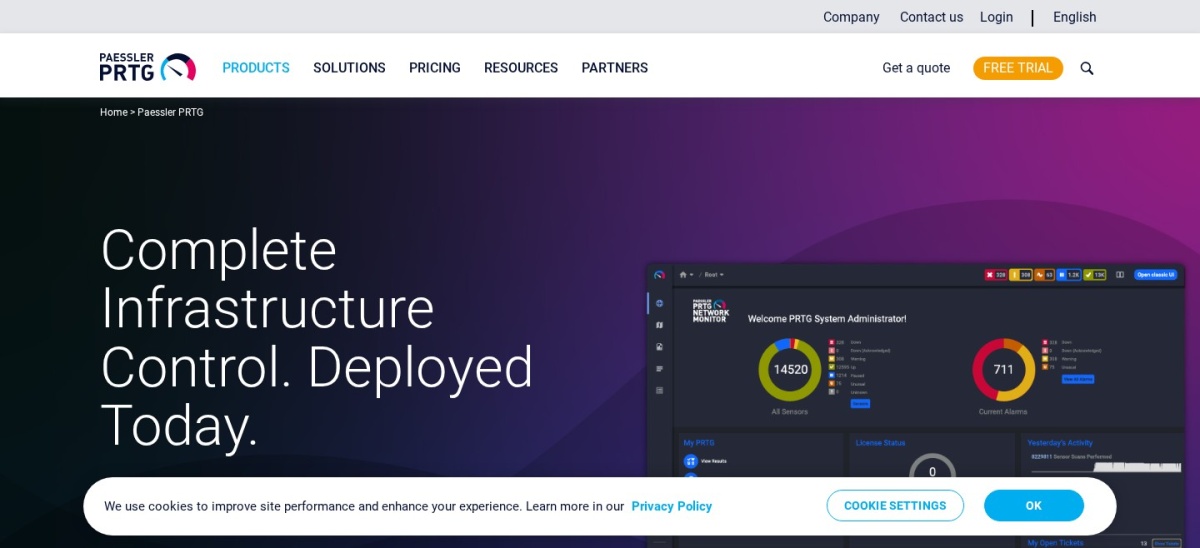
Paessler PRTG homepage, captured Nov 2026.
Paessler PRTG is sensor-based network and infrastructure monitoring that covers SNMP, WMI, NetFlow, packet sniffing and syslog in one install. Each sensor tracks one metric on one device, auto-discovery finds new devices, and the free tier covers 100 sensors. It holds 4.7 out of 5 on G2 from 219 reviews, the highest rating in this list.
The trade off is the sensor meter. PRTG 500 costs $200 a month billed annually for 500 sensors, about 50 devices, and one busy server can use ten or more sensors. It suits small and mid-size estates that want fast setup and a clear free starting point.
What we like
Highest G2 rating in this list at 4.7
Free tier covers 100 sensors with no time limit
Fast auto-discovery and setup
Covers SNMP, flow data and syslog in one install
Watch out for
Sensor licensing gets costly as device counts grow
Best network monitoring software for cloud-connected data centers
Device monitoring$7/device/mo, annual
Cloud network monitoring$5/host/mo add-on
Integrations750+
Trial14 days
datadoghq.com
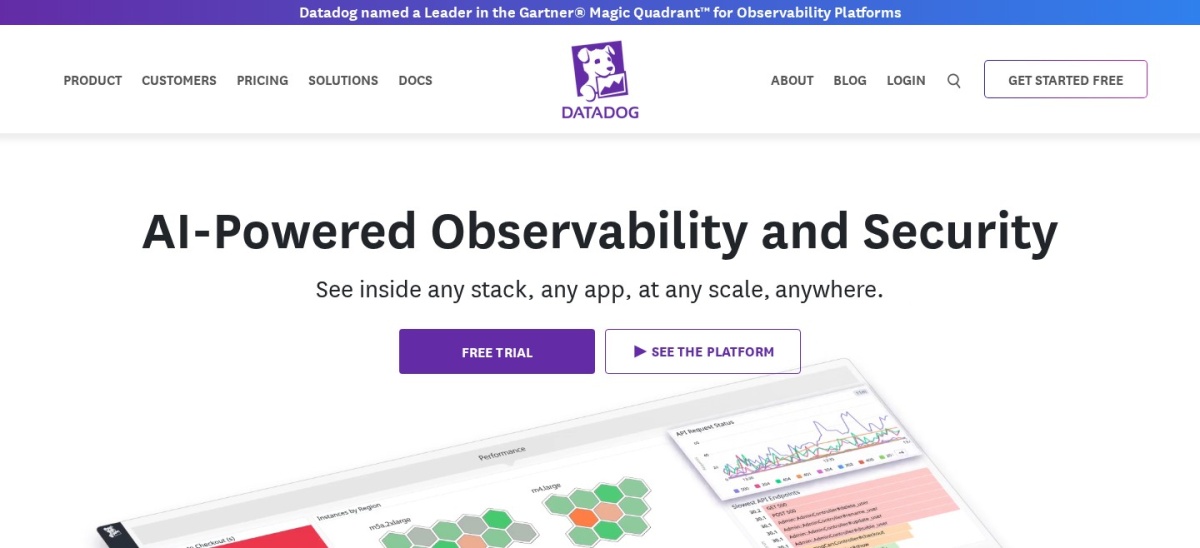
Datadog homepage, captured Nov 2026.
Datadog is a hosted observability platform that puts network device monitoring beside infrastructure monitoring, APM, logs and synthetics. Network Device Monitoring lists at $7 per device a month with annual billing, and Cloud Network Monitoring is a $5 per host a month add-on. It is rated 4.4 out of 5 on G2 from 726 reviews, and the free tier covers up to 5 hosts.
The trade off is the metered bill. Infrastructure monitoring itself starts at $15 per host a month, APM and logs are separate products, and host counts use the month's peak. It suits teams that already run Datadog and want network faults correlated with services and applications.
What we like
Network faults land beside app and log data
Largest review base in this list at 726 G2 reviews
750+ integrations with cloud services and databases
Free tier covers up to 5 hosts
Watch out for
Every product has its own meter, so costs climb fast
Billing uses the month's peak host count
No self-hosted option for the data to stay in-house
Paid extras include APM from $31 per host a month and log managementVisit datadoghq.com
04
LogicMonitor
4.5/5on G2 (603 reviews, checked Nov 2026)
Starts at$16/mo
Best network monitoring software for hybrid data centers
Pricing unitHybrid unit
Entry packageEssentials, $16/unit/mo
Integrations3,000+
DeploymentHosted, with on-site collectors
logicmonitor.com
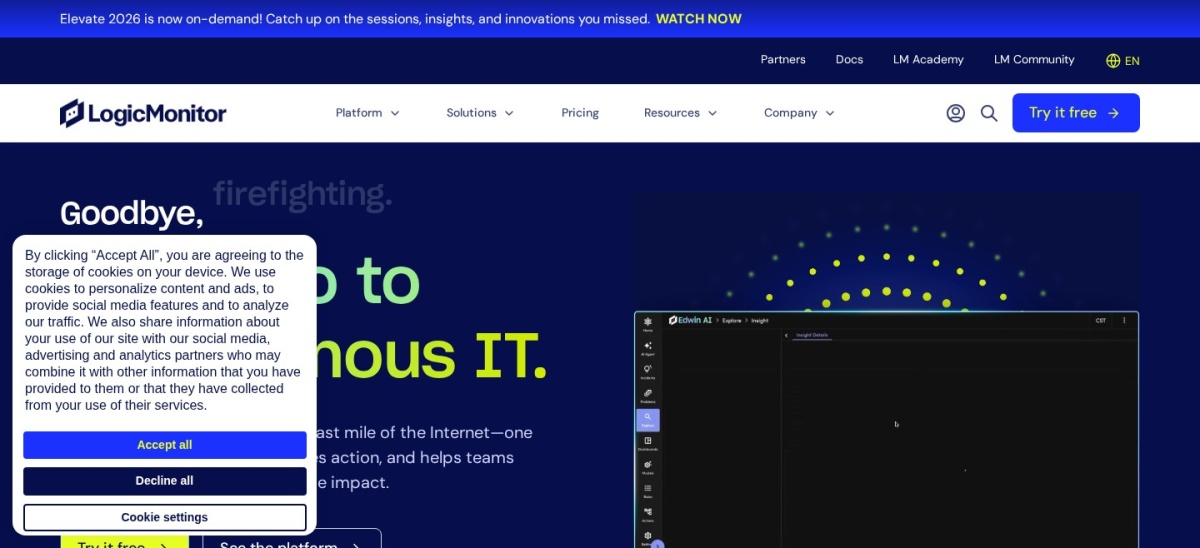
LogicMonitor homepage, captured Nov 2026.
LogicMonitor is a hosted monitoring platform for network devices, servers, storage and cloud resources under one billing unit. Collectors installed on your own servers poll devices without agents and send the data to its cloud, where it is correlated across the estate. It is rated 4.5 out of 5 on G2 from 603 reviews, and Essentials starts at $16 per hybrid unit a month.
The trade off is that the unit does the pricing work. One hybrid unit equals one on-premises device, one cloud instance, seven PaaS resources or five wireless access points, so the bill depends on your mix. It suits hybrid estates that want one console for the data center and the cloud.
What we like
One billing unit for network, server and cloud
3,000+ integrations with devices and services
Agentless polling through on-site collectors
Strong G2 rating from 603 reviews
Watch out for
No free plan, only a trial
Hybrid-unit math is hard to estimate before a quote
Setup and tuning take time on large estates
Advanced and Signature packages add features from $27 and $53 per unit a monthVisit logicmonitor.com
05
ManageEngine OpManager
4.5/5on G2 (191 reviews, checked Nov 2026)
Paid from$95/yr
Best value network monitoring software for data centers
Free edition3 devices
Paid from$95/yr subscription
DeploymentSelf-hosted
Trial30 days
manageengine.com
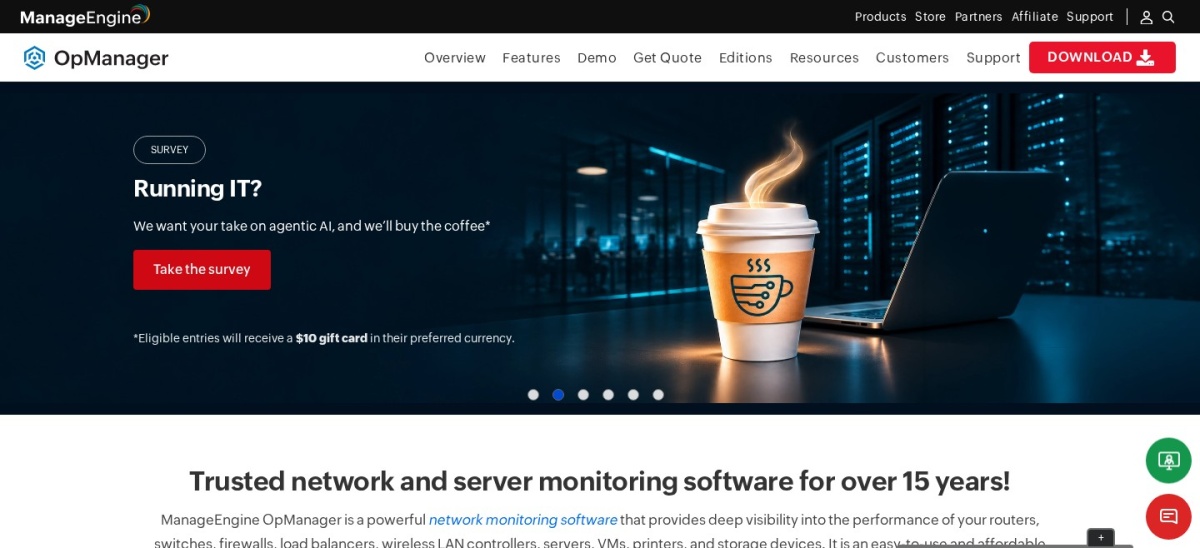
ManageEngine OpManager homepage, captured Nov 2026.
ManageEngine OpManager is a self-hosted network monitor for routers, switches, firewalls, load balancers, servers, virtual machines and storage. Licensing is per device, so every interface and metric on a device is included, and the free edition covers 3 devices. It is rated 4.5 out of 5 on G2 from 191 reviews, and the subscription starts at $95 a year.
The trade off is scale pricing. The Standard perpetual licence starts at $245 for 10 devices, and the Enterprise edition lists at $11,545 for 250 devices, so a large estate costs far more than the entry price. It suits teams that want device-based pricing and their data kept in-house.
Best network monitoring software for traffic and flow analysis
Pro plan$2,000/mo, annual
Included devices25 on Pro
Users on Pro50
Trial30 days
kentik.com
Kentik homepage, captured Nov 2026.
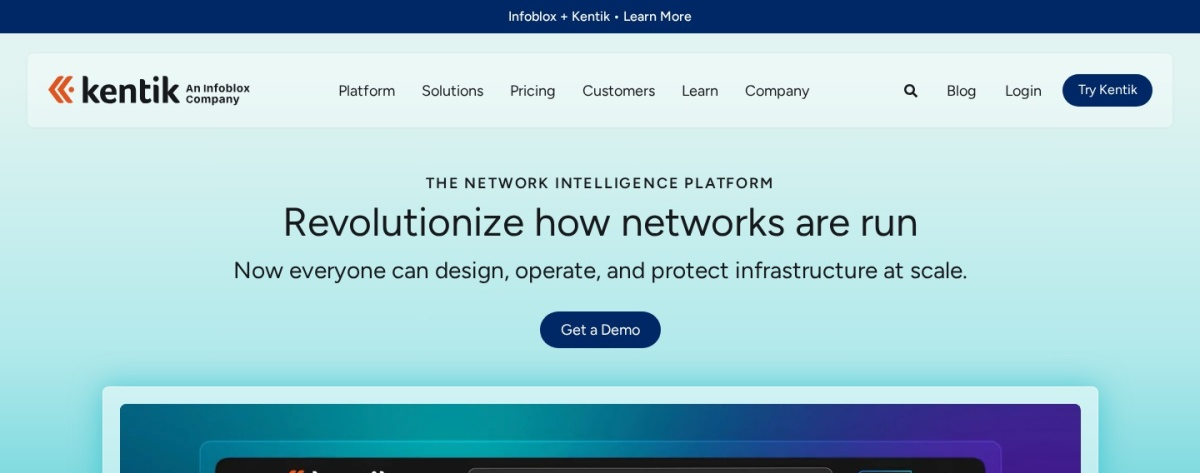
Kentik is a hosted network intelligence platform built on flow data, with traffic analysis, DDoS detection, cloud cost views, synthetic monitoring and AI-guided investigation in one place. Pro lists at $2,000 a month on an annual contract and includes 50 users, 25 devices and 13 months of retention. It holds 4.8 out of 5 on G2, but from only 23 reviews.
The trade off is the entry price. At $2,000 a month with 25 devices included, it costs far more than any other tool here, and larger estates pay more on top. It suits large teams whose hardest incidents involve traffic, routing and peering between sites and clouds.
What we like
Highest G2 rating in this list at 4.8
Flow analysis shows what fills each link
AI-guided investigation speeds up incident triage
Published pricing, unlike most enterprise rivals
Watch out for
Pro starts at $2,000 a month, the highest price here
Best free network monitoring software for data centers
LicenceOpen source, free
Zabbix Cloud$50/mo
ScaleThousands of hosts per server
SupportPaid subscription
zabbix.com
Zabbix homepage, captured Nov 2026.
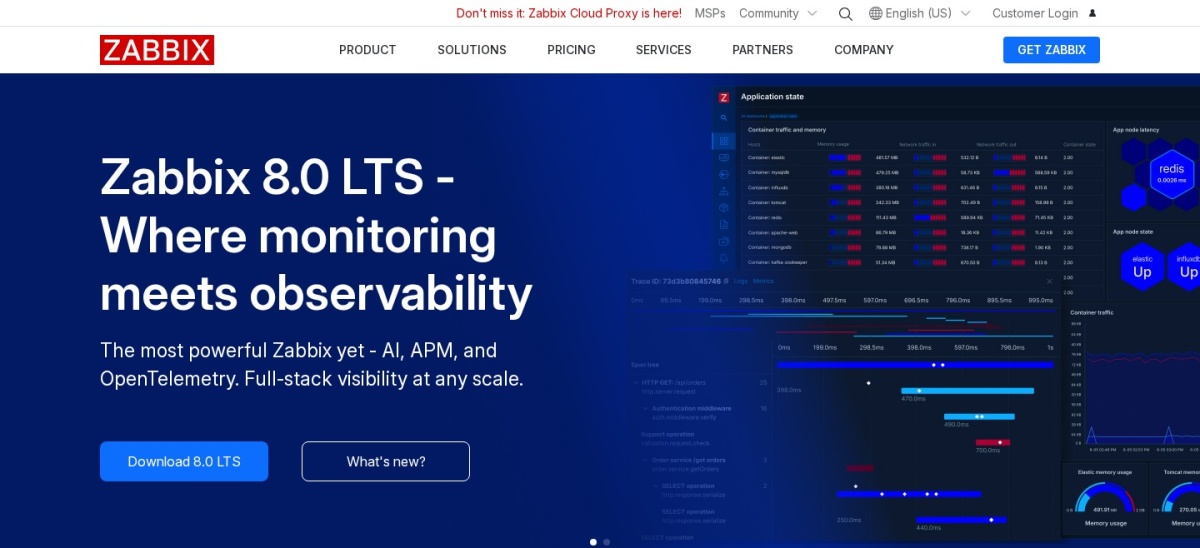
Zabbix is a free open-source monitoring platform for networks, servers, virtual machines and cloud services, with agent and agentless checks, templates, auto-discovery and alerting. One server can monitor thousands of hosts, and the hosted Zabbix Cloud starts at $50 a month. It is rated 4.3 out of 5 on G2 from 225 reviews.
The trade off is the setup work. Configuration is complex for newcomers, the interface is plain, and the free core has no official support, only community forums. It suits teams with Linux skills that want full control and no licence bill.
Best network monitoring software for Nagios plugin users
Free edition7 nodes
Paid from$1,995 one-time
Trial60 days
Community pluginsYes
nagios.com
Nagios XI homepage, captured Nov 2026.
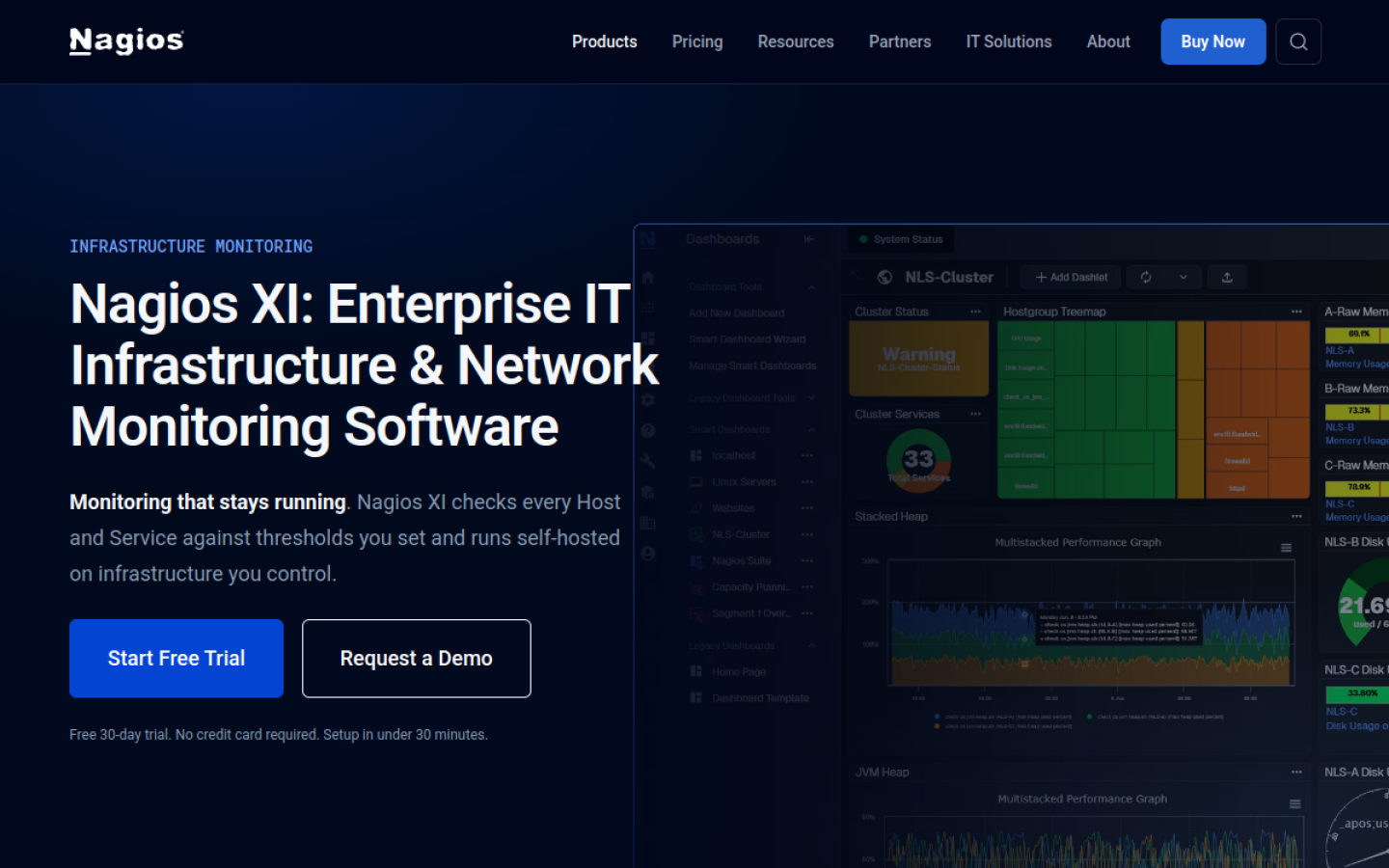
Nagios XI is an enterprise monitor built on Nagios Core, with a web interface for configuration, dashboards, alerting and reporting across hosts, services and network devices. Its strength is the plugin ecosystem, with decades of community checks for everything from old UPS units to modern APIs. It is rated 4.5 out of 5 on G2 from 58 reviews, and the free edition covers 7 nodes.
The trade off is age. Configuration is complicated for newcomers, the web interface feels dated next to newer tools, and per-node tiers add up across a large estate. It suits shops already running Nagios plugins or needing full on-premises control.
What we like
Largest plugin ecosystem in monitoring
One-time licence from $1,995, not a subscription
Free edition covers 7 nodes
60-day trial, the longest here
Watch out for
Dated interface and complex configuration
Per-node tiers add up on large estates
Small G2 review base at 58 reviews
Enterprise tiers add nodes and support above the Standard licenceVisit nagios.com
09
Checkmk
4.7/5on G2 (306 reviews, checked Nov 2026)
Paid from$275/mo
Best network monitoring software for auto-discovery at scale
Free editionCommunity, open source
Pro from$275/mo, annual
Check plugins2,000+
Pricing basisPer monitored service
checkmk.com
Checkmk homepage, captured Nov 2026.
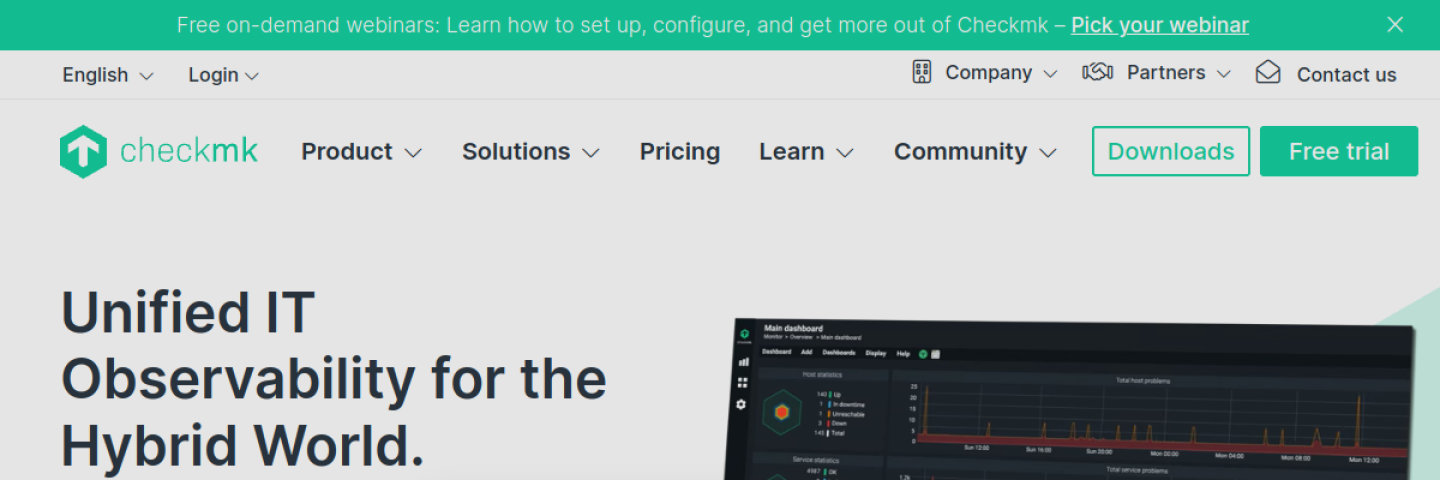
Checkmk is an infrastructure and network monitoring platform with more than 2,000 built-in check plugins and automatic service discovery that finds services without hand-written config. The Community edition is free and open source, and Pro starts at $275 a month billed annually for about 100 hosts. It is rated 4.7 out of 5 on G2 from 306 reviews.
The trade off is the pricing unit. Checkmk bills by monitored service, about 30 services per host, so the bill depends on how much you track per device. It suits teams that want deep auto-discovery and a free edition to start with.
What we like
2,000+ check plugins out of the box
Auto-discovery finds services without manual config
Free Community edition, open source
4.7 out of 5 on G2 from 306 reviews
Watch out for
Per-service pricing is hard to estimate up front
Some features are gated behind higher editions
Pro starts at $275 a month, above most rivals here
Ultimate adds multi-tenancy and cloud features from $400 a monthVisit checkmk.com
What data center monitoring adds beyond office networks
Office monitoring watches a few dozen devices. Data center monitoring watches racks of switches, servers, storage and power units, so polling speed and interface counts matter more than a pretty dashboard.
Flow data is the dividing line. SNMP tells you a link is at 95 percent, while NetFlow or sFlow tells you which host and service caused it, which is what you need before a link saturates.
Physical context matters too. Maps that tie a device to a rack, a power feed and a cooling zone turn a flood of alarms into one fault with a location, which is why topology and discovery lead most shortlists.
How we chose
We started from the tools named across recent network monitoring roundups and G2 review pages, then kept nine with a public review profile and a verifiable price or free edition.
Prices come from each vendor's pricing page, checked on 30 November 2026. Ratings and review counts come from G2 on the same day, except SolarWinds NPM, whose rating comes from Capterra. Where a vendor shows a sale, the list shows the regular price.
We left out Auvik because it publishes no price and sells by quote only. No vendor paid for a place, and we do not claim to have used these tools ourselves.
How to choose network monitoring software for a data center
Start by counting what you actually need to watch, then match the billing unit to that count.
Count devices, interfaces and flows first. List every switch, router, firewall, server and power unit, then count the interfaces and flow sources on each. That count decides the bill under every pricing model here.
Match the billing unit to your estate. PRTG counts sensors, OpManager counts devices, LogicMonitor counts hybrid units and Checkmk counts services. Run your counts through two or three models before you shortlist.
Decide self-hosted or cloud. SolarWinds NPM, PRTG, OpManager, Zabbix, Nagios XI and Checkmk run on a server you own, which keeps data in-house. Datadog, LogicMonitor and Kentik run as hosted services, which suits teams that would rather not maintain a monitoring server.
Run a trial on one rack before you buy. Point the trial at a single rack with real traffic, check that discovery finds every device, and confirm alerts reach the right people before you roll it out.
FAQ
What is the best network monitoring software for data centers in 2026?
SolarWinds Network Performance Monitor is the best pick for most data centers. It polls multi-vendor gear with SNMP, traces paths with NetPath and analyses flows, and it is rated 4.5 out of 5 on Capterra from 76 reviews.
How much does network monitoring software for data centers cost?
Prices run from free to $2,000 a month. Zabbix is free to self-host, OpManager starts at $95 a year, Datadog device monitoring is $7 a device a month, PRTG is $200 a month, and Kentik Pro is $2,000 a month.
Is there free network monitoring software for data centers?
Yes. Zabbix is free and open source, PRTG covers 100 sensors free, Checkmk has a free Community edition, OpManager covers 3 devices free and Nagios XI covers 7 nodes free.
Which network monitoring tool is best for a small data center team?
PRTG is the best fit for a small team. Its free tier covers 100 sensors, setup is fast, and the first paid tier is $200 a month for 500 sensors, about 50 devices.
SolarWinds NPM vs PRTG: which is better for a data center?
SolarWinds NPM is better for large multi-vendor estates, with deeper flow analysis and path tracing. PRTG is better for smaller estates, with faster setup, a free tier and the higher G2 rating at 4.7 against 4.5 on Capterra.
Should I self-host network monitoring or use a cloud service?
Self-host if your data must stay in-house or you want a one-time licence, with SolarWinds NPM, PRTG, OpManager, Zabbix, Nagios XI or Checkmk. Choose a hosted service such as Datadog, LogicMonitor or Kentik if you would rather not run and update a monitoring server.
SaaS SEO and WordPress specialist with about 8 years of experience. Rakib compares WordPress plugins, themes, hosting and software using public pricing, documentation and user reviews. See how we rank.