Miro is the best of these mural alternatives for most teams, with a 4.6/5 G2 rating from 13,791 reviews and a free plan for trying it out. Pick FigJam if your team already uses Figma, or Lucidspark if you run structured workshops.
How we make this list: we compare pricing pages, product documentation and public user reviews, then re-check every price before each update. No product paid for a place. Disclosure.
Miro is the closest full replacement for Mural, rated 4.6/5 on G2 from 13,791 reviews, with a free plan and Starter at $8 a user a month.
FigJam is the cheapest paid pick at $3 an editor a month billed annually, and it shares seats with Figma.
Lucidspark has the highest rating in this list at 4.7/5 on Capterra from 387 reviews, with Individual at $9 a month.
All 9 tools have a free plan. Paid plans for one seat run from $3 to $10 a month billed annually.
Conceptboard is the pick for regulated teams: German hosting, ISO 27001 certification and a $6-a-month Starter plan.
What should you look for in mural alternatives?
A good Mural alternative starts with the same core: an infinite canvas where a whole team can work at once. Sticky notes, real-time cursors and templates for workshops are the baseline, not extras.
Price is the second filter. Most whiteboards charge per editor, so a headline price of $8 a month means $80 a month for a 10-person team. Guests and viewers are often free, so count only the people who draw.
Facilitation tools decide whether a board works for workshops. A timer, voting and breakout boards matter far more than a bigger template library when you run live sessions. If your team already works in WordPress, our guide on how to collaborate in WordPress shows what the built-in options cover.
Free plans are worth reading closely. Most cap the number of boards, objects or guests, and the cap is what pushes teams to pay. Excalidraw is the exception here: the core whiteboard is free with no paid plan at all.
Miro is the closest full replacement for Mural, with an infinite canvas, real-time cursors and a template library that covers workshops, mapping and planning. The free plan allows 3 editable boards, and Starter at $8 a user a month billed annually removes the cap and adds private boards.
The trade off is cost at scale. Every member on a paid plan takes a paid seat, so a large team pays $8 a member a month even for light users, and the free plan caps you at 3 editable boards. It suits teams that whiteboard every week and want the deepest template library.
What we like
Largest template and integration library in this list
Highest review count by far, with 13,791 G2 reviews
Free plan is enough to run a real session
Facilitation tools such as voting, timer and private mode
Watch out for
Per-seat pricing adds up fast for large teams
Free plan caps you at 3 editable boards
Starter adds unlimited boards and private sharingVisit miro.com
02
FigJam
4.6/5on G2 (464 reviews, checked Nov 2026)
Paid from$3/mo
Best for teams that already use Figma
Free planYes, Starter
Paid planProfessional, $3/editor/mo
Rating4.6/5 on G2
Figma linkSame account as Figma
figma.com
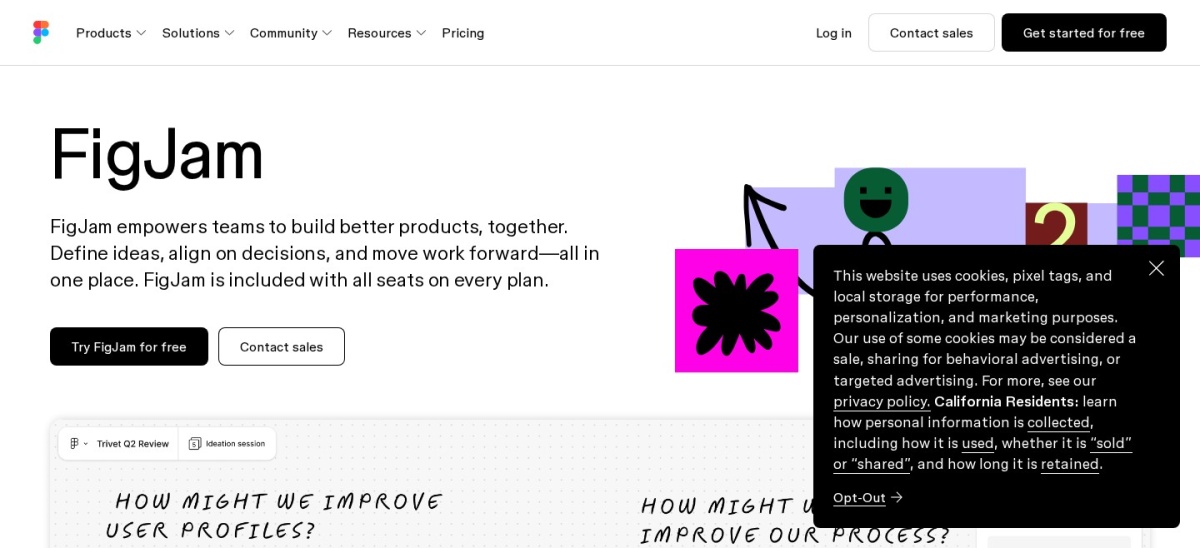
FigJam homepage, captured Nov 2026.
FigJam is Figma's whiteboard, with sticky notes, voting, audio chat and an infinite canvas in the same account as Figma Design. The free Starter plan covers the basics, and the Professional collab seat costs $3 an editor a month billed annually, the cheapest paid plan in this list.
The trade off is depth. FigJam has fewer templates and facilitation tools than Miro or Lucidspark, and the full Professional seat costs $16 a month, so heavy editors pay far more than the $3 collab seat. It suits teams that already pay for Figma and want one account for design and whiteboarding.
What we like
Cheapest paid plan in this list at $3 a month
Shares seats and billing with Figma Design
Simple to learn, with almost no setup
Guests can join open sessions for 24 hours
Watch out for
Fewer templates than Miro or Lucidspark
Full editor seat costs $16 a month, not $3
Professional adds unlimited files and team librariesVisit figma.com
03
Lucidspark
4.7/5on Capterra (387 reviews, checked Nov 2026)
Paid from$9/mo
Best for structured workshops
Free planYes
Paid planIndividual, $9/mo
Rating4.7/5 on Capterra
BoardsUnlimited on paid plans
lucidspark.com
Lucidspark homepage, captured Nov 2026.
Lucidspark is Lucid's virtual whiteboard, built for brainstorming with sticky notes, voting, breakout boards and a timer. The free plan covers the basics, and Individual costs $9 a month billed annually with unlimited editable boards and premium visual activities.
The trade off is that the best team features sit on the Team plan at $10 a user a month, and its G2 presence is folded into the wider Lucid suite, so standalone review counts are thin. It suits teams that run structured ideation sessions and want Lucidchart beside the whiteboard.
Whimsical is a fast visual workspace for whiteboards, docs, flowcharts and mind maps, with a clean canvas and little to learn. The free plan covers a small set of boards, and Pro costs $10 an editor a month billed annually with unlimited board objects and no export watermark.
The trade off is scope. Whimsical is lighter than Miro for large workshops, with no dedicated facilitation suite, and only editors are billed, so viewers stay free. It suits small product teams that want boards, docs and diagrams in one calm tool.
What we like
Fastest to learn in this list
Boards, docs, flowcharts and mind maps in one tool
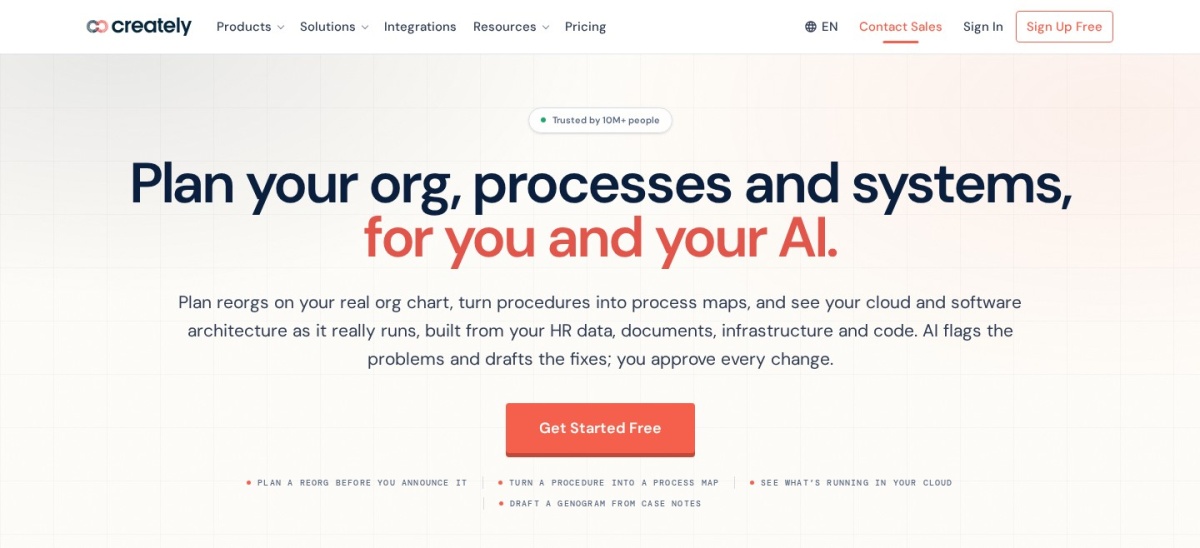
Creately is a diagramming and visual collaboration platform with more than 50 diagram types, real-time co-editing and thousands of templates. The free plan allows 45 items per canvas, and Pro costs $5 an editor a month billed annually with unlimited items and AI diagrams.
The trade off is the free tier. With 45 items per canvas and one folder, the free plan runs out fast on real projects, and the Team features need a higher plan. It suits teams that draw flowcharts, org charts and process maps as often as they brainstorm.
What we like
More than 50 diagram types with a huge template library
Pro is only $5 an editor a month billed annually
Real-time co-editing with comments and version history
Desktop app as well as browser
Watch out for
Free plan caps each canvas at 45 items
Whiteboard facilitation is thinner than Miro or Lucidspark
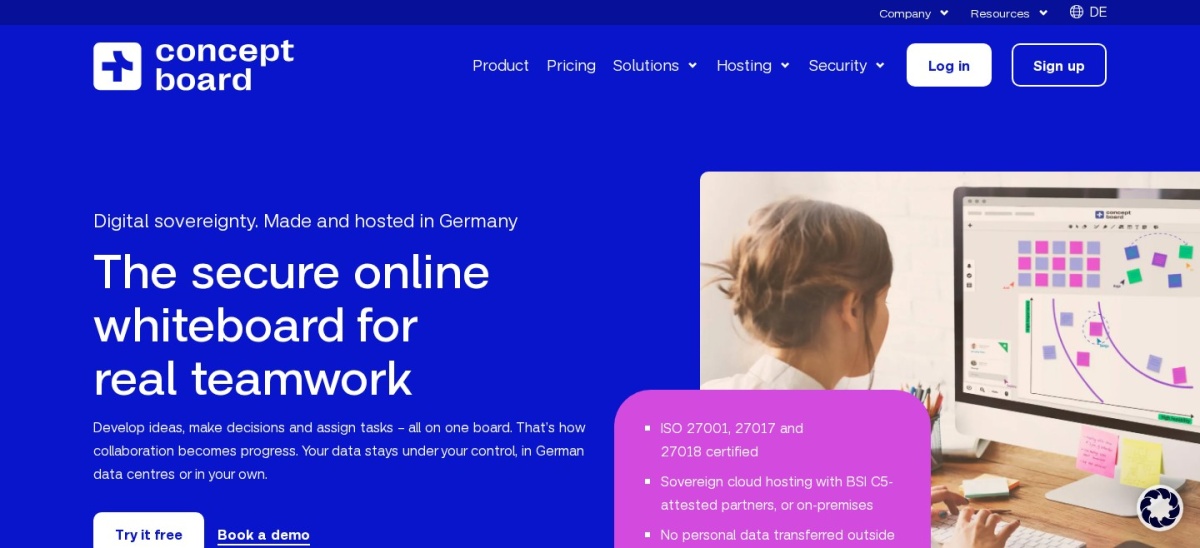
Conceptboard is a secure online whiteboard hosted in Germany, with tasks, moderation and in-app video calls on the board. The free plan covers 3 active boards with 100 objects each, and Starter lists at €5 a user a month billed annually, about $6, with unlimited objects and 90-day board history.
The trade off is price clarity. Prices are listed in euros with no stated billing basis on the page, and single sign-on costs extra even on the top plan. It suits regulated teams and European workshops that need German hosting and ISO 27001 certification.
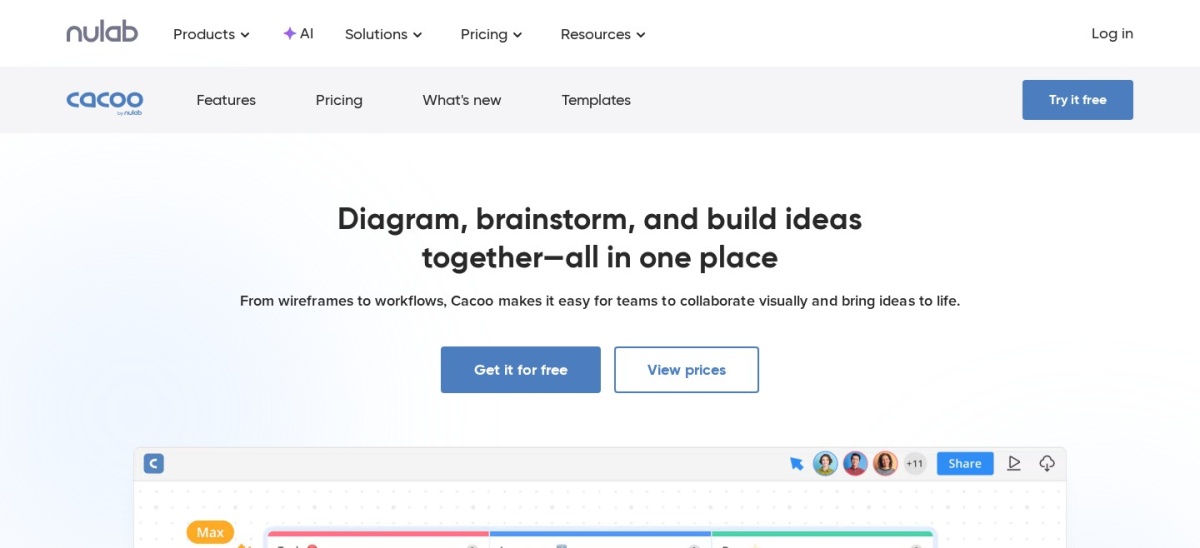
Cacoo is Nulab's diagramming and whiteboard tool for flowcharts, wireframes and brainstorming on shared sheets. The free plan covers 2 users and 6 sheets, and Pro costs $6 a user a month with unlimited sheets and folders.
The trade off is that Pro covers a single user, so a team pays per person, and Cacoo is stronger on diagrams than on live workshop facilitation. It suits small teams that sketch flows and wireframes together and want a low flat price.
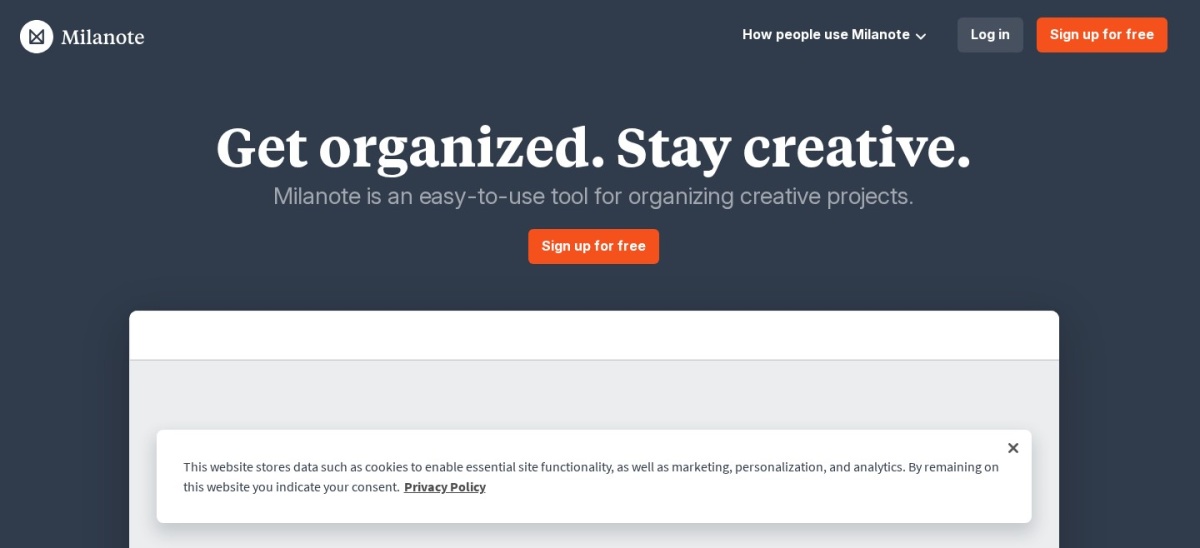
Milanote is a visual workspace for organising creative projects, with boards that mix notes, images, links, videos and sketches. The free plan covers 100 cards and 10 file uploads, and Pro costs $9.99 a person a month billed annually with unlimited cards and uploads.
The trade off is price. At $9.99 a person a month it is the dearest pick here, and there is no Pro trial, so the free plan is the only way to try it. It suits designers and creative teams that plan with mood boards and reference images.
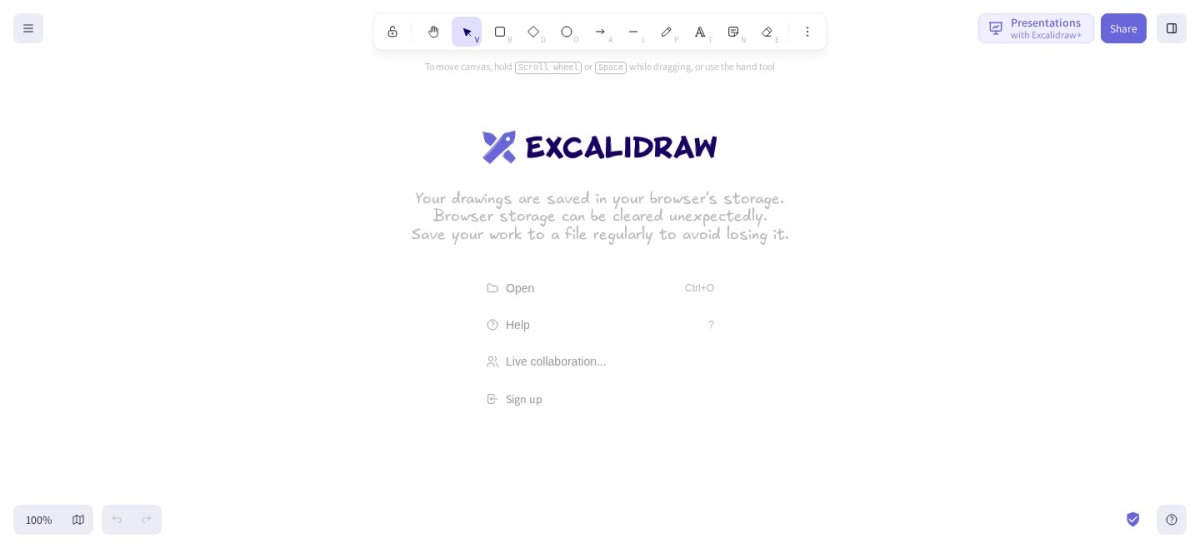
Excalidraw is a free, open-source whiteboard with a hand-drawn style, live collaboration and no account needed to start. Drawings save to browser storage, and there is no paid plan for the core tool, so it costs $0.
The trade off is polish. There are no templates, timers or facilitation tools, and browser storage can be cleared without warning, so work must be saved to a file. It suits quick sketches, technical diagrams and teams that want a private, no-sign-up board.
Free plans in this list are genuinely usable. Every tool here lets a small team brainstorm without paying, and Excalidraw is free outright.
Paid plans mostly remove caps. You get unlimited boards, longer history, bigger uploads and exports without watermarks.
The dearest jump is seats. Most tools charge per editor, so a 10-person team pays 10 times the headline price; check who really needs an editor seat before you buy.
If you only whiteboard once a month, stay free. The free plans here cover occasional sessions, and you can upgrade the month a big workshop lands.
How we chose
We started from the best-known Mural alternatives — whiteboards and visual collaboration tools with a public rating — and kept the 9 with the strongest fit for workshops, brainstorming and planning.
Prices come from each vendor's pricing page, checked on 29 November 2026, with the regular annual price shown and sale prices left out. Ratings and review counts come from G2 on the same day, except Lucidspark, which uses Capterra because G2 now folds it into the wider Lucid suite.
We left out Mural itself, since this list is alternatives to it, and Google Jamboard, which shut down at the end of 2024. No vendor paid for a place, and we do not claim to have used these tools ourselves.
How to choose a Mural alternative
Start with how your team actually whiteboards, then match the tool to the session, not the feature list.
Count your editors, not your viewers. Most tools charge per editor, so list who draws and who only watches before you compare prices.
Try the free plan on a real session. Run one workshop on the free plan and see where the board, object or guest limits bite.
Check the facilitation tools. If you run workshops, you need a timer, voting and templates; if you only sketch, a simple board is enough.
Confirm guests and exports. Check whether outside guests can join free and whether you can export the board before you commit to a paid plan.
FAQ
What is the best alternative to Mural in 2026?
Miro is the best Mural alternative for most teams. It is rated 4.6 out of 5 on G2 from 13,791 reviews, has a free plan with 3 editable boards, and Starter costs $8 a user a month billed annually.
What is the cheapest Mural alternative?
FigJam is the cheapest paid option at $3 an editor a month billed annually for a collab seat. Excalidraw costs nothing at all, and every tool in this list has a free plan.
Is there a free alternative to Mural?
Yes. All 9 tools in this list have a free plan, and Excalidraw is free outright with no paid plan for its core whiteboard. Miro, FigJam and Lucidspark all let a small team try real sessions before paying.
Which Mural alternative is best for small teams?
FigJam suits small teams that already use Figma, at $3 an editor a month, while Whimsical suits small product teams at $10 an editor a month. Both have free plans, so a team can start without a budget.
Miro vs FigJam: which is better as a Mural alternative?
Miro is the stronger all-round replacement, with more templates, facilitation tools and integrations, rated 4.6 out of 5 from 13,791 G2 reviews. FigJam wins on price at $3 an editor a month and on sharing one account with Figma Design.
Which Mural alternative is best for workshops?
Lucidspark is the best pick for structured workshops, with breakout boards, voting and a timer, rated 4.7 out of 5 on Capterra. Conceptboard is the pick for regulated workshops, with German hosting and ISO 27001 certification.
SaaS SEO and WordPress specialist with about 8 years of experience. Rakib compares WordPress plugins, themes, hosting and software using public pricing, documentation and user reviews. See how we rank.