Fellow is the best meeting agenda software for project managers, with collaborative agendas, action items and AI notes from seven dollars per user a month on the Team plan. Decisions fits Microsoft 365 teams, while Fathom is the strongest free option for recording and summaries.
How we make this list: we compare pricing pages, product documentation and public user reviews, then re-check every price before each update. No product paid for a place. Disclosure.
Fellow leads on collaborative agendas and action items, with Team at $84 per user a year.
Decisions is the only pick built inside Microsoft 365 and Teams, with Basic at $96 per user a year.
Fathom is rated 5 out of 5 on G2 and its free plan includes unlimited recordings and transcriptions.
Fireflies and MeetGeek add AI summaries and searchable transcripts from $120 and $192 per user a year.
MeetingBooster is the only quote-only pick and the only one that can be hosted on your own servers.
How do you choose meeting agenda software for project managers?
A project meeting without an agenda usually ends without decisions. The agenda is where the project manager sets the topics, assigns owners and records what was agreed.
Good agenda software keeps the agenda, the notes and the action items in one place. Look for shared agenda editing, templates for recurring meetings and a task list with due dates.
AI notes are useful, but they do not replace a structured agenda. The best tools in this list pair an agenda builder with automatic summaries, so the record writes itself.
Price spreads are wide here. Per-user plans start at $7 a month, flat team plans start at $79 a month, and enterprise tools are quote only, so check what a 10-person team actually pays.
If your team lives in Microsoft 365, a tool built for Teams saves more time than a generic notetaker. Our guide on best meeting management software compares the wider meeting category.
The 9 best meeting agenda software tools for project managers
01
Fellow
4.7/5on G2 (2,441 reviews, checked Nov 2026)
Paid from$7/mo
Best meeting agenda software overall
Shared agendasYes, collaborative
AI meeting notes10 per user a month on Team
Action itemsYes, with due dates
Paid planTeam, per user
fellow.ai
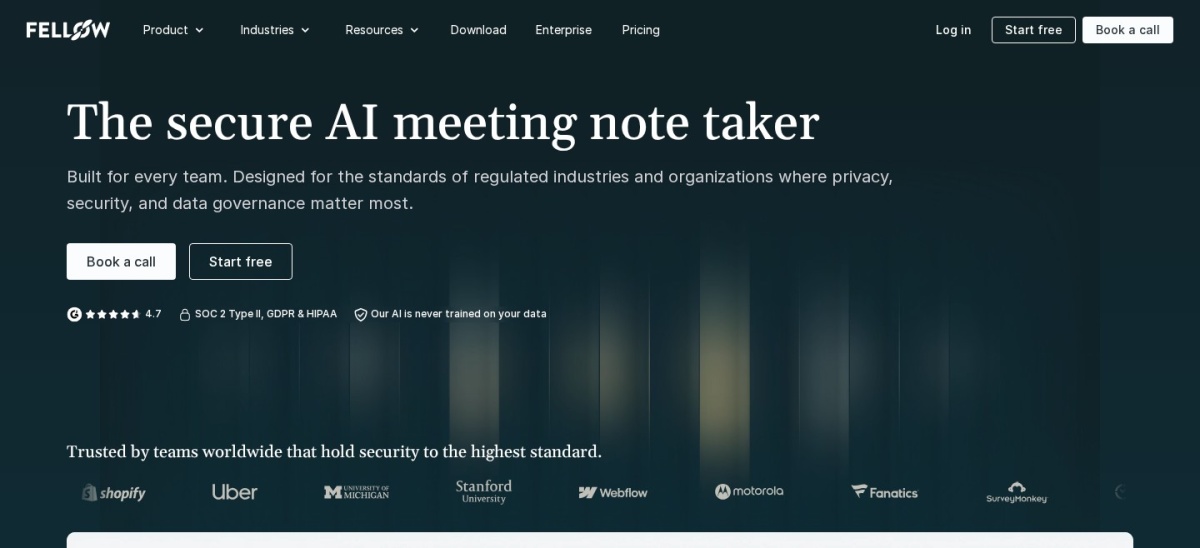
Fellow homepage, captured Nov 2026.
Fellow is a meeting management platform built around collaborative agendas, meeting notes and action items. The free plan covers up to 5 seats with 5 lifetime AI notes and recordings per user, plus integrations with Zoom, Google Meet, Teams and Slack.
The trade off is the AI note cap. Regular AI notes need Team at $7 per user a month billed annually, which adds 10 AI notes a month, meeting automations and project management integrations. It suits project managers who run recurring team meetings and want the agenda and the follow-up in one place.
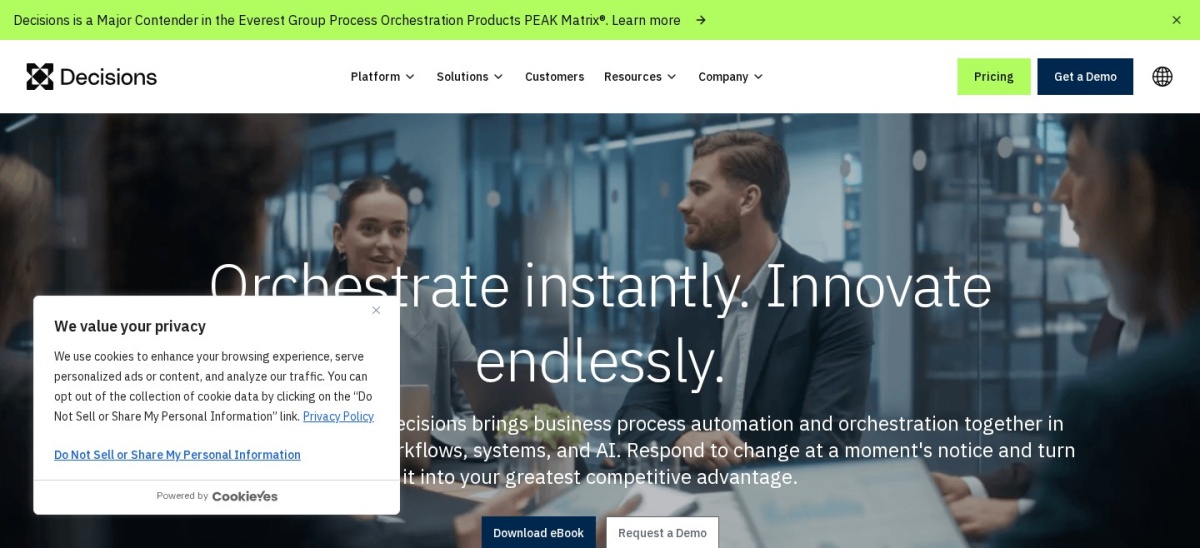
Decisions is a meeting management app built around Microsoft 365 and Teams. Its free plan includes an agenda builder, a decision log, automatic AI recaps and 100 AI credits a month, with all meeting content stored in your own Microsoft 365 tenant.
The trade off is the Microsoft lock-in. Basic at $8 per user a month billed annually adds AI meeting briefs, decision voting and 200 AI credits, while full collaboration needs Business+ at $15. It suits project managers whose teams already live in Teams and Outlook.
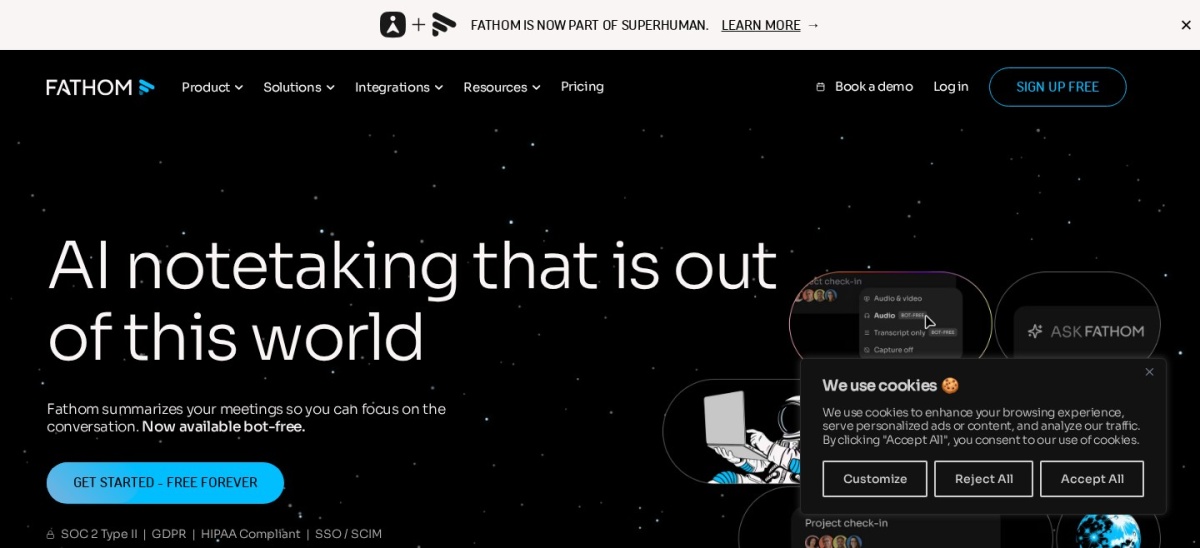
Fathom is an AI meeting notetaker that records, transcribes and summarises calls on Zoom, Google Meet and Teams. The free plan includes unlimited recordings and transcriptions, instant AI summaries, clips and search across calls, with no time limit.
The trade off is agenda depth. Fathom records and summarises well but has no shared agenda builder, so pair it with a planning tool. Team costs $15 per user a month billed annually and adds a shared workspace, trackers and HIPAA compliance. It suits project managers who want a free, generous recorder.
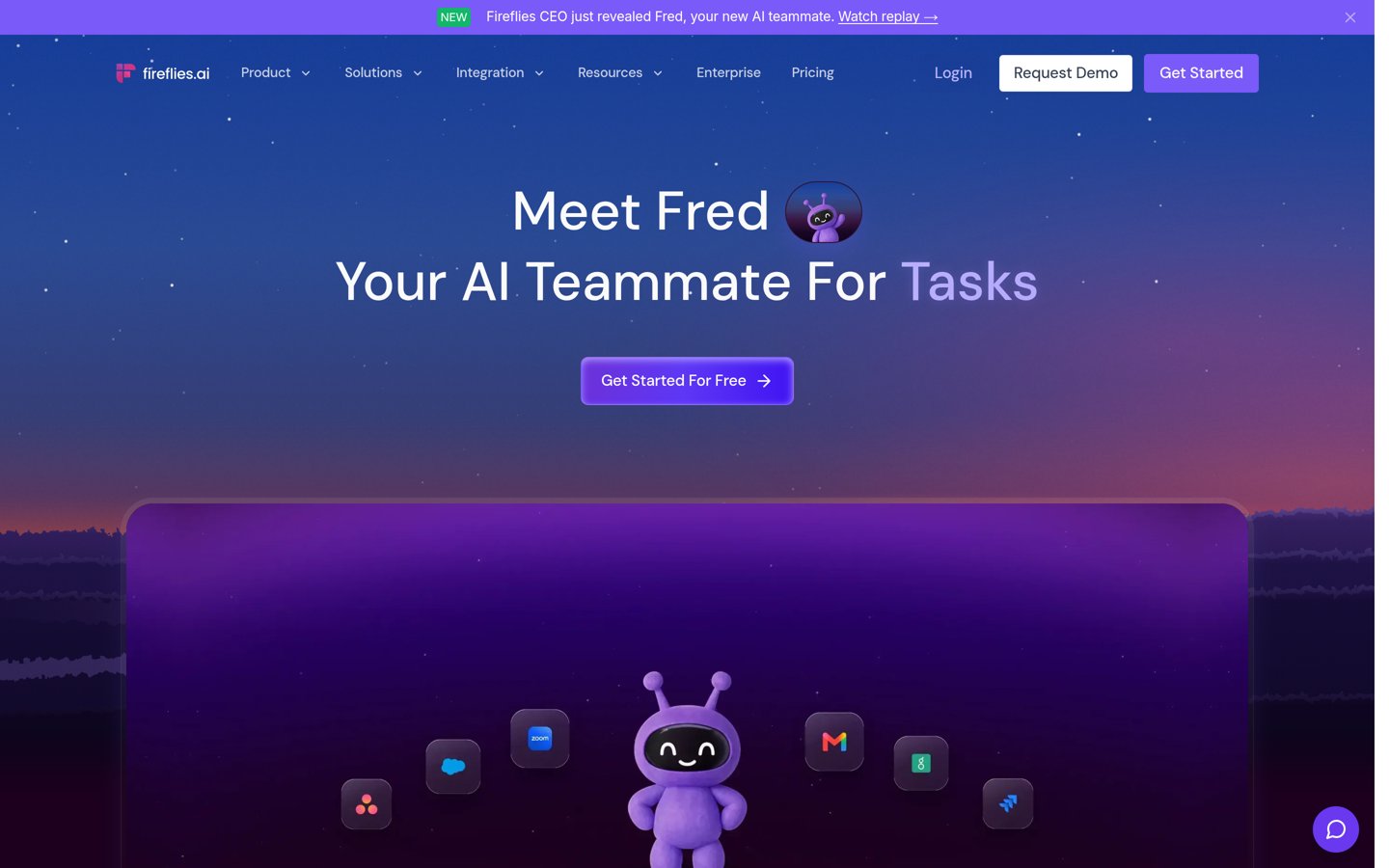
Fireflies.ai is an AI meeting assistant that transcribes calls in more than 100 languages and makes every meeting searchable. The free plan includes unlimited transcription with 400 minutes of storage per team, plus an AI assistant and integrations with Zoom, Meet and Teams.
The trade off is storage. Unlimited AI summaries and 8,000 minutes of storage per seat need Pro at $10 per seat a month billed annually. It suits project managers who need to search past meetings for decisions and commitments.
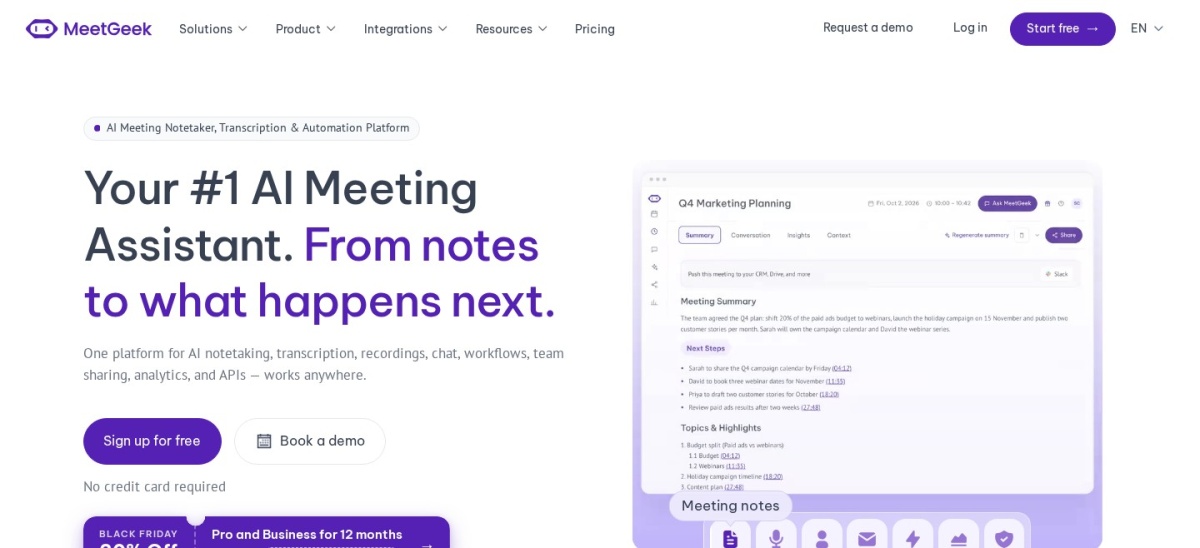
MeetGeek is an AI meeting assistant that transcribes calls, writes summaries and automates follow-up work. The free Basic plan includes 3 hours of transcription a month, AI summaries, folders and an API, and the vendor says it is trusted by more than 50,000 teams.
The trade off is the free transcription cap. Pro at $15.99 a month adds 20 hours of transcription, AI follow-up emails and CRM sync, with annual billing saving up to 40 percent. It suits project managers who want meeting outcomes pushed to their CRM without manual work.
What we like
Automated AI follow-up emails on Pro
CRM sync with HubSpot and Salesforce
Bot-free recording option
Watch out for
Free plan caps transcription at 3 hours a month
Annual discounted price was not confirmed on the page
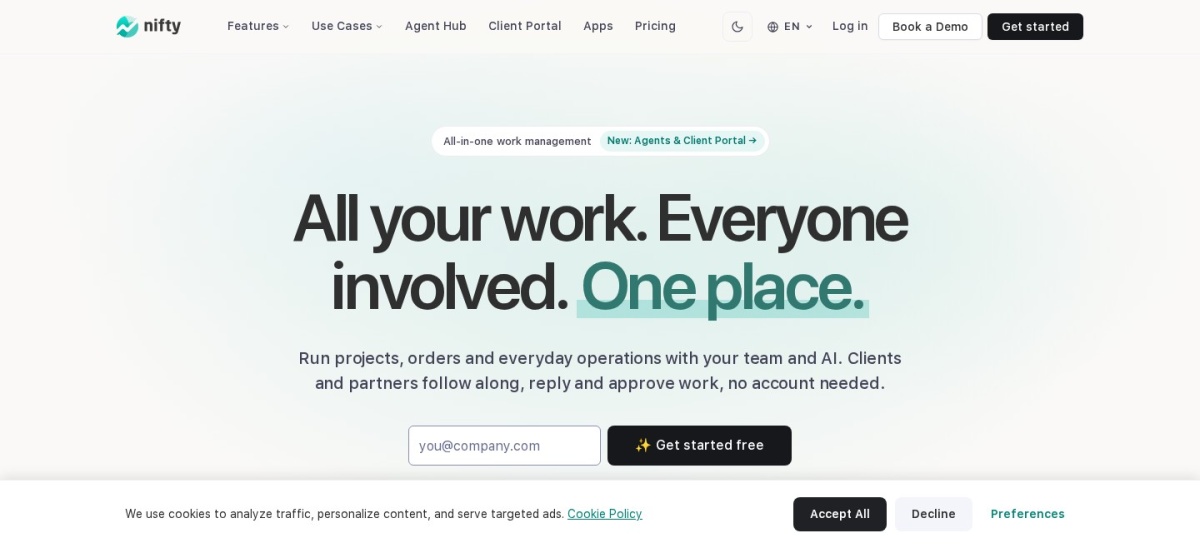
Nifty is a project management workspace with tasks, docs, chat and meeting agendas in one place. The free plan covers unlimited members with 2 active projects, and paid plans add time tracking, custom fields, automations and cross-project overviews.
The trade off is flat pricing. Pro costs $79 a month billed annually for up to 10 members, which is $948 a year even for a small team. It suits project managers who want meeting notes tied directly to the tasks and milestones they track.
tl;dv is an AI meeting recorder that captures timestamped notes, AI moment summaries and searchable transcripts across Zoom, Meet and Teams. The free plan includes unlimited meetings and viewers, with AI notes, AI queries and uploads capped at 10 uses each.
The trade off is the free AI cap. Pro at $18 per user a month billed annually removes the caps, adds unlimited uploads, email follow-up drafting and more than 5,000 integrations. It suits project managers who want to jump to the exact moment a decision was made.
What we like
Timestamped notes jump to key moments
Free plan has unlimited meetings
More than 5,000 integrations on Pro
Watch out for
Free AI features are capped at 10 uses each
Vendor pricing page shows prices in euros
Pro removes AI caps and adds CRM integrationsVisit tldv.io
08
MeetingKing
4.5/5on G2 (6 reviews, checked Nov 2026)
Starts at$9.95/mo
Best low-cost agenda and minutes tool
Agenda templatesYes
Paid plans1 to 25 users
Storage1 GB on Pro Single
Paid planPro Single, per month
meetingking.com
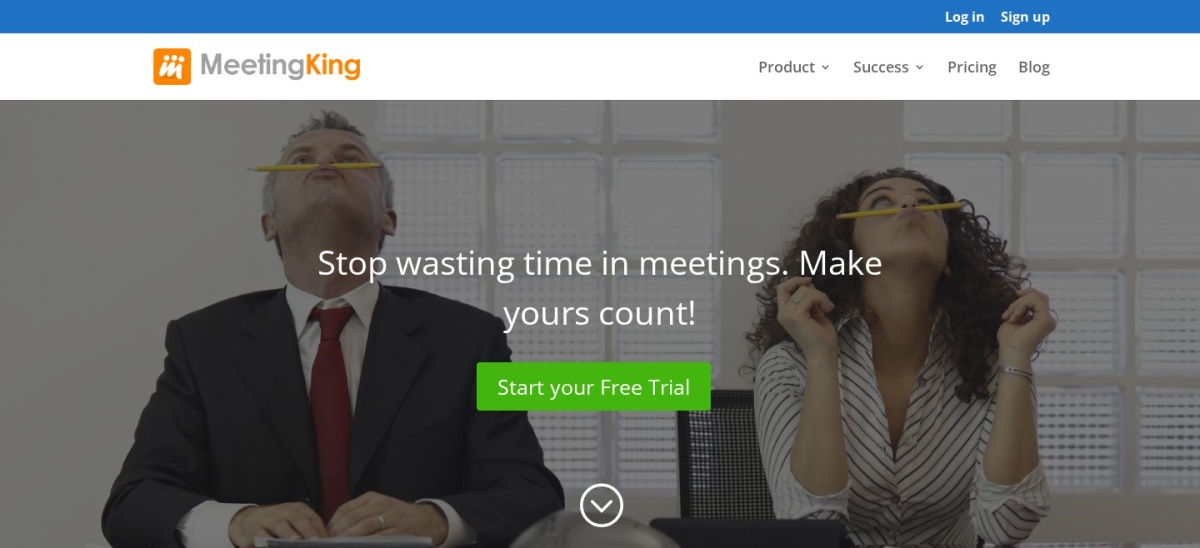
MeetingKing homepage, captured Nov 2026.
MeetingKing is a simple web app for preparing agendas, writing minutes and managing meeting tasks. Participants collaborate on free accounts while only organisers pay, and every plan includes unlimited meetings, agenda templates, Google Calendar integration and an unlimited archive.
The trade off is simplicity. Pro Single costs $9.95 a month for 1 user, with larger bundles up to 25 users, but there is no AI transcription or recording. It suits small teams that want a low-cost agenda and minutes tool without AI extras.
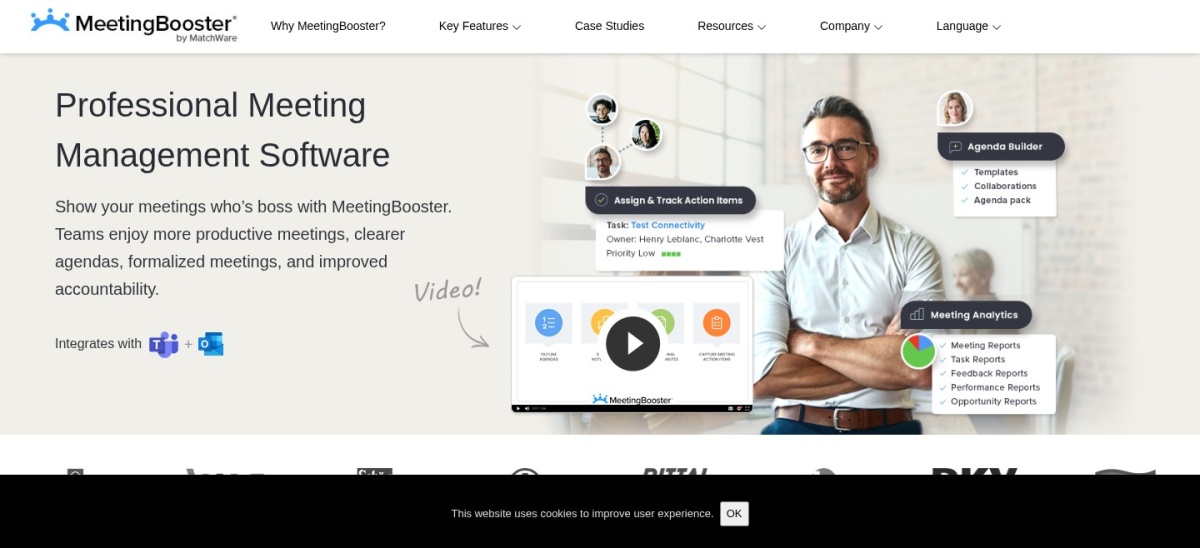
MeetingBooster is a meeting management platform built around structured agendas, formal minutes and task tracking. It offers a choice of shared cloud, dedicated cloud or on-premises deployment, and a free trial is available.
The trade off is price transparency. MeetingBooster is quote only, so a project manager cannot budget from the website, and its G2 rating rests on only 3 reviews. It suits larger organisations with formal minutes and hosting requirements.
Free plans cover the basics well. Most include an agenda builder or a recorder, plus a small allowance of AI notes.
Paid plans mostly add volume and sharing. You get more AI notes, longer storage, team workspaces and CRM sync.
If you run more than a few meetings a week, a free AI cap runs out fast. Fellow gives 5 lifetime AI notes on free, while Fathom gives unlimited free recordings.
For a project team, the cheapest paid step is usually Fellow Team or Decisions Basic at under $100 per user a year.
How we chose
We started from agenda and meeting management tools with published G2 ratings and a real agenda feature, then kept those that fit project managers running recurring team meetings.
Prices come from each vendor pricing page, checked on 30 November 2026. Ratings come from G2 on the same day. Where a vendor shows a sale, the list shows the regular price.
We left out tools with no aggregator rating and tools built only for city councils. No vendor paid for a place, and we do not claim hands-on testing for this list.
How to choose meeting agenda software for project managers
Start with where your team already meets, then pick the agenda depth you need.
Check where your meetings happen. If your team lives in Teams, Decisions fits best. If you meet across Zoom, Meet and Teams, pick a tool that covers all three.
Decide how formal the record must be. Boards and committees need formal minutes and voting, which MeetingBooster covers. Weekly team syncs need a shared agenda and action items.
Count your AI notes per month. Free caps run out fast on busy teams. Fellow gives 5 lifetime notes on free, while Fathom records free without a cap.
Price it for your whole team. Per-user plans look cheap for one seat but add up fast. Flat plans such as Nifty Pro can cost less once you pass 10 people.
FAQ
What is the best meeting agenda software for project managers in 2026?
Fellow is the best pick for most project managers. It combines collaborative agendas, action items with due dates and AI notes, with Team at $7 per user a month billed annually and a free plan for up to 5 seats.
Is there free meeting agenda software for project managers?
Yes. Fellow, Decisions, Fathom, Fireflies, MeetGeek, Nifty and tl;dv all have free plans. Fathom is the most generous, with unlimited free recordings and transcriptions, while Fellow caps free AI notes at 5 per user for life.
How much does meeting agenda software cost?
Per-user plans in this list start at $7 a month for Fellow Team and reach $18 for tl;dv Pro, billed annually. Flat plans start at $79 a month for Nifty Pro, and MeetingBooster is quote only.
Which meeting agenda tool is best for Microsoft 365 teams?
Decisions is the best fit for Microsoft 365 teams. It runs inside Teams and Outlook, stores meeting content in your own Microsoft 365 tenant and includes a searchable decision log, with a free plan and Basic at $8 per user a month.
Fellow vs Decisions: which is better for project managers?
Fellow is better for teams that meet across Zoom, Meet and Teams and want the strongest agenda builder. Decisions is better for teams already inside Microsoft 365, where its decision log and Teams integration matter more than cross-platform reach.
Can meeting agenda software record decisions and action items?
Yes. Fellow, Decisions, Nifty and MeetingBooster all track action items and decisions alongside the agenda. Fathom, Fireflies, MeetGeek and tl;dv generate action items automatically from recordings using AI.
SaaS SEO and WordPress specialist with about 8 years of experience. Rakib compares WordPress plugins, themes, hosting and software using public pricing, documentation and user reviews. See how we rank.