Adobe Lightroom is the best of the Luminar alternatives for most photographers, with a 4.6/5 G2 rating from 3,403 reviews and the Lightroom plan at $11.99 a month. Pick Affinity if you want a free editor, or ON1 Photo RAW if you want to pay $99.99 once and own it.
How we make this list: we compare pricing pages, product documentation and public user reviews, then re-check every price before each update. No product paid for a place. Disclosure.
Lightroom is the strongest all-round swap: 4.6/5 from 3,403 G2 reviews, with the Lightroom plan at $11.99 a month and 1TB of cloud storage.
Affinity is free with a Canva account and holds a 4.5/5 G2 rating from 234 reviews, the best free pick here.
ON1 Photo RAW costs $99.99 once and covers RAW, layers and Portrait AI in one app, with no subscription.
Capture One is the dearest subscription at $26.25 a month, but it leads for tethered studio shoots and exact colour.
Paid plans across the 9 tools run from $0 to $26.25 a month: four are buy-once licences and three have a free plan.
How do you choose the best Luminar alternatives?
Price is the first filter. Luminar Neo's Desktop licence costs $119 once, while Lightroom costs $11.99 a month and Capture One costs $26.25 a month, so the buy-once tools here pay for themselves in under a year against the dearest subscription.
A subscription is not the only way to get AI tools. Affinity's core tools are free, ON1 and DxO sell one-time licences, and PhotoDirector has a free Essential edition, so most buyers here can avoid a monthly bill entirely.
Catalogue depth separates the pro picks from the rest. Lightroom and Capture One organise thousands of RAW files with catalogues and sessions, while Affinity and GIMP work on one image at a time and need another tool for library management.
Export size matters once the edit is done. A 1TB Lightroom plan syncs full-resolution files to the cloud, while buy-once desktop tools keep everything local, so check storage before you commit. Our guide on properly sizing images in WordPress covers the export step that follows the edit.
Adobe Lightroom is the industry-standard RAW editor and photo catalogue, with Lightroom Classic, cloud sync and AI masking in one plan. The Lightroom plan costs $11.99 a month on an annual plan, billed monthly, and includes 1TB of cloud storage and 250 generative credits a month.
The trade off is the subscription. There is no one-time licence, the old $9.99 Photography plan is closed to new subscribers, and the price rises if you add Photoshop. It suits photographers who want the standard catalogue, presets and mobile sync in one place.
What we like
Rated 4.6/5 from 3,403 G2 reviews
Best catalogue and preset ecosystem here
AI masking and Denoise built in
Includes Lightroom Classic and 1TB cloud
Watch out for
Subscription only, no one-time licence
Photoshop costs $19.99 a month on the Photography plan
Cloud and Classic versions confuse new users
The Photography plan adds Photoshop for $19.99 a monthVisit adobe.com
02
Affinity
4.5/5on G2 (234 reviews, checked Nov 2026)
PriceFree
Best free Luminar alternative
Free planYes, with a Canva account
AI toolsNeed a paid Canva plan
Paid planFree core tools
Old licence$69.99, no longer sold
affinity.serif.com
Affinity homepage, captured Nov 2026.
Affinity is the unified photo, vector and layout app from Canva, and its core tools are now free with a free Canva account. It covers layers, masks, live filters, RAW developing, panorama stitching and HDR merge, which is the full Photoshop-style toolkit at $0.
The trade off is the AI tools. Generative Fill, Expand and Remove Background need a paid Canva plan, and the old $69.99 Photo 2 licence is no longer sold. It suits photographers who want layered editing without a monthly bill.
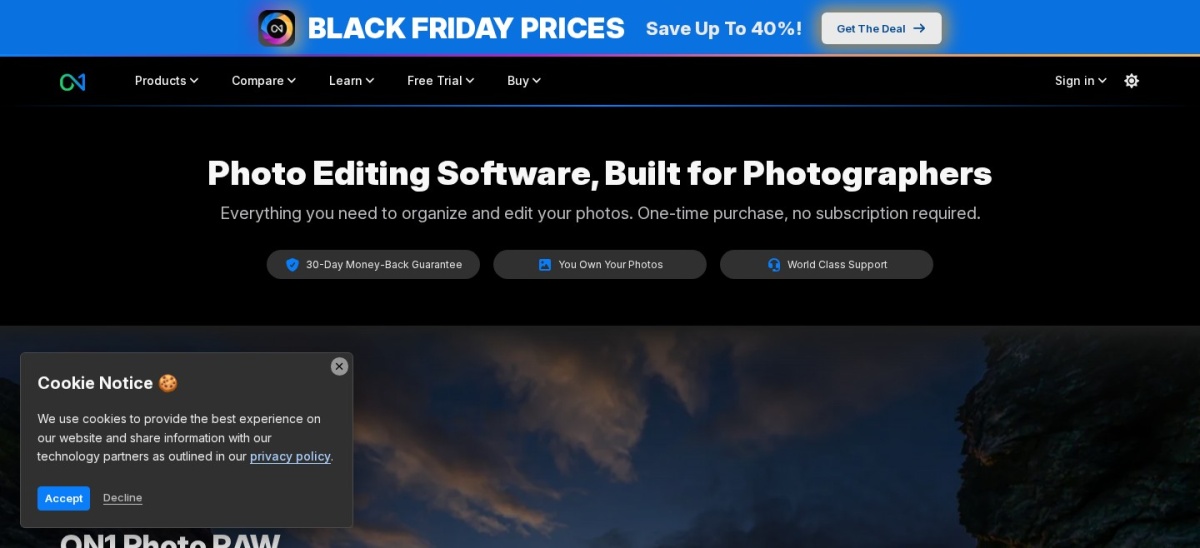
ON1 Photo RAW is an all-in-one RAW editor with browsing, layers, masking, effects and Portrait AI in a single desktop app. The perpetual licence costs $99.99 once, covers two computers, and includes a 30-day free trial.
The trade off is upgrades. The next major version is a paid upgrade, and frequent sales make the street price vary. It suits photographers who want one app for RAW, layers and retouching with no monthly bill.
What we like
One-time licence at $99.99
Rated 4.4/5 from 282 G2 reviews
Portrait AI, layers and HDR in one app
No subscription required
Watch out for
Major upgrades cost extra
Interface can feel crowded with features
AI tools need a modern GPU to run well
A subscription option adds cloud sync and upgradesVisit on1.com
04
Capture One
4.5/5on G2 (79 reviews, checked Nov 2026)
Starts at$26.25/mo
Best for studio and tethered shoots
Paid planPro, $26.25/mo
Perpetual licence$508 one-time
TetheringYes, with live view
Free planFree trial
captureone.com
Capture One homepage, captured Nov 2026.
Capture One is the studio photographer's editor, known for tethered capture, live view and a Color Editor with skin-tone tools. Pro costs $26.25 a month on an annual plan, with a $508 perpetual licence also sold.
The trade off is price. It is the dearest subscription here, and its AI masking and retouching are less automated than Luminar Neo. It suits studio and fashion photographers who shoot tethered and need exact colour.
DxO PhotoLab is a RAW editor built around image quality, with DeepPRIME noise reduction and lab-measured lens corrections. Essential costs $159.99 once, and the Elite edition with DeepPRIME XD2 costs $229 once.
The trade off is scope. There are no layers, no tethering and no full catalogue, so it works best beside another editor. It suits wildlife, sports and low-light shooters who want the cleanest RAW files.
ACDSee Photo Studio is a photo organiser first, with editing built in. Fast browsing and batch tools rename and export whole sets quickly, and Home 2026 costs $59.99 once, with Pro at $99.99 and Ultimate at $149.99.
The trade off is polish. The interface can feel cluttered, loading can be slow with very large libraries, and some reviewers report stability issues. It suits photographers with huge local libraries who want to buy once.
PhotoDirector is a desktop photo editor combining RAW adjustments, layers, portrait retouching and AI tools. Its free Essential edition covers core editing, while PhotoDirector 365 costs $79.99 a year at its regular price.
The trade off is credits. Generative features depend on the 1,200 AI credits a year, and the sale price of $54.99 is not the regular price. It suits beginners who want AI help and a free starting point.
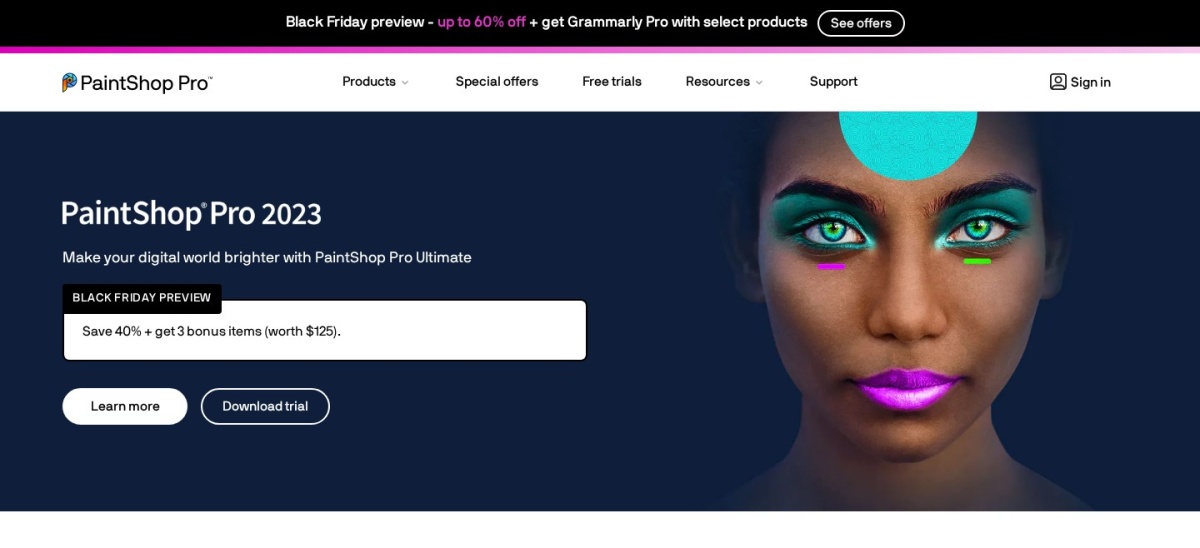
PaintShop Pro is Corel's long-running Windows photo editor, with layers, masks, HDR merge, RAW editing and AI tools in one app. Pro 2023 costs $79.99 once, and Ultimate costs $99.99 once.
The trade off is age and platform. The 2023 release is still the latest version, and there is no Mac edition. It suits Windows users who want a capable editor without a subscription.
GIMP is the free and open-source image editor, with layers, masks, retouching and plug-ins for Windows, Mac and Linux. Version 3.2.8 adds non-destructive layers, and there is no paid plan at all.
The trade off is the learning curve. The interface takes time to learn, and there is no built-in RAW catalogue or AI editing. It suits photographers who want full layered editing at $0.
Buy-once licences in this list run from $59.99 to $159.99, while subscriptions run from $11.99 to $26.25 a month, so a buy-once tool pays for itself in under a year against Lightroom and in months against Capture One.
Subscriptions keep getting new features and cloud sync, while buy-once licences can freeze at the version you bought. ON1 charges for major upgrades, and Luminar Neo's generative tools need a renewal after the first year.
If you only edit a few photos a month, Affinity or GIMP cost nothing and never ask you to upgrade.
How we chose
We started from the photo editors most often named as Luminar replacements, then kept 9 with published pricing and a public rating.
Prices come from each vendor's pricing page, checked on 29 November 2026. Ratings come from G2 on the same day, except DxO PhotoLab, whose rating comes from Capterra. Where a vendor shows a sale, the list shows the regular price.
We left out tools with no public rating or no published pricing, and specialist tools that only denoise or upscale. No vendor paid for a place, and we do not claim to have used these tools ourselves.
How to choose a Luminar alternative
Start with whether you will pay monthly or once, then check the catalogue before the AI tools.
Decide whether you will pay monthly or once. Luminar Neo costs $119 once, Lightroom costs $11.99 a month and Capture One costs $26.25 a month. A buy-once tool pays for itself in under a year against either subscription.
Check the catalogue before the AI tools. Lightroom and Capture One organise thousands of RAW files, while Affinity and GIMP edit one image at a time. Pick the catalogue first if you shoot in volume.
Match the AI tools to your photos. ON1 Portrait AI suits portraits and DxO DeepPRIME suits noisy RAW files, so pick the AI that matches what you shoot most.
Try the free plan or trial before paying. Affinity and GIMP cost nothing, PhotoDirector has a free edition, and the paid tools offer trials. Edit a real shoot first, then pay only when a missing feature gets in your way.
FAQ
What is the best Luminar alternative in 2026?
Adobe Lightroom is the best Luminar alternative for most photographers in 2026. Its Lightroom plan costs $11.99 a month, includes Lightroom Classic and 1TB of cloud storage, and holds a 4.6/5 G2 rating from 3,403 reviews.
What is the best free alternative to Luminar?
Affinity is the best free alternative to Luminar. Its core tools are free with a free Canva account, covering layers, masks, RAW developing and HDR merge, and it holds a 4.5/5 G2 rating from 234 reviews. GIMP is the other free pick.
How much does a Luminar alternative cost?
Luminar alternatives in this list run from $0 to $26.25 a month. Affinity and GIMP are free, buy-once licences cost $59.99 to $159.99, and subscriptions cost $11.99 a month for Lightroom and $26.25 a month for Capture One.
Which Luminar alternative is best for beginners or small teams?
PhotoDirector is the easiest starting point for beginners, with a free Essential edition and AI tools that guide the edit. Affinity is the better pick for a small team that wants layered editing at no cost.
Adobe Lightroom vs Affinity: which is the better Luminar alternative?
Lightroom is better if you want a photo catalogue, cloud sync and presets, with the Lightroom plan at $11.99 a month. Affinity is better if you want layered editing without a monthly bill, since its core tools are free.
Is there a Luminar alternative you can buy once instead of subscribing?
Yes. ON1 Photo RAW costs $99.99 once, ACDSee Photo Studio Home costs $59.99 once, PaintShop Pro costs $79.99 once and DxO PhotoLab Essential costs $159.99 once. Luminar Neo itself is also sold as a $119 one-time licence.
Do Luminar alternatives have AI editing tools?
Yes. Lightroom has AI masking and Denoise, ON1 has Portrait AI and NoNoise AI, DxO has DeepPRIME noise reduction, and PhotoDirector has generative fill. Affinity and GIMP have fewer AI tools, with Affinity's AI tools needing a paid Canva plan.
SaaS SEO and WordPress specialist with about 8 years of experience. Rakib compares WordPress plugins, themes, hosting and software using public pricing, documentation and user reviews. See how we rank.