1Password is the best LastPass alternative for most people, with the most polished apps and Watchtower breach alerts at $47.88 a year. Bitwarden costs $19.80 a year with a free plan that has no device limit, and NordPass is the simplest pick for beginners.
How we make this list: we compare pricing pages, product documentation and public user reviews, then re-check every price before each update. No product paid for a place. Disclosure.
1Password is the best overall LastPass alternative, at $47.88 a year after a $35.88 first year.
Bitwarden Premium costs $19.80 a year, and its free plan has no password or device limit.
Dashlane is the priciest entry plan at $59.88 a year, but it is the only one with a VPN included.
NordPass, Proton Pass and RoboForm all cost less in year one than at renewal, so check the renewal price.
Zoho Vault Standard is the cheapest paid plan at $10.80 a year, but it is built for teams, not families.
What should you look for in LastPass alternatives?
Price is the first filter. LastPass Premium costs $36 a year, so any alternative above that needs to earn the extra money with a feature such as a VPN, a family plan or a much better app.
A free plan is only useful if it syncs. Bitwarden and Proton Pass sync unlimited devices free, while LastPass free covers one device type only and RoboForm free covers one device.
Renewal prices matter more than first-year prices. 1Password rises from $35.88 to $47.88, Proton Pass from $23.88 to $35.88 and RoboForm from $19.90 to $29.88 after year one.
Security habits matter as much as the tool. Turn on two-factor login everywhere, as our guide on adding two-factor authentication to WordPress shows, and pick a vault with a breach alert that actually reaches you.
1Password is a password manager with the most polished apps in this list, plus a Secret Key that protects your vault even if its servers are breached. The Individual plan covers unlimited passwords and passkeys, 1 GB of document storage, Watchtower breach alerts and Travel Mode, which removes sensitive vaults from devices at borders.
The trade off is price and the lack of a free plan. Individual costs $47.88 a year at the regular rate, after a $35.88 first year for new customers, so it is the priciest pick for one person. It suits people who want the smoothest apps and do not mind paying for them.
What we like
Most polished apps in this list
Secret Key adds protection beyond the master password
Bitwarden is an open-source password manager with the most generous free plan here: unlimited passwords, unlimited devices and sync, with no time limit. Premium costs $19.80 a year and adds a built-in authenticator, encrypted file attachments, emergency access and security reports.
The trade off is polish. The apps work well but look plainer than 1Password, and free users get community support rather than priority help. It suits anyone who wants a free vault without device limits, and the cheapest paid upgrade in the list.
NordPass is a password manager from Nord Security, the team behind NordVPN, built around XChaCha20 encryption and a zero-knowledge vault. The free plan stores unlimited passwords on one active device, and Premium adds sync across devices, Password Health, a data breach scanner and email masking.
The trade off is the renewal price. Premium is often sold cheap for a first two-year term, then renews at $35.88 a year, and NordPass publishes no lower renewal figure to lock in. It suits beginners who want a clean, simple vault and already trust the Nord brand.
Keeper is a zero-knowledge password manager with strong sharing controls, secure file storage and a family plan that covers five people. The Personal plan covers unlimited passwords and passkeys on unlimited devices, with emergency access and 24/7 support.
The trade off is that breach monitoring costs extra. Keeper sells BreachWatch as a $19.99-a-year add-on, while most rivals include it in the base price. It suits families and small teams that want granular sharing and admin controls.
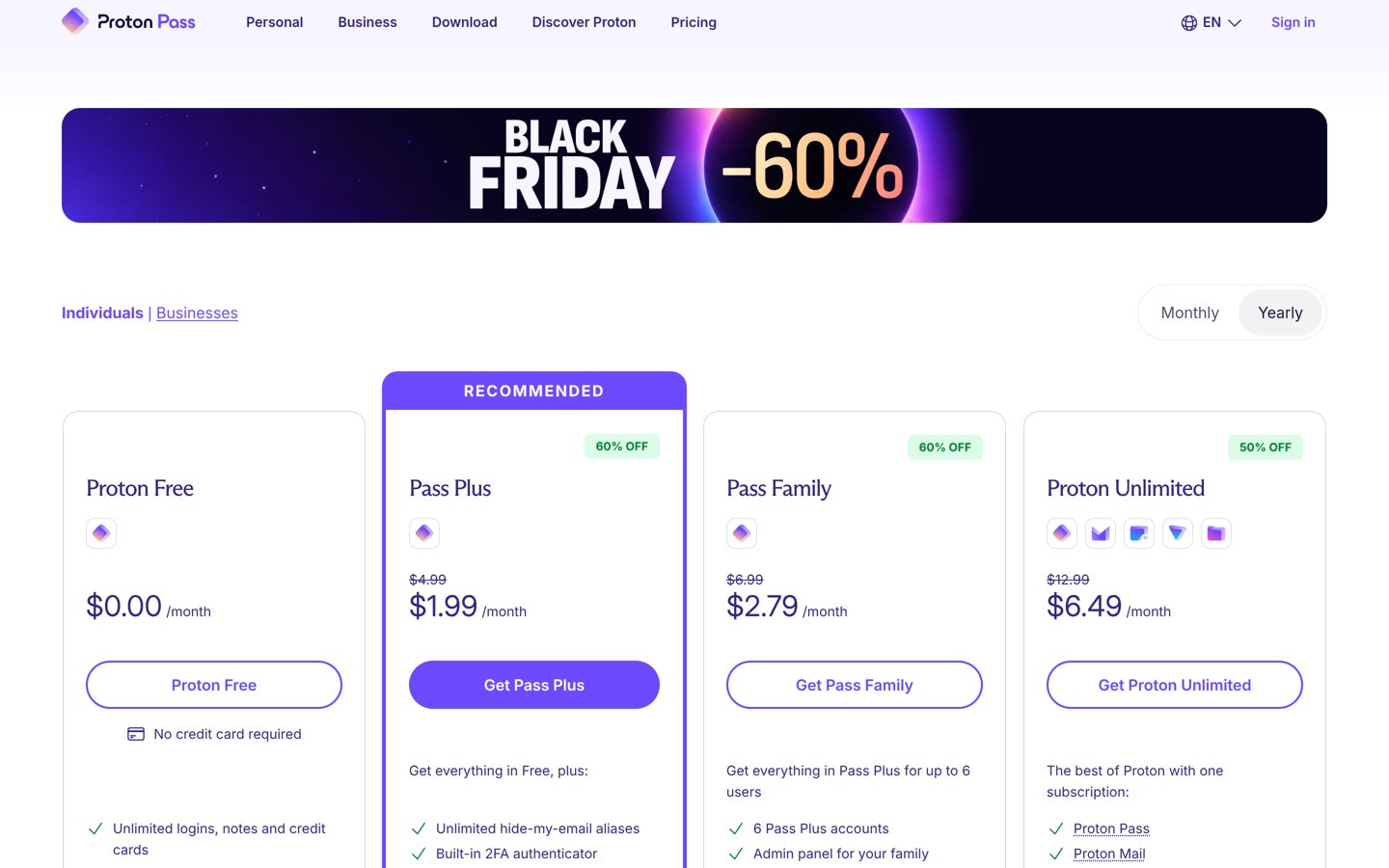
Proton Pass is an end-to-end encrypted password manager from Proton, the team behind Proton Mail and Proton VPN. The free plan syncs unlimited passwords and passkeys across unlimited devices, and Plus adds unlimited hide-my-email aliases, a built-in authenticator and extra storage.
The trade off is the renewal jump. Plus costs $23.88 for the first year, then renews at $35.88 a year, and the vault is newer than 1Password or Bitwarden, so some business features are still catching up. It suits people already using Proton Mail or Proton VPN.
Dashlane is a password manager that bundles a full Hotspot Shield VPN, real-time dark web monitoring and AI phishing alerts into its Premium plan. Premium covers unlimited passwords and passkeys, autofill, secure notes and 1 GB of encrypted storage for one person.
The trade off is price. At $59.88 a year, Premium is the most expensive entry plan in this list, and Dashlane ended its permanent free plan in September 2025, so there is only a 14-day trial. It suits people who would pay for a VPN anyway and want one subscription.
What we like
VPN included in the base price
Real-time dark web monitoring
AI phishing alerts
Polished apps on every platform
Watch out for
Highest entry price in this list
No free plan since September 2025
Only the plan manager gets the VPN on the family plan
RoboForm is a password manager and form filler that has filled long web forms for over two decades. The free plan stores unlimited passwords on one device, and Premium adds sync across unlimited devices, secure sharing, an authenticator and breach monitoring for five email addresses.
The trade off is the first-year price. Premium costs $19.90 for the first year, then renews at $29.88 a year, and the free plan stops at one device. It suits people who fill in long forms every day and want a low steady renewal after Bitwarden.
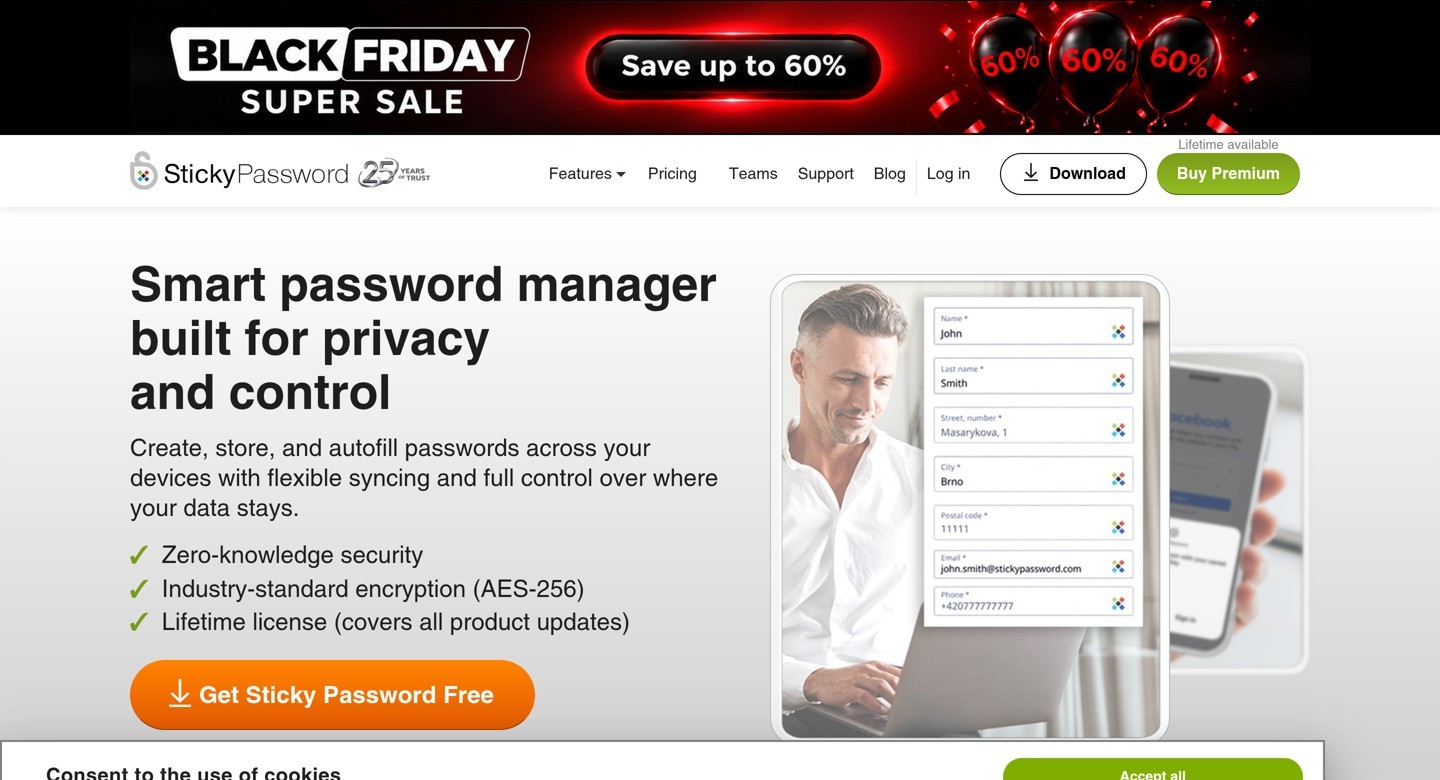
Sticky Password is a password manager from Lamantine Software with AES-256 encryption, biometric unlock and flexible sync: cloud backup, local WiFi, manual offline or no sync at all. Premium covers unlimited passwords, secure sharing, emergency access and dark web monitoring in the first year.
The trade off is the price and the small review base. Premium lists at $39.99 a year, or $29.99 on sale, and G2 shows only 16 reviews, so there is less public feedback than for the bigger names. It suits people who want to pay once for a lifetime licence instead of a subscription.
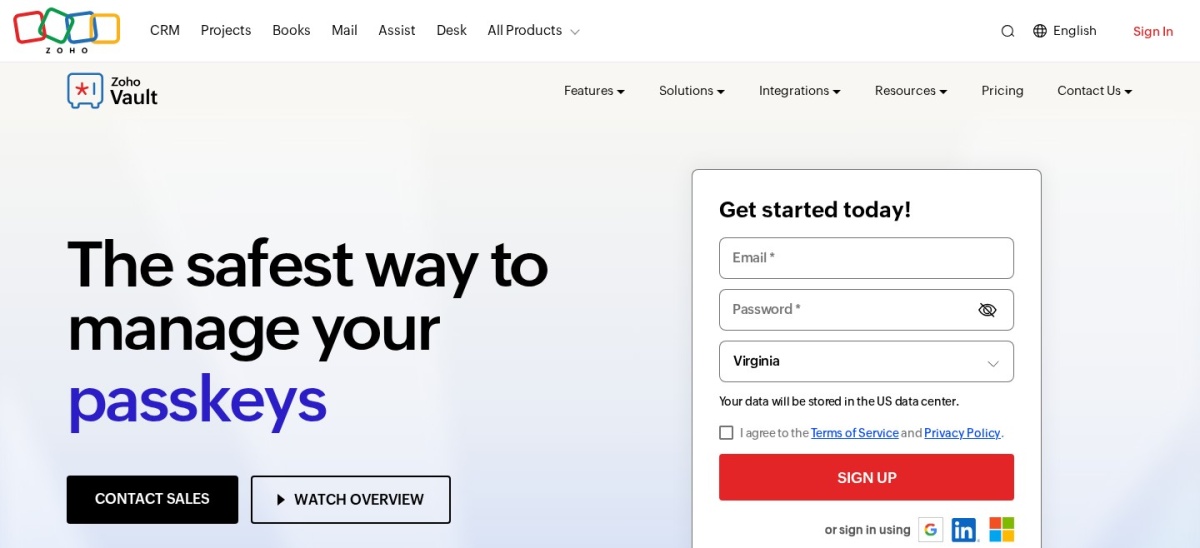
Zoho Vault is a password manager built for teams, with a free plan for individuals and paid plans from $0.90 per user a month billed annually. Standard adds granular sharing, audit trails, a built-in authenticator and Active Directory integration.
The trade off is focus. Zoho Vault is built for teams, so it has no family plan and no consumer breach monitoring, and its free plan is aimed at one person rather than a household. It suits small teams already using Zoho apps that want the cheapest per-seat vault.
Free plans cover the basics well. Bitwarden and Proton Pass sync unlimited devices free, while most other free plans stop at one device or a small item limit.
Paid plans mostly add sync, sharing and monitoring. You get every device covered, family sharing, breach alerts and an authenticator in one place.
The cheapest paid plan is not always the best deal. Zoho Vault Standard costs $10.80 a year per seat, but it is priced for teams, while Bitwarden Premium at $19.80 a year fits one person better.
If you share passwords with a partner or a family, pay for a family plan. Sharing one login between two people is how most password reuse starts.
How we chose
We started from the password managers most often named as LastPass replacements in 2026, then kept the nine with a live product, a published price and a public rating.
Prices come from each vendor's pricing page, checked on 29 November 2026, and show the regular annual rate, not a first-year promotion. Ratings and review counts come from G2 on the same day.
We left out tools with no public rating and tools that no longer sell a personal plan. No vendor paid for a place, and we do not claim to have used these tools ourselves.
How to choose a LastPass alternative
Start with how many devices you use, then check the renewal price before you pay.
Count your devices first. If you use a phone and a laptop, skip any free plan that stops at one device. Bitwarden and Proton Pass sync free on every device.
Check the renewal price, not the first-year price. 1Password, Proton Pass, NordPass and RoboForm all cost more after year one. Work out the second-year price before you commit.
Decide whether you need a family plan. A family plan covers five or six people for little more than one solo plan. Pick 1Password, Bitwarden, Keeper or Proton Pass if you share a household.
Export from LastPass, then import. Export your vault from LastPass as a CSV file, import it into your new manager, then turn on two-factor login and delete the export file.
FAQ
What is the best LastPass alternative in 2026?
1Password is the best LastPass alternative for most people. It has the most polished apps, a Secret Key for extra vault protection and Watchtower breach alerts, at $47.88 a year after a $35.88 first year.
How much does 1Password cost after the first year?
1Password Individual costs $47.88 a year at the regular rate, or $3.99 a month billed annually. New customers pay $2.99 a month, or $35.88, for the first year, and the price rises at renewal.
Is there a free alternative to LastPass?
Yes. Bitwarden is the best free alternative, with unlimited passwords and devices free and Premium at $19.80 a year. Proton Pass is also free on unlimited devices, and NordPass, RoboForm and Zoho Vault all have limited free plans.
Which LastPass alternative is best for beginners?
NordPass is the easiest to start with. It has a clean interface, unlimited passwords on the free plan and Premium at $35.88 a year, though the free plan works on one active device at a time.
Which is better, 1Password or Bitwarden?
1Password is better for polish, with smoother apps, Watchtower alerts and Travel Mode. Bitwarden is better for value, with a free plan that has no device limit and Premium at $19.80 a year against $47.88 for 1Password.
Which LastPass alternative is cheapest?
Zoho Vault Standard is the cheapest paid plan at $10.80 a year per user, but it is built for teams. For one person, Bitwarden Premium at $19.80 a year is the cheapest fit, and its free plan costs nothing.
Is it easy to switch from LastPass to another password manager?
Yes. Export your vault from LastPass as a CSV file, then import that file into your new manager. All nine tools in this list accept CSV imports, and the move usually takes a few minutes.
SaaS SEO and WordPress specialist with about 8 years of experience. Rakib compares WordPress plugins, themes, hosting and software using public pricing, documentation and user reviews. See how we rank.