1Password is the best of the KeePass alternatives for most people, with polished apps, shared vaults and Watchtower breach alerts backed by more than 1,700 G2 reviews. Bitwarden is the value pick at 10 dollars a year, while Proton Pass suits privacy-first users.
How we make this list: we compare pricing pages, product documentation and public user reviews, then re-check every price before each update. No product paid for a place. Disclosure.
1Password leads overall, with the most polished apps and Watchtower breach alerts at $2.99 a month.
Bitwarden is the value pick: a free plan with no limits, and Premium at $10 a year.
Proton Pass has the highest G2 rating here at 4.7 out of 5, but from only 132 reviews.
LastPass still works, but its 2022 breach and one-device free tier make it hard to recommend first.
Paid plans here run from $1 a user a month for Zoho Vault to $4.99 a month for Dashlane and Proton Pass.
Which KeePass alternatives are worth switching to in 2026?
KeePass is free, local and open source, so any replacement must earn the switch. Cloud sync, mobile apps and family sharing are the usual reasons people move.
Free plans differ more than prices do. Bitwarden and Proton Pass give unlimited passwords free, while Dashlane caps the free plan at 25 passwords and LastPass at one device type.
Security history matters as much as features. LastPass suffered a serious breach in 2022, while 1Password and Bitwarden publish third-party audits and have no comparable breach on record.
Check the exit before you enter. Every tool here imports from KeePass, but export formats differ, so confirm you can take your vault back out before you commit.
1Password is the most polished password manager, with shared vaults, admin controls, developer tools and Watchtower breach monitoring in one place. Individual costs $2.99 a month and covers one user with unlimited passwords and 1 GB of document storage.
The trade off is the missing free plan. Individual costs $2.99 a month with a 14-day trial only, and families pay $4.99 a month for up to 5 members. It suits most people who want the best apps and the cleanest sharing model.
Bitwarden is an open-source password manager with a free plan that covers unlimited passwords across unlimited devices, plus passkey management. Premium costs $10 a year and adds a TOTP authenticator, vault health reports, emergency access and 1 GB of encrypted file storage.
The trade off is polish. Premium costs $10 a year, the best value in this list, but the apps are plainer than 1Password and one November 2026 read lists $19.80 a year instead. It suits value and privacy-first users who want open code.
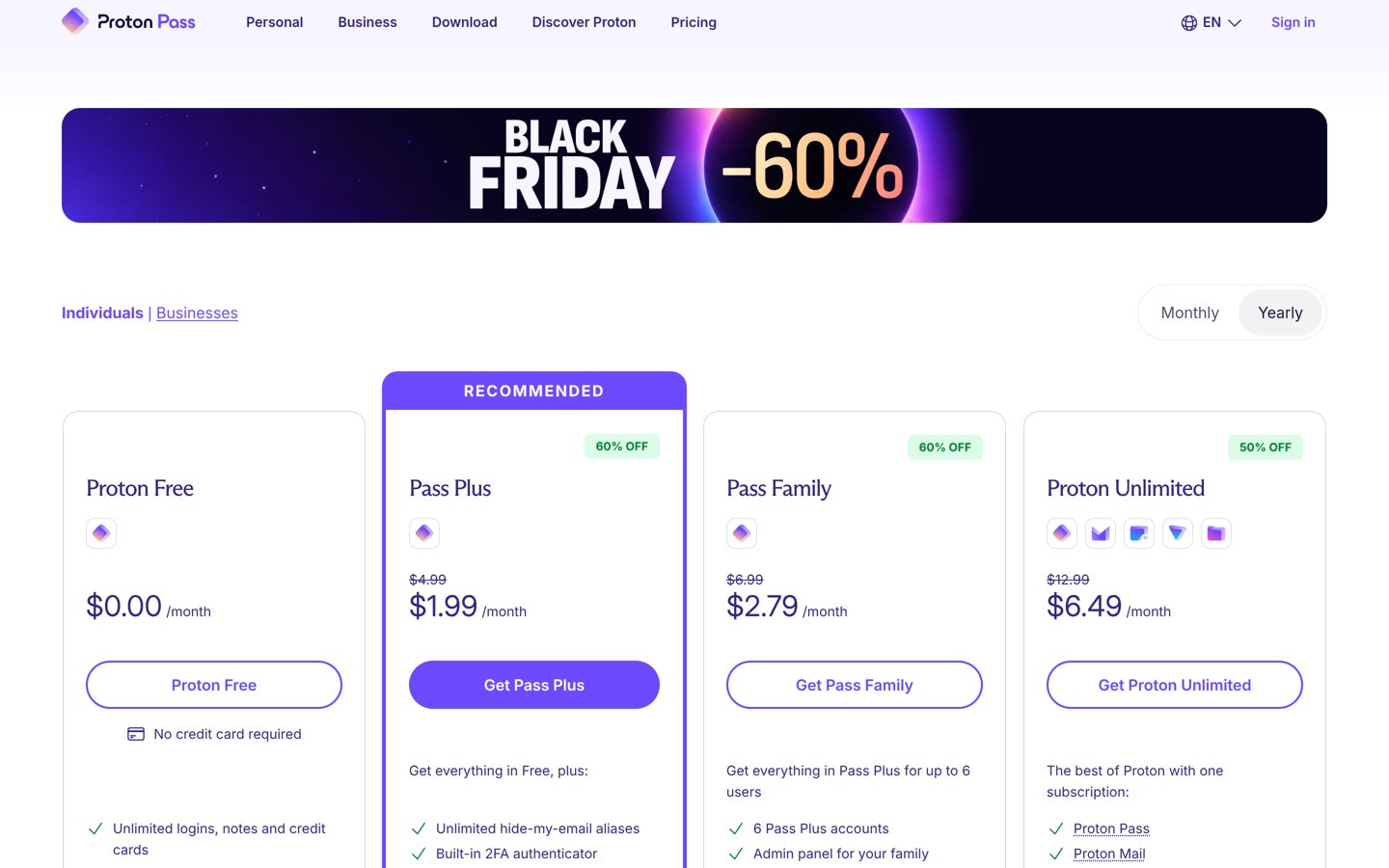
Proton Pass is a privacy-first password manager from the team behind Proton Mail, with unlimited passwords on the free plan, passkeys and hide-my-email aliases. Plus adds unlimited aliases, a built-in authenticator and Proton Sentinel account protection.
The trade off is price and the thin rating. Plus costs $4.99 a month billed monthly, or $3.99 billed annually, and the 4.7 G2 rating rests on only 132 reviews. It suits privacy-first users already in the Proton ecosystem.
Keeper is a password manager built for compliance, with encrypted file storage, secure sharing and breach monitoring in one vault. Keeper Unlimited costs $2.92 a month and covers one user with unlimited passwords and devices plus secure file storage.
The trade off is add-ons. Unlimited costs $2.92 a month, but dark web monitoring is a paid add-on and business single sign-on needs a quote. It suits families and teams that need compliance and encrypted document storage.
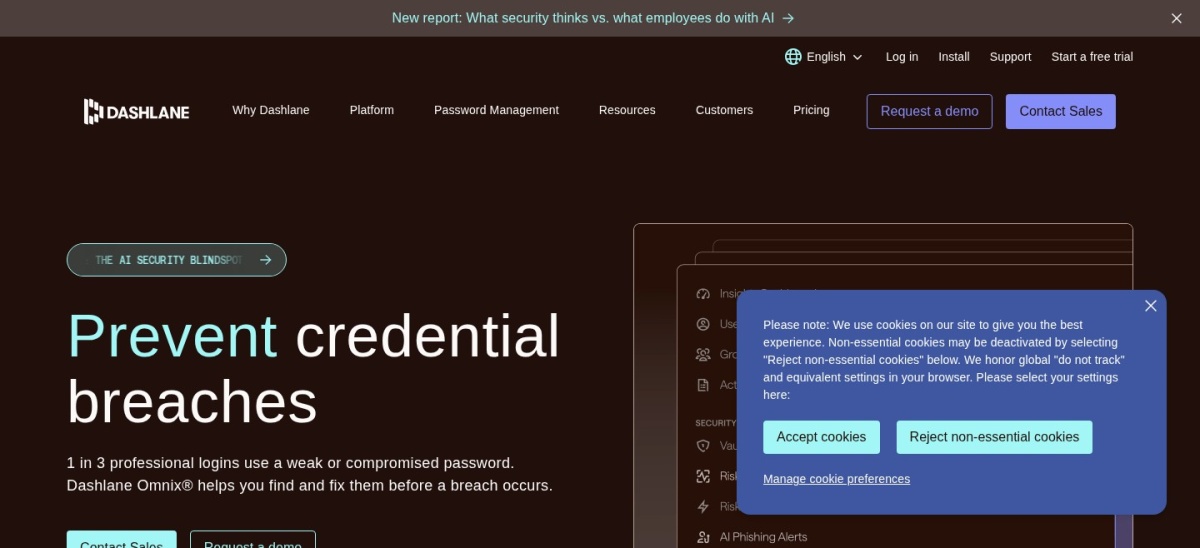
Dashlane is a password manager plus VPN bundle, with dark web monitoring, password health reports and phishing alerts beside the vault. Premium costs $4.99 a month and covers unlimited passwords and devices with a built-in VPN.
The trade off is the free plan. Premium costs $4.99 a month, while the free plan covers only 25 passwords on one device. It suits users who want one subscription for passwords, a VPN and breach alerts.
NordPass is a password manager from the team behind NordVPN, using XChaCha20 encryption with a clean, modern interface. Premium costs $1.69 a month on a 2-year plan and covers unlimited passwords across 6 devices with passkeys and breach scanning.
The trade off is the commitment. Premium costs $1.69 a month only on a 2-year plan, and month-to-month billing costs far more. It suits NordVPN users and anyone who wants the simplest premium manager.
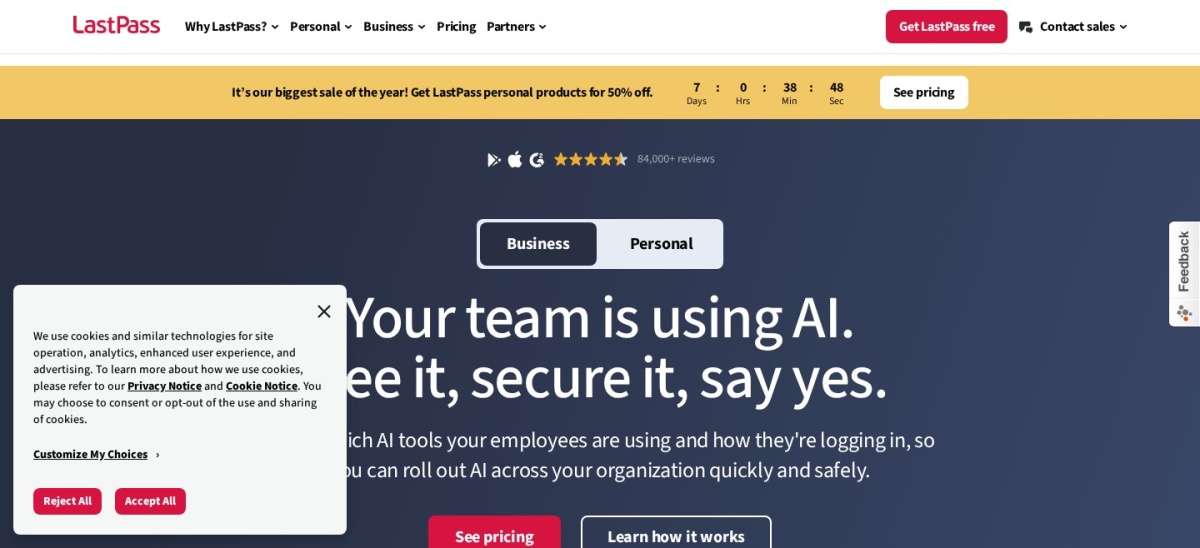
LastPass is a familiar password manager with secure storage, generation and autofill, plus sharing and two-factor authentication. Premium costs $3 a month and covers one user with unlimited devices, 1 GB of file storage and a security dashboard.
The trade off is trust. LastPass suffered a serious breach in 2022 that exposed encrypted vault backups, and the free tier now covers only one device type. It suits legacy users who already have a vault there and accept the history.
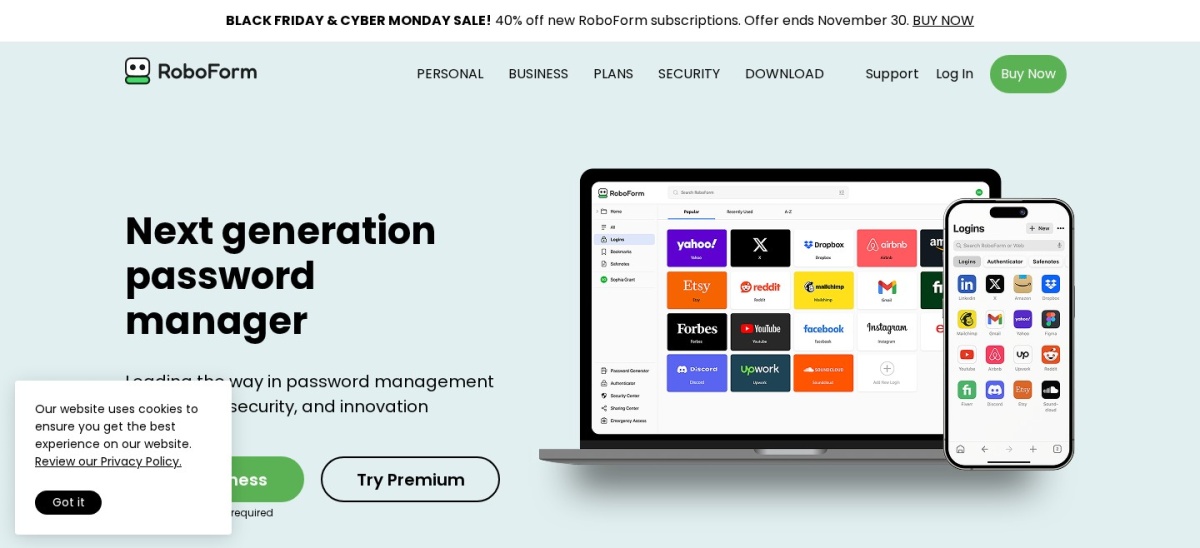
RoboForm is a password manager with the strongest form filling in this list, saving and completing web forms beside passwords. Premium costs $23.88 a year and covers unlimited passwords, devices and logins with two-factor authentication built in.
The trade off is the interface. Premium costs $23.88 a year, one of the cheapest paid plans here, but the apps look dated beside 1Password and NordPass. It suits users who fill long web forms every day.
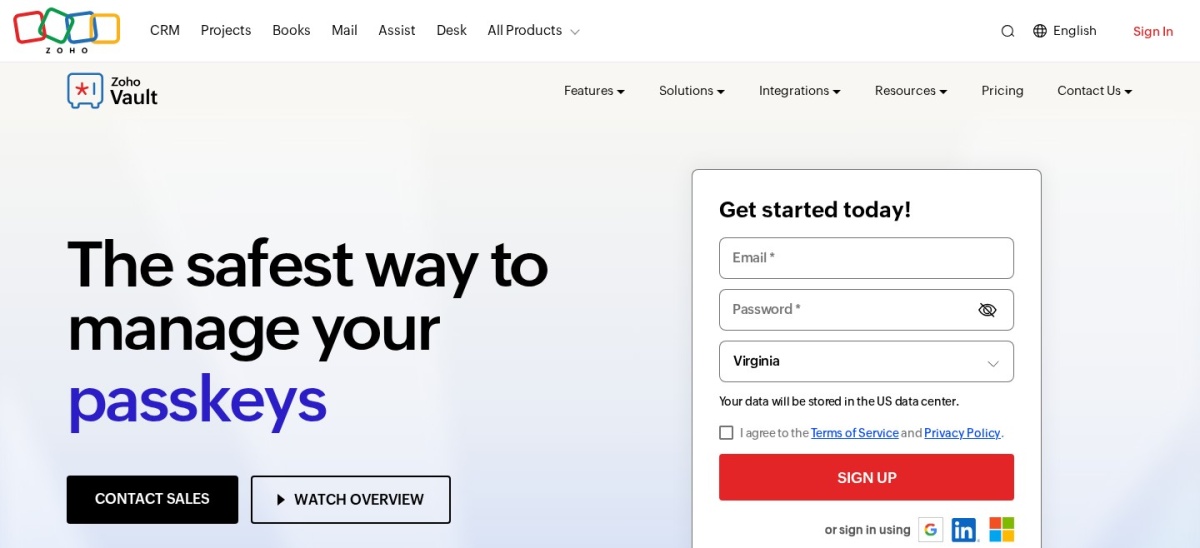
Zoho Vault is a team password manager with shared vaults, password policies and access controls, built for small teams already using Zoho. The free plan covers 5 users, and Standard costs $1 a user a month with more policies and reporting.
The trade off is the thin rating and the Zoho tie-in. Standard costs $1 a user a month, the cheapest paid plan here, but the 4.4 G2 rating rests on only 77 reviews. It suits small teams that already run Zoho apps.
KeePass keeps your vault on your own device, so no company holds your passwords. Cloud managers sync the vault for you, which is the convenience you pay for.
Cloud vaults add breach alerts, passkeys and family sharing. Bitwarden is the closest cloud match to KeePass values, because it is open source and self-hostable.
If you stay local, export first. Move a copy of your KeePass database to the new tool, check every login works, and keep the old file until you are sure.
How we chose
We started from the password managers with the largest G2 review bases and a real personal plan, then kept the nine that import from KeePass and cover Windows, Mac, iOS and Android.
Prices come from each vendor pricing page and November 2026 reads of those pages, checked on 29 November 2026. Ratings and review counts come from G2 on the same day.
We left out business-only managers and tools with no verifiable G2 rating. No vendor paid for a place, and we do not claim hands-on testing for this list.
How to choose a KeePass alternative
Decide what you are leaving KeePass for, then check the free plan covers it.
List what KeePass lacks for you. Cloud sync, mobile apps, family sharing and breach alerts are the usual gaps, and each points to a different winner.
Try the free plan first. Bitwarden and Proton Pass give unlimited passwords free, so import a copy of your vault and use it for a week.
Check the breach record. Read how each vendor handled past incidents, because a password manager holds the keys to everything else.
Confirm you can export again. Pick a tool with open export formats, so you are never locked into one vault.
FAQ
What is the best KeePass alternative in 2026?
1Password is the best KeePass alternative for most people, with polished apps, shared vaults and Watchtower breach alerts at $2.99 a month. Bitwarden is the best value pick, with a free plan that has no limits and Premium at $10 a year.
Is there a free KeePass alternative?
Yes. Bitwarden and Proton Pass both offer free plans with unlimited passwords, and Zoho Vault is free for 5 users. Bitwarden is the closest free match to KeePass, because it is open source and can be self-hosted.
Is Bitwarden better than 1Password?
Bitwarden is better on value and openness, with a free plan that has no limits and Premium at $10 a year. 1Password is better on polish, with the best apps, Travel Mode and the cleanest sharing model, at $2.99 a month.
Is LastPass safe after the 2022 breach?
LastPass still works and encrypts vaults, but attackers accessed encrypted vault backups in 2022, which permanently damaged trust. Most buyers should pick 1Password or Bitwarden instead, and legacy users should change their master password.
Which KeePass alternative is best for families?
1Password Families is the best family plan, covering 5 members for $4.99 a month with shared vaults and recovery. Bitwarden Families covers 6 users for $40 a year, and Keeper Family covers 5 users with encrypted file storage.
Can I import my KeePass vault?
Yes. Every tool in this list imports from KeePass, usually from an exported CSV or XML file. Import a copy first, check that logins, notes and attachments survived, and keep your original KeePass database until you are sure.
SaaS SEO and WordPress specialist with about 8 years of experience. Rakib compares WordPress plugins, themes, hosting and software using public pricing, documentation and user reviews. See how we rank.