1Password is the best Keeper alternative overall, with polished apps, shared vaults and Watchtower breach alerts at $3.99 a month billed annually, rated 4.6 out of 5 on G2. Pick Bitwarden if you want a free plan and the lowest paid price at $19.80 a year, or NordPass for the simplest apps at $23.88 a year.
How we make this list: we compare pricing pages, product documentation and public user reviews, then re-check every price before each update. No product paid for a place. Disclosure.
1Password is the top pick at $47.88 a year, with a 4.6 out of 5 G2 rating from 1,823 reviews and no free plan.
Bitwarden is the cheapest paid option at $19.80 a year, with a free plan that covers unlimited logins on unlimited devices.
NordPass Premium costs $23.88 a year on a one-year term, and its free plan works on one active session at a time.
Proton Pass has the highest G2 rating here at 4.7 out of 5, but from only 127 reviews, and Pass Plus costs $35.88 a year.
Dashlane is the priciest personal pick at $59.88 a year and has no free plan, but Premium bundles a VPN and dark web monitoring.
Paid prices in this list run from $10.80 a year for Zoho Vault Standard to $59.88 a year for Dashlane Premium.
What to look for in a Keeper alternative
Keeper is a strong password manager, but it is not the only one. Buyers usually leave because of price, the renewal cost of add-ons, or because they want a free plan, simpler apps, or a different sharing model.
Start with the free plan limits. Bitwarden, Proton Pass and Zoho Vault let one person store unlimited passwords for free, while LastPass Free works on one device type only and NordPass Free allows one active session.
Then check the renewal price, not the first-year offer. 1Password shows $2.99 a month for the first year before renewing at $3.99, and RoboForm Premium renews at $29.88 a year after a cheaper first year.
Passkeys matter more than they did a year ago. Every tool here supports passkeys, and our guide to passkeys in WordPress explains how passkey login works in practice.
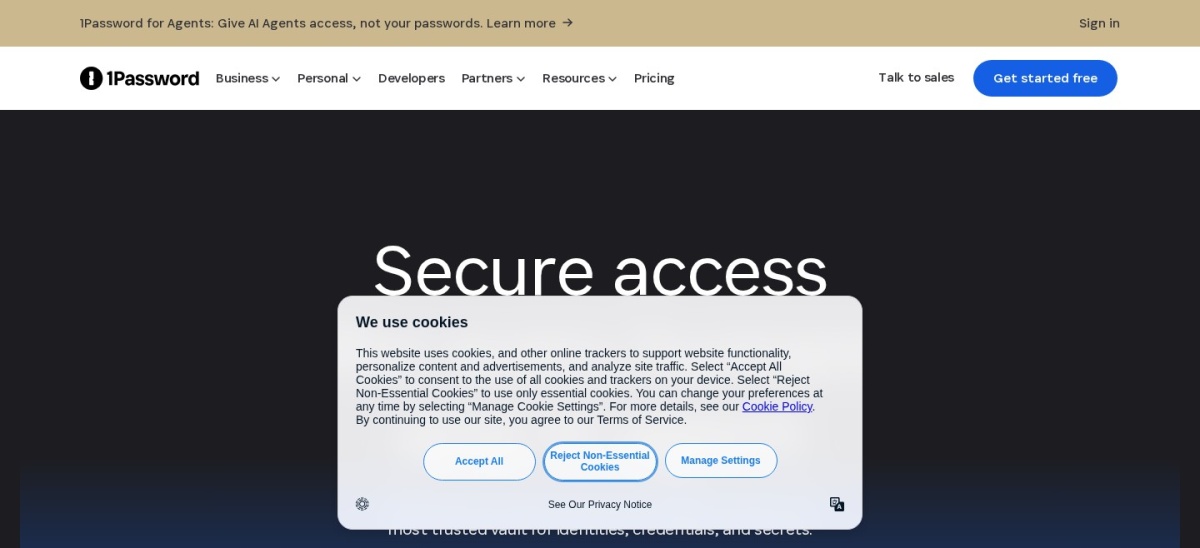
1Password is a password manager built around encrypted vaults, passkeys, autofill and Watchtower breach alerts. It adds a Secret Key on top of the account password, and the Individual plan covers unlimited passwords and 1 GB of document storage across desktop and mobile apps.
The trade off is price and the lack of a free plan. Individual costs $3.99 a month billed annually ($47.88 a year) after a $2.99 first-year offer, and Families costs $5.99 a month for five people. It suits households and small teams that want polished apps and strong admin controls.
What we like
Secret Key adds a second layer beyond the password
Watchtower flags weak, reused and breached logins
Families plan covers five people with separate vaults
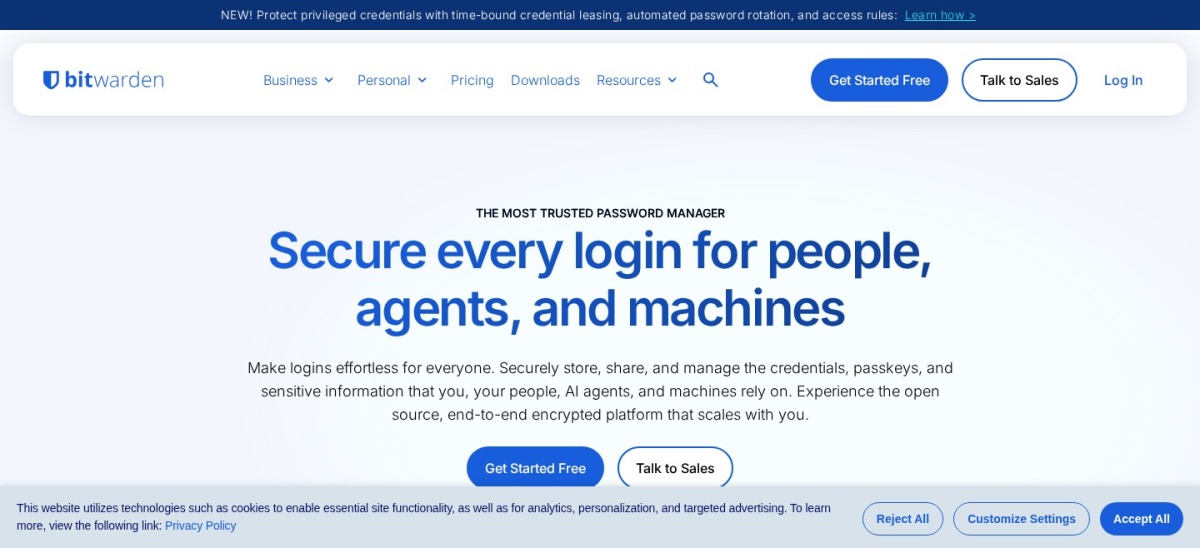
Bitwarden is an open-source password manager with a free plan that covers unlimited logins, passkeys and devices. Premium adds a built-in authenticator, 1 GB of encrypted file attachments, vault health reports and emergency access for $19.80 a year.
The trade off is polish. The apps look plain next to 1Password, and reviewers report occasional autofill quirks on complex forms. It suits buyers who want open-source code, optional self-hosting and the lowest paid price in this list.
NordPass is a password manager from Nord Security that uses XChaCha20 encryption with passkey support and fast autofill. Its free plan covers unlimited passwords on one active session, and Premium adds multi-device access, breach monitoring and secure sharing.
The trade off is term pricing. Premium costs $1.99 a month on a one-year term ($23.88 a year), while the two-year term lists lower and renewals can cost more. It suits people who want clean apps and a low-friction switch from Keeper.
What we like
Clean interface with fast autofill
Free plan with unlimited passwords
30-day money-back guarantee on paid plans
Email masking built into paid plans
Watch out for
Free plan limited to one active session
Long-term prices rose in mid-2026
Business plans start at $1.99 per user a month on a one-year termVisit nordpass.com
04
Proton Pass
4.7/5on G2 (127 reviews, checked Nov 2026)
Paid from$2.99/mo
Best for privacy and email aliases
Free planUnlimited logins and devices
Pass Plus price$2.99/mo billed annually
Family plan6 users, $4.99/mo
G2 rating4.7/5 (127 reviews)
proton.me
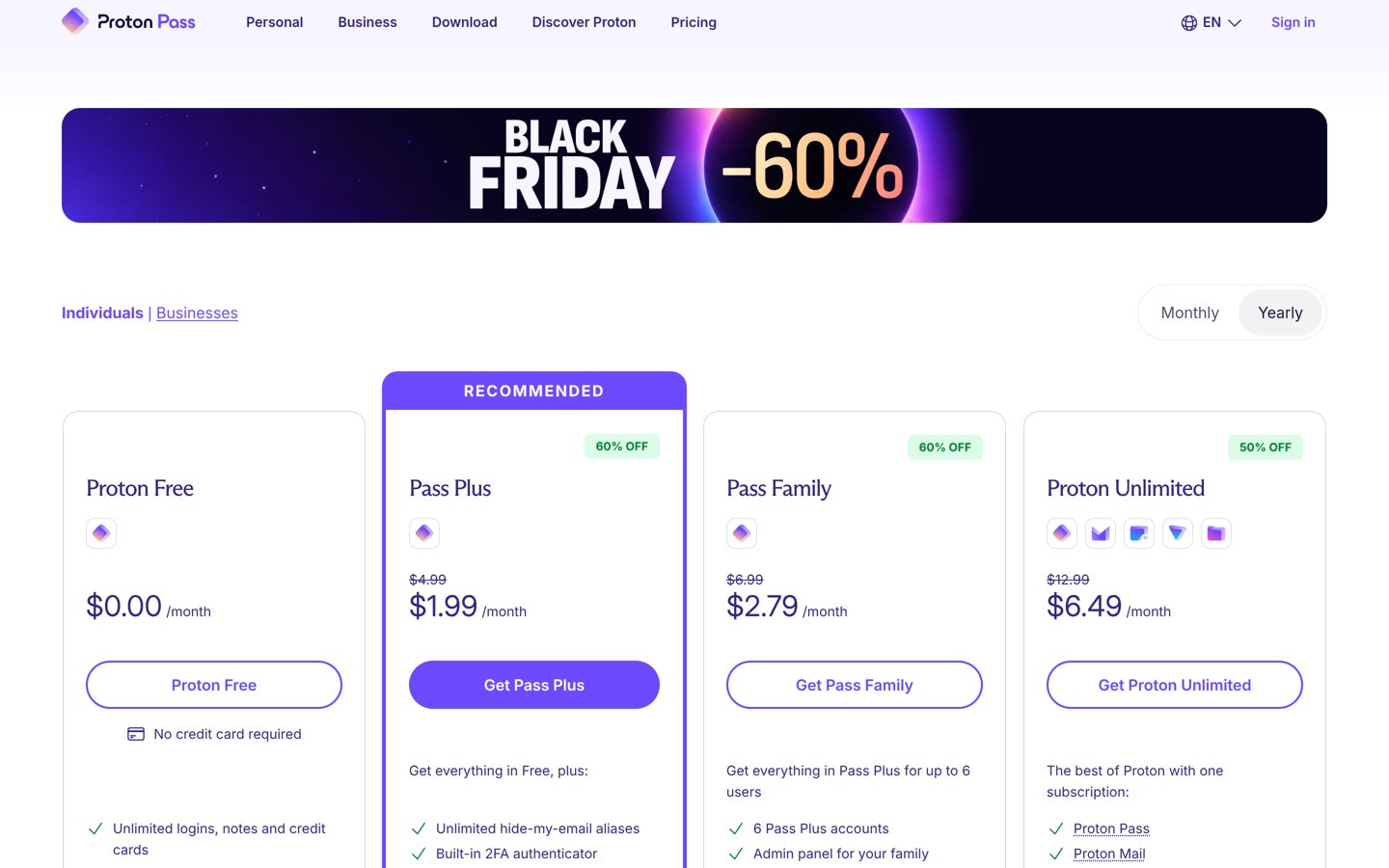
Proton Pass homepage, captured Nov 2026.
Proton Pass is an open-source password manager from the team behind Proton Mail, with end-to-end encryption and built-in hide-my-email aliases. Its free plan covers unlimited passwords on unlimited devices, plus 10 aliases and two vaults.
The trade off is maturity and evidence. Pass Plus costs $35.88 a year, and the 4.7 out of 5 G2 rating rests on only 127 reviews, far fewer than the leaders. It suits privacy-minded users who want email masking without a separate alias tool.
What we like
Unlimited passwords free on unlimited devices
Built-in hide-my-email aliases
Highest G2 rating in this list at 4.7 out of 5
Open-source apps from Proton
Watch out for
Paid plan costs more than Bitwarden or NordPass
Small G2 review base of 127 reviews
Pass Plus adds unlimited aliases, file attachments and dark web monitoringVisit proton.me
05
Dashlane
4.5/5on G2 (634 reviews, checked Nov 2026)
Starts at$4.99/mo
Best for a VPN bundle
Free planNo, 14-day trial
Premium price$4.99/mo billed annually
Friends and Family10 users, $7.49/mo
G2 rating4.5/5 (634 reviews)
dashlane.com
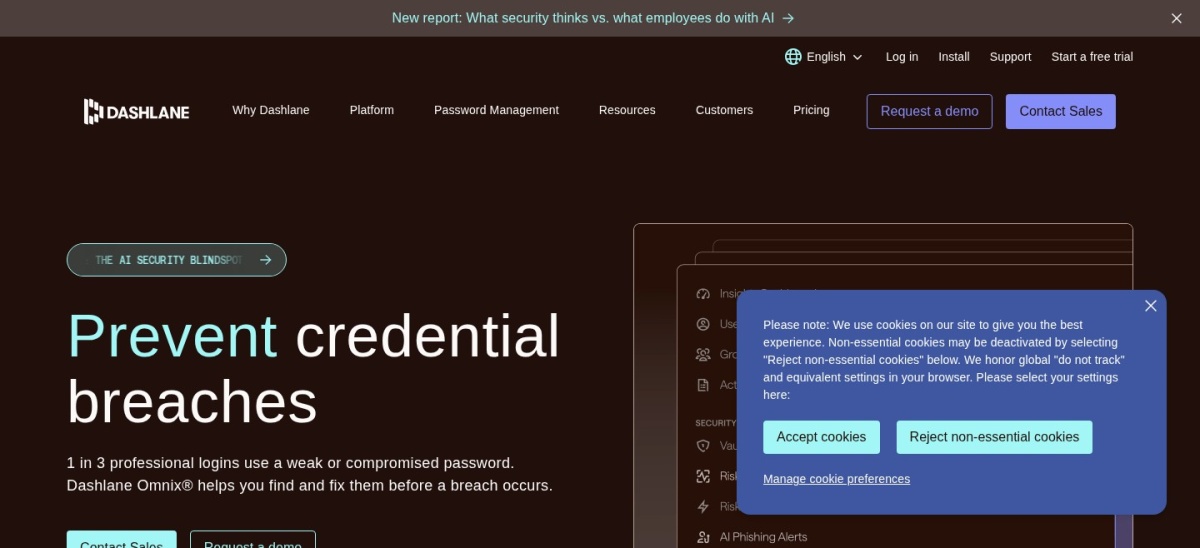
Dashlane homepage, captured Nov 2026.
Dashlane is a password manager and digital wallet with accurate autofill, passkeys, dark web monitoring and a bundled VPN. Premium costs $4.99 a month billed annually ($59.88 a year) and covers unlimited passwords with phishing alerts and secure file storage.
The trade off is price. Dashlane ended its free plan in September 2025, and Premium is the most expensive personal plan in this list. It suits people who will actually use the bundled VPN and want phishing and scam alerts beside the vault.
What we like
Bundled VPN included in Premium
Strong autofill and phishing alerts
Friends and Family covers 10 people for $7.49 a month
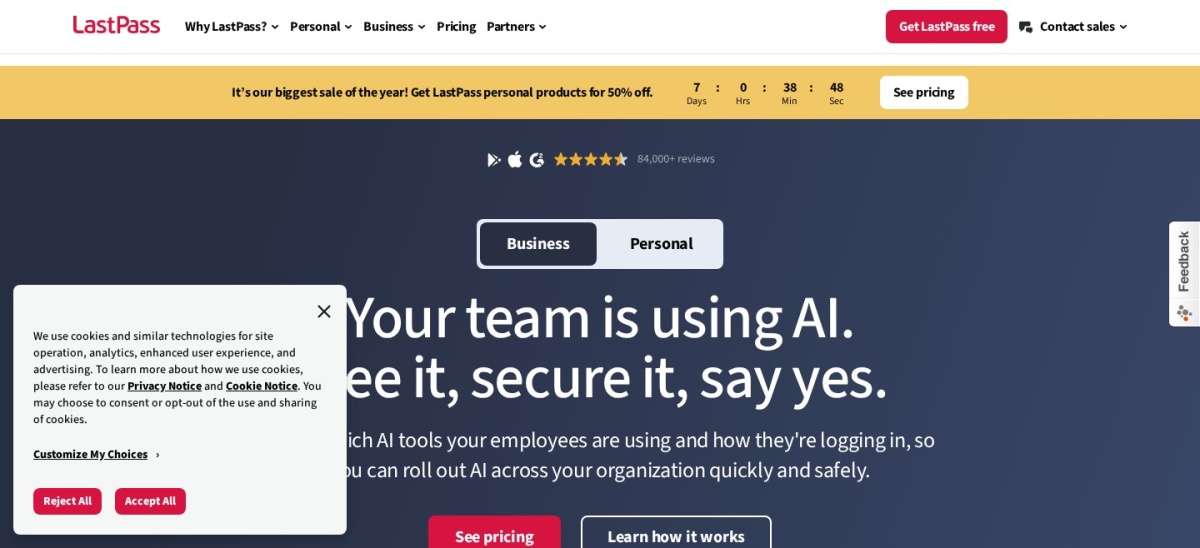
LastPass is a long-running password manager with autofill, passkeys, emergency access and dark web monitoring. Its free plan stores unlimited passwords but works on one device type only, while Premium costs $3 a month billed annually and works on all devices.
The trade off is trust and limits. A 2022 breach exposed encrypted vault backups, and a settlement was approved in February 2026, so buyers should weigh that history. It suits people who already know LastPass and want its emergency access and family sharing.
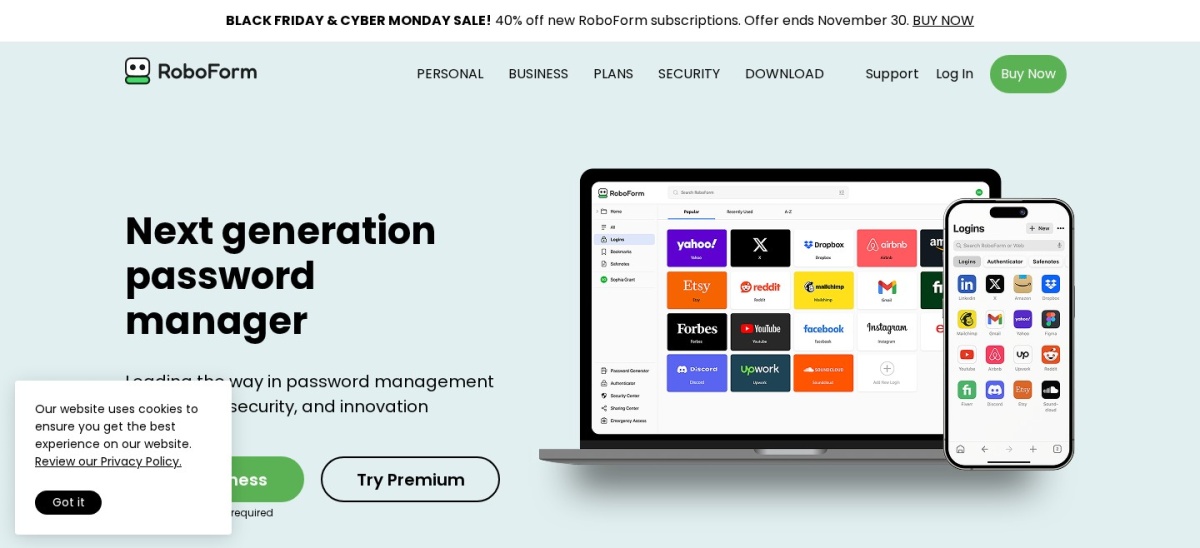
RoboForm is a veteran password manager and form filler that saves unlimited passwords on one device for free. Premium adds sync across unlimited devices, web access, cloud backup, shared folders and emergency access, with passkeys and a built-in authenticator.
The trade off is the first-year price. Premium renews at $2.49 a month billed annually ($29.88 a year) after a cheaper first year, and the interface looks dated next to newer rivals. It suits people who fill long web forms and desktop app logins every day.
What we like
Best form filling in this list
Free plan with unlimited passwords
Predictable $29.88 a year renewal
Watch out for
Free plan works on one device only
Interface feels dated
Premium unlocks unlimited devices, web access and shared foldersVisit roboform.com
08
Enpass
4.6/5on G2 (20 reviews, checked Nov 2026)
Paid from$1.99/mo
Best for your own cloud storage
Free plan25 items in one vault
Premium price$1.99/mo billed annually
Family plan6 users, $3.99/mo
G2 rating4.6/5 (20 reviews)
enpass.io
Enpass homepage, captured Nov 2026.
Enpass is a password manager that stores your vault on your own devices or in a cloud you already use, such as Google Drive or OneDrive. Its free plan covers 25 items in one vault, and Premium removes that limit and adds full syncing, passkeys and password audits.
The trade off is the free cap and thin evidence. Premium renews at $23.99 a year after a discounted first year, and its 4.6 out of 5 G2 rating rests on only 20 reviews. It suits people who do not want their encrypted vault stored on a vendor server.
What we like
Vault stays in your own cloud, not vendor servers
One-time lifetime purchase also offered
Low $23.99 a year renewal
Watch out for
Free plan capped at 25 items
Only 20 G2 reviews
Premium removes the 25-item cap and adds full syncingVisit enpass.io
09
Zoho Vault
4.4/5on G2 (78 reviews, checked Nov 2026)
Paid from$0.90/mo
Best cheapest team plan
Free planUnlimited passwords, personal use
Standard price$0.90/user/mo billed annually
Professional plan$4.50/user/mo, 5-user minimum
G2 rating4.4/5 (78 reviews)
zoho.com
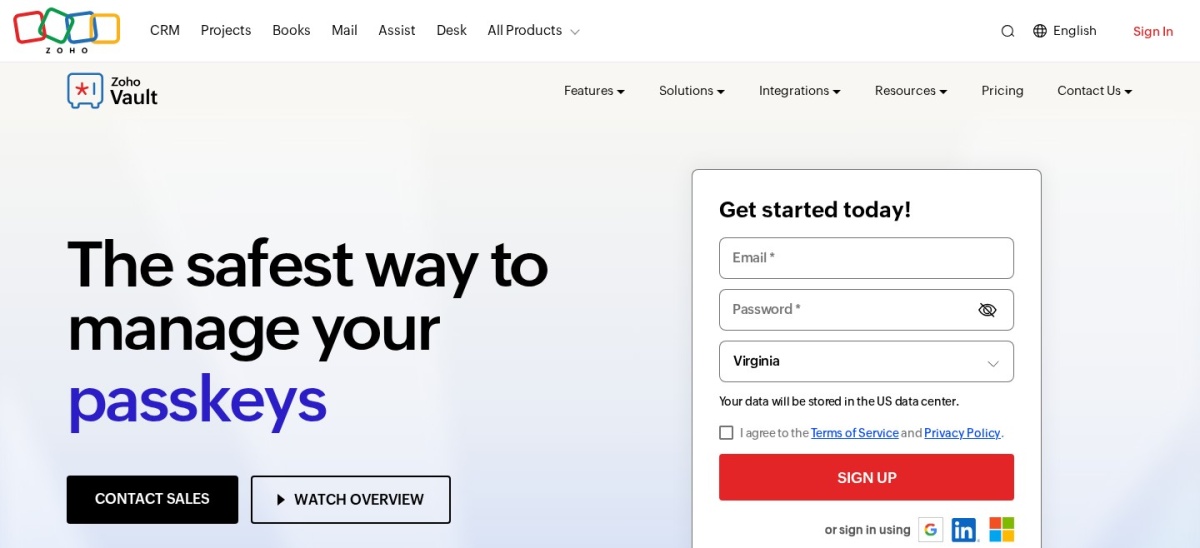
Zoho Vault homepage, captured Nov 2026.
Zoho Vault is a low-cost password manager with a free personal plan that covers unlimited passwords, passkeys and devices. Standard costs $0.90 per user a month billed annually ($10.80 a year) and unlocks team sharing, user provisioning and IP restrictions.
The trade off is depth. SSO sits on the $7.20 Enterprise plan, the interface looks dated, and its G2 rating rests on only 78 reviews. It suits small teams already using Zoho apps that want the cheapest paid sharing in this list.
What we like
Cheapest paid plan here at $10.80 a year
Free plan has no password or device caps
Built-in authenticator and passkey sharing
Watch out for
SSO only on the Enterprise plan
Small G2 review base of 78 reviews
Professional adds groups and reports at $4.50 per user a monthVisit zoho.com
Switching from Keeper: what to check first
Export first, then import. Keeper lets you export your vault, and every tool here offers an import step, so check that your new pick accepts Keeper files before you cancel.
Move shared folders and emergency contacts separately. Shared vaults and trusted contacts do not always carry over in an import, so re-share them by hand after the move.
Turn on two-factor login in the new vault on day one. Our guide to two-factor authentication shows the setup steps that apply to any vault.
Keep Keeper installed until every login works in the new tool. Delete the old vault only after a week of normal use with no missing passwords.
How we chose
We started from the password managers most often named as Keeper replacements, then kept nine with a live pricing page, a public rating and apps for desktop and mobile.
Prices come from each vendor's pricing page and November 2026 price checks, with regular prices shown instead of first-year offers. Ratings and review counts come from G2, checked on 29 November 2026.
We left out tools with no public rating or no current pricing page. No vendor paid for a place, and we do not claim to have used these tools ourselves.
How to choose a Keeper alternative
Start with your budget and your free-plan needs, then check the renewal price before you commit.
Decide what Keeper is not giving you. Price, a free plan, simpler apps or a bundled VPN point to different picks, so name the gap before you compare.
Check the free plan limits. Bitwarden and Proton Pass allow unlimited passwords on unlimited devices, while LastPass and NordPass restrict devices or sessions.
Compare the renewal price, not the offer. First-year discounts end. 1Password renews at $47.88 a year and RoboForm at $29.88, so read the renewal figure on the pricing page.
Test the import with a small vault. Import a few logins first, check autofill on your usual sites, then move the rest and turn on two-factor login.
FAQ
What is the best Keeper alternative?
1Password is the best Keeper alternative overall. It has polished apps, shared vaults, Watchtower breach alerts and a 4.6 out of 5 G2 rating from 1,823 reviews, at $3.99 a month billed annually.
What is the cheapest Keeper alternative?
Zoho Vault Standard is the cheapest paid plan at $0.90 per user a month billed annually, or $10.80 a year. For one person, Bitwarden Premium is the cheapest strong pick at $19.80 a year, and its free plan covers unlimited logins.
Is there a free Keeper alternative?
Yes. Bitwarden, Proton Pass and Zoho Vault all offer free plans with unlimited passwords, and NordPass, LastPass, RoboForm and Enpass have free plans with device or item limits. 1Password and Dashlane have no free plan, only a trial.
Which Keeper alternative is best for families?
1Password Families covers five people for $5.99 a month, with separate vaults and family recovery. Bitwarden Families covers six people for $47.88 a year, and Dashlane Friends and Family covers ten people for $7.49 a month.
Do Keeper alternatives support passkeys?
Yes, every tool in this list supports passkeys for sign-in and storage. 1Password, Bitwarden, NordPass and Proton Pass also support hardware security keys for two-factor login.
Is it easy to switch from Keeper?
Yes, in most cases. Export your Keeper vault, import the file into the new tool, then re-share folders and set up emergency access by hand. Keep Keeper installed for a week until every login works in the new vault.
SaaS SEO and WordPress specialist with about 8 years of experience. Rakib compares WordPress plugins, themes, hosting and software using public pricing, documentation and user reviews. See how we rank.