Bitwarden is our top pick for password management software, combining open-source transparency with unlimited logins and devices on its free tier. 1Password is a strong choice for households and teams seeking structured sharing, while NordPass fits users who want fast cross-device vaults.
How we make this list: we compare pricing pages, product documentation and public user reviews, then re-check every price before each update. No product paid for a place. Disclosure.
Bitwarden's free tier supports unlimited logins across unlimited devices, while Bitwarden Premium is $19.80/yr.
1Password's regular Individual plan is $3.99/mo billed annually ($47.88/yr), though first-year promos appear on its pricing page.
NordPass offers a free plan for one account and paid plans with 30-day money-back guarantees.
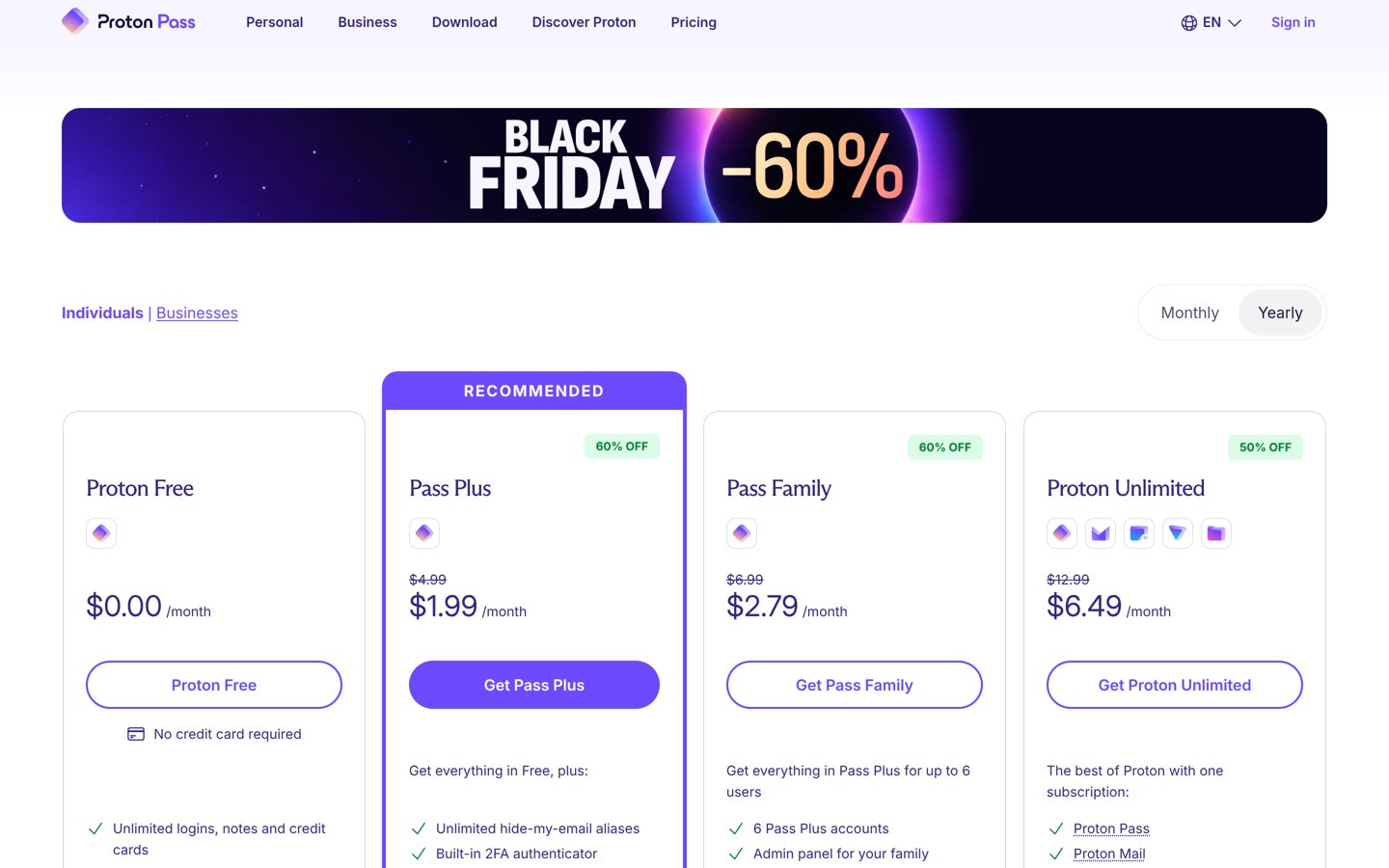
Proton Pass includes email aliases and a free plan with unlimited passwords, with Pass Plus listed at $35.88/yr.
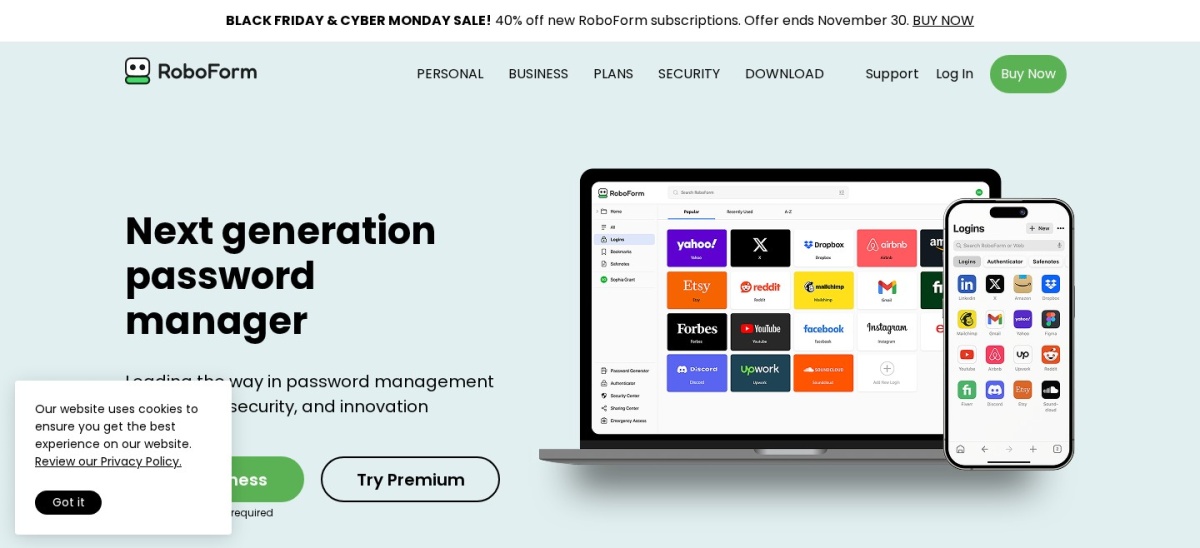
RoboForm starts free for one device and renews at $29.88/yr on Premium after a first-year discount.
What to look for in password management software
Password management software encrypts logins, passkeys, payment cards, and secure notes under a master credential so you do not reuse weak passwords across accounts. Most modern vaults sync across desktop browsers, mobile apps, and passkey workflows.
Free plans vary sharply in practical limits. Some allow unlimited logins across devices right away, while others cap active device types, restrict vault items, or lock breach alerts and built-in two-factor authenticators behind paid tiers.
Pay close attention to renewal pricing versus introductory promos when comparing plans. Many vendors advertise steep first-year discounts or seasonal sales that step up to a higher standard annual rate at renewal.
Team and privacy needs also shape the right fit. Check whether you need shared folders, emergency access, custom email aliases, or self-hosting and customer-controlled storage rather than relying solely on a vendor-hosted vault.
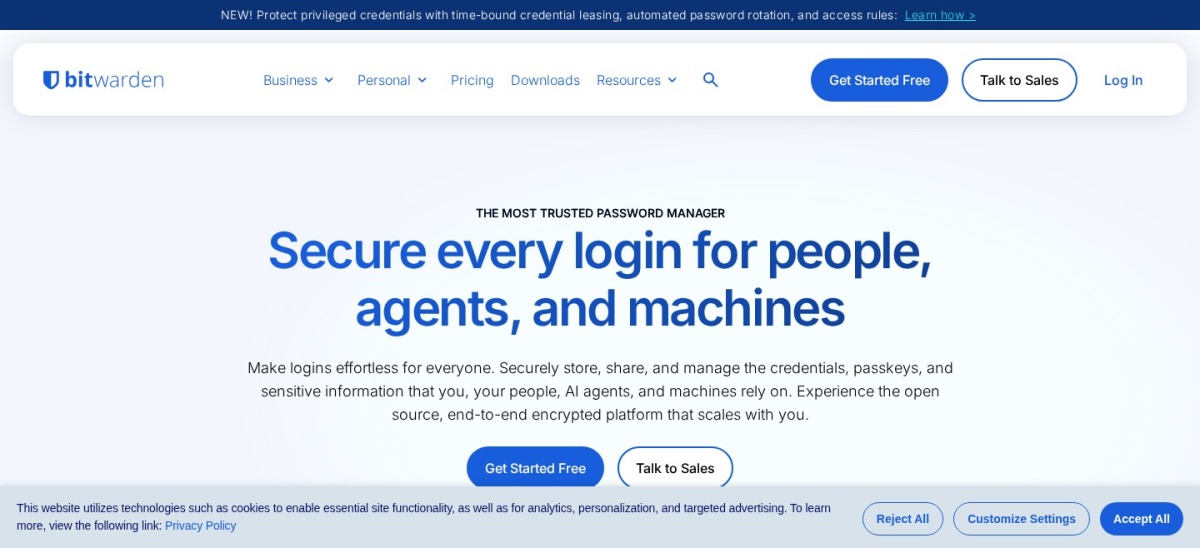
Bitwarden is a password manager with open-source clients and a free plan that covers unlimited logins and passkeys across unlimited devices. Its free tier also includes two-person sharing and standalone authenticator support for more than 15 million users.
The trade off is that sharing items beyond basic setups can feel less direct than in some rivals, and its paid individual plan costs $19.80/yr ($1.65/mo billed annually) for 5 GB attachment storage, integrated TOTP, and vault health alerts. It suits individuals and teams who want transparent security and low ongoing cost.
What we like
Unlimited logins across unlimited devices on the free plan
Open-source software trusted by more than 15 million users
Low-cost paid plans starting at $19.80/yr
Supports passkeys, biometrics, and hardware security keys
Watch out for
Organization and collection sharing takes extra setup steps
Some users report occasional autofill quirks on complex forms
Paid plan adds 5 GB storage, vault health alerts, and up to 10 2FA security keys.Visit bitwarden.com
02
1Password
4.6/5on G2 (1,823 reviews, checked Nov 2026)
Starts at$47.88/yr
Best for shared vaults and teams
Free tierNo free tier (trial available)
Regular price$3.99/mo billed annually
Family planUp to 5 members
G2 rating4.6/5 (1,823 reviews)
1password.com
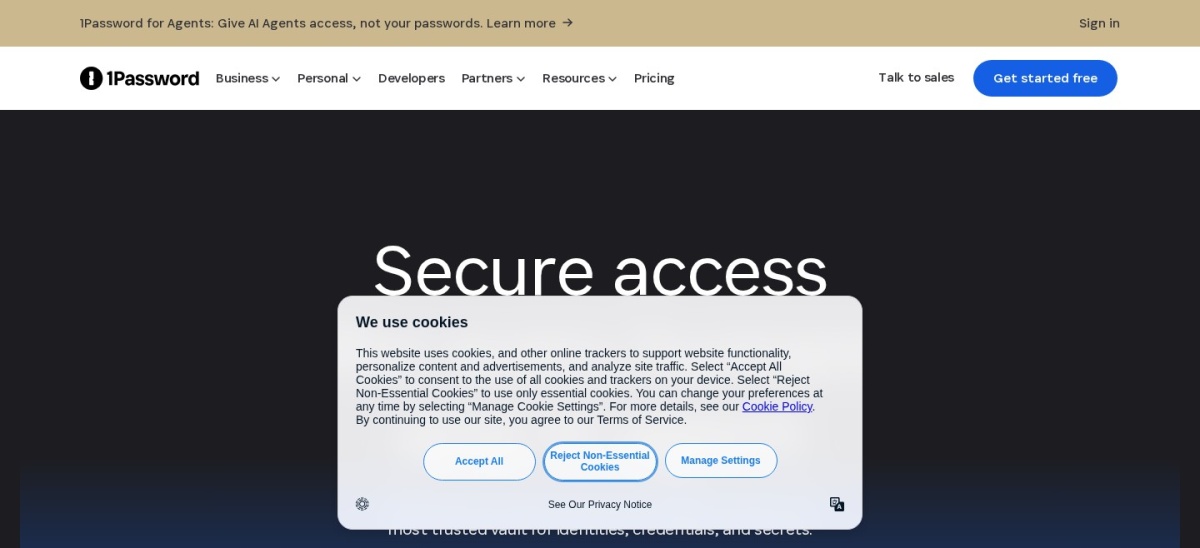
1Password homepage, captured Nov 2026.
1Password is a password and credential manager that uses an account password alongside a Secret Key for layered vault protection. It supports autofill, passkeys, Watchtower breach alerts, and developer tools across desktop and mobile apps.
The trade off is that there is no free forever tier and its regular Individual price is $3.99/mo billed annually ($47.88/yr), though first-year promotional discounts appear on its pricing page. It suits households and businesses that want straightforward vault sharing and strong admin controls.
What we like
Clear vault organization and link-based item sharing
Dual-layer protection combining account password and Secret Key
Includes Watchtower alerts for weak or compromised credentials
Strong adoption among small businesses and growing teams
Watch out for
No free plan after the trial period
Regular annual pricing costs more than budget competitors
Paid plans unlock full vault sync, Watchtower alerts, and shared vaults.Visit 1password.com
03
NordPass
4.5/5on G2 (644 reviews, checked Nov 2026)
Paid from$23.88/yr
Best for simple cross-device vaults
Free tier1 user account available
Individual annual$23.88/yr ($1.99/mo)
EncryptionXChaCha20
G2 rating4.5/5 (644 reviews)
nordpass.com
NordPass homepage, captured Nov 2026.
NordPass is a password manager from Nord Security built around XChaCha20 encryption, passkey support, and autofill across desktop and mobile apps. It serves more than 11 million users and offers a free tier plus a 30-day money-back guarantee on paid plans.
The trade off is that its one-year individual rate is $23.88/yr ($1.99/mo), with two-year and promotional bundles available depending on billing term. It suits users who want a modern interface and straightforward team or personal vault management.
What we like
Clean interface with fast autofill and passkey support
Trusted by 11M+ users and 11,500+ businesses
Free plan available with a 30-day refund window on paid plans
Watch out for
Some advanced security features sit on higher or business tiers
Proton Pass is a password and identity manager from Proton that pairs end-to-end encryption with built-in hide-my-email aliases and passkey support. Its free plan supports unlimited passwords and basic email aliasing across supported apps and browsers.
The trade off is that Pass Plus runs $35.88/yr at its standard annual rate before promotional sales, and browser autofill can be inconsistent on certain sites. It suits privacy-minded users who want email masking without third-party alias tools.
Strong 4.7/5 rating on G2 across 127 business reviews
Watch out for
Standard annual Pass Plus pricing is higher than Bitwarden
Autofill can be inconsistent on select websites
Pass Plus adds integrated 2FA, dark web alerts, item sharing, and custom alias domains.Visit proton.me
05
RoboForm
4.6/5on G2 (758 reviews, checked Nov 2026)
Paid from$29.88/yr
Best for form filling and budget renewals
Free tier1 device, unlimited logins
Renewal price$29.88/yr on Premium
First-year promo$18.00/yr ($1.50/mo)
G2 rating4.6/5 (758 reviews)
roboform.com
RoboForm homepage, captured Nov 2026.
RoboForm is a veteran password manager and form filler that saves unlimited passwords on a single device for free and supports passkeys, TOTP codes, and breach checks. It offers a 30-day money-back guarantee on paid personal plans.
The trade off is that its free plan is limited to one device, and Premium renews at $29.88/yr after an $18.00 first-year promotional rate during sales. It suits users who value detailed form filling and affordable long-term renewals.
Free tier includes unlimited passwords on one device
Reasonable $29.88/yr renewal rate on Premium
Watch out for
Free plan restricts use to a single device
Interface feels more traditional than newer competitors
Premium unlocks unlimited devices, web access, shared folders, and emergency access.Visit roboform.com
06
Enpass
4.6/5on G2 (20 reviews, checked Nov 2026)
Paid from$23.99/yr
Best for customer-controlled storage
Free tierUp to 25 items
Annual renewal$23.99/yr after promo
Storage modelUser-controlled vaults
G2 rating4.6/5 (20 reviews)
enpass.io
Enpass homepage, captured Nov 2026.
Enpass is a password and passkey manager designed around customer-controlled storage, letting vaults reside on your own devices or in accounts like Microsoft 365 and Google Workspace. It offers a free plan for up to 25 items.
The trade off is that its free plan caps storage at 25 items, and its annual plan renews at $23.99/yr after a $14.39 discounted first year. It suits users and organizations that prefer not to store encrypted vaults on the vendor's servers.
What we like
Keeps vault data under customer or device control rather than vendor servers
Supports passkeys, password audits, and family or business plans
Low $23.99/yr standard annual renewal price
Watch out for
Free tier is capped at 25 stored items
Smaller public review count on G2 than larger rivals
Paid plans remove the 25-item limit and add full vault syncing and management.Visit enpass.io
07
LastPass
4.5/5on G2 (2,135 reviews, checked Nov 2026)
Paid from$51.00/yr
Best for fast setup and team policies
Free tierLimited to one device type
Teams starting$4.25/user/mo ($51/yr)
MFA optionsApps, biometrics & keys
G2 rating4.5/5 (2,135 reviews)
lastpass.com
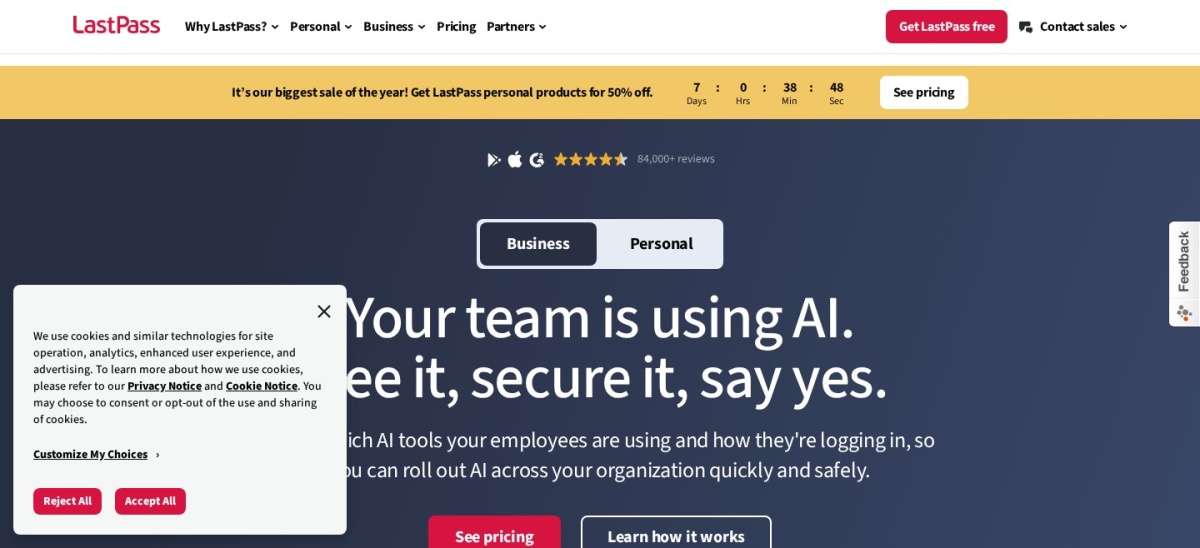
LastPass homepage, captured Nov 2026.
LastPass is an established password manager offering a free plan restricted to one device type alongside paid plans for individuals, families, and businesses. On G2, its Teams plan starts at $4.25 per user per month ($51.00/yr) with central sharing and policy controls.
The trade off is that the free tier limits you to one device type, and business tiers scale up to $7 or $9 per user per month. It suits teams that want quick onboarding, flexible autofill controls, and established admin policies.
What we like
Large review footprint with 2,135 reviews on G2
Quick initial setup and selective password import options
Supports SSO, policies, and multiple MFA methods on business plans
Watch out for
Free plan restricts active access to one device type
Some users report occasional sync hiccups
Paid plans expand device access, password sharing, and team policy controls.Visit lastpass.com
When a free password manager is enough vs. upgrading
A free tier works well if you only need basic password generation and autofill on one device type or want to test cross-device syncing without paying upfront. Bitwarden stands out on free plans because it does not cap logins or restrict you to a single device type.
Upgrading makes sense when you need built-in two-factor code storage, encrypted file attachments, emergency access for trusted contacts, or broader team sharing controls. Always check renewal rates rather than first-year discounts before committing.
How we chose
We assembled this shortlist from widely used password management tools for personal, family, and team credential storage across desktop and mobile platforms.
Ratings, review counts, and plan pricing were checked on 22 Nov 2026 using official vendor pricing pages and G2 product listings, noting standard annual or renewal rates alongside promotional offers.
We excluded unmaintained tools, products without verifiable pricing or ratings, and options that did not fit general password management software.
No vendor paid for a place, and we do not claim testing for this list.
How to choose password management software
Follow these four steps to narrow down the right vault for your setup.
Check your device and browser mix first. Confirm native apps and extensions work smoothly on every phone, laptop, and browser you use daily.
Compare regular renewal prices, not just promos. Look at what a plan costs after year one so a low introductory rate does not surprise you later.
Decide how you share logins and access. Pick a tool that matches whether you need simple shared folders, temporary links, or team admin policies.
Verify two-factor and recovery options. Set up authenticator apps, passkeys, or hardware keys and plan recovery steps before relying on a vault.
FAQ
What is the best free password management software?
Bitwarden is a leading free option because it supports unlimited logins across unlimited devices without locking basic vault sync behind a paywall. Proton Pass is also strong if you want a free plan with hide-my-email aliases.
Are password managers safe to use?
Reputable password managers encrypt your vault locally with strong cryptography and zero-knowledge architectures so the vendor cannot read your stored passwords. Security still depends on choosing a strong master password and enabling multi-factor authentication.
What is the difference between a password manager and a passkey?
A password manager stores traditional usernames and passwords and autofills them across sites, while a passkey uses cryptographic key pairs tied to your account and device or vault. Many modern password managers now store and sync passkeys alongside passwords.
Should I watch out for promotional pricing on password managers?
Yes, several providers advertise discounted first-year or seasonal rates that renew at a higher standard price. Always check the regular annual renewal rate so you know your long-term cost.
Can I switch password managers later if I change my mind?
Most password managers let you export your saved logins as a CSV or encrypted file and import them into another vault. Remember to update any two-factor tokens and delete exported files securely after migrating.
Do I need a family or business plan instead of an individual plan?
An individual plan fits solo use, whereas family and business plans add shared vaults, multiple user seats, and administrative controls. Choose a team or business tier when you need centralized user management or permission rules.
SaaS SEO and WordPress specialist with about 8 years of experience. Rakib compares WordPress plugins, themes, hosting and software using public pricing, documentation and user reviews. See how we rank.