Bitwarden is the best passkey management software for most users, offering synced passkey storage across devices on a free plan and holding a 4.6/5 rating across 1,519 G2 reviews. Choose 1Password for team policies and shared vaults, or Proton Pass for privacy-focused email aliasing.
How we make this list: we compare pricing pages, product documentation and public user reviews, then re-check every price before each update. No product paid for a place. Disclosure.
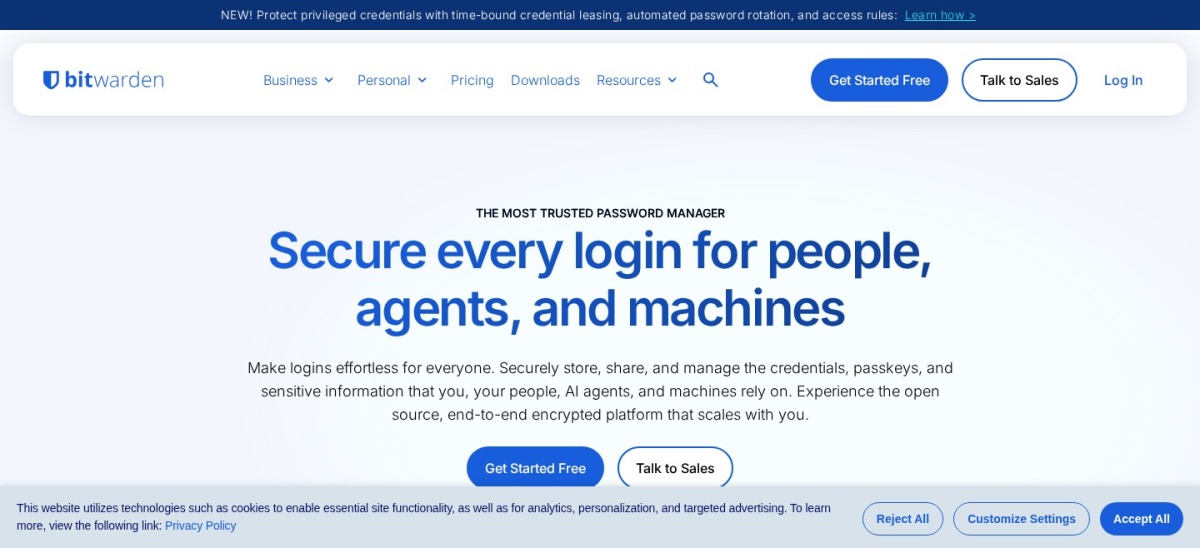
Bitwarden supports passkey storage and syncing across devices on its free tier, with Premium at $19.80/yr.
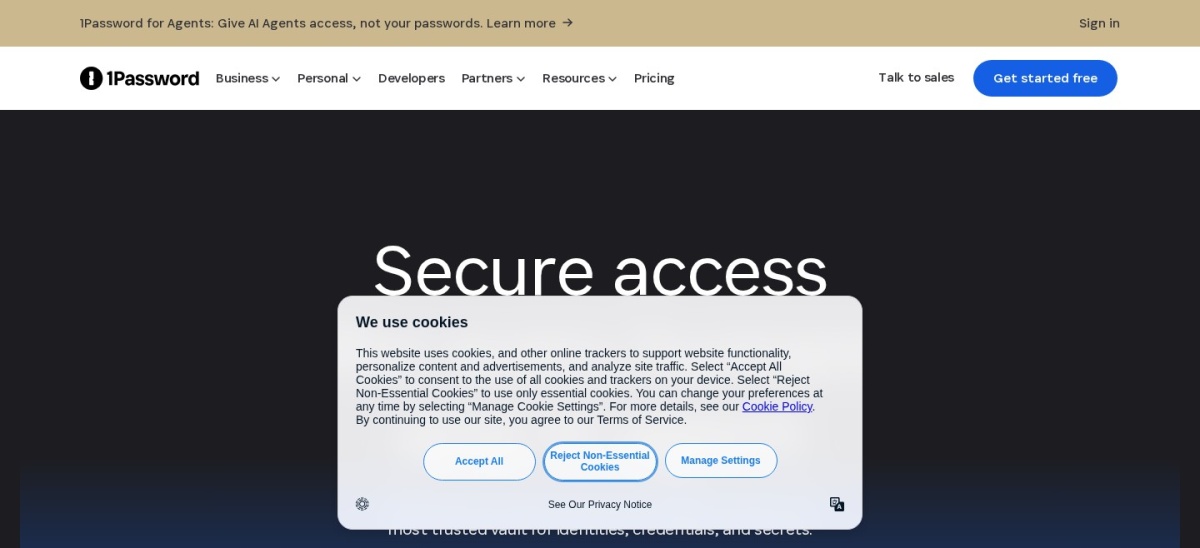
1Password offers native passkey management across platforms and starts at $47.88/yr for Individual plans at regular pricing.
Proton Pass combines open-source apps and passkey support with a free plan and Pass Plus regularly at $35.88/yr.
NordPass uses XChaCha20 encryption and passkey storage, with a free single-device tier and paid plans starting at $23.88/yr on a 1-year term.
Dashlane discontinued its free plan in September 2025 and starts at $64.99/yr for individual plans.
What to look for in passkey management software
Passkeys replace passwords with cryptographic key pairs that sign in without shared secrets. Relying only on a single phone or browser can lock you out if that device is lost or replaced.
Cross-platform passkey syncing lets you store and use passkeys across Windows, macOS, Linux, iOS, and Android rather than tying them to one ecosystem.
Check how each vault handles shared access and account recovery. Teams and families need controlled sharing and recovery paths so credentials stay reachable without risky workarounds.
Watch introductory pricing versus renewal rates. Several providers advertise lower first-year or multi-year rates before renewing at standard annual prices.
Bitwarden is an open-source credential vault that lets you store and sync passkeys across devices on its free plan. The free tier includes unlimited logins and cross-device syncing with no expiration limit.
The trade off is a sparser interface and occasional autofill quirks on complex web forms. Premium costs $19.80 a year ($1.65/month billed annually). It suits individuals and technical teams who want low-cost vaults and self-hosting options.
What we like
Synced passkey and password storage on the free tier
1Password is a password and passkey manager built around zero-knowledge encryption and Secret Key protection. It offers a 14-day free trial rather than a permanent free tier.
The trade off is no free plan and a higher regular price of $3.99 per month billed annually ($47.88/yr), though first-year promotions sometimes lower the initial bill. It suits households and businesses that prioritize polish and team access controls.
What we like
Consistent apps and autofill across desktop and mobile
Strong family and business vault sharing controls
Watchtower alerts for compromised logins and passkey support
Watch out for
No free tier after the 14-day trial
Higher regular annual price than budget rivals
Business plans add SSO integrations, admin policies, and reportingVisit 1password.com
03
Proton Pass
4.7/5on G2 (127 reviews, checked Nov 2026)
Paid from$35.88/yr
Best for privacy and email aliases
Free planYes, core vault & sync
Passkey storageYes, across devices
Email aliasesIncluded
Paid planPass Plus, $35.88/yr
proton.me
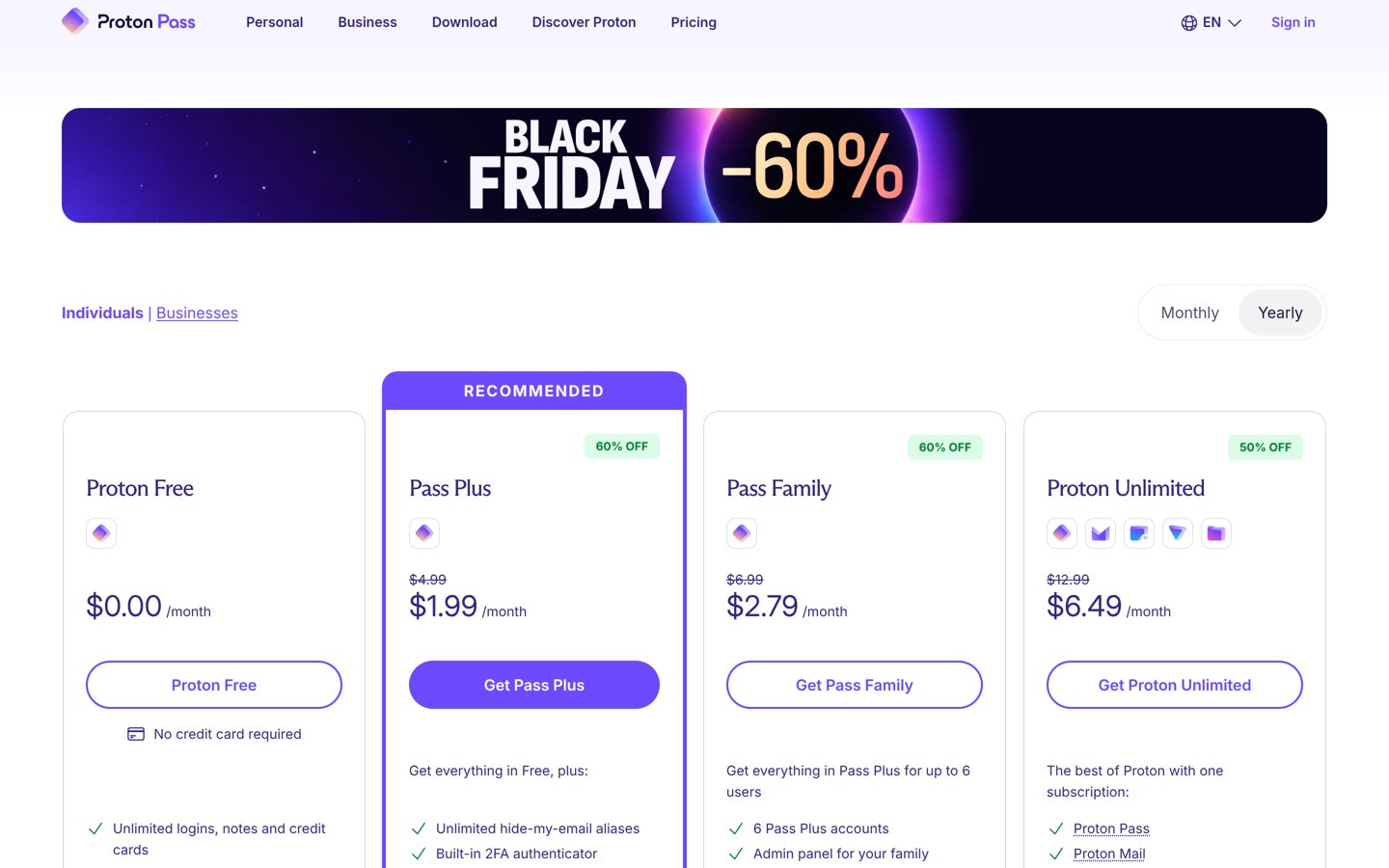
Proton Pass homepage, captured Nov 2026.
Proton Pass is an end-to-end encrypted credential and passkey manager from Proton. Its free tier includes core vault storage, autofill, password generation, and email aliasing across devices.
The trade off is a smaller review footprint and a standard renewal rate of $35.88 a year for Pass Plus after discounted introductory deals. It suits privacy-minded users who want email masking alongside passkeys.
What we like
Free tier covers daily passkey and password basics
Built-in email aliases help reduce spam and tracking
Open-source client apps with end-to-end encryption
Watch out for
Regular renewal price is higher than Bitwarden
Fewer public reviews than older established vaults
Pass Plus adds unlimited vaults, built-in 2FA, and dark web alertsVisit proton.me
04
NordPass
4.5/5on G2 (644 reviews, checked Nov 2026)
Paid from$23.88/yr
Best for straightforward passkey and password basics
Free planYes, 1 active device
Passkey storageYes
EncryptionXChaCha20
Paid planPremium, from $23.88/yr
nordpass.com
NordPass homepage, captured Nov 2026.
NordPass is a password and passkey manager built on XChaCha20 encryption with clean desktop, mobile, and browser apps. Its free tier keeps your vault accessible without a subscription, though it limits active device sessions.
The trade off is multi-device limits on the free plan and higher renewal pricing after introductory terms. It suits users who want a simple interface and optional Nord ecosystem bundles.
What we like
Clean interface with passkey creation and autofill
Uses modern XChaCha20 encryption
Competitive first-year personal pricing
Watch out for
Free plan restricts simultaneous active devices
Introductory rates step up at renewal
Paid plans unlock multi-device sync, breach scanning, and sharingVisit nordpass.com
05
Keeper
4.6/5on G2 (1,259 reviews, checked Nov 2026)
Starts at$39.96/yr
Best for compliance and enterprise controls
Free planNo, trial available
Passkey storageYes, personal & business
ComplianceSOC 2, ISO 27001, FedRAMP
Paid planUnlimited, $39.96/yr list
keepersecurity.com
Keeper homepage, captured Nov 2026.
Keeper is a zero-knowledge credential platform that supports passkeys across personal vaults and managed business accounts. It is widely used in regulated organizations that need strict access governance and auditability.
The trade off is higher pricing and extra charges for add-ons such as dark web breach monitoring. It suits businesses and security-focused households that want granular policy and compliance features.
What we like
Strong enterprise compliance and admin controls
Supports passkeys alongside traditional logins and MFA
Well-established across small teams and enterprises
Dashlane is a passkey and password manager that pairs vault storage with phishing alerts, dark web monitoring, and a built-in VPN. It retired its free plan in September 2025, so new users start with a trial or paid subscription.
The trade off is a higher price tag at $64.99 a year for individual Premium, with no free tier. It suits users who want a single subscription covering passkeys, breach alerts, and a VPN.
What we like
Includes a built-in VPN and phishing warnings
Supports creating and managing passkeys
Straightforward interface for everyday logins
Watch out for
Free plan is no longer available
Pricier than basic passkey and password managers
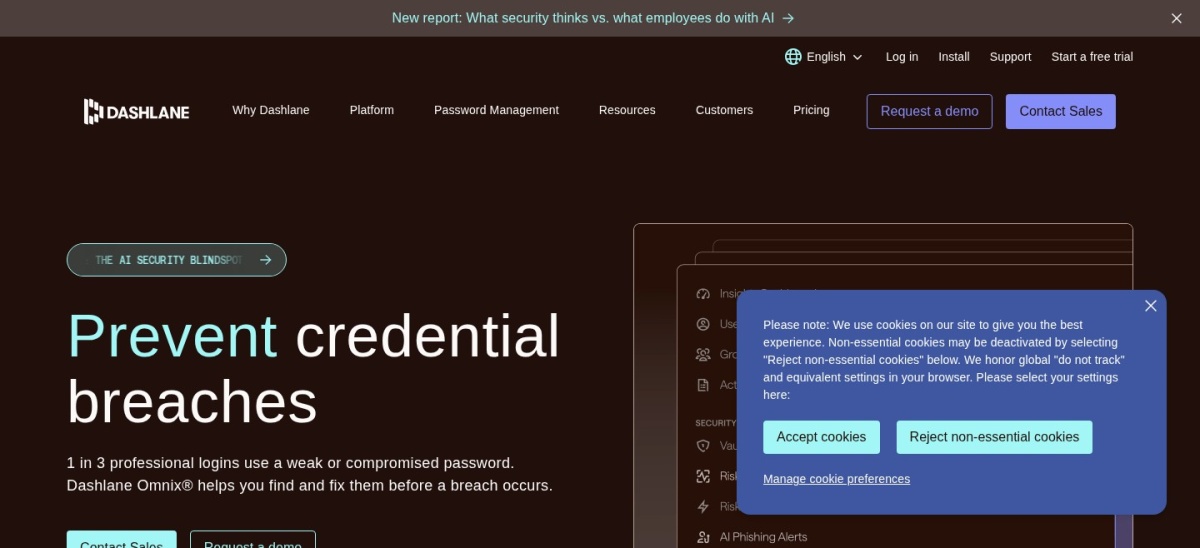
Business plans add team sharing, admin policies, and SSO optionsVisit dashlane.com
07
RoboForm
4.6/5on G2 (758 reviews, checked Nov 2026)
Paid from$29.88/yr
Best for form filling and budget renewals
Free planYes, basic tier
Passkey 2FASupported
Form fillingAddresses, IDs & cards
Paid planPremium, $29.88/yr renewal
roboform.com
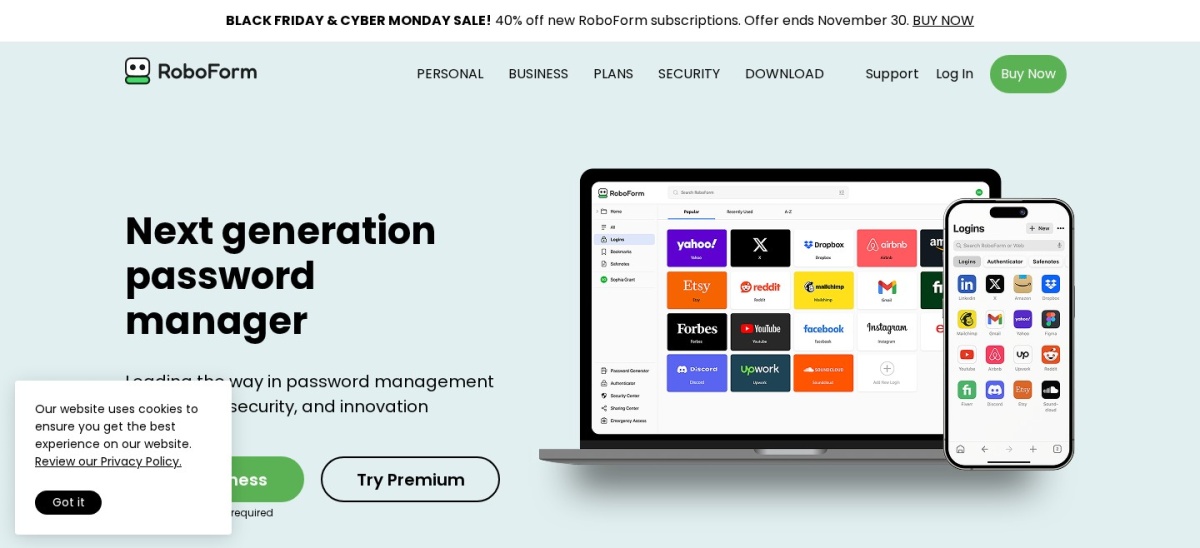
RoboForm homepage, captured Nov 2026.
RoboForm is a long-running credential and form-filling tool that supports passkeys alongside password storage and multi-factor authentication. It offers a free tier with basic capabilities before upgrading for full device sync and sharing.
The trade off is a dated visual style and introductory discounts that step up to $29.88 a year at renewal. It suits users who fill lots of web forms and want lower ongoing rates.
What we like
Strong form filler for addresses, cards, and logins
Includes a free tier and 30-day money-back guarantee
Lower renewal rate than several major rivals
Watch out for
Interface looks older than newer competitors
First-year discounts increase on renewal
Premium unlocks unlimited devices, cloud backup, and shared foldersVisit roboform.com
Why passkey management matters beyond a single device
Device-bound passkeys stay tied to the hardware where you create them, while synced passkeys can move across supported devices and vaults. Losing a phone without a backup path can turn strong security into a lockout.
Using a dedicated passkey manager helps keep your logins portable across operating systems and browsers. It also keeps passkeys organized alongside recovery codes and shared credentials.
How we chose
We selected established password and passkey managers with active development, public pricing, and verified user review counts.
Prices and ratings were checked on 22 November 2026 from official pricing pages and G2 review listings, showing regular or renewal rates when promotional discounts apply.
We excluded discontinued free tiers where relevant and products lacking clear public pricing. No vendor paid for a place, and we do not claim testing for this list.
How to choose passkey management software
Match the vault to your devices, sharing needs, and long-term budget.
Check your operating systems and browsers. Confirm the app works smoothly on every phone, laptop, and browser you use daily.
Decide whether you need sharing or admin controls. Solo users often do fine on a free or personal plan, while families and teams need shared vaults and permissions.
Compare renewal pricing, not just first-year promos. Check what a subscription costs after the initial discount ends so you are not surprised next year.
Keep recovery options documented. Save account recovery details and backup methods in a safe place in case you lose access to a device.
FAQ
What is the best passkey management software?
Bitwarden is a top pick for most users because it supports synced passkey storage across devices on a free plan and holds a 4.6/5 rating across 1,519 G2 reviews. 1Password and Proton Pass are strong alternatives depending on team or privacy needs.
Can passkeys replace passwords completely?
Not everywhere yet. Many websites and apps support passkeys, but older services still rely on passwords or two-factor codes, so most people manage both together.
Are passkeys safer than traditional passwords?
Passkeys use public-key cryptography and do not share a secret password with the website, making them resistant to phishing and credential stuffing. You still need to protect the device or vault that holds them.
Do I need to pay to store passkeys?
Not always. Bitwarden and Proton Pass include passkey support with free plans, while other providers require a trial or paid subscription.
What happens if I lose my phone?
If your passkeys are synced to a cross-platform vault or backed up properly, you can sign in from another authorized device or recovery path. Device-only passkeys are harder to recover if that hardware is lost.
Can teams share passkeys safely?
Yes, business password managers let teams store and share credentials with access controls and audit features. Always check whether passkey sharing is supported on your specific tier.
SaaS SEO and WordPress specialist with about 8 years of experience. Rakib compares WordPress plugins, themes, hosting and software using public pricing, documentation and user reviews. See how we rank.