Safesite leads for small teams starting with a free tier that supports inspections, hazard logs, and trend reporting, while paid plans begin at $16 per member per month on annual billing. Workhub suits budget-minded safety teams at $3 per user per month with a minimum of three users, and EHS Insight fits mid-market compliance programs starting at $5,000 per year.
How we make this list: we compare pricing pages, product documentation and public user reviews, then re-check every price before each update. No product paid for a place. Disclosure.
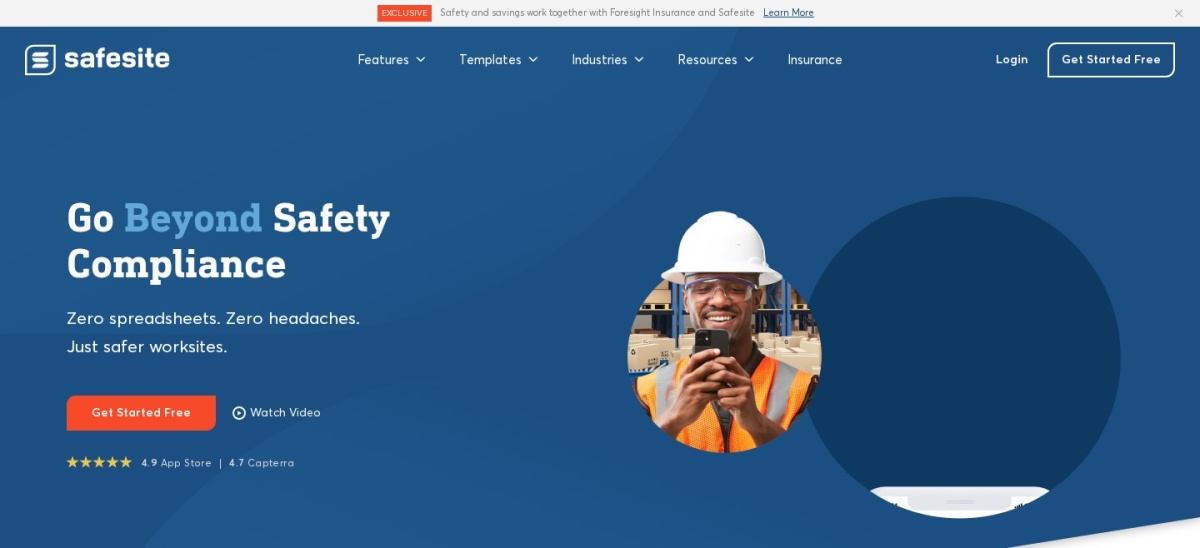
Safesite offers a free tier with inspections and hazard tracking and upgrades to paid plans from $16 per member per month billed annually.
Workhub lists a $0 free tier and a Standard plan at $3 per user per month with a three-user minimum and no sign-up fees.
Mitti (by SafetyCulture) provides a free plan for up to 10 users with 5 active templates and paid tiers starting at $24 per seat per month billed annually.
GoAudits starts at $10 per user per month on annual billing for its Starter inspection plan.
EHS Insight starts at $5,000 per year for small and mid-sized organizations based on headcount and modules.
What to look for in OSHA compliance software
OSHA compliance software helps teams standardize safety inspections, record incidents, and track corrective actions without relying on scattered spreadsheets or paper binders. Many employers with more than 10 employees must maintain OSHA 300, 300A, and 301 logs, so checking whether recordkeeping or reporting sits on a free or paid tier is essential.
Field adoption matters as much as back-office reporting. Crews working on job sites, warehouses, or plant floors need fast mobile checklists, photo capture, and offline access when connectivity drops.
Pricing models vary widely across the category. Some tools bill per active user or member each month, while others set a minimum seat count, require annual contracts, or base quotes on headcount, locations, and selected modules.
Safesite is a workplace safety management platform built around field inspections, hazard tracking, and incident reporting. Its free tier includes core inspection, hazard, and trend reporting tools for teams digitizing safety workflows.
The trade off is that paid plans start at $16 per member per month billed annually, and OSHA 300 recordkeeping is tied to paid tiers. It suits small construction and trade teams starting at zero cost before scaling up.
What we like
Offers a free tier for getting started with safety inspections and hazard reports
Supports mobile field reporting with photo capture and multilingual access
Clear published starting rate of $16 per member per month on annual billing
Watch out for
OSHA 300 log workflows require upgrading beyond the free tier
Per-member pricing adds up as crew headcount grows
Paid plans start at $16/member/mo billed annually and add expanded reporting and OSHA 300 capabilities.Visit safesitehq.com
02
Workhub
4.6/5on G2 (65 reviews, checked Nov 2026)
Paid from$3/mo
Best for low-cost safety and training tracking
Free tier$0 plan available
Standard plan$3/user/mo (3-user min)
Setup & contractsNo sign-up fees or contracts
Core modulesTraining, forms, incidents
workhub.com
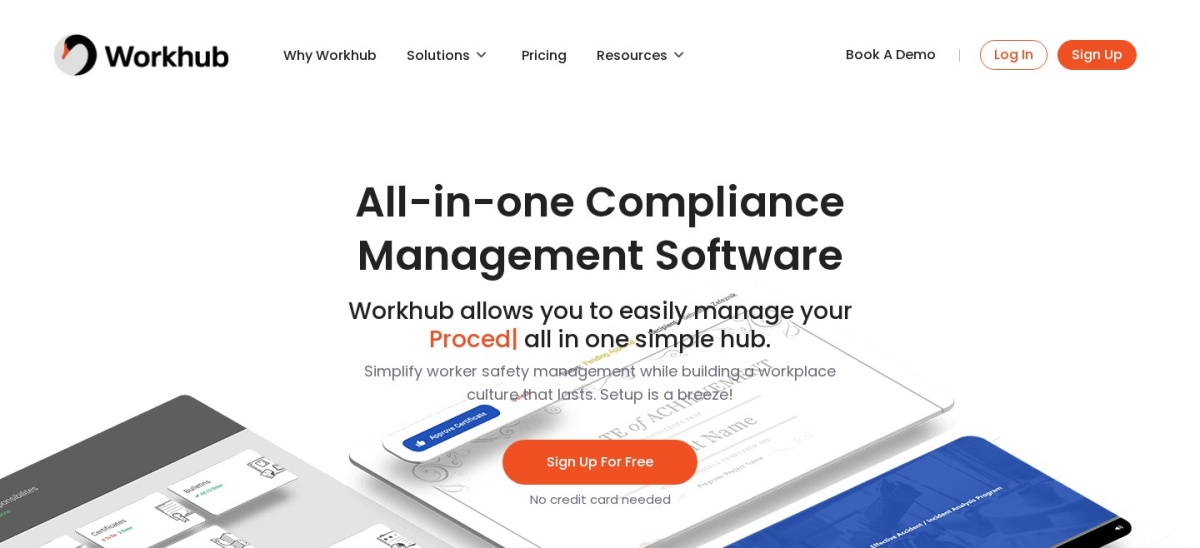
Workhub homepage, captured Nov 2026.
Workhub is a safety and compliance management platform covering training tracking, certificates, inspections, and incident forms. It offers a $0 free plan alongside a Standard plan priced at $3 per user per month with a three-user minimum.
The trade off is that the free plan includes ads and basic limits, while Standard costs $3 per user per month. It suits budget-conscious small businesses that want low-cost training and form tracking.
What we like
Low entry price at $3 per user per month with no sign-up fees
Includes a $0 free plan for small teams setting up basic structure
Combines worker training certificates, policies, and incident tracking
Watch out for
Standard plan requires a minimum of three active users
Complex multi-department training rules can feel structured for larger orgs
Standard plan at $3/user/mo adds advanced reporting, role-based access, and ad-free usage.Visit workhub.com
03
GoAudits
4.8/5on Capterra (146 reviews, checked Nov 2026)
Starts at$10/mo
Best for mobile safety audits and checklists
Free tier14-day free trial only
Starter plan$10/user/mo (annual)
Offline modeSupported on mobile & web
Support24/7 support listed
goaudits.com
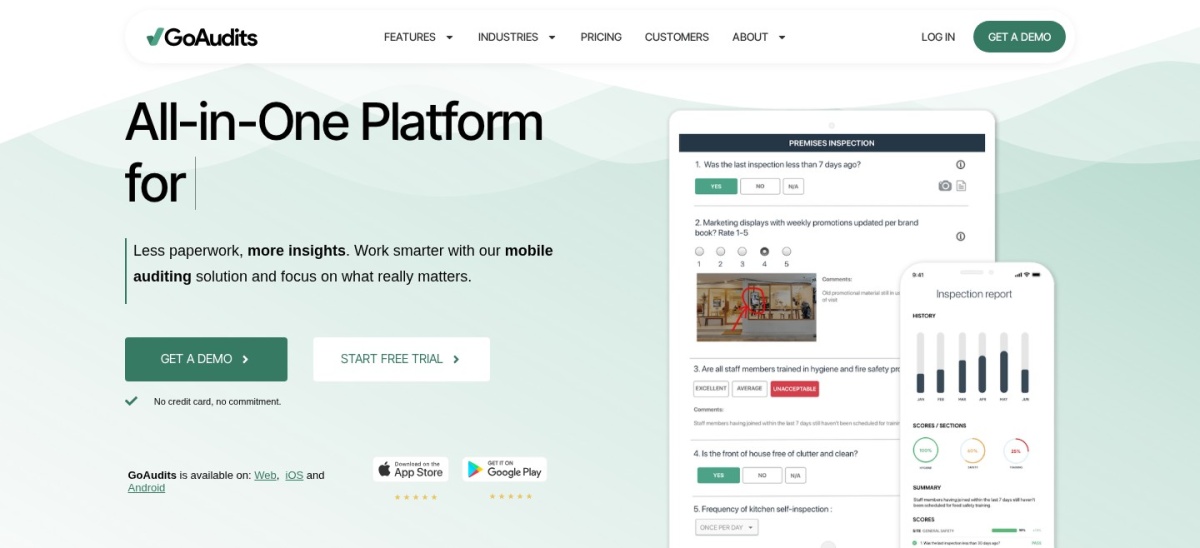
GoAudits homepage, captured Nov 2026.
GoAudits is a mobile inspection and auditing platform with customizable checklists, offline capture, and instant report generation. Its Starter plan starts at $10 per user per month billed annually and covers basic inspections and action plans.
The trade off is that there is no permanent free plan, and Starter caps templates and locations while costing $10 per user per month annually. It suits multi-site teams running frequent field checklists and corrective actions.
What we like
Affordable Starter pricing from $10 per user per month on annual billing
Works online and offline with instant report generation
High 4.8 out of 5 rating across 146 Capterra reviews
Watch out for
No free tier beyond a 14-day trial
Starter plan limits locations and active templates
Paid plans start at $10/user/mo billed annually, with higher tiers adding scheduling and advanced reporting.Visit goaudits.com
04
Mitti
4.6/5on G2 (486 reviews, checked Nov 2026)
Paid from$24/mo
Best for template-driven inspections and audits
Free tierUp to 10 users, 5 templates
Premium plan$24/seat/mo (annual)
Template libraryLarge inspection catalog
Offline supportAvailable on mobile apps
mitti.app
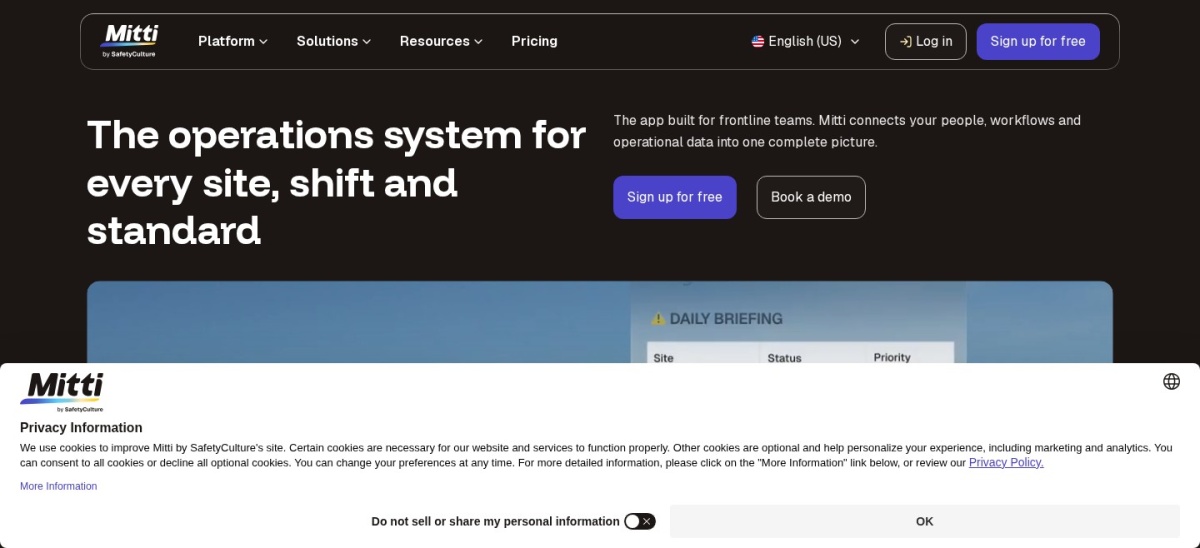
Mitti homepage, captured Nov 2026.
Mitti (formerly SafetyCulture) is an inspection, issue reporting, and training platform used across field and facility operations. Its free tier supports up to 10 users with 5 active inspection templates and basic reporting.
The trade off is that Premium starts at $24 per seat per month billed annually and can scale quickly with larger headcounts. It suits teams prioritizing mobile inspections and ready-made checklists.
What we like
Generous review base with a 4.6 out of 5 rating across 486 G2 reviews
Free plan available for up to 10 users with 5 active templates
Strong mobile inspection workflows and template variety
Watch out for
Free plan restricts active templates to 5 and caps team size at 10 users
Per-seat costs climb fast for larger workforces
Premium starts at $24/seat/mo billed annually and unlocks unlimited templates, analytics, and integrations.Visit mitti.app
05
Intelex
4.1/5on G2 (81 reviews, checked Nov 2026)
Starts at$44/mo
Best for configurable safety and quality programs
Free tierNot offered (trial via form)
Safety Essentials$44/user/mo (25-user min)
Billing basisAnnual billing required
ScopeSafety, incidents, actions
intelex.com
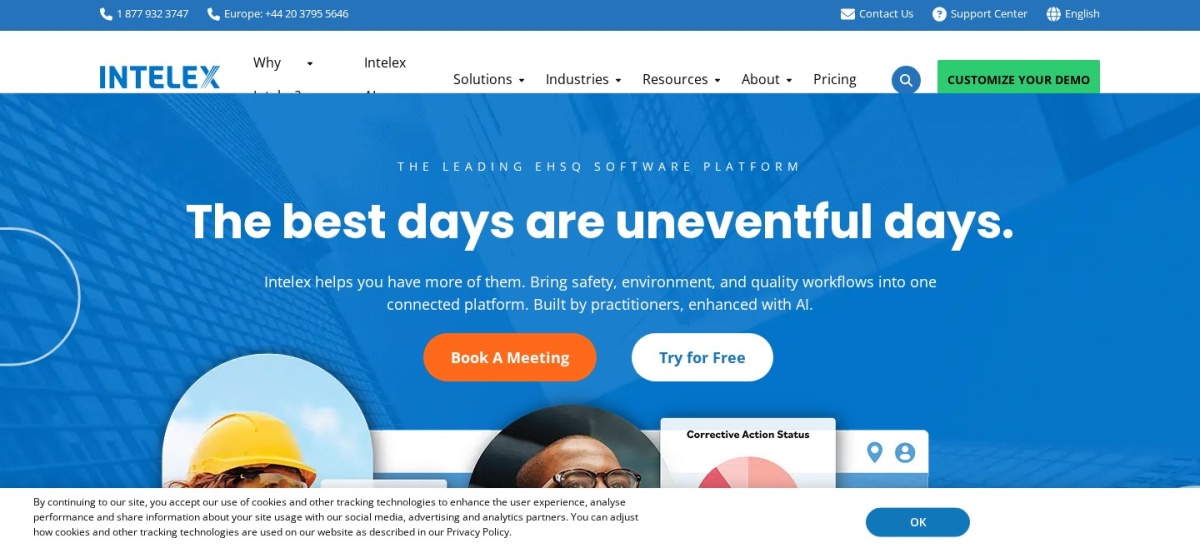
Intelex homepage, captured Nov 2026.
Intelex is an environmental, health, safety, and quality platform covering incidents, inspections, risk, and corrective actions. Its Safety Essentials tier starts at $44 per user per month with a 25-user minimum billed annually.
The trade off is that Safety Essentials requires at least 25 users on annual billing and lacks some advanced modules. It suits mid-sized and industrial teams standardizing core safety workflows.
What we like
Published entry price for Safety Essentials at $44 per user per month annually
Covers incident reporting, near misses, inspections, and action plans
Backed by a mature EHSQ platform with broader enterprise tiers available
Watch out for
25-user minimum and annual billing create a high entry floor
Some reviewers note a steeper learning curve and dated UI elements
Safety Essentials starts at $44/user/mo (25-user minimum, billed annually), with custom Advanced and Enterprise plans.Visit intelex.com
06
SiteDocs
4.5/5on G2 (34 reviews, checked Nov 2026)
PricingCustom/yr
Best for paperless safety forms and worker sign-offs
Free tierNot listed on pricing page
Pricing modelAnnual custom quote
Key capabilityDigital forms & signatures
Offline modeSupported on mobile app
sitedocs.com
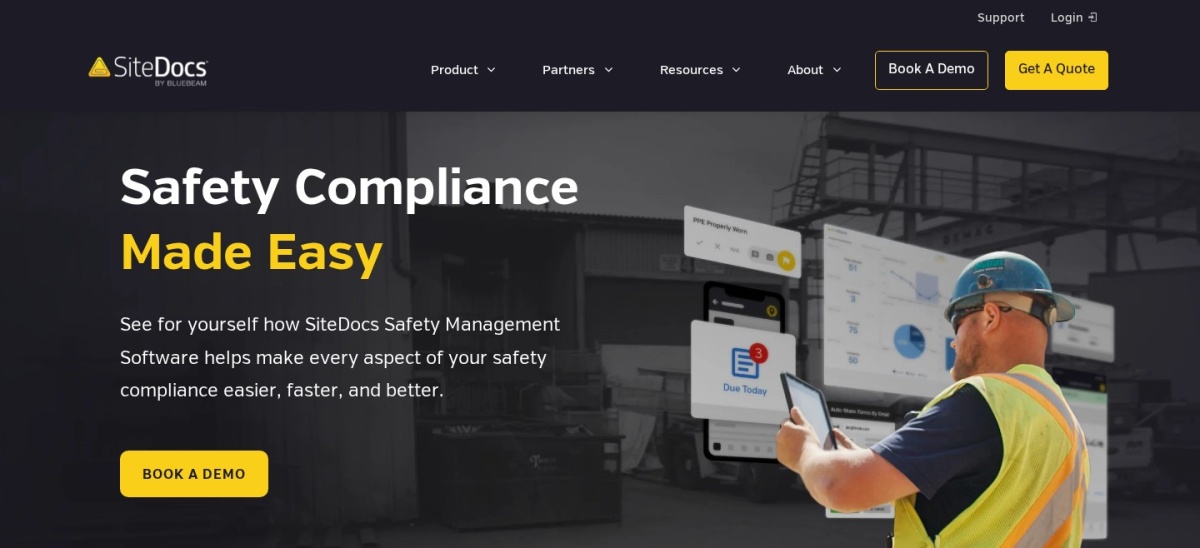
SiteDocs homepage, captured Nov 2026.
SiteDocs is a digital safety management platform focused on custom forms, worker certifications, and timestamped signatures. It supports offline form completion, document distribution, and location-based tracking.
The trade off is that SiteDocs requires a sales quote rather than listing public tier prices. It suits field-heavy organizations replacing paper forms and tracking worker sign-offs.
What we like
Simplifies digital form completion, signatures, and worker certification tracking
Supports offline access and automatic syncing when back online
4.5 out of 5 rating across 34 verified G2 reviews
Watch out for
Pricing requires a custom quote based on company size
Some users report friction setting up analytics or equipment lists
Custom annual plans scale by company size and add API integrations and analytics tools.Visit sitedocs.com
07
EHS Insight
4.6/5on G2 (82 reviews, checked Nov 2026)
Starts at$5,000/yr
Best for mid-market multi-module safety programs
Free tierFree trial available
Starting priceFrom $5,000/yr
Pricing factorsContacts & selected modules
DeploymentCloud web & mobile
ehsinsight.com
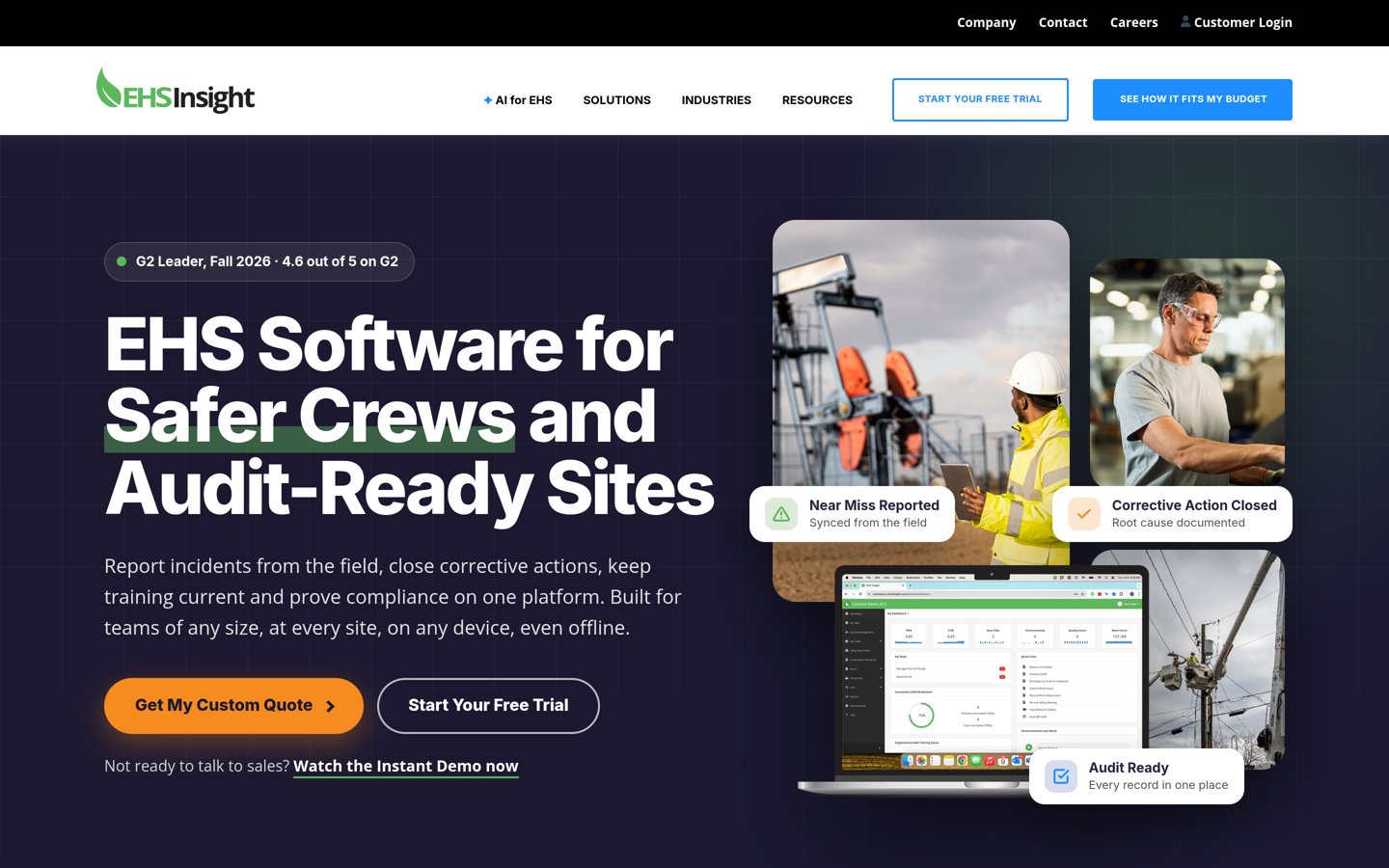
EHS Insight homepage, captured Nov 2026.
EHS Insight is a modular environmental, health, and safety platform for incident tracking, audits, and compliance management. Pricing starts at $5,000 per year for small and mid-sized organizations based on contacts and modules.
The trade off is a $5,000 annual starting floor and configuration effort to tailor modules. It suits mid-market safety teams that want modular EHS breadth and mobile reporting.
What we like
Published entry starting point of $5,000 per year
Modular structure lets teams start core and add modules as needed
4.6 out of 5 rating across 82 G2 reviews
Watch out for
Higher annual entry cost than per-seat field inspection apps
Requires setup and configuration to match internal workflows
Plans start at $5,000/yr and scale by headcount, selected modules, and enterprise bundle options.Visit ehsinsight.com
Per-seat vs. flat or quote pricing
Per-user pricing works well when a small core group runs audits and reviews safety records, but costs can rise quickly if every frontline worker needs a paid seat. Always check how vendors define active users, guests, and seasonal staff before signing a contract.
Flat or annual package pricing can be easier to budget for growing headcounts, though minimum seat counts or module add-ons still affect total cost. Compare total annual spend at your actual team size rather than looking only at headline monthly rates.
How we chose
We compiled this shortlist from established workplace safety and compliance platforms with active 2026 product documentation, public review profiles, and verified pricing or plan details.
All ratings, review counts, and plan prices were checked on 22 Nov 2026 against vendor pricing pages and major software review directories.
We excluded tools lacking active public verification or clear pricing and feature details for the specific plan tier cited. No vendor paid for a place, and we do not claim testing for this list.
How to choose OSHA compliance software
Follow four practical steps to match a safety platform to your operation.
Map your mandatory OSHA workflows first. List which forms, incident logs, inspections, and training records your team tracks regularly so you confirm coverage before buying.
Check how field crews capture data. Verify mobile usability, photo attachments, and offline mode for job sites or facilities with spotty network coverage.
Model costs at your real team size. Calculate annual spend using active seats, minimums, or module tiers rather than a single-user headline price.
Test workflows with frontline users. Run a free tier or trial on a real inspection or incident report to see how quickly supervisors and workers complete tasks.
FAQ
Does OSHA officially endorse specific compliance software?
OSHA sets workplace safety and recordkeeping standards rather than certifying or endorsing commercial safety software brands. Buyers should verify that a tool supports their required incident logs, checklists, and reporting workflows.
Is free OSHA compliance software enough for a small business?
A free plan can help small teams replace paper checklists, log hazards, and start basic safety tracking at no upfront cost. Teams needing deeper reporting, multi-user controls, or specific logs often upgrade to a paid plan.
Why do some safety platforms charge per user while others quote annually?
Field-first inspection tools often bill per active seat or member so costs track team size. Broader EHS platforms frequently price by headcount, locations, and modules on an annual agreement.
What should I check about offline mode before buying?
If inspections happen in basements, warehouses, or remote sites, confirm that forms, photos, and drafts save locally and sync reliably once reconnected.
How quickly can a team roll out a new safety platform?
Simple inspection and checklist apps can often be configured in days using existing templates. Broader multi-module EHS systems typically take longer to configure around custom workflows and roles.
SaaS SEO and WordPress specialist with about 8 years of experience. Rakib compares WordPress plugins, themes, hosting and software using public pricing, documentation and user reviews. See how we rank.