NinjaOne is the best IT management software for software developers, covering patching, monitoring and remote access from three dollars seventy-five cents per device a month. Atera suits small teams that want one per-technician price, while Action1 is free for the first two hundred endpoints.
How we make this list: we compare pricing pages, product documentation and public user reviews, then re-check every price before each update. No product paid for a place. Disclosure.
NinjaOne leads at 4.7 out of 5 on G2 from 5,864 reviews, with patching for Windows, macOS and Linux in one console.
Action1 is the only genuinely free option, covering 200 endpoints forever with no feature limits.
Atera and Syncro are the last per-technician options: $129 a month covers unlimited endpoints.
Datto RMM, N-central and SuperOps publish no price, so budget them by sales call, not by price page.
Pulseway is the cheapest paid entry at $39 a month, with the strongest mobile app in the list.
How do you pick IT management software for software developers?
Software developers run mixed fleets. A dev team has Mac laptops, Windows desktops, Linux servers and test machines, so the IT tool must patch and monitor all three systems from one console.
Start with the operating systems, not the brand. NinjaOne, ManageEngine and Action1 all cover Windows, macOS and Linux, while some tools here are Windows-first. Our guide on the best RMM software compares the same tools for managed service providers.
Pricing splits two ways. Per-device pricing grows with every endpoint, while per-technician pricing stays flat no matter how many machines you add, which suits dev teams with many machines per person.
Free tiers are real here. Action1 is free for the first 200 endpoints with no feature limits, and ManageEngine is free for up to 25 endpoints, so a small dev team can start without spending anything.
The 9 best IT management tools for software developers
01
NinjaOne
4.7/5on G2 (5,864 reviews, checked Nov 2026)
Starts at$3.75/mo
Best IT management software overall
Pricing$1.50 to $3.75/device/mo
PatchingWindows, macOS, Linux
Remote accessBuilt in
Free planNo, 14-day trial
ninjaone.com
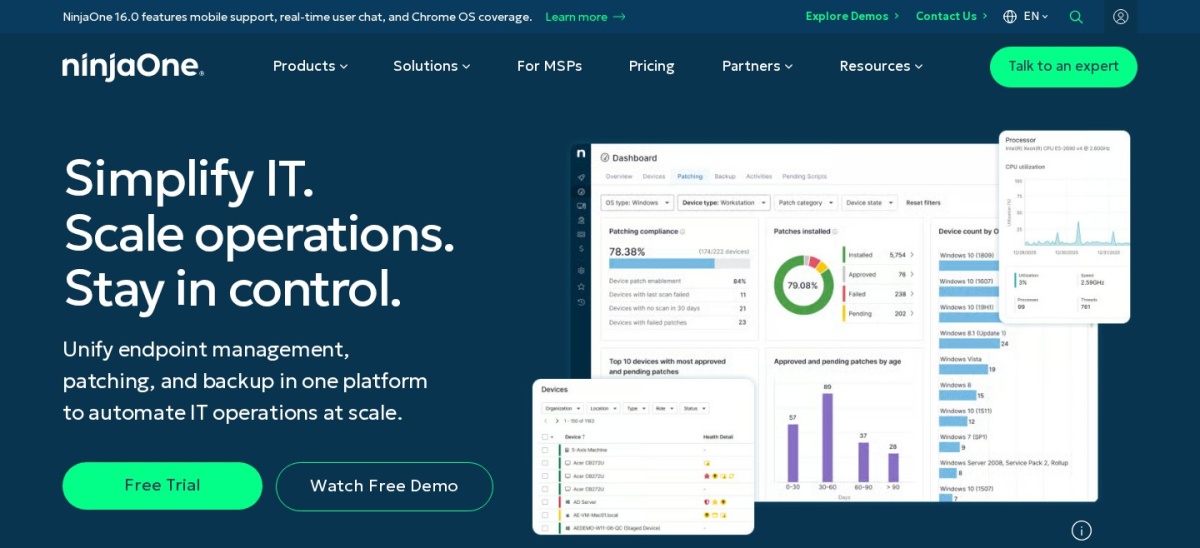
NinjaOne homepage, captured Nov 2026.
NinjaOne is a cloud RMM platform that covers monitoring, patching, software deployment, backup and remote access in one console. It patches Windows, macOS and Linux plus third-party apps, and holds 4.7 out of 5 on G2 from 5,864 reviews.
The trade off is pricing by quote. The published range is $1.50 to $3.75 per device a month by volume, with the exact rate set by quote. It suits dev teams that run mixed Mac, Windows and Linux fleets and want one console.
Atera is an all-in-one IT platform that combines RMM, patching, remote access, ticketing and automation, with an AI agent called Robin that handles routine incidents. Pricing is per technician, so one fee covers unlimited endpoints.
The trade off is the entry price. The MSP Pro plan costs $129 per technician a month billed annually, and the IT-department Professional plan is $149, so a one-person shop pays the full seat price. It suits small teams that want RMM and PSA in one price.
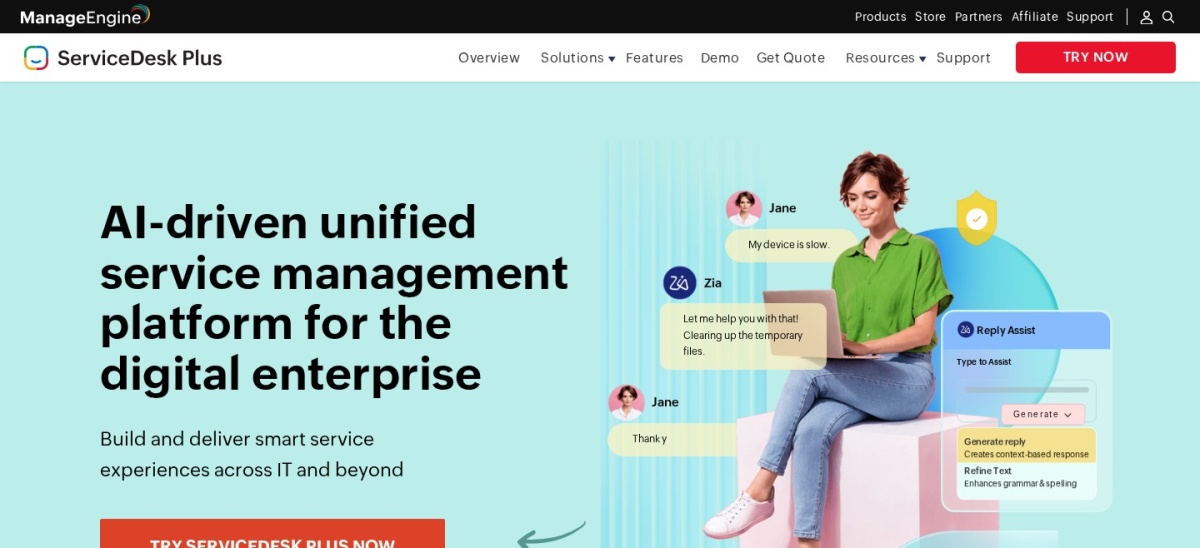
ManageEngine Endpoint Central homepage, captured Nov 2026.
ManageEngine Endpoint Central is a unified endpoint management platform for Windows, macOS, Linux and mobile, with patching, software deployment and remote control. The free edition covers up to 25 endpoints, and paid plans start at $795 a year.
The trade off is complexity. The console is deep and takes longer to learn than NinjaOne or Atera, and editions and add-ons are priced apart. It suits internal IT teams that want a free start and on-premise deployment.
Action1 is a cloud patch management platform that is free forever for the first 200 endpoints, with no feature limits and no credit card required. It patches Windows, macOS, Linux and third-party apps, and holds 4.9 out of 5 on G2 from 1,263 reviews.
The trade off is scope. Action1 is patch-led, not a full RMM, so monitoring, remote access and ticketing need another tool. It suits dev teams whose main job is keeping every machine patched and secure.
Syncro is an all-in-one RMM and PSA platform that combines monitoring, patching, remote access, ticketing and billing in one login. It costs $129 per user a month billed annually, with unlimited endpoints on every plan.
The trade off is patching depth. Third-party patching is narrower than the specialists here, so heavy patchers may need an add-on. It suits small teams that want RMM and billing in the same platform.
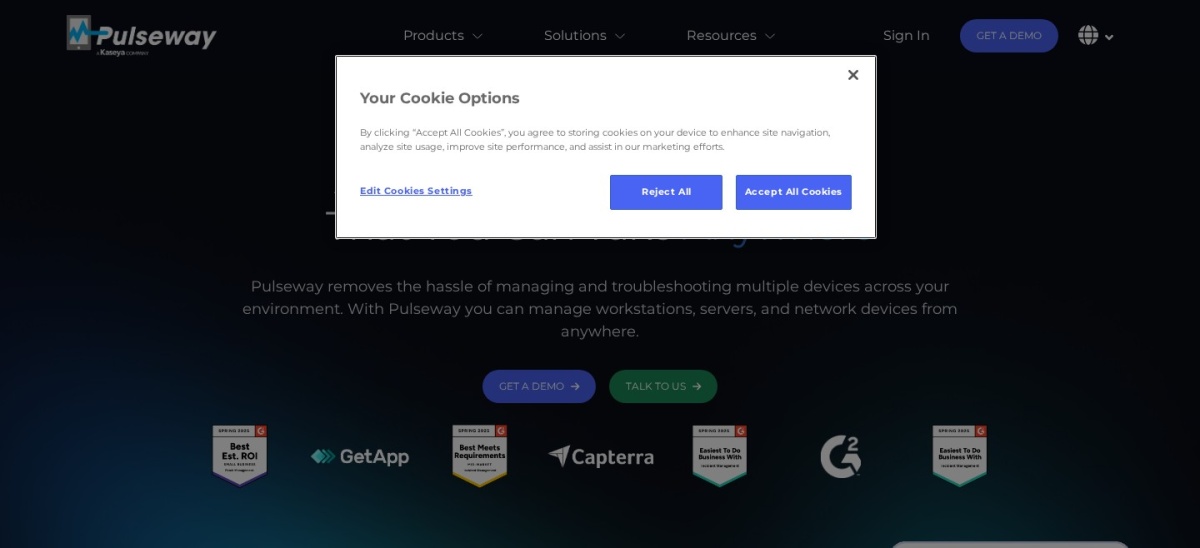
Pulseway is a mobile-first RMM platform that lets admins monitor, patch and fix Windows, macOS and Linux machines from a phone. It costs $39 a month, the cheapest paid entry here, and its mobile app matches the cloud console.
The trade off is scale. It is built for smaller fleets, and larger teams may outgrow its automation. It suits admins who cover out-of-hours support from a phone.
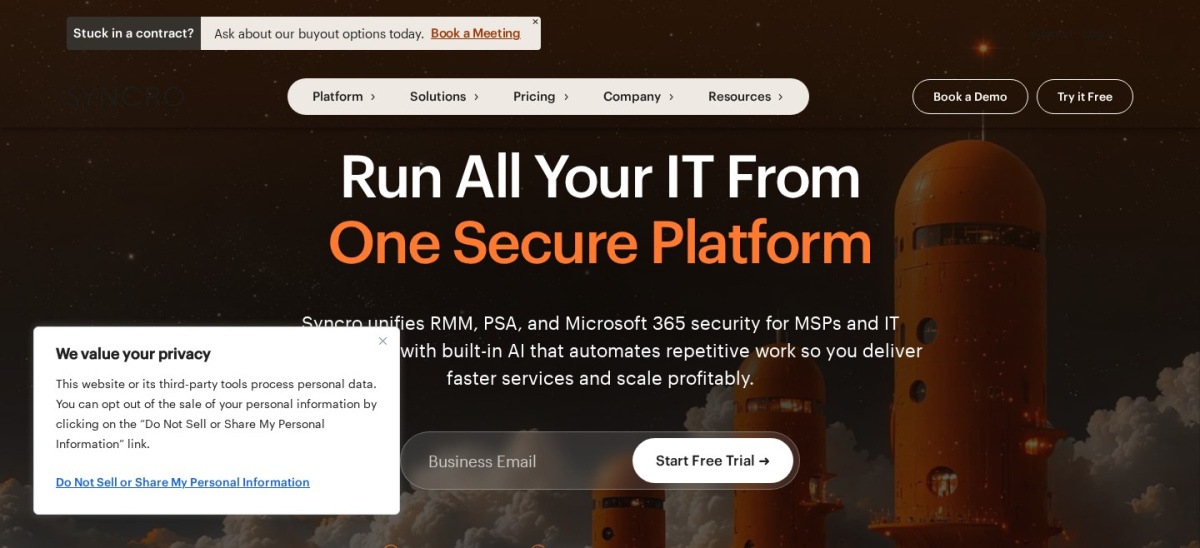
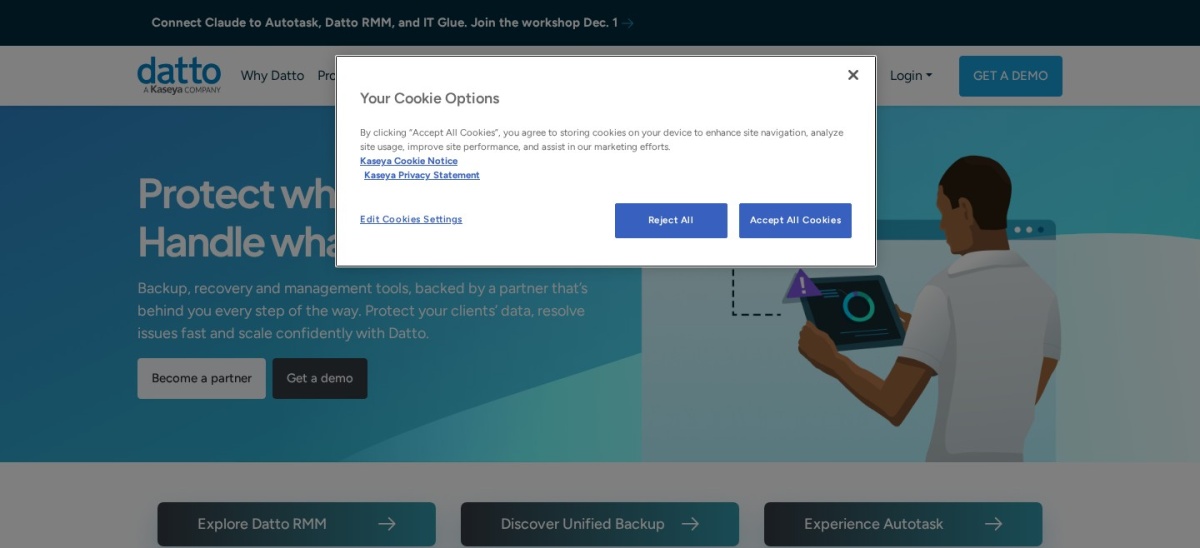
Datto RMM is a mature cloud RMM for teams managing many endpoints, now part of Kaseya. It covers monitoring, patching, remote access and scripting, and links with Datto backup and Autotask PSA.
The trade off is price and ecosystem. Datto RMM is quote-only, and it makes most sense inside the Kaseya product family. It suits teams already invested in Datto backup.
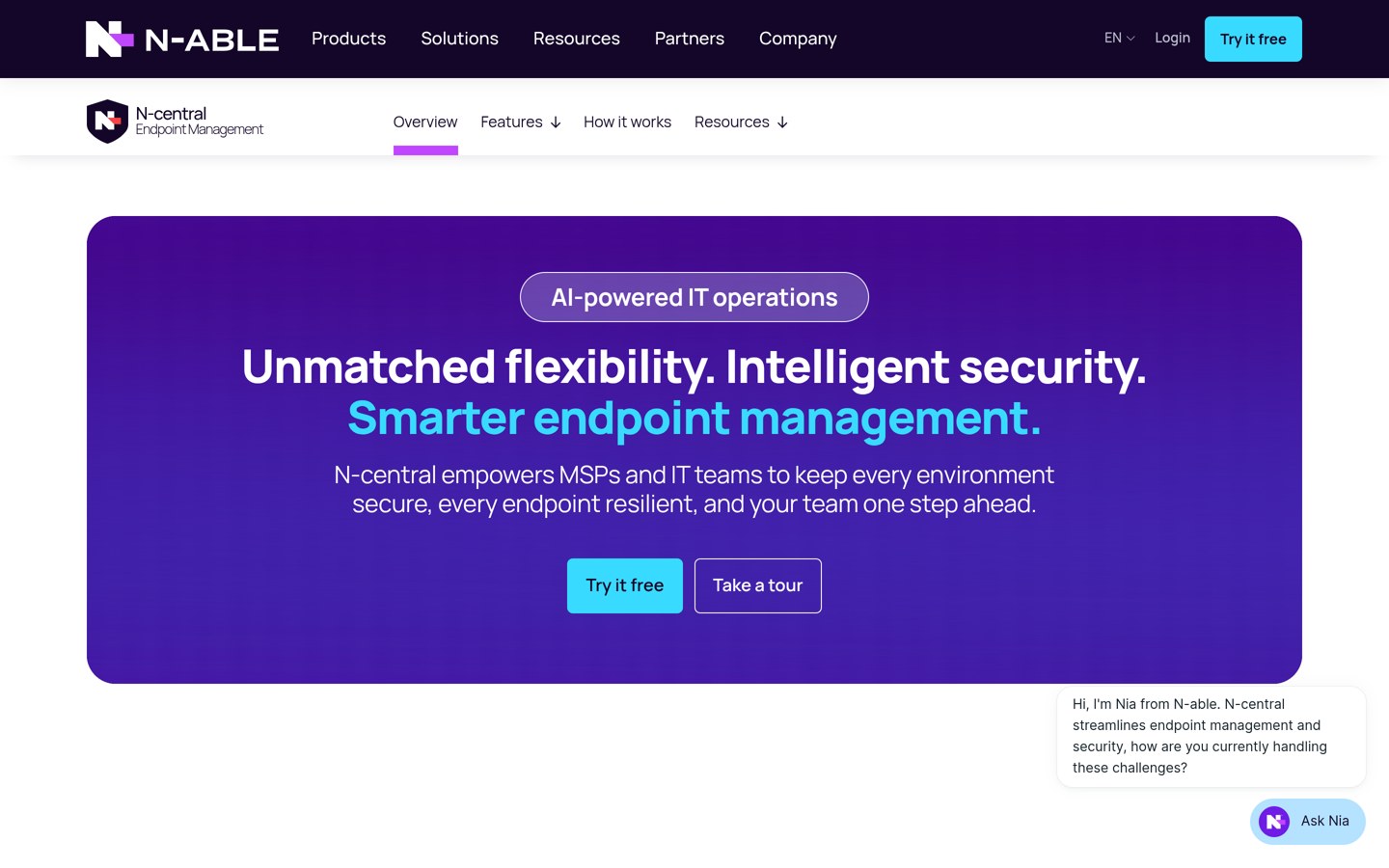
N-able N-central is an RMM platform built for larger fleets, with monitoring, patching, backup and automation runbooks for thousands of endpoints. It runs in the cloud or on your own server, which suits teams with strict hosting rules.
The trade off is price and complexity. N-central is sold by quote only, and setup takes more work than the smaller tools here. It suits larger teams that need deep automation at scale.
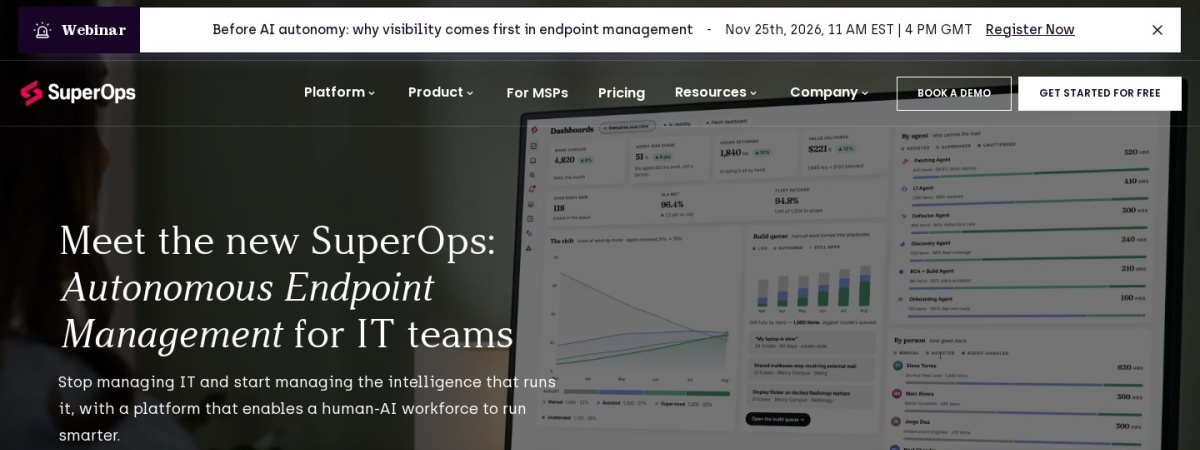
SuperOps is a modern RMM and PSA platform built together rather than acquired and stitched, with monitoring, patching, ticketing and documentation in one console. It is aimed at growing teams of 5 to 25 technicians.
The trade off is proof and price. Only 201 G2 reviews back its 4.4 rating, and pricing is quote-only. It suits growing teams that want a modern interface and RMM plus PSA in one place.
Per-device pricing, used by NinjaOne, Datto RMM and N-central, grows with every endpoint. Per-technician pricing, used by Atera and Syncro, stays flat no matter how many devices you add.
For a dev team with many machines per person, per-technician pricing usually wins. One technician at $129 a month can cover a whole fleet, while per-device pricing at $3.75 a device adds up fast.
Free tiers change the maths again. Action1 covers 200 endpoints free, so a small dev team may pay nothing at all for patching.
How we chose
We started from the RMM and endpoint tools G2 reviewers rate highest, then kept the nine that fit a software development team: mixed operating systems, patching, scripting and remote access.
Prices come from each vendor's pricing page, checked on 30 November 2026. NinjaOne publishes a per-device range of $1.50 to $3.75 a month, Atera starts at $129 per technician a month, and ManageEngine starts at $795 a year. Ratings and review counts come from G2 on the same day.
We left out tools with no aggregator rating. No vendor paid for a place, and we do not claim hands-on testing for this list.
How to choose IT management software for software developers
Start with the operating systems on your desks, then check the pricing model.
List your operating systems first. Not every tool patches Mac and Linux well. NinjaOne, ManageEngine and Action1 all cover Windows, macOS and Linux, so shortlist those for mixed fleets.
Pick the pricing model that fits your fleet. Per-device pricing grows with every endpoint, while per-technician pricing stays flat. Atera and Syncro charge $129 per technician for unlimited endpoints.
Trial the free tier on real machines. Action1 is free for 200 endpoints and ManageEngine is free for 25, so patch a real subset before you pay.
Check what is quote-only. Datto RMM, N-central and SuperOps publish no price, so get the full first-year figure in writing before you commit.
FAQ
What is the best IT management software for software developers in 2026?
NinjaOne is the best IT management software for software developers in 2026. It covers patching, monitoring, software deployment and remote access for Windows, macOS and Linux, and holds 4.7 out of 5 on G2 from 5,864 reviews.
How much does IT management software cost for a dev team?
Per-device tools run $1.50 to $3.75 per device a month, while per-technician tools cost $129 a month for unlimited endpoints. Action1 is free for the first 200 endpoints, and three tools here are quote-only.
Is there free IT management software for developers?
Yes, Action1 is free forever for the first 200 endpoints with no feature limits, and ManageEngine Endpoint Central is free for up to 25 endpoints. Both cover patching, though Action1 is patch-only and not a full RMM.
NinjaOne or Atera: which is better for a small dev team?
Atera is better for a small dev team that wants one predictable bill, with $129 per technician a month covering unlimited endpoints. NinjaOne is better for larger fleets, with per-device pricing and deeper patching across operating systems.
Which IT management tool is best for Mac and Linux fleets?
NinjaOne is the best pick for mixed Mac, Windows and Linux fleets, patching all three plus third-party apps from one console. ManageEngine Endpoint Central is the best free start, covering the same three systems for up to 25 endpoints.
Do I need an RMM or just a patch tool?
A patch tool like Action1 is enough if keeping machines updated is the whole job. An RMM like NinjaOne or Atera adds monitoring, remote access and ticketing, which matters once the fleet grows past a handful of machines.
SaaS SEO and WordPress specialist with about 8 years of experience. Rakib compares WordPress plugins, themes, hosting and software using public pricing, documentation and user reviews. See how we rank.