NinjaOne is the best remote monitoring and management software for most MSPs and IT teams, rated 4.7 out of 5 on G2 from 5,840 reviews, with per-device pricing from $1.50 to $3.75 a month. Pick Atera for flat per-technician pricing from $129 a month, or Action1 if you need patching free for up to 200 endpoints.
How we make this list: we compare pricing pages, product documentation and public user reviews, then re-check every price before each update. No product paid for a place. Disclosure.
NinjaOne has the largest review base here, 4.7 out of 5 from 5,840 G2 reviews, and publishes a per-device range of $1.50 to $3.75 a month.
Atera and Syncro both start at $129 per technician a month billed annually, with unlimited endpoints on every plan.
Datto RMM, N-able N-central, SuperOps and ConnectWise Automate publish no price, so budget for a sales quote with each of them.
Action1 is free for the first 200 endpoints with no feature limits, and ManageEngine Endpoint Central is free for up to 25 endpoints.
Action1 has the highest rating in this list at 4.9 out of 5, but it is patch-led, not a full RMM with a built-in PSA.
What remote monitoring and management software should cover
Remote monitoring and management, or RMM, software lets an IT team or managed service provider watch, patch and fix endpoints from one console, without visiting each machine.
The core job is the same across tools: monitor device health, raise alerts when something fails, deploy operating system and third-party patches, run scripts, and open a remote session when a fix needs a human.
Pricing is where tools split. Some charge per device, so the bill grows with every endpoint, while others charge per technician, so adding devices costs nothing extra. Our guide on how to monitor a WordPress site shows the same alert-first thinking on a smaller scale.
Four of the nine tools here publish no price at all. Treat a quote-only tool as a sales conversation, not a list price, and get the per-device or per-technician rate in writing before you compare totals.
The 9 best remote monitoring and management software tools
01
NinjaOne
4.7/5on G2 (5,840 reviews, checked Nov 2026)
Starts at$3.75/device/mo
Best remote monitoring and management software overall
Pricing modelPer device, volume-tiered
Published range$1.50 to $3.75 per device/mo
Free trial14 days
PatchingWindows, macOS, Linux, 200+ apps
ninjaone.com
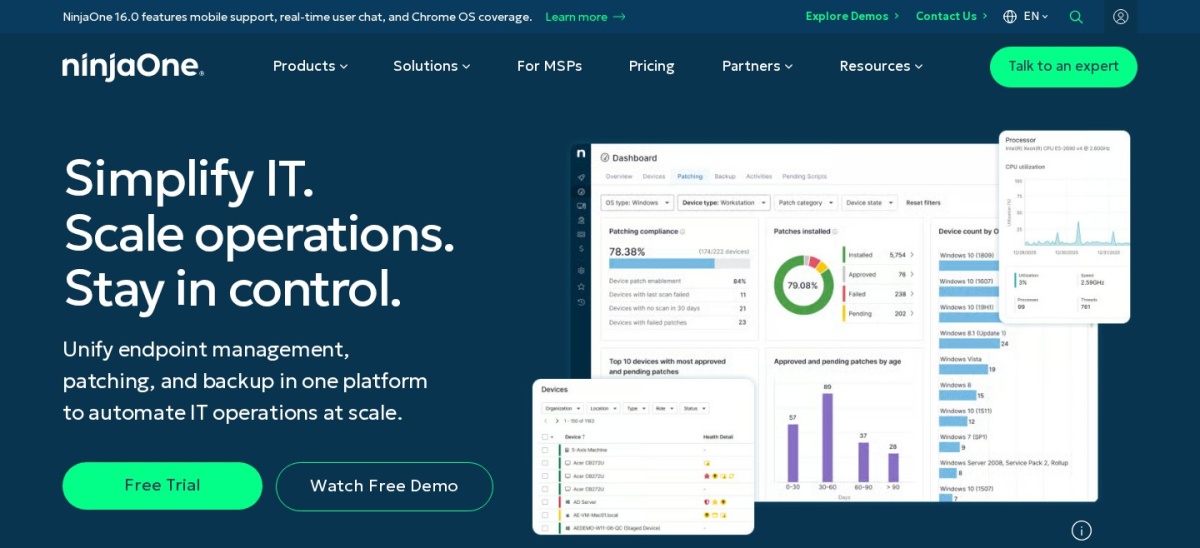
NinjaOne homepage, captured Nov 2026.
NinjaOne is a cloud-based RMM platform that covers monitoring, patching, remote access, software deployment and backup from one console. Its pricing page publishes a per-device range of $1.50 a month at 10,000 endpoints up to $3.75 a month at 50 or fewer endpoints, with the exact rate set by quote, and support and training are included at no extra charge.
The trade off is that there is no fixed plan price to budget against, so the final rate depends on volume, region and the products you buy. It suits MSPs and IT teams with a growing fleet who want the most-reviewed console in this list and do not mind a quote.
What we like
Highest review volume here: 4.7 out of 5 from 5,840 G2 reviews
Published per-device price range, unlike most rivals
Patches Windows, macOS, Linux and more than 200 third-party apps
Free unlimited support and training
Watch out for
Exact price comes from a sales quote
Per-device billing grows with every endpoint added
Add-ons such as backup and MDM are priced per device on topVisit ninjaone.com
02
Atera
4.6/5on G2 (1,287 reviews, checked Nov 2026)
Starts at$129/tech/mo
Best for per-technician pricing
Pricing modelPer technician, unlimited endpoints
MSP plansPro $129 to Power $209 per tech/mo
Free trial30 days, no credit card
Built-in PSAYes, helpdesk and billing included
atera.com
Atera homepage, captured Nov 2026.
Atera is an all-in-one IT management platform that combines RMM with a built-in PSA, so monitoring, patching, remote access, ticketing and billing sit in one place. MSP plans start at Pro, $129 per technician a month billed annually or $139 billed monthly, with unlimited endpoints, while IT department plans start at Professional, $149 per technician a month.
The trade off is that the bill follows headcount, not devices, so a team with many technicians and few endpoints pays more than on a per-device plan. It suits small teams that manage many endpoints per technician and want one flat monthly cost.
What we like
Flat per-technician price with unlimited endpoints
Built-in PSA with ticketing, contracts and invoicing
30-day free trial with no credit card required
Rated 4.6 out of 5 from 1,287 G2 reviews
Watch out for
Cost rises with each technician, even on small fleets
AI Copilot features cost extra on some plans
Higher tiers add AI agents, network discovery and advanced automationVisit atera.com
03
Syncro
4.5/5on G2 (568 reviews, checked Nov 2026)
Starts at$129/user/mo
Best RMM and PSA in one for small MSPs
Pricing modelPer user, unlimited endpoints
PlansCore $129, Team $179 per user/mo
Free trial14 days, no credit card
Built-in PSAYes, in every plan
syncromsp.com
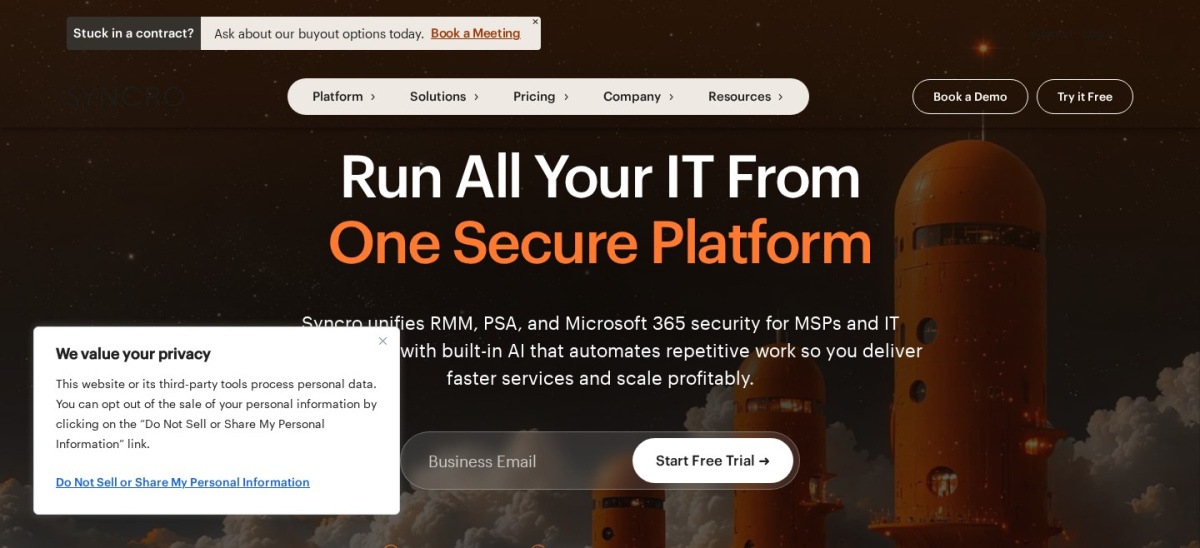
Syncro homepage, captured Nov 2026.
Syncro is a combined RMM and PSA platform, covering endpoint monitoring, patching, scripting, ticketing, invoicing and recurring billing. Core costs $129 per user a month billed annually, or $159 billed monthly, with unlimited endpoints, and Team at $179 a month billed annually adds Microsoft 365 security and multi-tenant management.
The trade off is depth. Reviewers note that some features are still being developed, and the Microsoft 365 tools that set Team apart are not in Core. It suits emerging MSPs that want RMM and PSA in one flat-priced platform.
What we like
RMM and PSA in every plan at a published price
Unlimited endpoints per technician
Team plan adds Microsoft 365 security baselines
14-day free trial with no credit card
Watch out for
Some features are newer and less deep than older rivals
Microsoft 365 management needs the Team plan
Team adds Microsoft 365 management, AI ticketing and session recordingVisit syncromsp.com
04
Datto RMM
4.5/5on G2 (810 reviews, checked Nov 2026)
PricingCustom/yr
Best for Datto backup users
Pricing modelPer device, quote only
Published priceNone
Backup linkNative Datto SIRIS and ALTO link
Support24/7, listed on the product page
datto.com
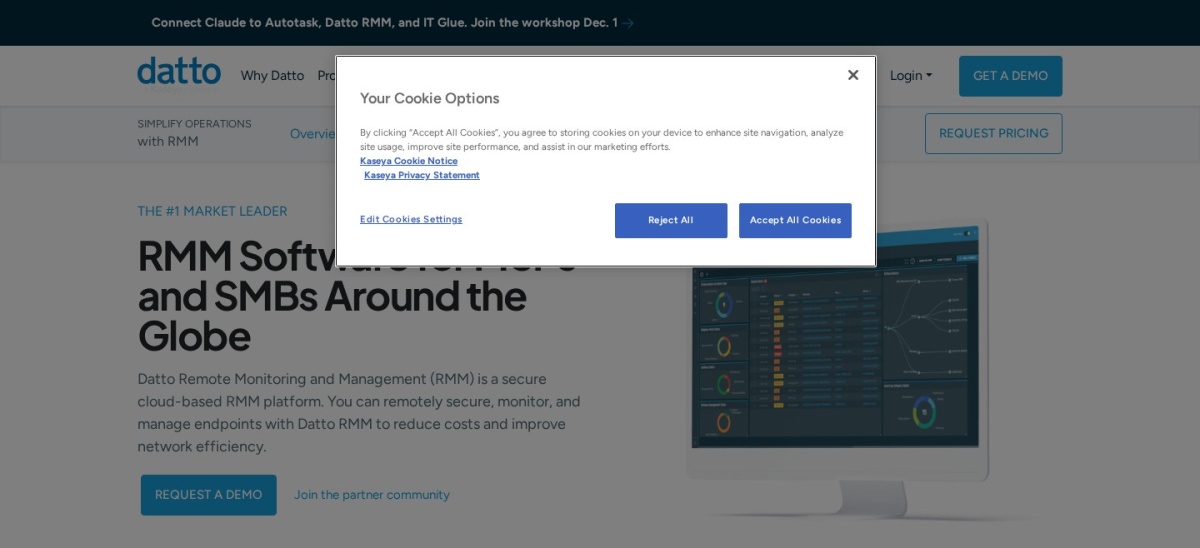
Datto RMM homepage, captured Nov 2026.
Datto RMM is a cloud-based RMM platform from Kaseya for MSPs and small businesses, with monitoring, patching, ransomware detection and remote access. It is the only RMM here with a native Microsoft 365 management module, and it links to Datto SIRIS and ALTO backup, with Autotask PSA integration for ticketing and billing.
The trade off is price. Datto RMM publishes no price, so the cost is set by quote, and a full PSA comes through Autotask rather than built in. It suits MSPs already running Datto backup who want endpoint management tied to it.
What we like
Native Microsoft 365 management module
Built-in ransomware detection
Tight link to Datto SIRIS and ALTO backup
Rated 4.5 out of 5 from 810 G2 reviews
Watch out for
Quote-only pricing with no published figure
Full PSA needs Autotask, not built in
Alerting can struggle in very large environments, per reviewers
Pricing is by quote; backup and PSA are separate Datto productsVisit datto.com
05
ManageEngine Endpoint Central
4.5/5on G2 (1,171 reviews, checked Nov 2026)
Paid from$795/yr
Best value for internal IT teams
Pricing modelPer endpoint, in published bands
Free editionUp to 25 endpoints
Paid from$795/yr, Professional, 50 endpoints
DeploymentCloud or on-premises
manageengine.com
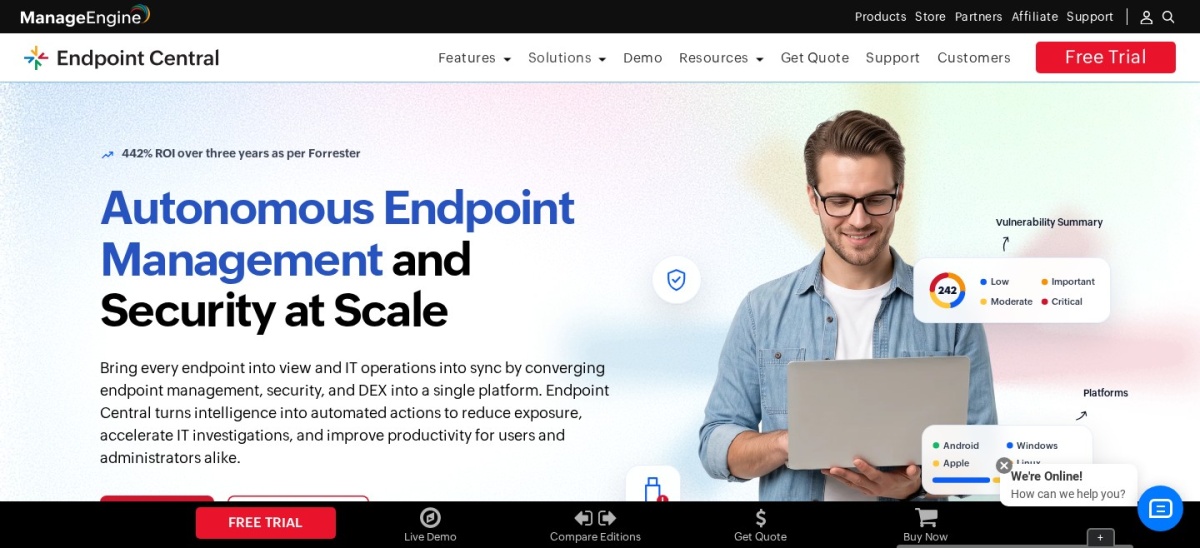
ManageEngine Endpoint Central homepage, captured Nov 2026.
ManageEngine Endpoint Central is an endpoint management platform for internal IT teams, covering patching, software deployment, asset inventory, vulnerability management and remote troubleshooting. The free edition covers up to 25 endpoints, and the paid Professional edition starts at $795 a year for 50 endpoints on-premises, with cloud pricing from about $1.09 per endpoint a month.
The trade off is setup. It is a deep platform with on-premises and cloud options, so planning takes longer than with a cloud-only RMM, and the minimum paid tier is 50 endpoints. It suits Windows-heavy internal IT teams that want the most features per dollar.
N-able N-central is a long-standing RMM platform for large MSPs, with monitoring, patching, backup and security integrations run through granular automation rules. Its N-zo AI assistant answers questions from live endpoint data, and automation uses groups, monitors and scripts to keep multi-client fleets consistent.
The trade off is the learning curve. Reviewers call it the most granular automation engine here and the steepest to learn, and pricing is quote-only. It suits large MSPs with complex, multi-site estates and technicians who will use its depth.
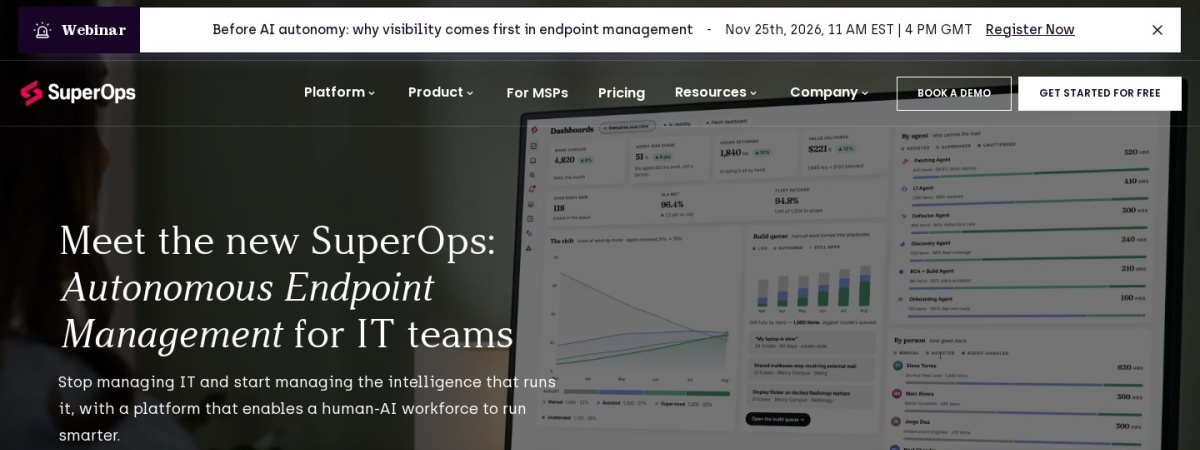
SuperOps is a newer RMM and PSA platform built around AI-led service work, with patching, ticketing, remote support and network monitoring in one console. Its Monica AI assistant handles ticket triage, and plans include unlimited technicians with a 150-endpoint minimum, so the bill follows devices rather than seats.
The trade off is pricing and youth. SuperOps moved to quote-only pricing in 2026, so no rate is published, and it has fewer third-party integrations than decade-old rivals. It suits growing MSPs that want a modern interface and native AI without per-technician fees.
What we like
Modern interface with AI-led ticket triage
Unlimited technicians on every plan
RMM and PSA built together, not bolted on
Rated 4.4 out of 5 from 207 G2 reviews
Watch out for
Quote-only pricing since 2026
150-endpoint minimum on every plan
Fewer integrations than older platforms
MDM is on the upper per-endpoint plan; pricing is by quoteVisit superops.com
08
ConnectWise Automate
4.1/5on G2 (141 reviews, checked Nov 2026)
PricingCustom/yr
Best for ConnectWise PSA users
Pricing modelPer device, quote only
Published priceNone
PlatformsPrimarily Windows endpoints
DeploymentCloud or on-premises
connectwise.com
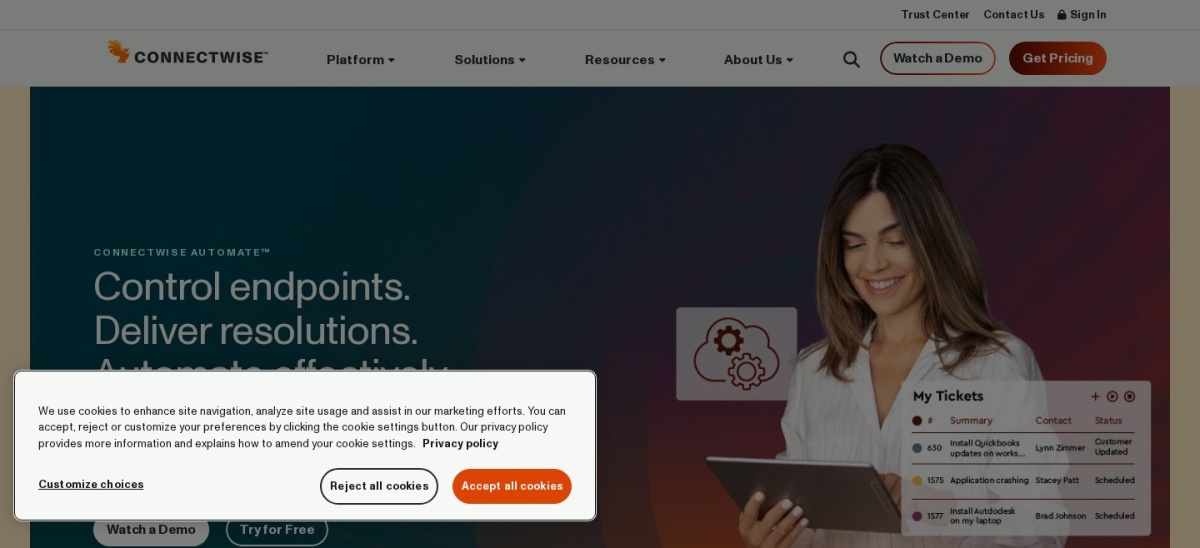
ConnectWise Automate homepage, captured Nov 2026.
ConnectWise Automate is an RMM platform for large MSPs that need granular control, with deep scripting, patch management, remote control and automation across many clients. It includes AI assistance that drafts PowerShell scripts for review, and it pairs natively with ConnectWise PSA for ticketing, contracts and billing.
The trade off is age and scope. It primarily supports Windows endpoints, reviewers call the interface dated, and pricing is quote-only. It suits established MSPs already running ConnectWise PSA who need its scripting depth.
What we like
Deep scripting and automation for large fleets
Native ConnectWise PSA integration
Cloud or on-premises deployment
AI help drafting PowerShell scripts
Watch out for
Quote-only pricing with no published figure
Primarily Windows endpoints
Lowest G2 rating in this list at 4.1 out of 5
ConnectWise RMM is a separate, cloud-native product on the Asio platformVisit connectwise.com
09
Action1
4.9/5on G2 (1,273 reviews, checked Nov 2026)
PriceFree
Best free patching for small fleets
Free tierFirst 200 endpoints, no feature limits
Paid pricingQuote only above 200 endpoints
PatchingWindows, macOS, Linux, third-party
SetupCloud-native, about 5 minutes
action1.com
Action1 homepage, captured Nov 2026.
Action1 is a cloud-native patch management platform that automates operating system and third-party patching, vulnerability detection and software deployment. It is free for the first 200 endpoints with no feature limits and no expiry, and the vendor states a 99% patch success rate across more than 10 million protected endpoints.
The trade off is scope. Action1 is patch-led, not a full RMM with a built-in PSA, and pricing above 200 endpoints is by quote, with community-only support on the free tier. It suits small fleets and internal IT teams whose main gap is patching.
What we like
Highest rating here: 4.9 out of 5 from 1,273 G2 reviews
Per-device vs per-technician pricing: do the maths first
Per-device pricing, used by NinjaOne, ManageEngine and SuperOps, charges for every endpoint. It is cheap for a small fleet and grows with every machine you add.
Per-technician pricing, used by Atera and Syncro, charges for each person who logs in, with unlimited endpoints. It wins when one technician manages hundreds of devices.
Quote-only tools hide this choice behind a sales call. Ask each vendor for the per-device rate, the per-technician rate if one exists, and any minimum endpoint or seat count before you compare.
A free tier changes the maths again. Action1 covers 200 endpoints free, and ManageEngine covers 25, so a small office may pay nothing at all. Our 3-2-1 backup rule guide uses the same idea: cover the basics before you pay for more.
How we chose
We started from the RMM platforms most often compared for MSPs and internal IT teams, then kept nine with a public G2 rating and an established user base.
Prices come from each vendor's pricing page, checked on 26 November 2026. Ratings and review counts come from G2 on the same day, except Datto RMM, where the count is from a November 2026 comparison of G2 data. Where a vendor shows a sale price, the list shows the regular price.
We left out tools with no public G2 rating and tools aimed only at remote access without monitoring and patching. No vendor paid for a place, and we do not claim to have used these tools ourselves.
How to choose remote monitoring and management software
Start with how you will be charged, then check the features your fleet actually needs.
Count your endpoints and technicians. Divide endpoints by technicians. A high number favours per-technician pricing from Atera or Syncro, while a low number favours per-device pricing from NinjaOne.
Check what patching covers. Confirm Windows, macOS and Linux coverage, plus third-party apps. Action1 and NinjaOne both cover third-party patching, while ConnectWise Automate is mainly Windows.
Decide if you need a PSA. If ticketing and billing matter, pick a tool with one built in, such as Atera, Syncro or SuperOps, or a tool that links to your PSA, such as Datto RMM with Autotask.
Run a trial on real devices. Use the free trial to patch a test group and check alerts. See how to run a WordPress security audit for the same check-first approach on a smaller system.
FAQ
What is the best remote monitoring and management software?
NinjaOne is the best overall pick for most MSPs and IT teams. It is rated 4.7 out of 5 on G2 from 5,840 reviews, covers monitoring, patching and remote access, and publishes a per-device range of $1.50 to $3.75 a month.
How much does RMM software cost?
It depends on the billing model. NinjaOne charges $1.50 to $3.75 per device a month, while Atera and Syncro start at $129 per technician a month billed annually. Datto RMM, N-able, SuperOps and ConnectWise Automate are quote-only.
Is there a free RMM tool?
Yes, with limits. Action1 is free for the first 200 endpoints with no feature limits, and ManageEngine Endpoint Central is free for up to 25 endpoints. Both are patch-led, so larger MSPs usually need a paid RMM as well.
What is the difference between RMM and PSA software?
RMM monitors, patches and fixes endpoints, while PSA handles tickets, contracts and billing. Atera, Syncro and SuperOps include a PSA, while NinjaOne and Datto RMM link to one instead.
Which RMM is best for a small MSP?
Atera or Syncro are the simplest fits, because both charge a flat $129 per technician a month billed annually with unlimited endpoints. Action1 is worth adding if patching is your main gap and you have under 200 endpoints.
Do I need a quote to buy RMM software?
For four tools here, yes. Datto RMM, N-able N-central, SuperOps and ConnectWise Automate publish no price, so you need a sales quote. NinjaOne gives a published range but sets the exact rate by quote.
SaaS SEO and WordPress specialist with about 8 years of experience. Rakib compares WordPress plugins, themes, hosting and software using public pricing, documentation and user reviews. See how we rank.