Replicate is the best Hugging Face alternative for most developers: it runs thousands of open models through one API, billed per second from $0.81 an hour for a T4 GPU, and holds a 4.5/5 G2 rating. For cheap, fast text inference pick Together AI, and for free GPU notebooks pick Kaggle.
How we make this list: we compare pricing pages, product documentation and public user reviews, then re-check every price before each update. No product paid for a place. Disclosure.
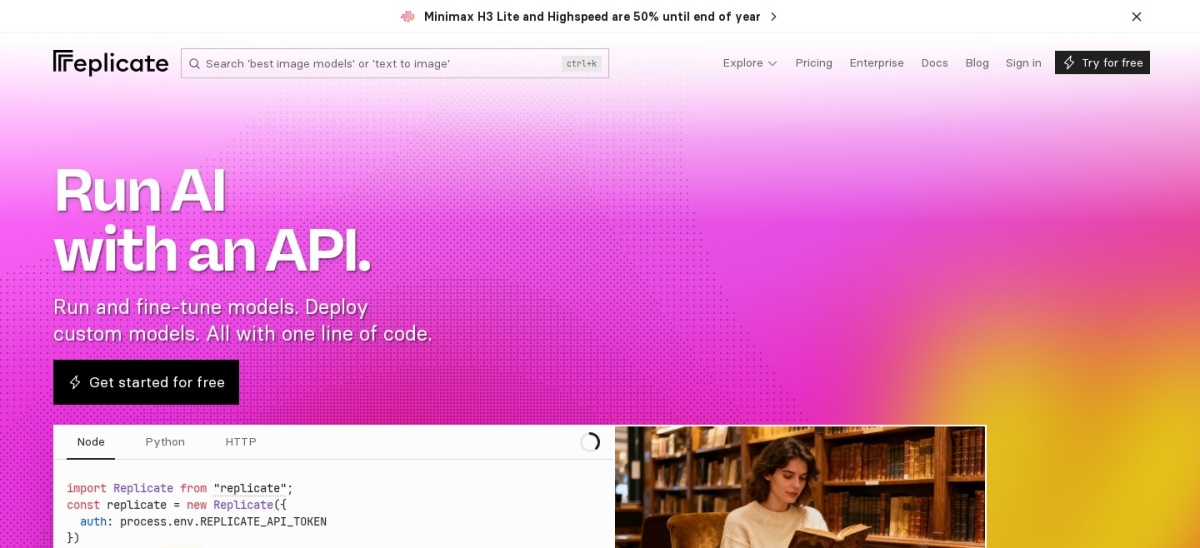
Replicate runs thousands of open models through one API, with GPU time from $0.81 an hour for a T4.
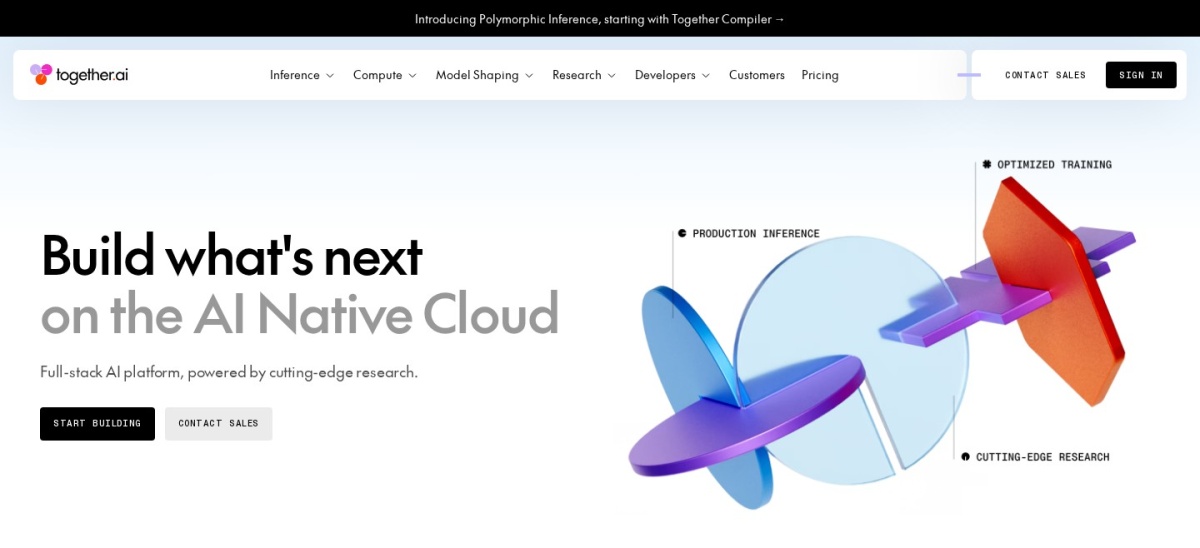
Together AI serves 200+ open models from $0.15 per 1M input tokens, with dedicated H100 endpoints at $3.99 an hour.
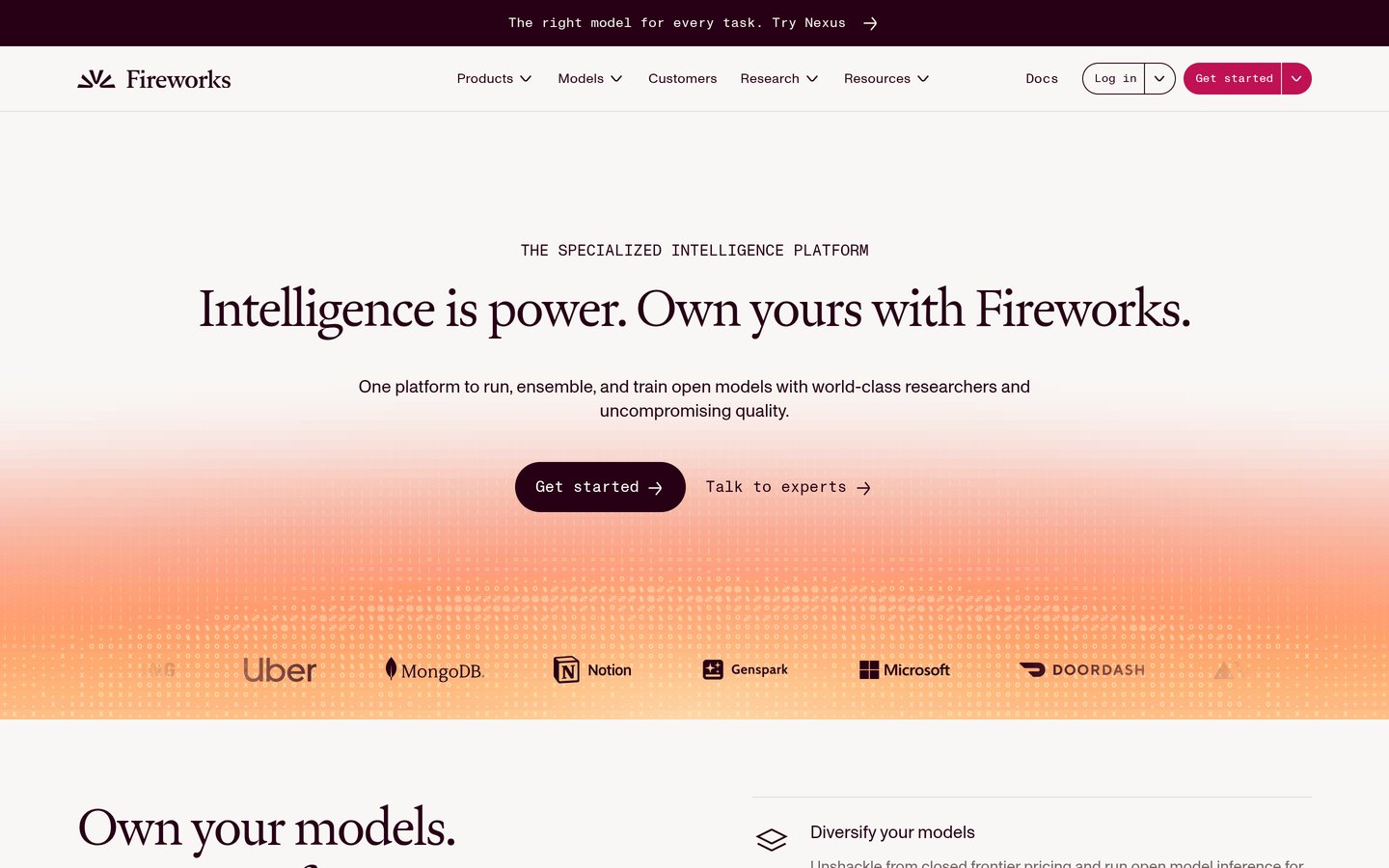
Fireworks AI starts serverless inference at $0.05 per 1M input tokens, the lowest entry price here.
Kaggle is the only fully free pick: about 30 GPU hours a week on two T4 cards, plus public datasets.
RunPod rents the cheapest GPU here, an RTX A5000 at $0.27 an hour, billed per second.
Databricks is the enterprise pick at 4.6/5 from 1,366 G2 reviews, but pricing is usage-based and hard to predict.
What should you look for in Hugging Face alternatives?
Hugging Face is mainly a model hub with hosted inference, so the closest alternatives pair a model catalog with an API. Replicate matches that shape best, with thousands of community models behind one API and per-second billing.
Price is the deciding factor for most teams. Per-token inference from Together AI and Fireworks AI beats renting a GPU for spiky traffic, while RunPod wins for always-on training runs that keep a card busy.
Free tiers matter if you are still learning. Kaggle gives about 30 free GPU hours a week, and our guide on connecting an AI model to WordPress shows how a hosted model reaches a real site.
Check the rating before you commit. Every tool here carries a G2 rating, from 4.2 to 4.7 out of 5, with review counts from 16 to 1,366, so the scores reflect real users rather than marketing pages.
Replicate is a cloud platform that runs thousands of open-source models through one API, with no GPU setup of your own. Public models bill per second of hardware time, from $0.81 an hour for a T4 GPU, and image models such as FLUX.1 Dev cost $0.025 per output image. You can also deploy custom models with Cog, its open-source packaging tool.
The trade off is cost at scale. Per-second billing is cheap for bursts, but a busy model can cost more than a reserved GPU, and cold starts delay rarely used models. It suits developers who want the widest model catalog behind a single API key.
Together AI is a full-stack AI cloud for running, fine-tuning and serving open-source models. Serverless inference covers 200+ models from $0.15 per 1M input tokens, and dedicated H100 endpoints cost $3.99 an hour on demand. New accounts get $100 in signup credit, and fine-tuning starts with LoRA jobs from $0.48 per 1M tokens.
The trade off is that there is no free inference tier, so every call draws down credit, and per-token prices make monthly bills hard to predict. It suits teams that want fast, cheap text inference with fine-tuning on the same platform.
What we like
200+ open models on one API
Some of the lowest per-token prices here
Fine-tuning and serving in one place
$100 signup credit to start
Watch out for
No free inference tier
Usage-based bills are hard to predict
Serverless is pay per token; dedicated GPUs start at $3.99/hrVisit together.ai
03
Fireworks AI
4.2/5on G2 (35 reviews, checked Nov 2026)
Starts at$8.00/hr
Best for the lowest per-token prices
Models300+ open models
Serverless from$0.05/1M input tokens
Fast mode100+ tokens/second
On-demand H100$8.00/hr
fireworks.ai
Fireworks AI homepage, captured Nov 2026.
Fireworks AI is a serverless inference platform for open models, with rates from $0.05 per 1M input tokens, the lowest entry price in this list. It serves more than 300 models, including text, image, vision and audio, and its Fast mode targets 100+ tokens a second for interactive apps. On-demand H100 GPUs cost $8.00 an hour.
The trade off is that there is no free plan, so every request needs prepaid credit, and reviewers say costs add up faster than expected as usage grows. It suits production apps that need fast open-model inference without managing GPUs.
Baseten is a managed inference platform that turns a custom or open-source model into a production API. Its open-source Truss framework packages the model, deployments scale to zero when idle, and Model APIs start at $0.01 per 1M tokens. Dedicated GPUs start at $0.63 an hour for a T4, and the Basic plan costs $0 a month plus usage.
The trade off is a learning curve. Advanced deployment options take time to master, and billing per minute means a warm replica kept ready for low latency still costs money. It suits ML teams that want one model behind a reliable production endpoint.
What we like
Model to production API with autoscaling
Scale to zero when idle
Open-source Truss packaging
99.9% uptime SLA on dedicated plans
Watch out for
Advanced options take time to learn
Warm replicas bill even when idle
Basic is $0 a month plus usage; dedicated GPUs from $0.63/hrVisit baseten.co
05
Modal
4.2/5on G2 (27 reviews, checked Nov 2026)
Paid from$0.59/hr
Best serverless GPU for Python teams
Free credits$30/month on Starter
Cheapest GPUT4, $0.59/hr
BillingPer second
Team plan$250/month plus compute
modal.com
Modal homepage, captured Nov 2026.
Modal is a serverless compute platform for Python teams that run inference, training and batch jobs on GPUs. The Starter plan costs $0 a month and includes $30 of compute credit a month, with GPUs billed per second from $0.59 an hour for a T4. Functions scale to zero, so idle time costs nothing.
The trade off is price at high utilization. Per-second GPU rates run above raw rented GPUs, and the paid Team plan costs $250 a month before compute. It suits Python developers who want to deploy a model with a decorator instead of managing servers.
What we like
$30 a month of free compute on Starter
Per-second billing that scales to zero
Python-native, no Dockerfiles needed
Sub-second cold starts
Watch out for
Pricier than raw GPU rental at high use
Team plan is $250 a month before compute
Starter is free with $30/mo credit; Team is $250/mo plus computeVisit modal.com
06
RunPod
4.7/5on G2 (98 reviews, checked Nov 2026)
Starts at$0.27/hr
Best for the cheapest raw GPU time
Cheapest GPURTX A5000, $0.27/hr
H100 PCIe$2.89/hr Secure Cloud
BillingPer second
GPU rangeRTX A5000 to B300
runpod.io
RunPod homepage, captured Nov 2026.
RunPod is a GPU cloud for AI work, with dedicated pods, serverless endpoints and multi-node clusters. Pods start at $0.27 an hour for an RTX A5000, an H100 PCIe costs $2.89 an hour on Secure Cloud, and billing runs per second with no monthly fee. It lists more than 30 GPU types across its clouds.
The trade off is availability. Reviewers report that popular GPUs are not always available in their region, and community pods can be interrupted with short warning. It suits developers who want the cheapest flexible GPU time and can rerun a job.
What we like
Cheapest GPU time in this list
Per-second billing, no monthly fee
Pods, serverless and clusters in one account
Rated 4.7/5, the joint highest here
Watch out for
Popular GPUs are not always available
Community pods can be interrupted
Pay as you go; no monthly fee, storage billed extraVisit runpod.io
07
Kaggle
4.7/5on G2 (34 reviews, checked Nov 2026)
PriceFree
Best free way to learn and prototype
PriceFree
Free GPU2x T4, ~30 hrs/week
Free TPU~20 hrs/week
SessionsUp to 12 hours
kaggle.com
Kaggle homepage, captured Nov 2026.
Kaggle is a free data science platform from Google with notebooks, public datasets and competitions. Every account gets about 30 free GPU hours a week on two T4 cards, plus about 20 TPU hours a week, with sessions up to 12 hours. Hundreds of thousands of public datasets sit one click from the notebook.
The trade off is that Kaggle is not a production host. There is no API endpoint to serve a model to your app, and GPU time is capped by the weekly quota. It suits learning, prototyping and benchmarking before a model moves to a paid host.
What we like
Completely free, including GPUs
About 30 free GPU hours every week
Huge public dataset library
Highest G2 rating here alongside RunPod
Watch out for
No production model hosting
Weekly GPU quota caps long runs
Free; move models elsewhere to serve them in productionVisit kaggle.com
08
Amazon SageMaker
4.3/5on G2 (57 reviews, checked Nov 2026)
Starts at$0.05/hr
Best managed ML platform on AWS
Notebook fromml.t3.medium, $0.05/hr
GPU instanceml.g4dn.xlarge, $0.74/hr
Free tier250 hrs/month, 2 months
Model librarySageMaker JumpStart
aws.amazon.com
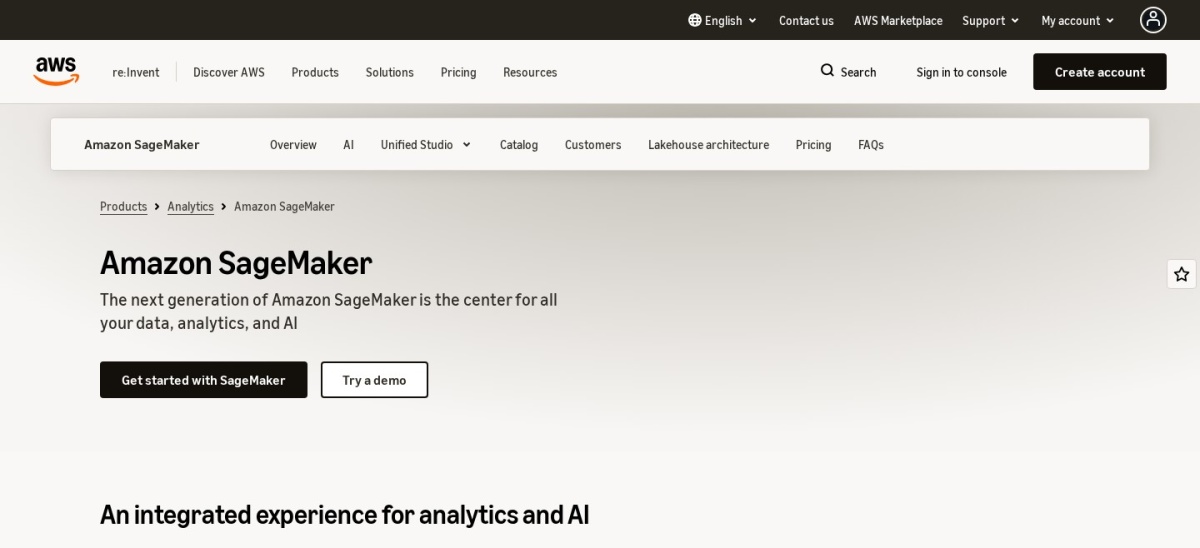
Amazon SageMaker homepage, captured Nov 2026.
Amazon SageMaker is a managed machine learning platform on AWS that covers data prep, training, tuning and deployment. Studio notebooks start at $0.05 an hour for an ml.t3.medium instance, a T4 GPU instance costs $0.74 an hour, and new accounts get 250 free ml.t3.medium hours a month for two months.
The trade off is complexity and cost. SageMaker has a steep learning curve, and GPU-heavy workloads can get expensive because every component bills separately. It suits teams already on AWS that want the full ML lifecycle in one managed service.
What we like
Full ML lifecycle in one service
JumpStart library of pre-trained models
Deep integration with S3 and other AWS tools
Free tier covers 250 notebook hours a month
Watch out for
Steep learning curve for beginners
Costs add up across many billed parts
Pay per instance-hour; free tier lasts two months for new accountsVisit aws.amazon.com
09
Databricks
4.6/5on G2 (1,366 reviews, checked Nov 2026)
Starts at$99/mo
Best enterprise lakehouse with model serving
G2 rating4.6/5 from 1,366 reviews
Pricing modelPay as you go per DBU
Model servingMosaic AI
GovernanceUnity Catalog
databricks.com
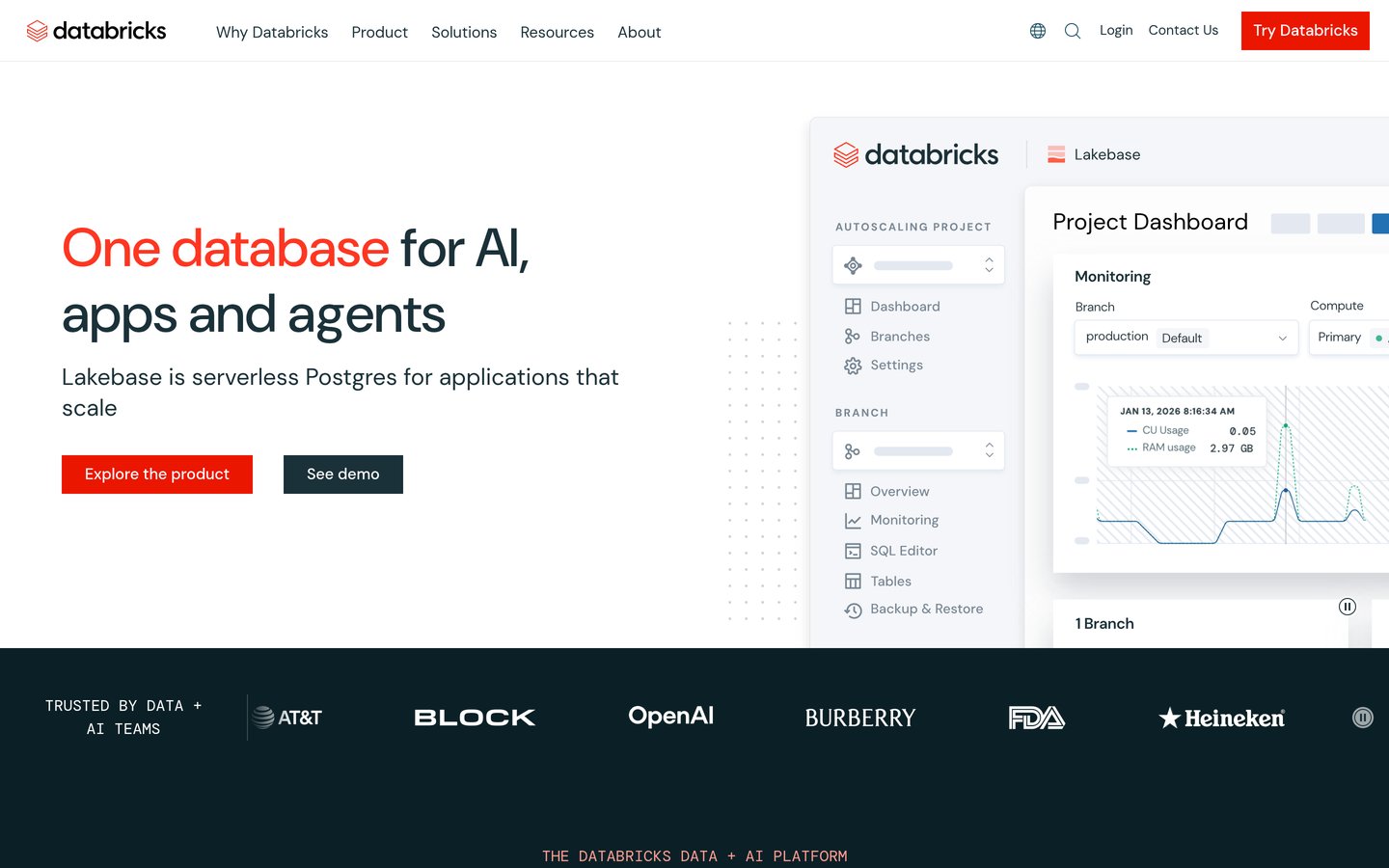
Databricks homepage, captured Nov 2026.
Databricks is a unified data and AI platform that pairs a lakehouse with Mosaic AI model serving. Teams train, fine-tune and serve open models beside their data, with Unity Catalog handling governance and access control. G2 lists pricing from $99 a month, and billing is pay as you go per Databricks Unit on top of cloud costs.
The trade off is price and complexity. Reviewers call the usage-based pricing hard to predict, and the platform is built for large teams rather than solo developers. It suits enterprises that want data, analytics and model serving governed in one place.
Free options cover learning well. Kaggle gives real GPU hours every week, and Modal includes $30 of compute a month, which is enough to run a small model for a demo.
Paid plans mostly buy reliability and scale. You get faster cold starts, dedicated GPUs that stay warm, and support when a deployment breaks at night.
If a model earns money, a free tier will not hold it. For a site that talks to visitors, our guide on adding an AI chatbot to WordPress shows the same API pattern in practice.
How we chose
We started from every established alternative to Hugging Face that hosts or serves open models, then kept the nine with a public G2 rating and published pricing.
Prices come from each vendor's pricing page, checked on 29 November 2026. Ratings and review counts come from G2 on the same day. Where a vendor shows a sale, the list shows the regular price.
We left out tools with no public rating, including newer inference startups and local-only runners, because the rating check needs a published score. No vendor paid for a place, and we do not claim to have used these tools ourselves.
How to choose a Hugging Face alternative
Start with how the model will be used, then match the billing model to that pattern.
Decide whether you need an API or a GPU. If you only need to call a model, pick a serverless API such as Replicate or Together AI. If you train or fine-tune, rent a GPU from RunPod or Modal instead.
Work out your traffic shape. Spiky traffic favors per-token or per-second billing, while steady traffic favors a dedicated endpoint or a reserved GPU.
Try the free tier first. Kaggle covers learning and prototypes, and Modal's $30 monthly credit runs a small model. See how to connect an AI model to WordPress before you pay for hosting.
Check the rating and the small print. Read recent G2 reviews for reliability complaints, and confirm whether storage, egress and idle time are billed on top.
FAQ
What is the best Hugging Face alternative in 2026?
Replicate is the best Hugging Face alternative for most developers. It runs thousands of open models through one API, bills per second from $0.81 an hour for a T4 GPU, and holds a 4.5/5 rating from 25 G2 reviews.
What is the cheapest Hugging Face alternative?
Fireworks AI has the lowest entry price for inference, from $0.05 per 1M input tokens, while RunPod has the cheapest GPU time at $0.27 an hour for an RTX A5000. For learning, Kaggle is free, with about 30 GPU hours a week.
Is there a free alternative to Hugging Face?
Yes, Kaggle is completely free and includes about 30 GPU hours a week on two T4 cards, plus public datasets and notebooks. Modal also includes $30 of compute credit a month, and Together AI gives new accounts $100 in signup credit.
Which Hugging Face alternative is best for beginners?
Kaggle is best for beginners, because it is free, runs in the browser, and needs no setup or payment method. Replicate is the easiest paid step up, since one API key runs thousands of models.
Replicate vs Together AI: which should I choose?
Pick Replicate for the widest model choice, including image, video and audio models behind one API. Pick Together AI for text inference, where its per-token prices start at $0.15 per 1M input tokens and it adds fine-tuning on the same platform.
Can I deploy my own fine-tuned model on these platforms?
Yes. Baseten and Modal both deploy custom models as production APIs, RunPod runs any model on rented GPUs, and Together AI offers LoRA fine-tuning from $0.48 per 1M tokens. Replicate deploys custom models with its open-source Cog tool.
Do I need my own GPU to use these alternatives?
No. Replicate, Together AI, Fireworks AI and Baseten run models on their own hardware and bill per use, so you only need an API key. You only rent a GPU directly with RunPod, Modal or SageMaker, and Kaggle lends you one for free.
SaaS SEO and WordPress specialist with about 8 years of experience. Rakib compares WordPress plugins, themes, hosting and software using public pricing, documentation and user reviews. See how we rank.