Spectora is the best home inspection software for solo inspectors who want reports, booking and payments in one app at 109 dollars a month. HomeGauge is the pick for desktop report writing at 89 dollars a month, and Palm-Tech is the cheapest flat rate at 50 dollars a month.
How we make this list: we compare pricing pages, product documentation and public user reviews, then re-check every price before each update. No product paid for a place. Disclosure.
Spectora is the strongest all-round pick at $109 a month, with reports, booking and payments in one app.
Palm-Tech is the cheapest flat rate at $50 a user a month, with every feature included.
HomeGauge and Home Inspector Pro both cost $89 a month for desktop report writing.
Tap Inspect costs $7.50 a job with no monthly fee, the cheapest way to do a handful of reports.
ISN charges per inspection from $7.25, so quiet months cost almost nothing.
How do you choose home inspection software for solo inspectors?
A solo inspector pays for the report writer first and the office second. Spectora, HomeGauge and Home Inspector Pro all write reports well, but only Spectora also runs booking, agreements and payments without a second subscription.
Flat pricing suits steady volume, while per-job pricing suits part-timers. Tap Inspect at $7.50 a job beats every monthly plan below about 12 jobs a month, and ISN at $7.25 an inspection does the same for back-office work. Our real estate software guide covers the wider toolkit around inspections.
Desktop or mobile is the real workflow choice. HomeGauge, Home Inspector Pro and ScribeWare finish reports on a desktop, while Spectora and Tap Inspect are built mobile-first with offline field work.
Free trials are generous but short. Spectora gives two free inspections, Tap Inspect five, and HomeGauge 30 days, so run a real inspection on each trial before paying.
The 7 best home inspection software tools for solo inspectors
01
Spectora
4.9/5on Capterra (937 reviews, checked Nov 2026)
Starts at$109/mo
Best all-round tool for solo inspectors
Monthly price$109
Annual price$1,090
Extra inspectors$99/mo each
Free trial2 free inspections
spectora.com
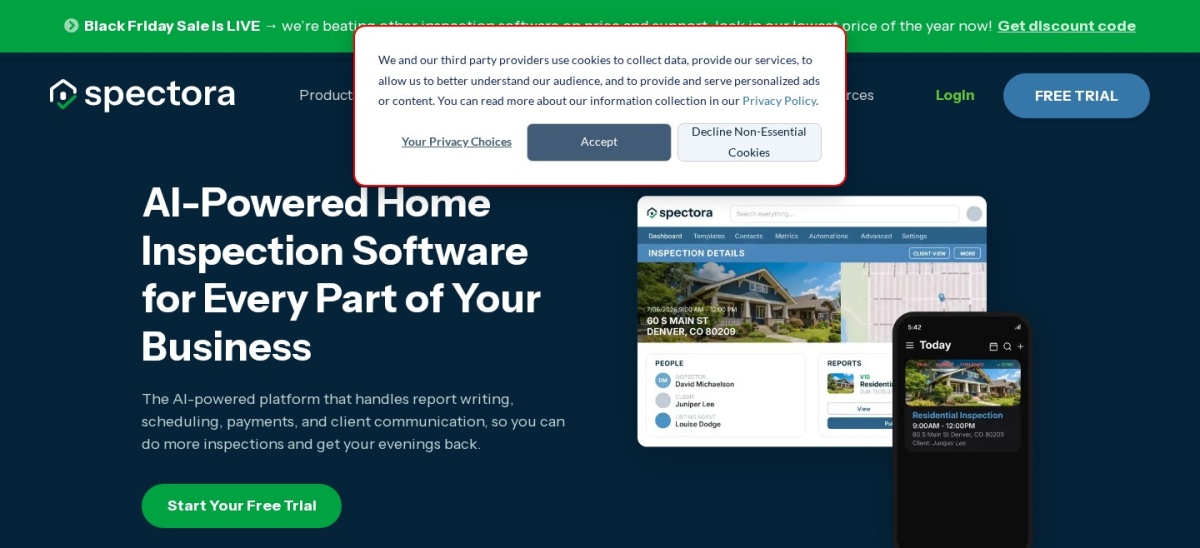
Spectora homepage, captured Nov 2026.
Spectora is an all-in-one home inspection platform that combines the report writer with scheduling, agreements, payments and client messaging. A solo inspector pays $109 a month or $1,090 a year, and the software includes unlimited reports, photos and videos.
The trade off is the add-on bill. The Advanced tier costs $4 per published inspection, and each extra inspector adds $99 a month, so a growing team pays far more than the headline price. It suits full-time solo inspectors who want one app for the whole job.
What we like
Reports, booking, contracts and payments in one app
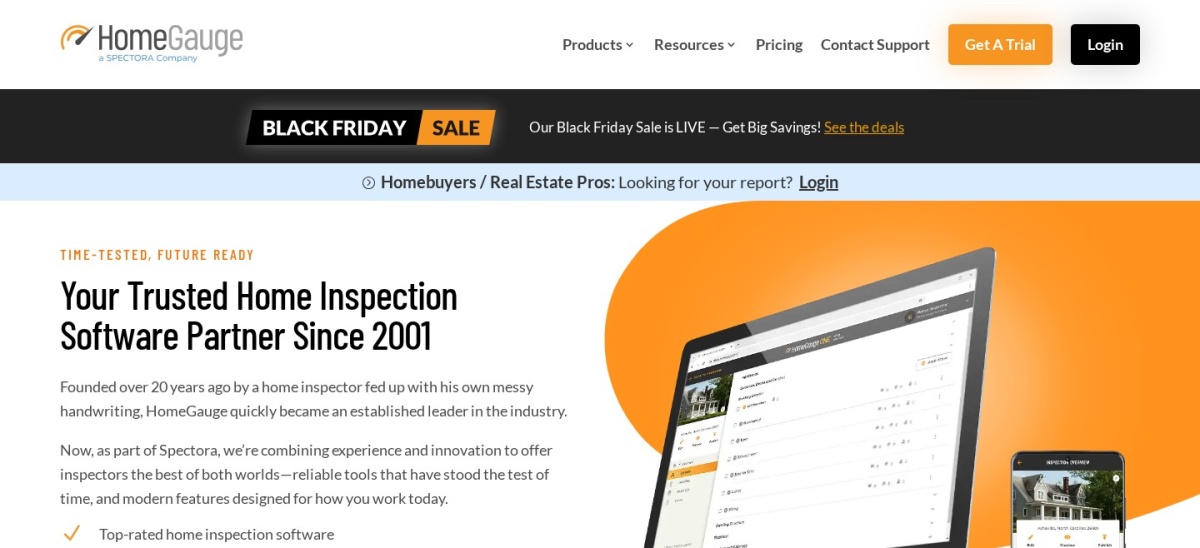
HomeGauge is a desktop report writer for home inspectors, paired with a Companion mobile app for collecting photos and data in the field. It costs $89 a month after a 30-day free trial, with the comment library, online report hosting and agreements included.
The trade off is platform and ownership. The report writer is a Windows desktop app, so Mac users need a virtual machine, and Spectora bought HomeGauge in April 2025. It suits inspectors who prefer finishing reports on a desktop and like the classic HomeGauge templates.
What we like
Trusted desktop writer with a deep comment library
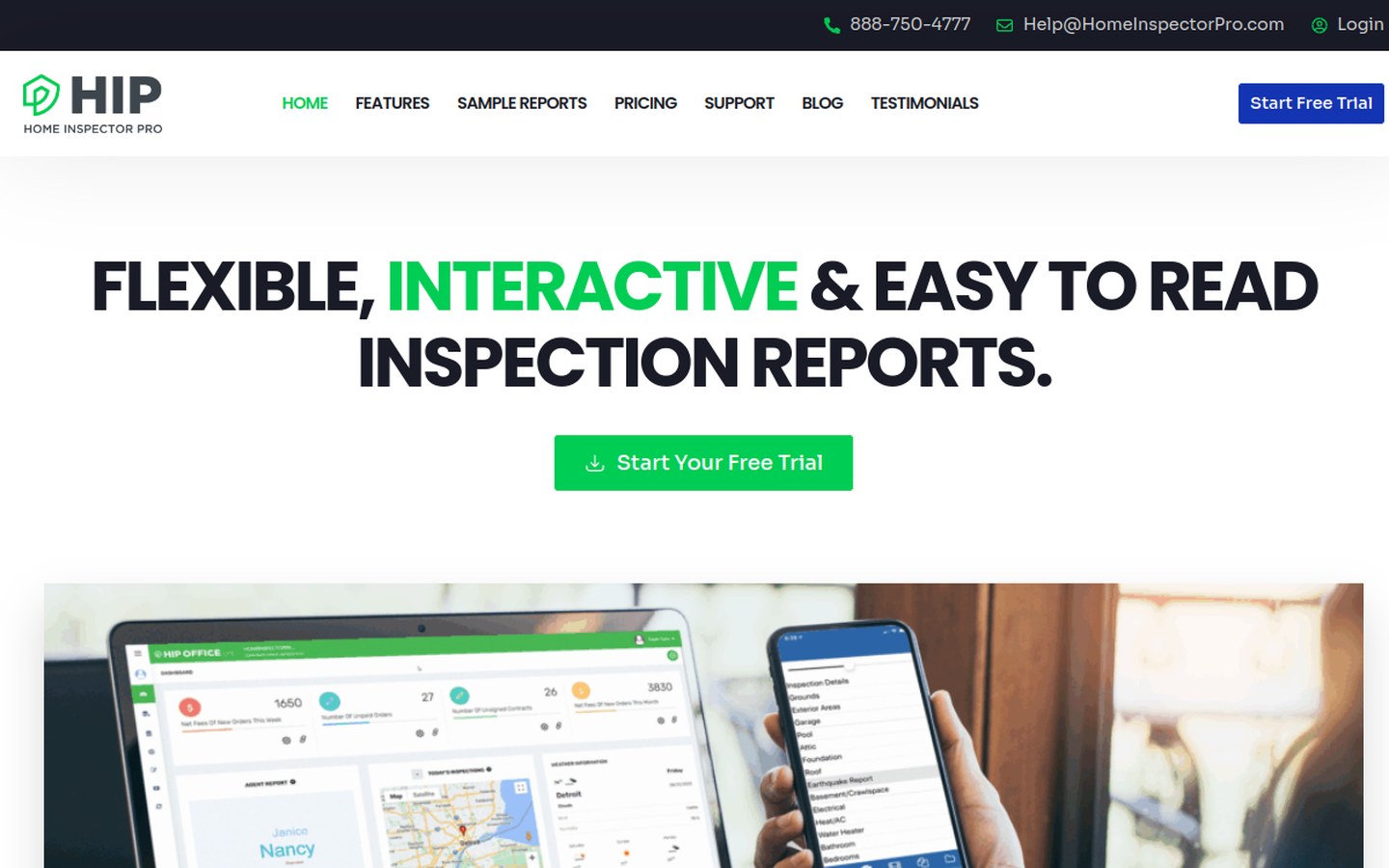
Home Inspector Pro is a long-running report writer that collects on a phone or tablet and finishes the report in a Windows or Mac desktop program. It costs $89 a month with a 30-day free trial and no per-inspection fees, and it includes scheduling, contracts and payments through HIP Office.
The trade off is polish and support hours. Reviewers praise the template control but note a dated interface, and weekend phone support has been cut back. It suits inspectors who want near-total control of layout, narratives and branding.
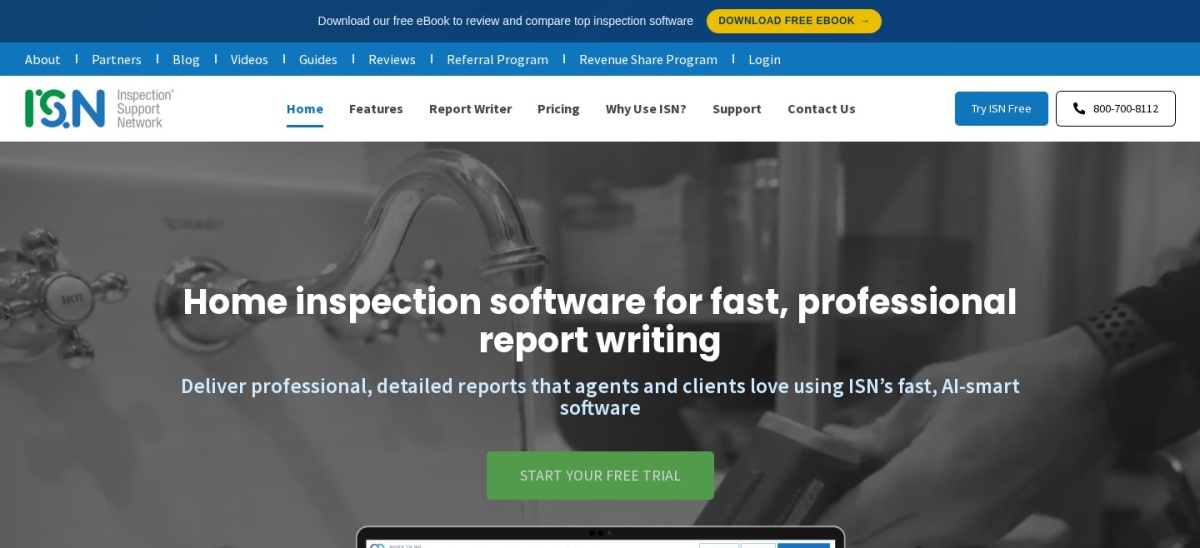
Inspection Support Network (ISN) homepage, captured Nov 2026.
Inspection Support Network (ISN) is a back-office platform for home inspectors that runs scheduling, agreements, payments, marketing and report workflow in one place. It charges $7.25 per inspection for the first 50 a month, falling to $5.50 and then $3.75 as volume rises.
The trade off is that ISN is not a standalone report writer. It works best beside a report tool, and a monthly minimum fee may apply without the amount being published. It suits low-volume inspectors and multi-inspector firms that need dispatch and office tools more than a new writer.
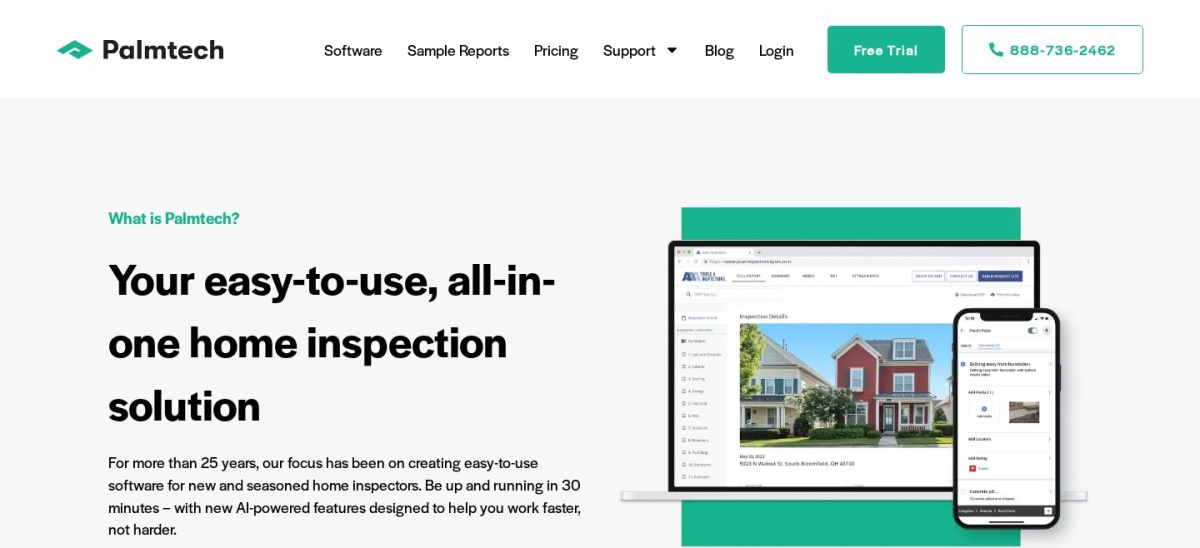
Palm-Tech is one of the oldest home inspection platforms, and the least expensive flat-rate option here at $50 per user a month or $500 a year. Every feature is included on every plan, with no per-inspection charges and no hidden fees.
The trade off is a dated mobile app. Capterra reviewers rate the mobile app 3.6 out of 5 and call the interface word-heavy, though the desktop workflow is well established. It suits low-volume solo inspectors who want the lowest flat fee for a full platform.
4.8/5on App Store (4,921 reviews, checked Nov 2026)
Starts at$90/mo
Best pay-as-you-go for part-timers
Monthly price$90 unlimited
Pay as you go$7.50 per job
Free trial5 inspections
PlatformsiPhone and iPad only
tapinspect.com
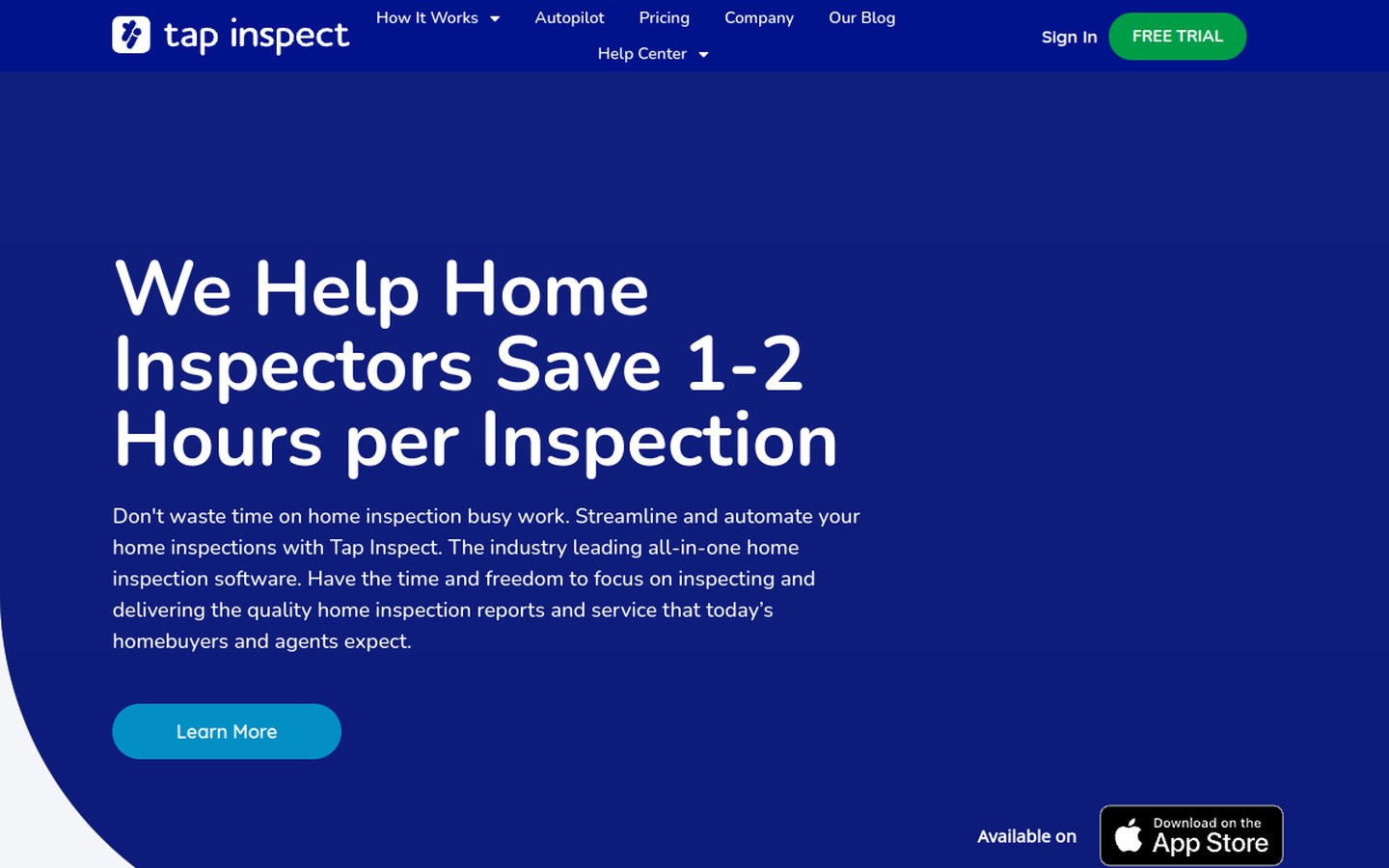
Tap Inspect homepage, captured Nov 2026.
Tap Inspect is a mobile-first inspection app for iPhone and iPad that has run since 2010. Unlimited costs $90 a month, or inspectors can pay $7.50 per job in blocks of 20 for $150, with no monthly fee at all.
The trade off is Apple lock-in and quiet development. There is no Android app and no web report editor, and the last release was version 8.2.3 in July 2025. It suits part-time inspectors who work on an iPad and want to pay only for the jobs they do.
4.8/5on Capterra (Not published reviews, checked Nov 2026)
Starts at$99/mo
Best for narrative reports
Monthly price$99
Annual price$89/mo billed yearly
Pay per report$12 a report
Free trial3 reports
scribeware.com
ScribeWare homepage, captured Nov 2026.
ScribeWare is a report writer built by veteran inspectors around narrative precision and liability protection. It costs $99 a month or $89 a month billed yearly, with a $12 per-report option, and it pairs fast mobile capture with a searchable comment library.
The trade off is that it is a report writer first, not a full business platform. Scheduling and office tools are thinner than Spectora or ISN, and Capterra publishes dimension scores rather than a single overall rating. It suits independent inspectors who write complex or custom homes.
Flat plans win once volume is steady. Palm-Tech at $50 a month costs the same whether you do 5 inspections or 40, so a busy solo inspector pays about a dollar per report.
Per-job plans win when volume is seasonal. Tap Inspect at $7.50 a job costs $30 for four inspections in a slow January, against $90 or $109 on a flat plan, and unused jobs stay on the account.
The break-even sits near 12 jobs a month for Tap Inspect. Above that the $90 unlimited plan wins, and above 20 jobs a month the flat plans pull further ahead.
How we chose
We started from the report writers and back-office tools most used by solo home inspectors, then kept those with published pricing and a public rating on Capterra or the App Store.
Prices come from each vendor's pricing page, checked on 30 November 2026, with Spectora confirmed at $109 a month on its own page. Ratings come from Capterra, except Tap Inspect, whose rating is from the Apple App Store.
We left out Horizon, which shuts down on 15 December 2026, and tools with no published price. No vendor paid for a place, and we do not claim hands-on testing for this list.
How to choose home inspection software for solo inspectors
Start with how many inspections you do in a slow month, then match the billing model.
Count your slow-month inspections. Below 12 jobs a month, pay-as-you-go tools such as Tap Inspect cost less than any flat plan. Above that, a flat monthly plan wins.
Run a real inspection on each trial. Spectora gives two free inspections and Tap Inspect five. Write, photograph and deliver a real report before you pay anything.
Check the platform you carry. Tap Inspect runs on iPhone and iPad only, and HomeGauge needs Windows. Pick a tool that runs on the device already in your pocket.
Add up the extras before deciding. Advanced tiers, extra inspectors and per-inspection fees change the bill fast. Compare the total at your volume, not the headline price.
FAQ
What is the best home inspection software for solo inspectors in 2026?
Spectora is the best pick for most solo inspectors, with reports, scheduling, agreements and payments in one app at $109 a month. HomeGauge is the pick for desktop report writing at $89 a month, and Palm-Tech is the cheapest flat rate at $50 a month.
How much does home inspection software cost per month?
Published solo prices run from $50 a month for Palm-Tech to $109 for Spectora, with HomeGauge and Home Inspector Pro at $89. Tap Inspect offers pay-as-you-go at $7.50 a job, and ISN charges $7.25 per inspection.
Is there free home inspection software for solo inspectors?
No full platform in this list is free, but trials are generous. Spectora gives two free inspections, Tap Inspect five, HomeGauge a 30-day trial and ScribeWare three free reports, which is enough to run real jobs before paying.
Spectora vs HomeGauge: which is better for a solo inspector?
Spectora is better for inspectors who want reports, booking and payments in one cloud app. HomeGauge is better for inspectors who prefer a Windows desktop report writer with a deep comment library and a lower $89 monthly price.
Can I pay per inspection instead of monthly?
Yes. Tap Inspect sells blocks of 20 inspections for $150, ScribeWare charges $12 a report and ISN charges $7.25 per inspection for the first 50 a month. Per-job billing suits part-time inspectors and seasonal volume.
Does home inspection software work offline?
Most tools in this list work offline in the field, including Spectora, Tap Inspect and Palm-Tech. Reports sync when the connection returns, so a basement or rural property does not stop the inspection.
SaaS SEO and WordPress specialist with about 8 years of experience. Rakib compares WordPress plugins, themes, hosting and software using public pricing, documentation and user reviews. See how we rank.