Best Construction Software in 2026: 7 Tools Compared
WLWPLegible EditorsLast verified 22 Nov 2026How we rank6 min read
★ Short answer
JobTread leads our list with a 4.9 out of 5 rating across 143 Capterra reviews, combining budgeting, scheduling, and job costing in one platform. For tighter budgets, Contractor Foreman starts at $49 per month, while Jobber suits smaller trade crews starting at $39 per month.
How we make this list: we compare pricing pages, product documentation and public user reviews, then re-check every price before each update. No product paid for a place. Disclosure.
JobTread holds a 4.9/5 rating across 143 Capterra reviews with monthly pricing starting at $199.
Contractor Foreman starts at $49/month flat rate and holds a 4.5/5 rating across 842 Capterra reviews.
Jobber starts at $39/month flat rate with a 4.6/5 rating across 1,487 Capterra reviews.
Buildxact starts at $199/month for digital takeoffs and estimating with a 4.6/5 rating across 185 Capterra reviews.
Houzz Pro offers a free plan alongside a $399/month Pro plan and holds a 4.3/5 rating across 1,091 Capterra reviews.
What to look for in construction software
Choosing construction software comes down to how your business handles estimates, schedules, field logs, and job costs. Solo remodelers and small specialty crews need fast quoting and mobile scheduling without heavy administrative setup.
General contractors and multi-project builders usually need tighter control over budgets, change orders, purchase orders, and subcontractor coordination. When estimates stay tied to actual labor and material costs, teams spot margin drift before a project wraps.
Pricing models vary sharply across the market. Some platforms charge a flat rate per tier, while others add per-user fees or block licensing as your headcount grows.
Before committing to a platform, check whether accounting integrations, mobile crew tools, and training fit how your office and field staff actually work each day.
For client proposals, 3D floor plans, and a free starter tier
$399/mo
Free plan
4.3/5
Price ladder: cheapest paid plan per year
List prices, USD, checked Nov 2026
Jobber$468
Contractor F.$588
Housecall Pro$948
Knowify$1,188
JobTread$2,388
Buildxact$2,388
Houzz ProFREE$4,788
The 7 best construction software
01
JobTread
4.9/5on Capterra (143 reviews, checked Nov 2026)
Starts at$199/mo
Best for budget-first project management and job costing
Starting price$199/mo
Additional user$20/mo
Capterra rating4.9/5 (143)
Free planNo
jobtread.com
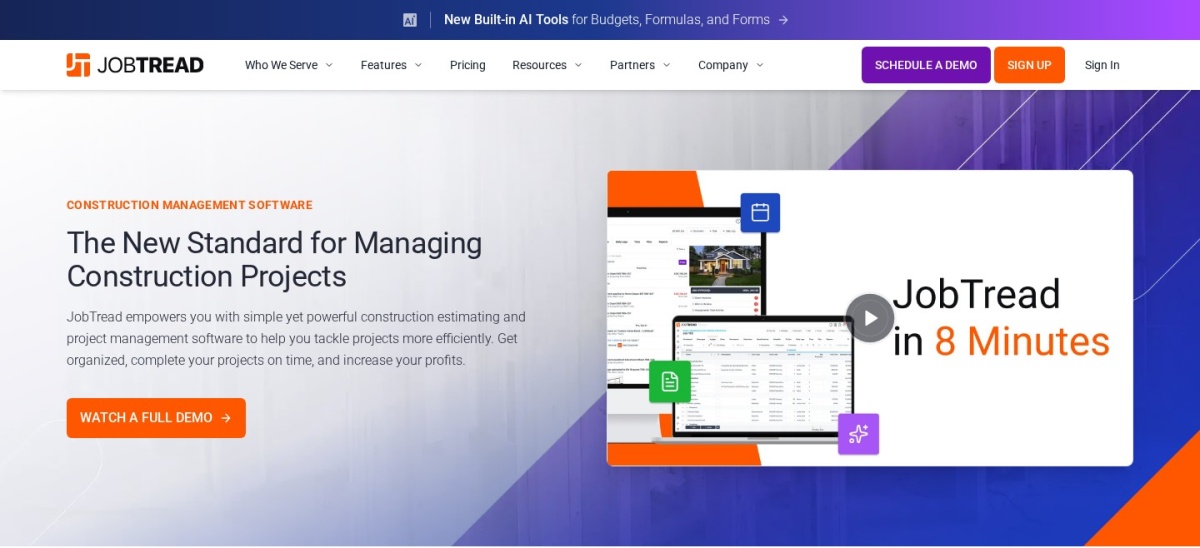
JobTread homepage, captured Nov 2026.
JobTread is a construction management platform built around estimating, scheduling, customer communication, and real-time job costing. Its monthly plan starts at $199 per month and includes every feature and integration in one subscription, with additional internal users starting at $20 per month.
The trade off is paying $199 per month ($2,388 per year) to start rather than having a low-cost solo tier or free version. It suits builders and contractors who want live budget tracking tied directly to schedules and selections.
What we like
High 4.9/5 rating across 143 Capterra reviews
All core features and integrations included in the base subscription
Connects budgets, schedules, and job costs in one workflow
No separate setup fees on standard plans
Watch out for
No free plan or low-entry solo tier below $199/month
Additional internal users add $20/month each
Less suited to teams wanting a lightweight standalone quoting app
The $199/month base plan already includes full platform features, with extra internal users at $20/month.Visit jobtread.com
02
Contractor Foreman
4.5/5on Capterra (842 reviews, checked Nov 2026)
Starts at$49/mo
Best value all-in-one platform for small-to-mid contractors
Starting price$49/mo
Top tier$332/mo
Capterra rating4.5/5 (842)
Free planNo (trial)
contractorforeman.com
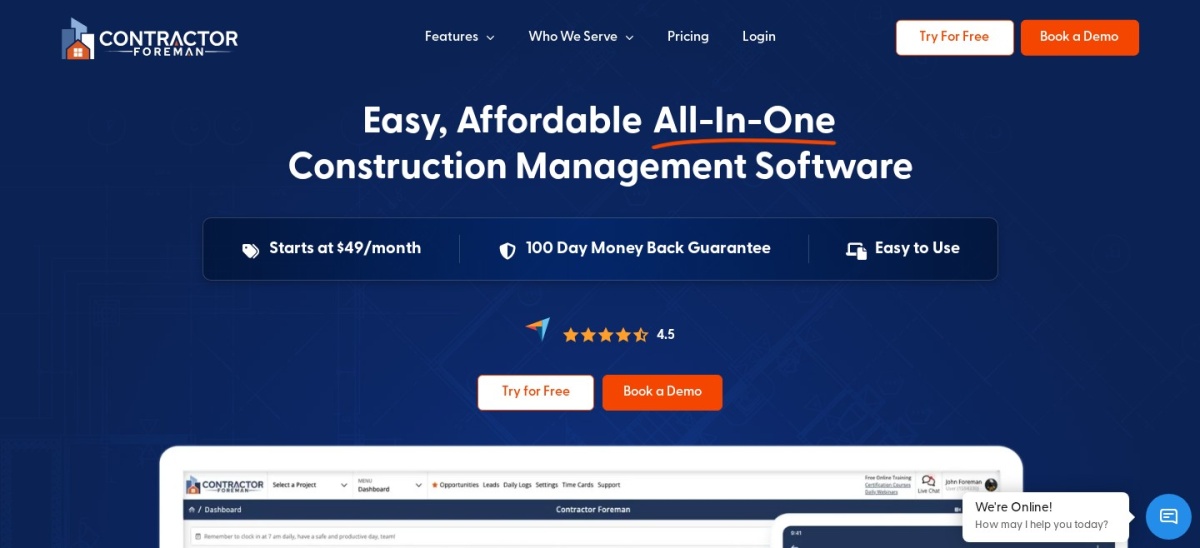
Contractor Foreman homepage, captured Nov 2026.
Contractor Foreman is a cloud and mobile construction management system covering daily logs, scheduling, estimating, timecards, and project tracking. Its Basic plan starts at $49 per month flat rate for up to one user, with higher tiers scaling up to $332 per month.
The trade off is that some advanced modules such as change orders, submittals, and broader user limits sit on higher-priced plans, and occasional mobile slowness is noted in user reviews. It suits budget-minded contractors who want broad operational coverage at $49 per month ($588 per year).
What we like
Low entry price at $49/month flat rate
Wide feature set across daily logs, schedules, and estimates
Backed by 842 Capterra reviews with a 4.5/5 rating
Offers a free trial without requiring a credit card
Watch out for
Entry Basic plan is capped at one user
Advanced workflows require stepping up to higher tiers
Some reviewers report sluggishness on mobile
Higher tiers up to $332/month expand user counts and unlock submittals, custom templates, and added training.Visit contractorforeman.com
03
Jobber
4.6/5on Capterra (1,487 reviews, checked Nov 2026)
Starts at$39/mo
Best for smaller trade and service contractors
Starting price$39/mo
Top tier$599/mo
Capterra rating4.6/5 (1,487)
Free planNo (trial)
getjobber.com
Jobber homepage, captured Nov 2026.
Jobber is a field and business management platform for quoting, scheduling, client communication, invoicing, and online payments. Its Core individual plan starts at $39 per month flat rate, with team and growth tiers ranging up to $599 per month.
The trade off is that multi-user team features, job costing, and automated follow-ups sit on higher tiers rather than the $39/month ($468/year) entry plan. It suits solo trade contractors and small crews focused on fast quotes and clean billing.
What we like
Affordable $39/month starting flat rate for individuals
Strong 4.6/5 rating across 1,487 Capterra reviews
Clear quoting, scheduling, and client self-serve hub
Free trial available before committing to a plan
Watch out for
No permanent free tier
Team seats and job costing require higher-priced plans
Less suited to heavy commercial or multi-phase general contracting
Connect, Grow, and Plus tiers add multi-user team access, job costing, automations, and marketing tools.Visit getjobber.com
04
Buildxact
4.6/5on Capterra (185 reviews, checked Nov 2026)
Starts at$199/mo
Best for residential estimating and digital takeoffs
Starting price$199/mo
Top tier$599/mo
Capterra rating4.6/5 (185)
Free planNo (14-day trial)
buildxact.com
Buildxact homepage, captured Nov 2026.
Buildxact is a cloud estimating and construction management tool focused on residential builders, remodelers, and trade contractors. Its Foundation plan starts at $199 per month flat rate and includes digital takeoffs and quote building, while Pro and Master reach $399 and $599 per month.
The trade off is a $199/month ($2,388/year) entry price and a focus on residential work rather than large commercial builds. It suits home builders and remodelers who prioritize fast on-screen takeoffs and material pricing.
What we like
4.6/5 rating across 185 Capterra reviews
Built around digital takeoffs, estimating, and quote generation
Flat monthly tier pricing with a 14-day free trial
Tailored workflows for residential builders and remodelers
Watch out for
Higher starting price at $199/month than basic job trackers
Narrower fit for large commercial general contractors
Some users note lighter depth in site and financial tracking
Pro ($399/month) and Master ($599/month) add extra estimating automation, mobile app features, and access controls.Visit buildxact.com
05
Housecall Pro
4.7/5on Capterra (2,749 reviews, checked Nov 2026)
Starts at$79/mo
Best for dispatching, scheduling, and home service crews
Starting price$79/mo
Top tier$329/mo
Capterra rating4.7/5 (2,749)
Free planNo (trial)
housecallpro.com
Housecall Pro homepage, captured Nov 2026.
Housecall Pro is a field operations platform for estimates, dispatching, scheduling, invoicing, and customer communication. Its Basic plan starts at $79 per month flat rate for one user, with Essentials at $189 per month and MAX at $329 per month.
The trade off is that multi-user team capacity and accounting integrations sit above the $79/month ($948/year) Basic tier. It suits service-oriented contractors and remodelers managing frequent appointments, estimates, and invoices.
What we like
4.7/5 rating across 2,749 Capterra reviews
Clear scheduling, dispatching, invoicing, and price book tools
Straightforward flat-rate tier structure from $79/month
Free trial available without a credit card
Watch out for
Basic tier at $79/month covers a single user
Accounting integrations and multi-user scaling require higher plans
Less suited to complex multi-phase commercial construction
Essentials ($189/month) and MAX ($329/month) expand user limits, accounting sync, API access, and reporting.Visit housecallpro.com
06
Knowify
4.5/5on Capterra (110 reviews, checked Nov 2026)
Starts at$99/mo
Best for job costing, contracts, and QuickBooks sync
Starting price$99/mo
Mid tier$329/mo
Capterra rating4.5/5 (110)
Free planNo (trial)
knowify.com
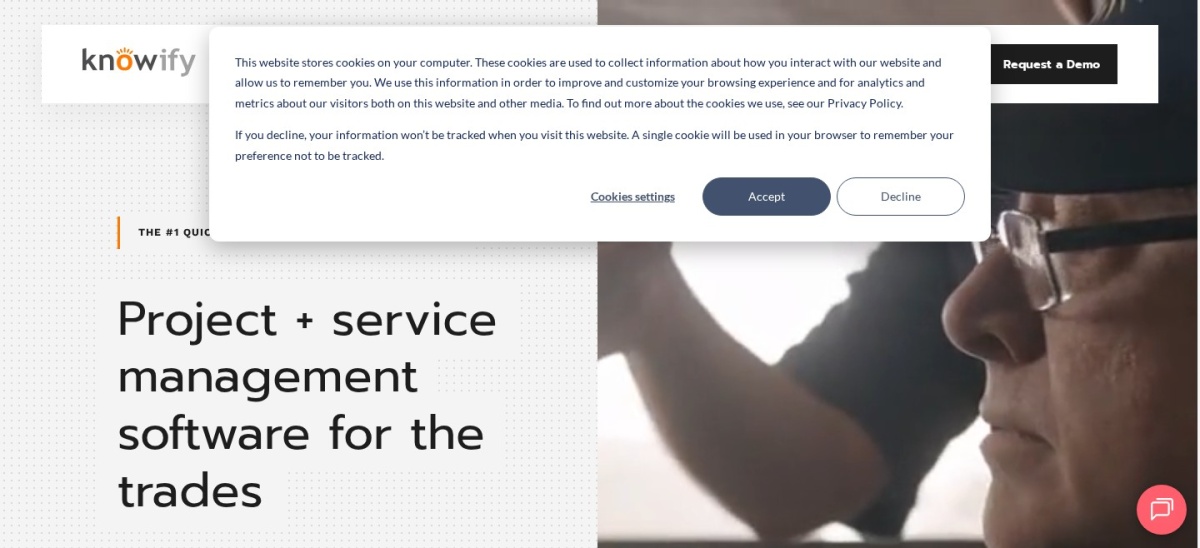
Knowify homepage, captured Nov 2026.
Knowify is a job management and financial tracking platform built for contractors handling bids, change orders, purchase orders, and progress billing. Its Core plan starts at $99 per user per month, with an Advanced team tier at $329 per month.
The trade off is per-user pricing that adds up quickly as crew logins grow, starting at $99 per month ($1,188 per year) per user. It suits contractors that rely closely on QuickBooks Online and structured job billing.
What we like
4.5/5 rating across 110 Capterra reviews
Built around contracts, change orders, purchase orders, and billing
Strong fit for contractors syncing job financials with QuickBooks
Free trial available without a credit card
Watch out for
Per-user pricing increases costs as more staff log in
No permanent free version
Advanced scheduling and subcontractor tools sit on higher plans
4.3/5on Capterra (1,091 reviews, checked Nov 2026)
Paid from$399/mo
Best for client proposals, 3D floor plans, and a free starter tier
Starting priceFree ($399/mo Pro)
Pro plan$399/mo
Capterra rating4.3/5 (1,091)
Free planYes
houzz.com
Houzz Pro homepage, captured Nov 2026.
Houzz Pro is a project and client management platform for remodelers, builders, and designers, offering a free plan alongside a Pro tier starting at $399 per month. Its free version includes basic estimates, invoicing, and 3D floor planning, while Pro adds CRM, assemblies, and online payments.
The trade off is a steep jump from the free tier to $399 per month ($4,788 per year) on Pro, plus mixed feedback on mobile depth and support. It suits design-build and remodeling teams that want client-facing visuals and proposals.
What we like
Offers a free tier with basic estimates, invoicing, and 3D floor plans
High review volume with 1,091 Capterra reviews (4.3/5 rating)
Client-friendly proposals, selections, and visual planning tools
Free trial available on paid tiers
Watch out for
Pro plan starts at $399/month, a sharp jump from the free tier
4.3/5 rating trails several closer-knit competitors on Capterra
Some users report mobile app gaps and support delays
The $399/month Pro plan unlocks CRM tools, assemblies, online payments, and phone and live chat support.Visit houzz.com
How we chose
We selected established construction software platforms commonly used by contractors, builders, and remodelers for estimating, scheduling, job costing, and field workflows.
All ratings, review counts, and starting prices were checked on 22 Nov 2026 across public software review directories and vendor pages.
We excluded enterprise quote-only platforms that publish no starting price, along with tools lacking clear current pricing or established review history.
No vendor paid for a place, and we do not claim testing for this list.
How to choose construction software
Follow four practical steps to narrow down a platform that matches your crew size and workflow.
Start with your primary bottleneck. Decide whether you need faster estimates and takeoffs, tighter job costing, or cleaner daily scheduling and invoicing.
Check how user seats scale. Compare flat-rate plans against per-user or per-seat add-ons so your bill does not spike when adding estimators or field leads.
Verify accounting and payment needs. Confirm how estimates, bills, change orders, and customer payments connect with your bookkeeping workflow before signing up.
Use trials to check field usability. Test mobile screens and daily logs with the people who will actually use the software on active jobs.
FAQ
What is the best construction software overall for most contractors?
JobTread is our top pick with a 4.9 out of 5 rating across 143 Capterra reviews, combining budgeting, scheduling, and job costing in one platform starting at $199 per month.
Is there free construction software available?
Houzz Pro offers a free plan with basic estimates, invoicing, and 3D floor planning, while several paid platforms such as Contractor Foreman, Jobber, and Buildxact offer free trials rather than permanent free tiers.
What is the cheapest paid option on this list?
Jobber starts at $39 per month for its Core individual plan ($468 per year), followed by Contractor Foreman at $49 per month ($588 per year) for one user.
How does flat-rate pricing compare to per-user pricing?
Flat-rate plans set a tier price up to a defined limit or feature set, whereas per-user pricing charges per login or seat and scales directly with team size.
Which tool fits residential estimating and digital takeoffs best?
Buildxact focuses on residential builders and remodelers with digital takeoffs and quote building starting at $199 per month on its Foundation plan.
Should small trade businesses pick a full construction suite?
Smaller service and trade teams often get faster value from focused quoting, scheduling, and invoicing tools like Jobber or Housecall Pro rather than heavy multi-phase suites.