Best Construction Equipment Management Software in 2026: 7 Tools Compared
WLWPLegible EditorsLast verified 22 Nov 2026How we rank6 min read
★ Short answer
MaintainX leads for field maintenance and mobile work orders with 1,605 reviews on G2, while Fleetio fits teams focused on vehicle and equipment service tracking starting at $4 per month billed annually. Limble suits teams needing structured preventive maintenance workflows, and GoCodes fits QR-based tool and equipment checkouts.
How we make this list: we compare pricing pages, product documentation and public user reviews, then re-check every price before each update. No product paid for a place. Disclosure.
MaintainX holds a 4.8 rating across 1,605 G2 reviews and offers a free Basic plan alongside Essential at $20/mo per user billed annually.
Fleetio starts at $4/mo billed annually ($5/mo monthly) on Essential and carries a 4.6 rating across 234 G2 reviews.
Limble earns a 4.8 rating across 702 G2 reviews, with Standard listed at $28/mo per user in its cost guide.
UpKeep is rated 4.5 across 1,119 G2 reviews, with Essential listed at $24/mo per user and Premium at $55/mo per user.
Fiix offers a free tier for up to 25 active preventive maintenance tasks and paid Basic plans starting at $45/mo per user.
GoCodes starts at $550/yr for 200 assets and 3 users, holding a 4.5 rating across 39 G2 reviews.
What to look for in construction equipment management software
Construction fleets mix heavy earthmoving machines, service trucks, trailers, and jobsite hand tools across shifting project sites. Good software connects asset records, inspection checklists, and repair history so crews do not rely on scattered spreadsheets or delayed yard calls.
Pay close attention to how each vendor bills. Per-seat subscriptions multiply quickly when supervisors, mechanics, and foremen all need logins, whereas per-asset or per-vehicle plans scale with fleet size instead of headcount.
Check whether preventive maintenance triggers on calendar dates, meter readings, or engine hours. Heavy machinery and generators wear down by operating hours and fault codes, while smaller tools benefit most from fast mobile check-ins and barcode or QR scanning.
Review how field technicians capture work when cellular coverage drops on remote sites. Mobile apps with clear checklists, photo attachments, and offline support keep maintenance logs accurate without forcing crews to re-enter notes later.
The 7 best construction equipment management software
01
MaintainX
4.8/5on G2 (1,605 reviews, checked Nov 2026)
Paid from$240/yr
Best for mobile work orders and field maintenance
Free planBasic ($0/mo)
Entry paid$20/user/mo annual
Monthly billing$25/user/mo Essential
G2 rating4.8 (1,605)
getmaintainx.com
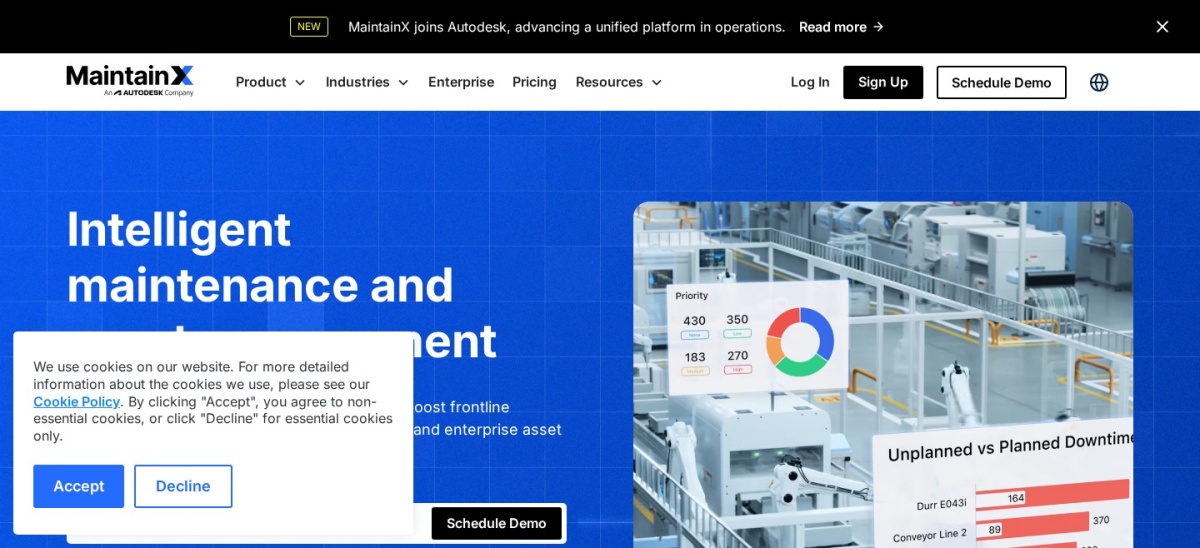
MaintainX homepage, captured Nov 2026.
MaintainX is a maintenance and work-order platform built around mobile checklists, asset records, and messaging for field crews. Its free Basic plan includes unlimited work orders, unlimited procedures, and unlimited requester users, with caps on work orders with attached procedures or images.
The trade off is that per-user pricing adds up across larger crews, and Essential costs $20 per user per month billed annually ($25 monthly, or $240/yr per user). It suits contractors that want straightforward mobile work orders and fast technician adoption.
What we like
Free Basic plan includes unlimited work orders and requester users
Strong mobile workflow for technicians and shop supervisors
Supports barcode scanning and unlimited assets on paid tiers
Watch out for
Free Basic plan caps work orders with attached procedures and images
Parts inventory and meter-based maintenance sit on higher tiers
Essential adds unlimited repeating work orders and work orders with attached images.Visit getmaintainx.com
02
Fleetio
4.6/5on G2 (234 reviews, checked Nov 2026)
Starts at$48/yr
Best for vehicle and fleet service tracking
Free plan14-day trial only
Entry paid$4/asset/mo annual
Monthly billing$5/asset/mo Essential
G2 rating4.6 (234)
fleetio.com
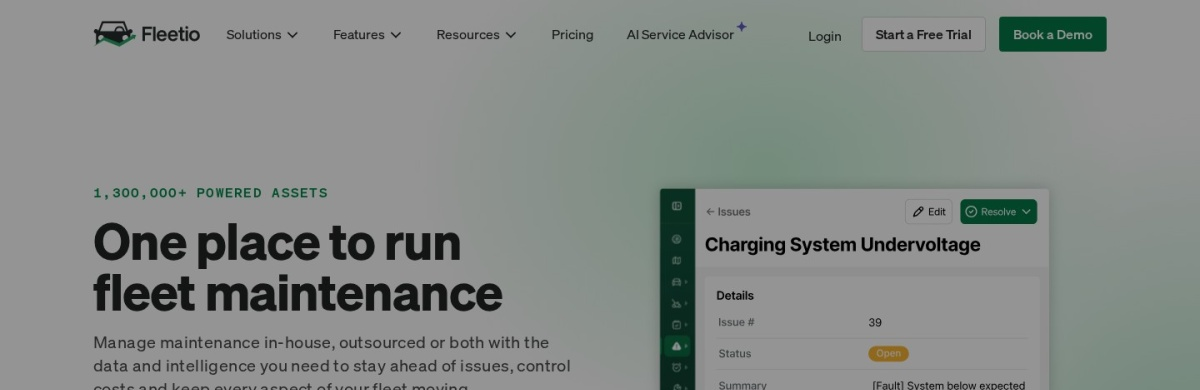
Fleetio homepage, captured Nov 2026.
Fleetio is a fleet management platform focused on vehicle and asset profiles, inspection workflows, fuel tracking, and service reminders. Essential starts at $4 per asset per month billed annually ($48/yr per asset) or $5 billed monthly, with unlimited users and up to 10 vehicle groups.
The trade off is that Essential omits work orders and third-party integrations, which move to Professional at $7 per asset per month billed annually. It suits contractors managing trucks, service vans, and tracked fleet assets that want transparent per-asset pricing.
What we like
Low entry price per asset with unlimited user accounts
Clear inspection checklists, fuel logs, and service reminders
Mobile app supports field updates and photo capture
Watch out for
No permanent free plan beyond a 14-day free trial
Work order management and API access require Professional
Professional adds work order management, parts management, and API access.Visit fleetio.com
03
Limble
4.8/5on G2 (702 reviews, checked Nov 2026)
Starts at$336/yr
Best for structured preventive maintenance schedules
Free planNone listed
Entry paid$28/user/mo Standard
Upper tier$69/user/mo Premium+
G2 rating4.8 (702)
limble.com
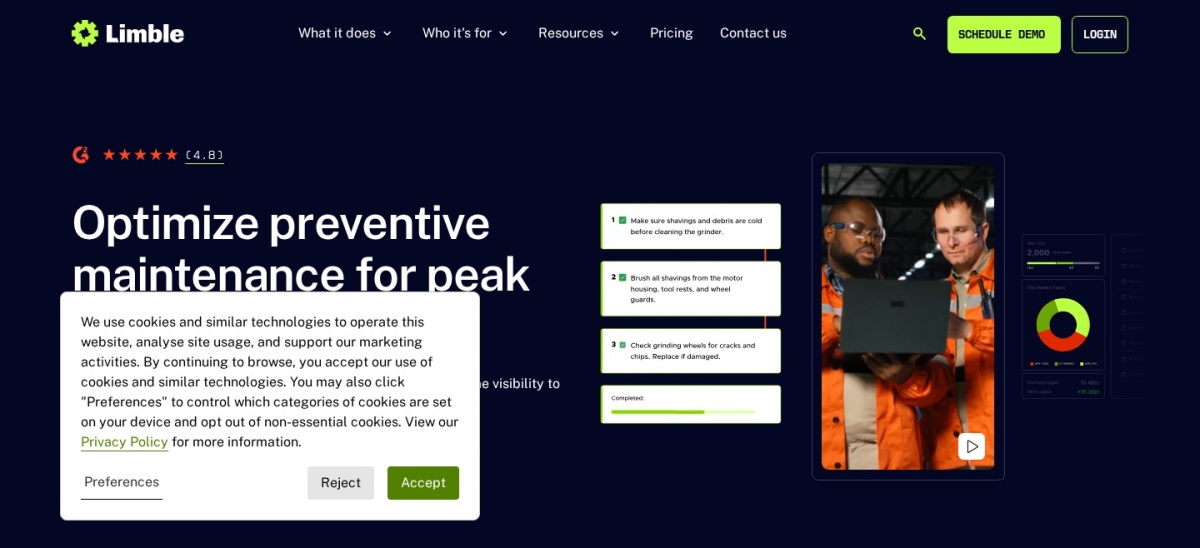
Limble homepage, captured Nov 2026.
Limble is a computerized maintenance management system that organizes preventive maintenance schedules, work orders, and asset histories. Standard is listed at $28 per user per month ($336/yr per user) and includes unlimited work orders, preventive maintenance schedules, and free work requesters.
The trade off is that Standard caps work order checklists at three per month and leaves out spare parts and offline mode, which require Premium+ at $69 per user per month. It suits maintenance teams that want clean preventive maintenance scheduling and responsive support.
What we like
High user rating for ease of use and customer support
Unlimited preventive maintenance schedules and free requesters
Asset QR codes and clear equipment service histories
Watch out for
No free plan listed on its pricing page
Spare parts inventory and offline mode require Premium+
Premium+ adds spare parts inventory, purchase orders, meter PMs, and offline mode.Visit limble.com
04
UpKeep
4.5/5on G2 (1,119 reviews, checked Nov 2026)
Starts at$288/yr
Best for work orders with unlimited request users
Free planFree trial available
Entry paid$24/user/mo Essential
Next tier$55/user/mo Premium
G2 rating4.5 (1,119)
upkeep.com
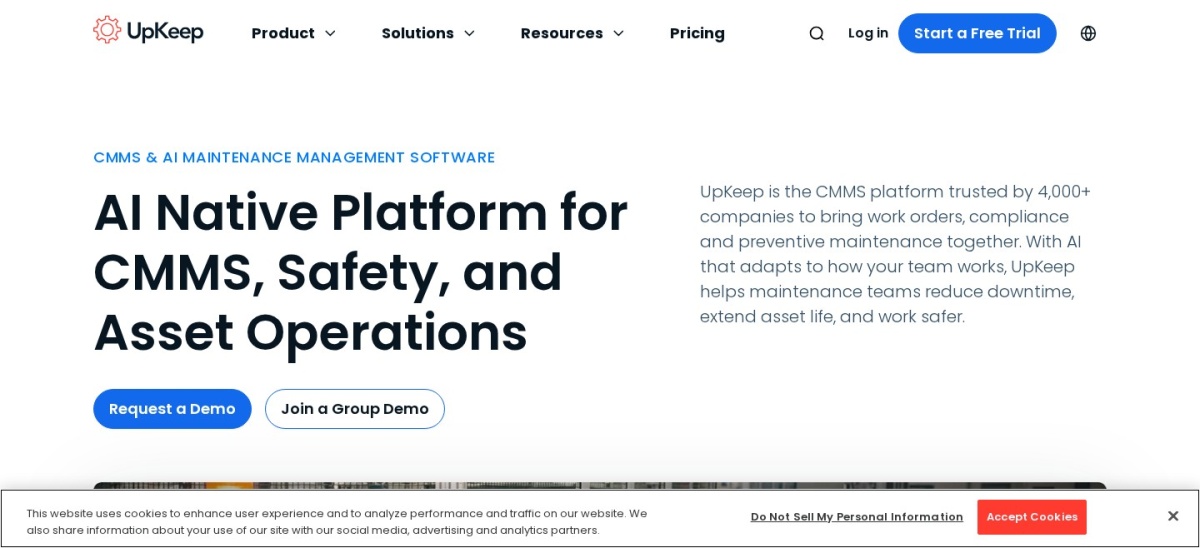
UpKeep homepage, captured Nov 2026.
UpKeep provides mobile work order tracking, asset management, and unlimited request user licenses on its Essential plan at $24 per user per month ($288/yr per user). It includes unlimited work orders, custom tasks, and 24/7 phone, email, and chat support.
The trade off is that inventory costing and preventive maintenance optimization start on Premium at $55 per user per month, and per-seat fees rise as technician count grows. It suits teams that want field operators to submit requests without extra requester seat fees.
What we like
Unlimited request user licenses included on Essential
24/7 phone, email, and chat support on paid tiers
Mobile app supports on-the-go work order updates
Watch out for
Inventory management and preventive maintenance optimization sit on Premium
Per-user pricing increases costs for larger maintenance teams
Premium adds inventory management and costing, custom checklists, and PM optimization.Visit upkeep.com
05
Fiix
4.6/5on G2 (491 reviews, checked Nov 2026)
Paid from$540/yr
Best free tier for small preventive maintenance lists
Free planUp to 25 active PMs
Entry paid$45/user/mo Basic
Next tier$75/user/mo Professional
G2 rating4.6 (491)
fiixsoftware.com
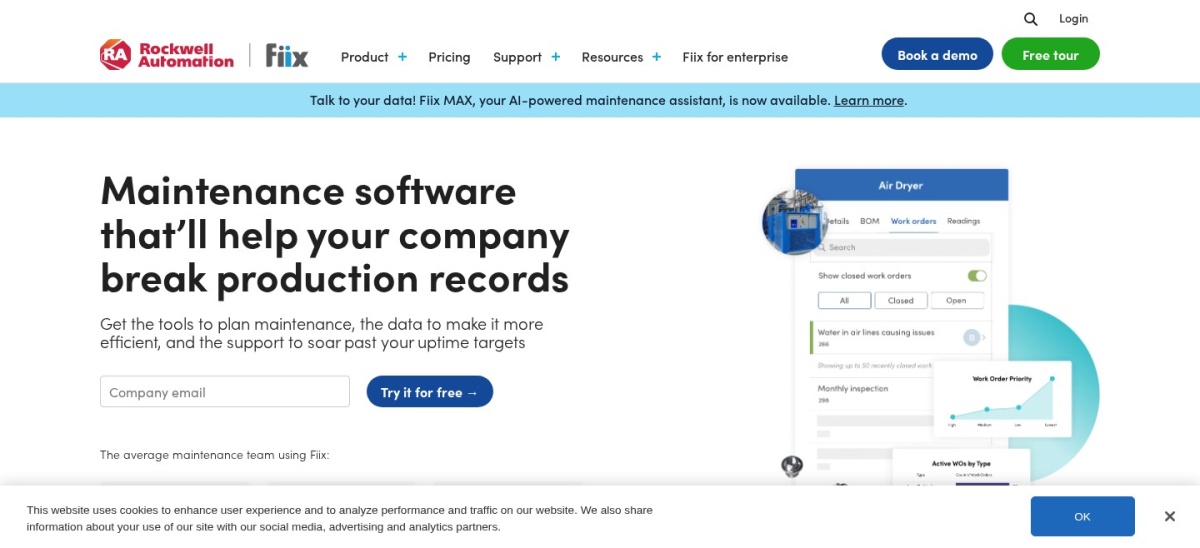
Fiix homepage, captured Nov 2026.
Fiix is a cloud CMMS offering a free plan with unlimited service requests, work orders, and asset management for up to 25 active preventive maintenance tasks. Its paid Basic plan starts at $45 per user per month ($540/yr per user) with no separate setup or hardware fees.
The trade off is that Basic is more expensive per user than several rivals, and multi-site management and purchasing workflows sit on Professional at $75 per user per month. It suits small teams starting with a free PM cap or tracking equipment downtime and labor hours.
What we like
Free plan covers up to 25 active preventive maintenance tasks
No additional setup or hardware fees listed on plans
Clear tracking of asset performance, downtime, and maintenance costs
Watch out for
Higher starting paid rate per user than entry CMMS rivals
Reporting and analytics can take time to configure
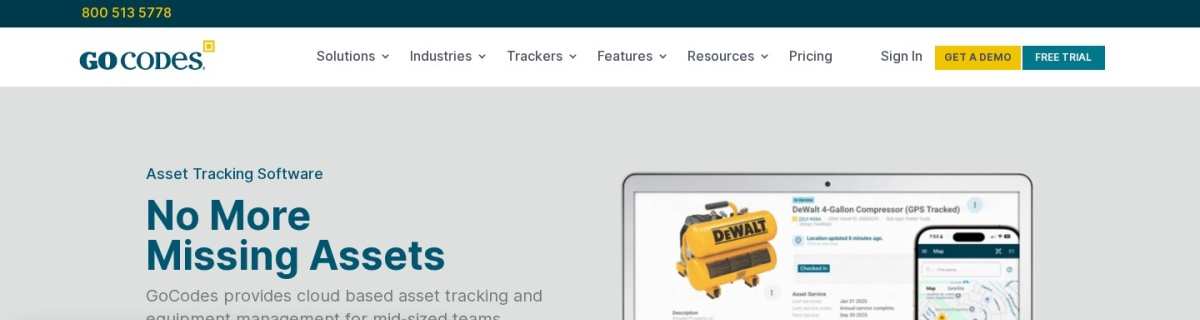
GoCodes is an asset tracking platform built around phone QR and barcode scanning, check-in and check-out logs, and maintenance schedules. Its Standard plan is $550 per year and covers 200 assets and 3 user logins, with more than 1,000 organizations trusting the platform.
The trade off is that Standard caps logins at 3 users, while offline mode ($385/yr) and API access ($1,200/yr) cost extra as add-ons. It suits contractors tracking tools, safety gear, and equipment checkouts across jobsites.
What we like
Phone camera scanning removes the need for dedicated handheld scanners
Tracks check-in and check-out custody alongside service schedules
Published annual pricing starting at $550/yr for 200 assets
Watch out for
Standard tier limits accounts to 3 users and 200 assets
Offline mode and API access require paid annual add-ons
Higher tiers expand asset and user limits, and add-ons unlock offline mode and API access.Visit gocodes.com
07
ShareMyToolbox
4.5/5on G2 (1 reviews, checked Nov 2026)
Paid from$1,200/yr
Best free tool tracker for small field crews
Free planUp to 100 items
Entry paid$100/mo Business
Free view usersUnlimited view-only
G2 rating4.5 (1)
sharemytoolbox.com
ShareMyToolbox homepage, captured Nov 2026.
ShareMyToolbox is a tool and equipment tracking app designed for contractors to log tool custody, audits, and phone barcode or QR scans. Its free Starter plan covers up to 100 items and 3 employees, while Business starts at $100 per month ($1,200/yr) with unlimited items.
The trade off is a sharp jump from the free plan to $100 per month on Business, plus $10 per additional employee sold in blocks of 5. It suits small trade crews starting free on tool tracking before scaling to unlimited items and phone support.
What we like
Free Starter tier supports up to 100 items for small crews
Unlimited free view-only users on paid plans
Includes phone QR and barcode scanning plus tool audit workflows
Watch out for
Paid Business plan starts at $100/mo with extra users in blocks of 5
Small public review count on G2 compared with larger CMMS tools
Business unlocks unlimited tools and items, maintenance tracking, audits, and phone support.Visit sharemytoolbox.com
How we chose
This list starts from established equipment, fleet, and maintenance platforms used across construction and field operations, focusing on tools with clear public pricing and active maintenance workflows. We compare published pricing pages, feature limits, and public user ratings rather than running field tests.
All pricing figures, plan tiers, and review counts were checked on 22 Nov 2026. Where a vendor lists both annual and monthly rates, we use the cheapest regular paid plan and note any billing or tier rules in the summary.
We excluded enterprise telematics and heavy civil platforms that hide pricing behind custom sales quotes, as well as tools without verifiable pricing or active maintenance/asset tracking details. No vendor paid for a place, and we do not claim testing for this list.
How to choose the right equipment software
Follow four practical checks before signing up for a subscription.
List what you actually track first. Separate heavy machinery, trucks, and jobsite tools so you buy software that matches your mix of meter hours, inspections, and checkouts.
Model your seat and asset count at full crew size. Compare per-user CMMS pricing against per-asset or flat-tier plans so adding field users or equipment does not surprise your budget.
Check where key maintenance features sit. Confirm whether preventive maintenance schedules, spare parts tracking, and barcode or QR scanning are included on the entry tier or locked to higher plans.
Test the mobile workflow with field staff. Have a mechanic or site lead try creating a work order or checking out an item on a phone before committing to an annual contract.
FAQ
What is the best construction equipment management software overall?
MaintainX is a strong top pick for field crews because its mobile work orders are fast to adopt and its free Basic plan includes unlimited work orders and requester users. Teams focused mainly on vehicle and fleet maintenance can start lower with Fleetio at $4 per asset per month billed annually.
Can I start with a free plan for equipment management?
Yes. MaintainX offers a free Basic plan, Fiix includes a free tier for up to 25 active preventive maintenance tasks, and ShareMyToolbox has a free Starter plan for up to 100 items. Free tiers usually cap procedures, active schedules, or item counts before requiring a paid upgrade.
Should I pick per-user or per-asset pricing for construction teams?
Per-user pricing works well when a smaller maintenance team manages work orders, while per-asset or flat-tier pricing often fits better when many field workers need access across a large equipment list. Always calculate your cost at your expected team and fleet size over a full year.
Do these tools replace dedicated GPS telematics hardware?
Most of these platforms focus on maintenance schedules, work orders, inspections, and asset records rather than acting as standalone GPS hardware vendors. If you need live machine location or engine-hour feeds, check whether the platform integrates with your telematics devices or supports QR and barcode scans.
How do QR codes and barcodes help on construction jobsites?
QR codes and barcodes let crews pull up asset history, log inspections, or check tools in and out using a smartphone camera. That speeds up daily accountability for shared tools and attachments without requiring expensive dedicated barcode scanners.
What should I watch out for on entry-level paid plans?
Entry-level paid plans often limit preventive maintenance automation, spare parts inventory, API access, or user counts. Review the feature comparison table carefully so you do not have to upgrade tiers immediately after onboarding.