Best Construction Safety Software in 2026: 7 Tools Compared
WLWPLegible EditorsLast verified 22 Nov 2026How we rank10 min read
★ Short answer
Safesite is the best construction safety software for most contractors, offering unlimited members on its free plan and a 4.7/5 Capterra rating from 74 reviews. Workhub is better for affordable worker training and certification management, while GoCanvas suits companies that need customizable digital safety forms.
How we make this list: we compare pricing pages, product documentation and public user reviews, then re-check every price before each update. No product paid for a place. Disclosure.
Safesite offers unlimited free members and guests, with Premium starting at $16 per member per month.
Workhub Standard costs $3 per user per month and earns 4.5/5 from 127 Capterra reviews.
GoCanvas Essentials costs $29 per user per month with annual billing and a 3-user minimum.
SiteDocs earns 4.8/5 from 256 Capterra reviews and offers customized annual subscriptions.
Corfix earns 4.8/5 from 231 Capterra reviews and includes unlimited projects, forms, and signatures.
SafetyAmp Champion starts at $4,800/year for a single site with up to 100 employees.
What construction safety software should include
Construction safety software helps contractors document inspections, identify workplace hazards, manage worker qualifications, and monitor compliance across active projects. It provides a central record of safety activities that would otherwise be scattered across paper forms, spreadsheets, and email conversations.
Mobile inspections are particularly important because construction workers regularly operate away from office computers. Look for applications that allow supervisors to complete checklists, attach photographs, record observations, and submit incident reports directly from a job site.
A useful safety platform should connect hazard reporting with corrective actions. Identifying a problem is only part of the process. Managers also need to assign responsibility, establish deadlines, and document how each identified hazard was addressed.
Training and certification management can help contractors monitor worker qualifications, equipment authorizations, safety orientations, and upcoming renewals. These capabilities become increasingly important when employees and subcontractors move between projects.
Review pricing according to your workforce structure. Per-user subscriptions may be affordable for small crews but expensive for contractors with many temporary workers. Project-based or organization-wide pricing can provide better value when large numbers of subcontractors require access.
For configurable safety and risk management workflows
$4,800/yr
No free plan
4.7/5
Price ladder: cheapest paid plan per year
List prices, USD, checked Nov 2026
SiteDocsCustom
CorfixCustom
HammerTechCustom
WorkhubFREE$36
SafesiteFREE$192
GoCanvas$348
SafetyAmp$4,800
The 7 best construction safety software tools
01
Safesite
4.7/5on Capterra (74 reviews, checked Nov 2026)
Paid from$16/mo
Best for everyday construction safety management
Free member allowanceUnlimited members and guests
Free reporting history30 days
Mobile accessiOS and Android
Entry planPremium, $16/member/mo annually
safesitehq.com
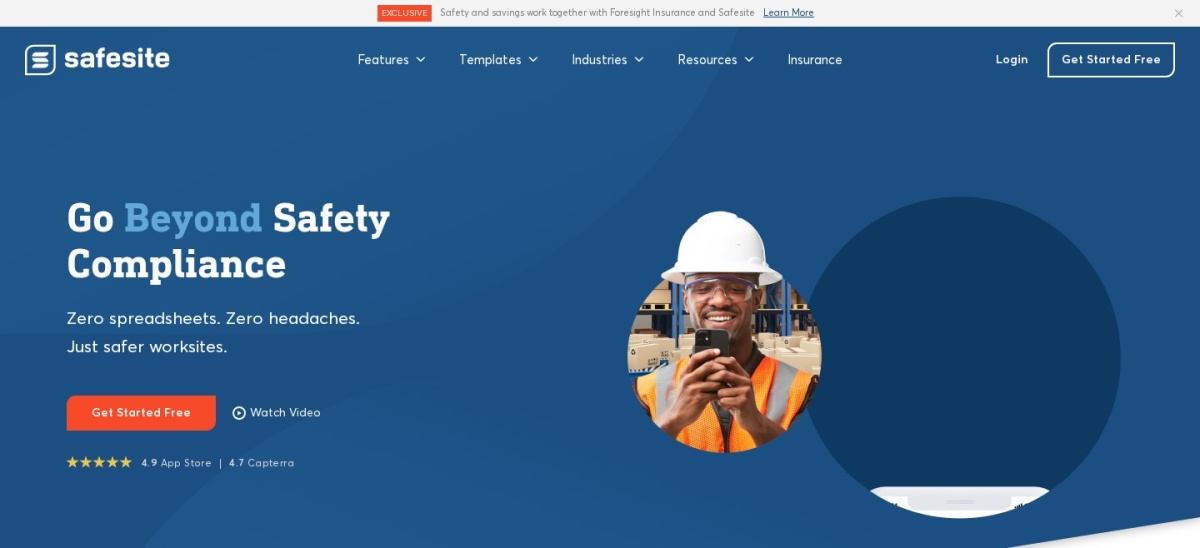
Safesite homepage, captured Nov 2026.
Safesite is a mobile safety management platform for contractors and field supervisors, rated 4.7/5 from 74 Capterra reviews. Its free plan supports unlimited members and guests, with access to mobile safety tools and a risk management dashboard for recording inspections, incidents, hazards, and safety meetings.
The trade off is that free reporting is restricted to the most recent 30 days, while Premium starts at $16 per member per month with annual billing. It suits contractors who want to digitize routine safety activities before investing in more extensive reporting and compliance documentation.
What we like
Unlimited members and guests on the free plan
Mobile inspections and hazard reporting
Corrective action management
Safety meeting and toolbox talk support
Public subscription pricing
Watch out for
Free reporting history is limited
Paid costs increase with membership
Less extensive than enterprise safety management suites
Premium adds unrestricted reporting history, group reports, and incident recordkeeping.Visit safesitehq.com
02
Workhub
4.5/5on Capterra (127 reviews, checked Nov 2026)
Paid from$3/mo
Best for affordable safety training and worker compliance
Free planAvailable
Billing basisActive users
Contract requirementMonth-to-month available
Entry planStandard, $3/user/mo
workhub.com
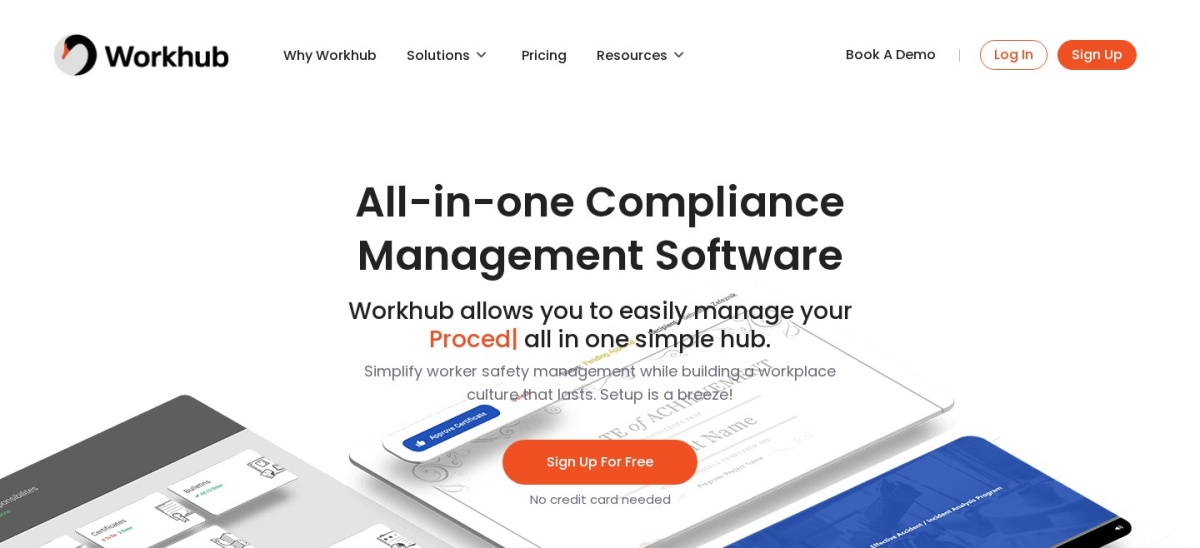
Workhub homepage, captured Nov 2026.
Workhub is a workplace safety and compliance platform covering employee training, certifications, inspections, incident documentation, and company policies. Its free plan provides foundational safety management features, while Standard costs $3 per active user per month and adds more extensive reporting, organizational controls, and customization options.
The trade off is that Workhub takes a general workplace compliance approach rather than focusing exclusively on construction project operations, although its $3 monthly user price keeps implementation affordable. It suits smaller contractors and specialty trades that need to organize worker qualifications, safety policies, and recurring compliance tasks.
What we like
Low published subscription price
Permanent free plan available
Training and certification tracking
Safety procedures and inspection management
No separate onboarding fee
Watch out for
Less specialized for complex construction projects
Advanced reporting requires Standard
Subscription costs increase with active worker count
Standard adds advanced reporting, custom permissions, branding, and priority support.Visit workhub.com
03
GoCanvas
4.4/5on Capterra (209 reviews, checked Nov 2026)
Starts at$29/mo
Best for customizable construction safety forms
Form allowanceUnlimited forms and submissions
Offline mobile accessIncluded
Minimum subscription3 users
Entry planEssentials, $29/user/mo annually
gocanvas.com
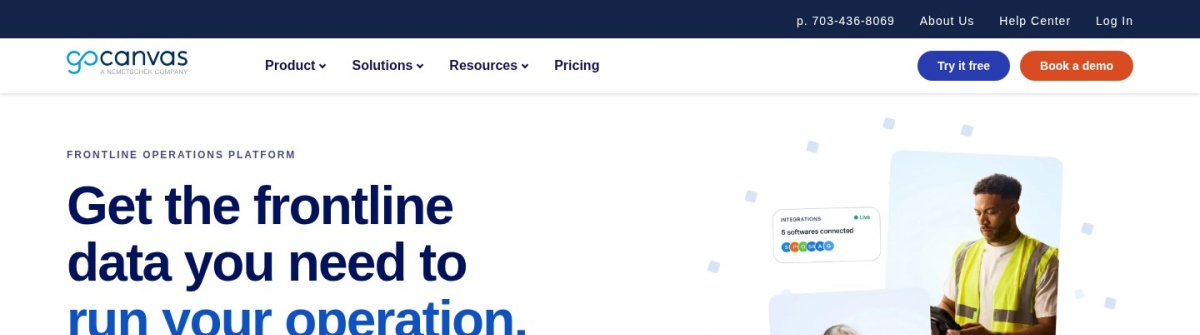
GoCanvas homepage, captured Nov 2026.
GoCanvas is a digital forms platform that helps construction companies replace paper inspection checklists, equipment assessments, and field safety documents. Its Essentials plan costs $29 per user per month with annual billing and includes unlimited forms and submissions, configurable PDF reports, photo capture, and offline mobile access.
The trade off is that advanced workflows and dedicated follow-up tasks require higher subscriptions, while the $29 Essentials plan has a minimum of three users, bringing the minimum annual subscription to $1,044. It suits contractors who already have established safety procedures but need flexible digital forms to document them.
What we like
Unlimited form templates and submissions
Offline mobile form completion
Customizable safety inspection documents
Configurable PDF reports
Photo capture for field documentation
Watch out for
Minimum subscription of three users
Advanced workflows require higher plans
Requires configuration for comprehensive safety programs
Essentials adds unlimited digital forms, offline access, reporting, and job dispatch.Visit gocanvas.com
04
SiteDocs
4.8/5on Capterra (256 reviews, checked Nov 2026)
PricingCustom pricing
Best for construction safety documentation and compliance
Primary focusDigital safety documentation
Worker certificationsSupported
Field documentationMobile forms and signatures
Entry planCustom annual subscription
sitedocs.com
SiteDocs homepage, captured Nov 2026.
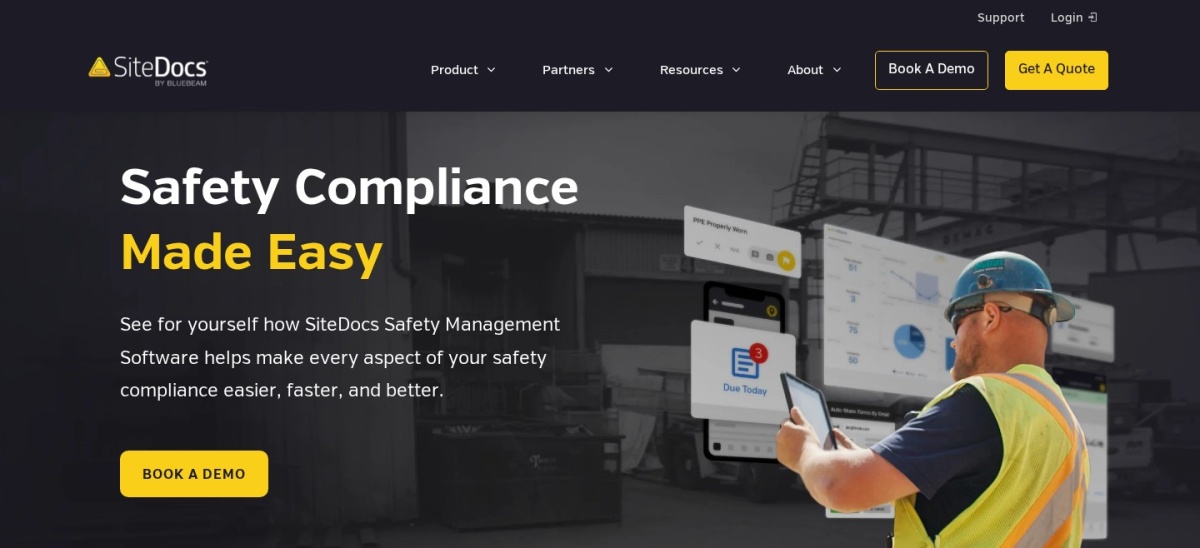
SiteDocs is a safety management platform that helps contractors organize inspections, incident reports, worker certifications, and signed field documentation, rated 4.8/5 from 256 Capterra reviews. Its commercial service supports digital safety records, mobile form completion, and centralized access to project compliance information.
The trade off is that SiteDocs does not publish a fixed subscription price, instead providing custom annual quotes based on company size, work locations, and selected features. It suits established contractors that need to standardize safety documentation across multiple crews and maintain accessible records for management reviews and audits.
Additional capabilities can affect the annual quote
Paid subscriptions provide digital safety documentation, worker records, and compliance management.Visit sitedocs.com
05
Corfix
4.8/5on Capterra (231 reviews, checked Nov 2026)
PricingCustom pricing
Best for connecting construction safety and workforce management
Project allowanceUnlimited
Forms and signaturesUnlimited
ImplementationIncluded in subscription
Entry pricingCustom annual subscription
corfix.com
Corfix homepage, captured Nov 2026.
Corfix is a construction workforce and safety management platform that connects field employees with project documentation, digital forms, and worker information, rated 4.8/5 from 231 Capterra reviews. Its subscription includes unlimited projects, forms, templates, signatures, and storage, along with worker profiles and searchable digital document binders.
The trade off is that pricing requires a custom annual quote based on field workforce size and whether safety, timekeeping, or scheduling features are included. It suits contractors that want safety documentation and workforce administration connected within the same platform rather than maintained through separate applications.
What we like
Designed specifically for construction companies
Unlimited projects and safety forms
Worker records and certification management
Implementation and training included
Optional workforce scheduling and timekeeping
Watch out for
No public fixed subscription rate
Broader modules increase implementation scope
Less economical for businesses needing only basic checklists
The subscription includes worker profiles, mobile safety forms, document storage, and implementation.Visit corfix.com
06
HammerTech
4.3/5on Capterra (55 reviews, checked Nov 2026)
PricingCustom pricing
Best for large contractors and subcontractor safety
Pricing basisConstruction volume and project scope
Subcontractor licensesIncluded without separate fees
Safety workflowsCore workflows included
Entry pricingCustom subscription
hammertech.com
HammerTech homepage, captured Nov 2026.
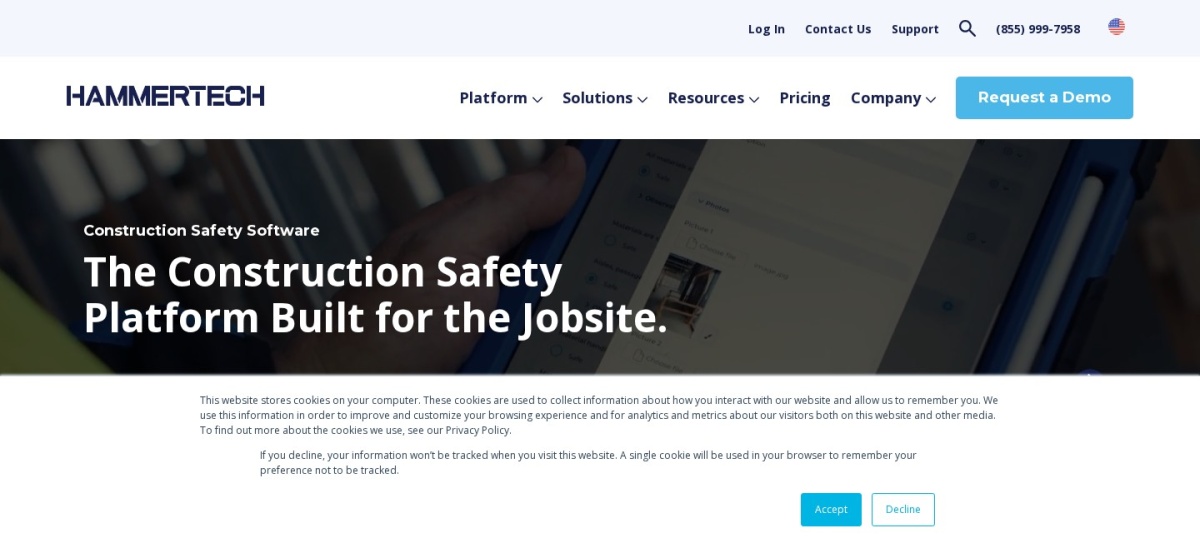
HammerTech is a construction safety and site operations platform for commercial contractors managing project compliance, subcontractor activities, inspections, and permits, rated 4.3/5 from 55 Capterra reviews. Its commercial package includes core safety workflows, onboarding, training, customer support, and subcontractor access without separate subcontractor license charges.
The trade off is that HammerTech requires custom pricing based on construction volume, active projects, and organizational complexity rather than offering a fixed entry subscription. It suits general contractors overseeing multiple construction sites and subcontractor organizations that require consistent safety procedures and centralized operational oversight.
What we like
Construction-specific safety and compliance workflows
No separate subcontractor licensing fees
Project-level safety documentation
Worker onboarding and permit management
Implementation and training included
Watch out for
No fixed public subscription pricing
More complex than standalone inspection applications
Not intended primarily for very small construction teams
The subscription includes core safety workflows, subcontractor access, onboarding, and support.Visit hammertech.com
07
SafetyAmp
4.7/5on Capterra (49 reviews, checked Nov 2026)
Starts at$4,800/yr
Best for configurable safety and risk management workflows
Champion site allowance1 site
Champion workforce allowanceUp to 100 employees
Pricing modelCompany size and selected features
Entry planChampion, from $4,800/yr
safetyamp.com
SafetyAmp homepage, captured Nov 2026.
SafetyAmp is an environmental, health, and safety management platform offering configurable workflows for workplace risk management, rated 4.7/5 from 49 Capterra reviews. Its Champion plan starts at $4,800 annually for one site and up to 100 employees, with core action tracking, document management, meetings, reporting, and dashboards.
The trade off is that Champion has a comparatively high starting price of $4,800 per year, while selected safety applications and implementation requirements can increase the total cost. It suits construction businesses with dedicated safety managers who need customizable reporting, risk assessments, and coordinated corrective action processes.
What we like
Configurable safety management applications
Corrective action tracking and automation
Centralized safety documents and dashboards
Pricing is not based on individual user seats
Supports broader risk management requirements
Watch out for
High starting subscription price
Champion is restricted to a single site
Additional applications and onboarding can increase costs
Entry-level construction safety software can be inexpensive. Workhub Standard costs $36 per user annually, while Safesite Premium starts at $192 per member annually with annual billing. Both vendors also provide free plans for businesses with basic safety management requirements.
GoCanvas Essentials costs $348 per user annually, but its three-user minimum creates an annual subscription commitment of at least $1,044. SafetyAmp Champion starts at $4,800 annually for a single site with up to 100 employees.
SiteDocs, Corfix, and HammerTech use custom pricing based on organizational requirements. Request comparable quotes covering worker access, active projects, implementation, support, and required functionality before deciding which platform provides the best value.
Construction safety software vs. construction management software
Construction safety software focuses on workplace hazards, inspections, incidents, worker qualifications, corrective actions, and safety documentation. Its primary purpose is to help contractors maintain organized safety programs and communicate responsibilities across field teams.
Construction management software generally covers project scheduling, budgeting, procurement, contracts, drawings, and communication between project participants. Some platforms include safety modules, although their capabilities may differ from dedicated safety applications.
A dedicated safety platform makes sense when existing construction management software cannot adequately handle worker qualifications, incident investigations, safety meetings, or corrective action tracking. Companies with simpler requirements may prefer using safety features within their existing project management system.
How we chose
We assembled this shortlist from established construction safety, workplace compliance, digital inspection, and EHS management applications. Products were compared according to field accessibility, safety documentation, hazard management, worker records, subscription structure, and public customer reviews.
The editorial verification date is 22 Nov 2026. Official vendor pricing pages and Capterra ratings were accessed on 24 Nov 2026. Published subscription prices are annualized according to their stated billing terms, while vendors without fixed public rates are identified as custom-priced.
We excluded products without sufficient public review evidence, applications focused primarily on unrelated construction administration, and tools whose official pricing information could not be accessed or confirmed. No vendor paid for a place, and we do not claim testing for this list.
How to choose the best construction safety software
Identify your construction safety requirements, workforce structure, project complexity, and reporting obligations before comparing software subscriptions.
Identify the safety processes you need to digitize. List your existing inspection checklists, incident reporting procedures, hazard assessments, safety meetings, and training records. Prioritize applications that support these processes without requiring unnecessary administrative work or extensive customization.
Evaluate mobile access and field usability. Determine whether supervisors and employees can complete forms, attach photographs, report hazards, and review assigned actions directly from their phones. Check offline functionality if construction activities regularly take place in locations with unreliable internet connectivity.
Check worker access and subcontractor requirements. Calculate how many employees, temporary workers, subcontractors, and administrators need access. Compare per-user subscriptions with organization-based pricing, and verify whether external project participants require separate licenses.
Compare reporting capabilities and complete implementation costs. Confirm that the platform supports your required audit records, reporting formats, corrective action processes, and document retention policies. Include subscriptions, implementation fees, additional applications, training, and integrations when calculating the total cost.
FAQ
What is the best construction safety software?
Safesite is our top recommendation for most construction contractors because it combines mobile safety documentation, hazard management, and an accessible free plan. SiteDocs and Corfix are particularly relevant for established construction companies with more extensive documentation and workforce compliance requirements.
Is there free construction safety software?
Yes. Safesite provides a free plan with unlimited members and guests, although reporting is limited to the most recent 30 days. Workhub also offers a permanent free plan covering foundational safety training, compliance, inspections, and worker management activities.
What is the cheapest construction safety software?
Workhub has the lowest published paid per-user price in this comparison, starting at $3 per active user per month. Safesite also provides a free starting point, with its Premium subscription priced at $16 per member per month with annual billing.
Can construction safety software work without internet access?
Some construction safety applications support offline field documentation. GoCanvas includes offline mobile access in its Essentials plan, while Safesite also lists offline functionality. Check whether attachments, signatures, existing records, and synchronization behave as required before selecting a platform.
Can safety software help manage subcontractor compliance?
Yes. Construction-focused platforms such as HammerTech help general contractors coordinate subcontractor safety activities, worker information, and project documentation. HammerTech includes subcontractor access without requiring subcontractors to purchase separate licenses, making it relevant for large projects involving multiple organizations.
Does construction safety software guarantee regulatory compliance?
No. Safety software helps organizations organize documentation, assign corrective actions, and maintain compliance records, but it cannot guarantee regulatory compliance. Employers remain responsible for identifying applicable requirements, maintaining safe working conditions, providing appropriate training, and implementing effective safety procedures.
What features should a construction safety app include?
Important features include mobile inspections, incident reporting, hazard documentation, corrective action tracking, worker qualification records, and searchable safety documents. Contractors should also consider offline access, user permissions, subcontractor participation, reporting exports, and integration with existing construction management systems.
Is construction safety software suitable for small contractors?
Yes. Small contractors can begin with free or affordable applications such as Safesite and Workhub rather than purchasing enterprise safety management platforms. The most useful solution is one that matches existing safety responsibilities and can accommodate additional workers and projects as the business grows.