LiveChat is the best pick in this guide to live chat software for most teams, with its Essential plan at $19 per user a month billed annually and a 4.4/5 G2 rating from 832 reviews. Tidio suits small stores that want a free plan, while LiveAgent is the cheapest paid start at $15 per agent a month.
How we make this list: we compare pricing pages, product documentation and public user reviews, then re-check every price before each update. No product paid for a place. Disclosure.
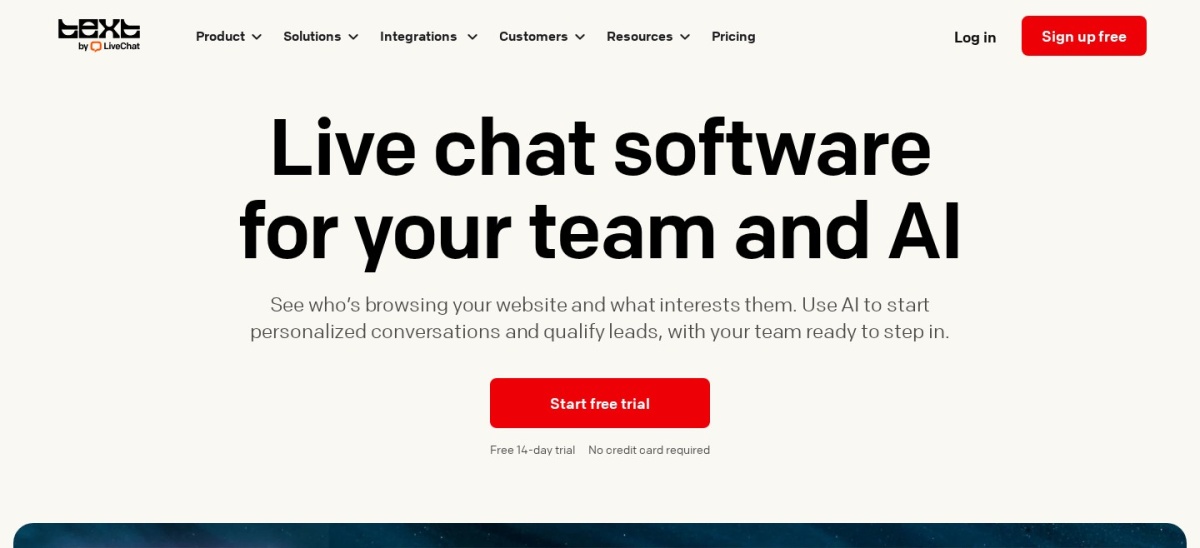
LiveChat is the strongest dedicated chat tool, starting at $19 per user a month billed annually.
Tidio gives 50 human conversations a month free, and its human-only Starter plan costs $290 a year.
LiveAgent has the lowest regular paid entry price here at $15 per agent a month billed annually.
Crisp charges a flat $45 per workspace a month for Mini, which includes 4 seats instead of per-agent billing.
Zendesk chat needs Suite Team at $55 per agent a month, not the $19 Support Team plan, which excludes live chat.
HubSpot live chat is free for up to 2 users, with unbranded chat from Service Hub Starter at $20 a seat a month.
How should you use this guide to live chat software?
Price structure matters more than the headline price. Some tools charge per agent, Crisp charges per workspace, and Tidio charges by conversation volume.
A free plan is only useful if its limit matches your volume. Tidio allows 50 human conversations a month free, Crisp allows 2 free seats, and Freshchat allows up to 10 free agents.
AI charges often sit on top of the subscription. Intercom bills Fin outcomes from $0.99 each, and Freshchat lists its Freddy AI Agent sessions separately.
Check which plan actually includes live chat before comparing prices. Zendesk Support Team at $19 a month is ticketing only, while chat arrives with Suite Team at $55 a month.
LiveChat is a website messaging platform for teams that want to answer questions, qualify shoppers and turn conversations into sales. Its Essential plan costs $19 per user a month billed annually and includes chat, an omnichannel inbox, ticketing, 3 proactive campaigns and an AI agent allowance.
The trade off is per-user pricing, which increases as the team grows, while deeper reporting and supervision require Growth at $79 per user a month billed annually. It suits online stores and customer-facing teams where live conversations directly support revenue.
What we like
Website chat and ticketing in the entry plan
Proactive campaigns for engaging visitors
AI agent and reply assistance included
Integrations with popular ecommerce platforms
Watch out for
No permanent free plan
Per-user pricing increases staffing costs
Advanced reporting requires a higher plan
Growth adds team reports and supervision at $79 per user a monthVisit livechat.com
02
Tidio
4.6/5on G2 (2,164 reviews, checked Nov 2026)
Paid from$24/mo
Best for small businesses and ecommerce
Cheapest paid planStarter, $24/mo human-only
Free plan50 human conversations/mo
Agent seatsUp to 10
AI agentLyro, on AI plans from $33/mo
tidio.com
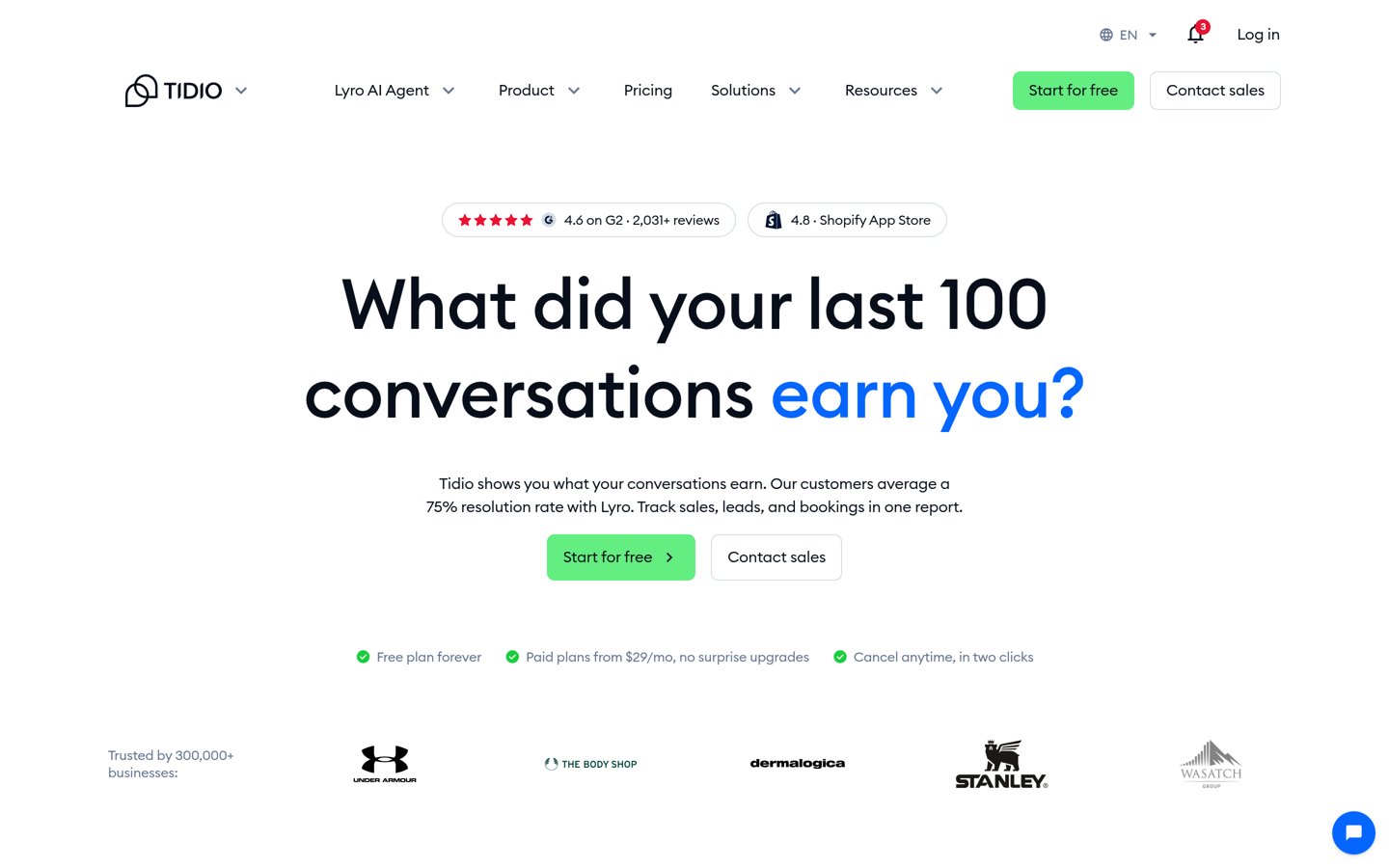
Tidio homepage, captured Nov 2026.
Tidio is a customer communication platform combining website chat, ticketing, social messaging and optional AI automation. Its free plan includes 50 human conversations a month and 100 Flows visitors, while human-only Starter costs $24 a month billed annually and supports 100 conversations a month with up to 10 agent seats.
The trade off is conversation-based billing, which makes usage limits important as support demand grows, while Lyro AI costs more than human-only plans. It suits smaller ecommerce stores and service businesses that want chat, customer messages and automation in one interface.
What we like
Permanent free plan for low chat volume
Up to 10 seats on standard entry plans
Website chat, email and social messaging
Optional Lyro AI for routine questions
Watch out for
Conversation quotas can constrain busy teams
AI-enabled plans cost more
Advanced workflows require an upgrade
Starter with Lyro costs $33 a month billed annually for 50 shared conversationsVisit tidio.com
03
Crisp
4.5/5on G2 (207 reviews, checked Nov 2026)
Paid from$45/mo
Best for flat-rate team messaging
Cheapest paid planMini, $45/workspace/mo
Free planYes, 2 seats
Paid seats4 included in Mini
AI credits$5 included in Mini
crisp.chat
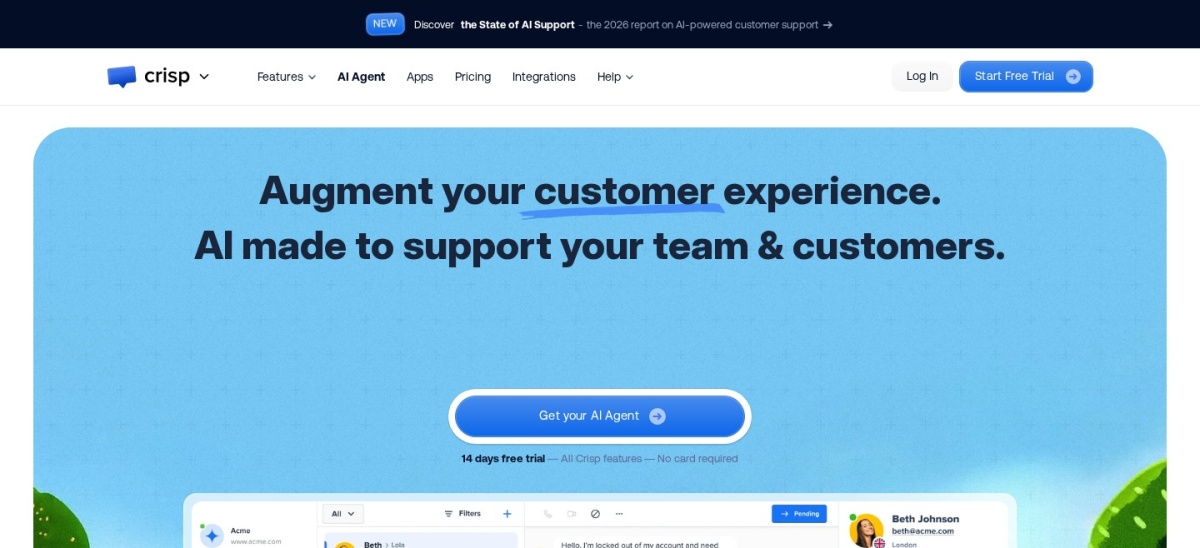
Crisp homepage, captured Nov 2026.
Crisp is a customer messaging platform built around a shared inbox and website chat widget. Its free plan includes 2 seats, mobile apps and ecommerce integrations, while Mini costs $45 per workspace a month and includes 4 seats, shared email, chat triggers, private notes and $5 in AI credits.
The trade off is that broader automation and support features sit in higher plans, with Essentials costing $95 per workspace a month. It suits small teams that prefer predictable workspace billing instead of paying separately for every agent.
What we like
Free website chat with 2 seats
Flat workspace pricing on paid plans
Shared email inbox in Mini
Chat triggers, shortcuts and private notes
Watch out for
Entry paid plan costs more than basic seat-based alternatives
Advanced features require higher workspace plans
AI credits are limited in Mini
Essentials adds broader automation at $95 per workspace a monthVisit crisp.chat
04
Freshchat
4.4/5on G2 (505 reviews, checked Nov 2026)
Paid from$19/mo
Best for growing omnichannel support teams
Cheapest paid planGrowth, $19/agent/mo
Free planUp to 10 agents
ChannelsWeb, mobile, email, social
AI optionFreddy AI Agent, separate sessions
freshworks.com
Freshchat homepage, captured Nov 2026.
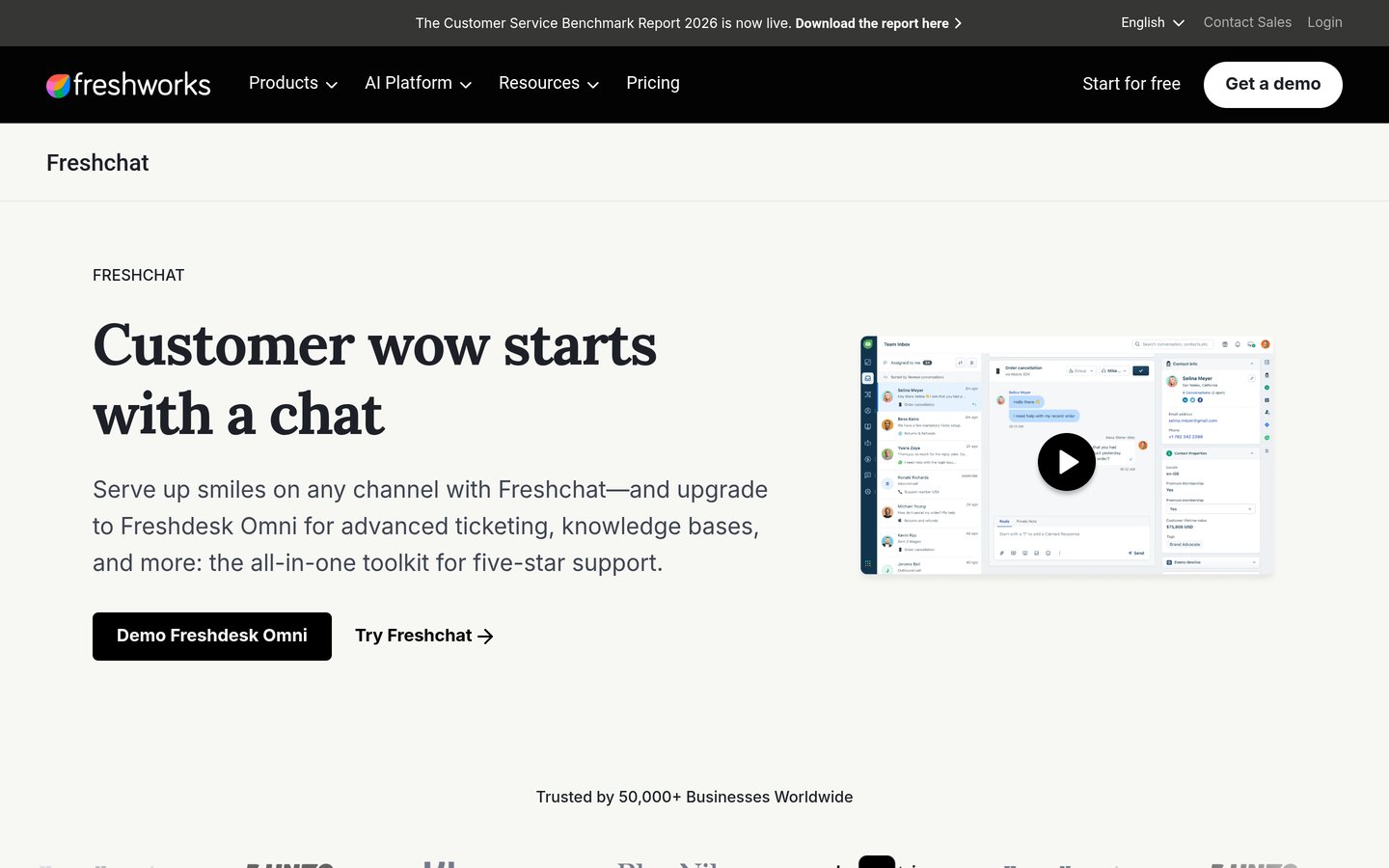
Freshchat is a customer messaging platform from Freshworks, combining website chat, shared inbox management and support channels. Its free plan supports up to 10 agents with a web and mobile chat widget, email connectivity and permissions, while Growth costs $19 per agent a month billed annually.
The trade off is that messaging expansion and automation increase costs, with Freddy AI Agent listed separately at $49 per 100 sessions. It suits support teams that want a free starting point and a path toward social messaging, reporting and advanced routing.
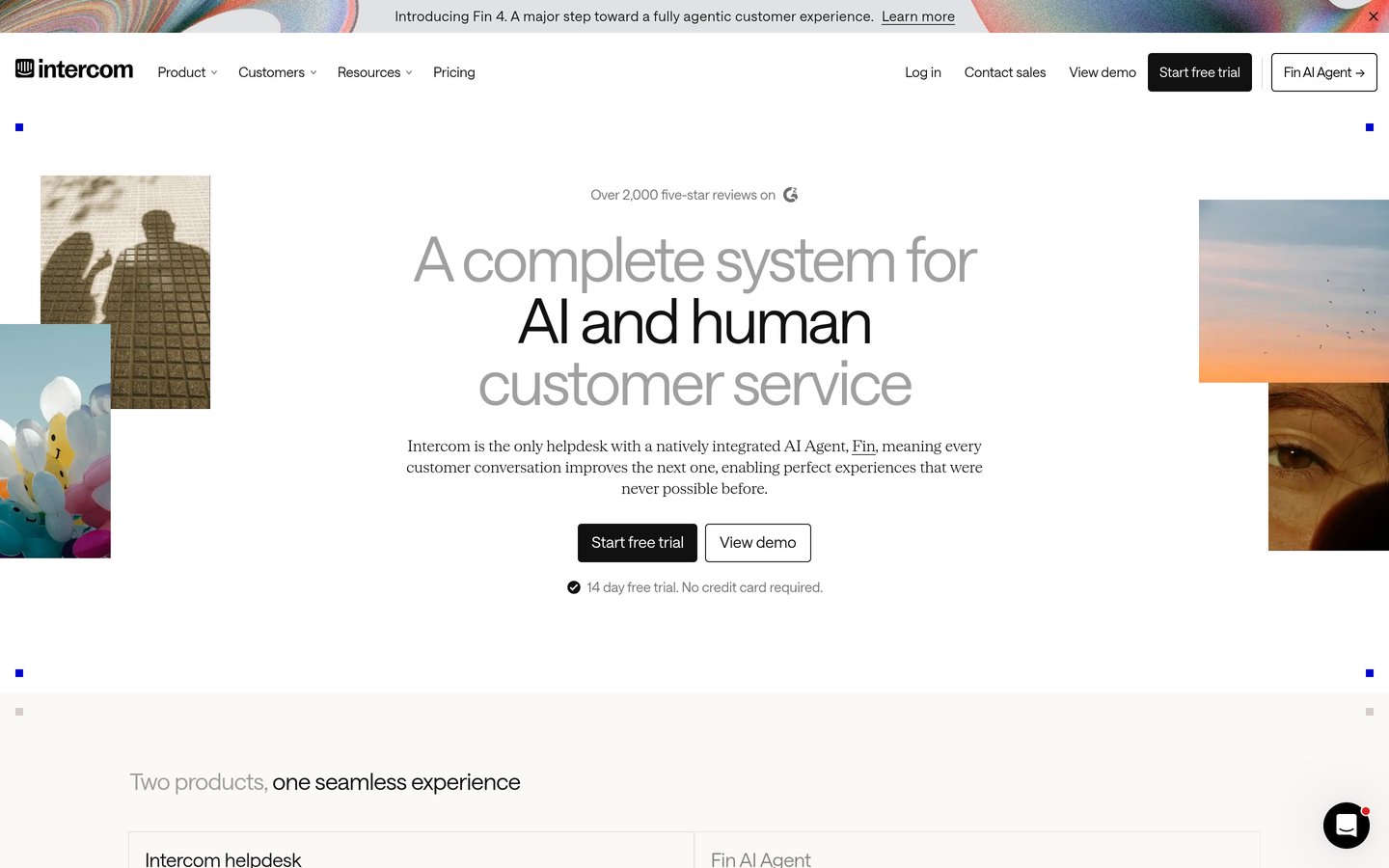
Intercom is a customer service platform combining live messaging, a shared inbox, ticketing and the Fin AI Agent. Essential has a regular price of $29 per seat a month billed annually and includes Messenger, prebuilt reports and a public help center, with Fin AI outcomes billed separately from $0.99 each.
The trade off is usage-based AI billing on top of seat fees, which makes the final cost depend on automated resolutions, even though new-customer promotions may lower the initial seat price. It suits SaaS businesses that want conversational support and AI assistance within the same customer service platform.
What we like
Messenger, inbox and ticketing together
Fin AI for resolving routine questions
Public help center in Essential
Prebuilt reporting for support activity
Watch out for
No permanent free plan
AI outcomes create additional usage charges
Advanced automation requires higher plans
Advanced adds workflows and round-robin assignment at $85 a seat a monthVisit intercom.com
06
HubSpot Service Hub
4.4/5on G2 (3,017 reviews, checked Nov 2026)
Paid from$20/mo
Best for teams already on HubSpot CRM
Cheapest paid planStarter, $20/seat/mo
Free planUp to 2 users, branded chat
What Starter addsUnbranded chat, tickets, reports
AI optionBreeze AI, higher plans
hubspot.com
HubSpot Service Hub homepage, captured Nov 2026.
HubSpot Service Hub is a customer service platform that puts live chat, a shared inbox, ticketing and a knowledge base on top of HubSpot CRM. Live chat is free for up to 2 users with HubSpot branding, while Service Hub Starter has a regular price of $20 per seat a month billed annually and removes the branding.
The trade off is that chat is part of a wider Service Hub bundle, not a standalone chat product, and the jump to Professional is steep at $90 per seat a month. It suits teams whose customer records already live in HubSpot CRM and who want every chat logged against the contact record.
What we like
Free live chat for up to 2 users
Every chat lands on the CRM contact record
Tickets, inbox and knowledge base together
Starter removes widget branding
Watch out for
Free widget carries HubSpot branding
Professional costs $90 a seat a month
Chat only makes sense inside HubSpot CRM
Professional adds the customer success workspace at $90 a seat a monthVisit hubspot.com
07
Help Scout
4.4/5on G2 (437 reviews, checked Nov 2026)
Paid from$25/mo
Best for email-first teams adding live chat
Cheapest paid planStandard, $25/user/mo
Free planUp to 5 users, 1 inbox
Live chatIncluded in Standard
Knowledge baseDocs included
helpscout.com
Help Scout homepage, captured Nov 2026.
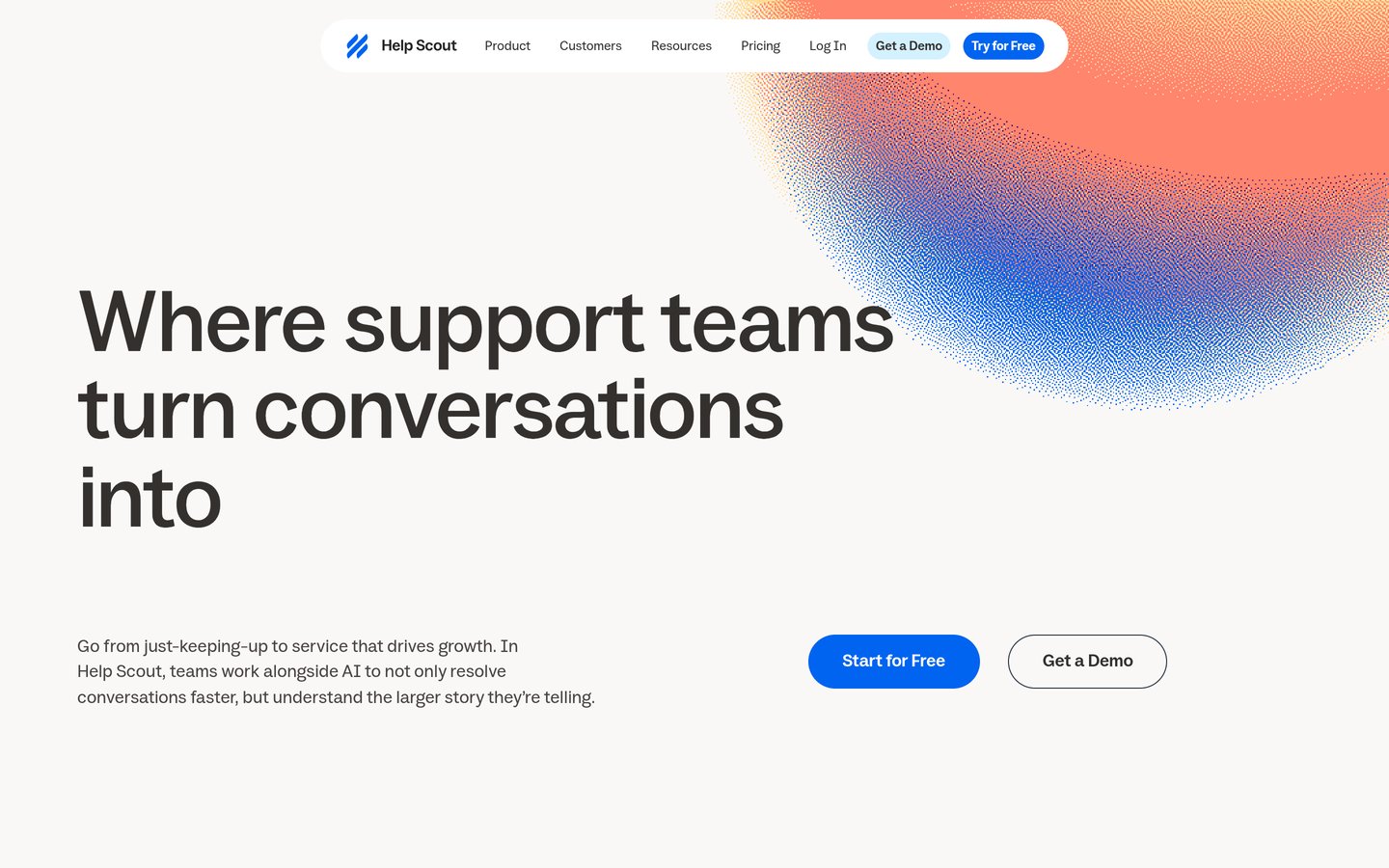
Help Scout is a shared-inbox customer support platform combining email, live chat, knowledge content and team collaboration. Its free plan includes up to 5 users, 1 inbox and 1 Docs site, while Standard costs $25 per user a month billed annually and includes live chat, multiple inboxes and basic workflows.
The trade off is that the free tier has limited contacts and its paid plans charge per user, making expansion more expensive as teams grow. It suits businesses where email remains the main support channel but website chat and self-service documentation are also important.
What we like
Free plan for small support teams
Shared inbox and knowledge base
Live chat included in Standard
Saved replies and team workflows
Watch out for
Free tier has a 100-contact monthly limit
Live chat requires a paid plan
Advanced service management requires upgrades
Plus adds advanced reporting and more automation above StandardVisit helpscout.com
08
LiveAgent
4.5/5on G2 (1,538 reviews, checked Nov 2026)
Starts at$15/mo
Best for affordable chat and help desk support
Cheapest paid planStarter, $15/agent/mo
Free planNo, 14-day trial
Chat buttons2 on Starter
AI agents1 on Starter
liveagent.com
LiveAgent homepage, captured Nov 2026.
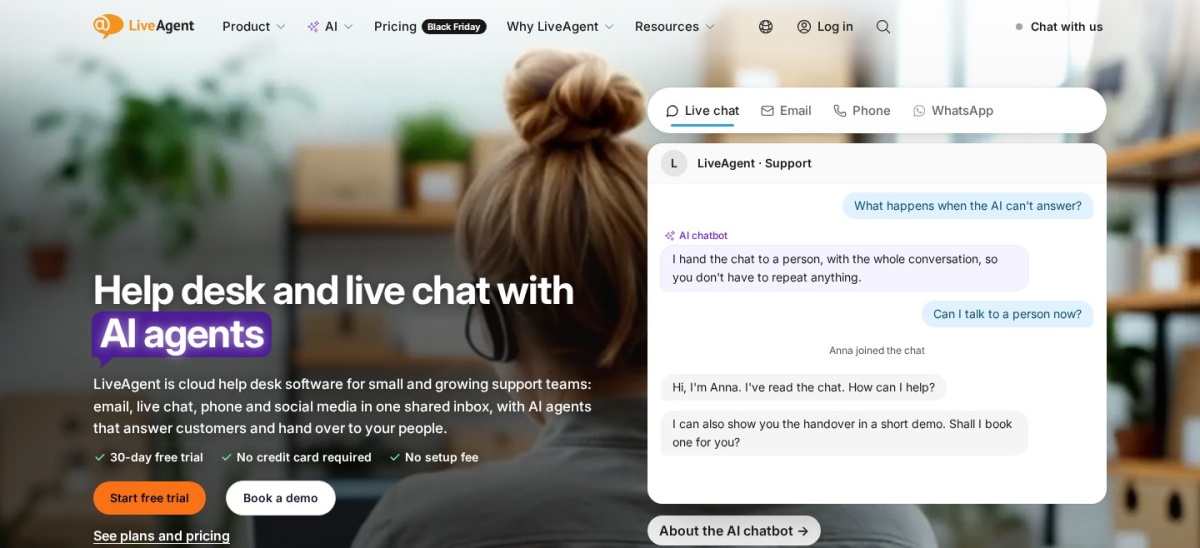
LiveAgent is a customer support platform that combines live chat, email ticketing, a knowledge base and AI assistance. Its Starter plan has a regular price of $15 per agent a month billed annually and includes 2 live chat buttons, 3 email accounts, 10 departments and 1 AI agent.
The trade off is that Starter lacks social channels, a call center and reporting, while an advertised $11 promotional price is not the regular rate. It suits budget-conscious support teams that need website chat and email before investing in a full omnichannel help desk.
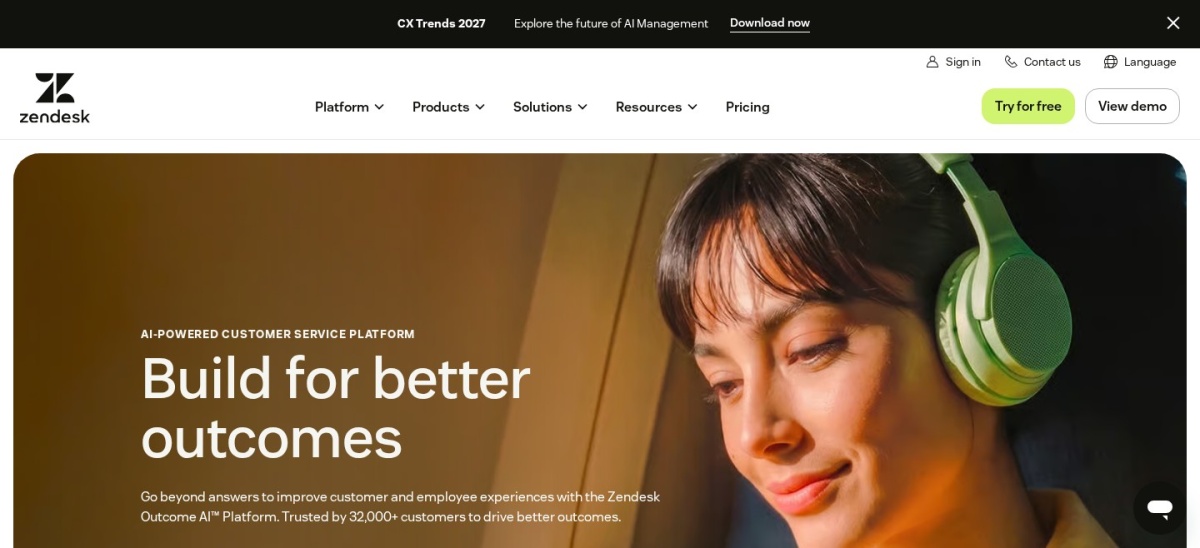
Zendesk is a customer service platform combining ticketing, customer context, automation and support channels. Its cheapest paid plan, Support Team, costs $19 per agent a month billed annually and includes email ticketing, routing and analytics, while live chat and messaging are included in Suite Team at $55 per agent a month.
The trade off is that the $19 entry plan does not include live chat, making Suite Team at $660 per agent a year the relevant starting point for chat buyers. It suits established support departments that need chat alongside ticketing, knowledge management and omnichannel workflows.
What we like
Mature ticketing and customer support workflows
Omnichannel routing in Suite Team
Messaging, live chat and telephony together
Knowledge base and AI capabilities
Watch out for
Cheapest paid plan excludes live chat
Suite Team costs substantially more than basic chat tools
Advanced administration requires higher tiers
Suite Team adds live chat, messaging, telephony and AI featuresVisit zendesk.com
How live chat pricing models affect your bill
Per-agent pricing charges for each support representative. LiveChat, Freshchat, Intercom, Help Scout and LiveAgent use seat-based pricing on their entry plans, so total cost rises as more agents are added.
Workspace pricing charges for a shared account instead. Crisp Mini costs $45 a month per workspace and includes 4 seats, which can suit teams where several people answer chats.
Conversation pricing limits or bills by support volume. Tidio Starter includes 100 conversations a month at $24 a month billed annually, so estimate monthly chat demand before comparing it with seat-based tools.
AI usage pricing may sit on top of the subscription. Intercom lists Fin outcomes from $0.99 each, while Freshchat offers Freddy AI Agent sessions separately, so a low subscription fee does not guarantee a low overall bill.
How we chose
We shortlisted established live chat and customer support platforms with public G2 ratings, maintained product offerings and features relevant to website messaging, then kept the nine with a verifiable fixed paid starting price.
Prices come from each vendor's pricing page, checked on 29 November 2026, using regular prices rather than temporary promotions. Ratings and review counts come from G2 on the same day, and monthly rates are converted into annual equivalents.
We left out products without a verifiable fixed paid starting price or without a public numeric rating. No vendor paid for a place, and we do not claim hands-on testing for this list.
How to choose the right live chat software
Start with your team's actual support workflow, then compare plans against these requirements before selecting a platform.
Estimate your monthly chat volume. Review how many conversations your website receives and how many agents respond. This determines whether conversation limits, per-seat charges or workspace pricing will provide better value.
Match chat features to your support channels. Decide whether you need website chat alone or a shared inbox for email, messaging apps and support tickets. Check which channels are included in the specific plan you intend to buy.
Separate automation from human support. List the repetitive questions you want automated, then compare chat triggers, rule-based flows and AI agents. Confirm whether automated conversations are included or billed separately.
Calculate the full annual subscription cost. Include user seats, chat volume, AI charges and any necessary feature upgrades. Compare the resulting budget with the value of faster responses, more organized support and fewer missed conversations.
FAQ
What is the best live chat software?
LiveChat is the best live chat software for most teams focused on website sales and support. Its Essential plan starts at $19 per user a month billed annually, it is rated 4.4 out of 5 on G2 from 832 reviews, and it includes chat, ticketing and an AI agent allowance.
How much does live chat software cost?
Live chat software costs from $15 per agent a month for LiveAgent Starter to $55 per agent a month for Zendesk Suite Team, billed annually. Tidio starts at $24 a month, Crisp at $45 per workspace a month, and several tools offer free plans with limits.
What is the best free live chat software?
Tidio, Crisp, Freshchat, HubSpot and Help Scout all offer permanent free plans. Tidio includes 50 human conversations a month, Crisp includes 2 seats, Freshchat supports up to 10 agents, HubSpot covers 2 users, and Help Scout covers up to 5 users.
Which live chat software is best for beginners?
Tidio is the easiest starting point for beginners, with a free plan, up to 10 seats on entry plans and a simple chat widget. Crisp is also simple to start with, offering free chat for 2 seats and flat workspace pricing when you upgrade.
Is LiveChat or Tidio better for a small online store?
LiveChat is better for a small online store that wants dedicated sales chat, proactive campaigns and ticketing from $19 per user a month. Tidio is better when budget matters most, because its free plan covers 50 human conversations a month and Starter costs $24 a month.
Does Zendesk include live chat in its cheapest plan?
No. Zendesk Support Team starts at $19 per agent a month billed annually and focuses on email ticketing. Messaging and live chat are included in Suite Team, which starts at $55 per agent a month billed annually.
SaaS SEO and WordPress specialist with about 8 years of experience. Rakib compares WordPress plugins, themes, hosting and software using public pricing, documentation and user reviews. See how we rank.