GridPane Alternatives in 2026: 7 Best Tools Compared
WLWPLegible EditorsLast verified 22 Nov 2026How we rank12 min read
★ Short answer
xCloud is our top GridPane alternative, offering a free self-managed plan for one server and 10 websites, with paid management priced at $5 per server monthly. SpinupWP is a strong WordPress-focused alternative at $12/month, while RunCloud offers broader PHP application management starting at $9/month.
How we make this list: we compare pricing pages, product documentation and public user reviews, then re-check every price before each update. No product paid for a place. Disclosure.
xCloud has a 4.8/5 Trustpilot rating from 455 reviews and offers free management for one server and 10 websites.
SpinupWP Essentials costs $12/month, supports unlimited WordPress sites on one server and includes daily backups and unlimited staging.
RunCloud Essentials costs $9/month for one server and unlimited web applications, although its Trustpilot rating is 3.0/5 from 34 reviews.
ServerAvatar Newbie costs $12/month after its introductory month and supports five servers with unlimited applications and databases.
Ploi Basic costs $10/month for five servers and unlimited sites, while its Trustpilot rating is 4.5/5 from 105 reviews.
FlyWP self-managed hosting starts at $5/server/month, while Cloudways includes cloud infrastructure starting at $14/month.
What to look for in a GridPane alternative
GridPane is designed for WordPress professionals who manage websites on cloud servers. Its appeal comes from centralized server management, security controls, backups, deployment tools and workflows built around agencies.
The most important distinction is self-managed server panels versus managed cloud hosting. RunCloud, SpinupWP, xCloud, Ploi and ServerAvatar connect to servers you rent separately. Cloudways includes cloud infrastructure in its hosting price.
Check server limits and website limits before comparing subscriptions. A low monthly panel price may cover only one server, while another provider allows several servers and unlimited applications under the same subscription.
Also compare backups, staging, caching and security. Some products include backup scheduling and staging in their entry plans. Others require additional storage, paid integrations or higher subscription tiers.
Finally, consider migration work and technical support. Moving from GridPane may involve rebuilding server configurations, databases, scheduled jobs, caching rules and backup arrangements rather than simply transferring WordPress files.
4.8/5on Trustpilot (455 reviews, checked Nov 2026)
Paid from$5/mo
Best GridPane alternative overall
Free allowance1 server, 10 websites
Paid management$5/server/month
Paid tier requirement2–5 servers
Server modelSelf-managed or managed
xcloud.host
xCloud homepage, captured Nov 2026.
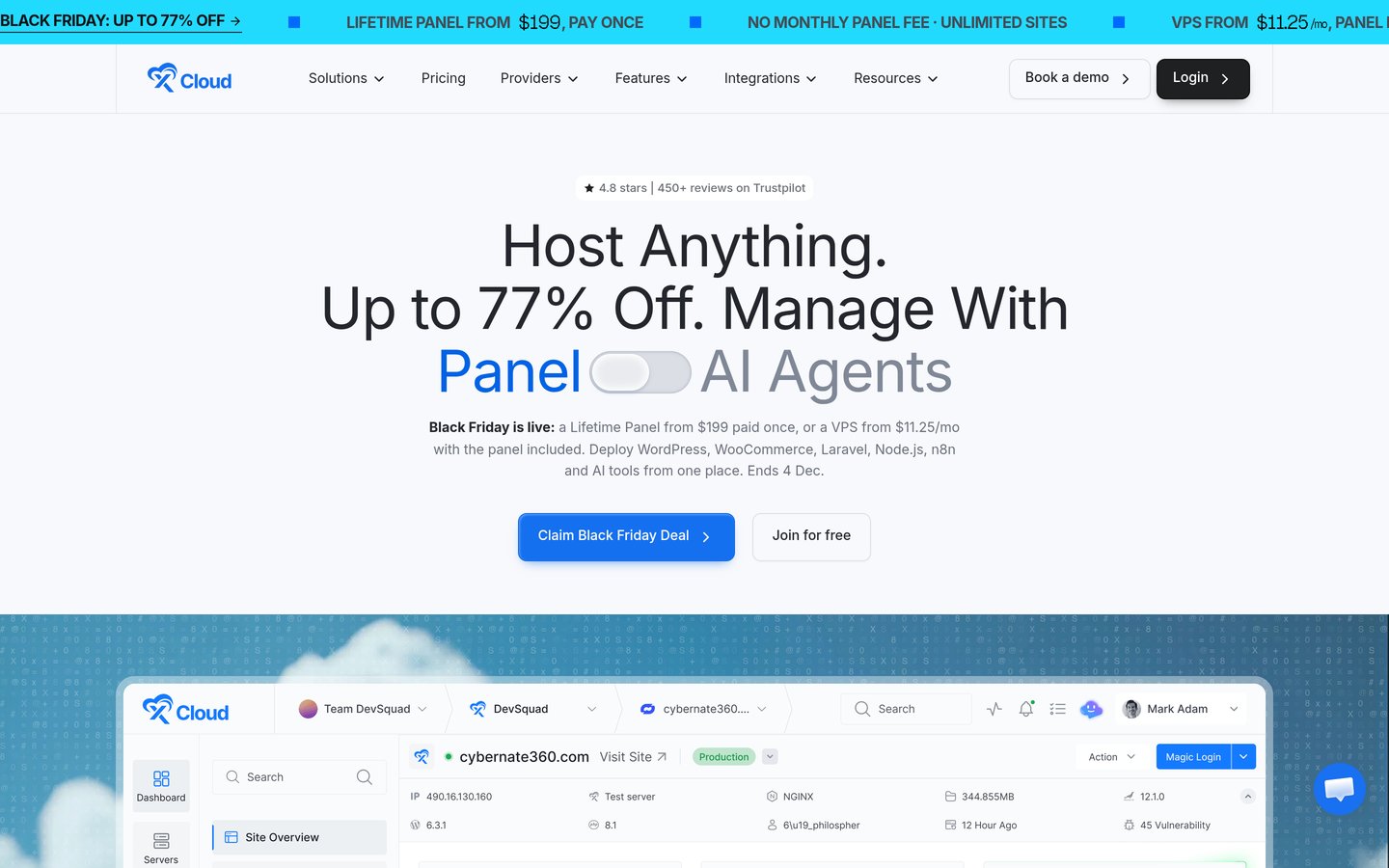
xCloud is a WordPress hosting and server management platform with a 4.8/5 Trustpilot rating from 455 reviews. Its free self-managed tier supports one server and 10 websites, while the paid tier supports unlimited websites and applications on connected servers.
The trade off is that paid self-managed pricing starts at $5 per server monthly for two to five servers, so the minimum paid configuration costs $10/month before infrastructure. It suits agencies seeking flexible server control, WordPress management and an inexpensive starting point.
What we like
Free plan supports one server and 10 websites
Works with external VPS and cloud providers
Paid plans include unlimited sites and applications
Managed hosting is also available
Centralized WordPress management and backups
Watch out for
Cloud infrastructure costs extra with self-managed hosting
The listed paid per-server rate begins at two servers
Some security and email add-ons have separate ongoing charges
Server troubleshooting remains partly the owner's responsibility
Paid self-managed management adds more servers and unlimited websites, while optional add-ons provide additional services.Visit xcloud.host
02
SpinupWP
4.9/5on Capterra (51 reviews, checked Nov 2026)
Starts at$12/mo
Best for WordPress-focused server management
Entry planEssentials
Server allowance1 server
WordPress websitesUnlimited
BackupsDaily scheduled snapshots
spinupwp.com
SpinupWP homepage, captured Nov 2026.
SpinupWP is a WordPress server control panel with a 4.9/5 Capterra rating from 51 reviews. Its $12/month Essentials plan manages one server with unlimited WordPress websites, daily scheduled backups, standard email support and unlimited staging environments.
The trade off is that servers are billed separately, while multiple users, additional backup schedules and WordPress Magic Login require Advanced at $19/month. It suits WordPress agencies that want dedicated site management without maintaining every server configuration manually.
What we like
Designed specifically for WordPress hosting
Unlimited websites on the entry plan
Daily backups included with Essentials
Unlimited staging environments
Supports servers from multiple cloud providers
Watch out for
No permanent free subscription
Cloud server charges are separate
Advanced team permissions require a higher plan
Less suitable for mixed application environments
Advanced adds multiple backup schedules, team access, Magic Login and priority support.Visit spinupwp.com
03
RunCloud
3/5on Trustpilot (34 reviews, checked Nov 2026)
Starts at$9/mo
Best for mixed WordPress and PHP hosting
Entry planEssentials
Server allowance1 server
Web applicationsUnlimited
Included backup storage2GB
runcloud.io
RunCloud homepage, captured Nov 2026.
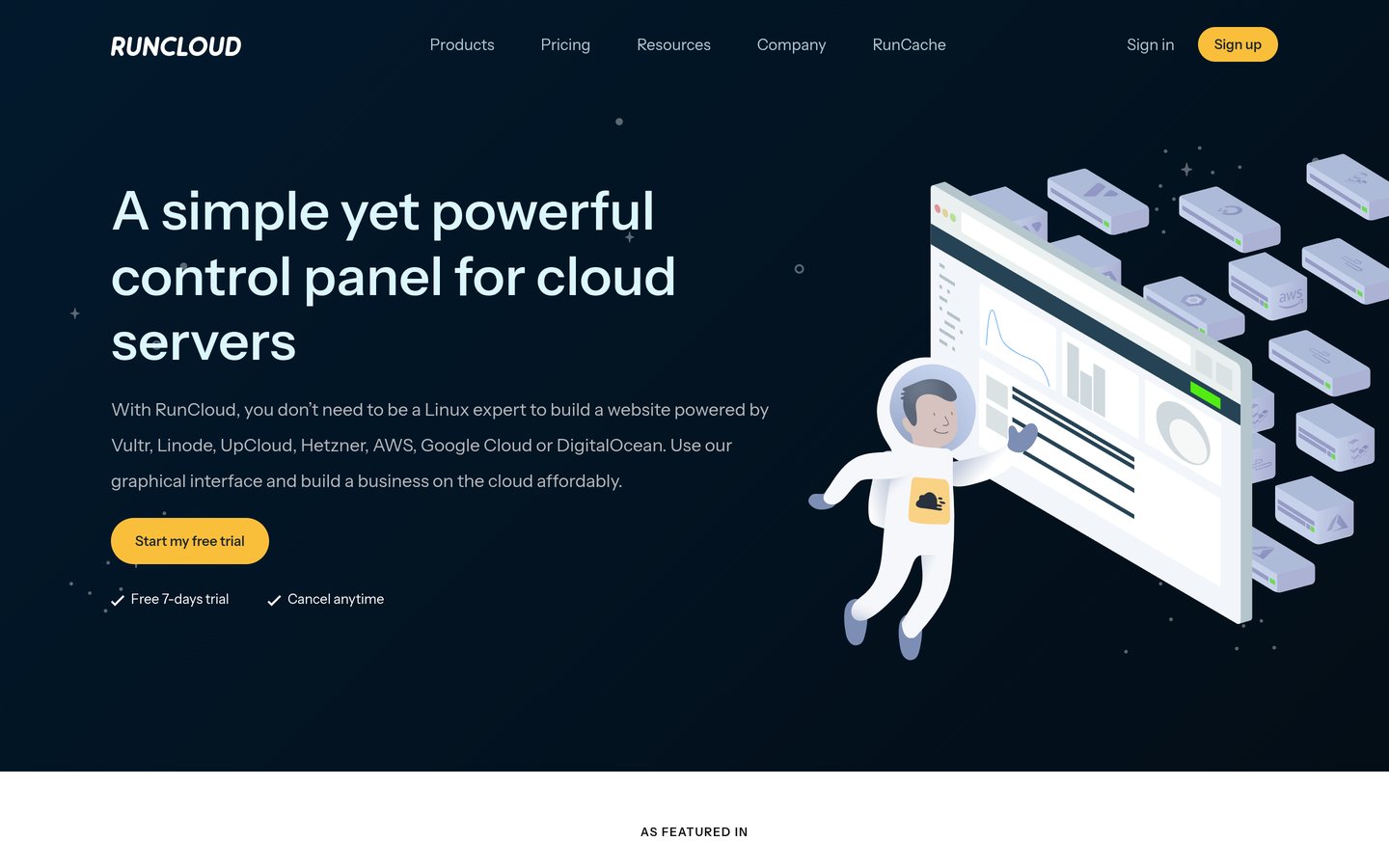
RunCloud is a cloud server management platform with a 3.0/5 Trustpilot rating from 34 reviews. Its Essentials plan costs $9/month and includes one server, unlimited web applications, Git deployment, SSL management, caching, staging and 2GB of backup storage.
The trade off is that cloud infrastructure is billed separately, while larger server allowances, additional staging environments and advanced controls require Professional at $19/month. It suits developers managing WordPress alongside other PHP applications on their own servers.
What we like
Supports WordPress and general PHP applications
Unlimited applications on Essentials
Git deployment and SSL management included
Works with multiple cloud infrastructure providers
Higher plans support larger server fleets
Watch out for
Separate cloud hosting charges
Essentials supports only one server
Advanced team and deployment features require higher plans
Trustpilot feedback is mixed
Professional adds expanded server capacity, application cloning, more staging environments and advanced configuration controls.Visit runcloud.io
04
ServerAvatar
4.8/5on Trustpilot (78 reviews, checked Nov 2026)
Starts at$12/mo
Best for managing several cloud servers
Entry planNewbie
Server allowance5 servers
ApplicationsUnlimited
SecurityIncluded, with AI bot blocking
serveravatar.com
ServerAvatar homepage, captured Nov 2026.
ServerAvatar is a cloud server management platform with a 4.8/5 Trustpilot rating from 78 reviews. Its Newbie plan covers five servers with unlimited applications and databases, backup management, security features and an AI bot blocker.
The trade off is that Newbie costs $12/month after a $10 introductory month, with cloud infrastructure billed separately. Team management and granular permissions require Pro at $29/month. It suits freelancers and small agencies managing several servers from a centralized dashboard.
What we like
Five servers included in the entry plan
Unlimited applications and databases
Supports WordPress and other application types
Management and security tools included
Compatible with servers from different providers
Watch out for
Cloud server charges are separate
Team permissions require Pro
Advanced log monitoring requires a higher tier
Some specialized services are sold separately
Pro adds larger server capacity, team management, role permissions and temporary server sharing.Visit serveravatar.com
05
Ploi
4.5/5on Trustpilot (105 reviews, checked Nov 2026)
Paid from$10/mo
Best for developers managing PHP projects
Free allowance1 server, 1 site
Entry paid planBasic
Paid server allowance5 servers
Paid site allowanceUnlimited
ploi.io
Ploi homepage, captured Nov 2026.
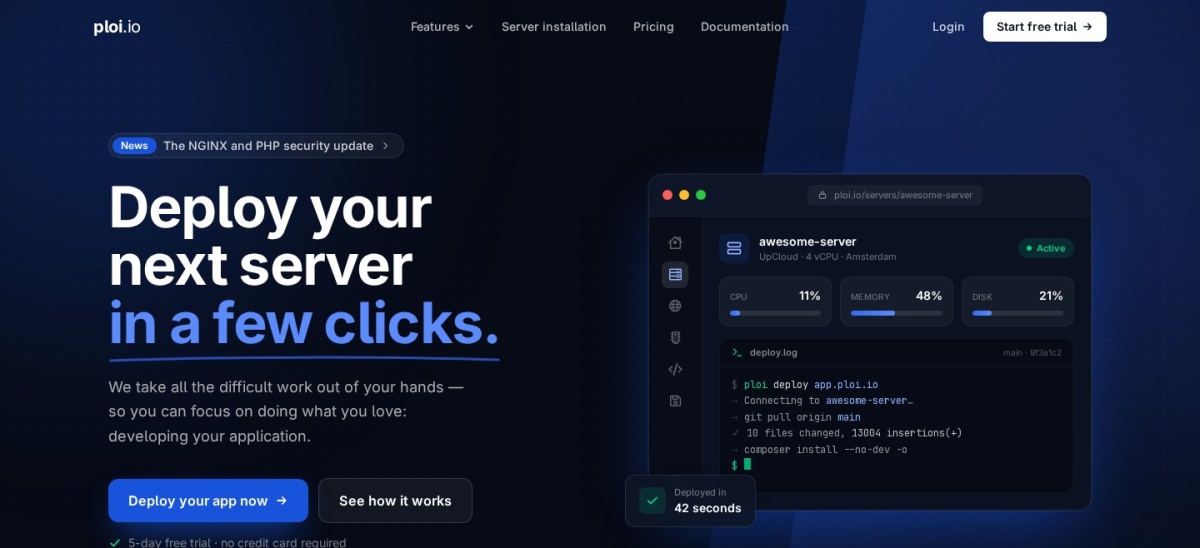
Ploi is a server management and deployment platform with a 4.5/5 Trustpilot rating from 105 reviews. Its free plan supports one server and one website, while Basic provides five servers and unlimited websites with tools for provisioning and deploying PHP applications.
The trade off is that Basic costs $10/month before a cloud server bill, while zero-downtime deployments and automatic backups require Pro at $16/month. It suits developers managing WordPress alongside Laravel and other PHP projects who value deployment controls.
What we like
Free tier for one server and one website
Basic supports five servers
Unlimited sites with the paid plan
Git-based deployment workflows
Useful for WordPress and Laravel projects
Watch out for
Cloud infrastructure is not included
Advanced deployment features require Pro
Automatic database and file backups require Pro
More developer-oriented than a WordPress-only panel
Basic adds multi-server management and unlimited sites; Pro adds automated backups and zero-downtime deployments.Visit ploi.io
06
FlyWP
3.8/5on Trustpilot (59 reviews, checked Nov 2026)
Paid from$5/mo
Best for container-based WordPress hosting
Free allowance1 server, 1 website
Entry paid planSelf-Managed Starter
Paid management$5 per server monthly
ArchitectureDocker-based isolation
flywp.com
FlyWP homepage, captured Nov 2026.
FlyWP is a WordPress hosting and server management platform with a 3.8/5 Trustpilot rating from 59 reviews. Its free plan covers one server and one website, while the paid self-managed Starter tier includes unlimited sites, backups, staging and team collaboration.
The trade off is that self-managed Starter costs $5 per server monthly, excluding your VPS bill, and optional monitoring and security add-ons may cost extra. It suits agencies that want Docker-based site isolation and access to their underlying server infrastructure.
What we like
Free server management tier
Docker-based site isolation
Paid plans support unlimited websites
Backups, staging and team collaboration
Managed hosting is also available
Watch out for
Infrastructure is billed separately for self-managed servers
Optional monitoring and security services can increase costs
Some Trustpilot reviews raise support concerns
Requires familiarity with server hosting responsibilities
Paid Starter adds unlimited sites and full core management features, excluding optional add-ons.Visit flywp.com
07
Cloudways
4.7/5on G2 (1,150 reviews, checked Nov 2026)
Starts at$14/mo
Best for hosting without a separate VPS account
Hosting modelManaged cloud hosting
Entry planFlexible Micro
Entry resources1GB RAM, 1 vCPU
Storage25GB NVMe
cloudways.com
Cloudways homepage, captured Nov 2026.
Cloudways is a managed cloud hosting platform with a 4.7/5 G2 rating from 1,150 reviews. Its Flexible Micro plan starts at $14/month and includes a cloud server with 1GB RAM, one vCPU, 25GB NVMe storage, SSL management, caching and managed infrastructure tools.
The trade off is that Cloudways bundles the server into its hosting charge, making its pricing different from a standalone control panel, while optional backup storage can add costs. It suits businesses that prefer managed cloud infrastructure instead of maintaining a separate VPS provider account.
What we like
Server infrastructure included in the hosting price
Managed cloud hosting dashboard
SSL, caching and staging tools
Server scaling options
Established customer review history
Watch out for
Less direct server control than self-managed hosting
Additional backup storage may cost extra
Hosting costs increase with server resources
Not equivalent to a standalone server management license
Higher plans add server resources; the entry paid plan already includes managed hosting infrastructure.Visit cloudways.com
Self-managed panels vs managed cloud hosting
GridPane and most of its closest competitors operate as control panels for cloud servers. You rent the infrastructure separately and use the panel to configure, deploy and maintain websites.
RunCloud, SpinupWP, xCloud, ServerAvatar and Ploi follow this model. Their subscription prices generally exclude the server, backup storage beyond included allowances and optional third-party services.
Cloudways takes a different approach by including the server within the hosting price. FlyWP and xCloud also offer managed options alongside self-managed server connections.
Self-managed hosting provides more infrastructure choice but leaves greater responsibility for server costs and operations. Managed hosting simplifies billing and maintenance while reducing some configuration freedom.
What to check before migrating from GridPane
Begin with a complete inventory of your servers and websites. Record PHP versions, database settings, caching rules, SSL certificates, scheduled jobs, backup locations and deployment workflows.
Create fresh backups of website files and databases. Keep a separate copy outside the server being migrated, and verify that the backups can be restored.
Provision the replacement server environment before moving production traffic. Test WordPress functionality, caching, redirects, email delivery, SSL, database connections and scheduled tasks.
Use a controlled DNS cutover and monitor the replacement environment after migration. Avoid deleting the original server until the new setup has stable backups and all important websites function correctly.
How we chose
We selected established cloud server management platforms and WordPress hosting services that address common GridPane replacement needs: VPS provisioning, centralized website management, staging, backups, security and agency workflows. The comparison includes self-managed panels and managed hosting.
We opened official vendor pricing pages and public review listings on 22 Nov 2026. Ratings and review counts come from Trustpilot, Capterra and G2. We used regular monthly subscription prices converted to annual equivalents, excluding temporary promotional discounts and separate infrastructure charges.
We excluded products without verifiable current pricing, insufficient public review evidence or a comparable WordPress or server management workflow. We also avoided presenting free server software as a paid subscription without a confirmed upgrade. No vendor paid for a place, and we do not claim independent product testing.
How to choose the right GridPane replacement
Identify your hosting responsibilities and server requirements before comparing GridPane alternatives. Focus on total infrastructure costs, operational features and migration requirements.
**Choose your hosting management model.** Decide whether to rent your own VPS and connect a management panel or purchase managed cloud hosting. Compare xCloud, SpinupWP and RunCloud for self-managed servers, or Cloudways for bundled infrastructure.
**Calculate the full hosting cost.** Include panel subscriptions, cloud servers, backup storage, email delivery, monitoring and security extensions. Compare costs at your expected server count instead of relying only on the advertised entry price.
**Check agency and development features.** Review staging, backups, access permissions, Git deployment, site isolation, caching and WordPress management. Confirm whether the cheapest paid tier includes your essential features or requires an upgrade.
**Plan a controlled migration.** Back up website files and databases, document server configurations and provision a replacement environment. Verify each important website before directing production traffic to the new hosting setup.
FAQ
What is the best alternative to GridPane?
xCloud is our top overall alternative because it combines a free self-managed tier with flexible paid server management. The free plan supports one server and 10 websites. SpinupWP is another strong choice for WordPress-focused management, while RunCloud is more suitable for mixed PHP environments.
Is there a free alternative to GridPane?
Yes. xCloud offers free management for one server and 10 websites, Ploi provides a free plan for one server and one website, and FlyWP includes a limited free tier. You must still pay for the underlying cloud server unless a separate hosting provider includes it.
Which GridPane alternative is cheapest?
FlyWP self-managed hosting starts at $5 per server monthly. xCloud also lists $5 per server monthly for its paid tier, although that tier begins at two servers. Ploi Basic costs $10/month, while RunCloud Essentials costs $9/month. All these panel prices exclude separate VPS charges.
Is SpinupWP better than GridPane?
SpinupWP is a strong choice when your infrastructure is dedicated to WordPress and you value straightforward staging, backups and server management. Essentials costs $12/month for one server with unlimited websites. The better platform depends on the advanced security, access and deployment features your agency requires.
Can I use my existing VPS with these alternatives?
Many GridPane alternatives support existing cloud servers. RunCloud, SpinupWP, xCloud, ServerAvatar, Ploi and FlyWP offer ways to manage compatible infrastructure. However, installation requirements differ, and connecting an existing GridPane-managed server may not be supported without rebuilding its software environment.
Does Cloudways include server hosting?
Yes. Unlike standalone management panels, Cloudways includes cloud server infrastructure in its hosting price. Its Flexible Micro plan starts at $14/month with 1GB RAM and one vCPU. That makes the subscription easier to compare as a hosting cost, although optional services may add charges.
Which GridPane alternative is best for agencies?
ServerAvatar is attractive for smaller agencies because its $12/month Newbie plan supports five servers and unlimited applications. SpinupWP is suitable for WordPress-focused agencies, while xCloud provides flexible self-managed pricing and managed hosting options. Team permissions and backup requirements should guide the final choice.
Can I migrate WordPress sites from GridPane without downtime?
A carefully planned migration can reduce downtime, but a completely interruption-free move cannot be guaranteed. Prepare the replacement server, restore website data, check DNS settings and validate application functionality before switching traffic. Sites with frequent database changes require additional coordination.
Do GridPane alternatives include backups and security?
Several do. SpinupWP Essentials includes daily scheduled backups, while RunCloud Essentials provides backup storage and server management features. ServerAvatar includes security tools, and FlyWP supports backups and Docker isolation. Check backup destinations, retention limits and optional charges before relying on any plan.