Best WordPress Hosting for Membership Sites in 2026: 9 Tools Compared
WLWPLegible EditorsLast verified 22 Nov 2026How we rank12 min read
★ Short answer
Kinsta is the best WordPress hosting for membership sites, with Google Cloud speed, one-click staging and a 4.8 out of 5 G2 rating from 1,638 reviews. Pick SiteGround for the best value at $17.99 a month, or Cloudways if you want unlimited visits and no renewal hike.
How we make this list: we compare pricing pages, product documentation and public user reviews, then re-check every price before each update. No product paid for a place. Disclosure.
Kinsta leads for membership sites: Google Cloud hosting, one-click staging and a 4.8 out of 5 G2 rating.
SiteGround is the best value managed host: $17.99 a month at renewal with daily backups and a free CDN.
Cloudways and Rocket.net do not count visits, so a viral post or a launch day will not trigger overage fees.
Object caching matters for logged-in members: Nexcess includes it on every plan, Cloudways includes it on 4 GB servers and up, and Kinsta charges $100 a month for Redis.
Renewal prices run from $9.99 to $35 a month, and every host here charges more after the first term except Cloudways and Rocket.net.
What a membership site needs from hosting
A membership site is harder on hosting than a blog. Members stay logged in, so page caching skips them, every page is built fresh, and the database works harder with each visit.
That is why object caching and PHP workers matter more than raw storage. A host with Redis or Memcached and enough workers keeps member dashboards fast when many people log in at once.
Staging is the other must-have. Our guide on choosing WordPress hosting explains how to weigh support and backups, and a staging copy lets you test a new membership level or payment change before members see it.
Price still matters. Renewal rates run from $9.99 to $35 a month in this list, and the cheapest first year is rarely the cheapest second year, so the price ladder below shows the regular renewal price.
Kinsta is a managed WordPress host on Google Cloud, trusted by more than 230,000 customers. The Single 35k plan covers one site with 35,000 monthly visits, 10 GB storage, a free CDN, daily backups and one-click staging, with support from WordPress engineers around the clock.
The trade off is cost and caching. Redis object caching, the feature that speeds up logged-in member pages most, is a $100 a month add-on on the entry plan, and visits over the limit cost extra. It suits membership sites that can pay for managed speed and support.
WP Engine is a managed WordPress host powering more than 1.5 million sites. The Startup plan covers one site with 25,000 monthly visits, 10 GB storage, daily backups, a free SSL certificate and one-click staging, plus its EverCache page cache.
The trade off is the visit cap and the renewal price. The Essential plan costs $28 a month billed annually ($336 a year), and visits over the limit cost $2 per 1,000. It suits membership sites that want agency tools and managed updates.
4.9/5on Trustpilot (31,474 reviews, checked Nov 2026)
Starts at$17.99/mo
Best value managed host for new membership sites
Entry planStartUp, $17.99/mo
Monthly visitsAbout 10,000
Object cachingMemcached, GrowBig up
StagingGrowBig and up
siteground.com
SiteGround homepage, captured Nov 2026.
SiteGround is a managed WordPress host on Google Cloud, trusted by the owners of more than 3 million domains. The StartUp plan covers one site with 10 GB storage, daily backups, a free CDN and SSL, plus managed updates and a smart firewall.
The trade off is the renewal jump and the missing staging. The first year costs $1.99 a month, then renews at $17.99, and staging only arrives on GrowBig at $29.99 a month. It suits new membership sites starting on a budget.
Cloudways is a managed cloud platform that runs WordPress on servers from DigitalOcean, Vultr, Linode, AWS or Google Cloud. The Micro server costs $14 a month with 1 GB RAM, 25 GB storage and 1 TB of transfer, and you can host unlimited sites and visits on it.
The trade off is that you manage the server size yourself. Object Cache Pro is free only on 4 GB servers and up, which cost $54 a month, and the Cloudflare Enterprise add-on costs $4.99 a month per site. It suits owners who want cloud control without visit caps.
4.6/5on Trustpilot (277 reviews, checked Nov 2026)
Starts at$30/mo
Best for membership sites with spiky traffic
Entry planStarter, $30/mo
Monthly visitsUnmetered
Storage10 GB
BackupsDaily, 30-day retention
rocket.net
Rocket.net homepage, captured Nov 2026.
Rocket.net is a managed WordPress host that does not count visits. The Starter plan costs $30 a month for one site with 10 GB storage, 50 GB bandwidth, an enterprise CDN, a firewall and daily backups kept for 30 days.
The trade off is the bandwidth cap and the price. The first month costs $1, then the plan renews at the same $30 a month, and heavy media use can hit the 50 GB bandwidth limit. It suits membership sites with traffic spikes and many logged-in members.
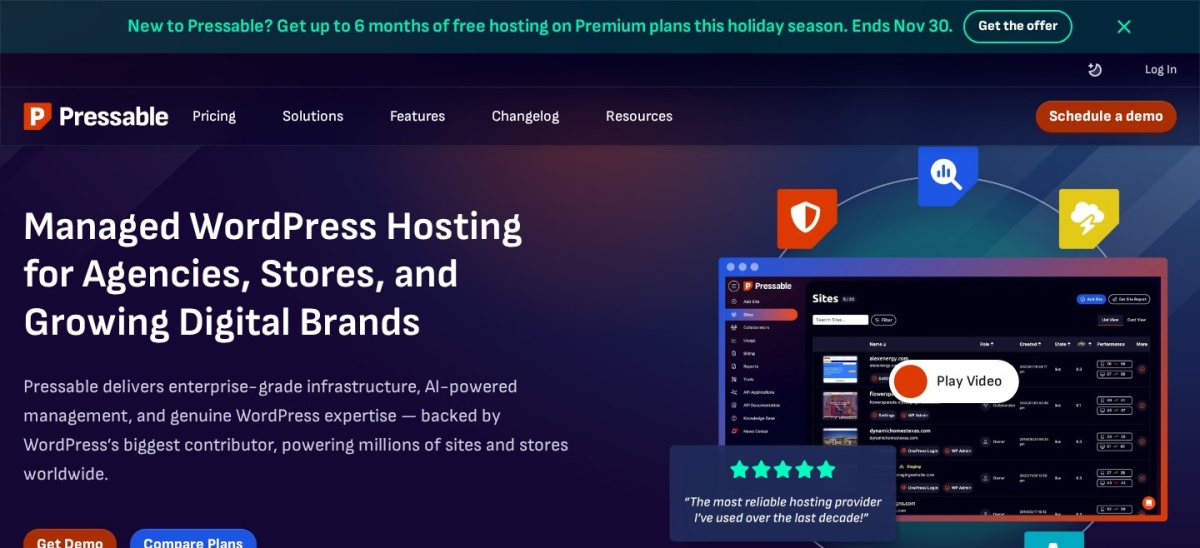
Pressable is Automattic's managed WordPress host, running on the same infrastructure as WordPress.com. The Signature 1 plan costs $250 a year for one site with 30,000 monthly visits, 20 GB storage, Jetpack Security, hourly database backups and staging plus sandbox sites.
The trade off is the visit limit and the support model. Visits over the limit cost $1.20 per 1,000, and the entry plan has no phone support. It suits owners running several membership sites who want Jetpack tools built in.
Nexcess is Liquid Web's managed WordPress host, built for stores and membership sites. The Spark plan costs $19 a month for one site with 15 GB storage, 2 TB bandwidth, 10 PHP workers, free Object Cache Pro and iThemes Security Pro.
The trade off is the rating and the promo pricing. Its G2 rating is 3.1 out of 5 from 31 reviews, the lowest here, and the first three months cost about $5 a month before the $19 rate applies. It suits stores that pair WooCommerce with a membership plugin.
4.6/5on Trustpilot (73,633 reviews, checked Nov 2026)
Starts at$10.99/mo
Best budget host for a first membership site
Entry planPremium, $10.99/mo
Websites3
Storage20 GB SSD
BackupsWeekly, free
hostinger.com
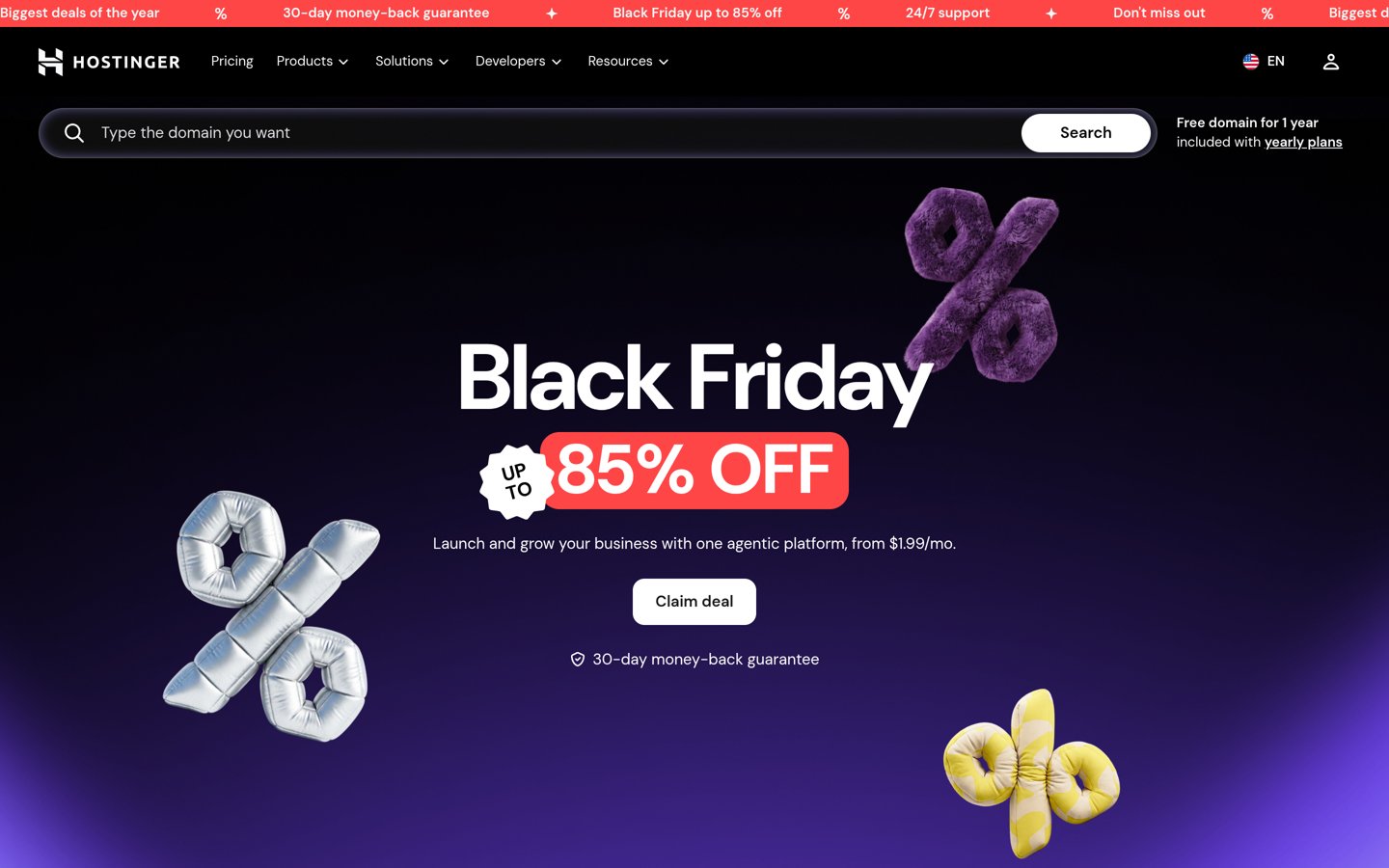
Hostinger homepage, captured Nov 2026.
Hostinger is a budget host trusted by more than 5 million website owners. The Premium WordPress plan renews at $10.99 a month for 3 websites with 20 GB SSD storage, a free domain for a year, weekly backups, a CDN and one-click staging.
The trade off is resources and support depth. The first term costs $1.99 a month, then renews at $10.99, and weekly backups are less cover than the daily backups on managed hosts. It suits a first membership site with a small member list.
4.5/5on Trustpilot (32,114 reviews, checked Nov 2026)
Starts at$9.99/mo
Best for WordPress beginners on a budget
Entry planStarter, $9.99/mo
Websites10
Storage10 GB NVMe
BackupsWeekly
bluehost.com
Bluehost homepage, captured Nov 2026.
Bluehost is a shared WordPress host recommended by WordPress.org since 2005, powering more than 5 million WordPress sites. The Starter plan renews at $9.99 a month for 10 websites with 10 GB NVMe storage, a free domain for a year, free SSL and a Cloudflare CDN.
The trade off is that it is shared hosting with thin resources. The first term costs $3.99 a month, then renews at $9.99, and there is no free staging or daily backups on the entry plan. It suits a hobby membership site with few paying members.
Page caching does not help logged-in members. Most hosts skip the cache for anyone signed in, so the server builds every member page from scratch.
Object caching is the fix. Redis or Memcached stores database results in memory, so repeat member page loads skip the slow queries. Check whether it is included or a paid add-on.
PHP workers set the ceiling. Each worker handles one request at a time, so a site with 10 workers can serve about 10 members at once before others queue. Nexcess gives 10 workers per site on Spark, while Kinsta gives 2 on Starter.
Staging keeps member data safe while you change things. Test new prices, levels and payment settings on a copy, then push it live when it works.
Common mistakes when picking membership hosting
Buying on the first-year price is the most common mistake. SiteGround, Hostinger and Bluehost all charge far more after the first term, so budget for the renewal.
Ignoring the visit limit is the second. WP Engine charges $2 per 1,000 visits over the limit, and Pressable charges $1.20, so a launch can add to the bill.
Skipping staging is the third. Testing a new membership level on the live site risks breaking checkout for paying members.
How we chose
We started from the managed WordPress hosts most often recommended for membership sites, then kept the nine with clear pricing, staging and caching for logged-in traffic.
Prices come from each host's pricing page, checked on 22 November 2026. Ratings come from G2 or Trustpilot on the same day, and site counts come from the hosts' own claims. Where a host shows a sale, the list shows the regular renewal price.
We left out hosts without a clear entry price or staging option. No vendor paid for a place, and we do not claim hands-on testing for this list.
How to choose WordPress hosting for a membership site
Match the host to your member count and budget, then check the renewal price before you pay.
Count your members and visits. A site with under 100 members fits Hostinger or SiteGround. A site with thousands of logged-in members needs Kinsta, WP Engine or Cloudways.
Check object caching first. Ask whether Redis or Memcached is included. Nexcess includes Object Cache Pro on every plan, while Kinsta charges $100 a month for Redis.
Make sure staging is included. You need a safe place to test new membership levels and payment changes. Kinsta, WP Engine, Cloudways and Pressable include staging on their entry plans.
Budget for the renewal price. Bluehost renews at $9.99 a month and SiteGround at $17.99, both far above their first-year prices. Cloudways and Rocket.net keep the same price.
FAQ
What is the best hosting for a WordPress membership site?
Kinsta is the best pick for most membership sites. It runs on Google Cloud with one-click staging, daily backups and a 4.8 out of 5 G2 rating, and its support team knows WordPress. The $35 a month entry plan fits a single site with up to 35,000 visits.
Do membership sites need object caching?
Yes, once members log in. Page caching skips logged-in users, so every member page is built fresh from the database. Object caching stores those database results in memory, which keeps dashboards and course pages fast. Kinsta, Cloudways and Nexcess all offer it, though Kinsta charges $100 a month for Redis.
How much does WordPress hosting for a membership site cost?
Renewal prices in this list run from $9.99 a month for Bluehost to $35 a month for Kinsta. Budget for the renewal price, not the first year: SiteGround jumps from $1.99 to $17.99 a month, while Cloudways and Rocket.net keep the same price.
Can I use shared hosting for a membership site?
Yes, for a small one. Hostinger and Bluehost work for a first membership site with a few dozen members, and both cost under $11 a month at renewal. Once you pass a few hundred members or sell courses, move to a managed host with object caching and staging.
What is staging, and why does a membership site need it?
Staging is a private copy of your site where you can test changes before members see them. Use it to try a new membership level, a payment gateway update or a plugin upgrade, then push the copy live only when it works. Kinsta, WP Engine, Cloudways and Pressable include it.
Do I need a separate plugin for memberships?
Yes. Hosting keeps the site fast and safe, but the membership features come from a plugin such as MemberPress, Paid Member Subscriptions or Restrict Content Pro. Pick your host first for speed and staging, then add the membership plugin that fits your pricing model.