Best WordPress Hosting Companies in 2026: 7 Tools Compared
WLWPLegible EditorsLast verified 22 Nov 2026How we rank6 min read
★ Short answer
Hostinger is the best WordPress hosting company overall for balancing speed, features, and low entry pricing, backed by a 4.4/5 G2 rating across 907 reviews. Cloudways suits sites that need scalable cloud servers without full managed-host markups, while Kinsta fits high-traffic sites that want hands-off managed WordPress.
How we make this list: we compare pricing pages, product documentation and public user reviews, then re-check every price before each update. No product paid for a place. Disclosure.
Hostinger offers accessible pricing starting from $2.99/mo on a 48-month term and renewing at $10.99/mo, with 4.4/5 across 907 G2 reviews.
Cloudways gives access to cloud infrastructure starting at $14/mo on select providers, holding a 4.7/5 rating across 1,150 G2 reviews.
Kinsta starts at $35/mo monthly (or $27/mo annual equivalent) for managed WordPress, rated 4.8/5 across 1,713 G2 reviews.
SiteGround includes daily backups and built-in caching, with StartUp renewing at $17.99/mo after an introductory $2.99/mo rate.
DreamHost Launch renews at $10.99/mo after a $2.89/mo first-year rate and holds a 4.9 Trustpilot score across 8,314 reviews.
What to look for in a WordPress host
WordPress hosting broadly splits into budget shared hosting, managed WordPress, and managed cloud servers. Shared plans keep costs low for new sites, whereas managed platforms handle server-level caching, isolation, and WordPress maintenance.
Always look past the first-term promotional price and check the regular renewal rate. Many budget hosts discount steep multi-year or first-year signups before renewing at two to five times the introductory rate.
Storage type, backup retention, staging environments, and support responsiveness matter more as your traffic grows. A small blog rarely needs dedicated cloud resources, but an active store or publication will notice bottlenecks quickly.
Check how each host handles migrations, SSL certificates, and overages or visit limits before committing. Clear limits prevent surprise bills during traffic spikes.
Hostinger is a web and WordPress hosting provider that pairs LiteSpeed servers and hPanel management with low entry pricing. Its Premium web hosting plan starts at $2.99/mo on a 48-month term and renews at $10.99/mo ($131.88/yr).
The trade off is that the lowest advertised rate requires a long upfront commitment and renews at $10.99/mo ($131.88/yr). It suits new WordPress sites, blogs, and small businesses that want low initial costs and guided setup.
What we like
Low entry pricing with LiteSpeed web server performance
Beginner-friendly hPanel dashboard and WordPress tools
Free SSL on plans and a free domain for the first year on eligible plans
High volume of customer feedback on Trustpilot and G2
Lowest per-month rate requires paying for a multi-year term upfront
Higher tiers like Business and Cloud add more NVMe storage, resources, and staging tools.Visit hostinger.com
02
Cloudways
4.7/5on G2 (1,150 reviews, checked Nov 2026)
Starts at$168/yr
Best for scalable cloud servers
Starting Rate$14/mo ($168/yr)
Billing ModelPay-as-you-go
Cloud OptionsDO, Vultr, Linode, AWS, GCP
G2 Score4.7/5 (1,150)
cloudways.com
Cloudways homepage, captured Nov 2026.
Cloudways is a managed cloud hosting platform that lets you run WordPress on providers such as DigitalOcean, Vultr, Linode, AWS, and Google Cloud. Entry plans start from $14/mo ($168/yr) on select 1GB cloud instances with hourly billing and staging tools.
The trade off is a steeper learning curve than basic shared hosts, with entry servers starting around $14/mo ($168/yr) and add-ons costing extra. It suits developers, agencies, and growing sites that want cloud scaling without managing raw servers.
What we like
Choice of cloud infrastructure providers and vertical server scaling
Flexible monthly and hourly billing without multi-year lock-in
Built-in caching, staging, and 24/7 technical support
Watch out for
Less beginner-friendly than traditional all-in-one shared hosts
Optional extras like offsite backups or add-ons add to the base server cost
Larger server sizes and Cloudways Autonomous add more RAM, CPU, and auto-scaling capacity.Visit cloudways.com
03
Namecheap
4.2/5on Trustpilot (22,069 reviews, checked Nov 2026)
Starts at$55.88/yr
Best for budget renewals and domains
Stellar Renewal$55.88/yr
Control PanelcPanel / EasyWP
BackupsTwice weekly (Stellar)
Trustpilot4.2/5 (22,069)
namecheap.com
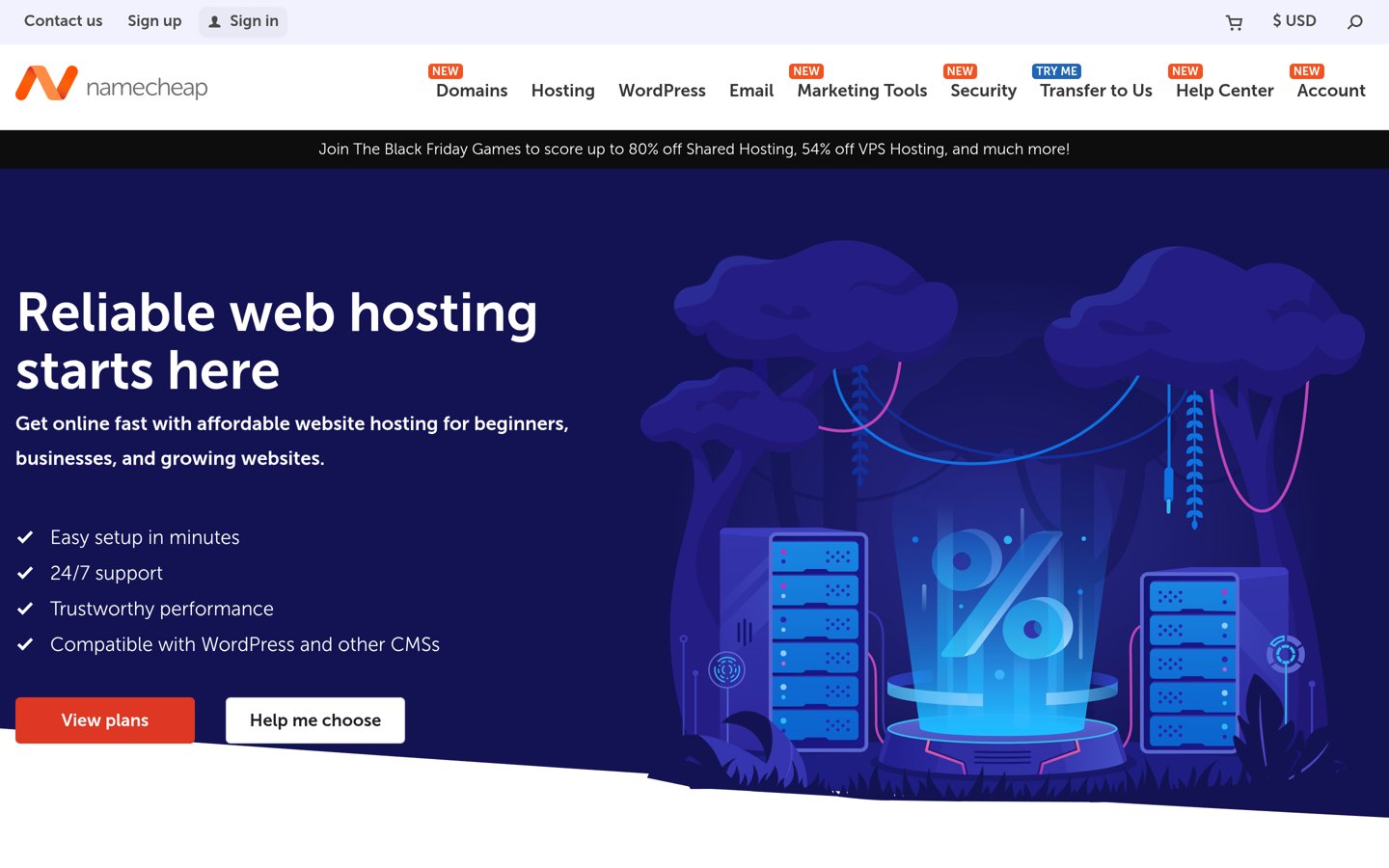
Namecheap homepage, captured Nov 2026.
Namecheap is a domain registrar and hosting provider offering cPanel shared hosting and EasyWP managed WordPress plans. Its entry Stellar shared plan starts with a promotional rate and renews at $55.88/yr with 20 GB SSD storage.
The trade off is modest performance compared to specialized hosts, with Stellar renewing at $55.88/yr and EasyWP Starter renewing at $68.88/yr. It suits cost-conscious beginners and small sites that want domains and hosting in one account.
What we like
Lower renewal pricing on entry plans than many shared competitors
Easy pairing with domain management and free SSL certificates
Includes 30-day free trial and 30-day money-back terms on shared plans
Watch out for
Entry shared plan uses twice-weekly backups rather than daily automated backups
Third-party speed benchmarks generally rate performance as average
Higher shared tiers and EasyWP plans add more NVMe storage, CPU/RAM resources, and automated backups.Visit namecheap.com
04
DreamHost
4.9/5on Trustpilot (8,314 reviews, checked Nov 2026)
Starts at$131.88/yr
Best for high Trustpilot satisfaction
Launch Renewal$10.99/mo ($131.88/yr)
Storage25 GB NVMe SSD
BackupsDaily automated
Trustpilot4.9/5 (8,314)
dreamhost.com
DreamHost homepage, captured Nov 2026.
DreamHost is an established WordPress host offering NVMe SSD storage, unmetered bandwidth, and daily automated backups. Its Launch plan starts at $2.89/mo for the first year and renews at $10.99/mo ($131.88/yr).
The trade off is a sharp jump from year-one pricing to the $10.99/mo ($131.88/yr) renewal rate, plus separate mailbox fees after a trial. It suits bloggers and small businesses that want daily backups and strong user review scores.
What we like
High 4.9/5 Trustpilot score across more than 8,300 reviews
Includes daily automated backups, unmetered bandwidth, and free SSL
Supports multiple websites even on the entry Launch tier
Watch out for
Renewal price rises substantially after the first year
Email mailboxes are billed separately after the initial trial period
DreamPress managed plans add staging, CDN, and dedicated WordPress support tiers.Visit dreamhost.com
05
Bluehost
4.4/5on Trustpilot (32,000 reviews, checked Nov 2026)
Starts at$119.88/yr
Best for guided WordPress onboarding
Regular Renewal$9.99/mo ($119.88/yr)
OnboardingGuided WP setup
Uptime SLA99.99% promised
Trustpilot4.4/5 (32K)
bluehost.com
Bluehost homepage, captured Nov 2026.
Bluehost is a long-running web host built around guided WordPress onboarding, site templates, and integrated setup tools. Its entry plan starts with a promotional discount on multi-year terms and renews at $9.99/mo ($119.88/yr).
The trade off is a higher renewal rate of $9.99/mo ($119.88/yr) and optional add-ons that can raise total checkout cost. It suits first-time WordPress users who want step-by-step setup and bundled tools.
What we like
Streamlined onboarding for users launching their first WordPress site
Large review footprint on Trustpilot with thousands of customer ratings
Includes free domain for the first year on 12- or 36-month terms
Watch out for
Regular renewal rate is notably higher than initial promo pricing
Upsells and add-ons require careful review at checkout
Upper tiers add higher resource limits, extra site capacity, and commerce or security bundles.Visit bluehost.com
06
SiteGround
4.2/5on G2 (308 reviews, checked Nov 2026)
Starts at$215.88/yr
Best for daily backups and support
StartUp Renewal$17.99/mo ($215.88/yr)
BackupsFree daily backups
Caching & CDNBuilt-in cache & CDN
G2 Score4.2/5 (308)
siteground.com
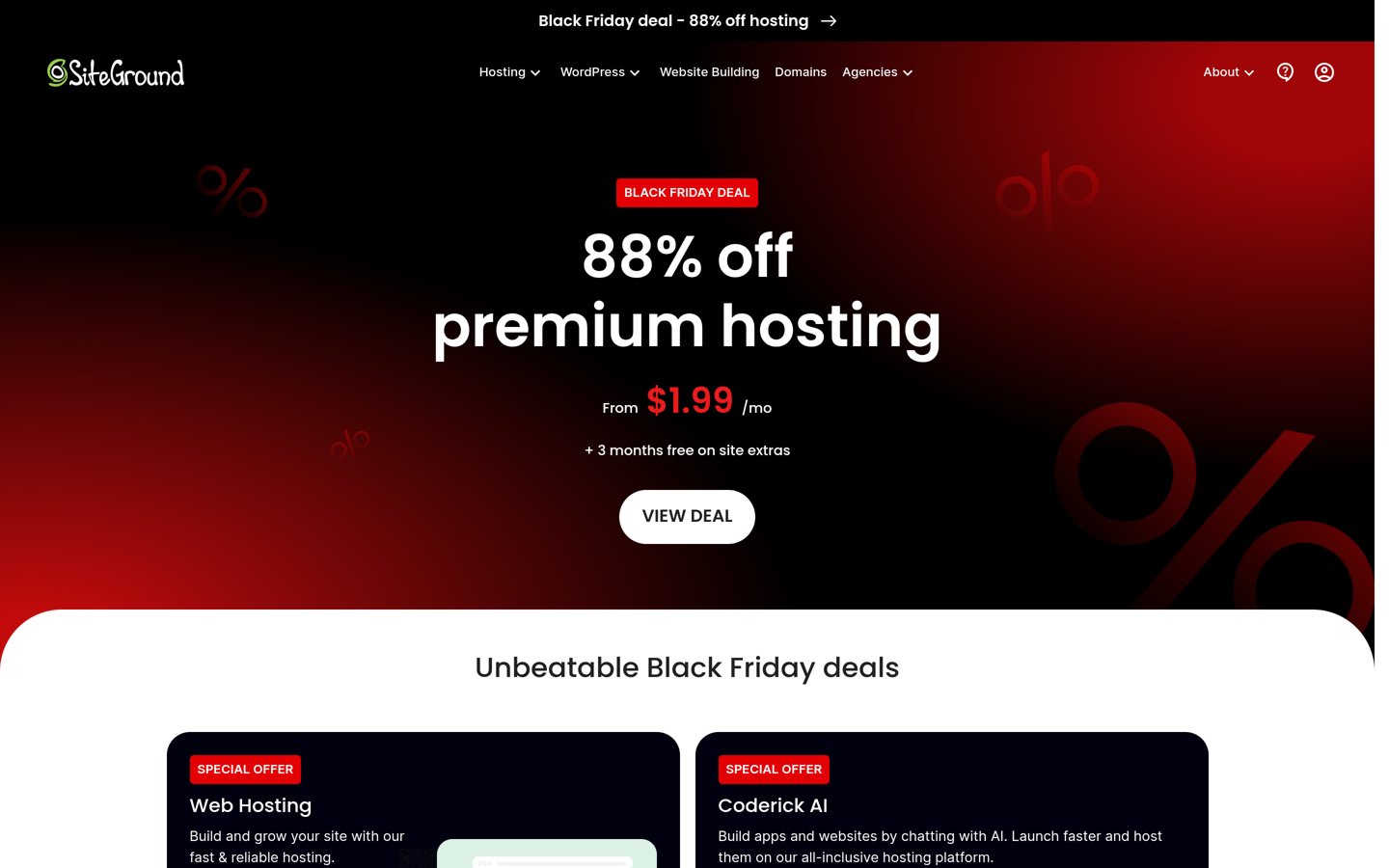
SiteGround homepage, captured Nov 2026.
SiteGround is a WordPress hosting provider known for responsive support, daily backups, built-in caching, and free SSL. Its StartUp plan begins at a promotional $2.99/mo rate and renews at $17.99/mo ($215.88/yr).
The trade off is a steep renewal jump to $17.99/mo ($215.88/yr) and storage caps on entry plans. It suits small businesses and professionals that prioritize support quality and daily backups over rock-bottom renewals.
What we like
Consistent praise for knowledgeable 24/7 customer support
Includes daily backups, free SSL, and built-in performance optimization
Clear upgrade path to staging and multi-site plans as sites grow
Watch out for
Renewal pricing is substantially higher than first-term promotional rates
Entry StartUp storage is limited compared to some budget hosts
GrowBig and GoGeek plans add more storage, staging environments, and higher traffic capacity.Visit siteground.com
07
Kinsta
4.8/5on G2 (1,713 reviews, checked Nov 2026)
Starts at$315/yr
Best for premium managed WordPress
Entry Plan$27/mo annual ($315/yr)
Monthly Rate$35/mo ($420/yr)
ArchitectureIsolated containers
G2 Score4.8/5 (1,713)
kinsta.com
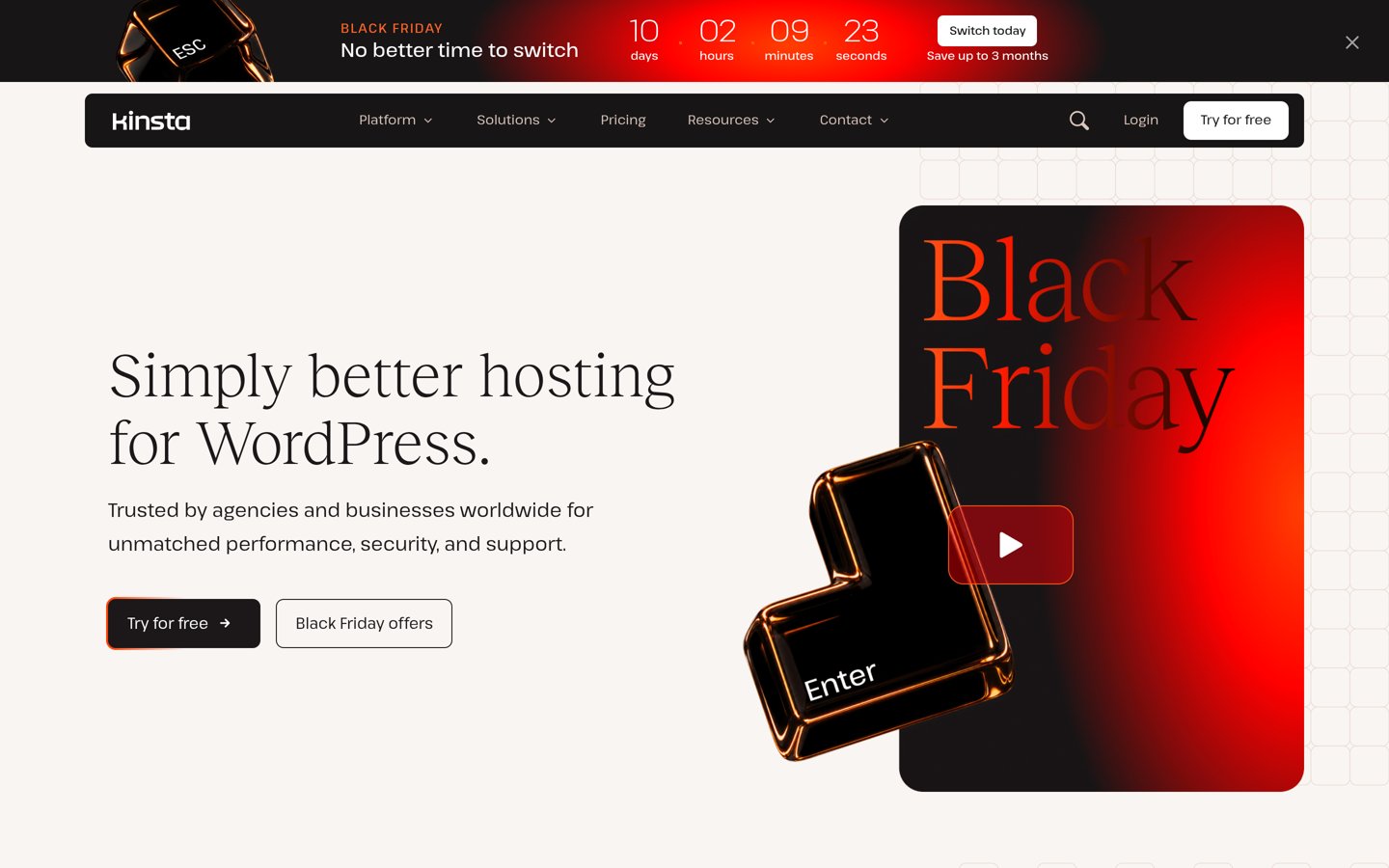
Kinsta homepage, captured Nov 2026.
Kinsta is a managed WordPress host running isolated containers with built-in caching, CDN, staging, and 24/7 engineer support. Its entry plan is $27/mo on annual billing ($315/yr) or $35/mo billed monthly, with promotional offers periodically available.
The trade off is a much higher baseline price of $27/mo ($315/yr) or $35/mo than shared hosting, and entry plans cover one site. It suits revenue-generating sites, stores, and agencies that value hands-off operations.
What we like
High 4.8/5 G2 rating across more than 1,700 verified reviews
Isolated site containers, staging tools, and automated daily backups
Fast technical support from WordPress-focused engineers
Watch out for
Significantly pricier than shared and budget cloud hosting options
Entry plans restrict single-site installs and bandwidth allowances
Higher tiers increase visit and bandwidth allowances, storage, and multi-site capacity.Visit kinsta.com
Shared vs. managed WordPress hosting
Shared hosting places multiple accounts on the same server environment, keeping entry prices low for personal sites and small businesses. You usually handle more plugin and maintenance choices yourself, and renewal jumps can be steep.
Managed WordPress and managed cloud platforms focus on server isolation, caching, staging, and WordPress-specific support. They cost more upfront or scale with resources, making them easier to justify once downtime or slow pages cost real revenue.
How we chose
We selected established WordPress hosting providers with active maintenance, clear public plan details, and substantial public review histories across G2 and Trustpilot.
We checked pricing details, plan terms, and public review ratings on 22 Nov 2026, noting introductory discounts and regular renewal figures where available.
We left out hosts lacking clear current plan pricing or active review coverage in our research set, and we avoided presenting temporary promotional discounts as permanent rates. No vendor paid for a place, and we do not claim practical testing for this list.
How to choose a WordPress host
Follow four practical steps to match a hosting plan to your site before you buy:
Estimate your traffic and site type first. A small blog or portfolio needs far fewer resources than an active store or publication.
Check the regular renewal price, not just the intro rate. Compare what you will pay in year two and beyond so renewal jumps do not catch you off guard.
Verify backups, staging, and security basics. Confirm whether daily backups, staging environments, and free SSL certificates are included or cost extra.
Plan for room to scale without painful migrations. Pick a host where upgrading tiers or cloud resources is straightforward as your audience grows.
FAQ
What is the best WordPress hosting company for most people?
Hostinger is a strong all-around choice for value and ease of use, with a 4.4/5 G2 rating across 907 reviews and low entry pricing.
Why are WordPress hosting renewal prices higher than the first bill?
Many hosts offer steep introductory discounts on first-year or multi-year signups and then renew plans at standard regular rates.
When should I choose managed WordPress hosting over shared hosting?
Choose managed hosting when you want built-in caching, staging, automated maintenance, and specialized WordPress support for a business or high-traffic site.
Is Cloudways good for WordPress sites?
Yes, Cloudways holds a 4.7/5 G2 rating across 1,150 reviews and lets you run WordPress on cloud servers with flexible scaling, though it takes more technical comfort than basic shared hosting.
Do I need to buy a domain name separately from my host?
Many hosting plans include a free domain for the first year on annual or multi-year terms, though renewal fees apply afterward.
What features should every WordPress hosting plan cover?
Look for free SSL certificates, reliable backups, up-to-date PHP support, easy WordPress setup, and responsive customer support.