Best Hosting for WordPress with Staging in 2026: 9 Tools Compared
WLWPLegible EditorsLast verified 22 Nov 2026How we rank14 min read
★ Short answer
Kinsta is the best WordPress host with staging for most sites, with one-click staging and selective push on its $35-a-month Single 35k plan, rated 4.7 out of 5 on Trustpilot. Pick WP Engine for agency staging workflows, Pressable for a staging plus sandbox setup, or Bluehost for the cheapest staging on a shared plan.
How we make this list: we compare pricing pages, product documentation and public user reviews, then re-check every price before each update. No product paid for a place. Disclosure.
Kinsta leads with one-click staging and selective push, so a theme change never overwrites new orders or sign-ups.
Pressable is the only host here with staging and a sandbox on every plan, from $250 a year.
SiteGround and Hostinger gate staging behind a higher plan: GrowBig at $29.99 a month and Hostinger Unlimited at $16.99 a month.
Bluehost includes a staging site on its cheapest plan, Starter, which renews at $9.99 a month on a 36-month term.
Cloudways gives free one-click staging on a $14-a-month server with unlimited sites, but you size the server yourself.
Every host here includes staging, but only Kinsta and WP Engine let you push selected files or database tables to live.
What staging should do for a WordPress site
A staging site is a private copy of your live site where you can try a plugin update, a theme change or new code, then push it live only when it works. Without one, every update is a gamble on the site your visitors see.
Not all staging is equal. Some hosts give you one staging copy per site with a single push button, while others add selective push, so you can move files without touching the live database. Our guide on choosing WordPress hosting explains how to weigh staging against price and support.
Price matters because staging is often gated. SiteGround leaves it off StartUp, and Hostinger leaves it off Premium, so the cheapest plan on the pricing page may not include it. The prices in this list are for the cheapest plan that includes staging at each host.
Backups are the safety net under staging. A staging copy protects you from a bad update, but only a backup protects you from a bad push, so check the backup terms before you buy. Daily backups come with every host in this list.
4.7/5on Trustpilot (1,165 reviews, checked Nov 2026)
Starts at$35/mo
Best staging tools overall
Cheapest staging planSingle 35k, $35/mo
Sites1
Storage10 GB
StagingOne-click, selective push
kinsta.com
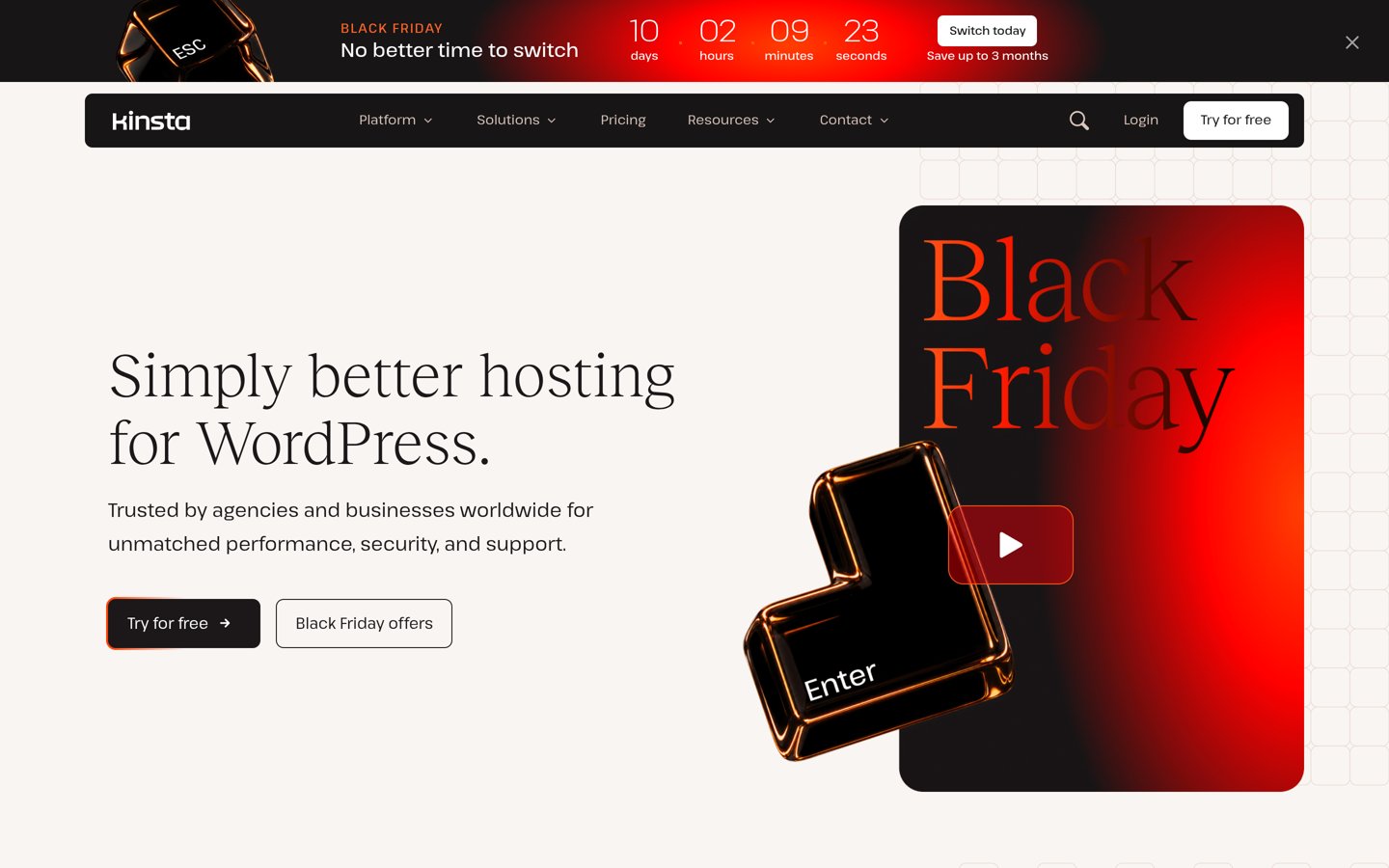
Kinsta homepage, captured Nov 2026.
Kinsta is a managed WordPress host on Google Cloud that gives every plan a free one-click staging environment. The Single 35k plan covers one site with 35,000 monthly visits and 10 GB of storage, plus daily backups, a CDN and free migrations, and its staging copy can push files only, database tables only, or both.
The trade off is the price and the limits. Single 35k costs $35 a month, or $315 a year billed yearly, with a Black Friday offer of 3 months off for new customers, and the free staging copy sleeps after a day idle, while premium staging costs $20 a site a month. It suits businesses that update often and want the safest push to live.
What we like
Selective push protects live orders and sign-ups
Same price at renewal, no jump
Free migrations and daily backups on every plan
Expert WordPress support, 24/7
Watch out for
No plan under $35 a month
No email hosting included
Free staging sleeps after a day idle
Premium staging adds full resources for $20 a site a monthVisit kinsta.com
02
WP Engine
4.2/5on Trustpilot (1,781 reviews, checked Nov 2026)
Starts at$28/mo
Best staging for agencies
Cheapest planEssential, $28/mo
Sites1
Visits25,000/mo
StagingOn every plan
wpengine.com
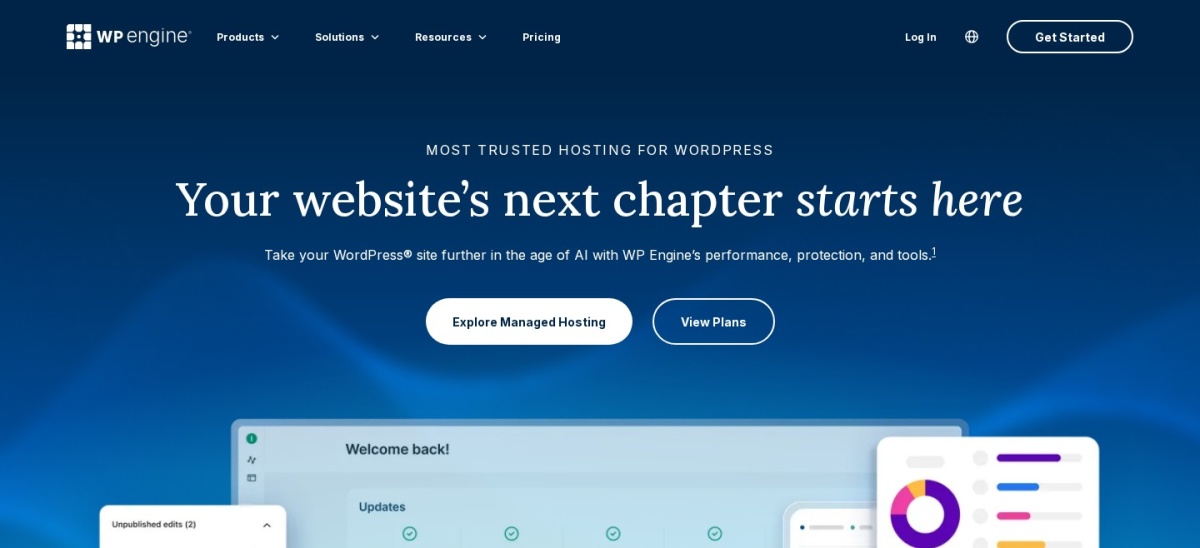
WP Engine homepage, captured Nov 2026.
WP Engine is a managed WordPress host with staging, development and production environments on every plan. The Essential plan covers one site with 25,000 monthly visits and 10 GB of storage, plus daily backups, a CDN, free SSL and tools to copy the database, media, themes and plugins between environments.
The trade off is the renewal price. Essential costs $28 a month billed annually ($336 a year), or $35 month to month, and WP Engine publishes no renewal price, so the second year may cost more. It suits agencies and businesses that run client sites and want transferable installs and strong support.
What we like
Staging, dev and production environments included
Transferable sites for client work
Copy database, media and themes between environments
4.6/5on Trustpilot (303 reviews, checked Nov 2026)
Starts at$20.83/mo
Best for staging plus a sandbox
Cheapest planSignature 1, $250/yr
Sites1
Storage20 GB
StagingPlus a sandbox
pressable.com
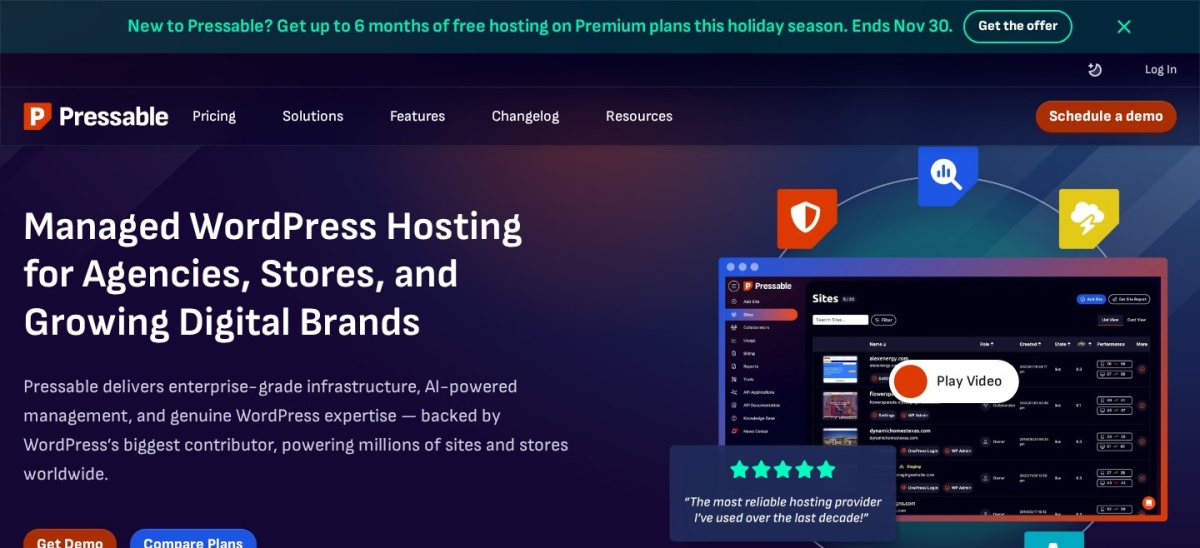
Pressable homepage, captured Nov 2026.
Pressable is the managed WordPress host run by Automattic on its WP Cloud platform. The Signature 1 plan covers one site with 30,000 monthly visits and 20 GB of storage, and every install gets a staging site and a sandbox site, plus Jetpack Security, hourly database backups and free migrations.
The trade off is the visit meter. Signature 1 costs $250 a year, and going over 30,000 visits adds $1.20 per 1,000 extra visits, so a traffic spike costs real money. It suits WooCommerce stores and agencies that want a separate sandbox for risky changes.
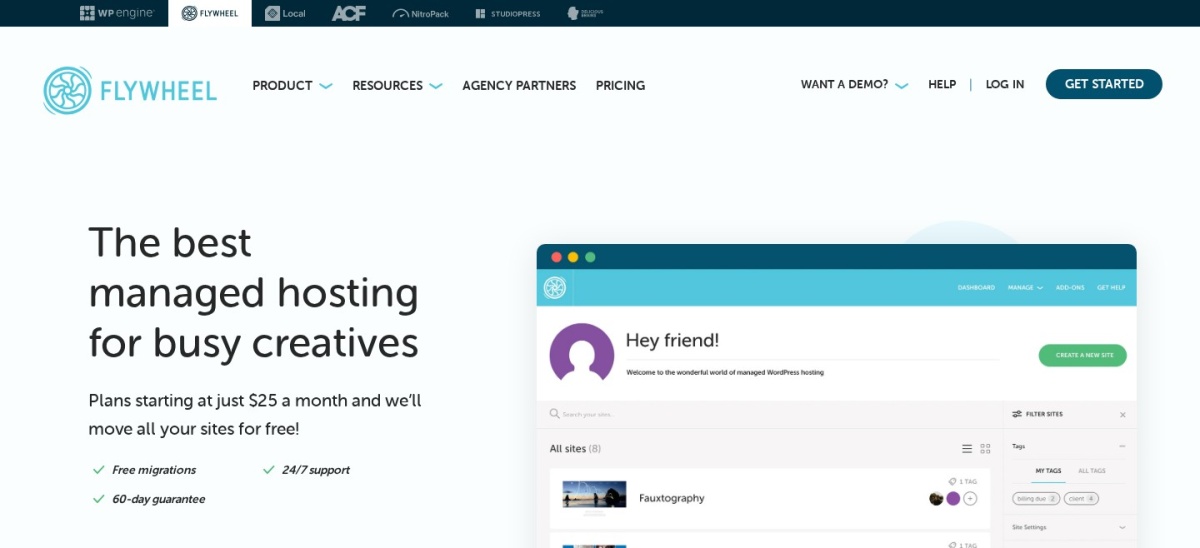
Flywheel is a managed WordPress host built for designers and creative agencies, with staging sites on every paid plan. The Starter plan covers one site with 25,000 monthly visits and 10 GB of storage, plus free demo sites, site cloning, nightly backups and the Local app for building offline.
The trade off is the price for what you get. Starter costs $25 a month on annual billing, or $30 month to month, and the cheaper Tiny plan at $13 a month is not shown on the public pricing page. It suits agencies that manage client sites and want workflow tools more than raw speed.
4.9/5on Trustpilot (31,474 reviews, checked Nov 2026)
Starts at$29.99/mo
Best support with staging on GrowBig
Cheapest staging planGrowBig, $29.99/mo
SitesUnlimited
Storage50 GB
StagingOne-click, GrowBig+
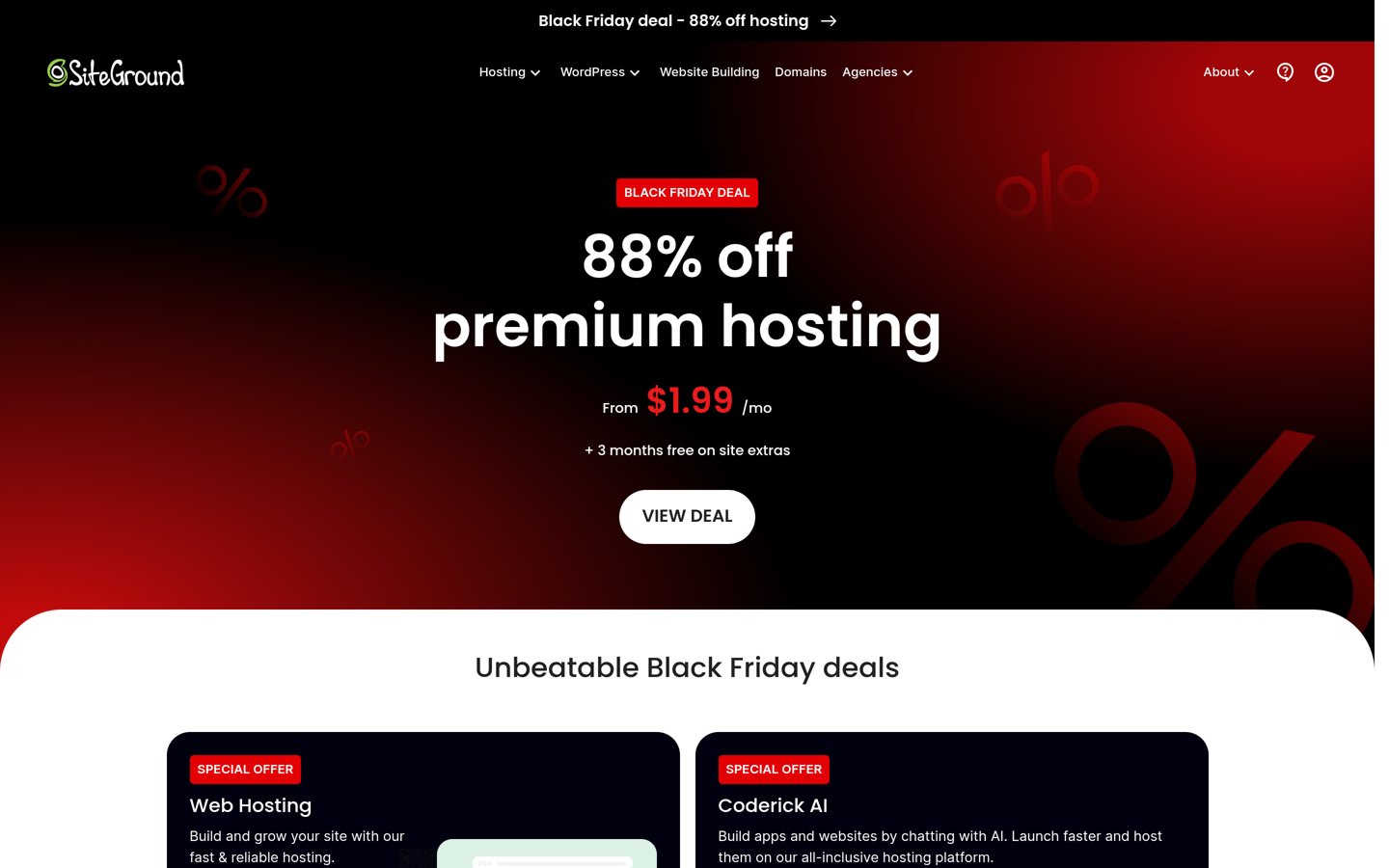
siteground.com
SiteGround homepage, captured Nov 2026.
SiteGround is a managed WordPress host on Google Cloud known for fast, helpful support and its own caching setup. The GrowBig plan covers unlimited sites with 50 GB of storage and about 100,000 monthly visits, and adds one-click staging and on-demand backups that the cheaper StartUp plan lacks.
The trade off is the renewal price. GrowBig costs $3.99 a month for the first 12 months and renews at $29.99 a month, so the second year costs about seven times the first. It suits small businesses that want strong support and unlimited sites, and do not mind the renewal jump.
4.6/5on Trustpilot (3,785 reviews, checked Nov 2026)
Starts at$14/mo
Best staging on a cloud server
Cheapest planMicro, $14/mo
Server1 GB RAM, 1 vCPU
Storage25 GB NVMe
StagingOne-click, free
cloudways.com
Cloudways homepage, captured Nov 2026.
Cloudways is a managed cloud platform that puts WordPress on servers from DigitalOcean, Vultr, Linode, AWS or Google Cloud, with the server work handled for you. The cheapest Micro server costs $14 a month, with unlimited websites and visits, 25 GB of NVMe storage and 1 TB of bandwidth, plus free one-click staging.
The trade off is that you manage the server size yourself. There is no fixed plan with a set visit limit, and application help such as plugin troubleshooting costs extra on the Advanced Support add-on. It suits developers and agencies that want cloud servers without running Linux.
4.5/5on Trustpilot (32,114 reviews, checked Nov 2026)
Starts at$9.99/mo
Best cheap staging on shared hosting
Cheapest planStarter, $9.99/mo
Sites10
Storage10 GB NVMe
StagingOn every plan
bluehost.com
Bluehost homepage, captured Nov 2026.
Bluehost is a WordPress.org recommended host with a staging site on every plan, including the cheapest. The Starter plan covers 10 sites with 10 GB of NVMe storage and about 40,000 monthly visits, plus a free domain for a year, free SSL, a CDN, weekly backups and managed WordPress updates.
The trade off is the term. Starter costs $3.99 a month on a 36-month term and renews at $9.99 a month, and the 12-month term renews higher at $11.99 a month, with no phone support. It suits beginners who want staging for several small sites on one bill.
4.6/5on Trustpilot (73,633 reviews, checked Nov 2026)
Starts at$16.99/mo
Best budget staging for many sites
Cheapest staging planUnlimited, $16.99/mo
SitesUnlimited
Storage50 GB NVMe
StagingOne-click, Unlimited+
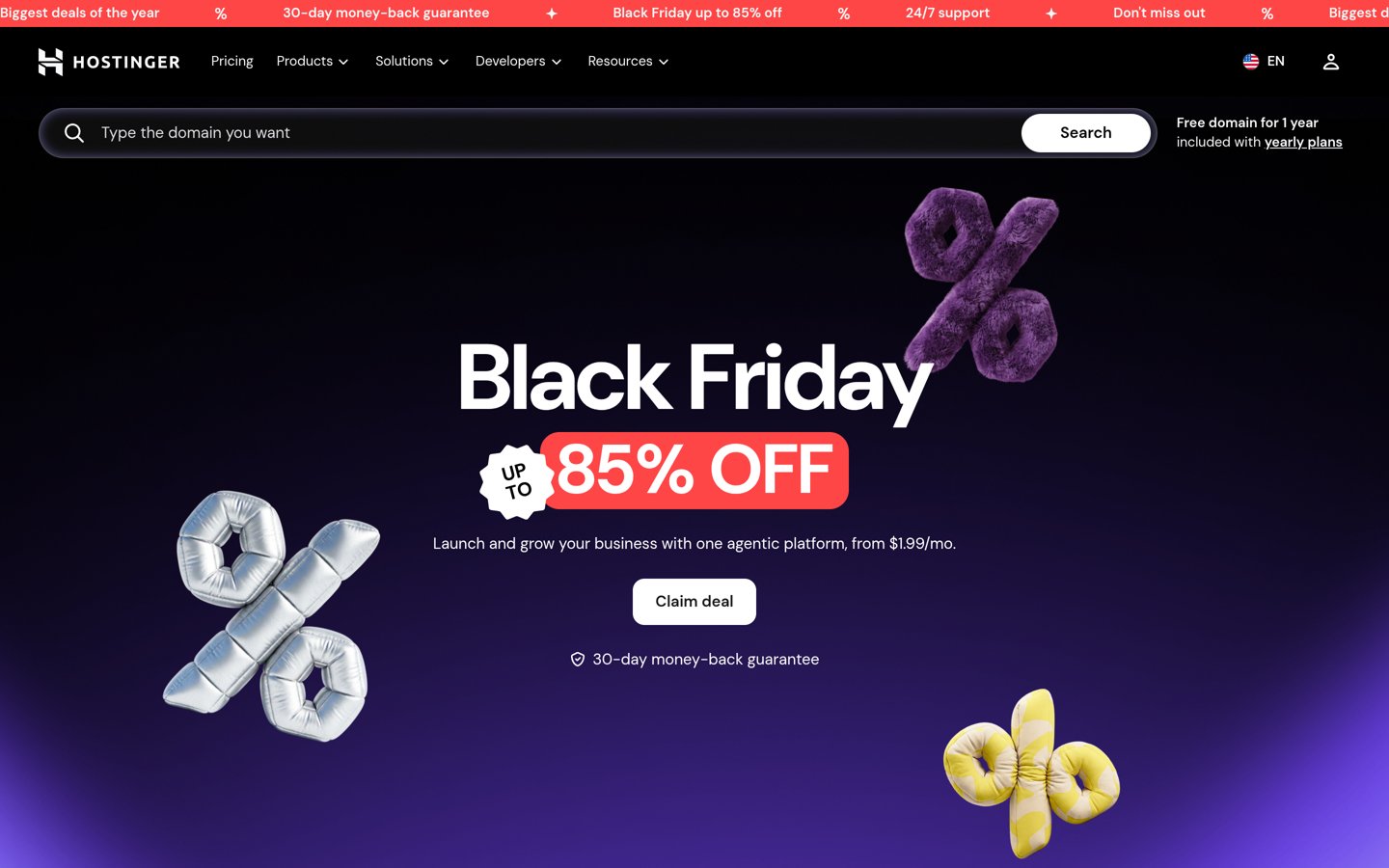
hostinger.com
Hostinger homepage, captured Nov 2026.
Hostinger is a budget WordPress host with a one-click staging tool on its Unlimited plan, the plan it used to call Business. Unlimited covers unlimited websites with 50 GB of NVMe storage, daily backups, free SSL, a CDN and LiteSpeed caching, with a free domain for the first year.
The trade off is the long prepay. Unlimited costs $2.79 a month on a 48-month Black Friday term and renews at $16.99 a month, and the cheaper Premium plan has no staging at all. It suits owners with many small sites who want staging on a plan that covers unlimited websites.
4.6/5on Trustpilot (1,505 reviews, checked Nov 2026)
Starts at$13.95/mo
Best eco-friendly host with staging
Cheapest planLite, $13.95/mo
Storage25 GB
BackupsDaily
StagingYes, plus Git
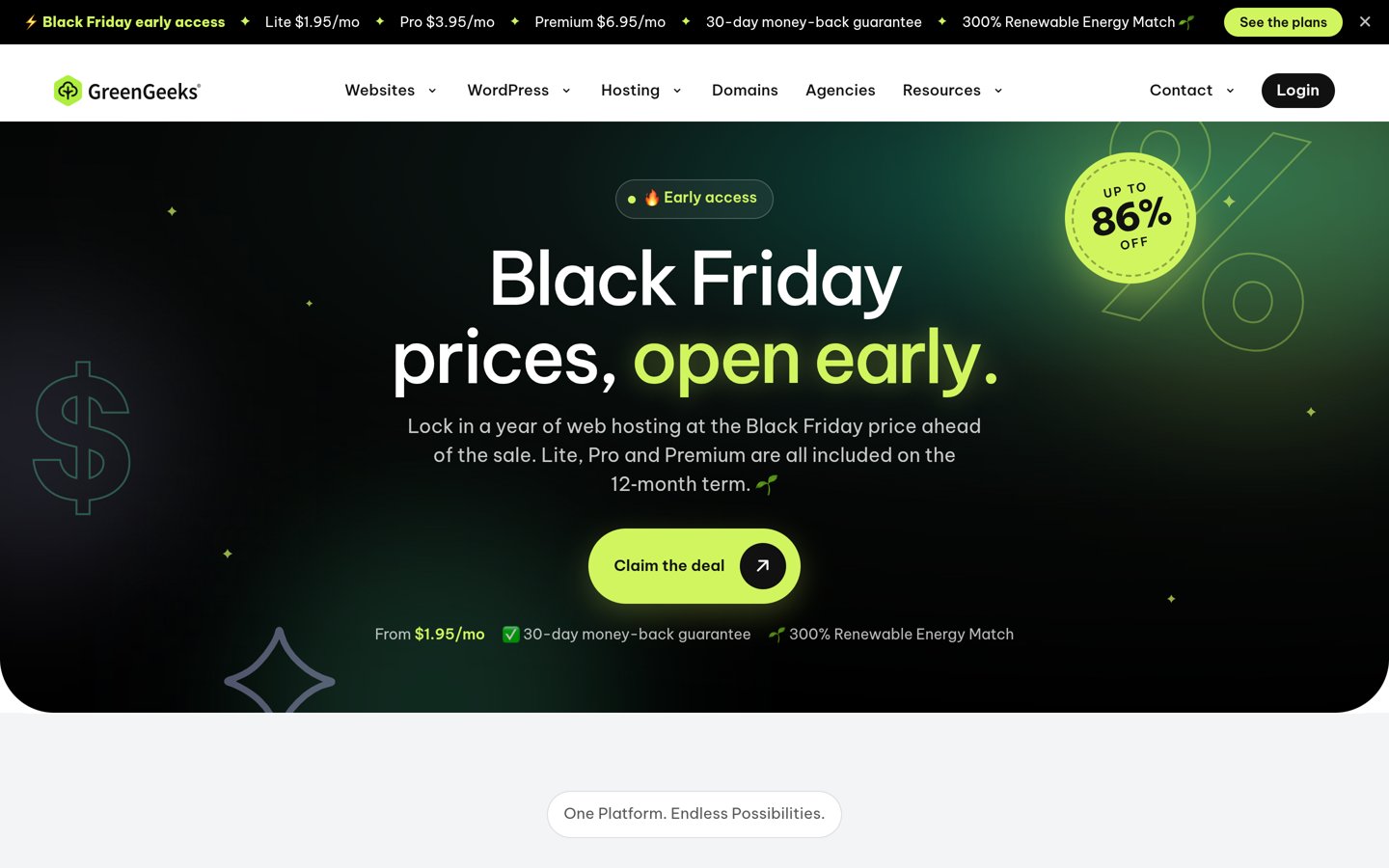
greengeeks.com
GreenGeeks homepage, captured Nov 2026.
GreenGeeks is an eco-friendly WordPress host that includes staging, Git, SSH and WP-CLI on every plan. The Lite plan includes 25 GB of storage and unmetered traffic, plus free SSL, a CDN, daily backups, free migration and a 300% renewable energy match.
The trade off is the renewal jump. Lite costs $1.95 a month in the first year on the Black Friday offer and renews at $13.95 a month, and free backup restores are limited to one a month. It suits owners who want staging and a green host without paying managed prices.
A basic staging copy gives you one private copy and one push button. That is enough for a theme change or a plugin update on a simple blog.
Selective push is the next step up. Kinsta and WP Engine let you push files without touching the database, so new orders or comments that arrived while you worked stay live.
A sandbox is a third environment. Pressable gives you staging and a sandbox, so you can try risky code in the sandbox, check it in staging, then push it live.
Shared hosts usually offer one staging copy per site with a full push only. That is fine for most small sites, but check whether the push overwrites the live database before you use it.
Common mistakes with staging
The most common mistake is testing on live because staging felt slow to set up. One bad plugin update on a live store costs more time than making a staging copy first.
The second is pushing staging to live without a fresh backup. A push can overwrite orders, comments or form entries that arrived after the copy was made, so back up first.
The third is buying the cheapest plan and finding staging is not included. SiteGround StartUp and Hostinger Premium both leave it out, so check the plan table before you pay.
How we chose
We started from the managed and shared WordPress hosts with the largest review bases, then kept only those that include a staging environment on at least one plan.
Prices come from each host's pricing page, checked on 22 November 2026. Where a host gates staging behind a higher plan, the list shows the cheapest plan that includes staging, and the regular renewal price, not the first-year offer. Ratings come from Trustpilot on 1 November 2026, except Flywheel, which is rated on G2.
We left out hosts with no staging at all, and hosts whose staging could not be confirmed on their own site. No vendor paid for a place, and we do not claim hands-on testing for this list.
How to choose WordPress hosting with staging
Start with how often you change the site, then check which plan actually includes staging.
Check which plan includes staging. SiteGround StartUp and Hostinger Premium leave it out, so read the plan table, not the headline price.
Ask what a push overwrites. A full push can replace the live database, so prefer a host with selective push if your site takes orders or comments.
Match the plan to your traffic. Visit limits matter more than storage for most sites, and overages can cost more than the next plan up.
Budget for the renewal, not year one. Hostinger, SiteGround and GreenGeeks all renew at several times the first-year price, so check the renewal figure before you buy.
FAQ
What is the best WordPress hosting with staging?
Kinsta is the best pick for most sites. Its one-click staging includes selective push, so a theme change never overwrites new orders, and it is rated 4.7 out of 5 on Trustpilot from 1,165 reviews.
Do all WordPress hosts include staging?
No. SiteGround leaves staging off its cheapest StartUp plan, and Hostinger leaves it off Premium, so the headline plan may not include it. Every host in this list includes staging on at least one plan, and the price shown is for the cheapest plan that has it.
Is staging the same as a backup?
No. A staging copy is a place to test changes before they go live, while a backup is a saved copy you restore after something breaks. A bad push from staging can still break the live site, so keep daily backups as well as staging.
Which is the cheapest WordPress host with staging?
Bluehost is the cheapest here, with staging on Starter, which renews at $9.99 a month on a 36-month term. GreenGeeks Lite is next at $13.95 a month, and Hostinger Unlimited renews at $16.99 a month.
Can I push only some changes from staging to live?
It depends on the host. Kinsta and WP Engine let you push files without touching the database, or selected database tables, which protects orders and comments made while you worked. Most shared hosts only offer a full push that replaces everything.
Do I still need backups if I have staging?
Yes. Staging protects you from a bad update, but it does not protect you from a bad push, a hack or a server failure. Every host in this list includes backups, but check how often they run and how long they are kept before you buy.